
Give points to a student at any time with the search function
Use the search box to find any student at your school.
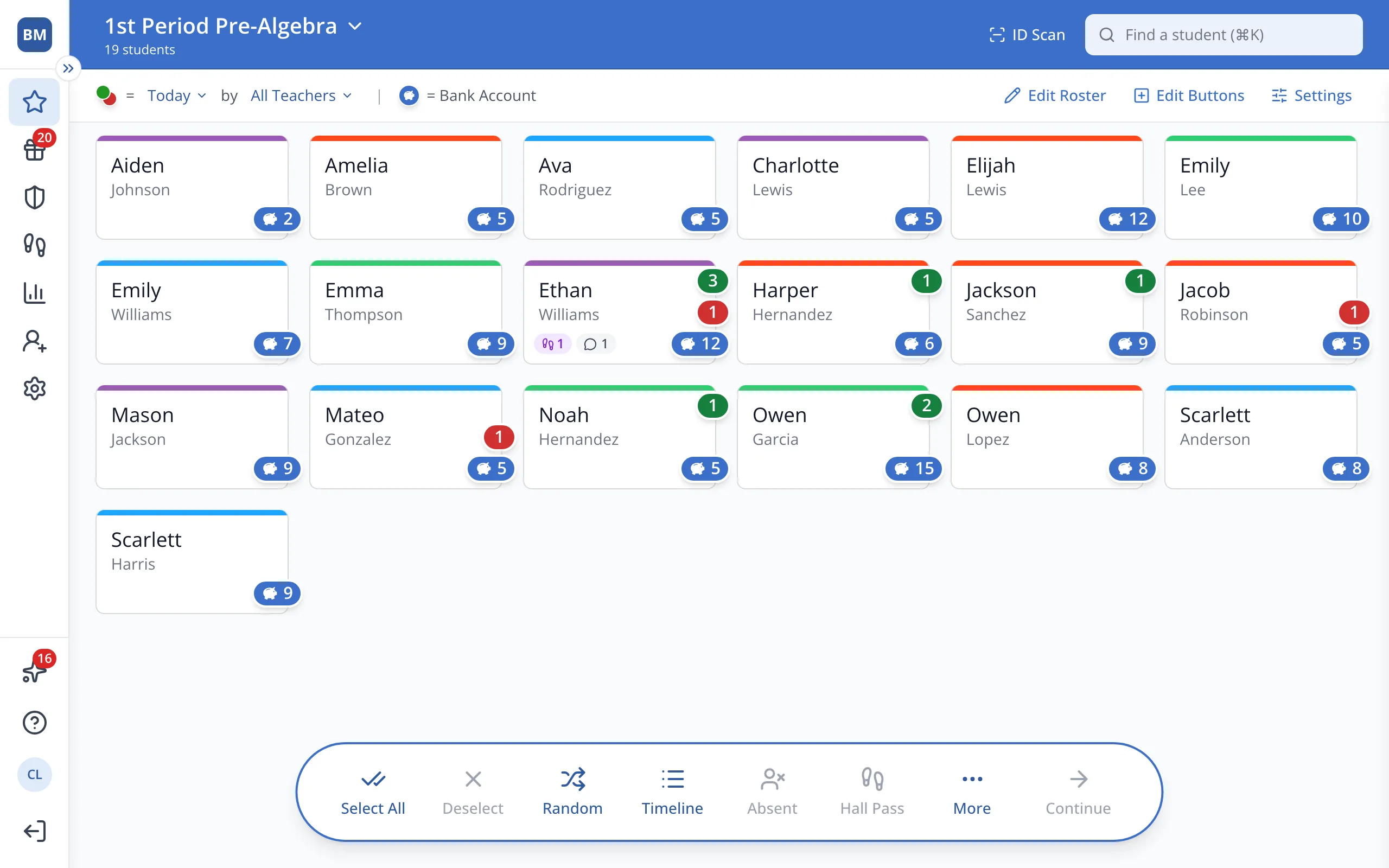
1 / 6At the top of the Points page, type the student's name in Find a student.
1.At the top of the Points page, type the student's name in Find a student.
Tip: Press ⌘K (or Ctrl+K) to jump straight to the search box.
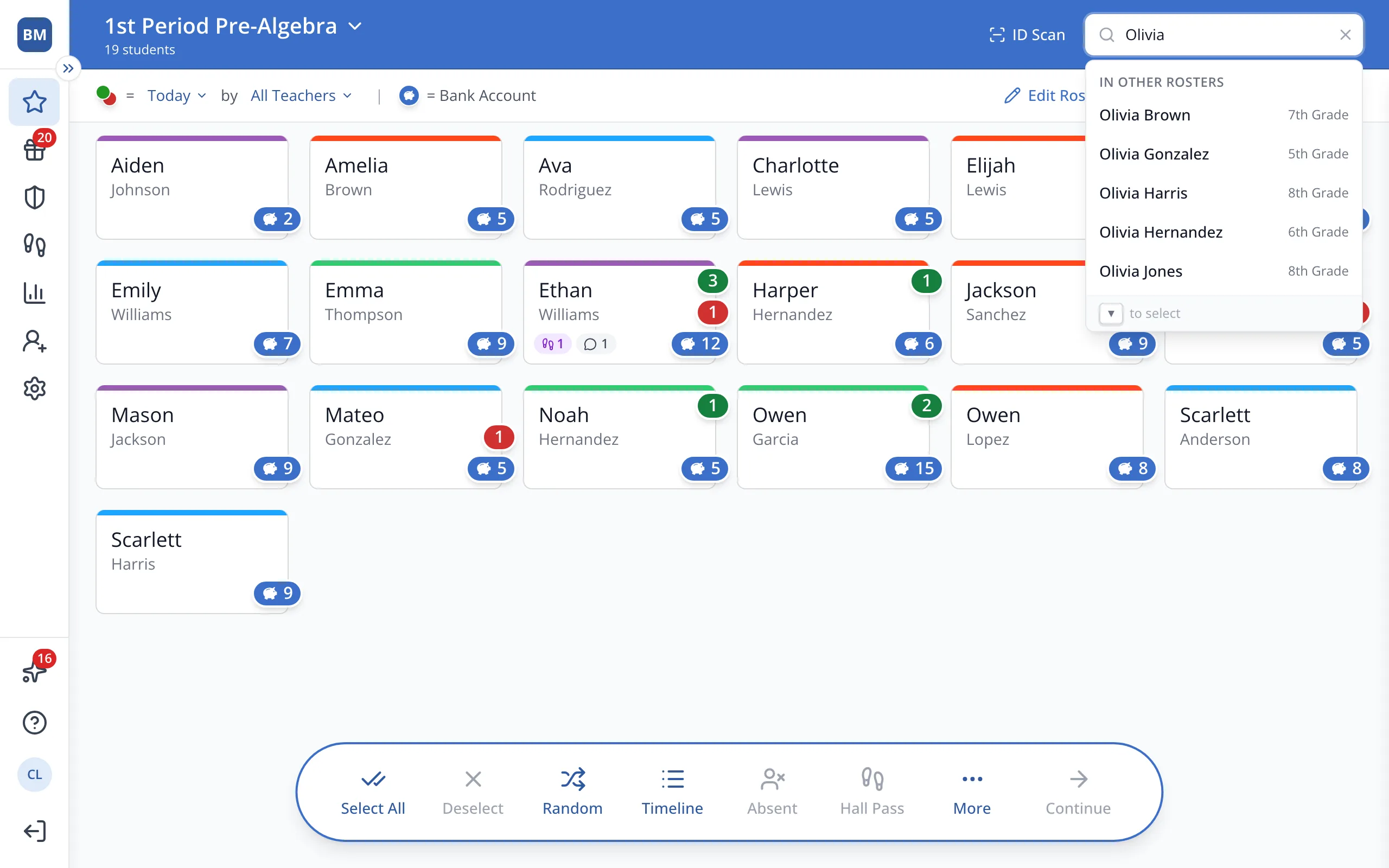
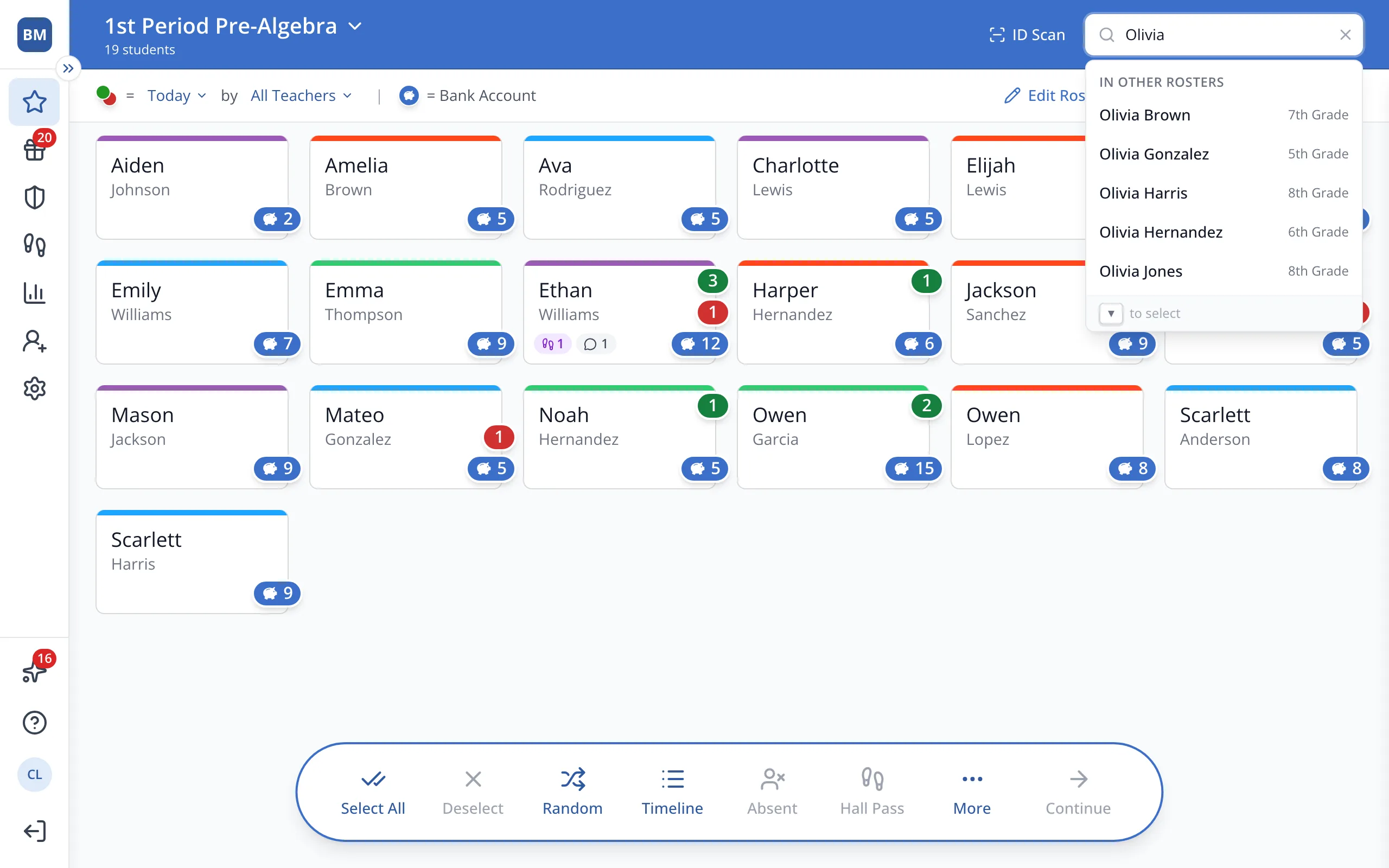
2.Under In Other Rosters, click the student you'd like to give a point to.
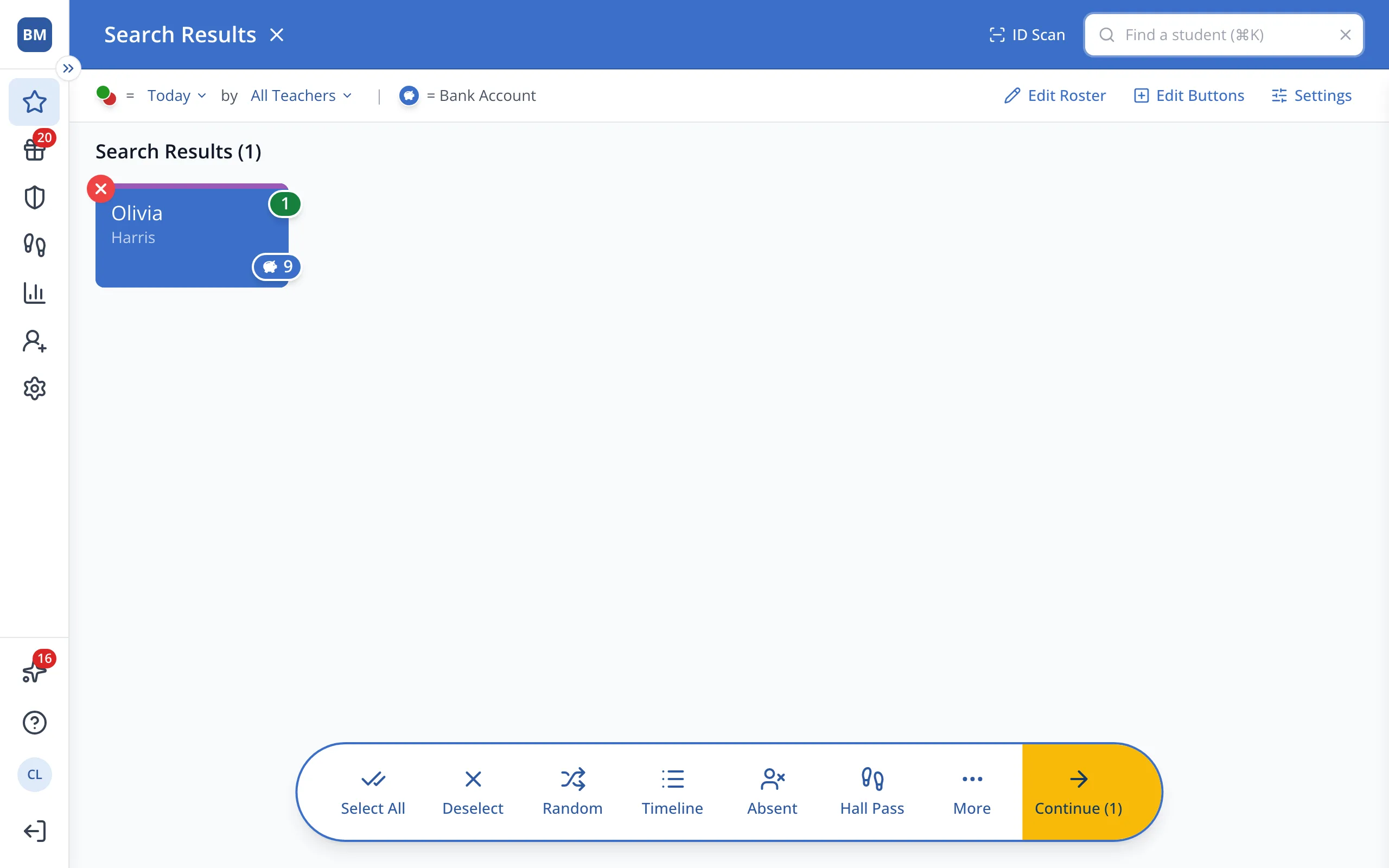
3.With the student selected, click Continue in the bar at the bottom.
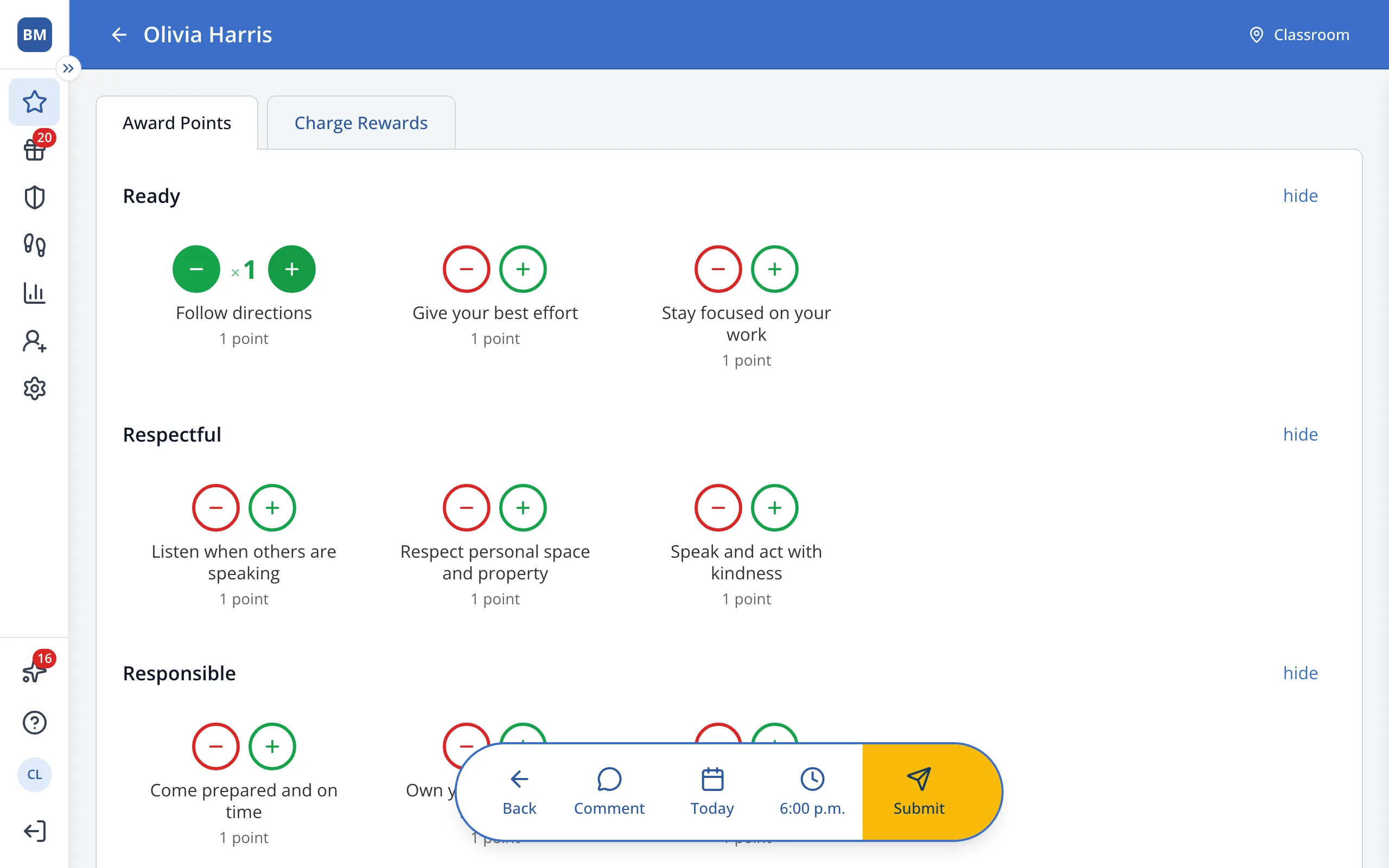
4.Click the green + next to the behavior you'd like to reward.
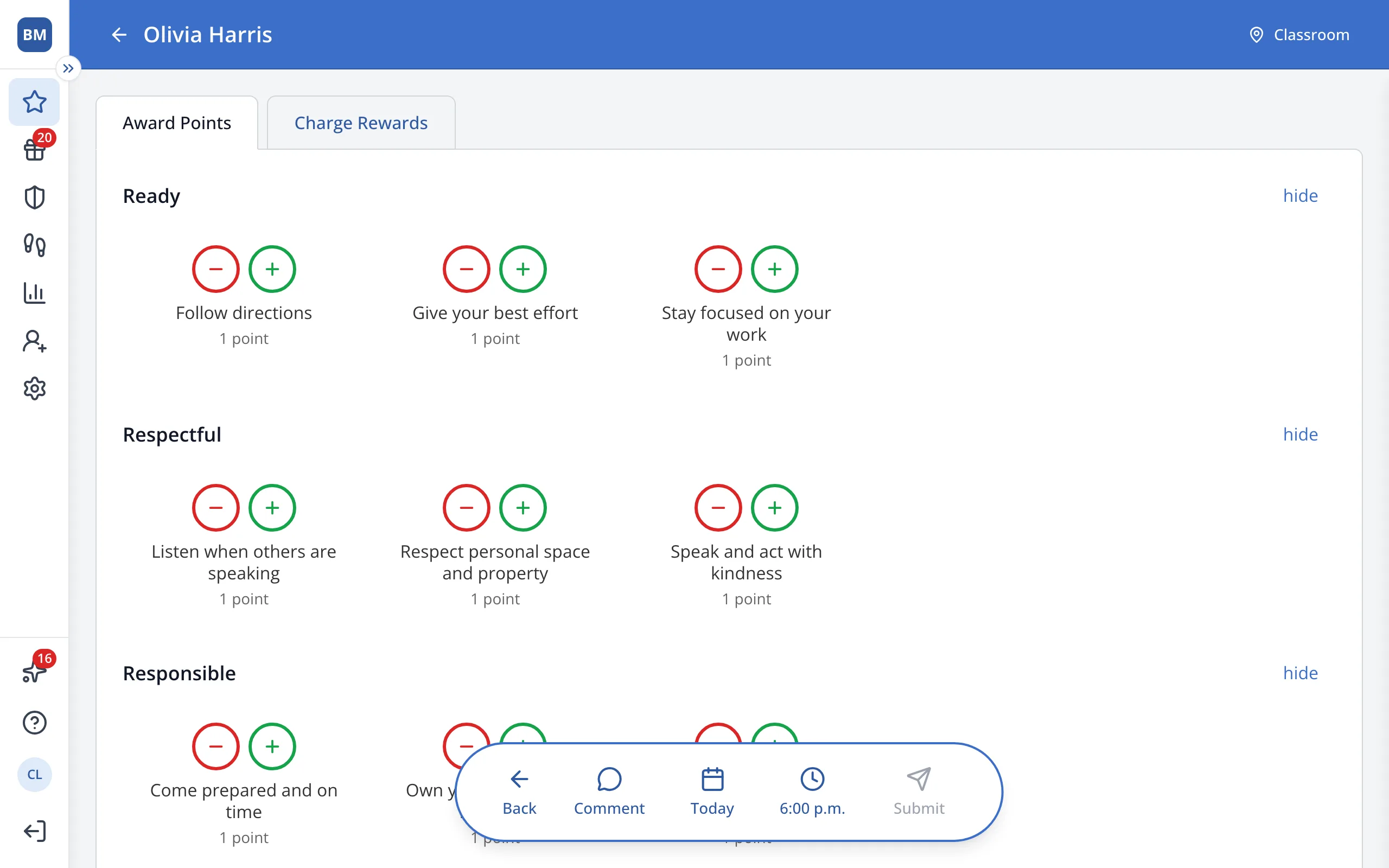
5.In the bar at the bottom, click Submit.
Was this helpful?