
Add a student to one or more rosters
A student can be on as many rosters as you like. Adding them to one roster doesn't take them off another.
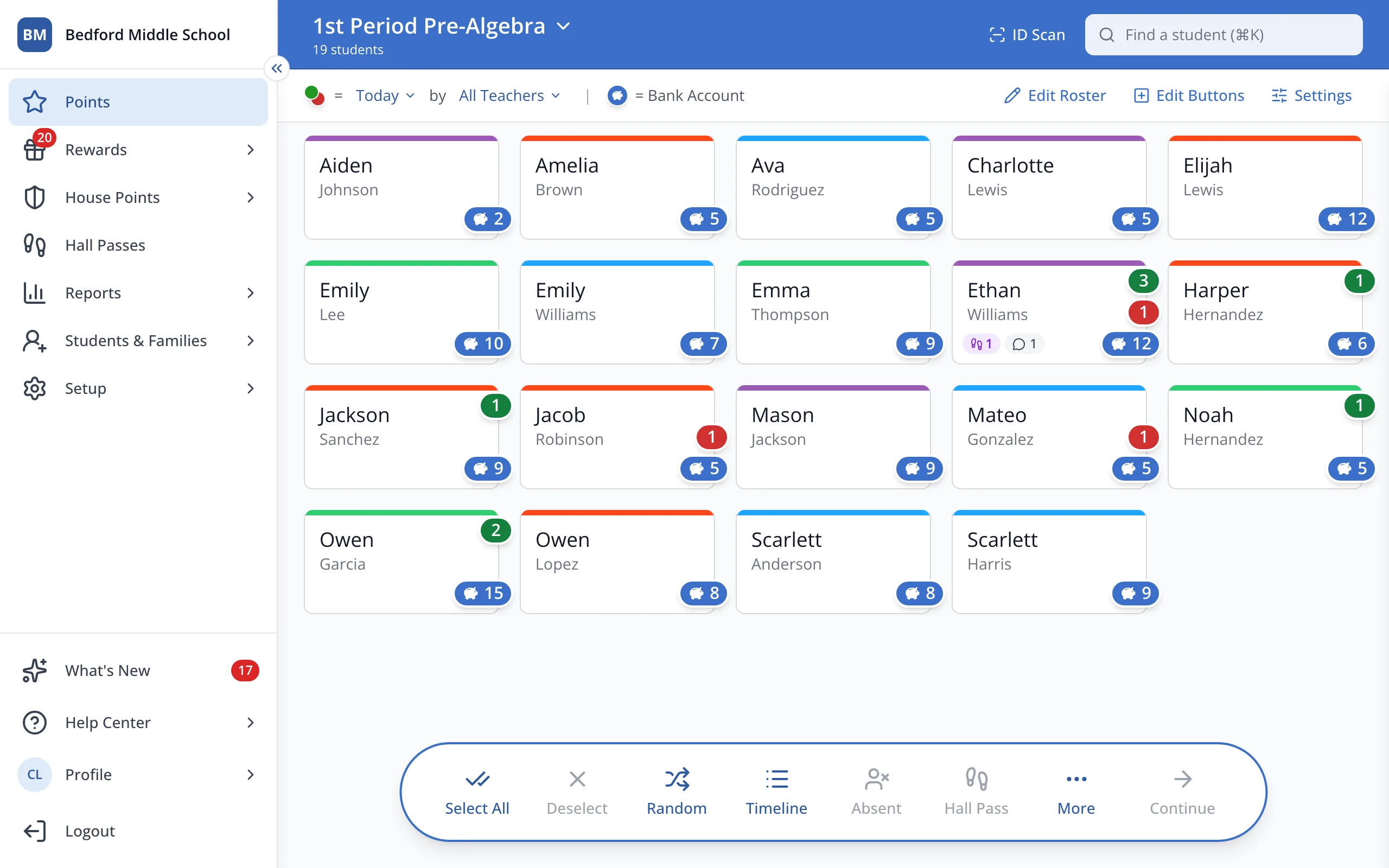
1 / 8In the sidebar, click Setup.
1.In the sidebar, click Setup.
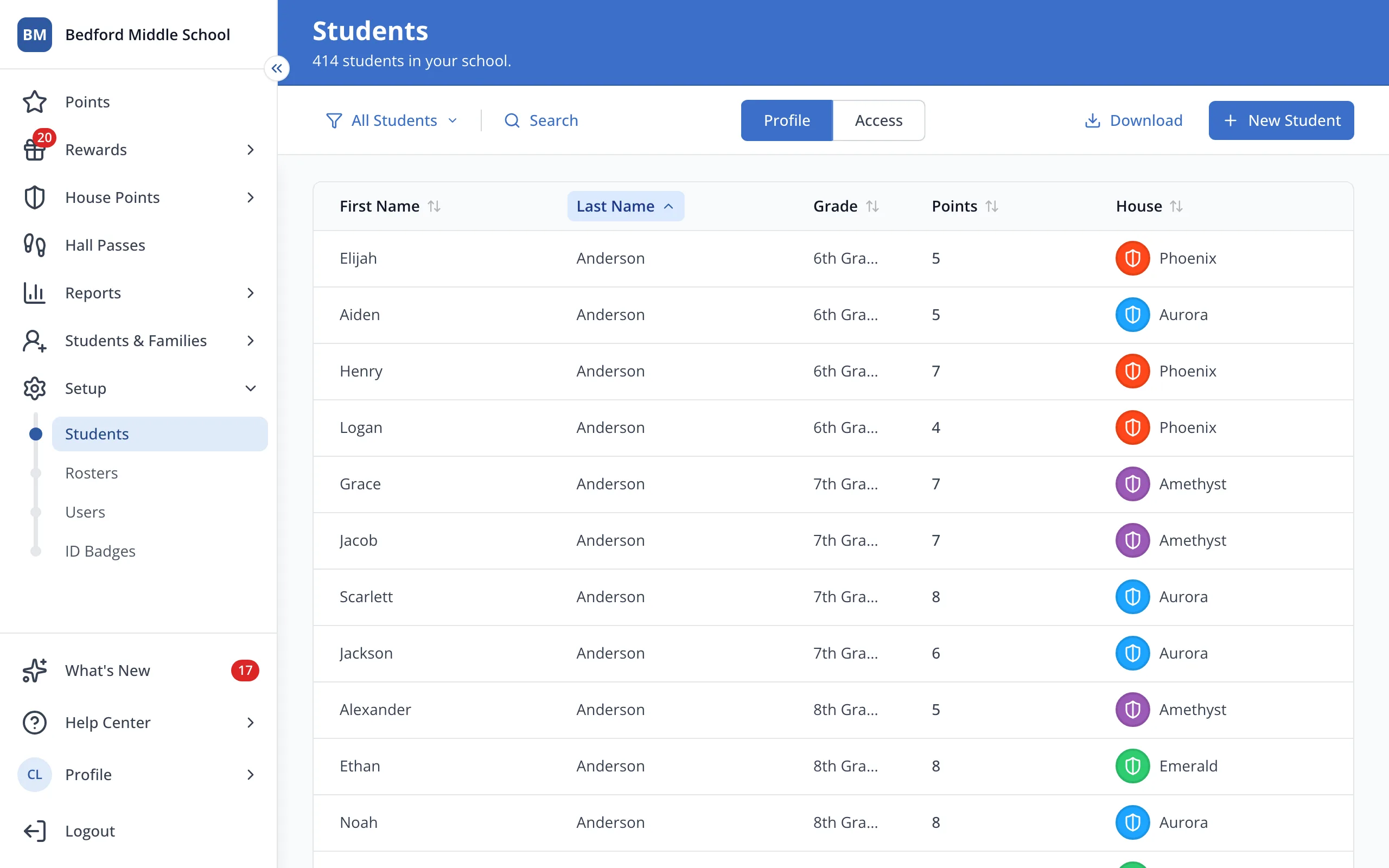
2.Click Rosters.
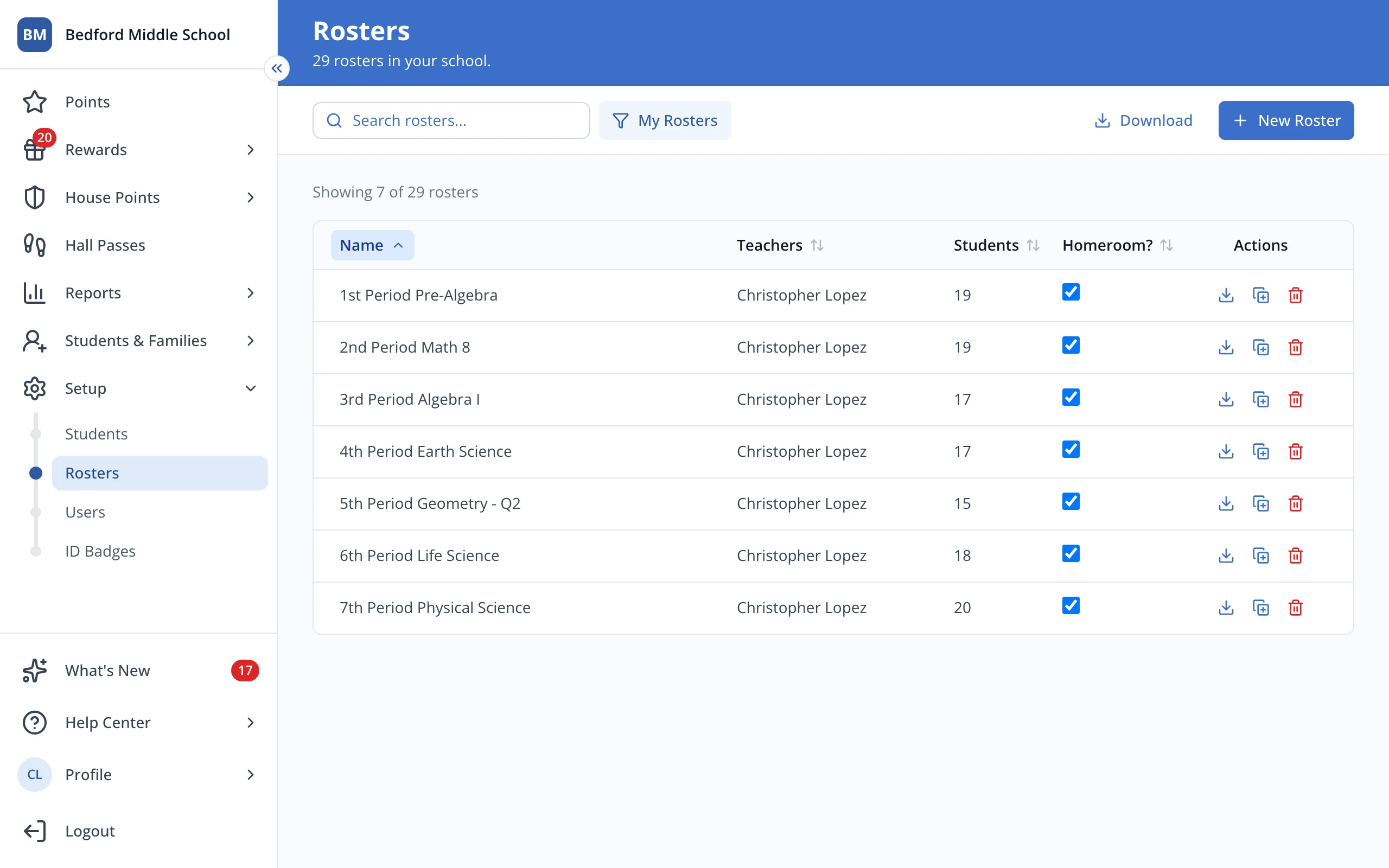
3.Click the other roster you'd like the student on.
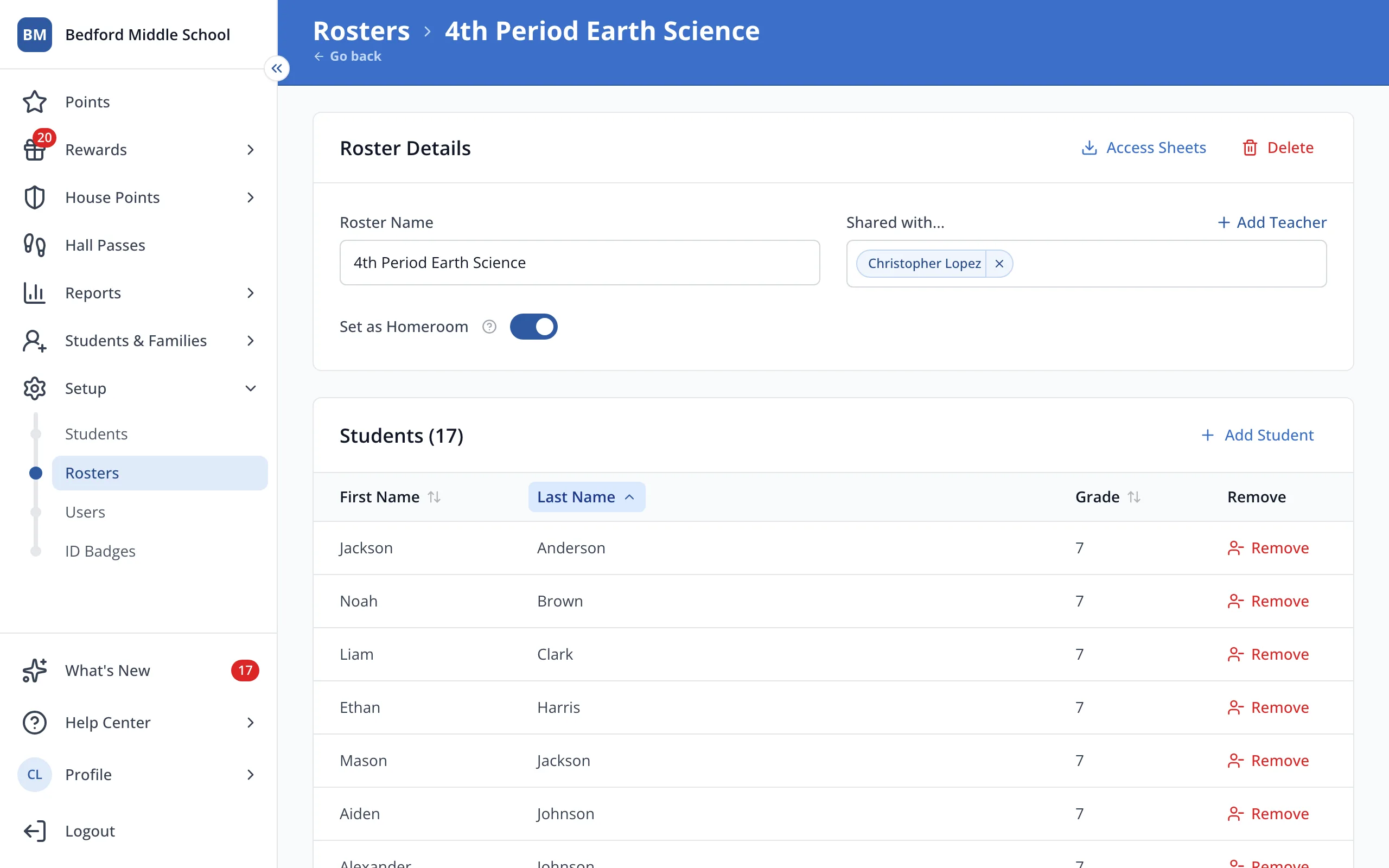
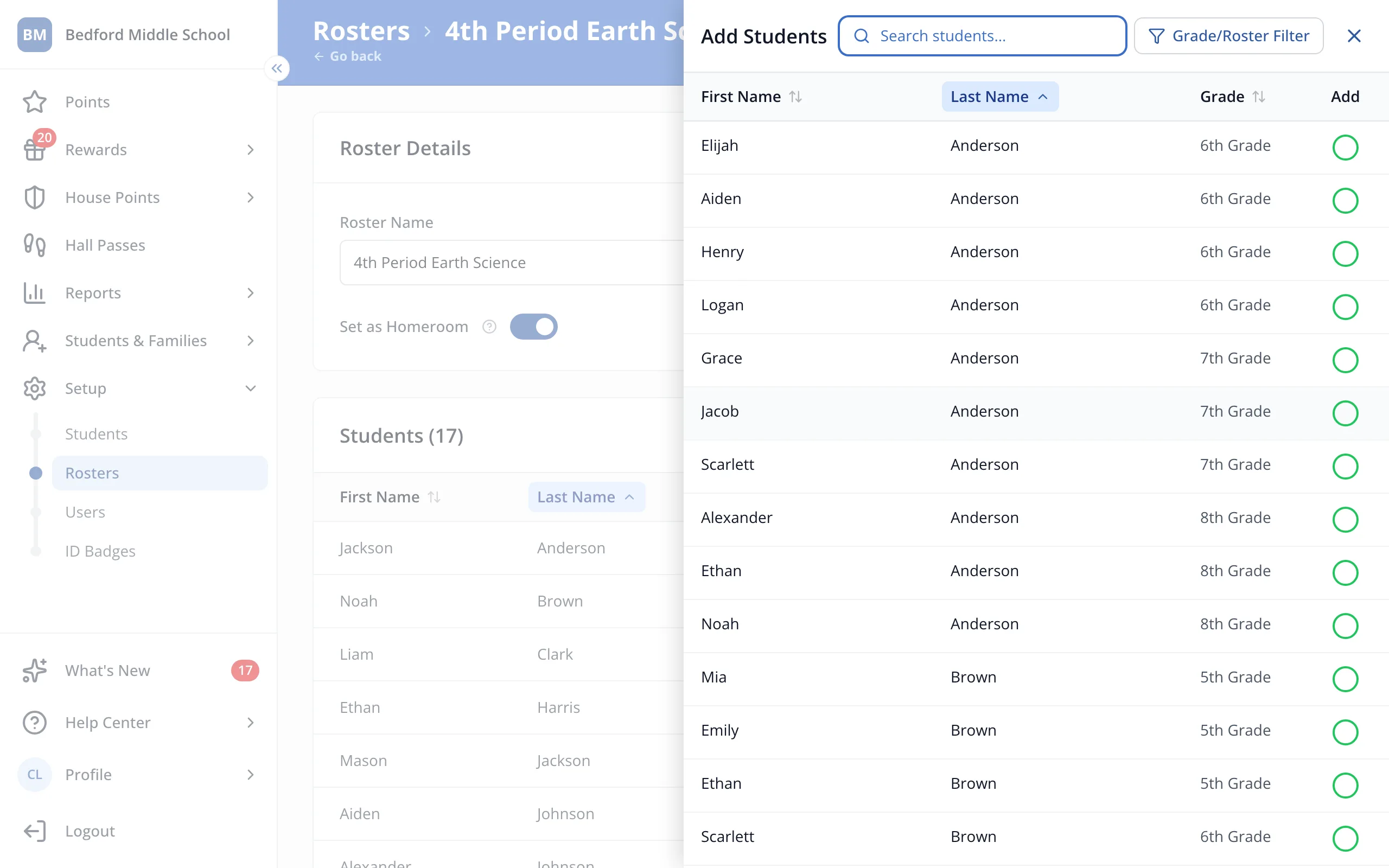
4.Click Add Student.
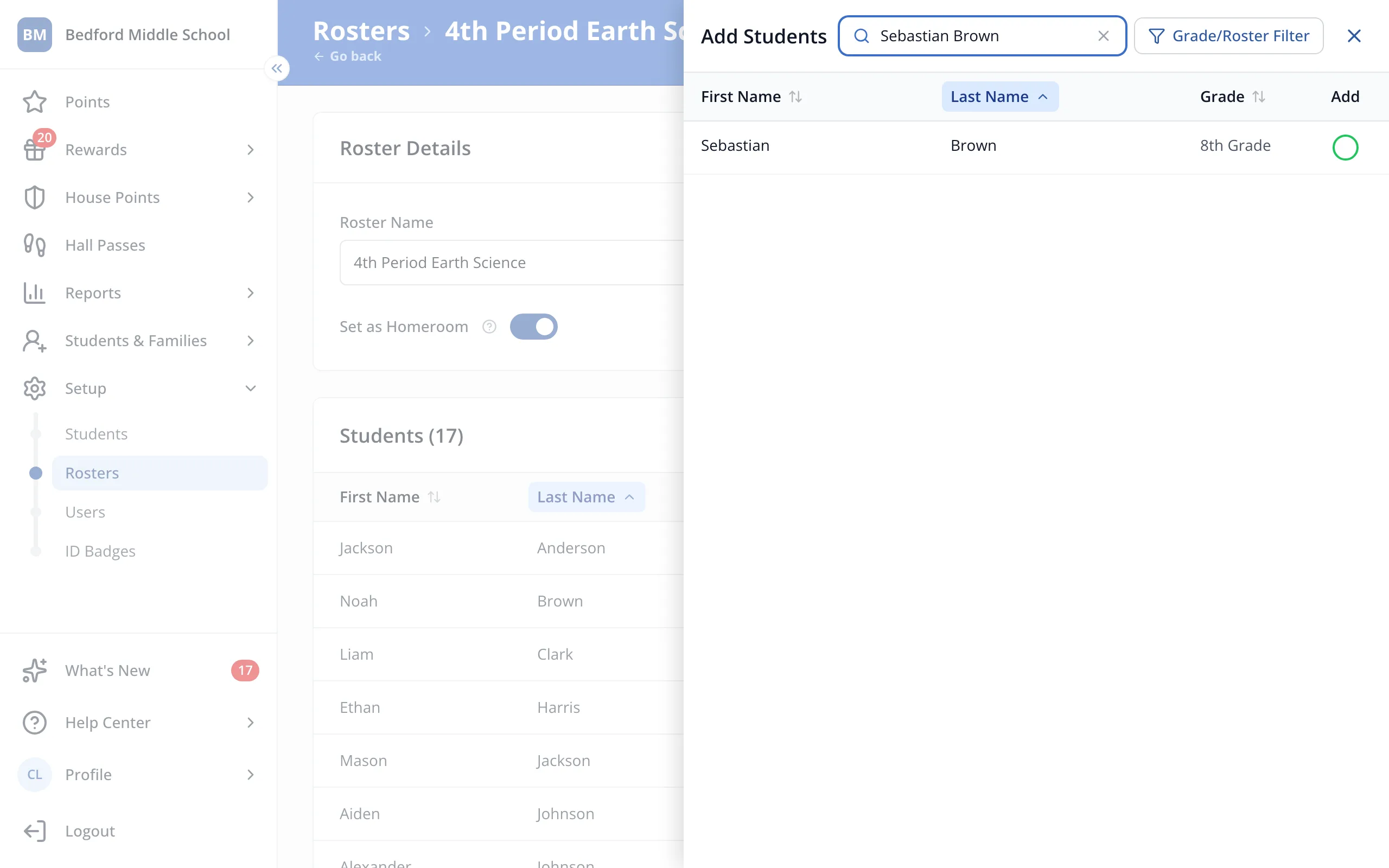
5.Type the student's name in the search box.
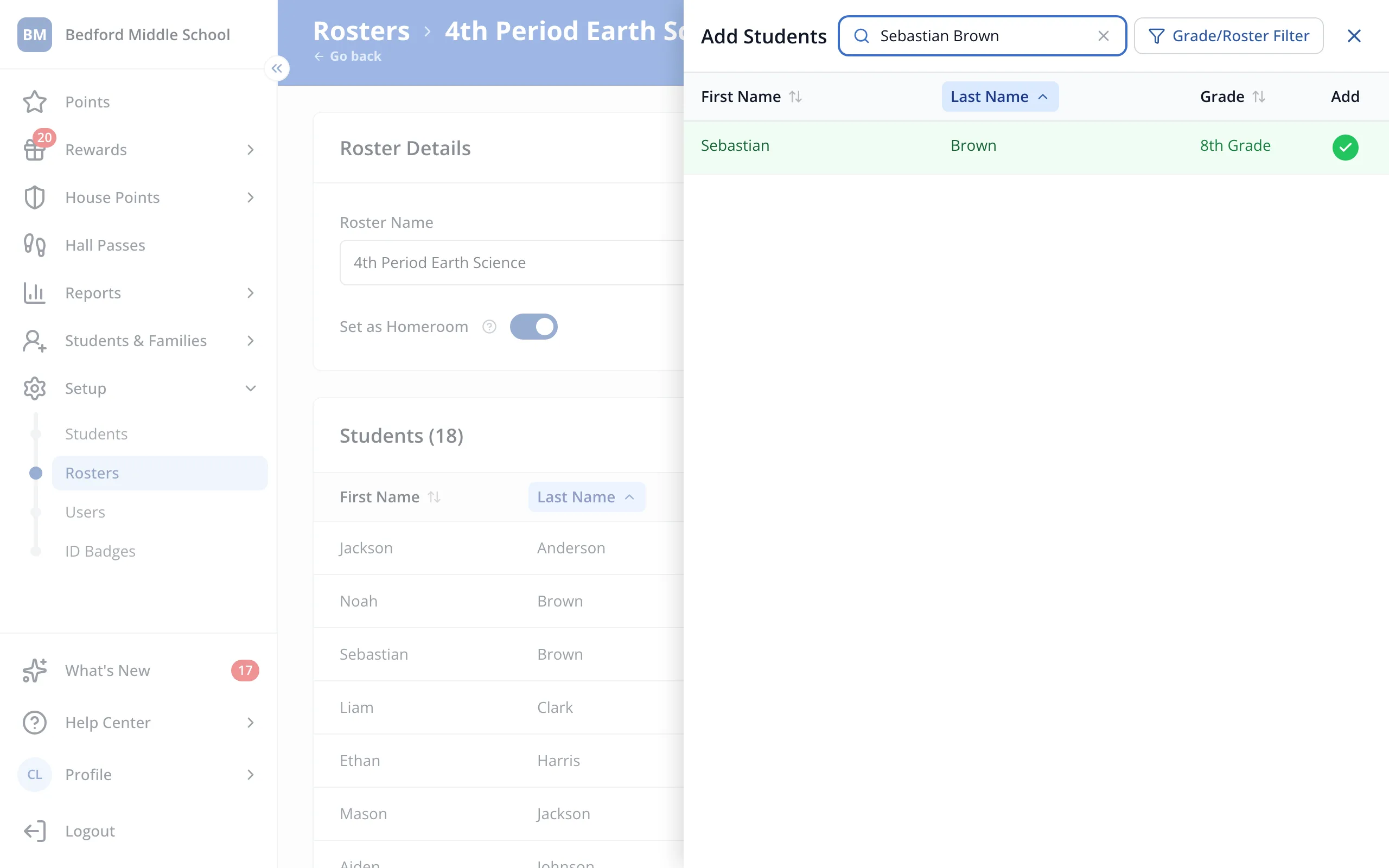
6.Click the student. You'll see a green check next to their name.
7.Click the X at the top of the panel.
Was this helpful?