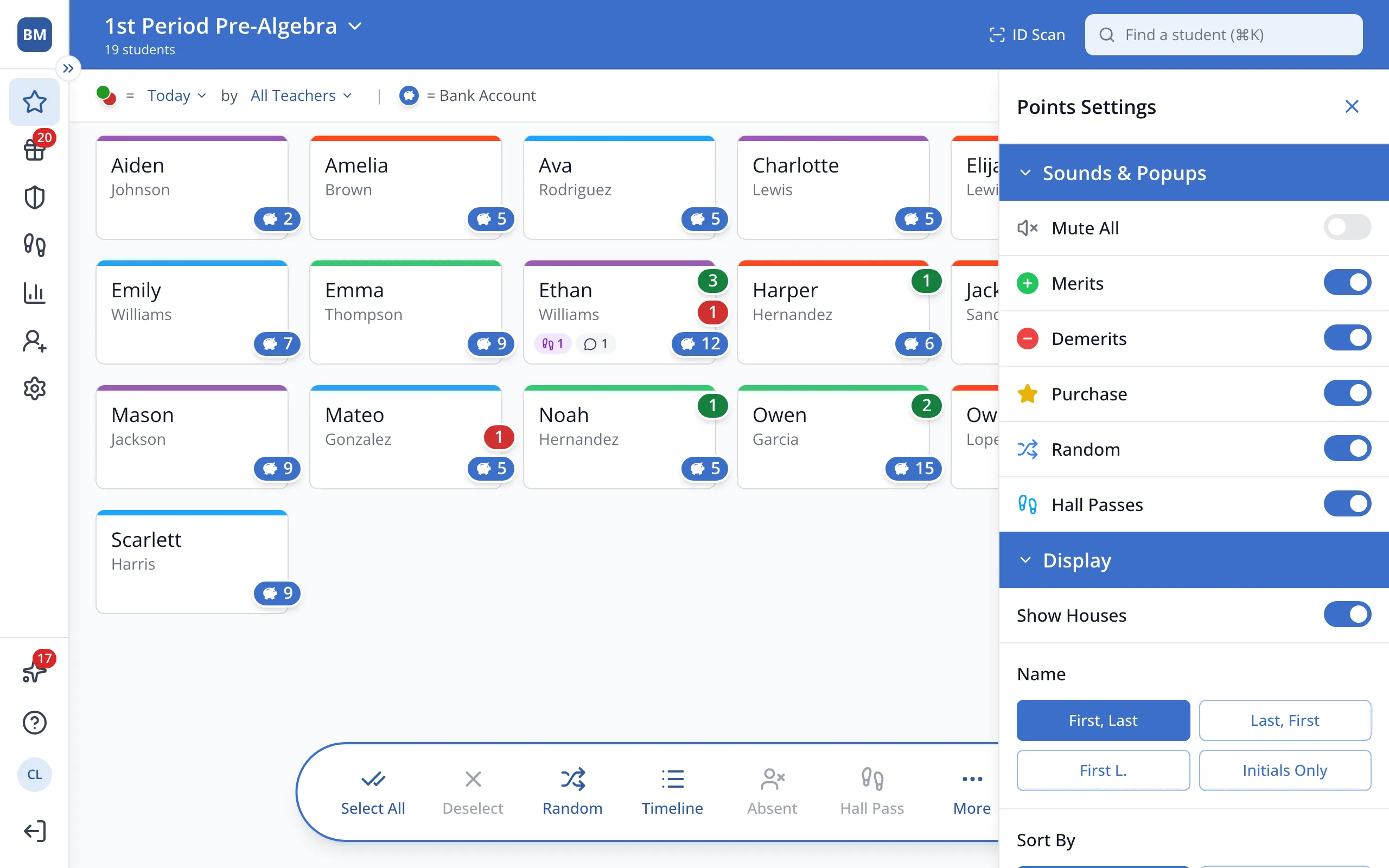
Turn hall pass alert sounds and pop-ups on or off
This only changes the browser you're using, so set it on each device.
Use the Left and Right arrow keys to move between steps, and Space to play or pause.
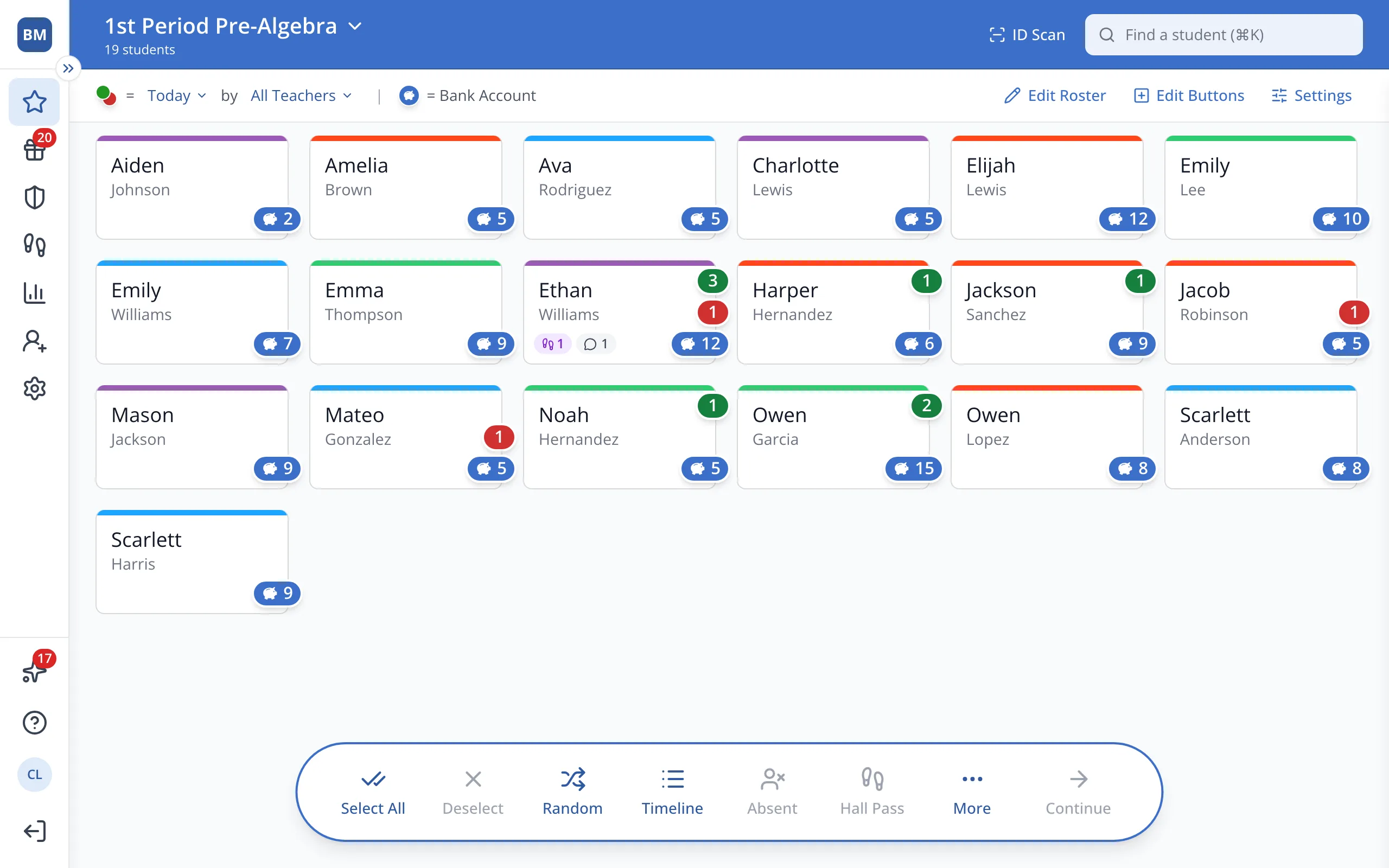
1.At the top right of the Points page, click Settings.
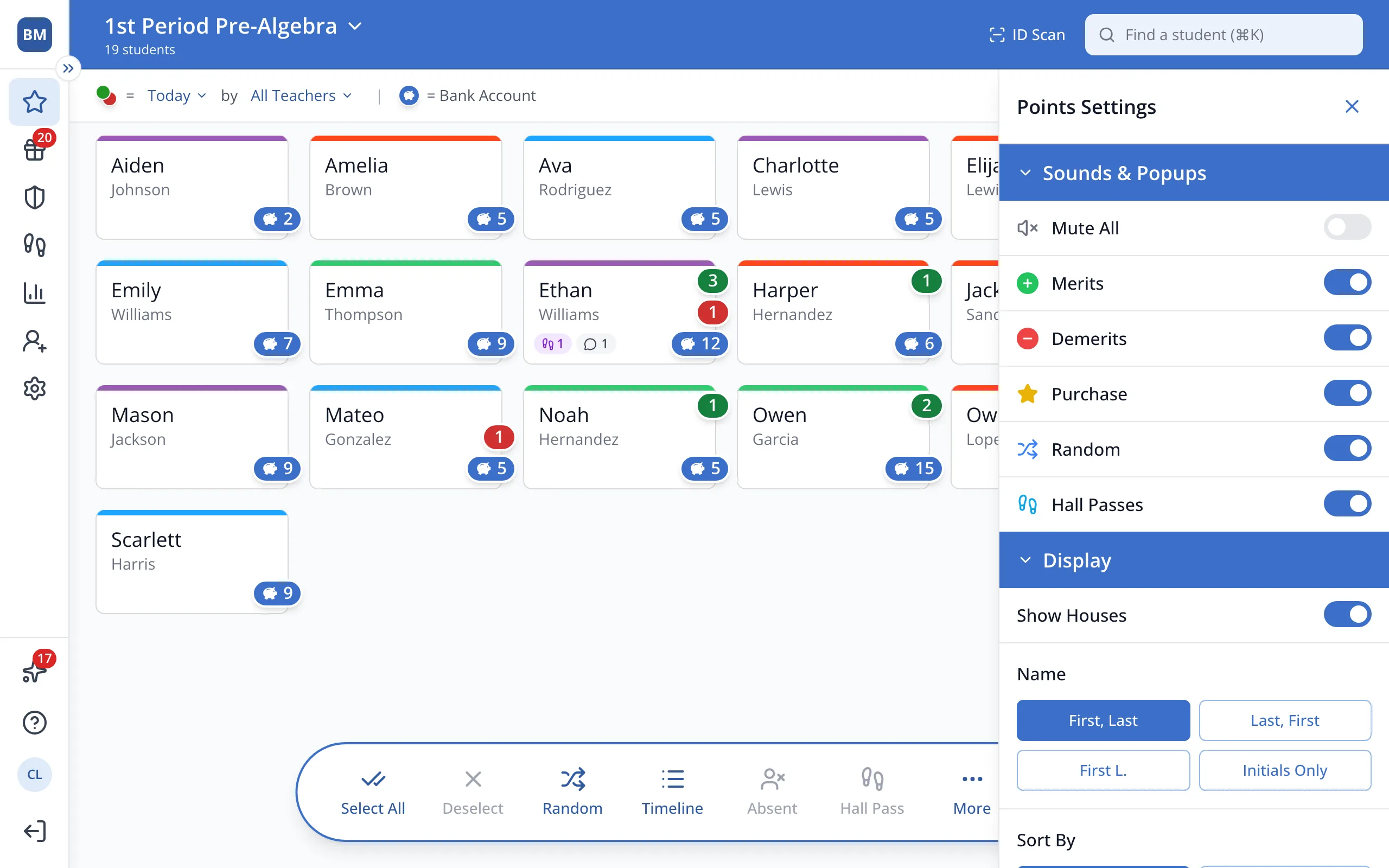
2.Under Sounds & Popups, turn Hall Passes on or off.