
Turn point sounds on or off
Sounds are set for each browser or device.
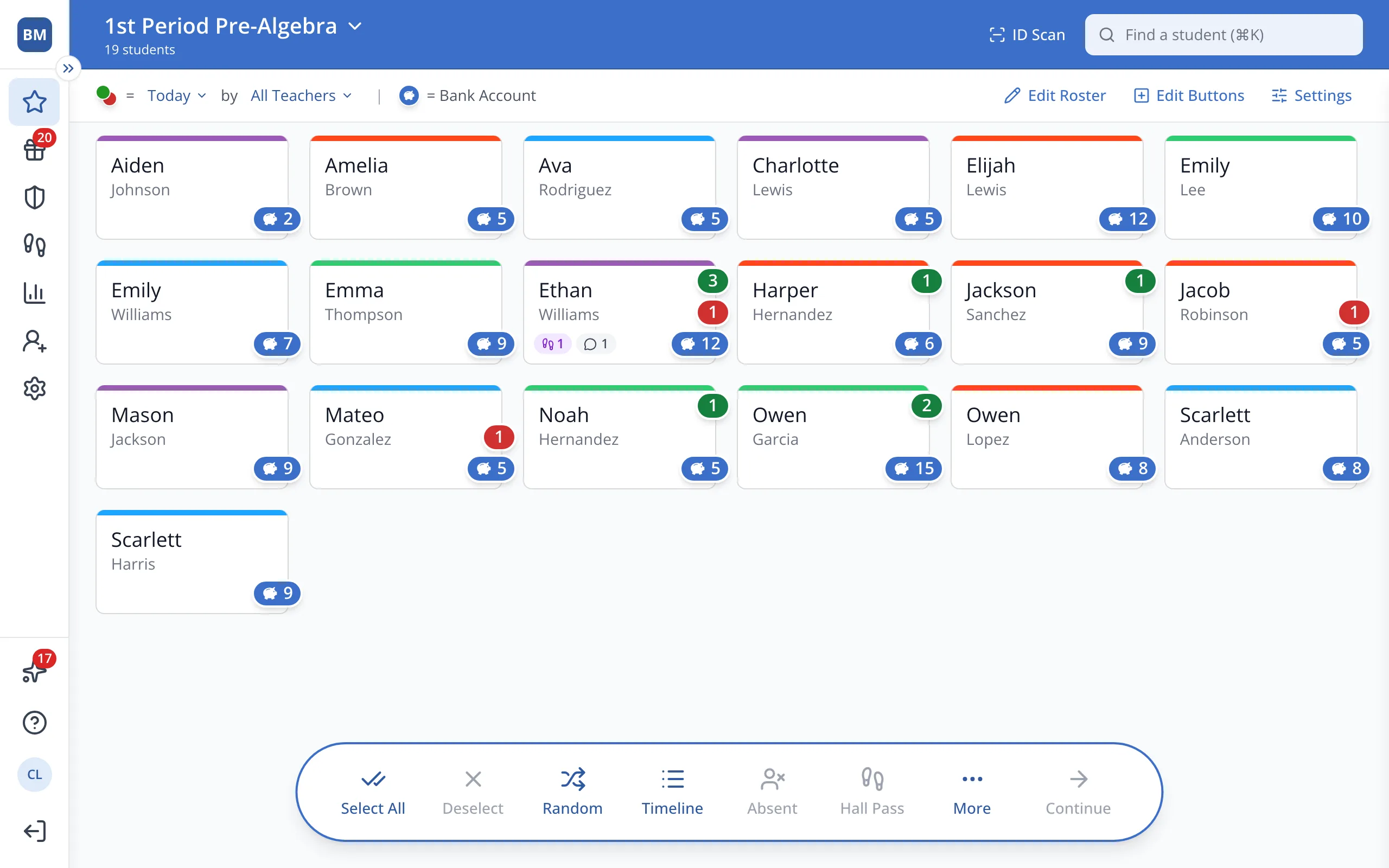
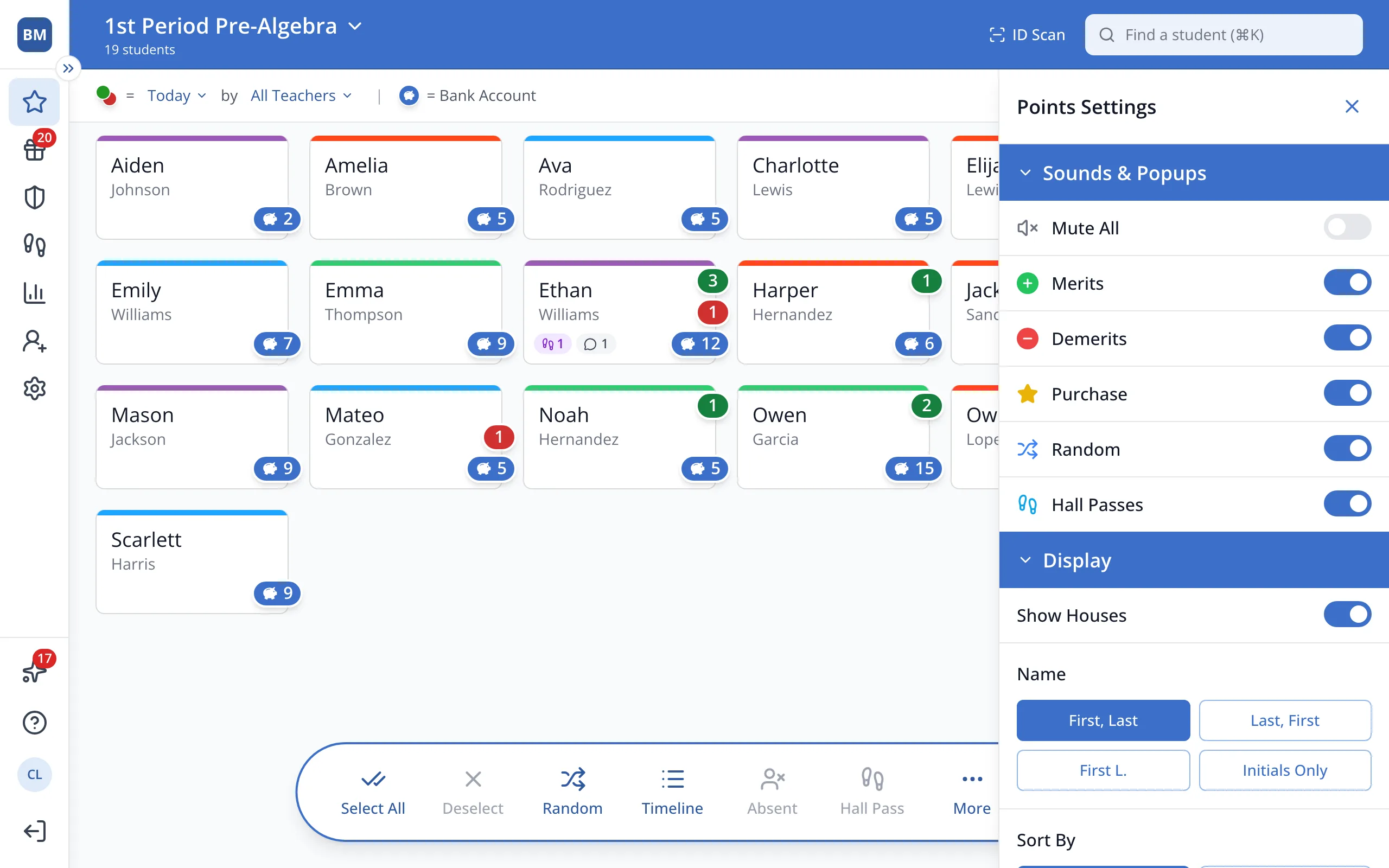
1 / 3At the top right of the Points page, click Settings.
1.At the top right of the Points page, click Settings.
2.Under Sounds & Popups, click the switch next to the sound you'd like to turn on or off.
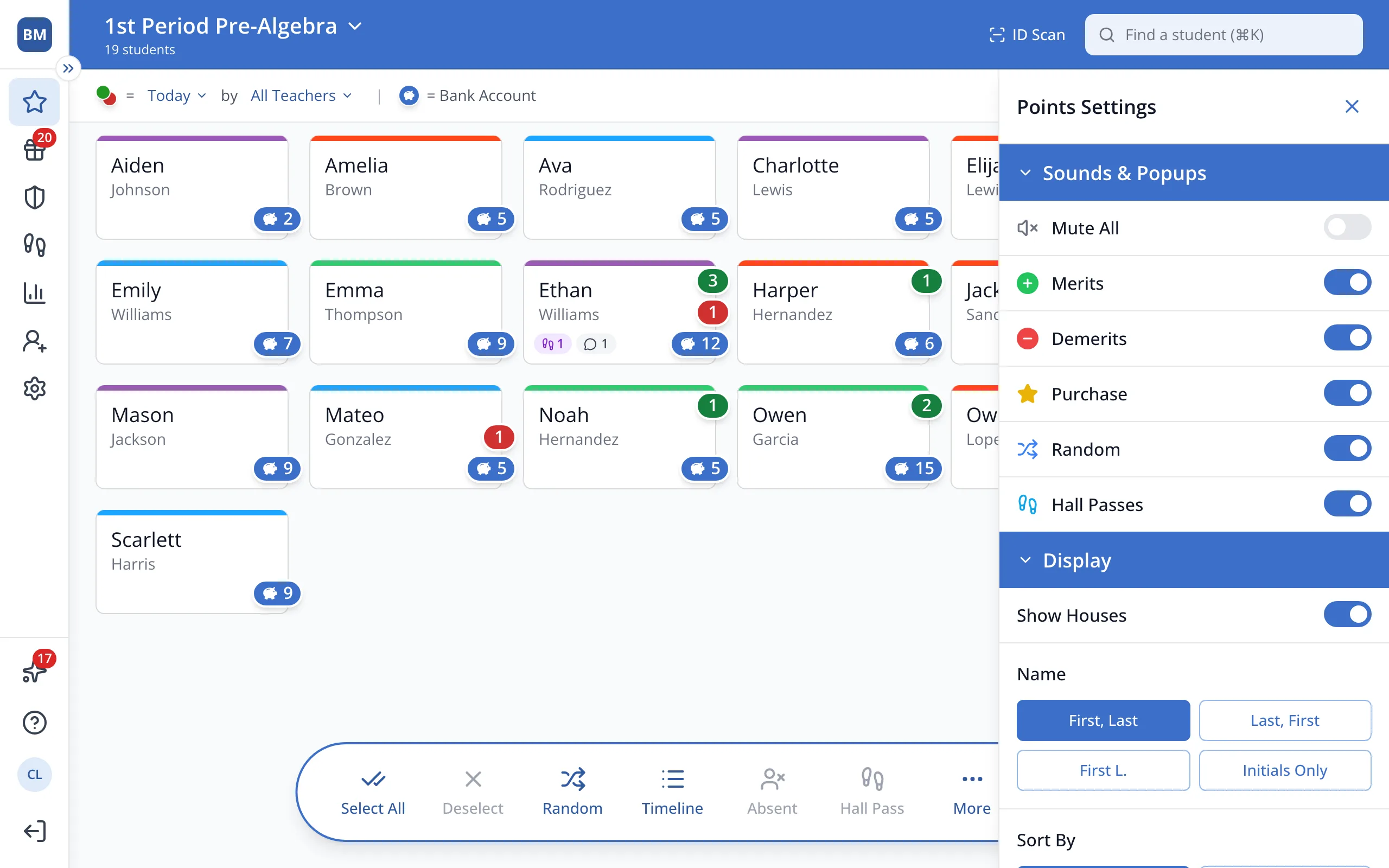
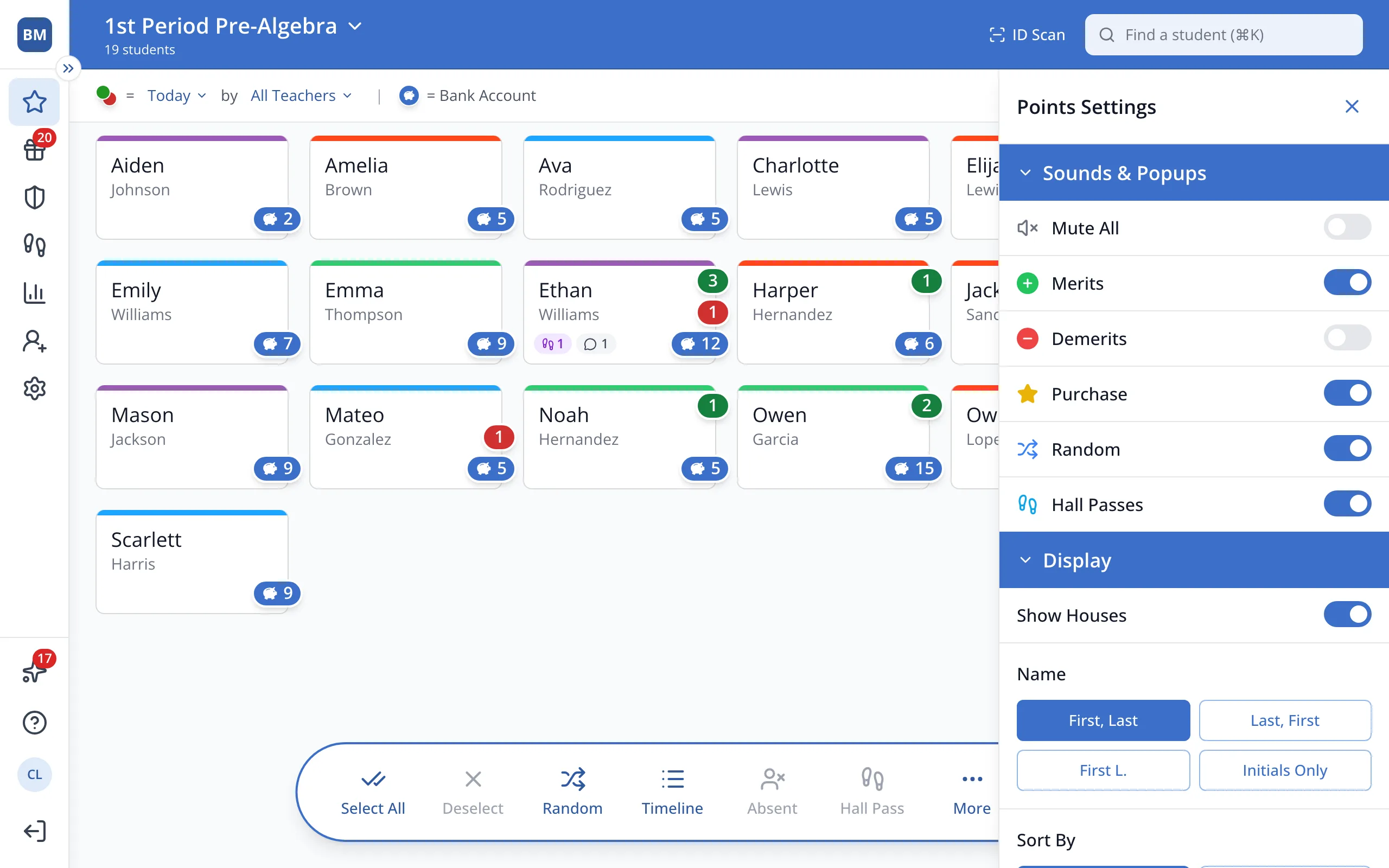
3.To turn every sound off at once, click Mute All.
Was this helpful?