Approve or deny a pass request
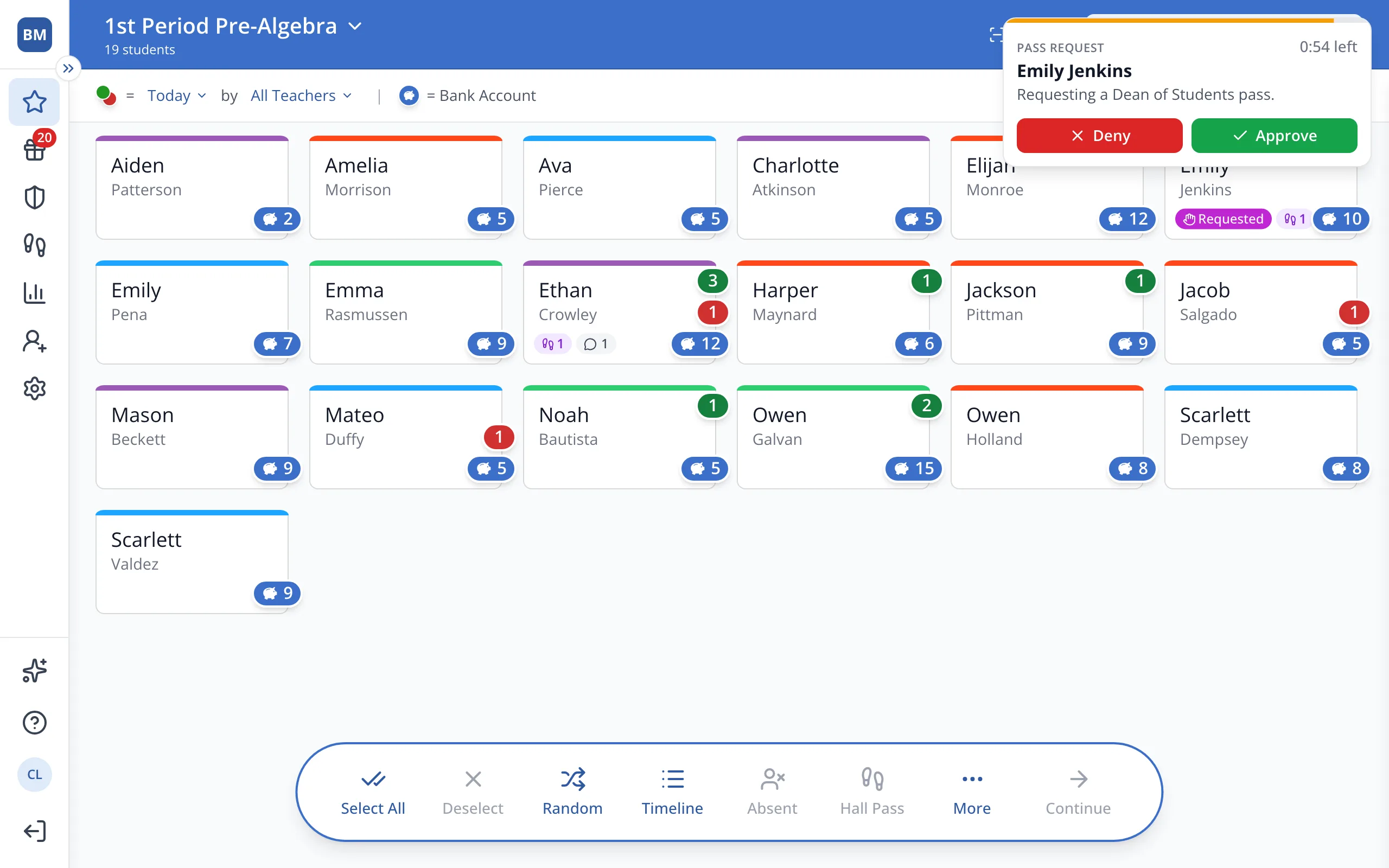
Some pass types need a staff member's OK before a student can leave. A request no one answers expires.
Use the Left and Right arrow keys to move between steps, and Space to play or pause.
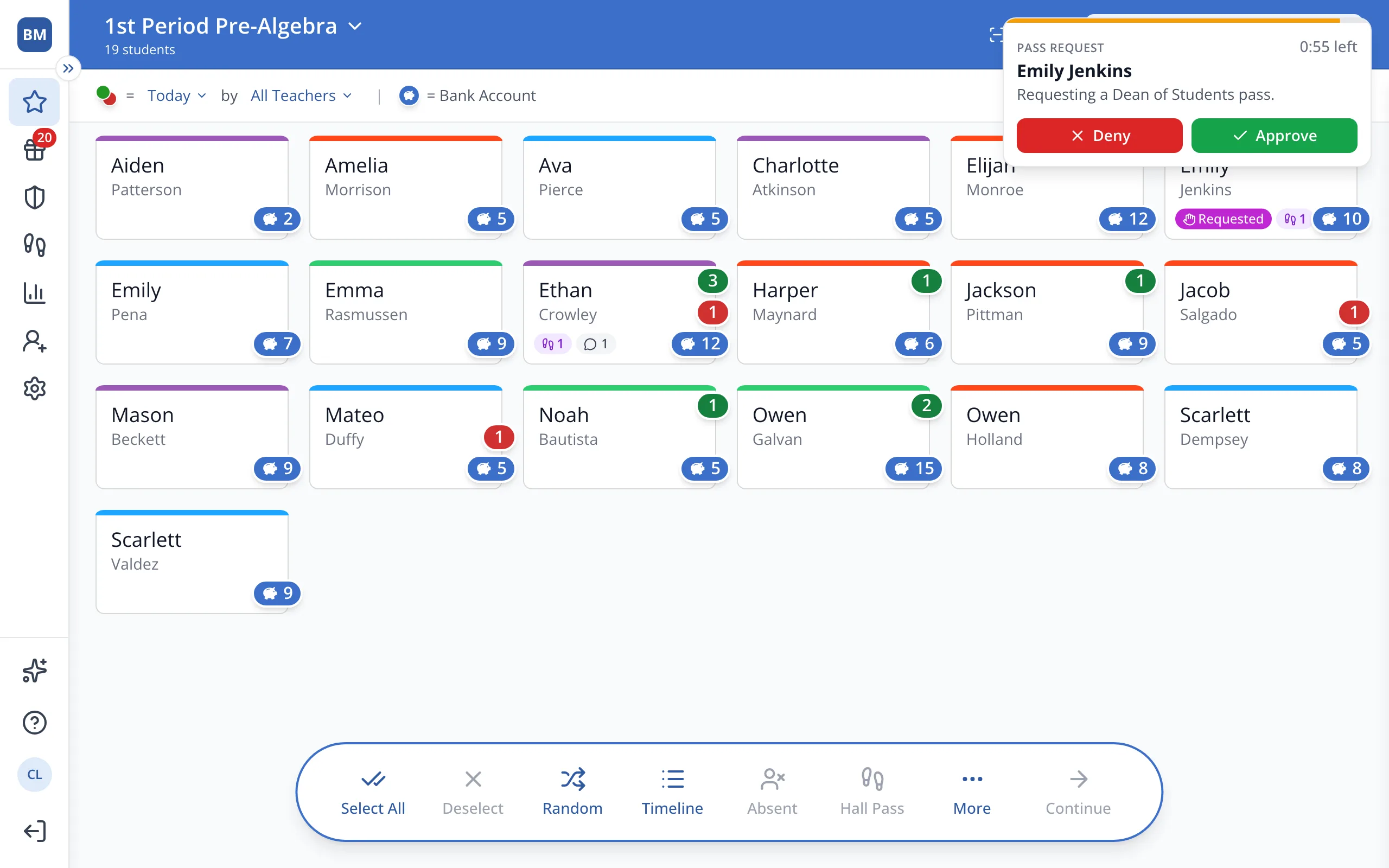
1.When one of your students asks for a pass, a request pops up in the top corner.
Did you know? If you manage a pass type, its requests pop up on every page.
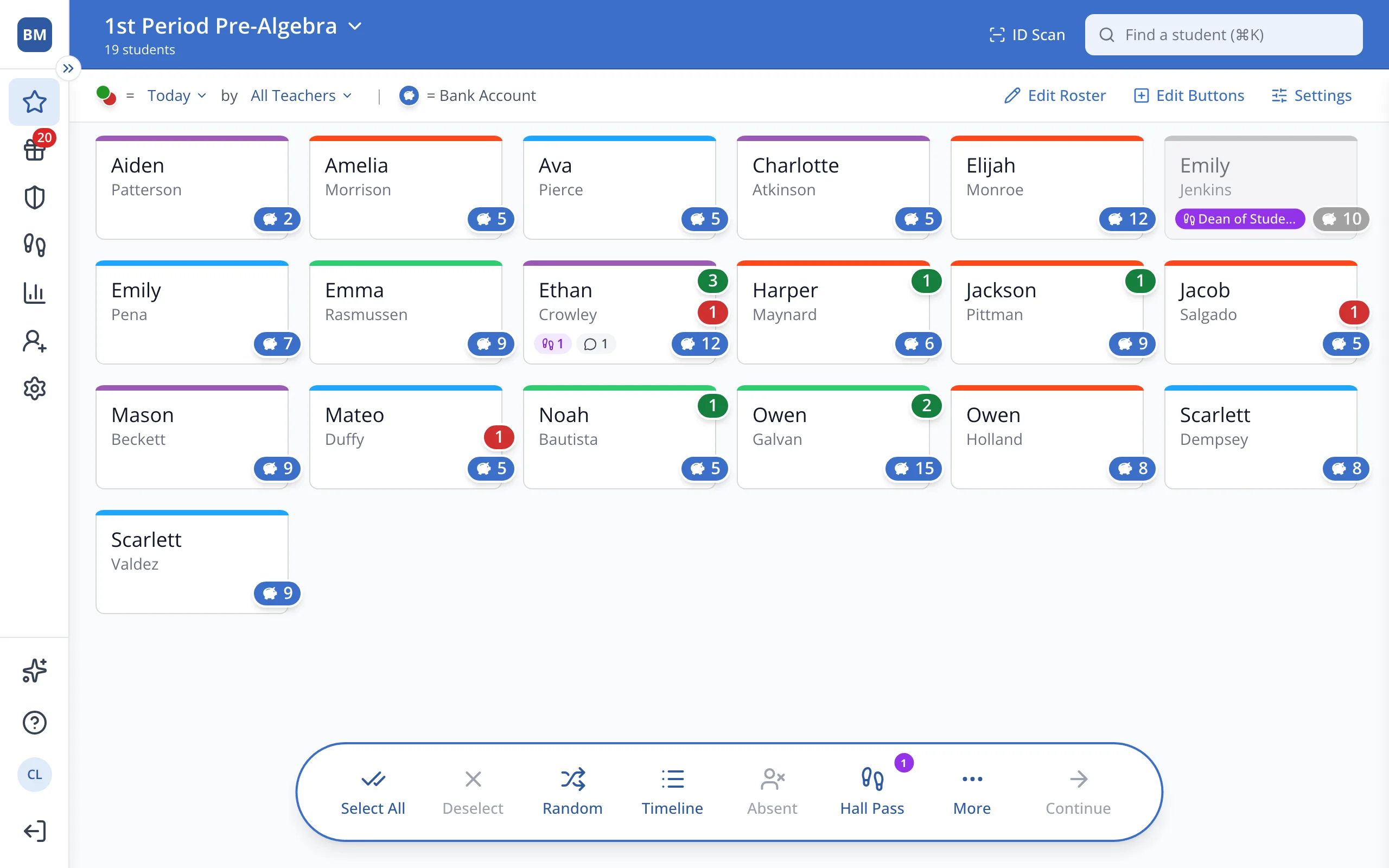
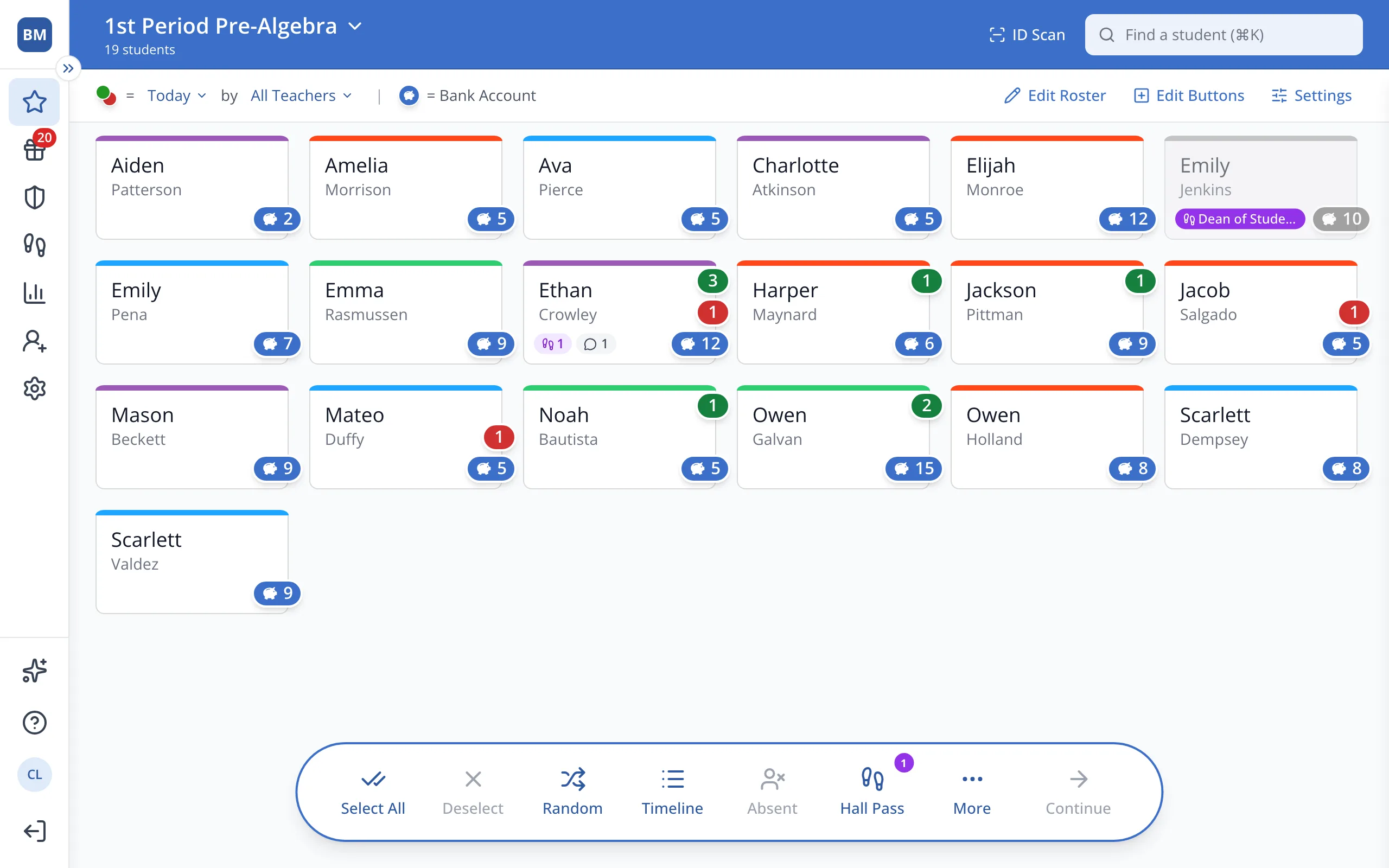
2.Click Approve to let the student go, or Deny to keep them in class.