Archive or delete a pass type
Archiving hides a pass type but keeps its history in your reports. You can bring it back any time.
AdminSite Leader
Use the Left and Right arrow keys to move between steps, and Space to play or pause.
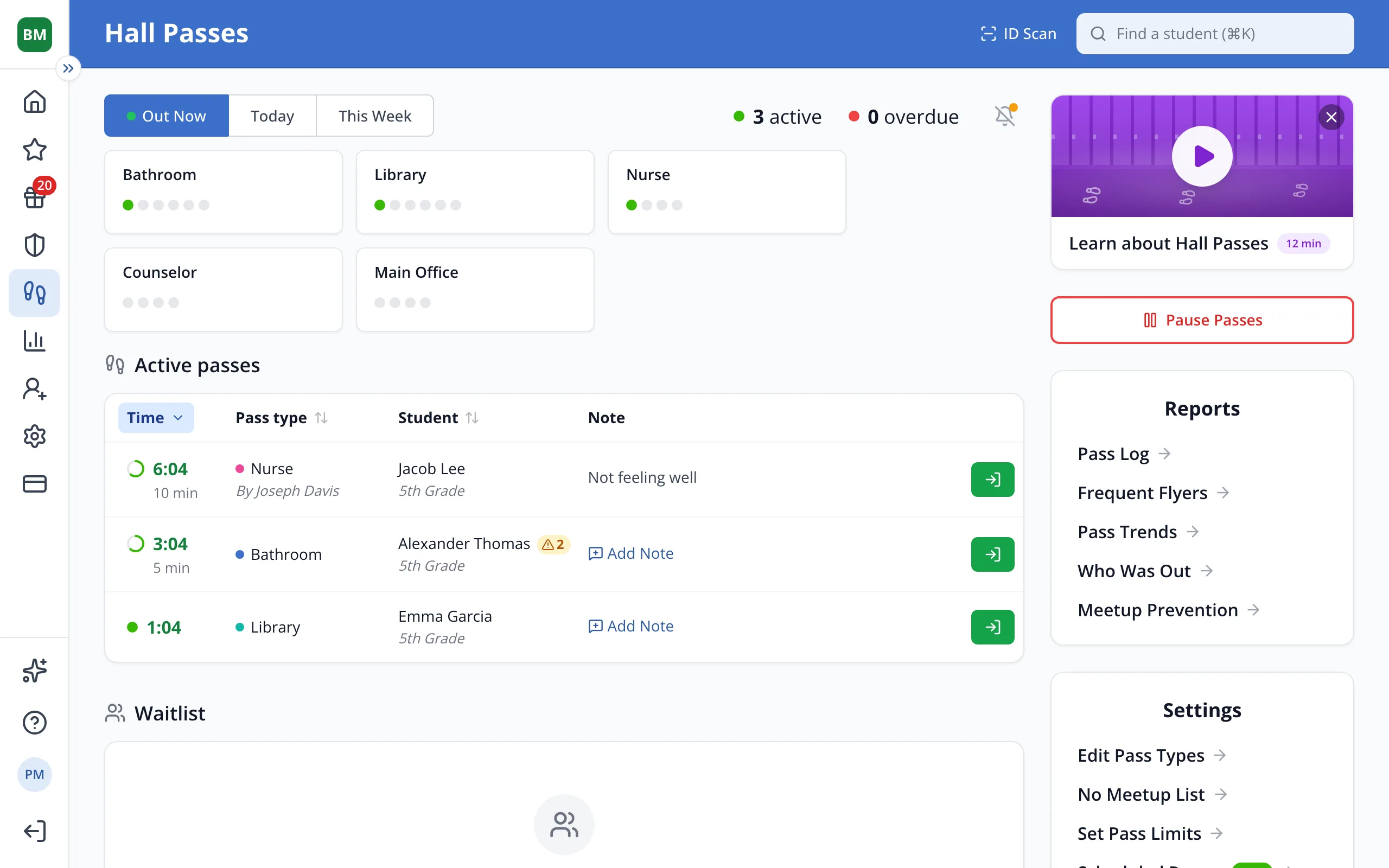
1.On the Hall Passes page, under Settings, click Edit Pass Types.
Did you know? On a smaller screen, click More to find these links.
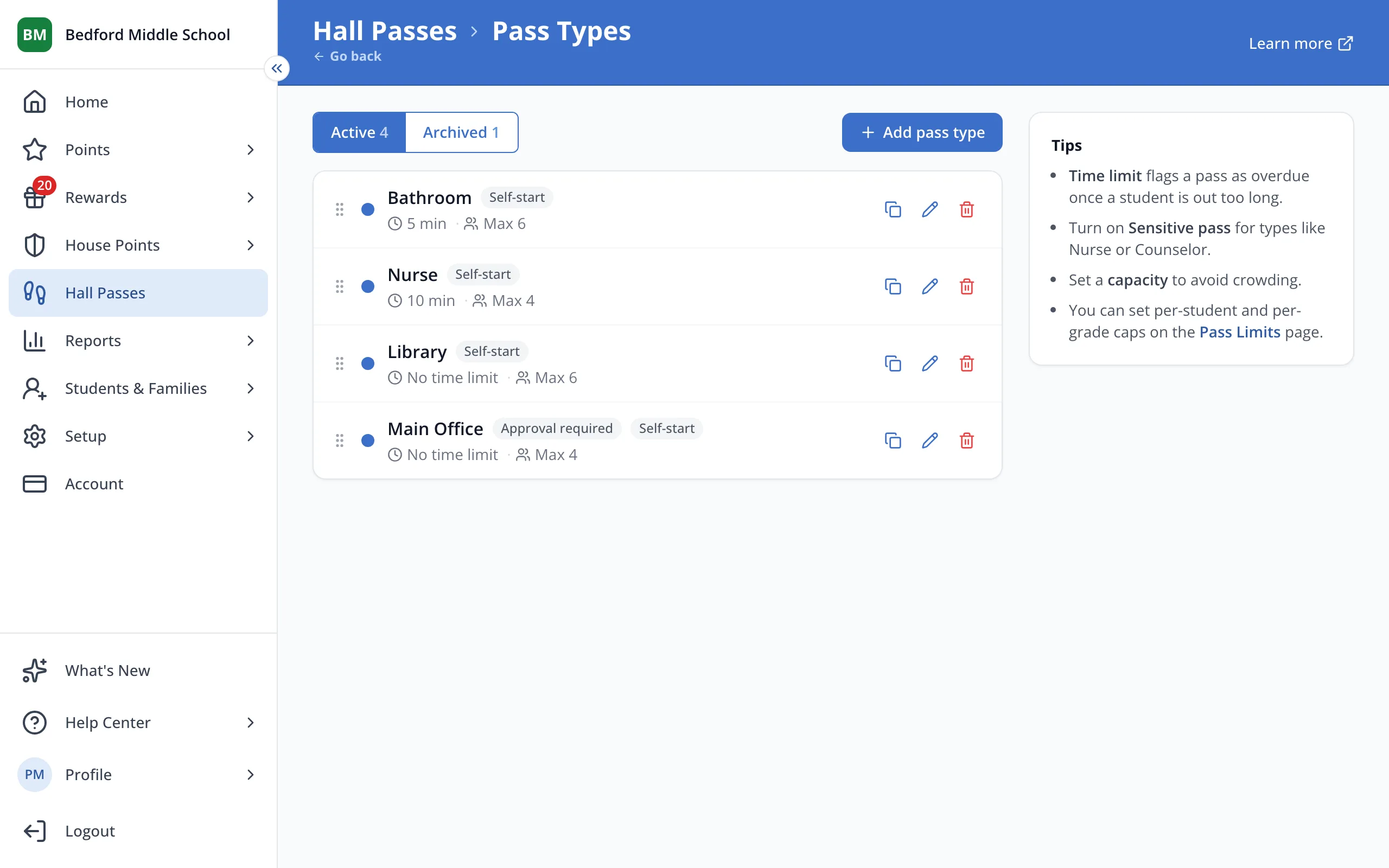
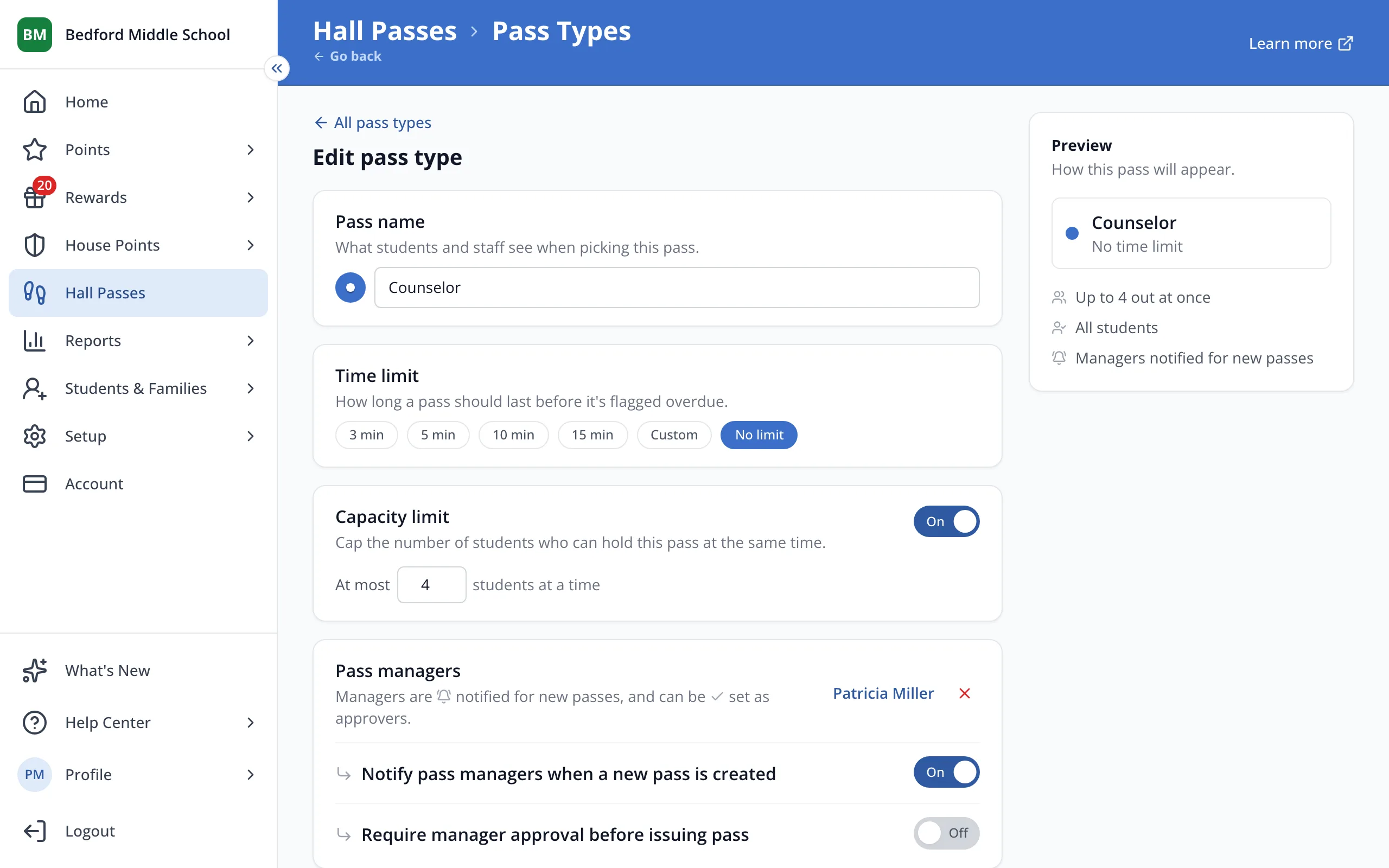
2.Click the pencil next to the pass type you'd like to change.
3.Turn on Archive.
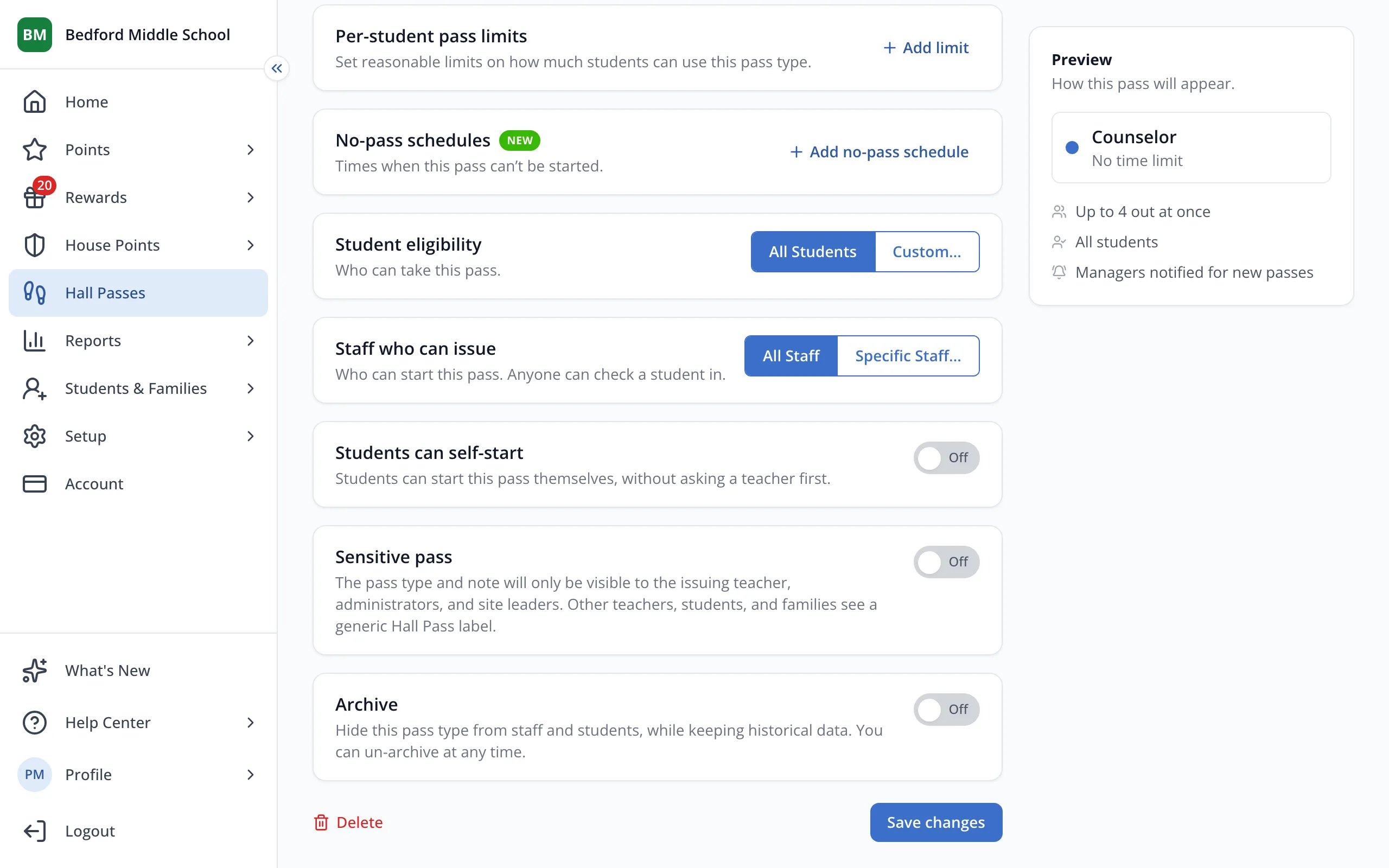
Did you know? Click Delete at the bottom instead to remove the pass type for good.
4.Click Save changes.
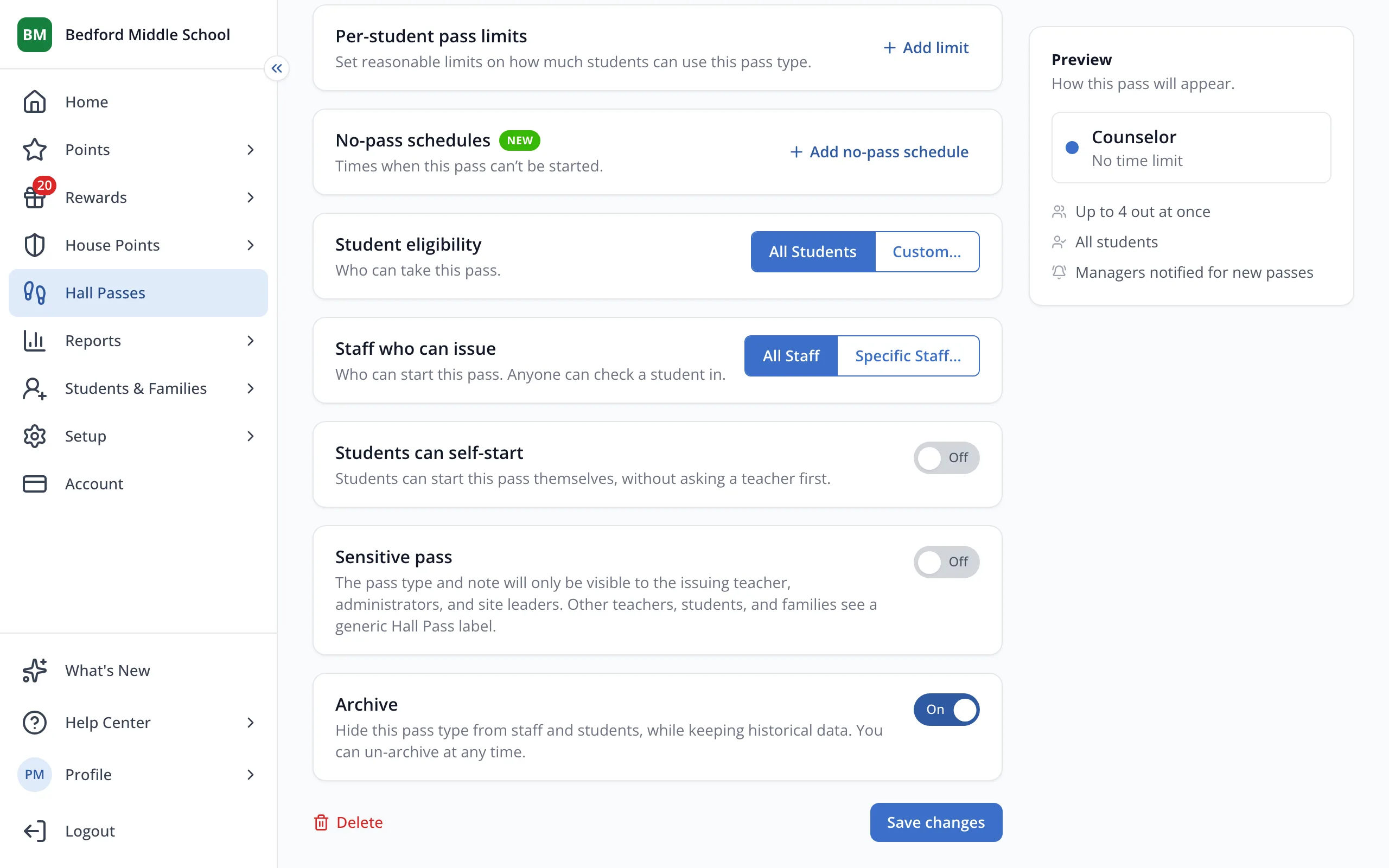
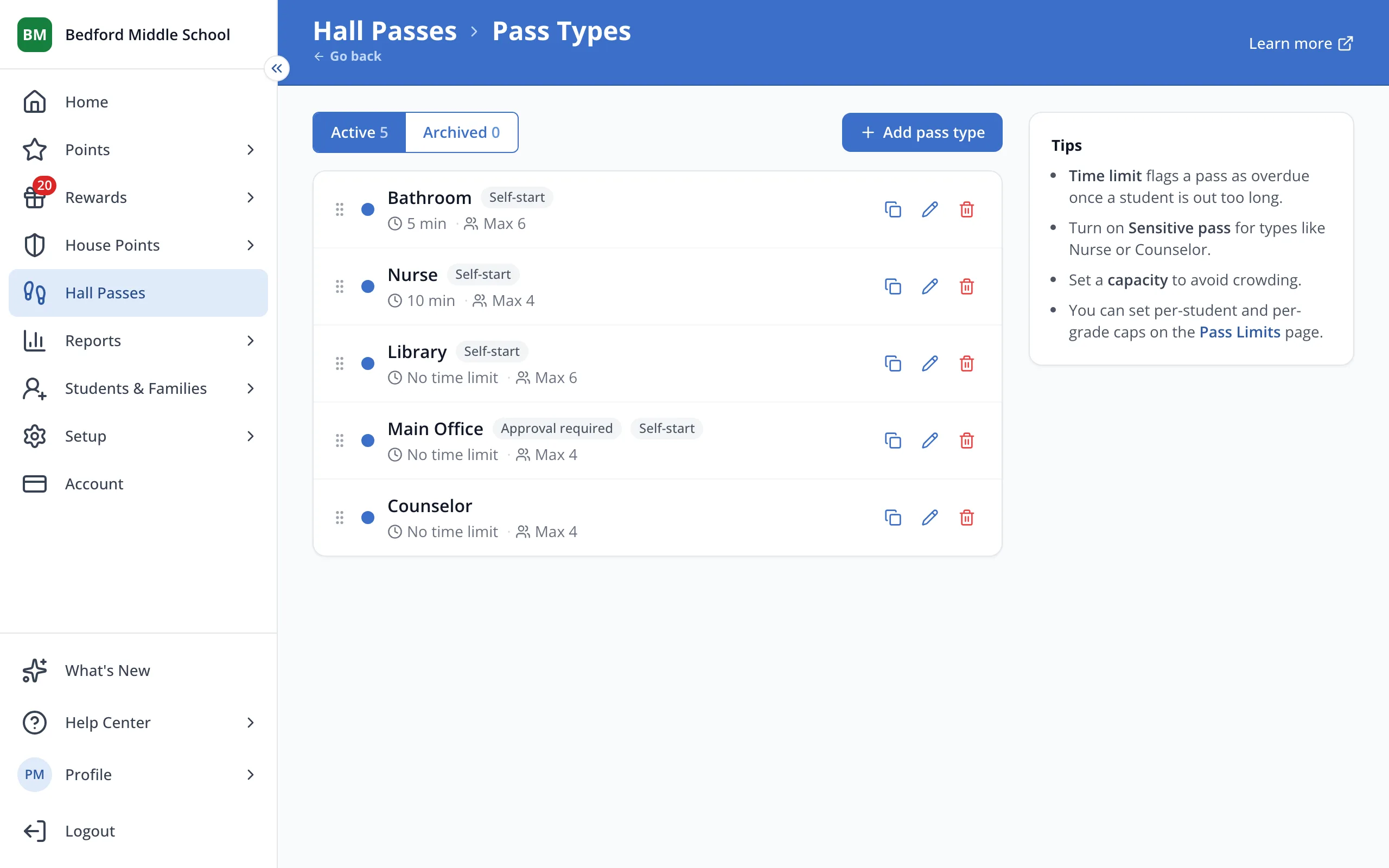
5.Click Archived to see or restore archived pass types.