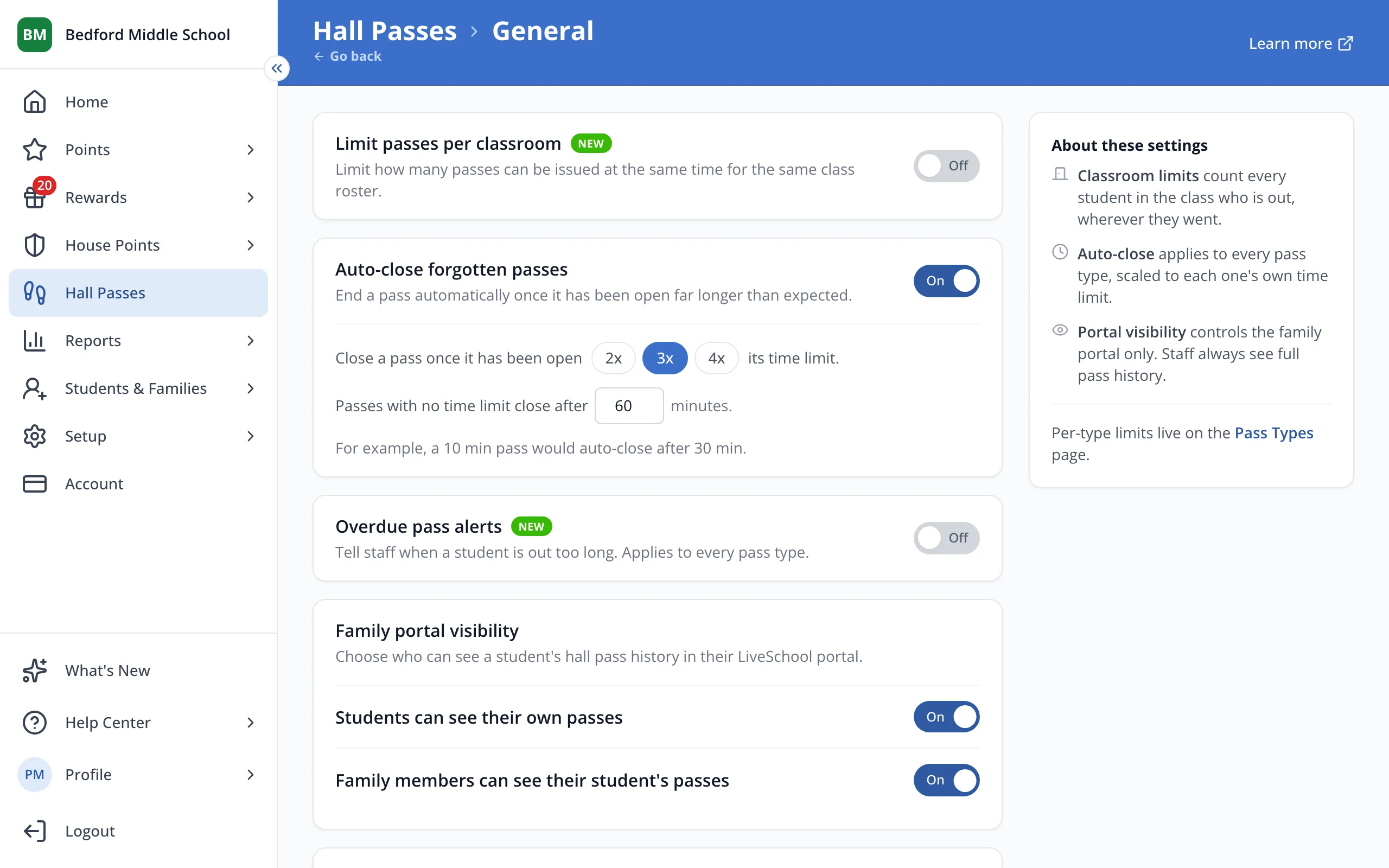
Automatically close forgotten passes
A pass nobody checked in ends on its own, so it doesn't run all day and skew your reports.
AdminSite Leader
Use the Left and Right arrow keys to move between steps, and Space to play or pause.
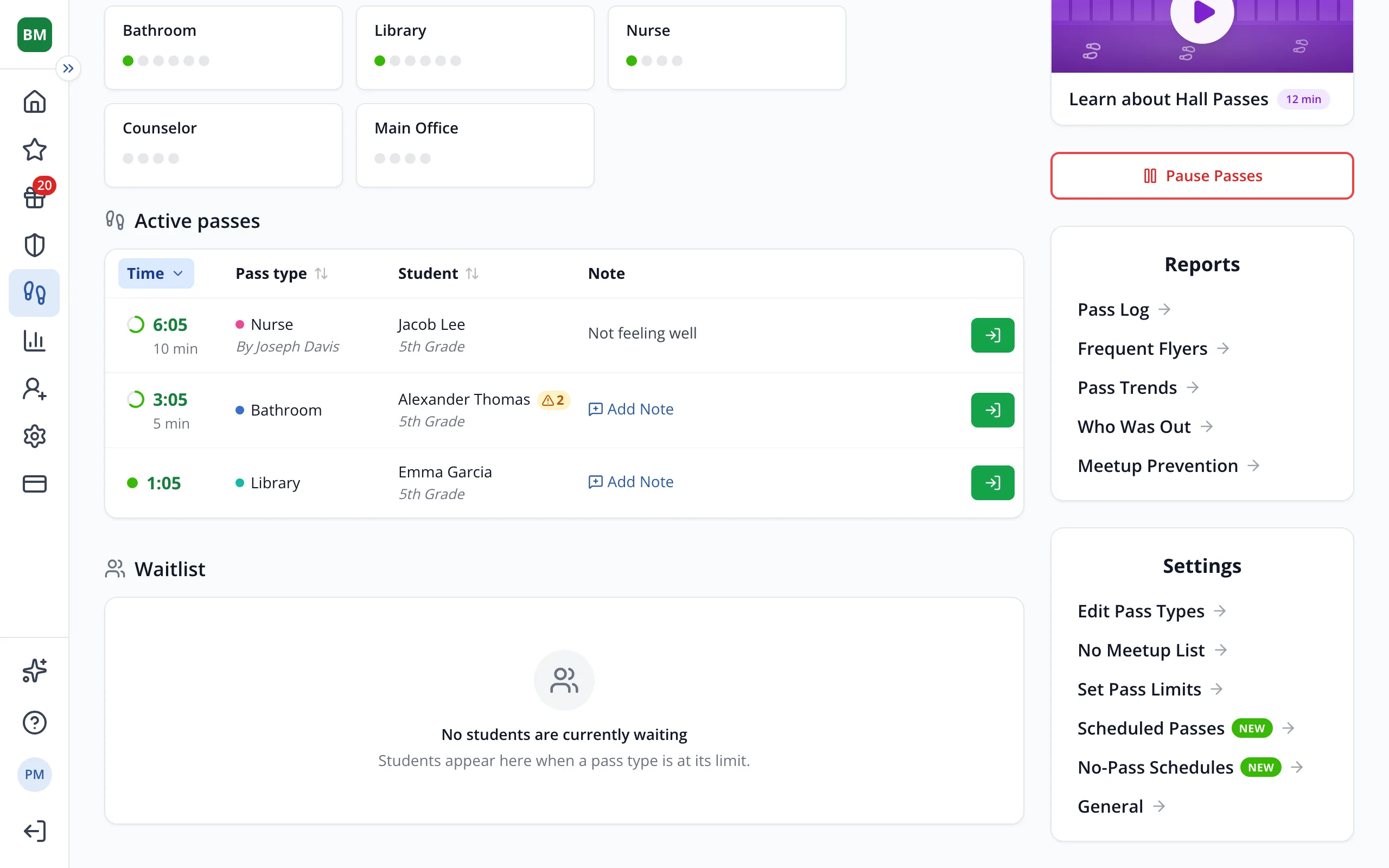
1.On the Hall Passes page, under Settings, click General.
Did you know? On a smaller screen, click More to find these links.
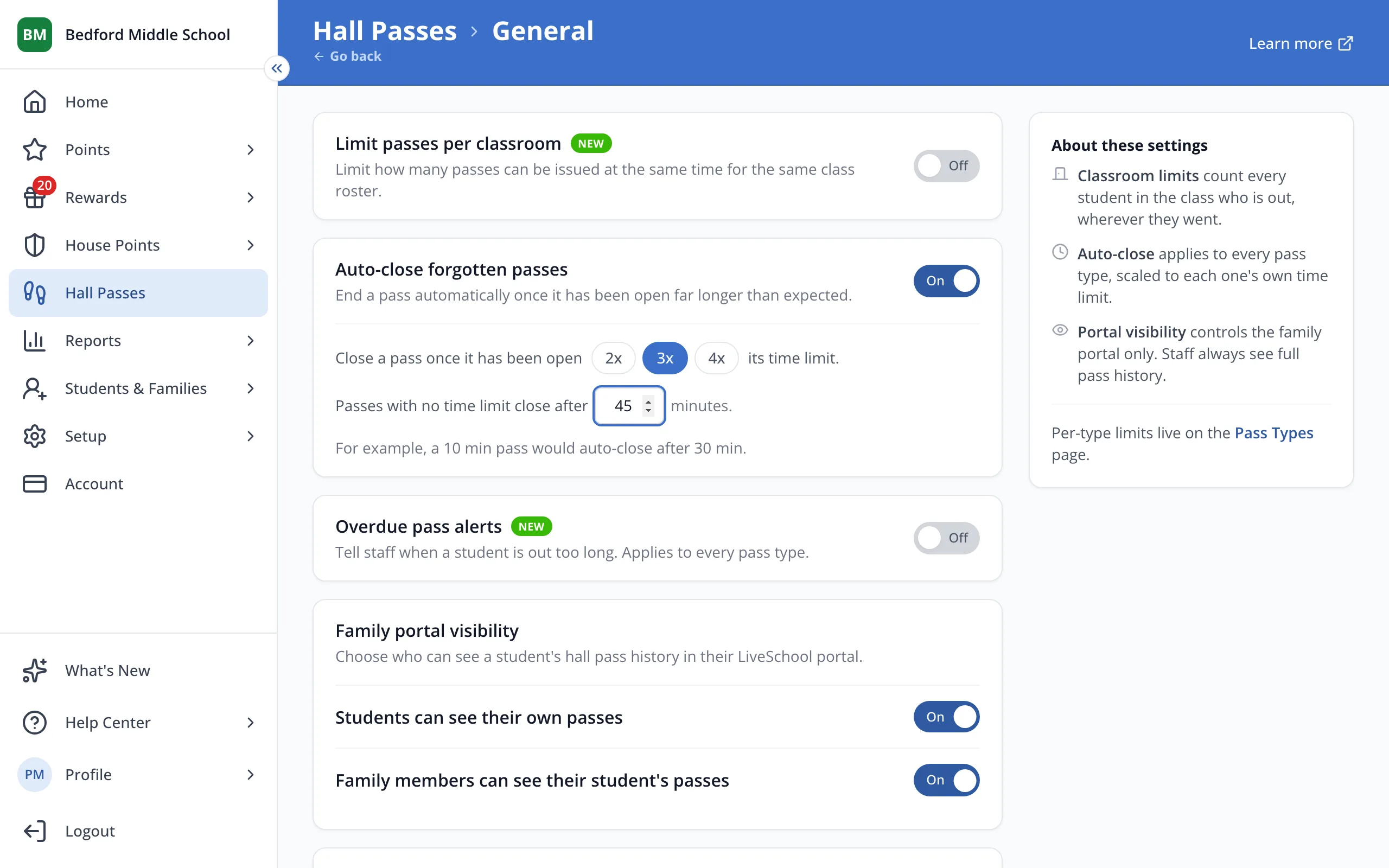
2.Under Auto-close forgotten passes, click how many times its time limit a pass stays open.
Did you know? A 10 minute pass set to 3x closes after 30 minutes.
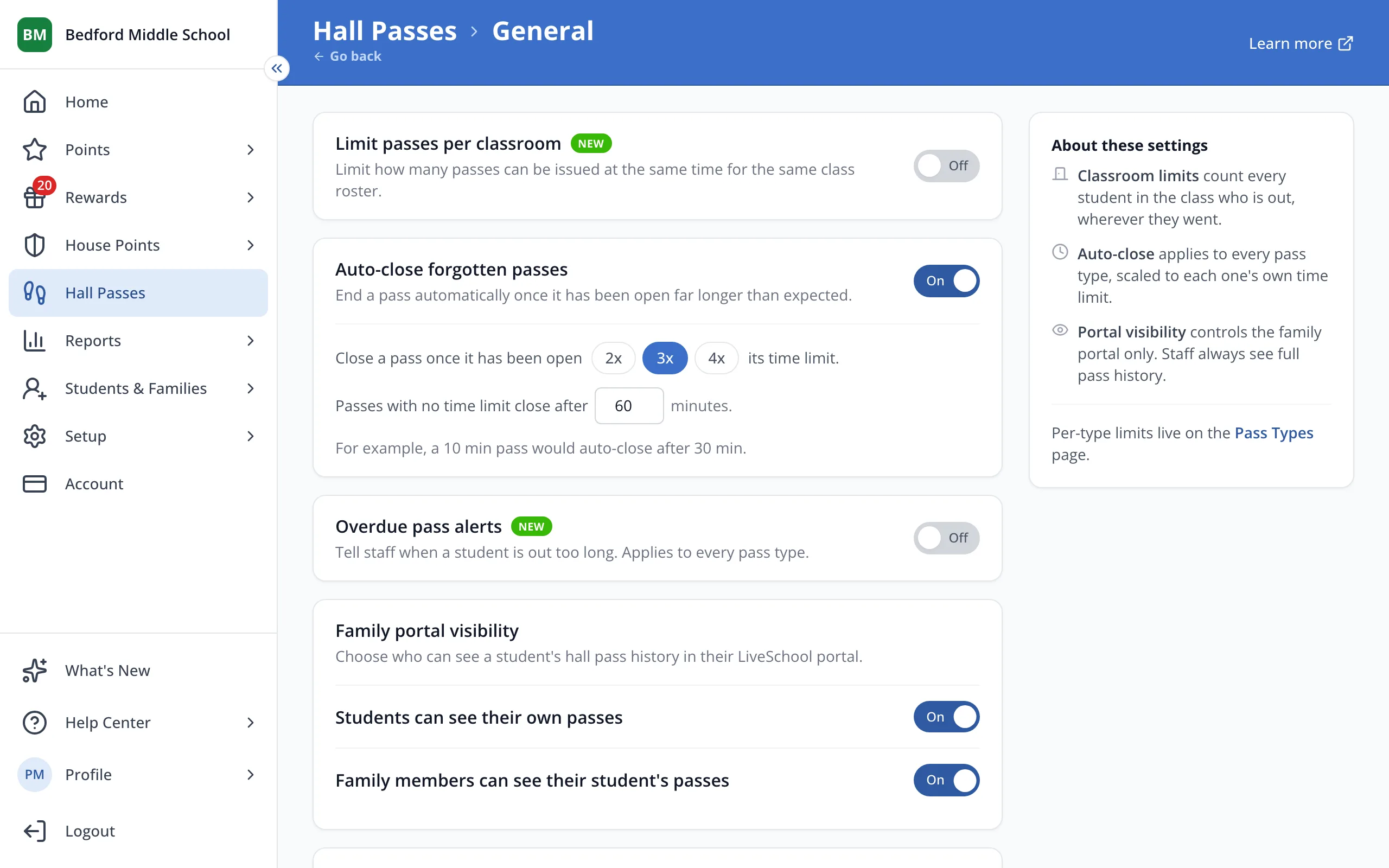
3.Type how many minutes a pass with no time limit can stay open.