Duplicate a pass type
A copy keeps every setting, so you can split one pass into two, like a boys' and girls' bathroom with their own limits.
AdminSite Leader
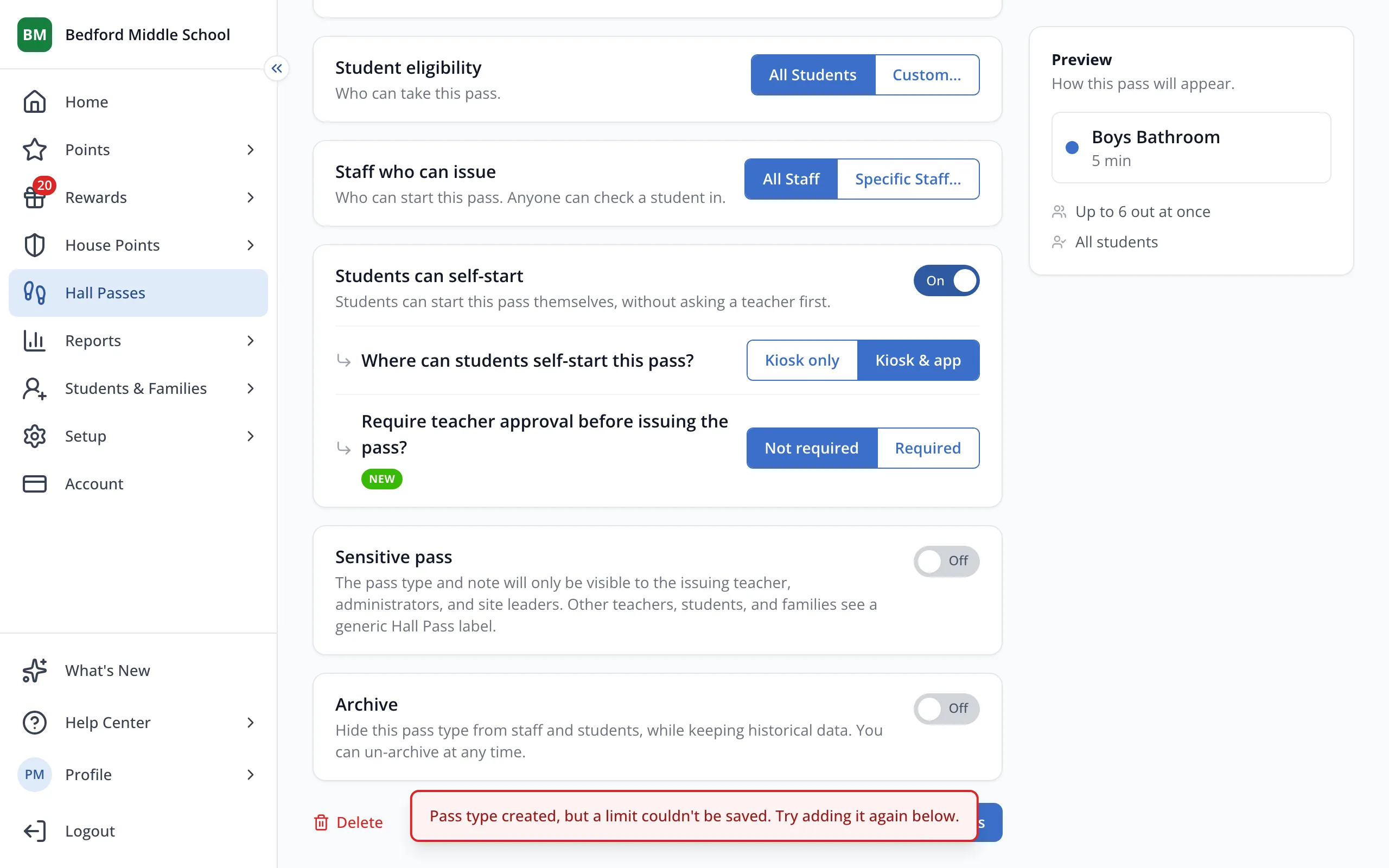
Use the Left and Right arrow keys to move between steps, and Space to play or pause.
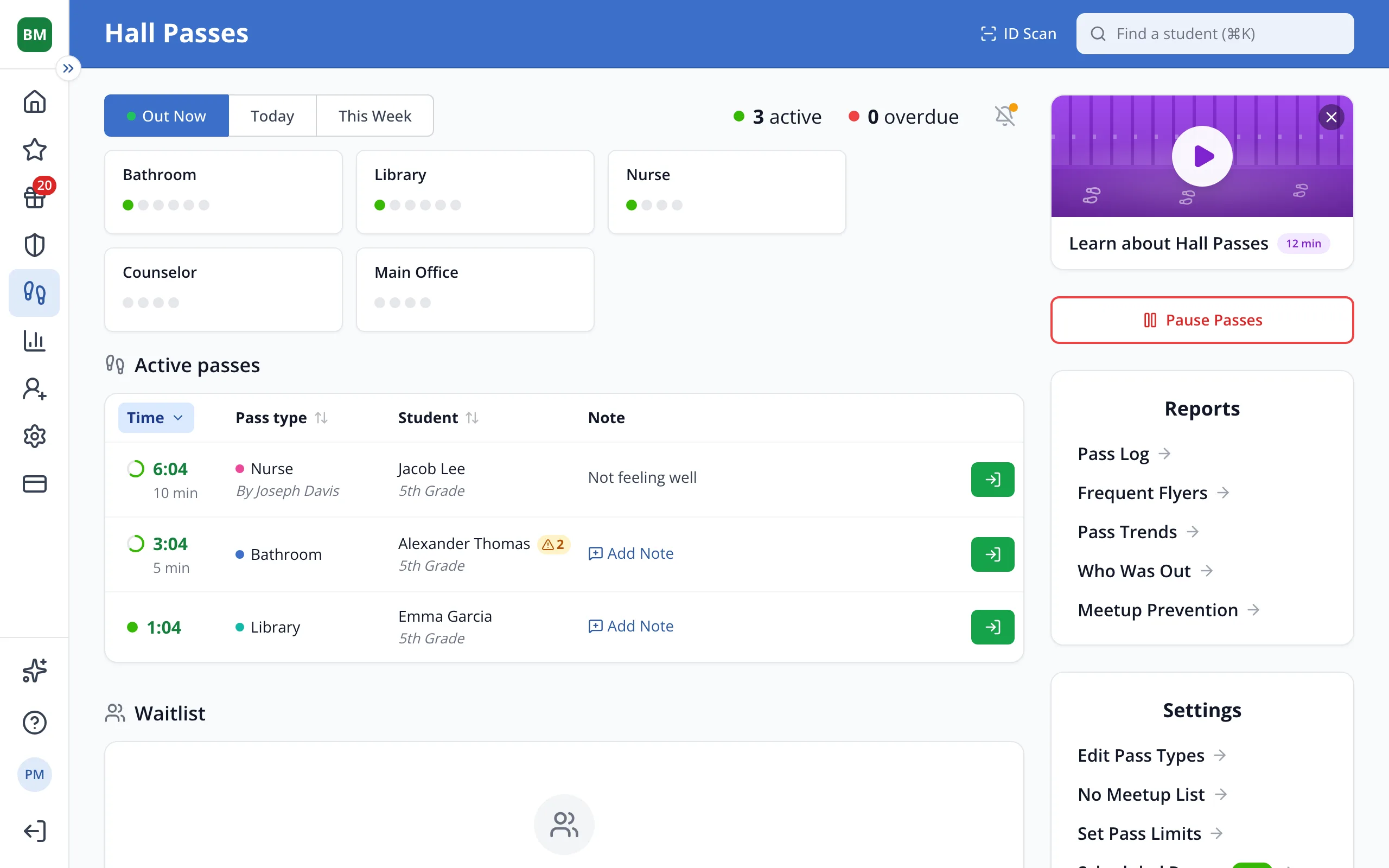
1.On the Hall Passes page, under Settings, click Edit Pass Types.
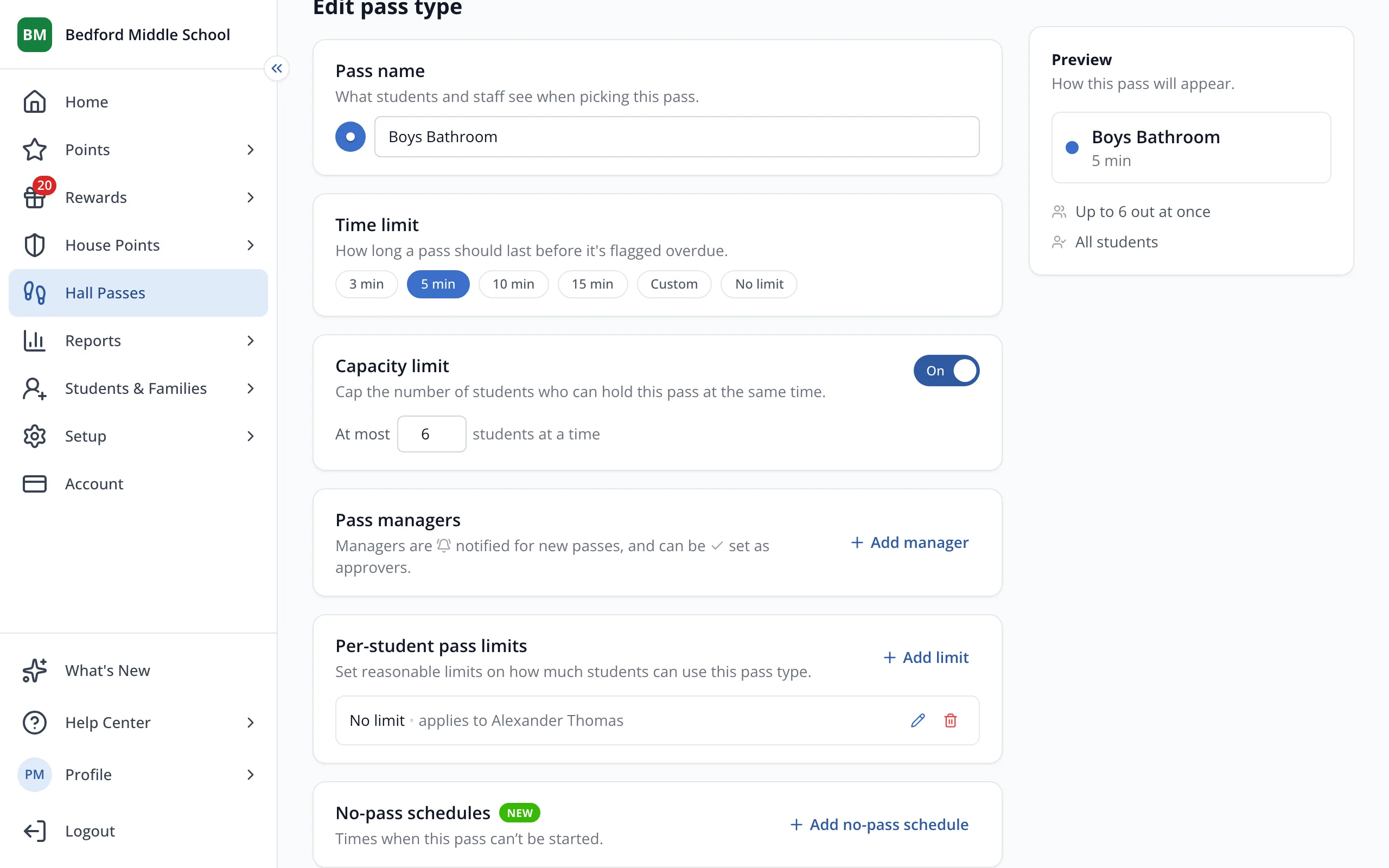
Did you know? On a smaller screen, click More to find these links.
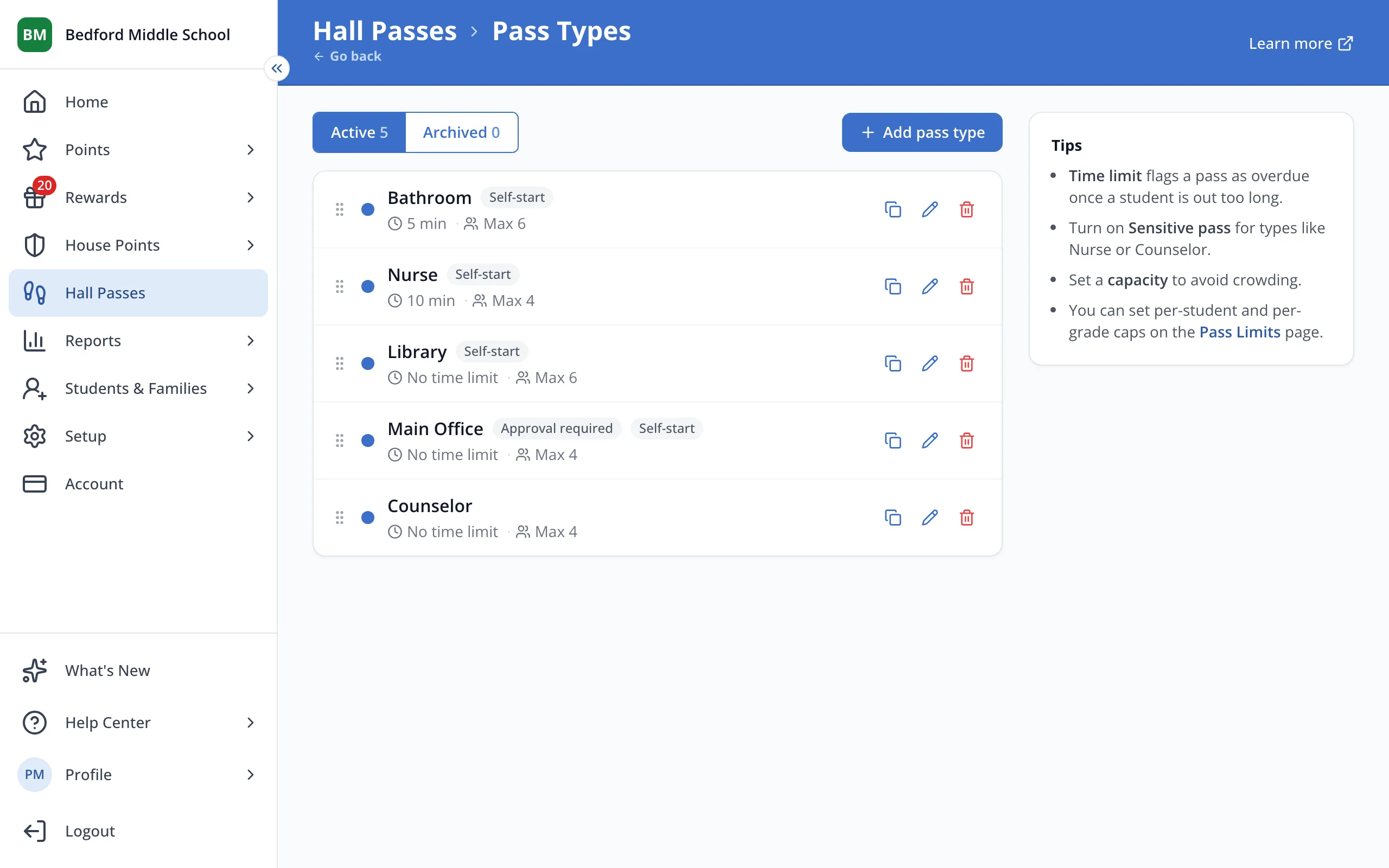
2.Click the copy button next to the pass type you'd like to copy.
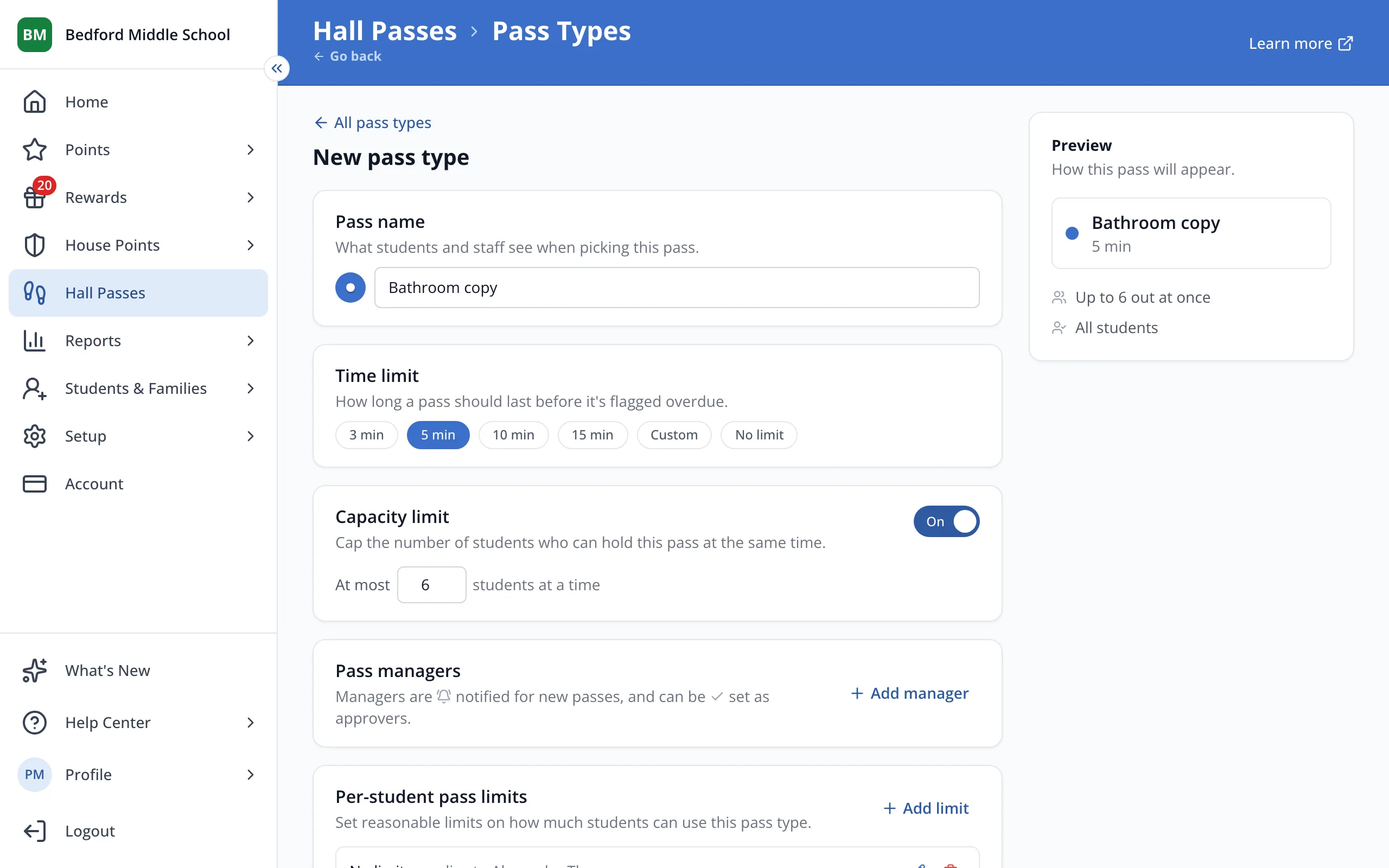
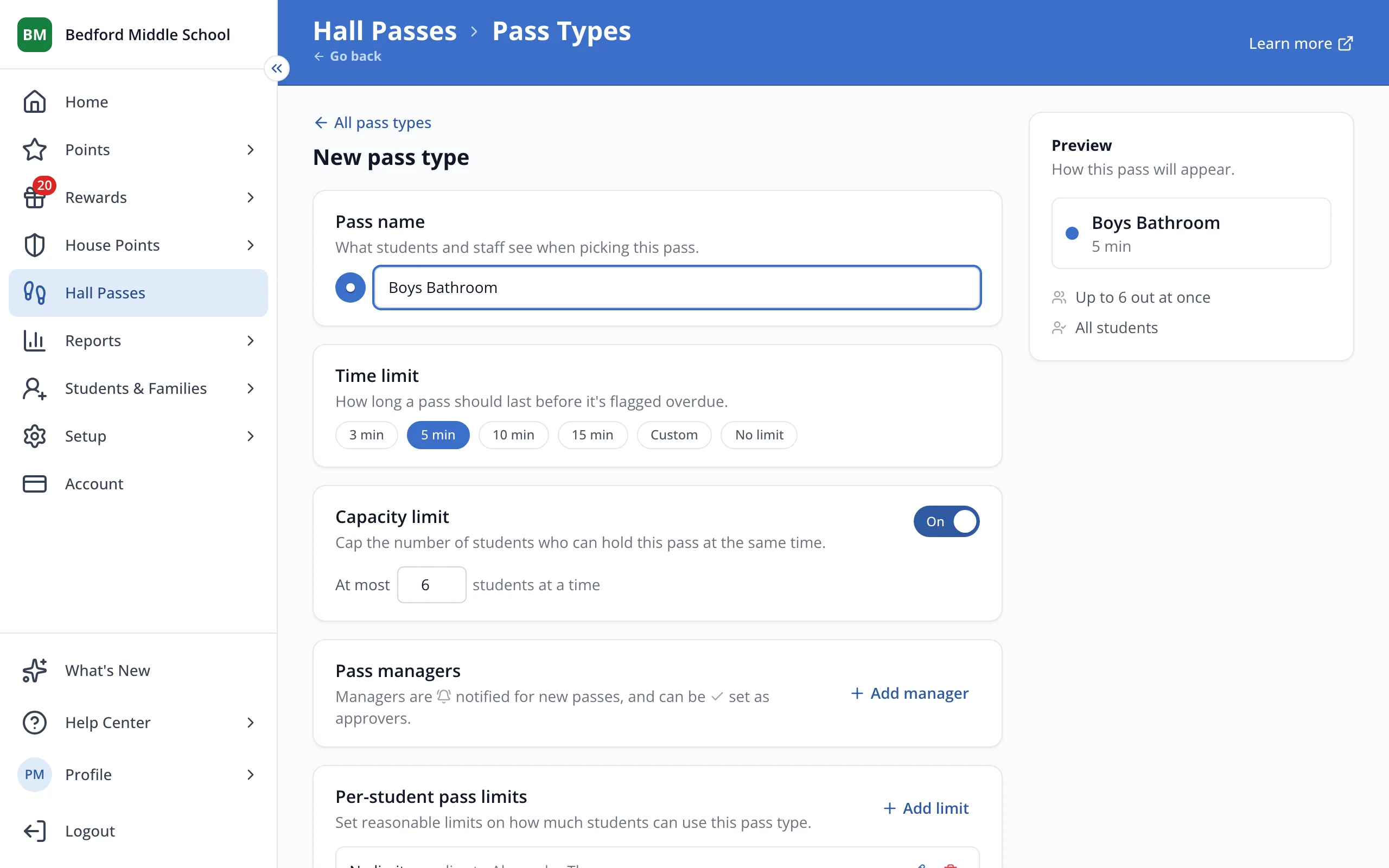
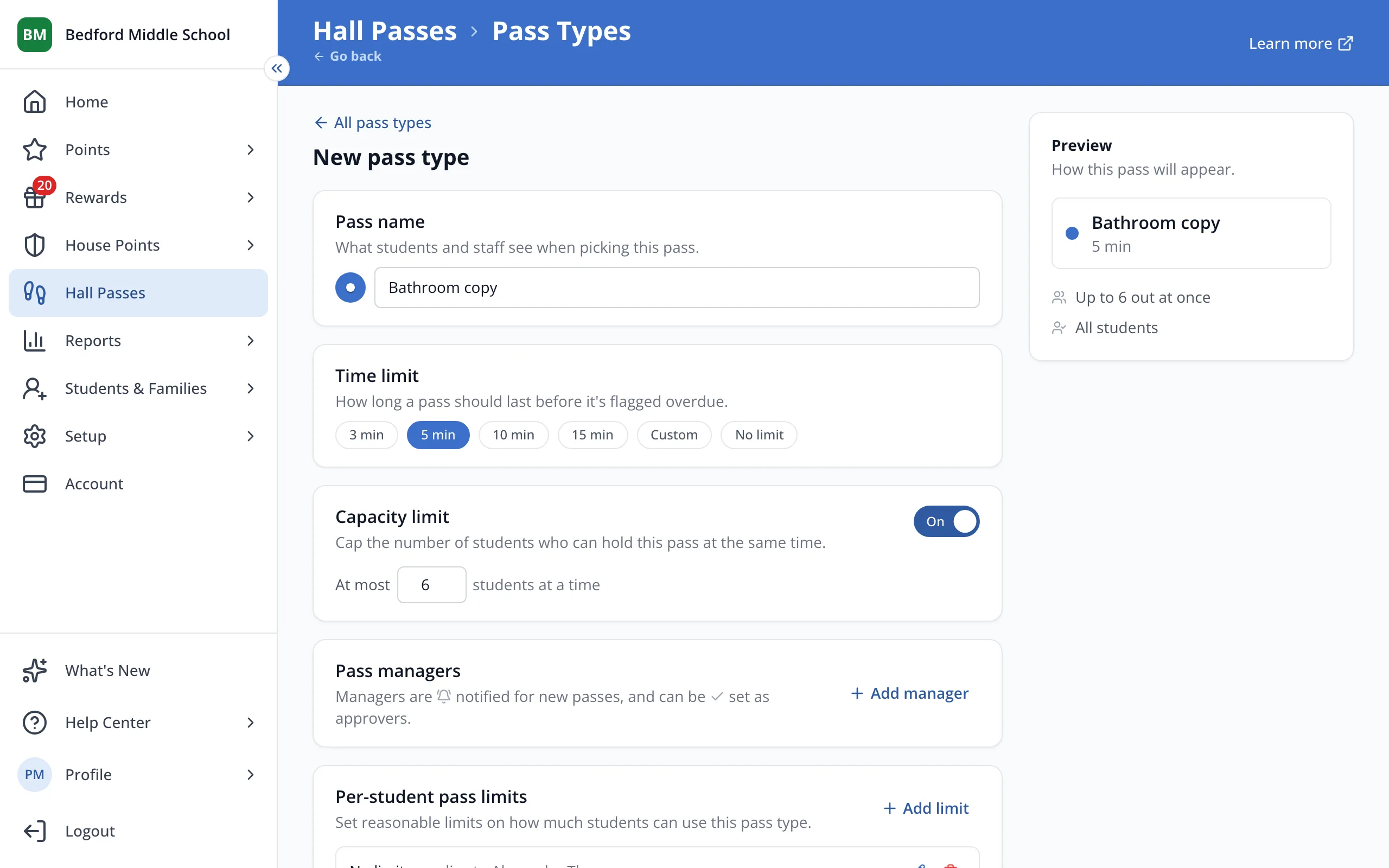
3.Type a name for the new pass type.
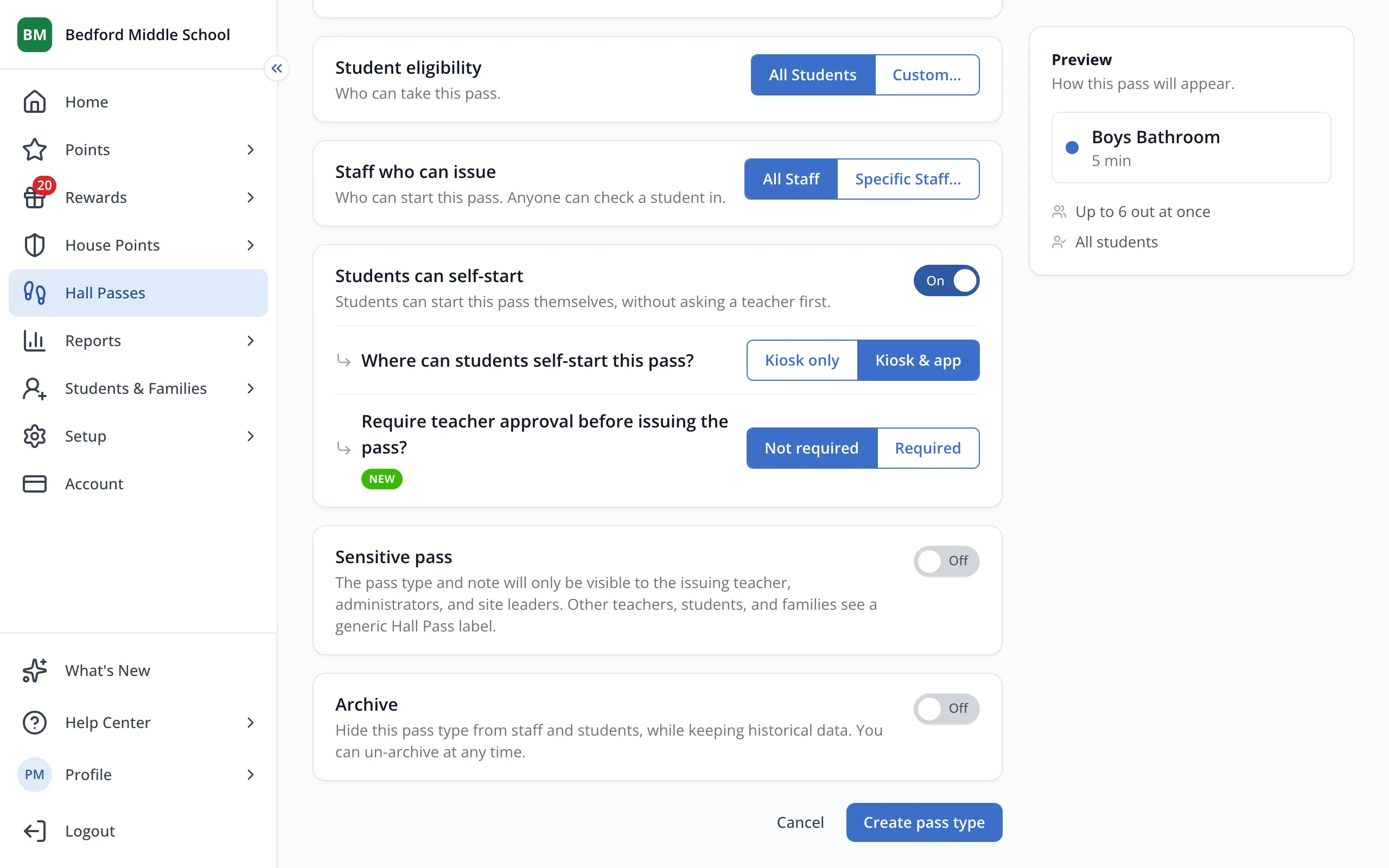
4.Click Create pass type.
5.Change any setting that should be different, like the capacity, and save.