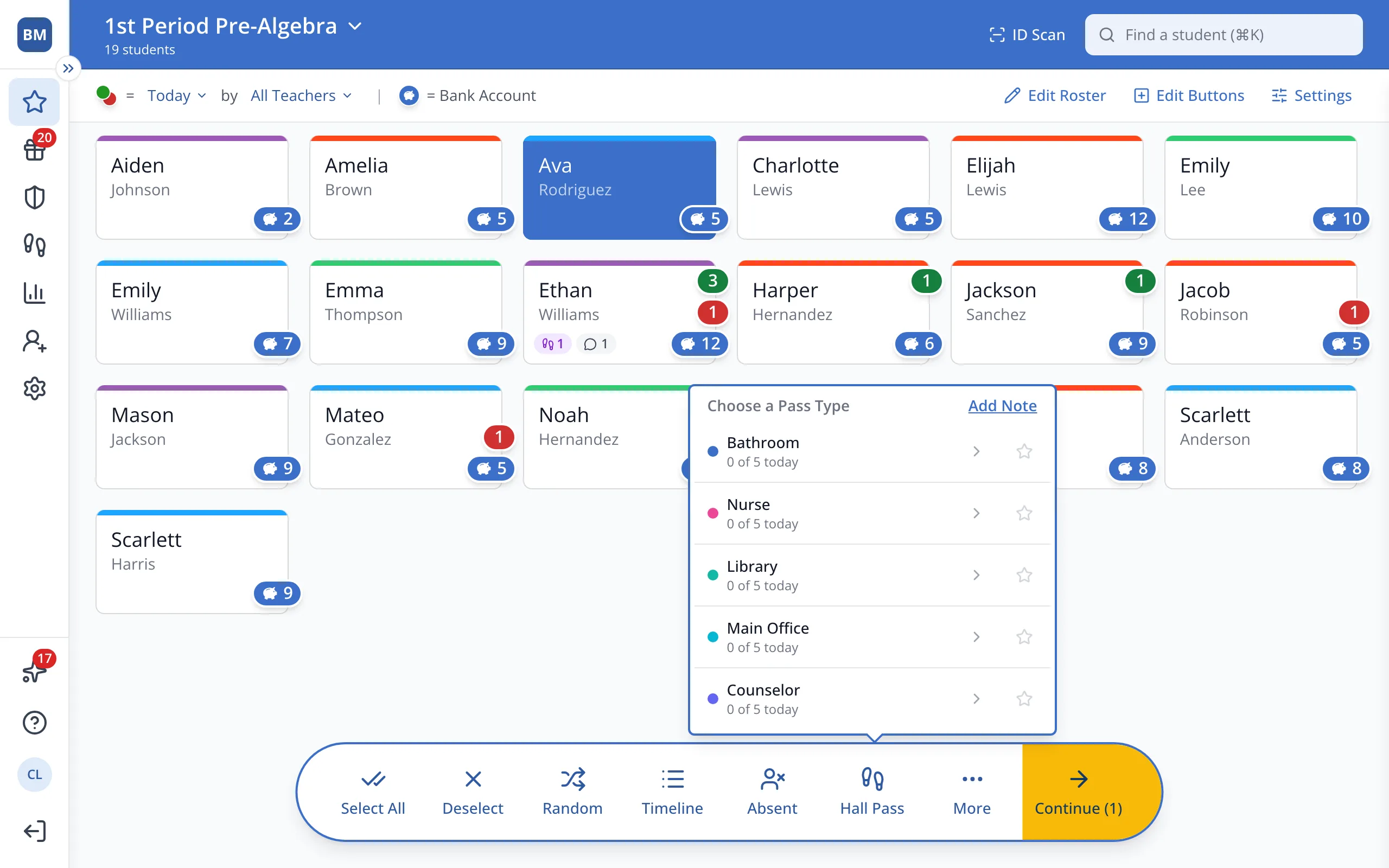
Show your most-used pass type first
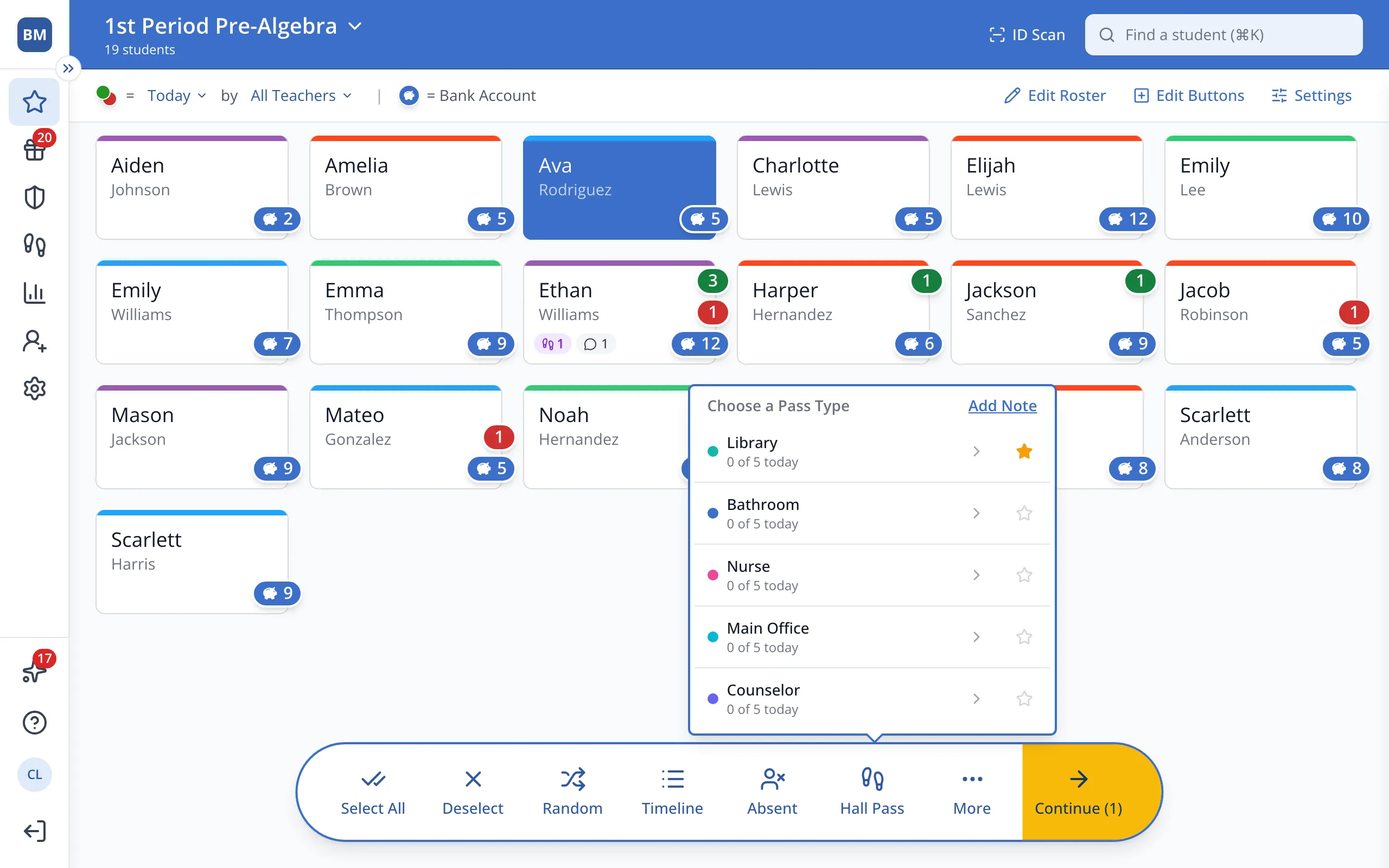
Favorites stay at the top of your pass list, so the ones you use most are one click away.
Use the Left and Right arrow keys to move between steps, and Space to play or pause.
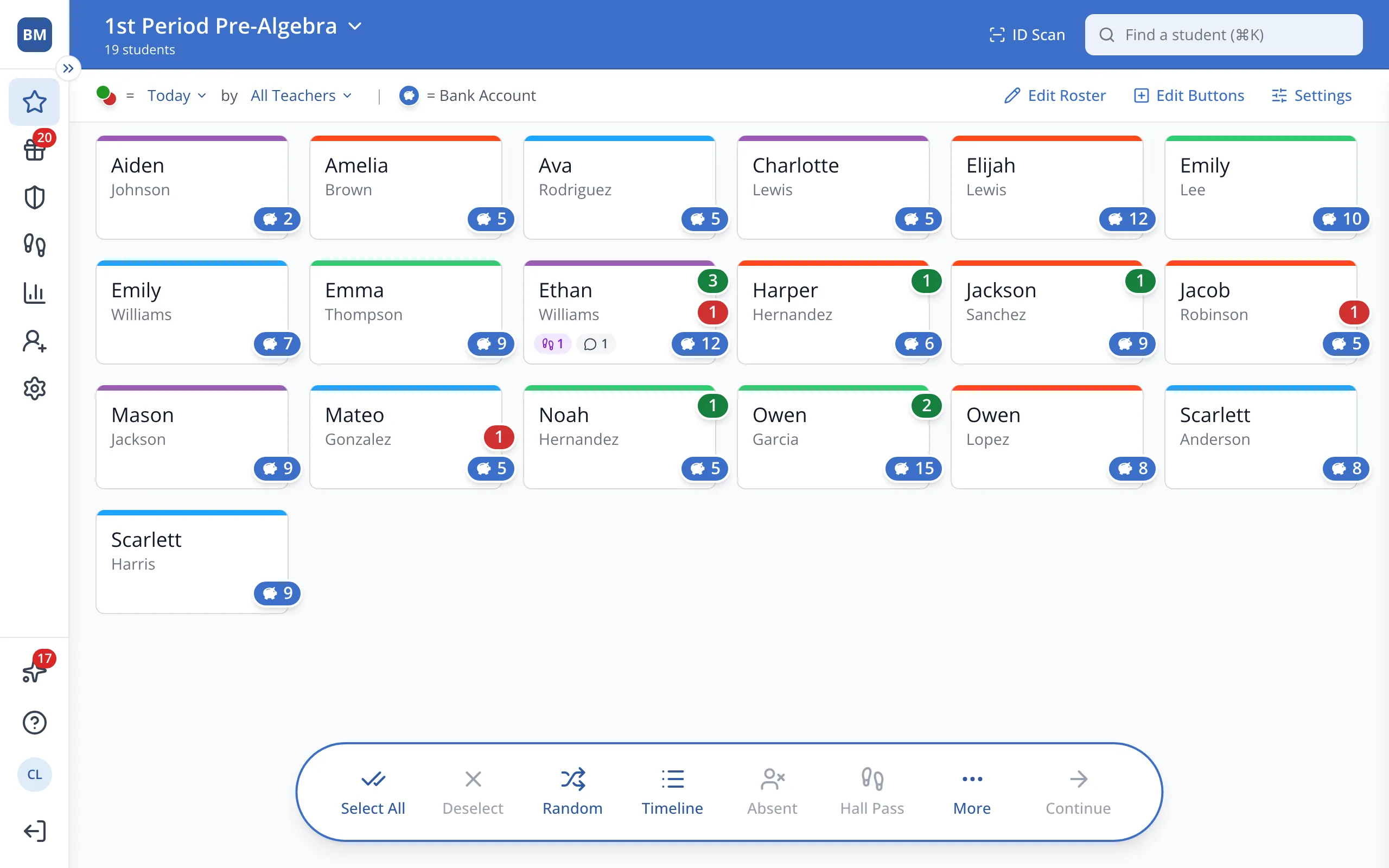
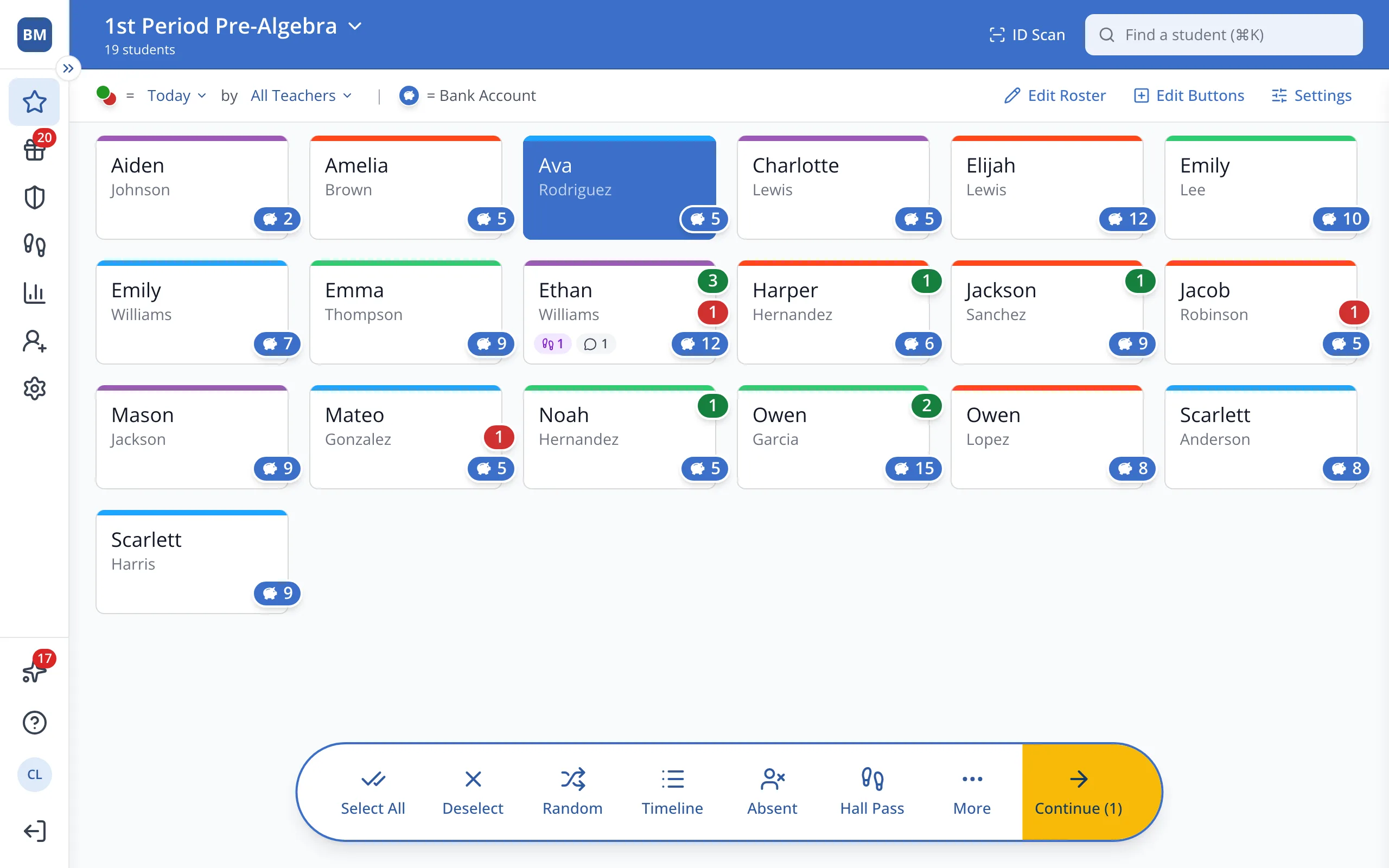
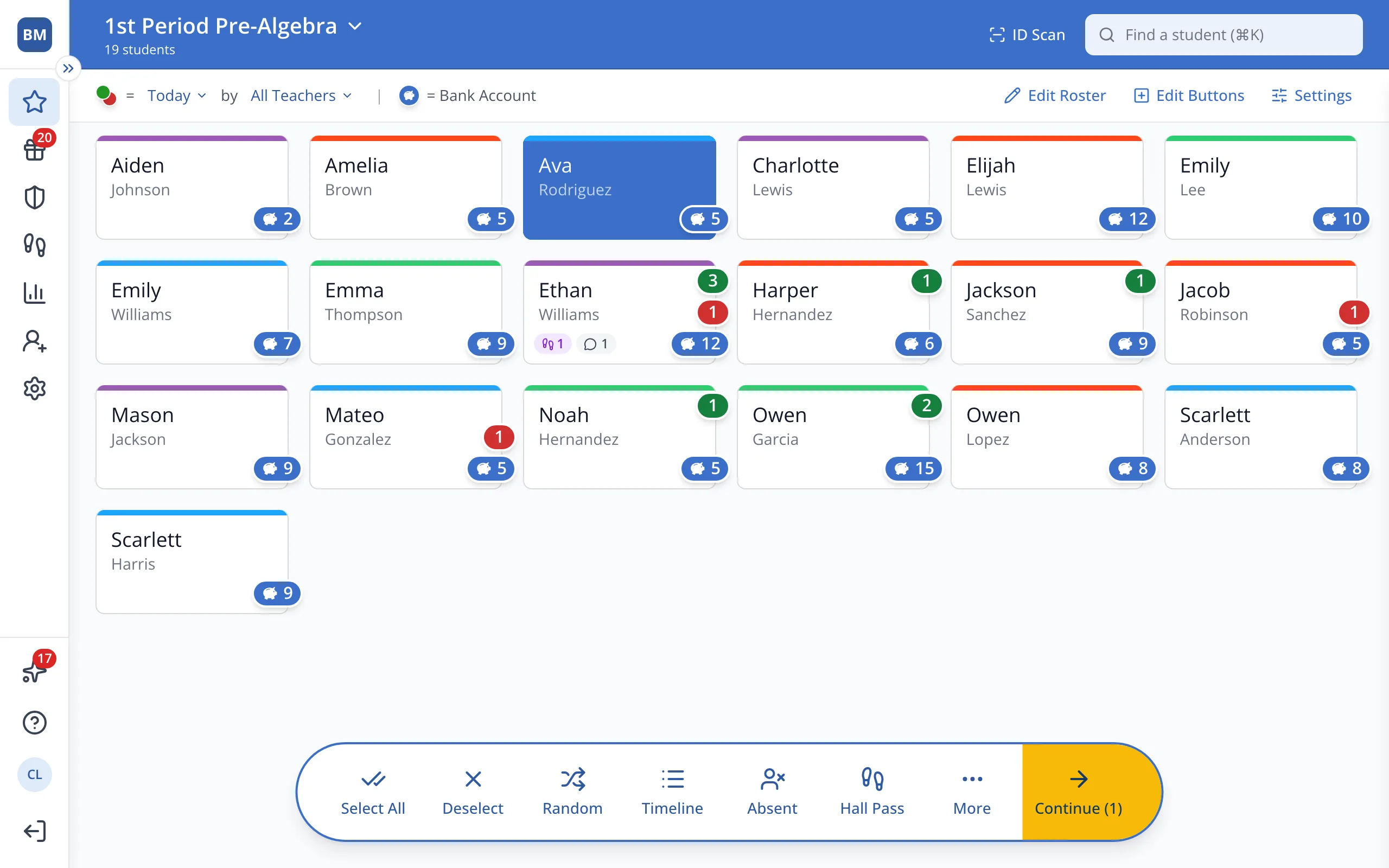
1.On the Points page, click a student's button.
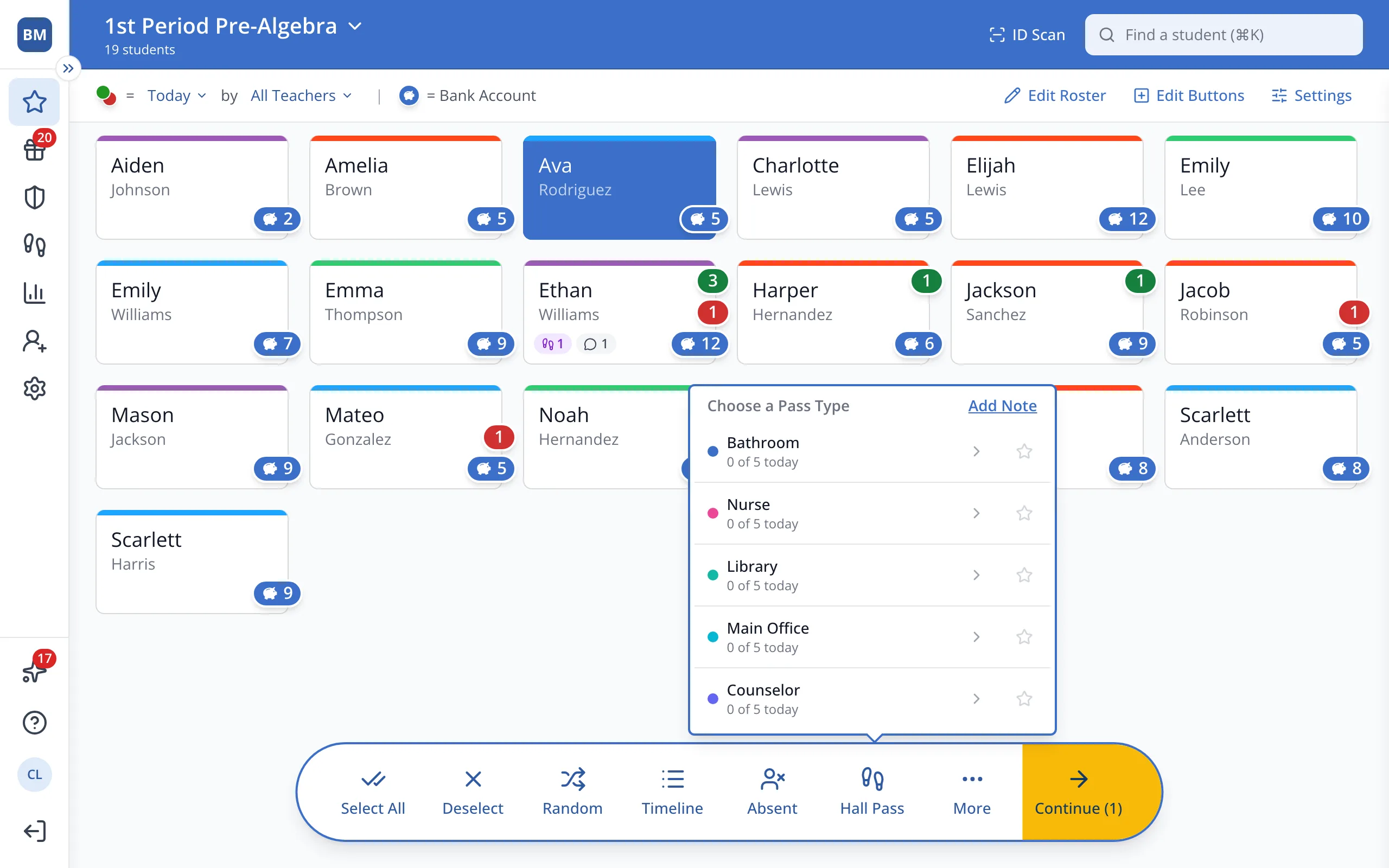
2.In the bar at the bottom, click Hall Pass.
3.Click the star next to the pass type you use most.