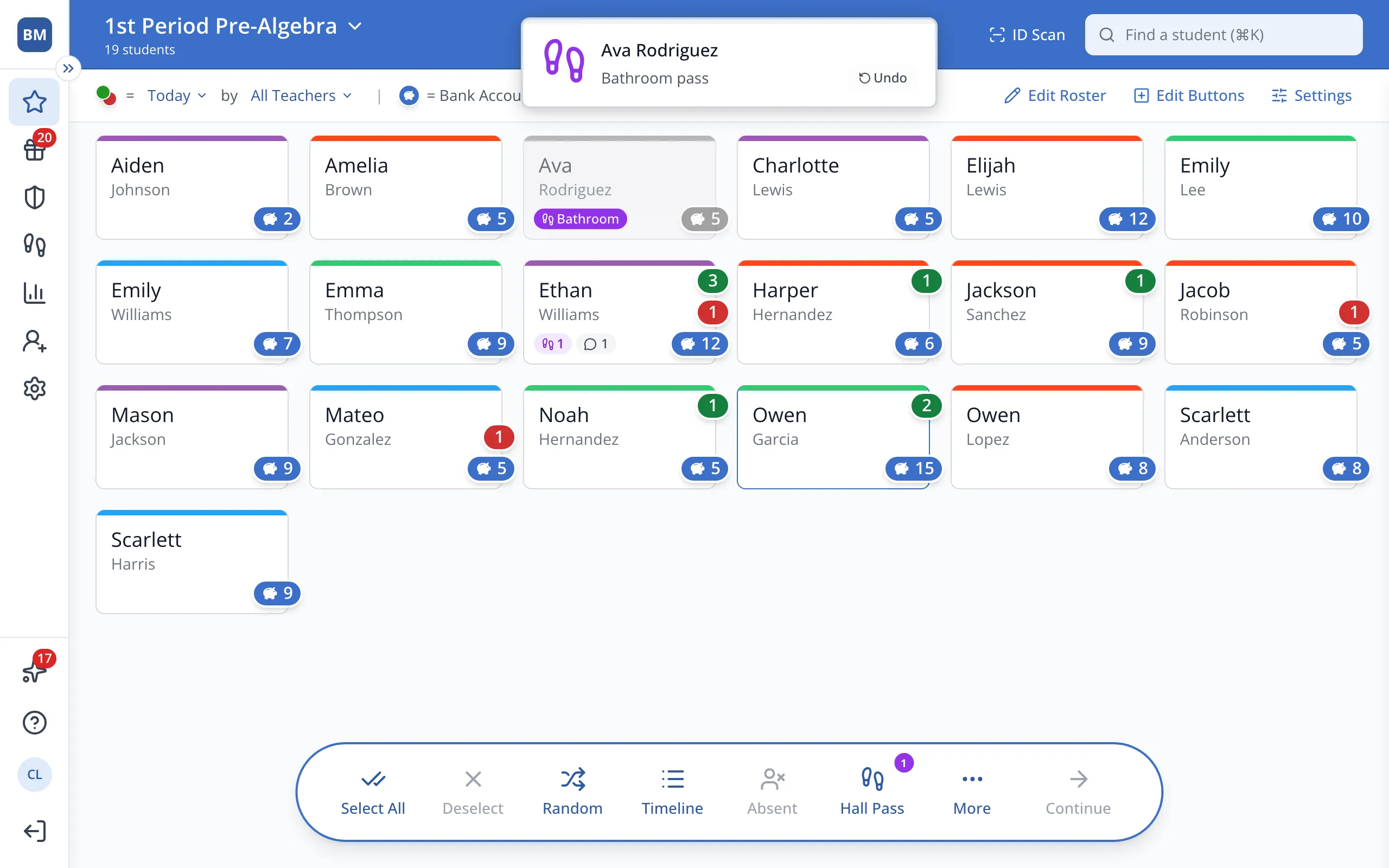
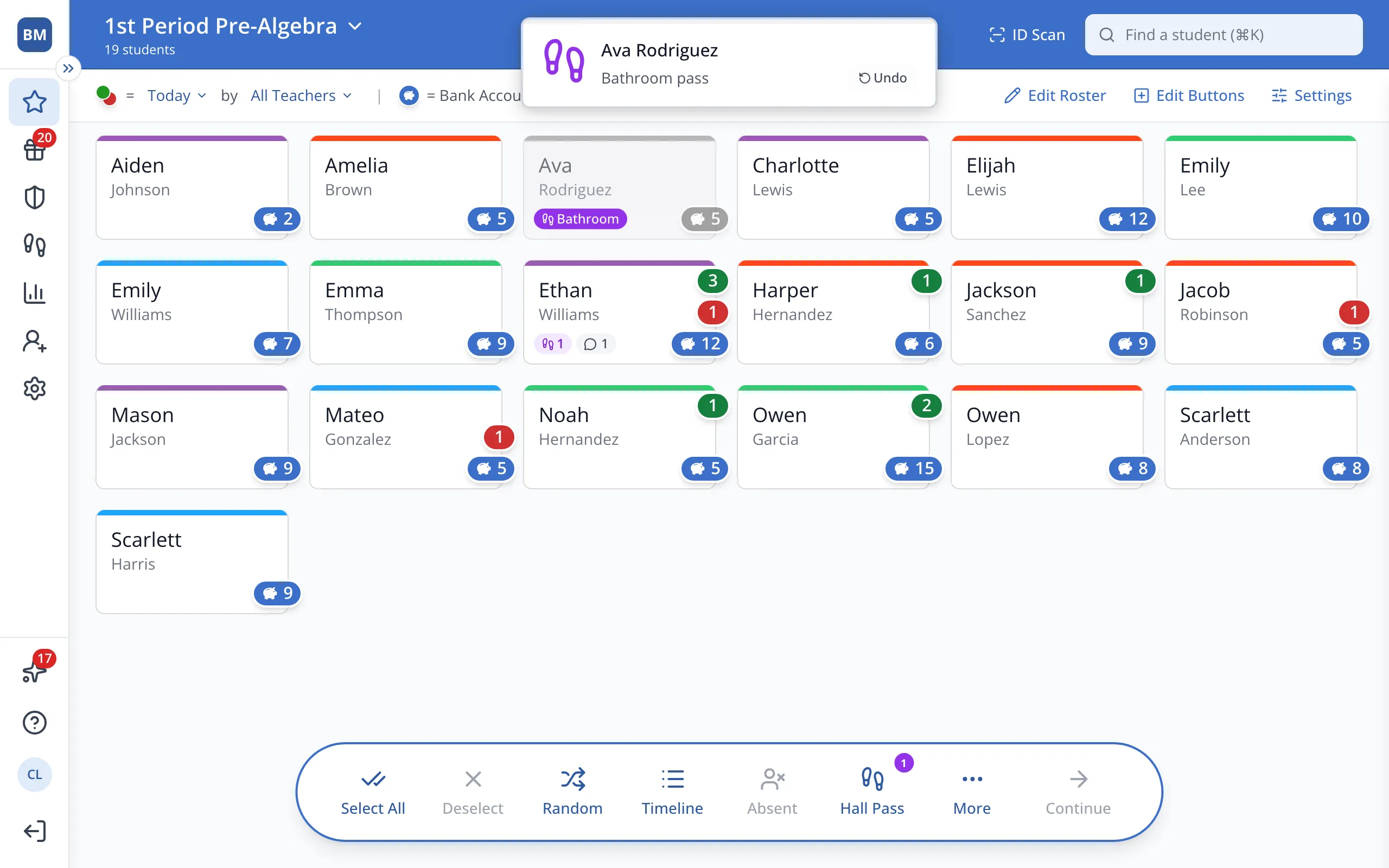
Give a student a hall pass
The pass starts timing right away, and the student shows as out until you check them back in.
Use the Left and Right arrow keys to move between steps, and Space to play or pause.
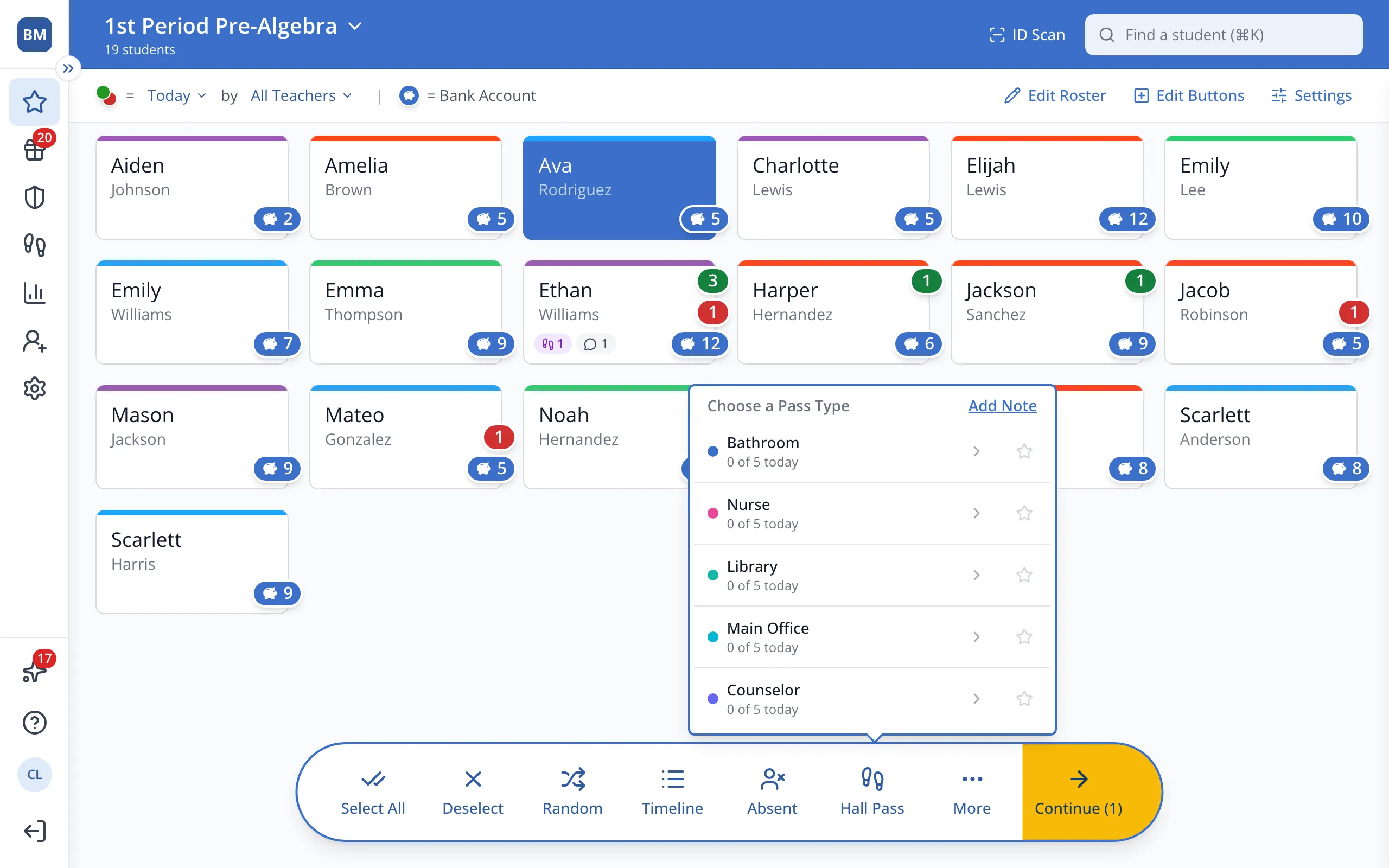
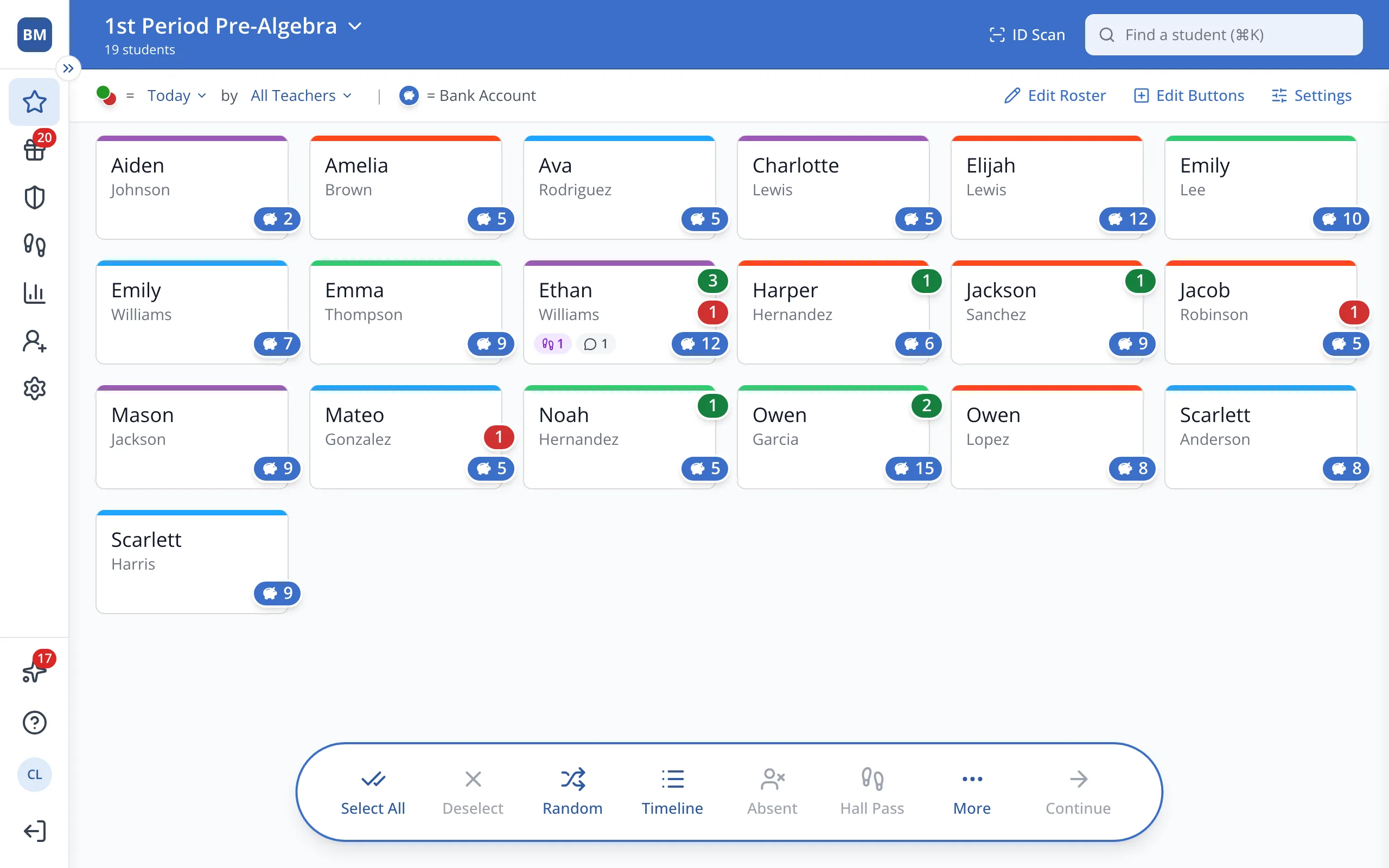
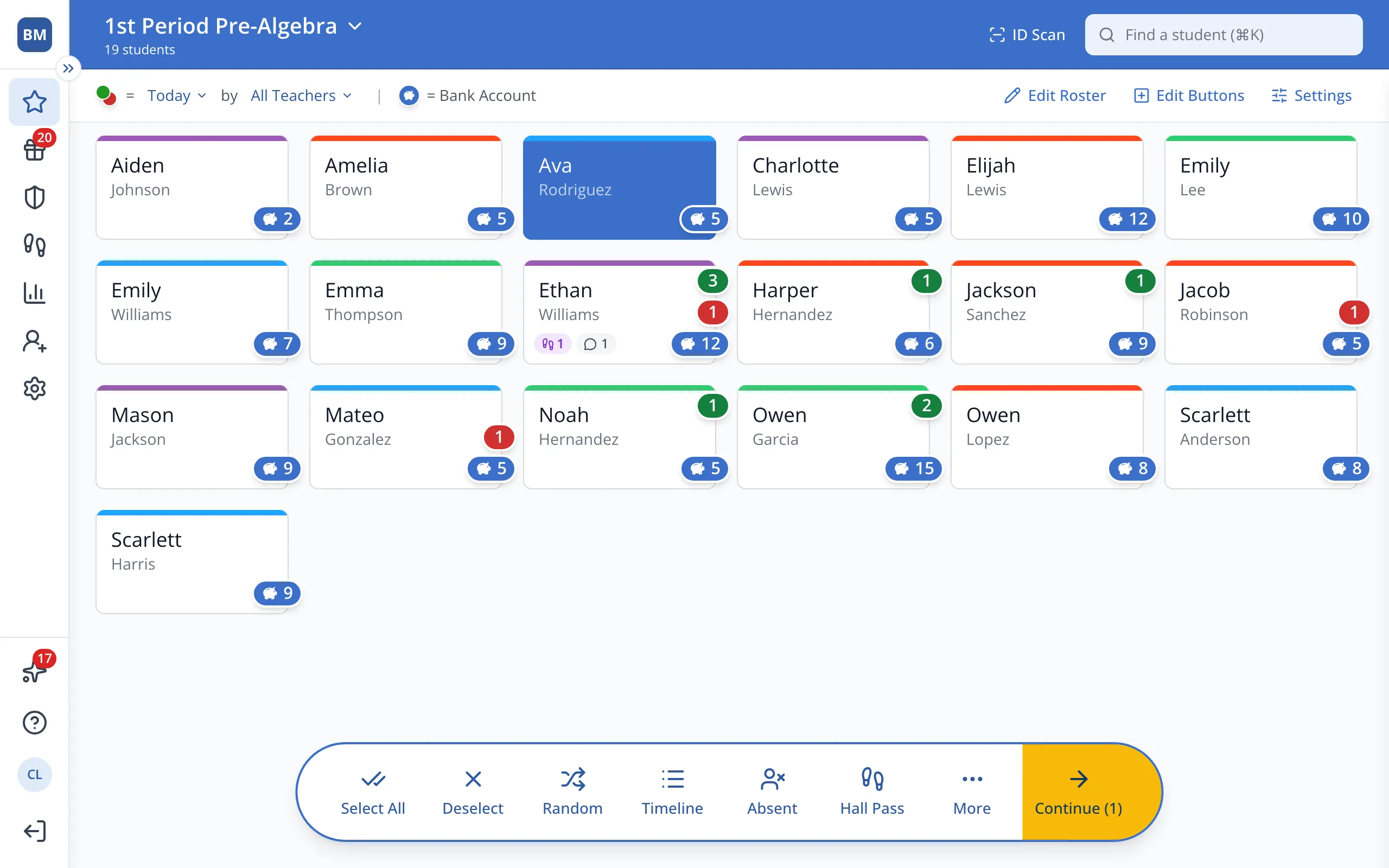
1.On the Points page, click the student's button.
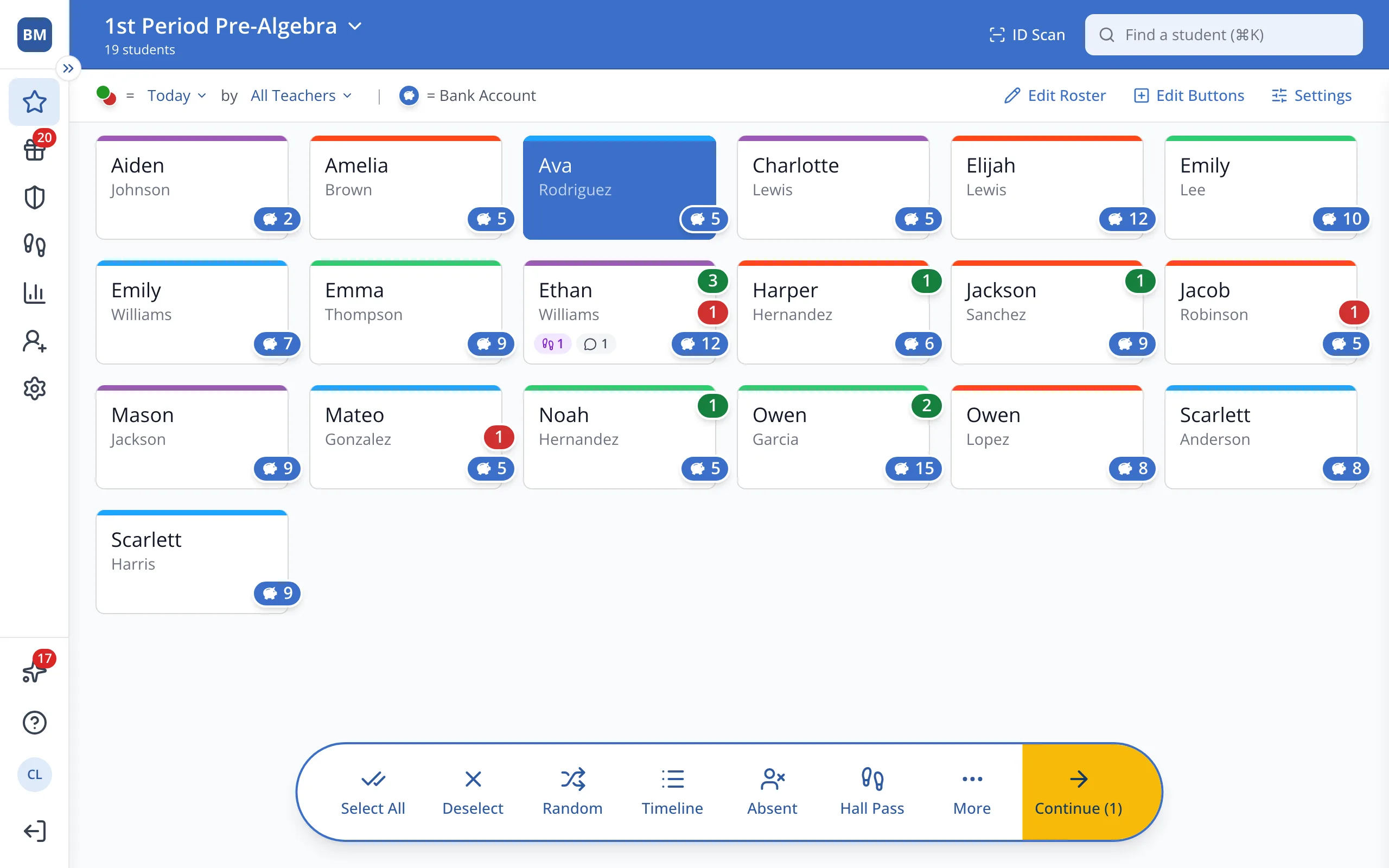
2.In the bar at the bottom, click Hall Pass.
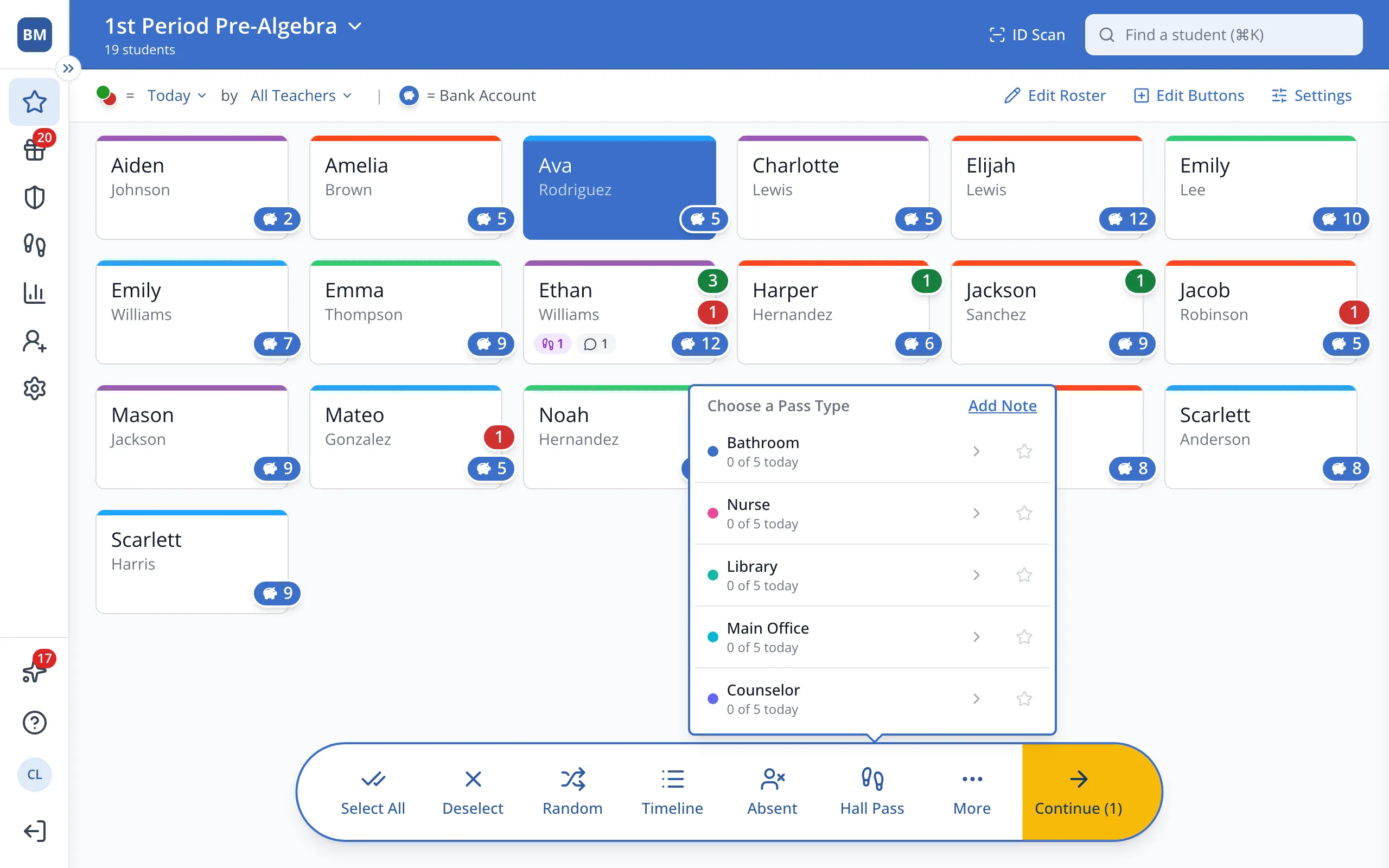
3.Click the pass type you'd like to use.