Choose whose passes can be checked in at a kiosk
A kiosk checks in only passes issued under your account. Schools that ask LiveSchool support can widen it for a shared kiosk, like one in the hallway.
Use the Left and Right arrow keys to move between steps, and Space to play or pause.
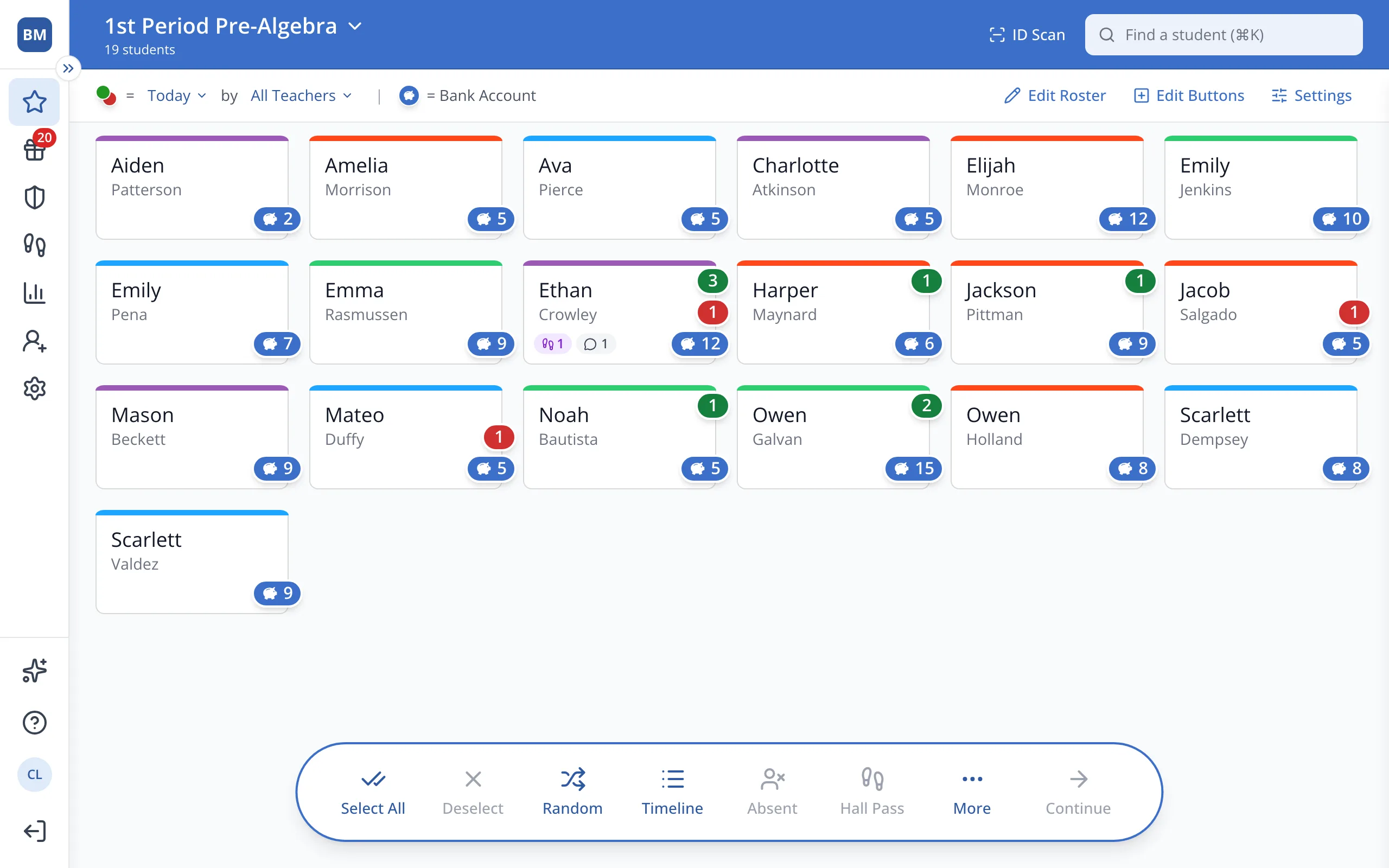
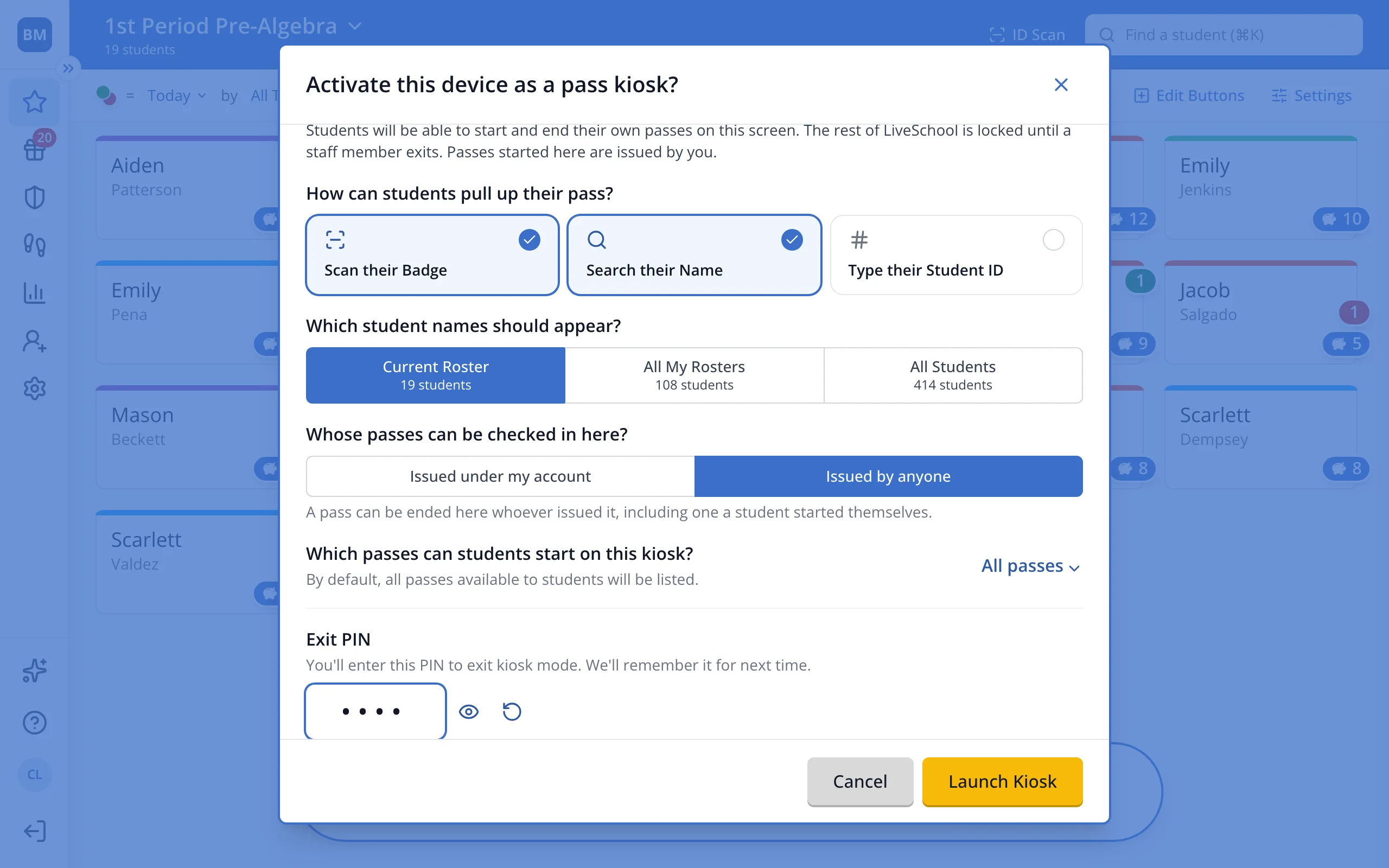
1.In the bar at the bottom, click More.
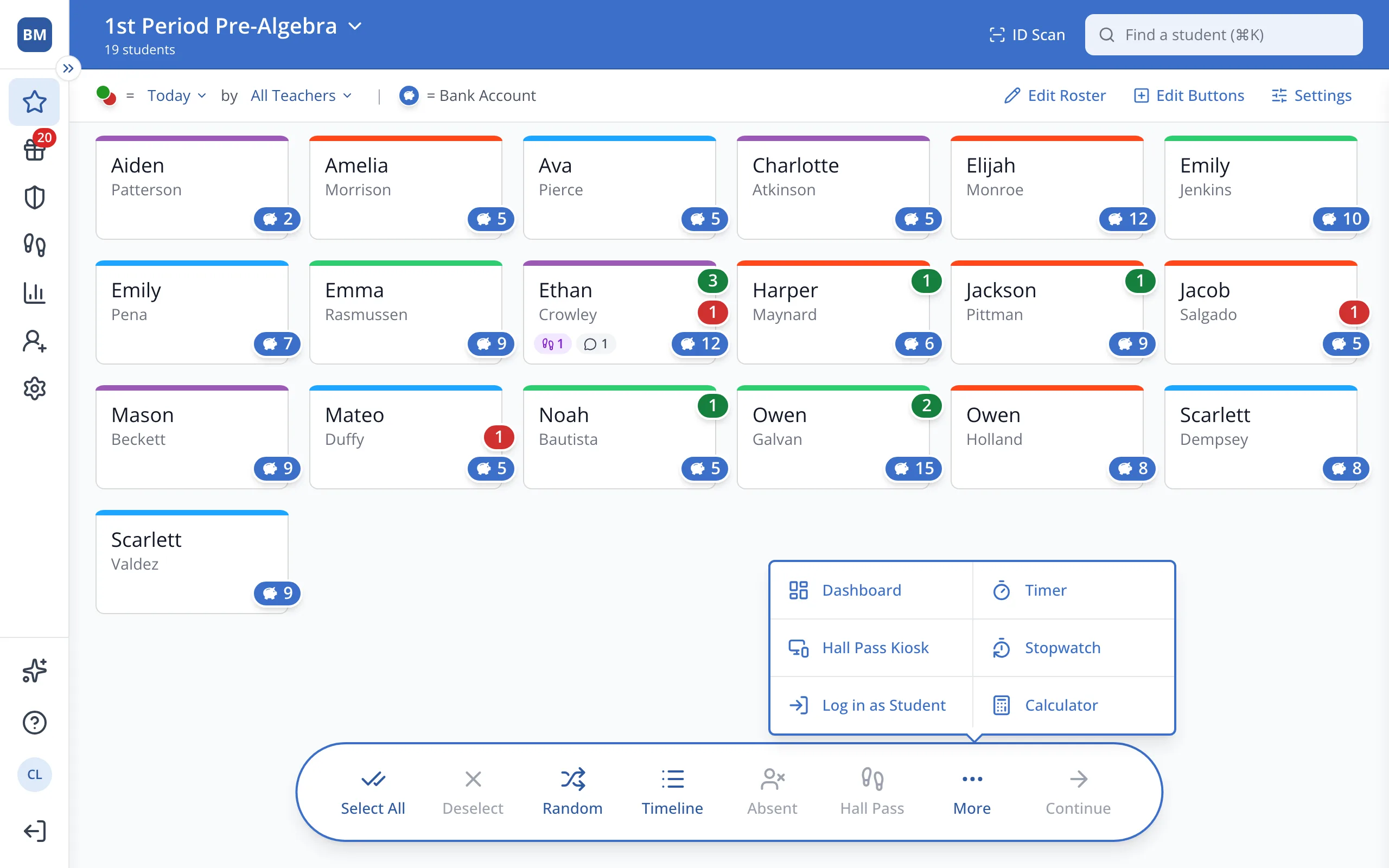
2.Click Hall Pass Kiosk.
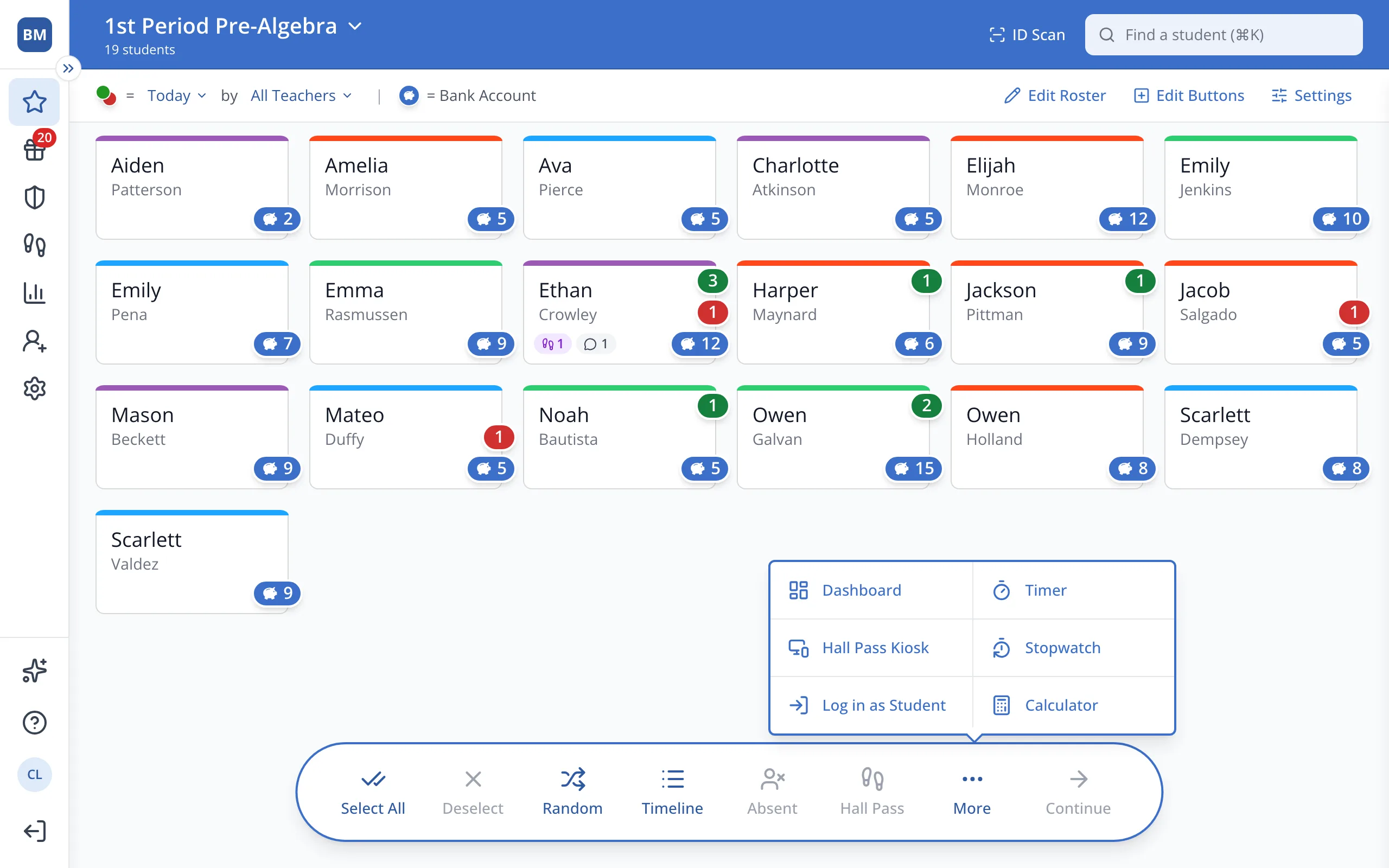
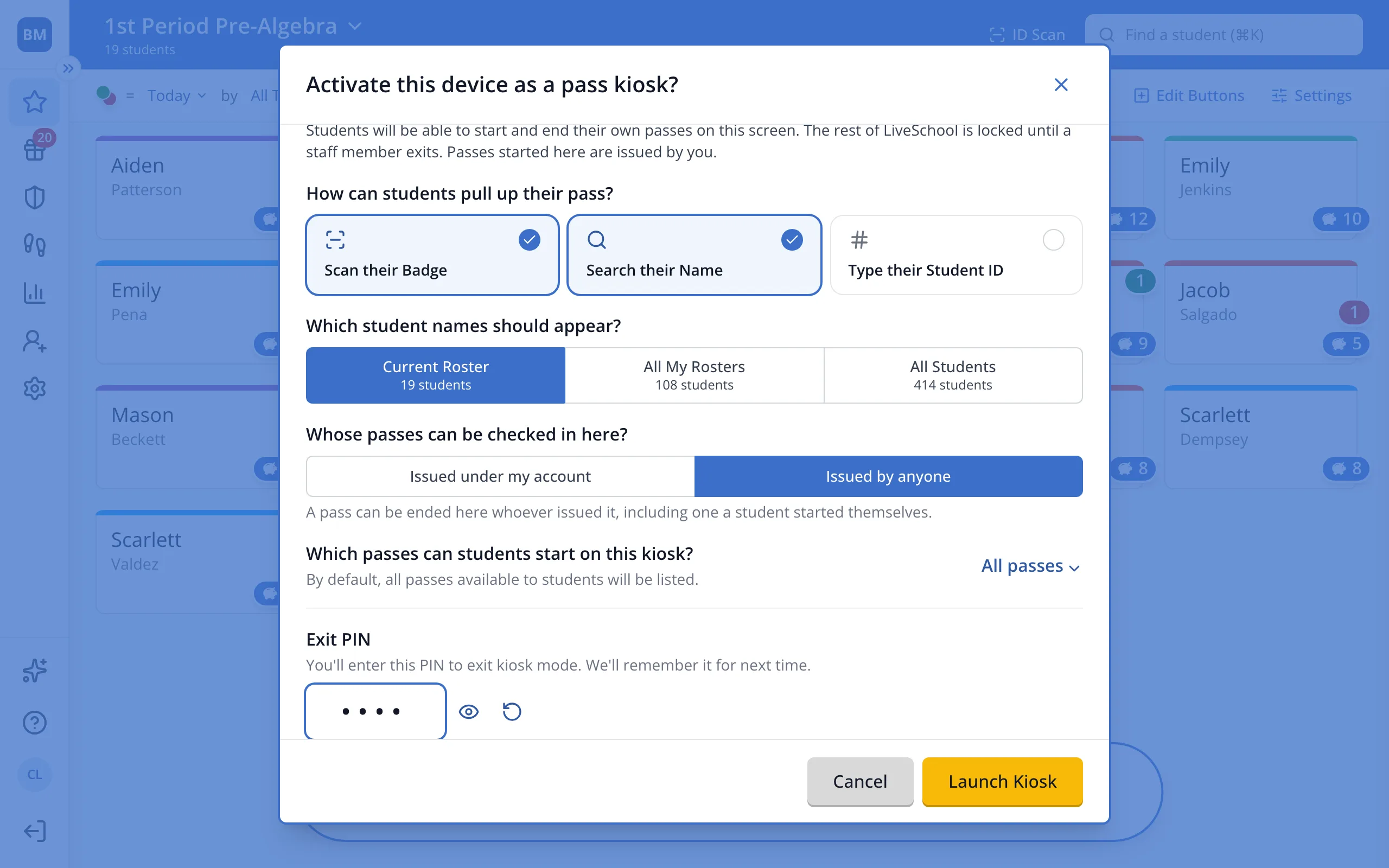
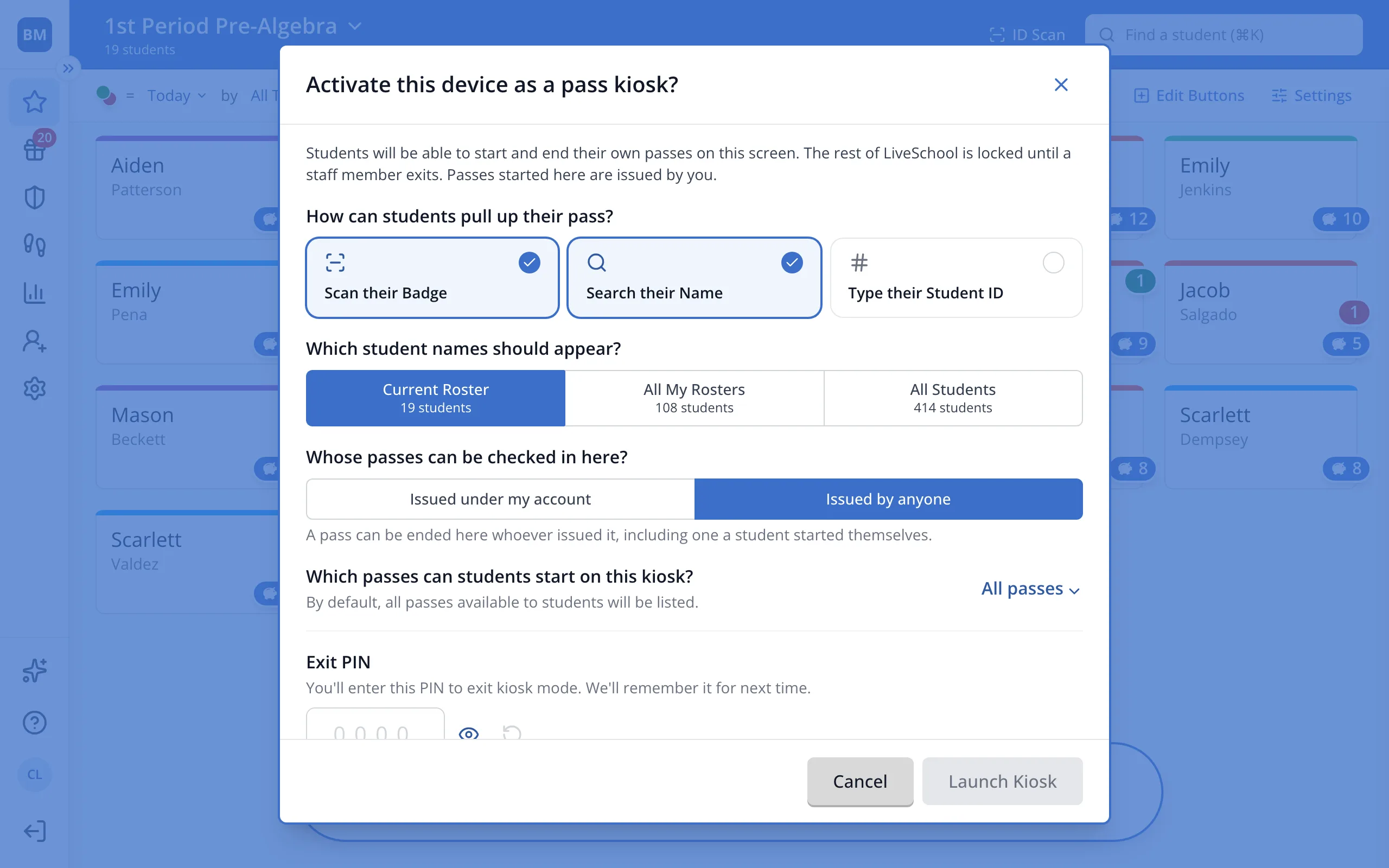
3.Under "Whose passes can be checked in here?", click Issued by anyone to let students check in any pass in the school.
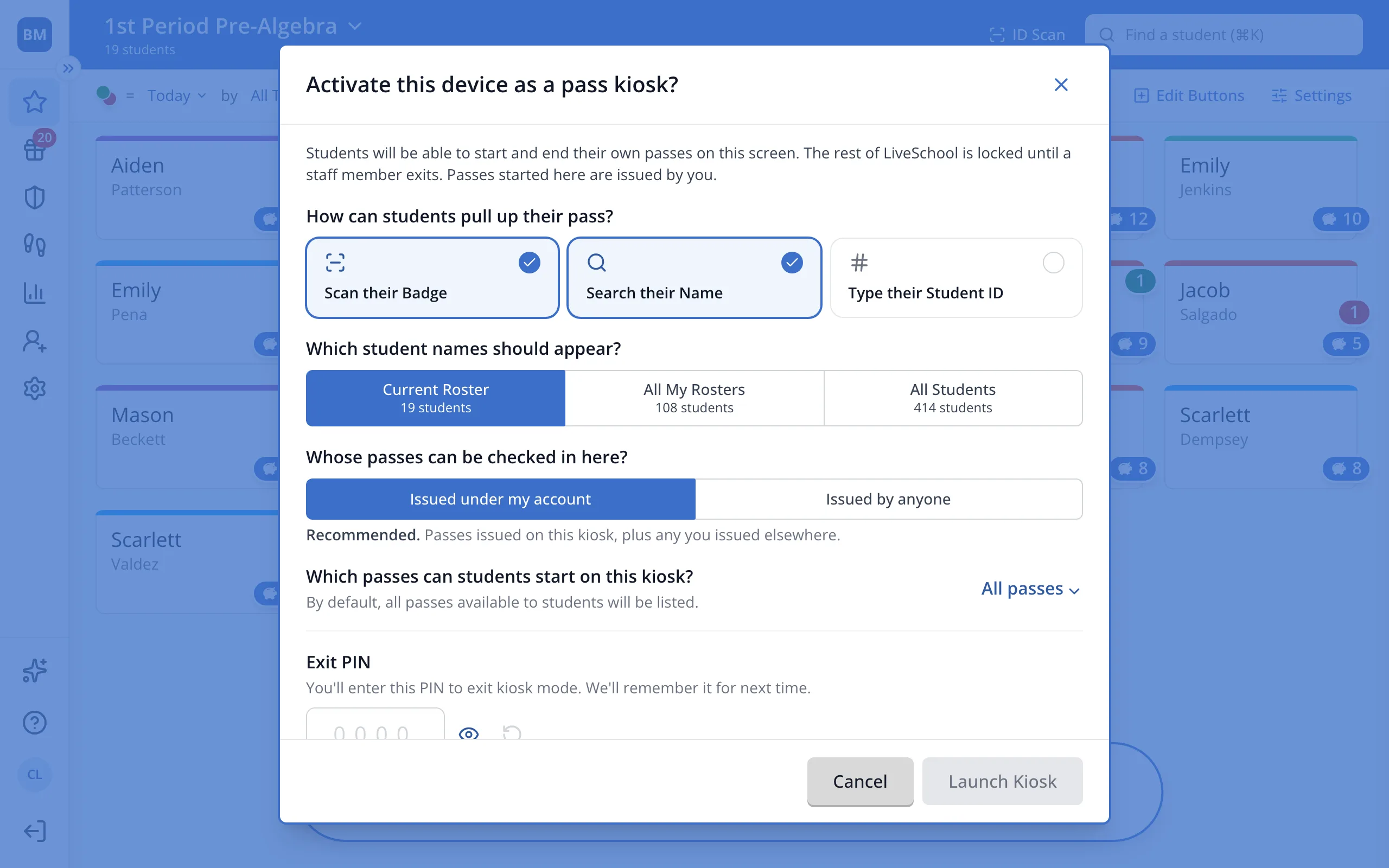
Did you know? This goes back to Issued under my account each time you launch a kiosk.
4.Type a 4-digit PIN you'll use to leave the kiosk.
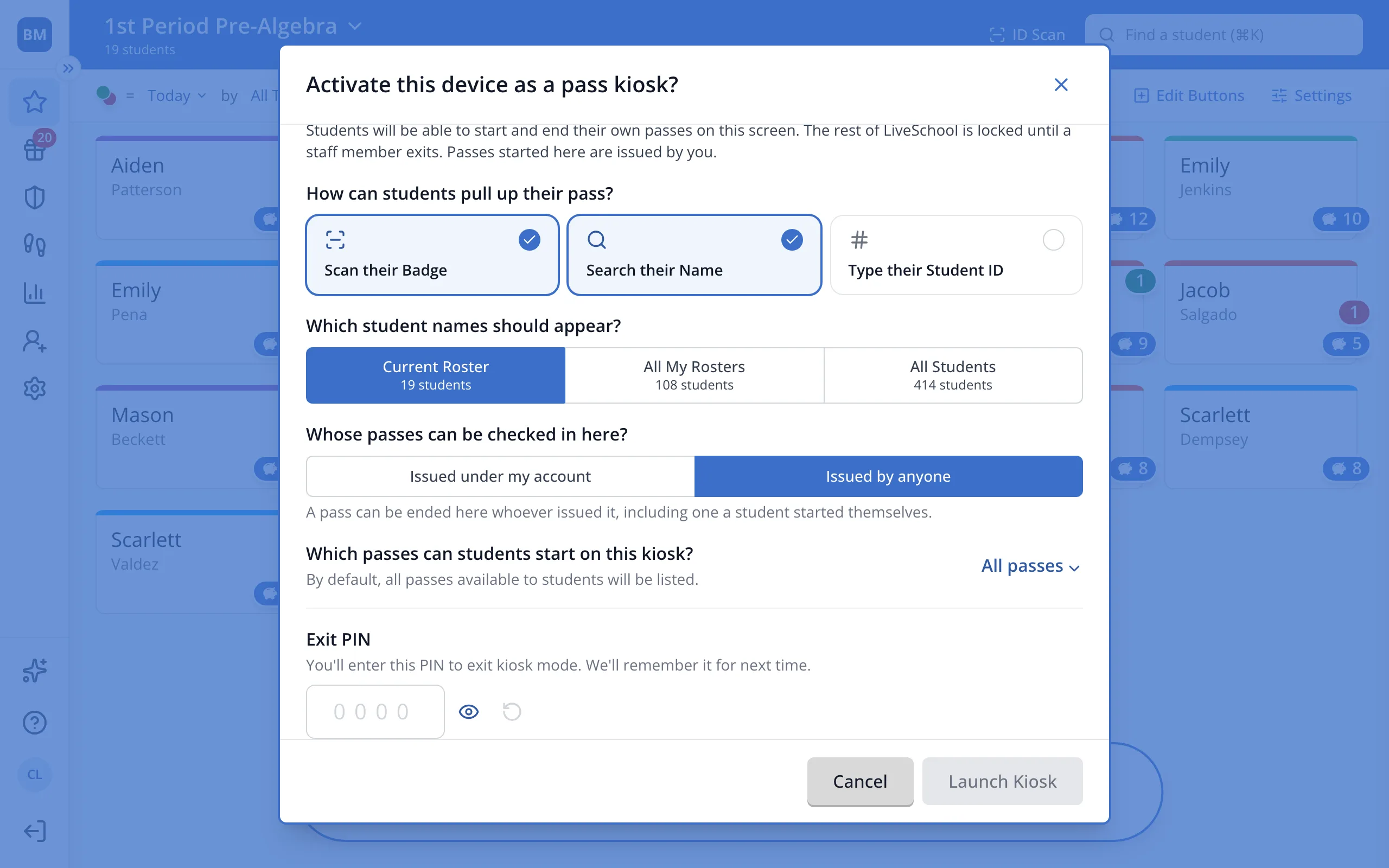
5.Click Launch Kiosk.