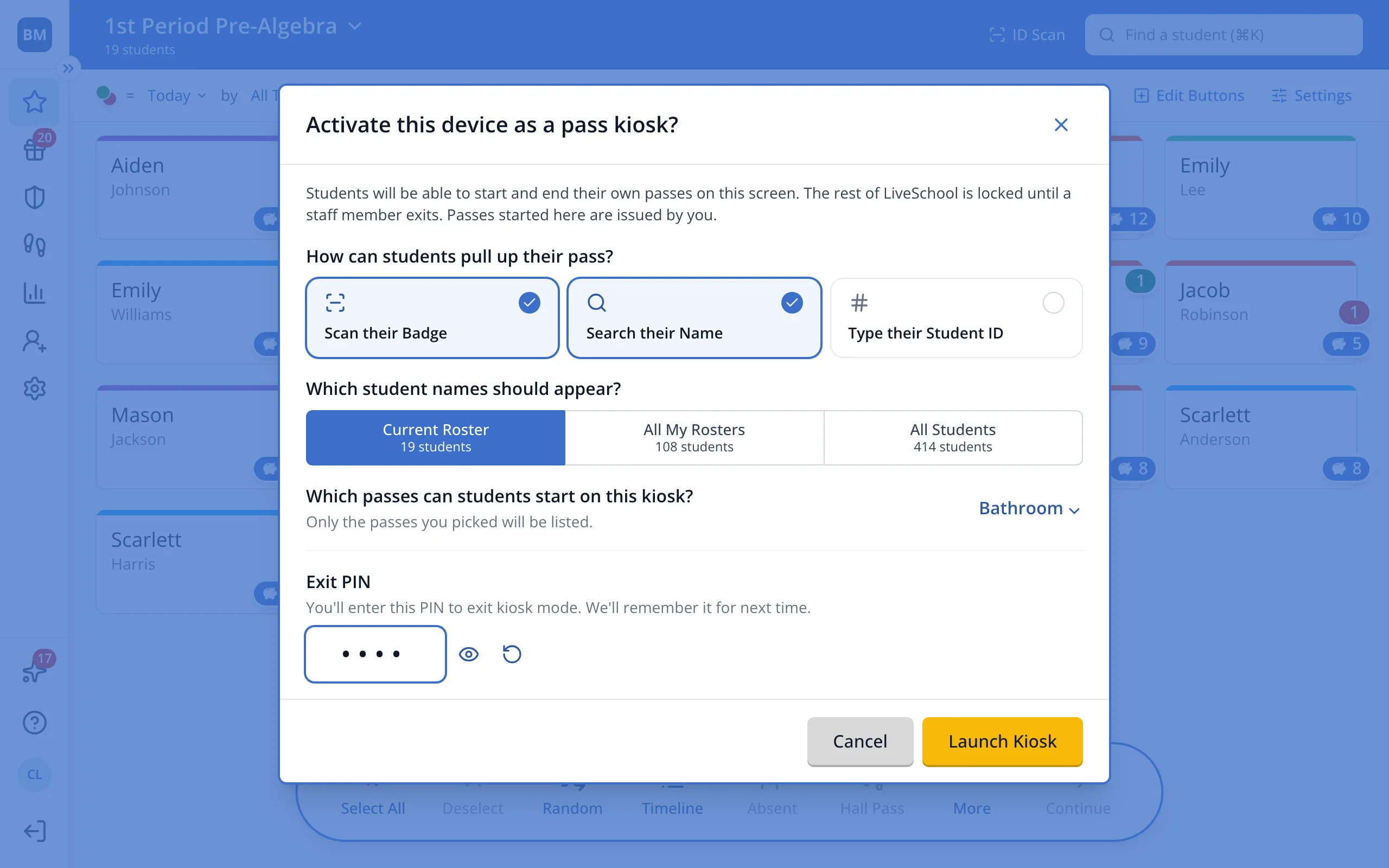
Choose which pass types show on a kiosk
Select specific passes that you want available to students at the kiosk. If a pass is missing from the list, ask an Administrator to enable that option.
Use the Left and Right arrow keys to move between steps, and Space to play or pause.
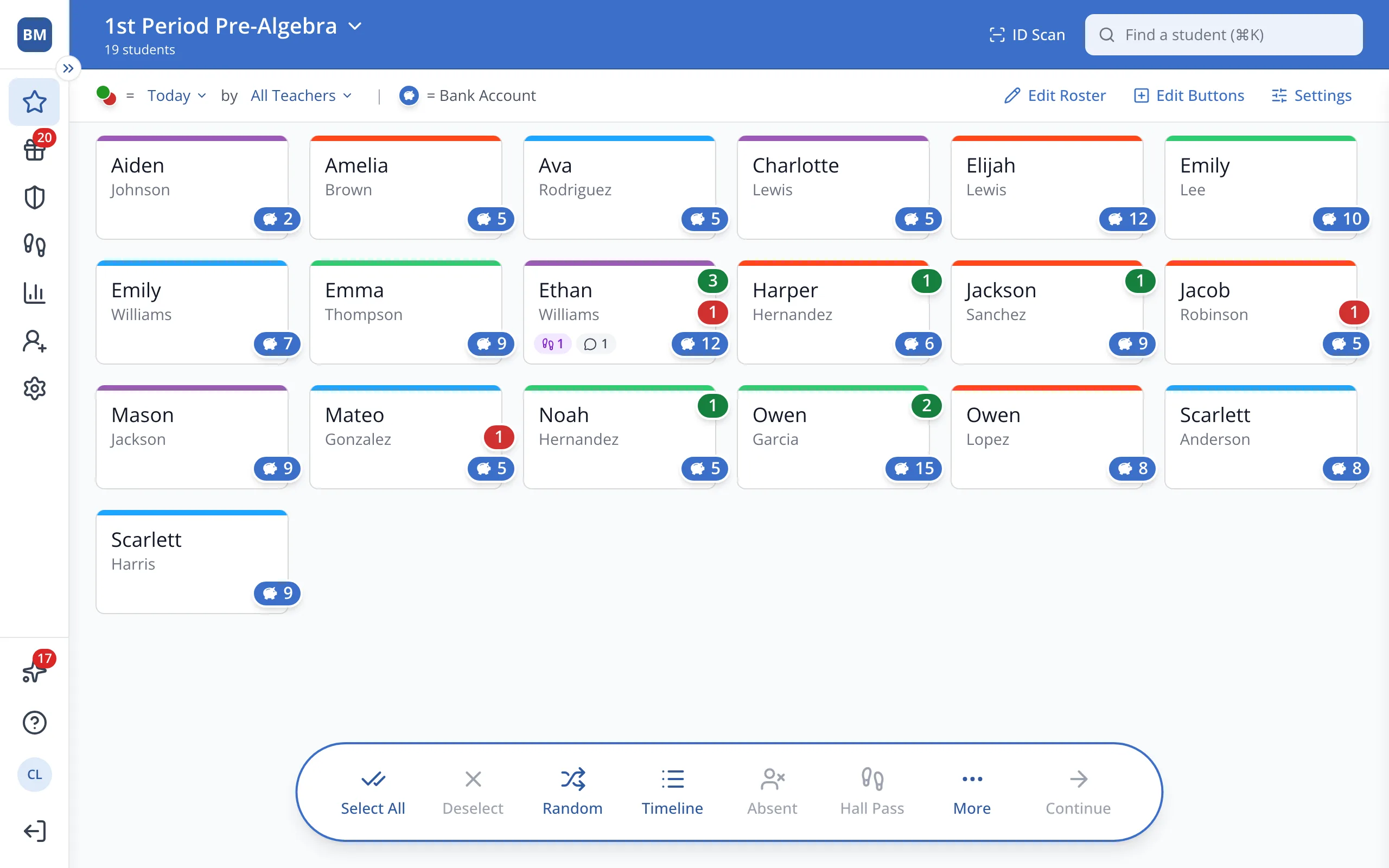
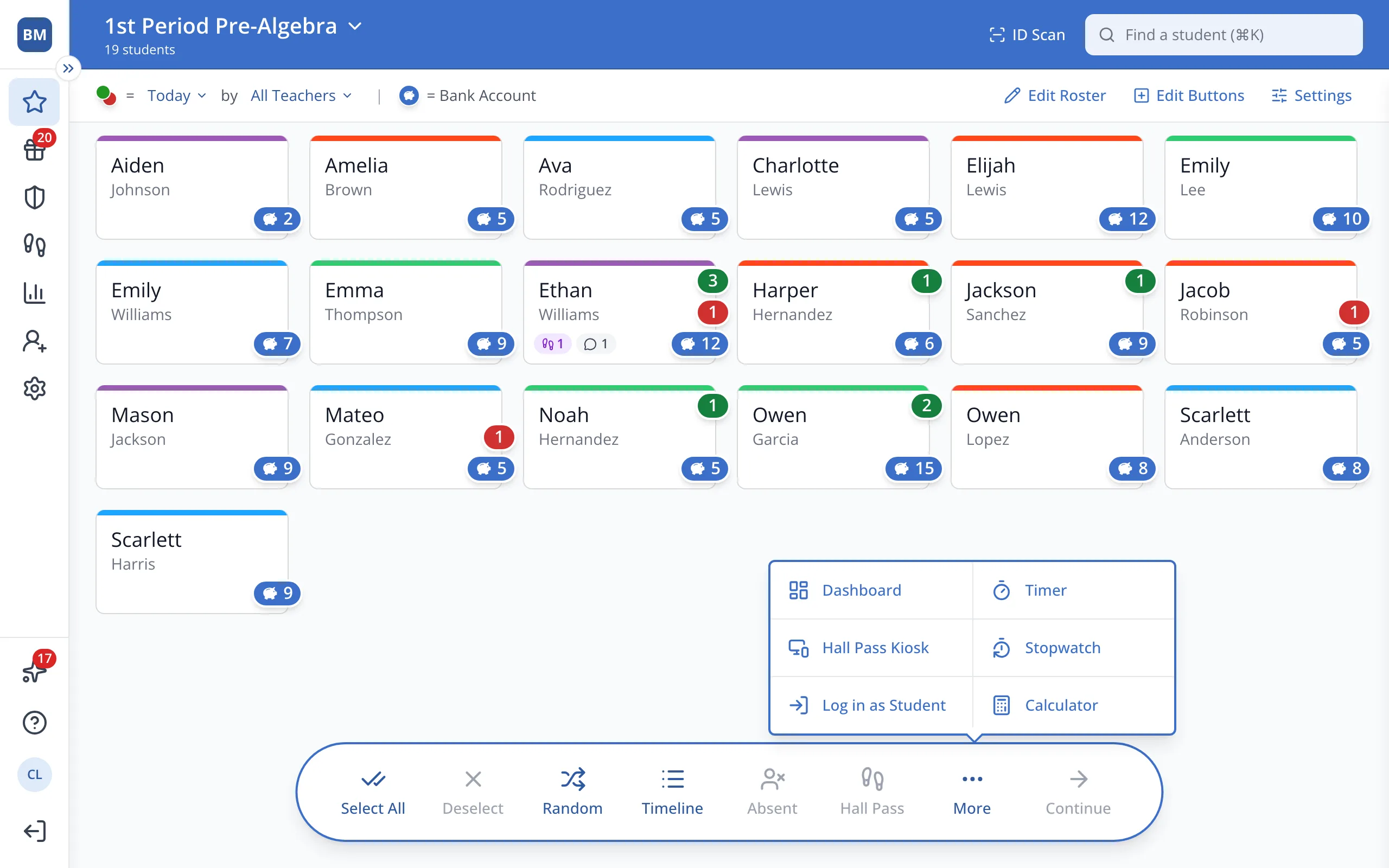
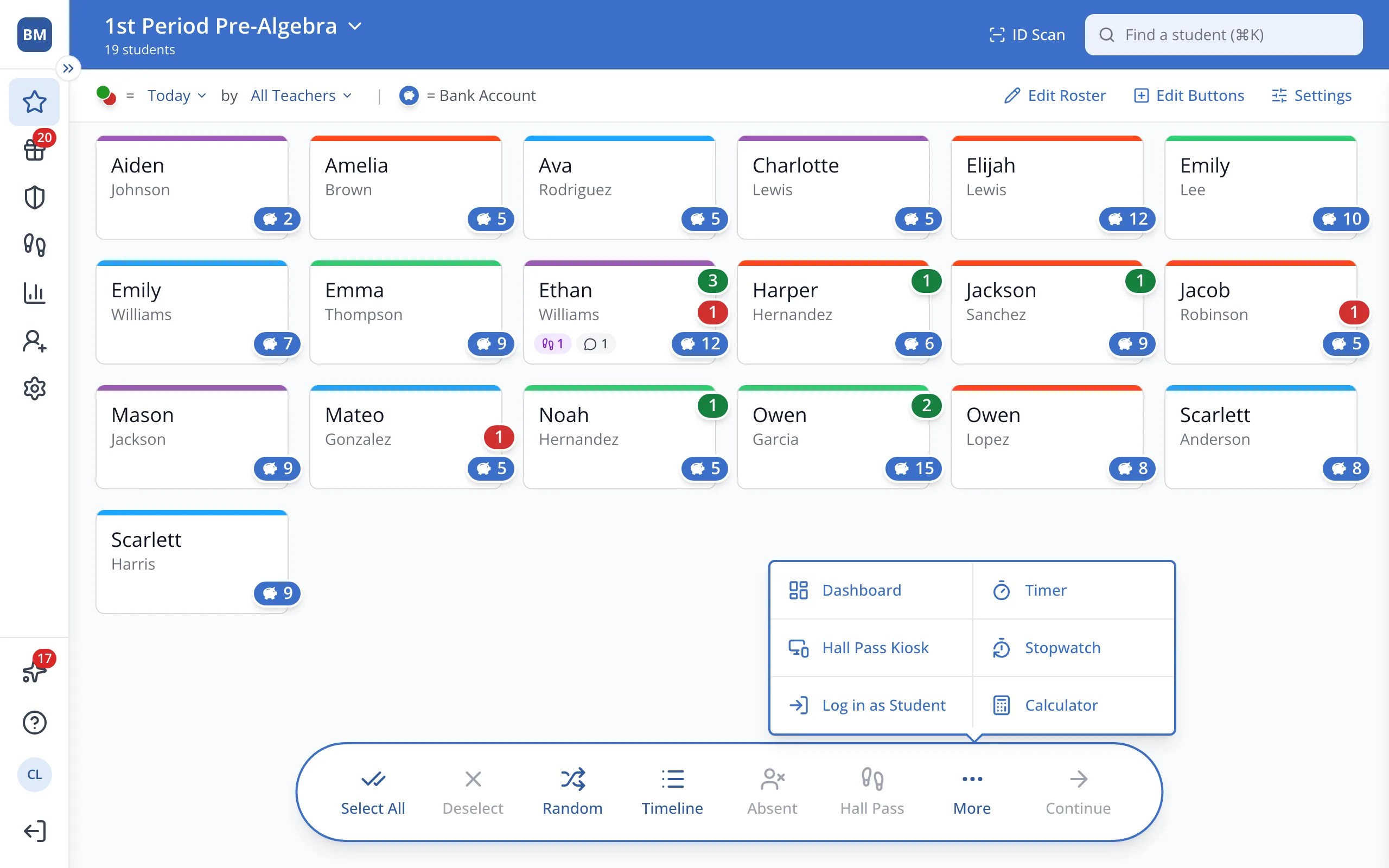
1.In the bar at the bottom of the Points page, click More.
2.Click Hall Pass Kiosk.
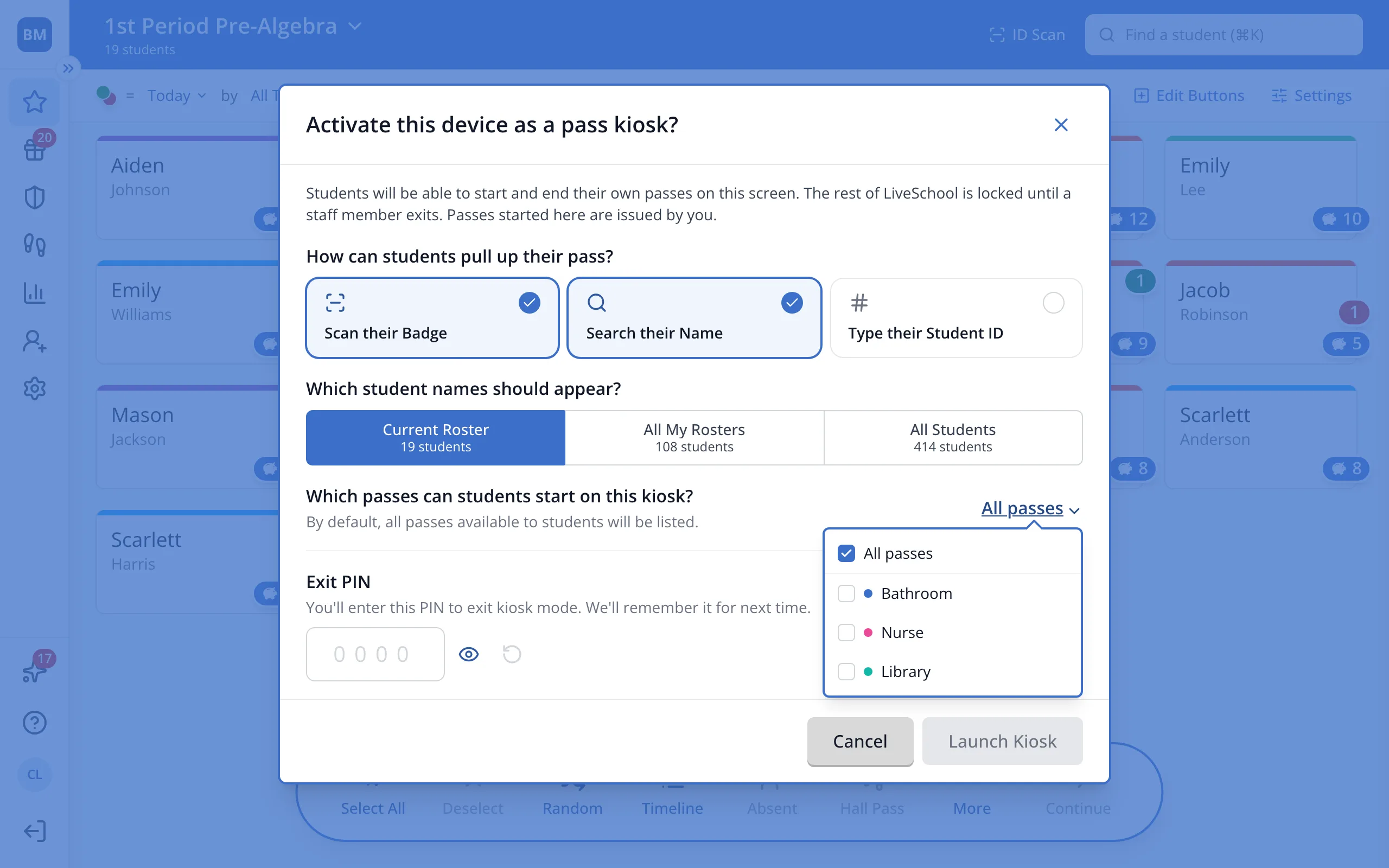
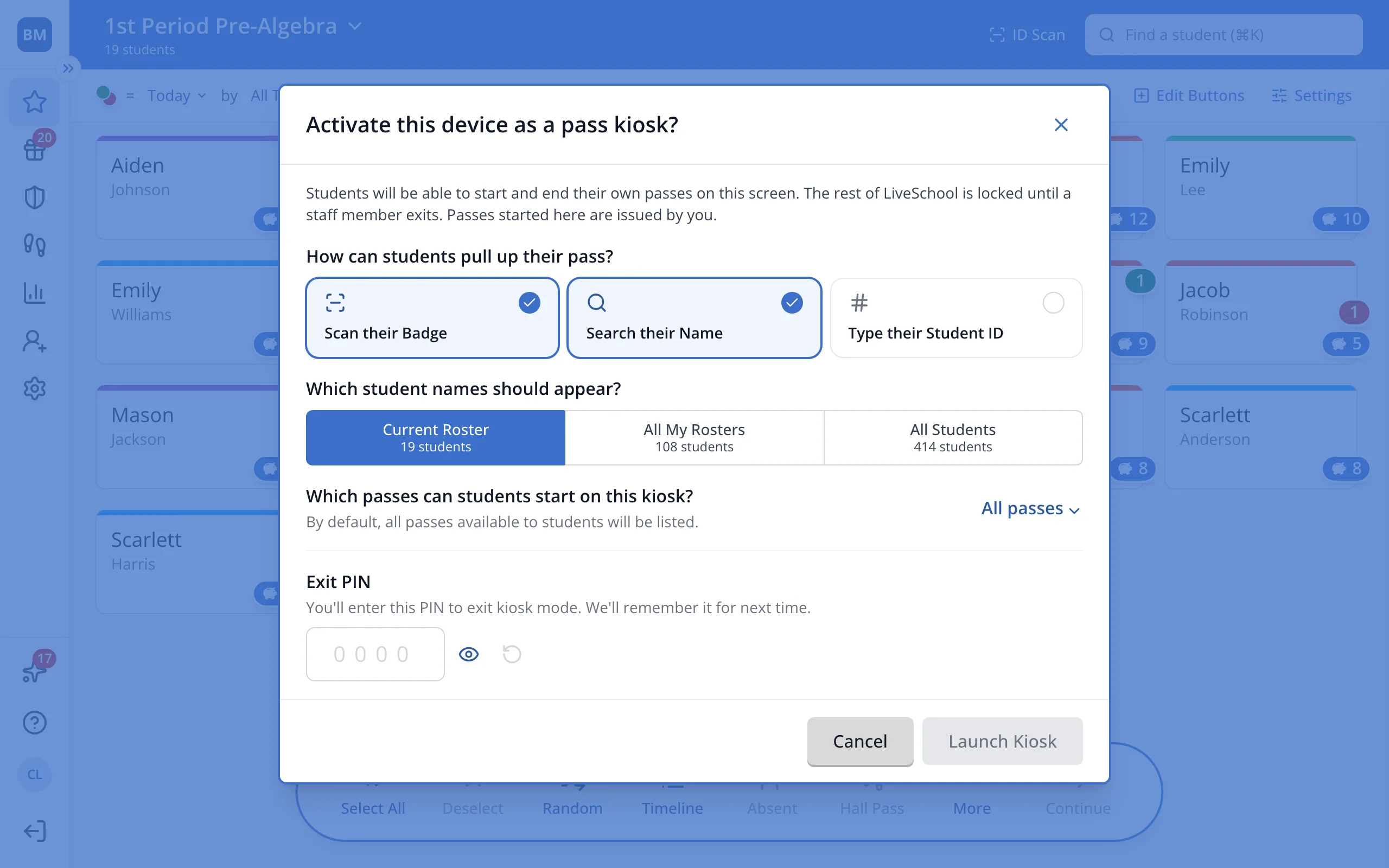
3.Under Which passes can students start on this kiosk?, click All passes.
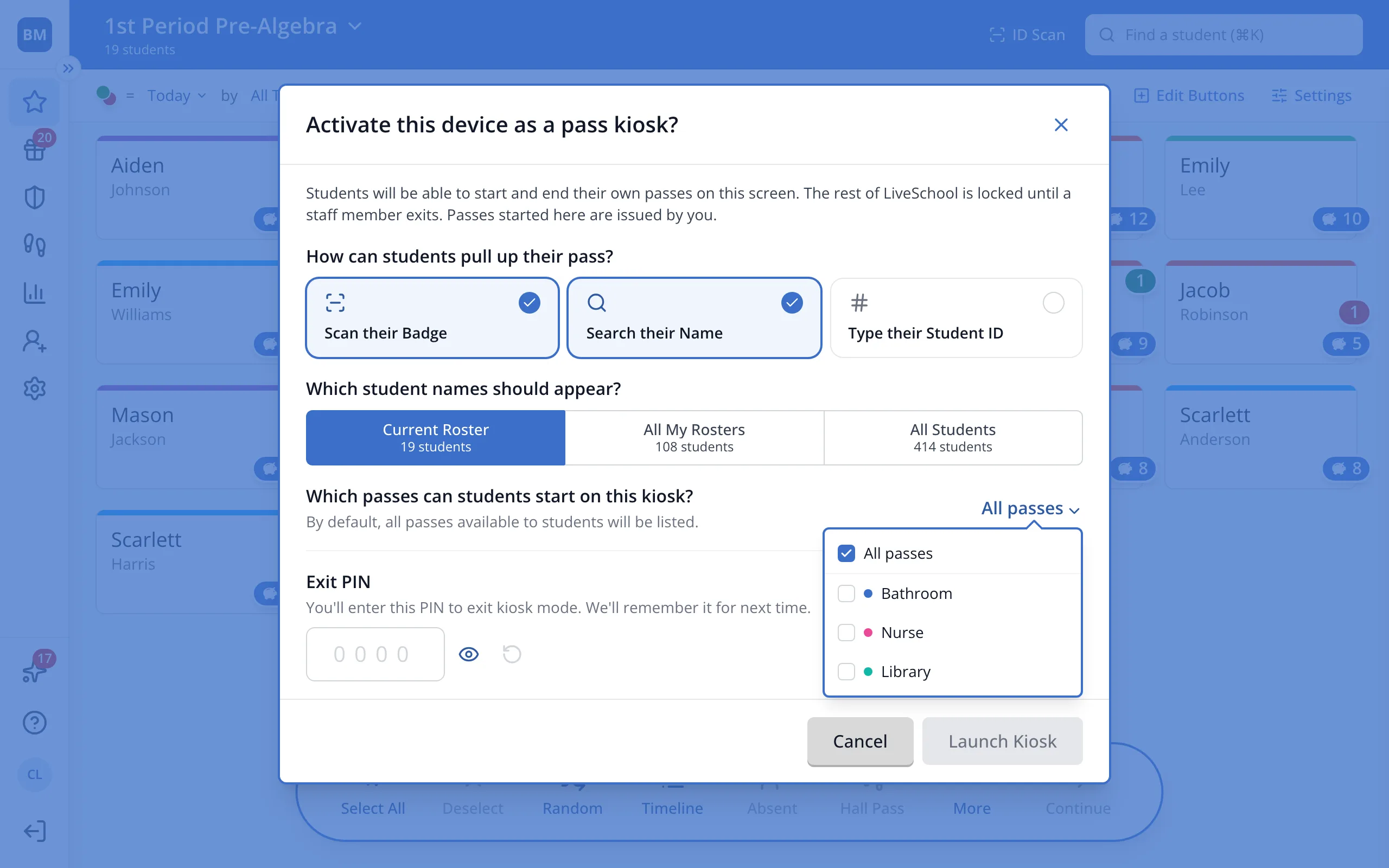
4.Click each pass type students can start here.
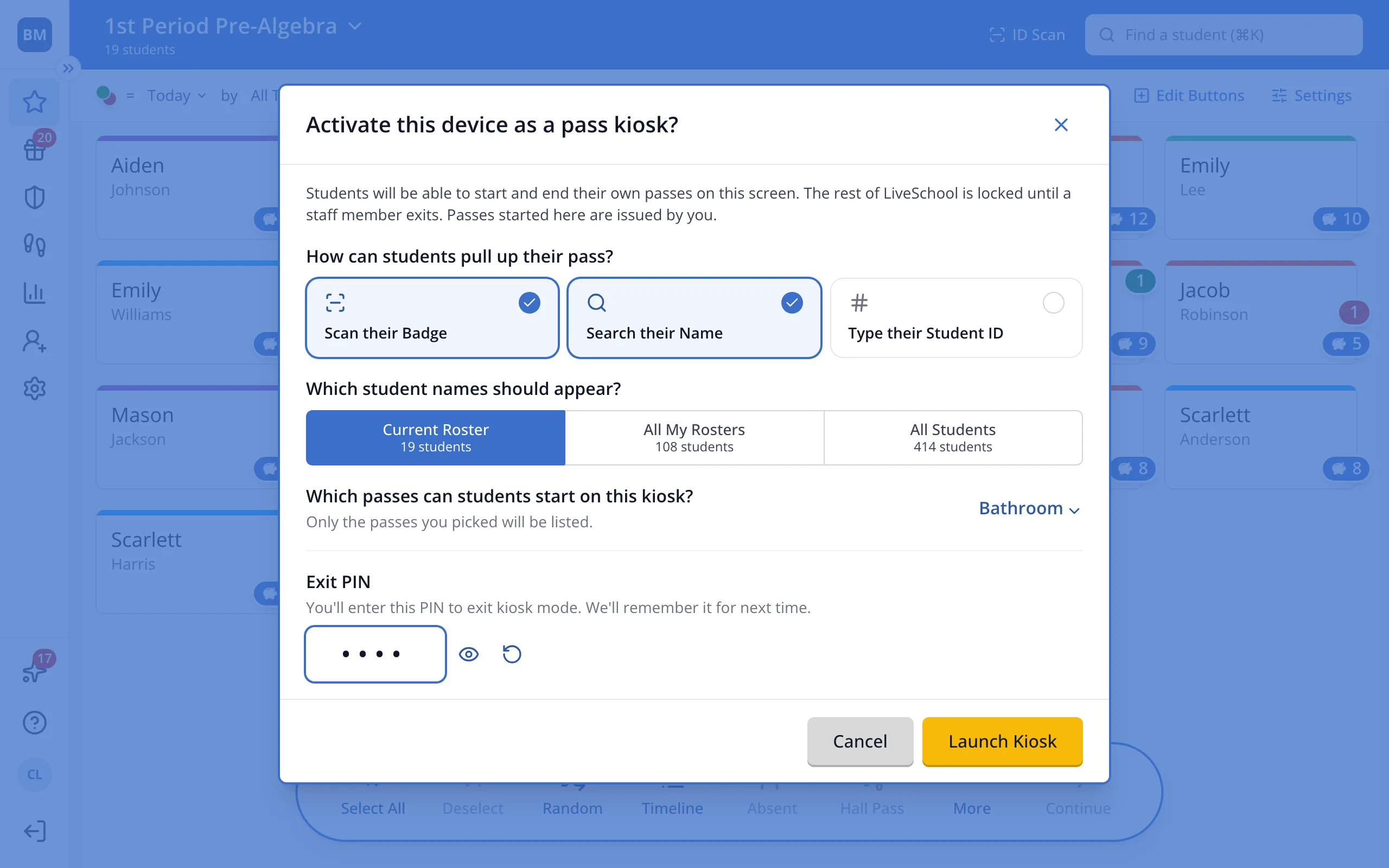
5.Type a 4-digit exit PIN. You'll need it to leave the kiosk.
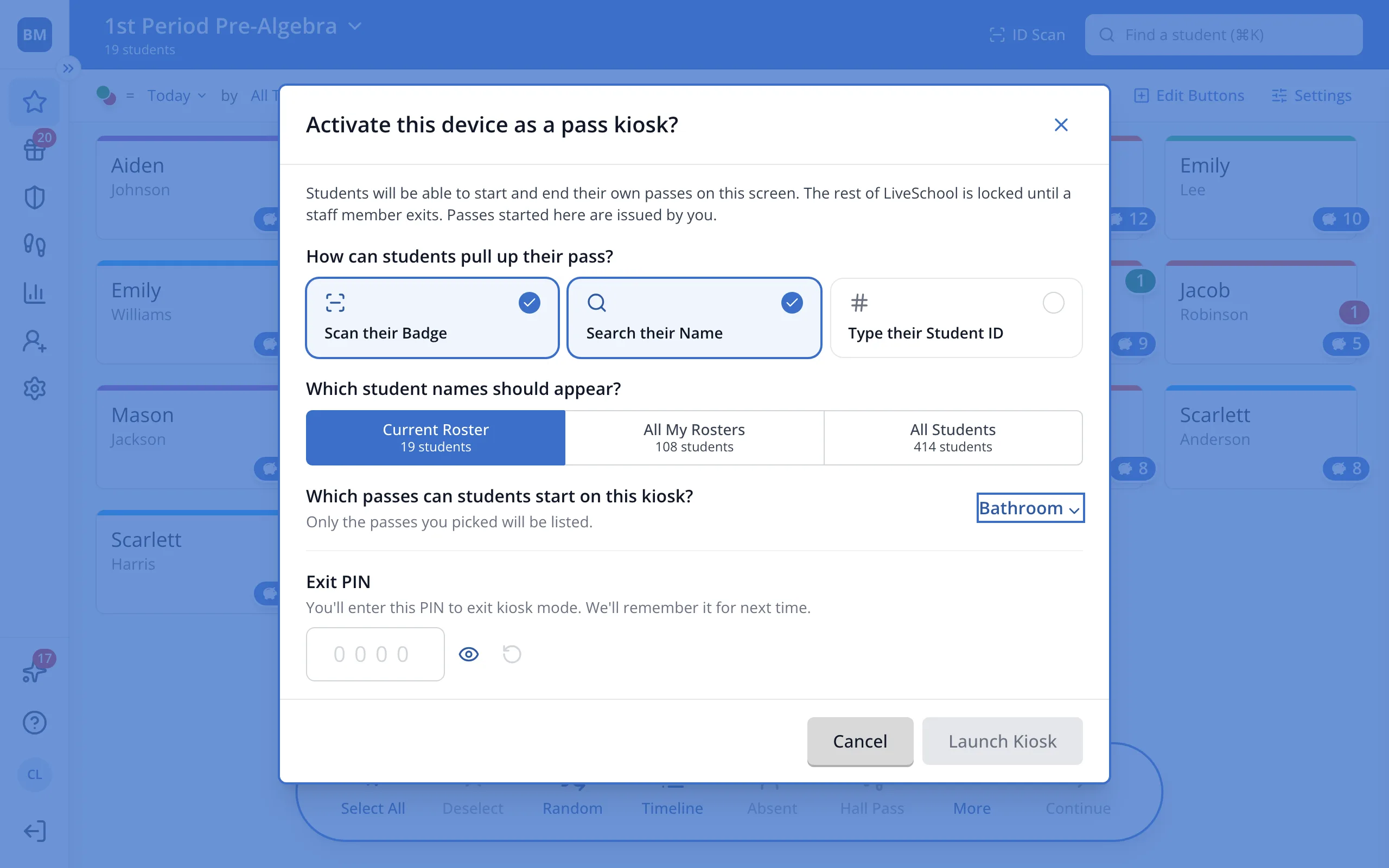
6.Click Launch Kiosk.