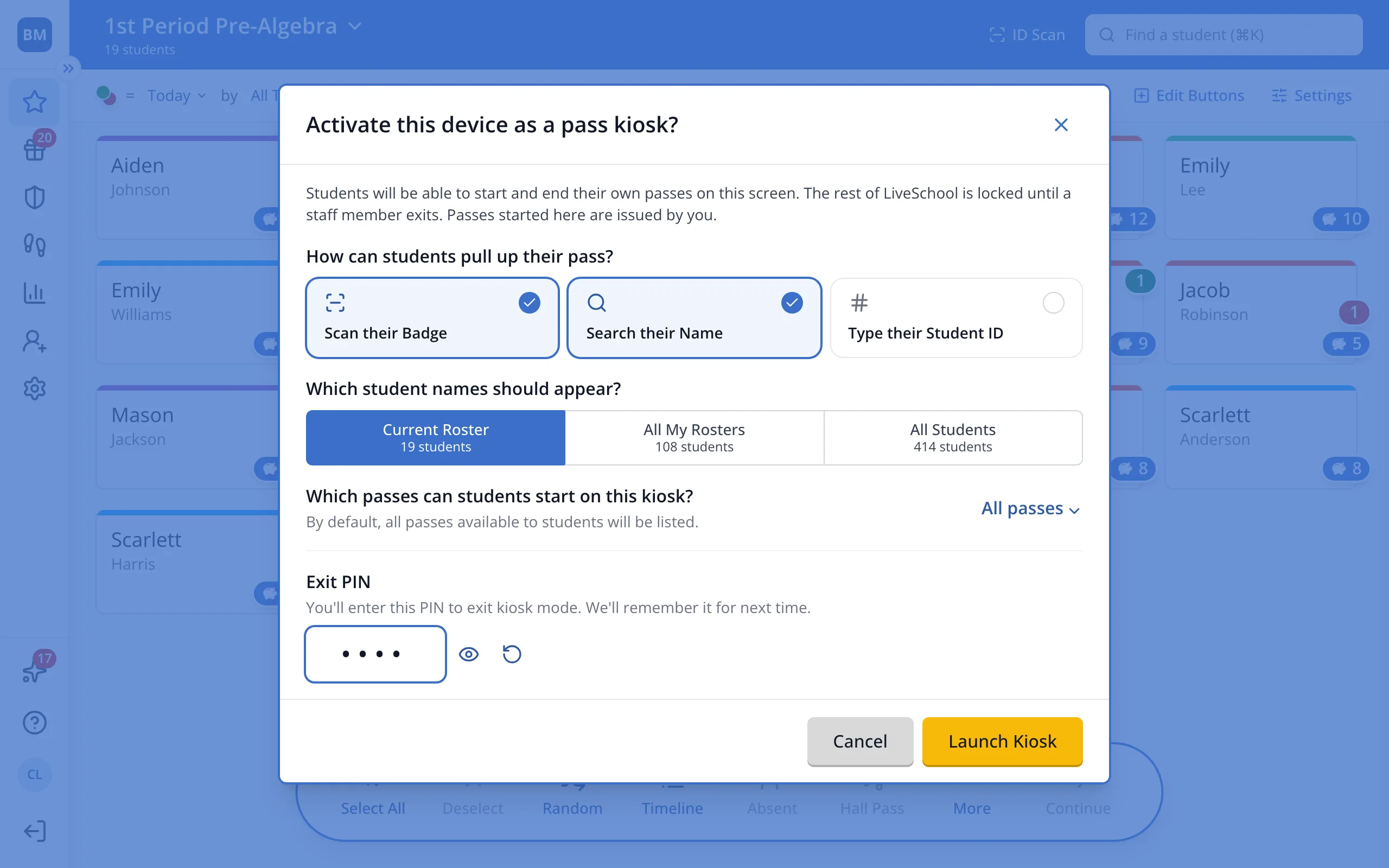
Reset a kiosk exit PIN
The kiosk remembers your PIN on each device. Reset it to choose a new one.
Use the Left and Right arrow keys to move between steps, and Space to play or pause.
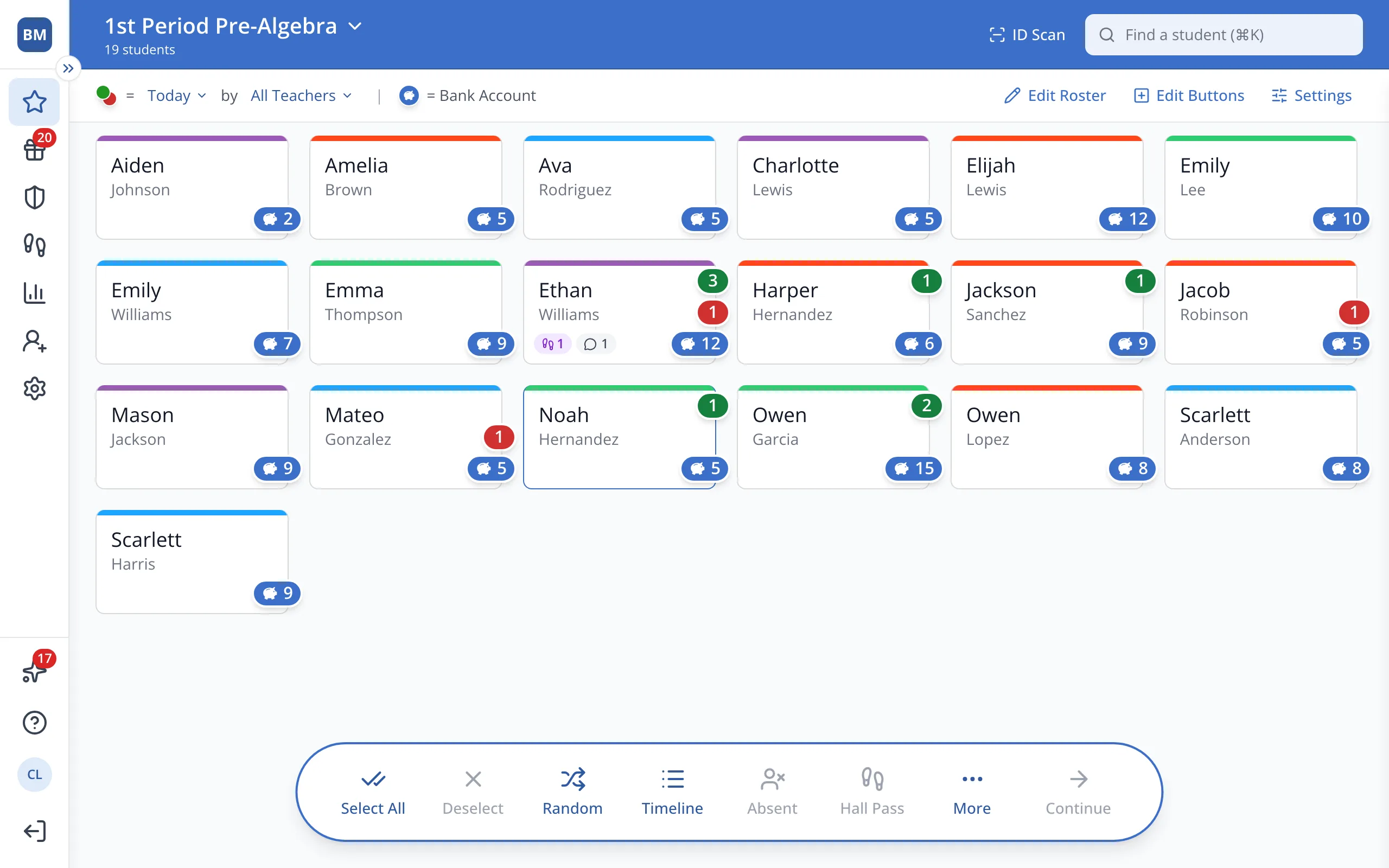
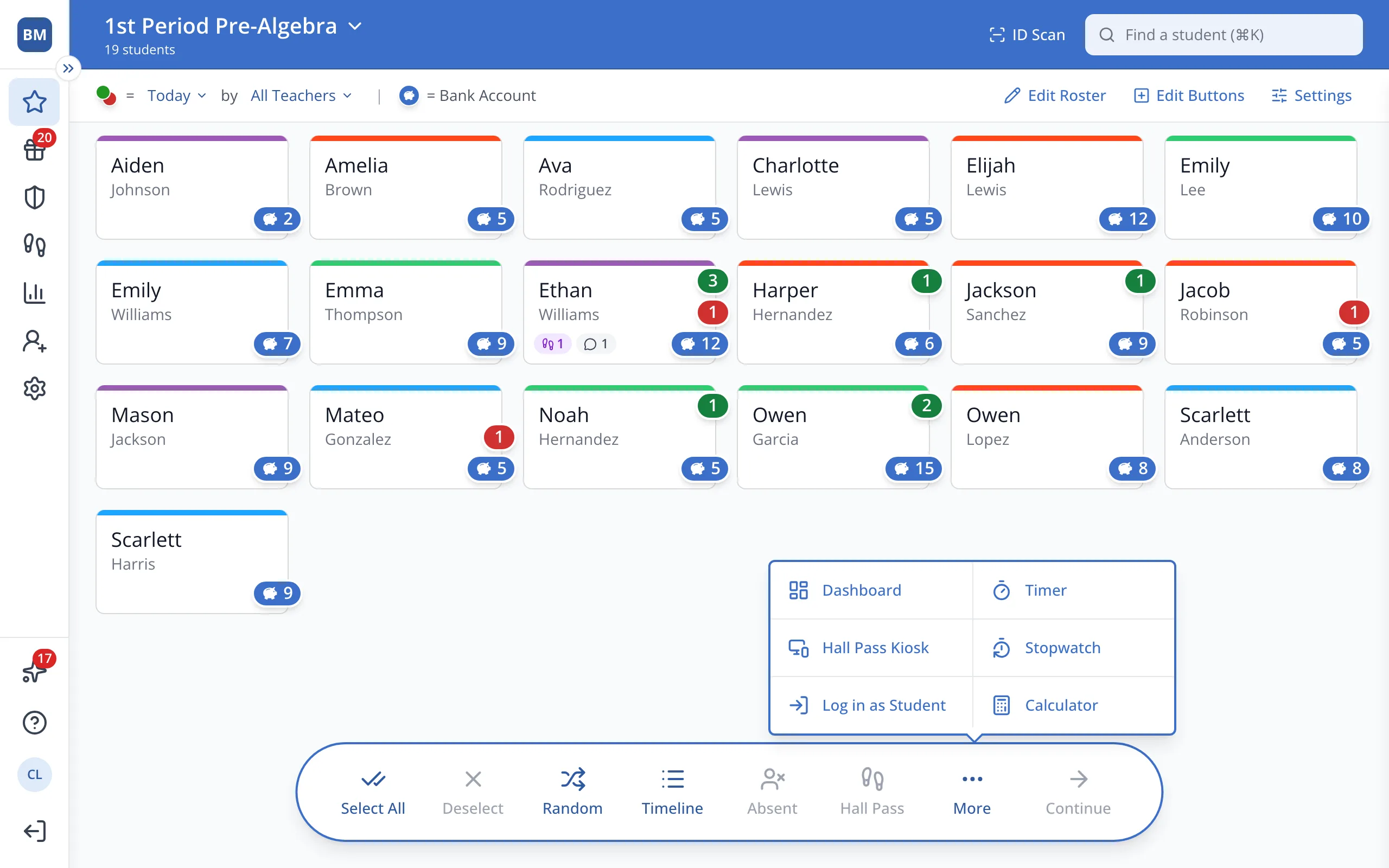
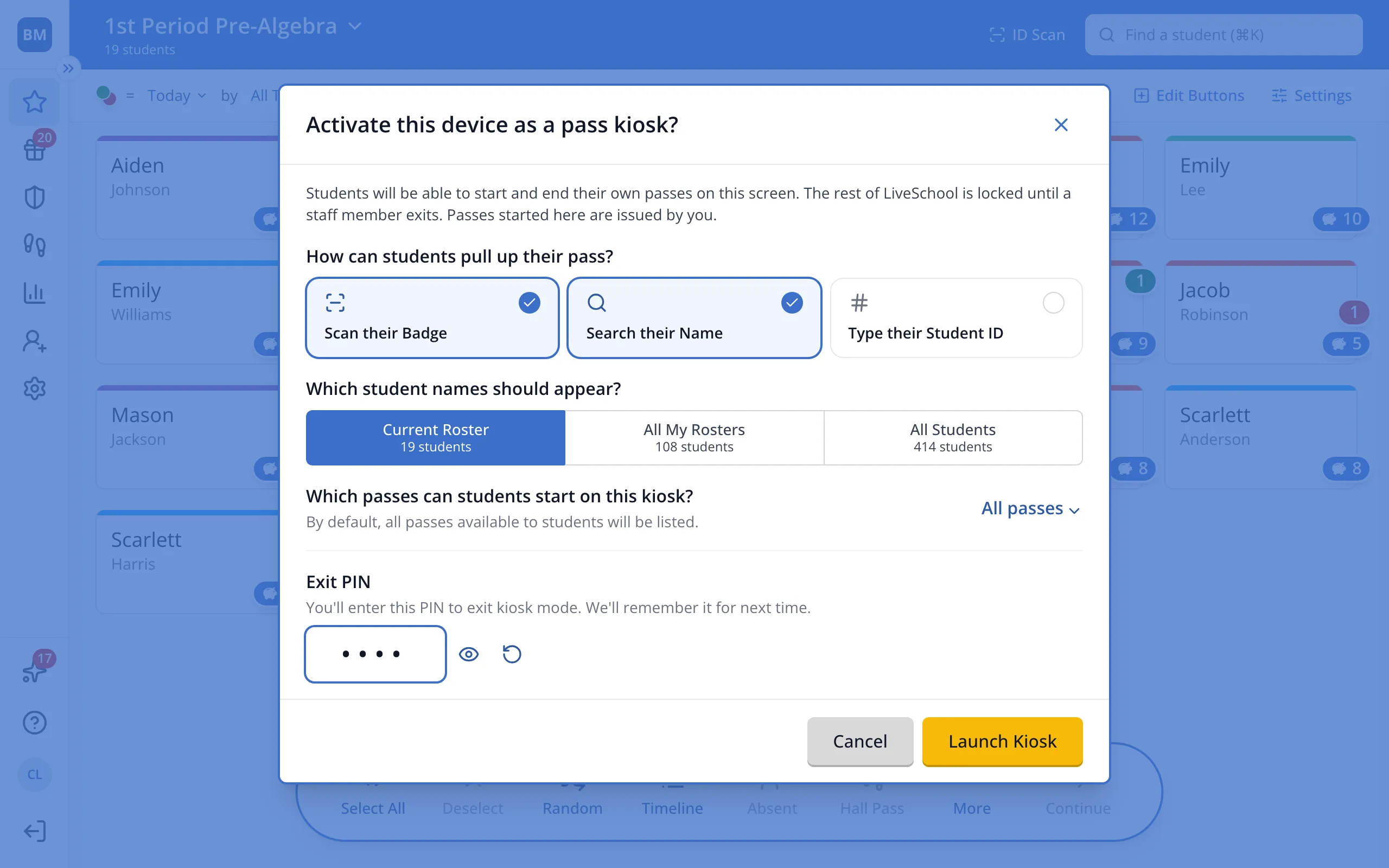
1.In the bar at the bottom of the Points page, click More.
2.Click Hall Pass Kiosk.
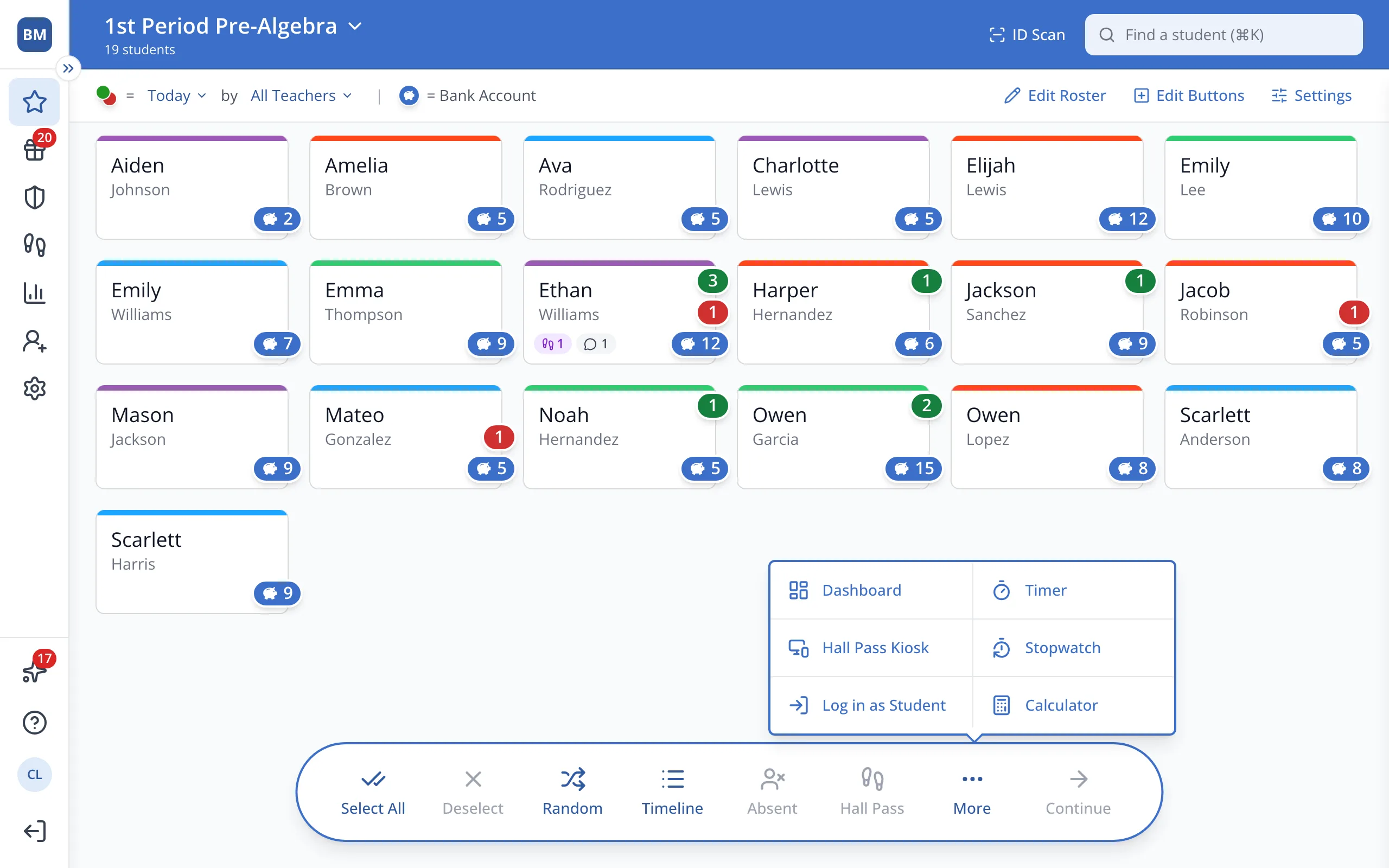
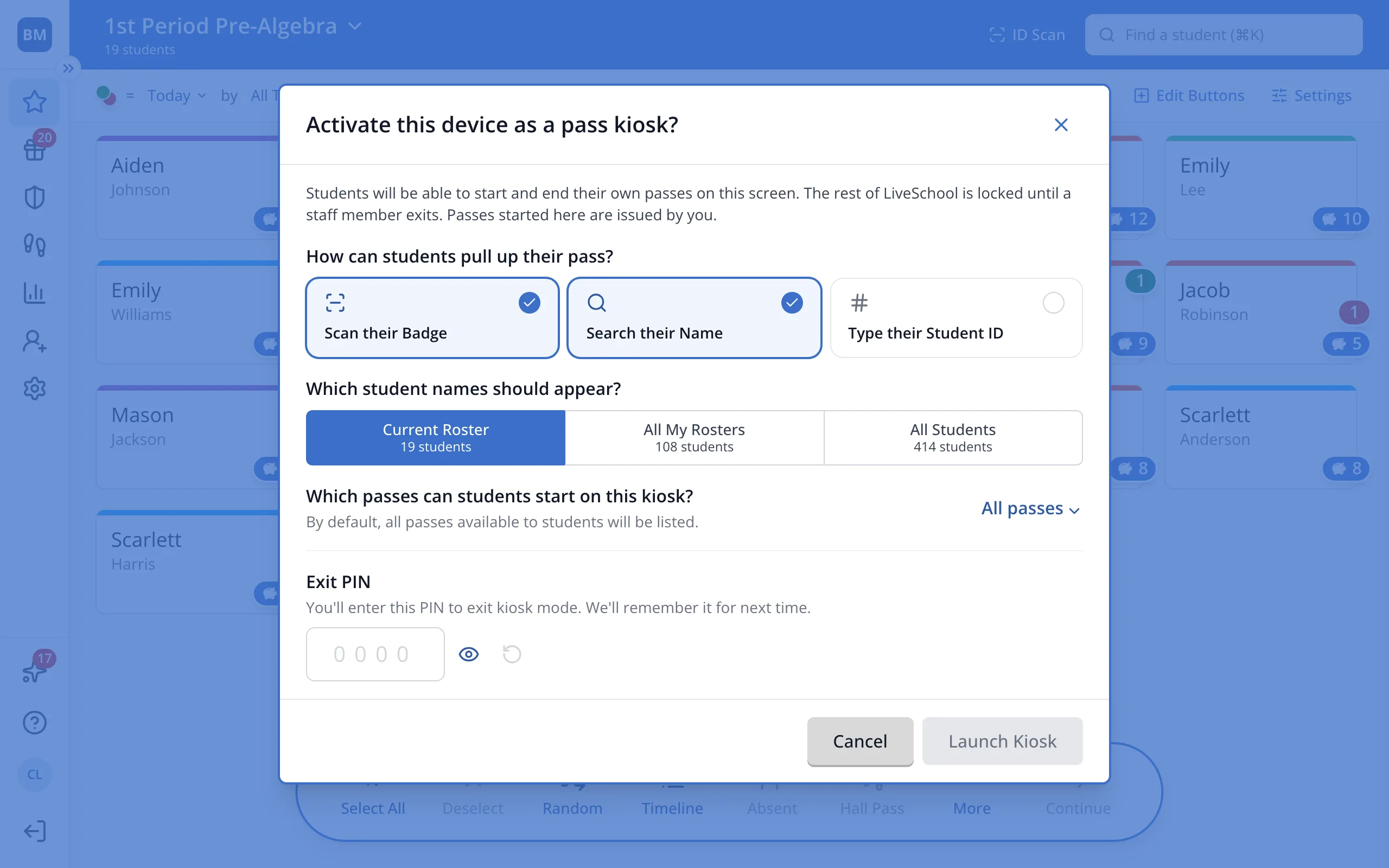
3.Next to Exit PIN, click the reset button.
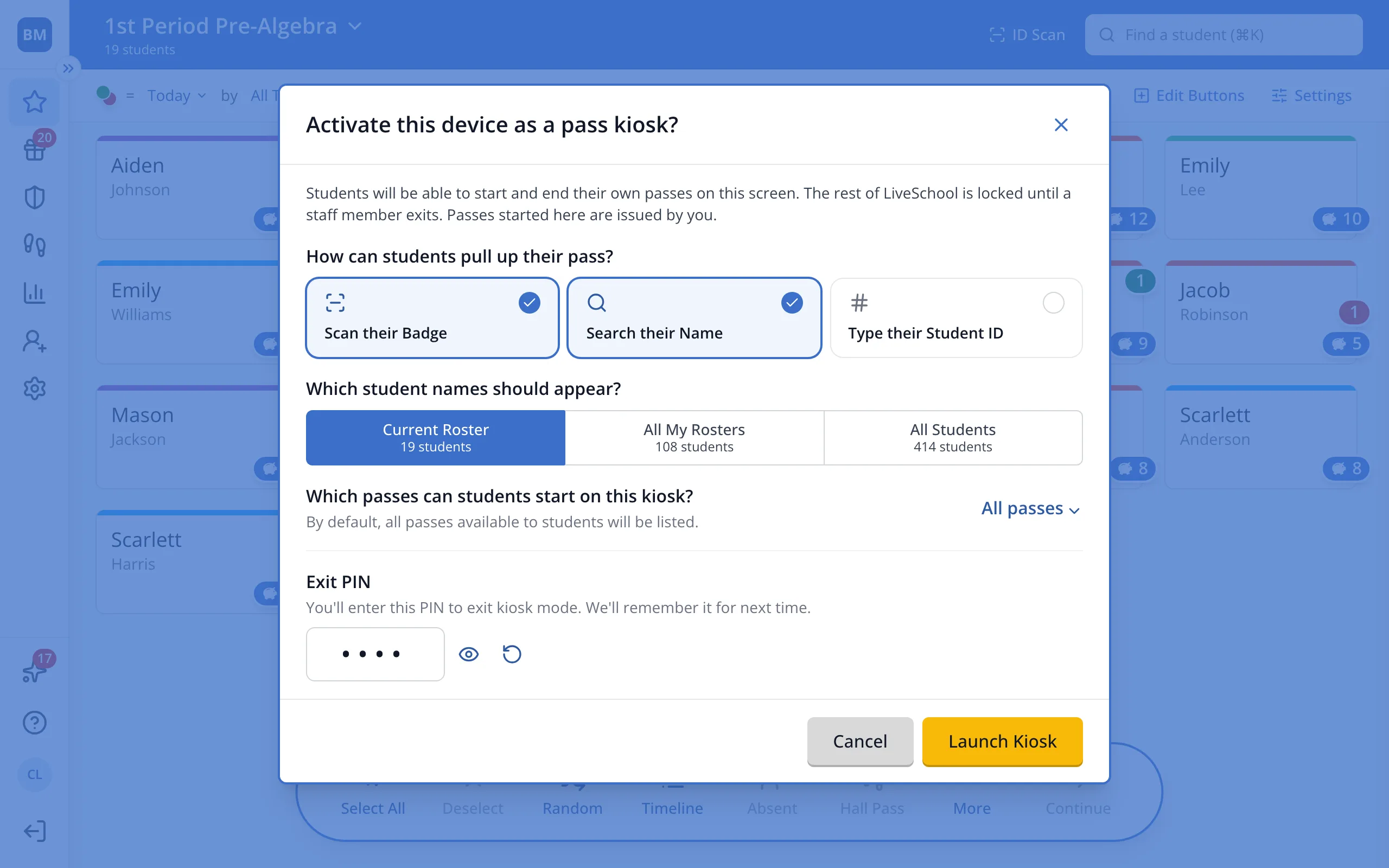
4.Type a 4-digit exit PIN. You'll need it to leave the kiosk.
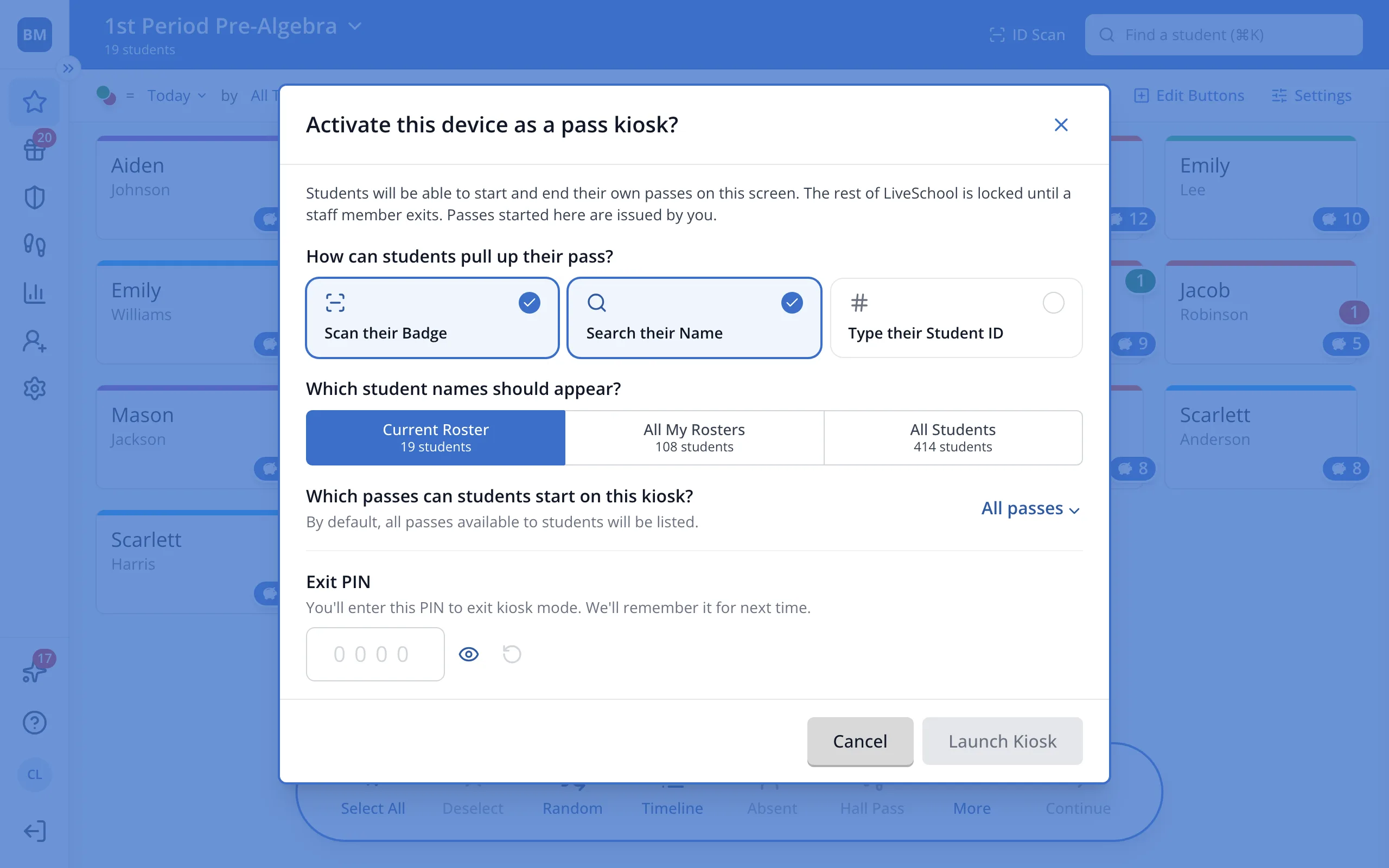
5.Click Launch Kiosk.