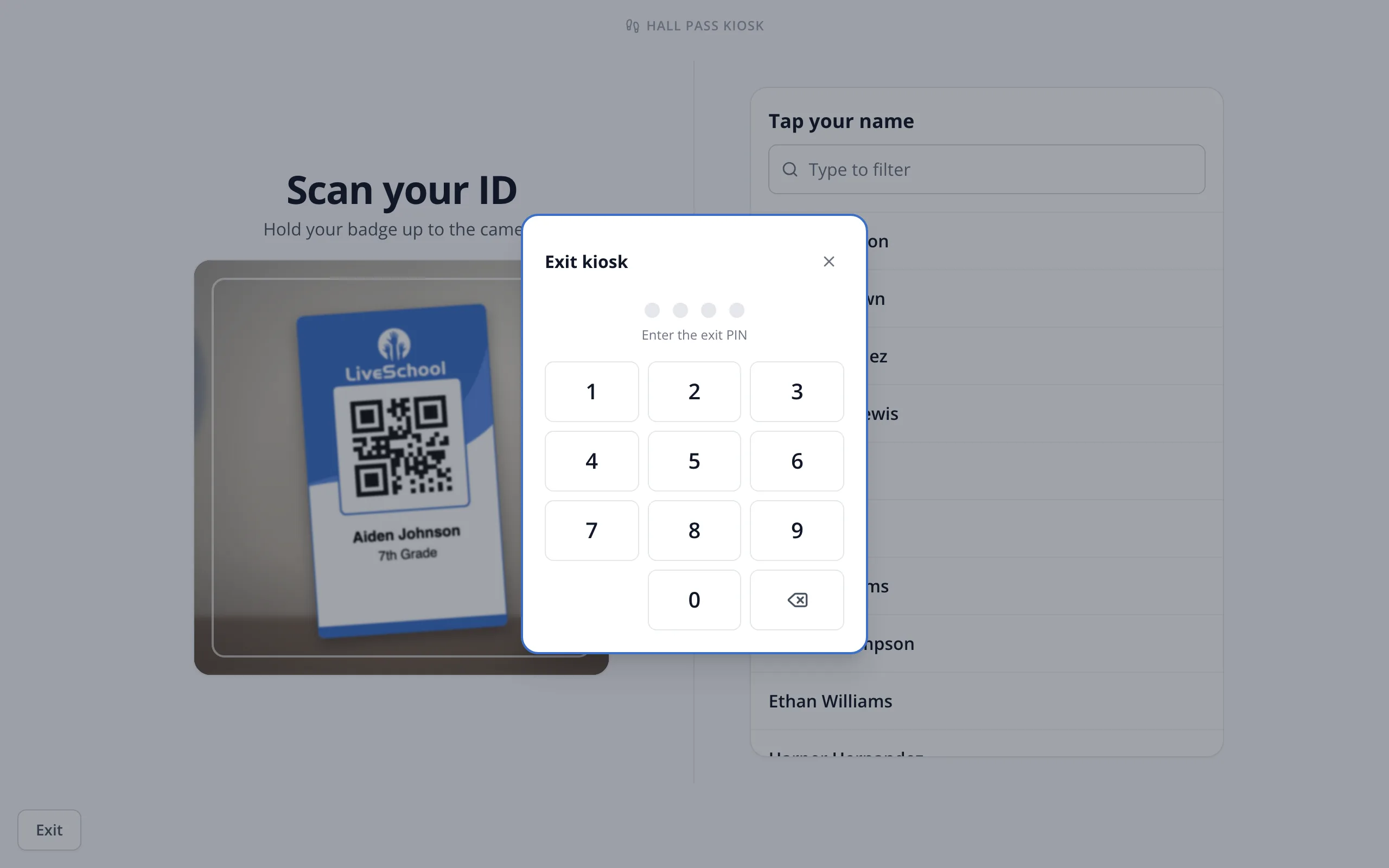
Lock a kiosk with an exit PIN on a shared device
The exit PIN keeps students in the kiosk. Only someone who knows it can get back to the rest of the app.
Use the Left and Right arrow keys to move between steps, and Space to play or pause.
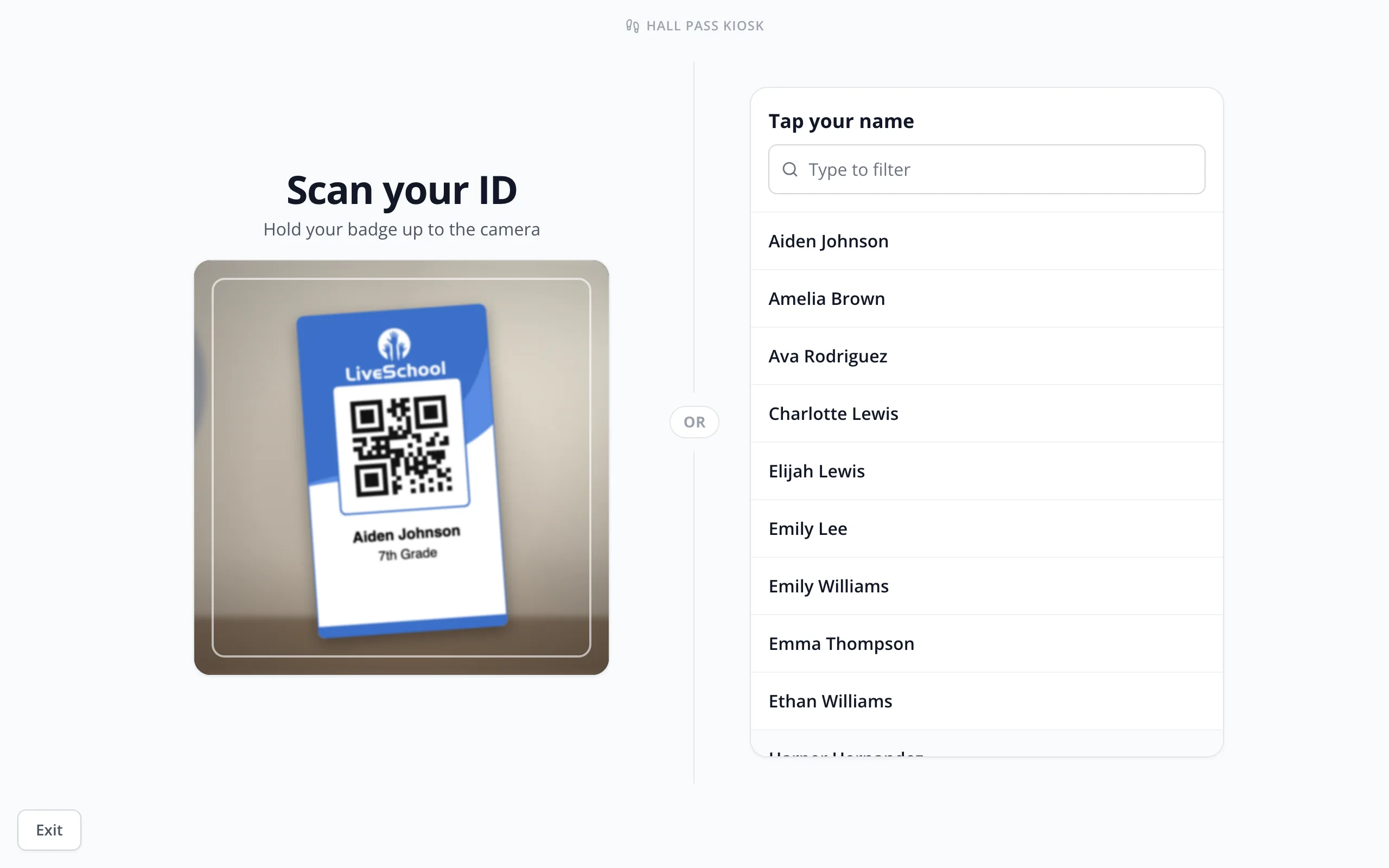
1.At the bottom left of the kiosk, click Exit.
2.Type the exit PIN you chose when you launched the kiosk.