Spot students who meet up on passes
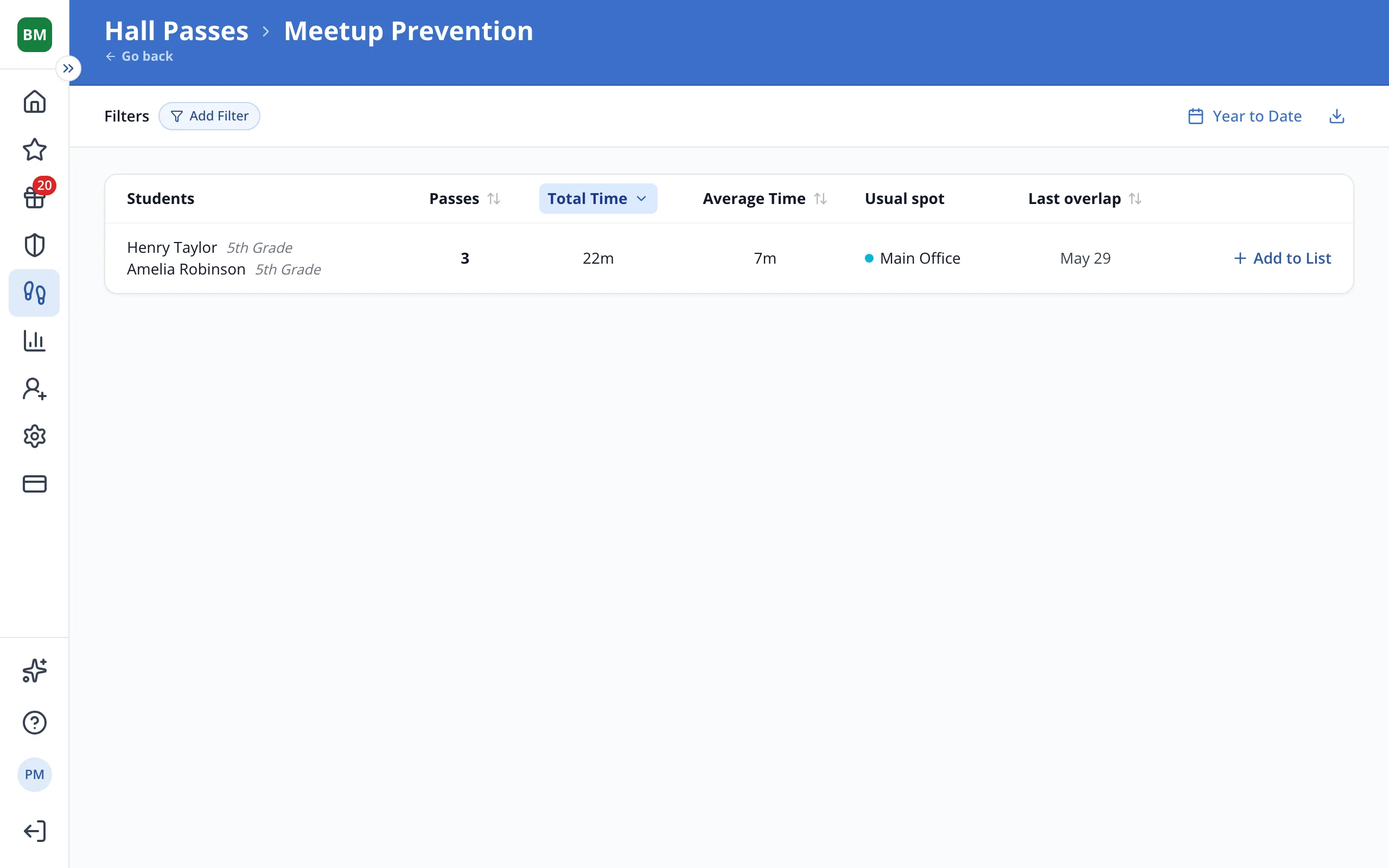
See pairs of students who are often out at the same time and decide if additional No Meetup Lists are needed.
Use the Left and Right arrow keys to move between steps, and Space to play or pause.
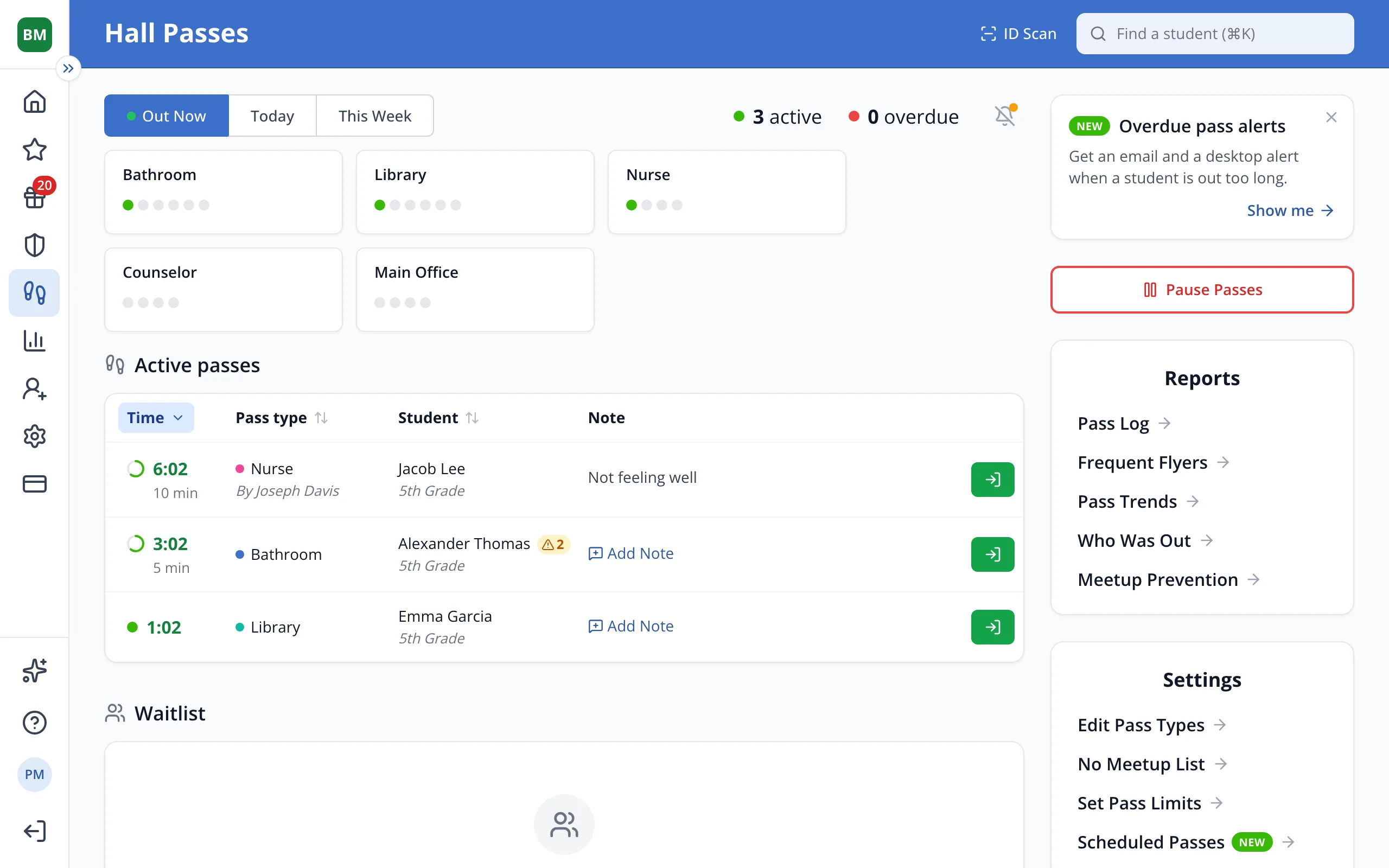
1.On the Hall Passes page, under Reports, click Meetup Prevention.
Did you know? On a smaller screen, click More to find these links.
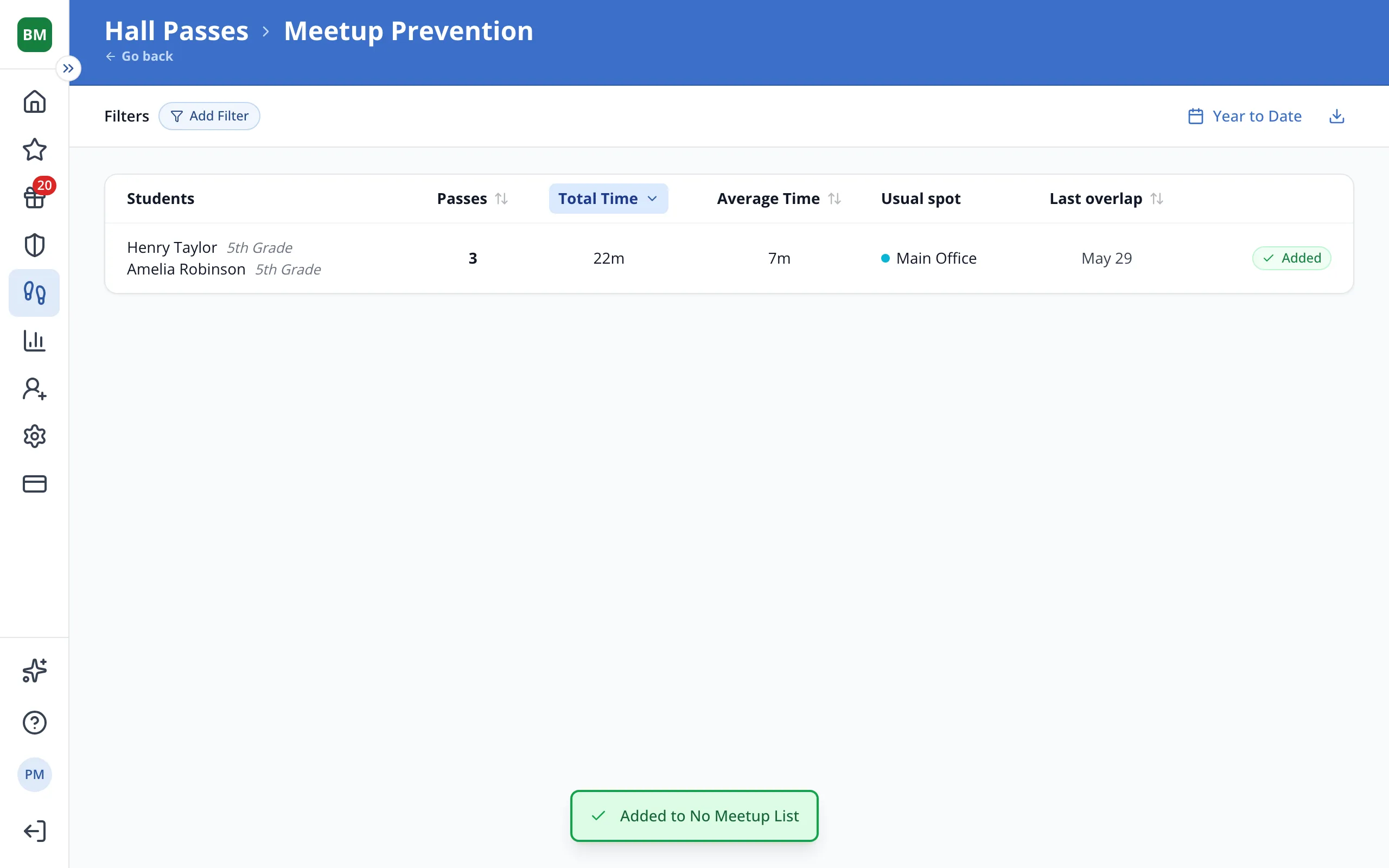
2.Click Add to List next to a pair to keep them from being out at the same time.