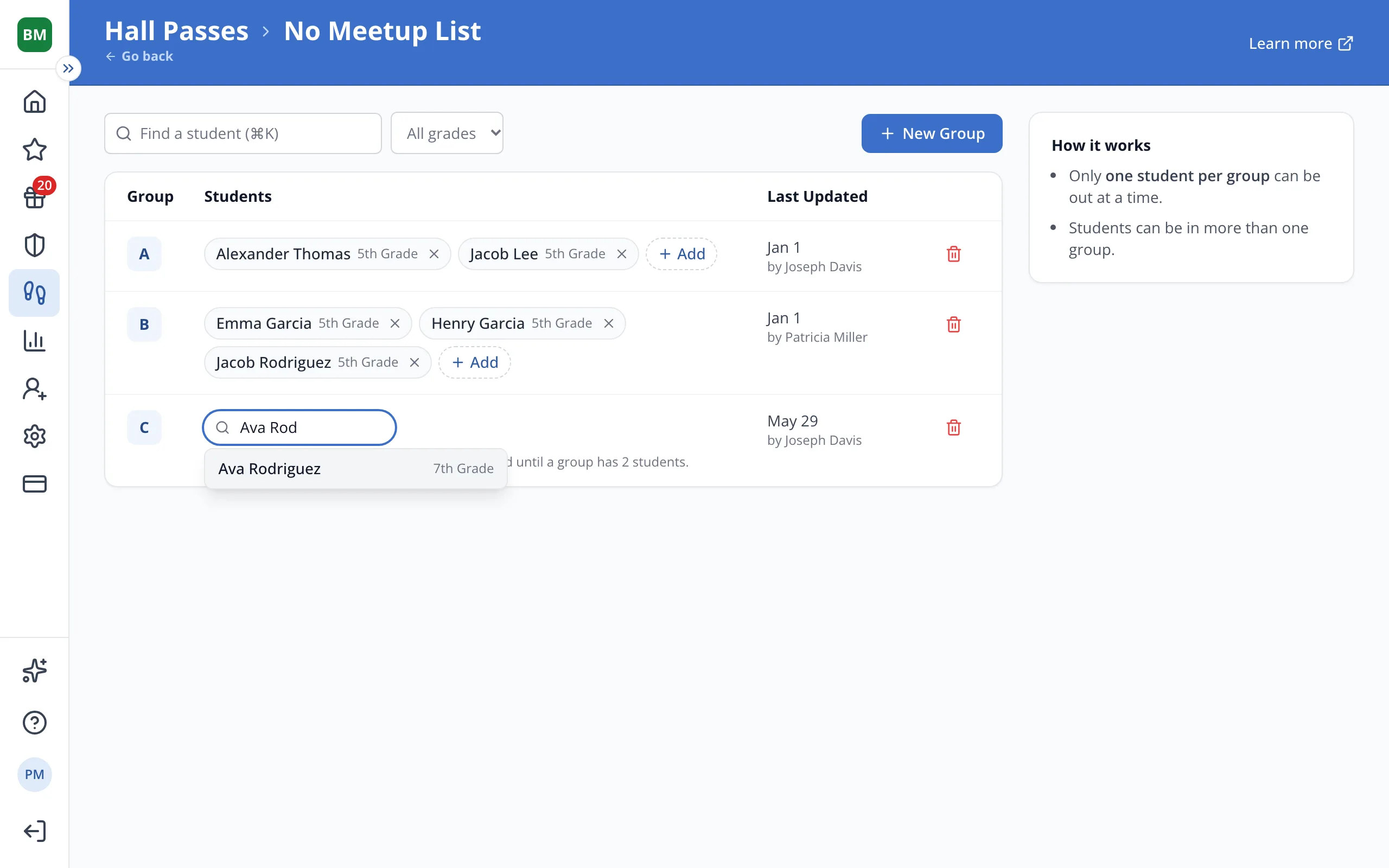
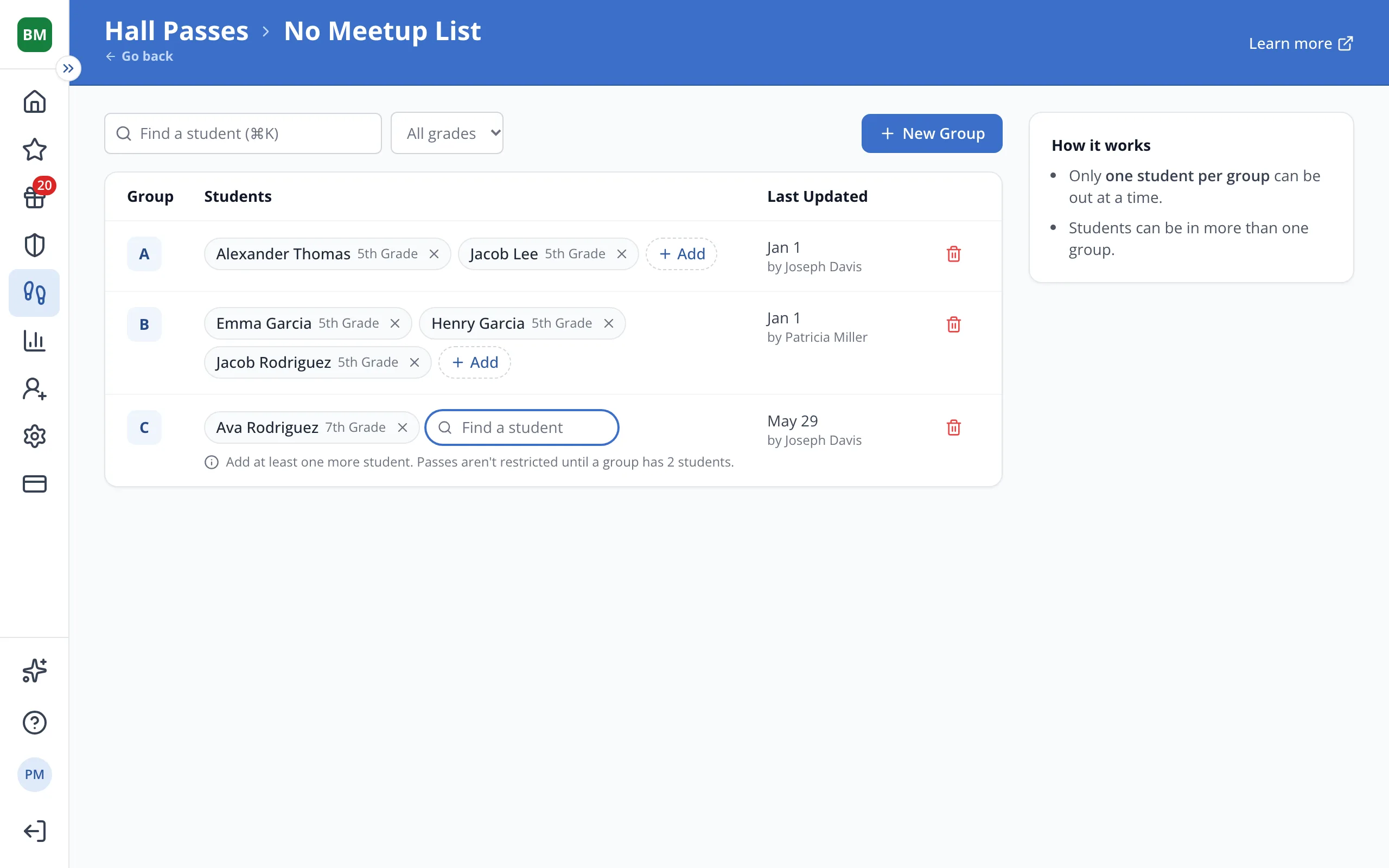
Keep students from being out at the same time with a "no meetup list"
Only one student from a group can be issued a pass at a time.
AdminSite Leader
Use the Left and Right arrow keys to move between steps, and Space to play or pause.
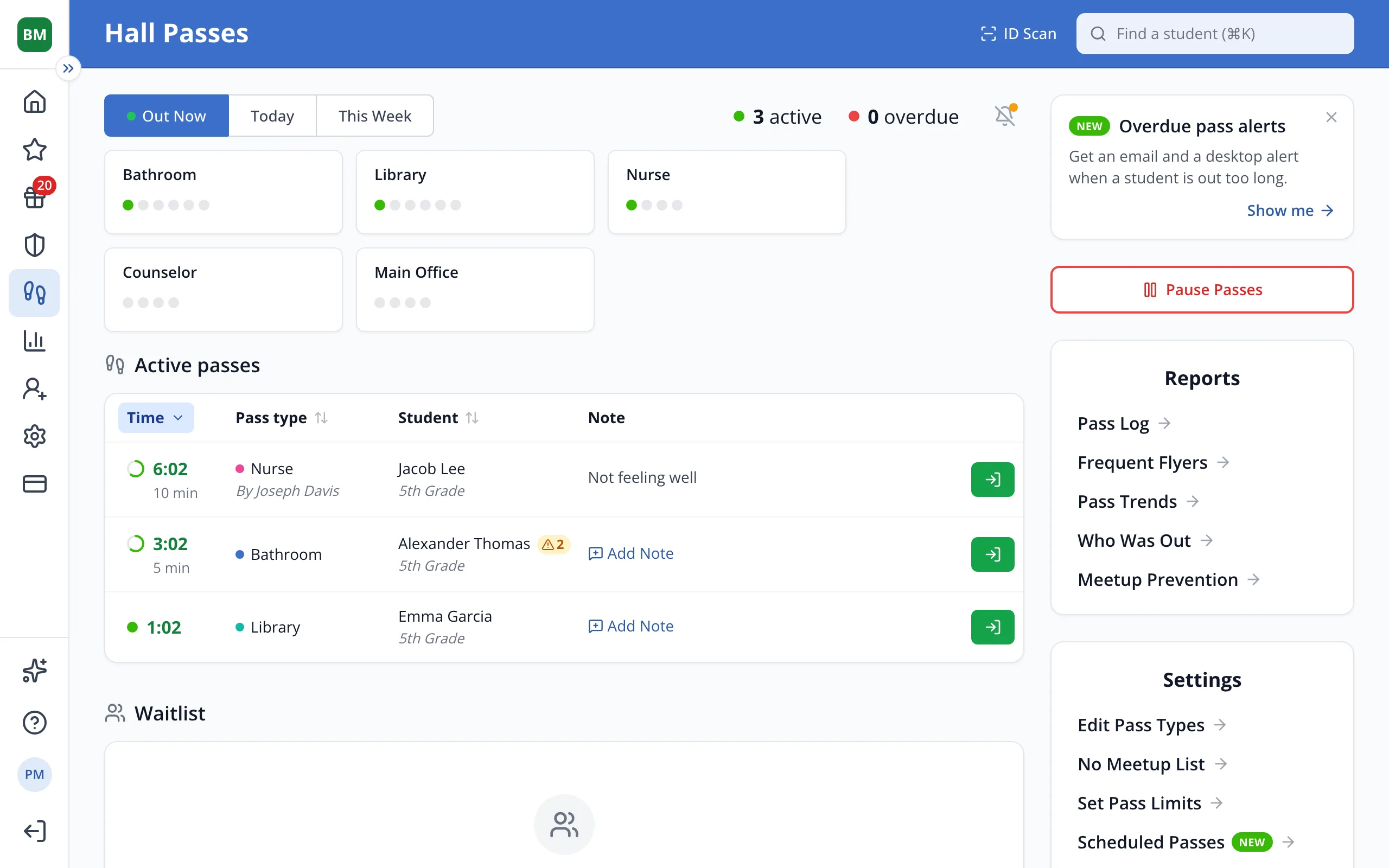
1.On the Hall Passes page, under Settings, click No Meetup List.
Did you know? On a smaller screen, click More to find these links.
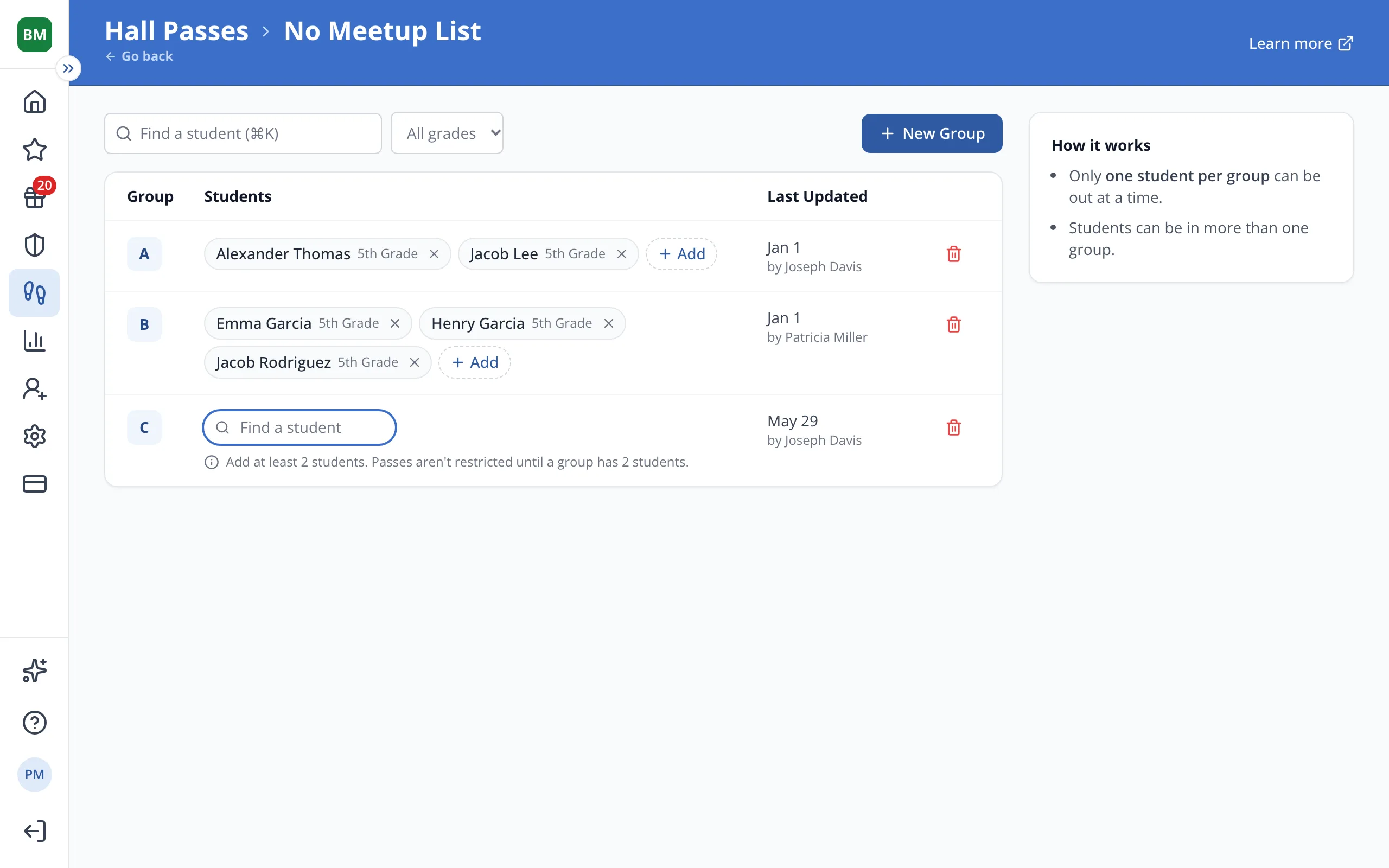
2.Click New Group.
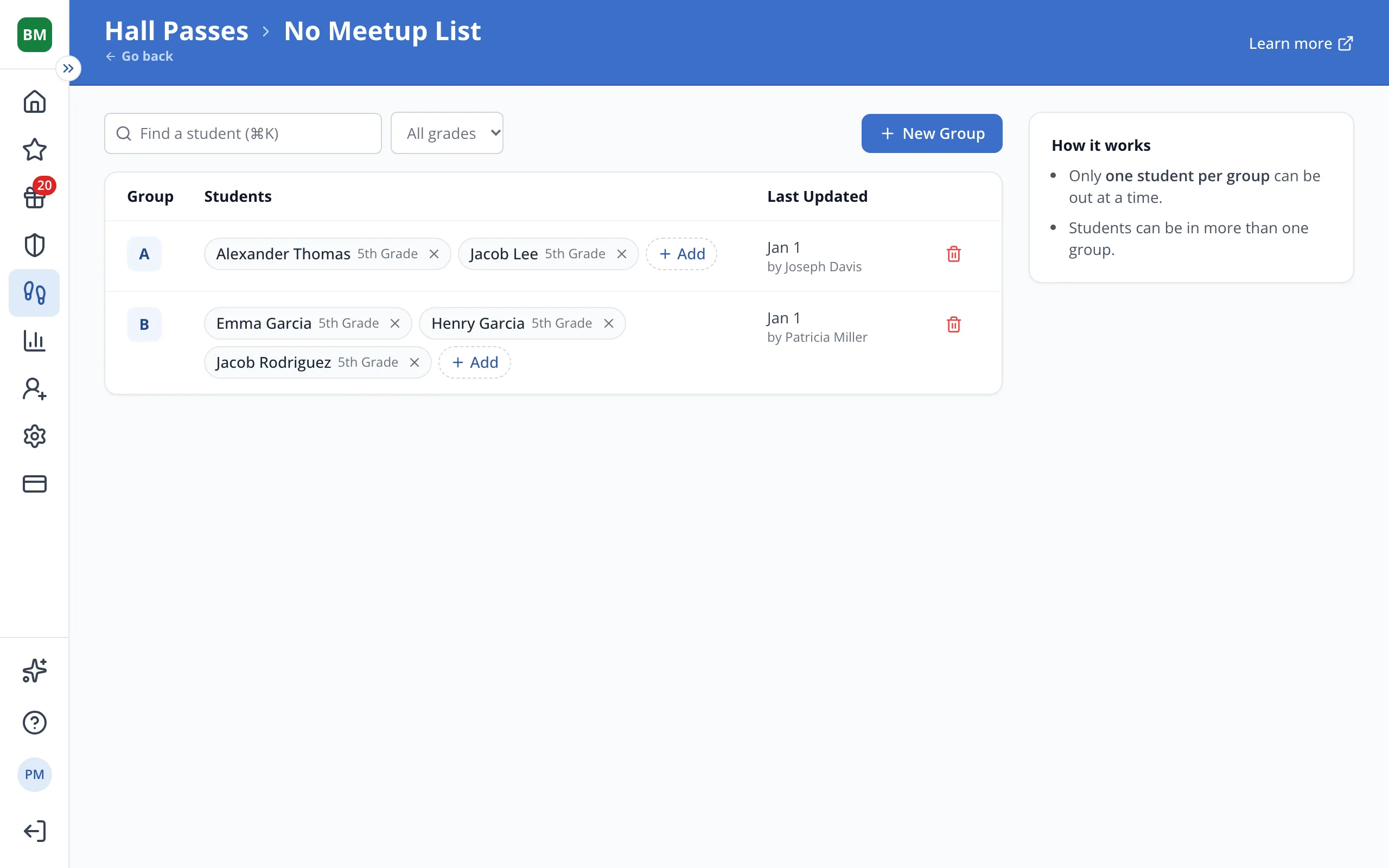
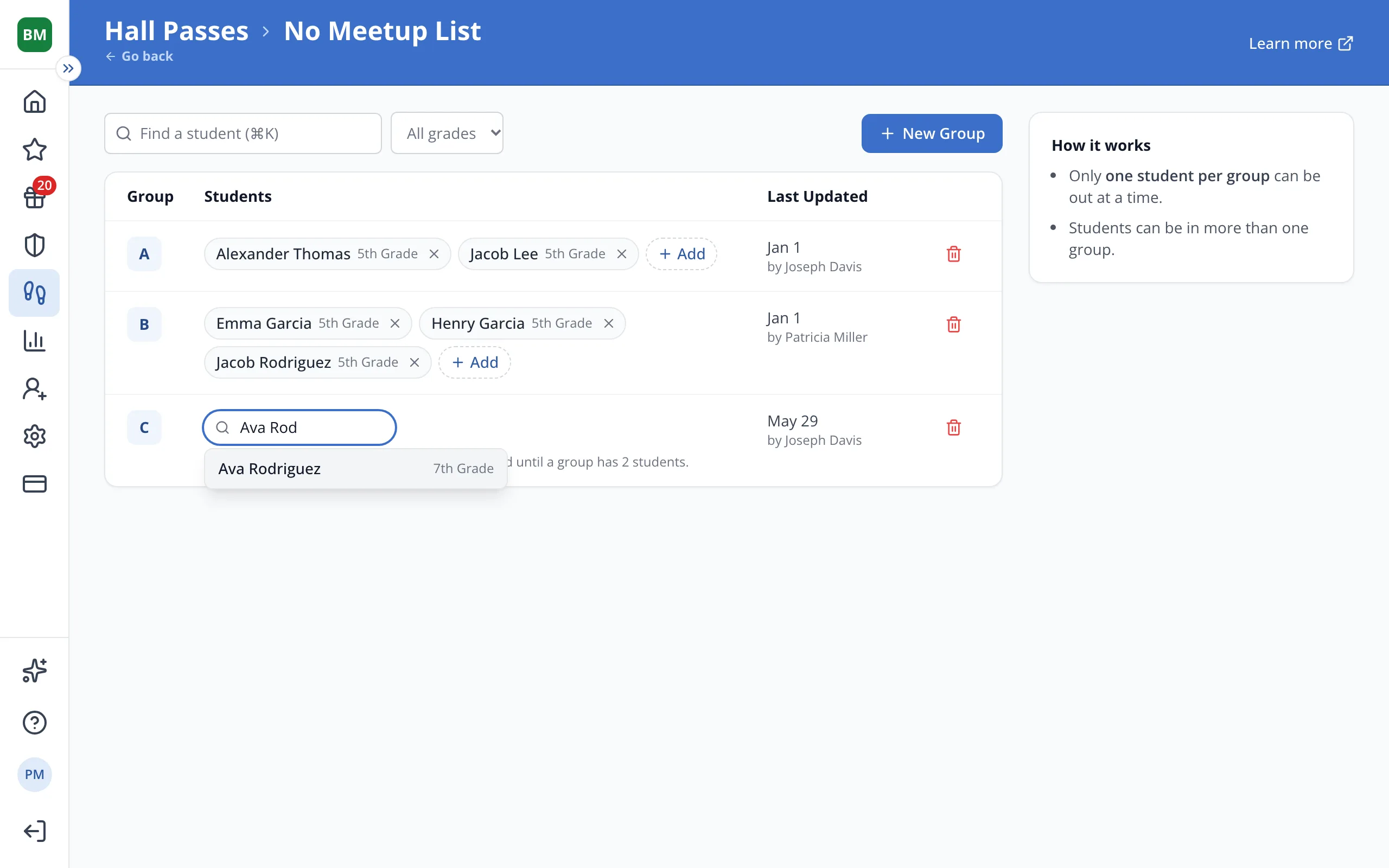
3.Type a student's name.
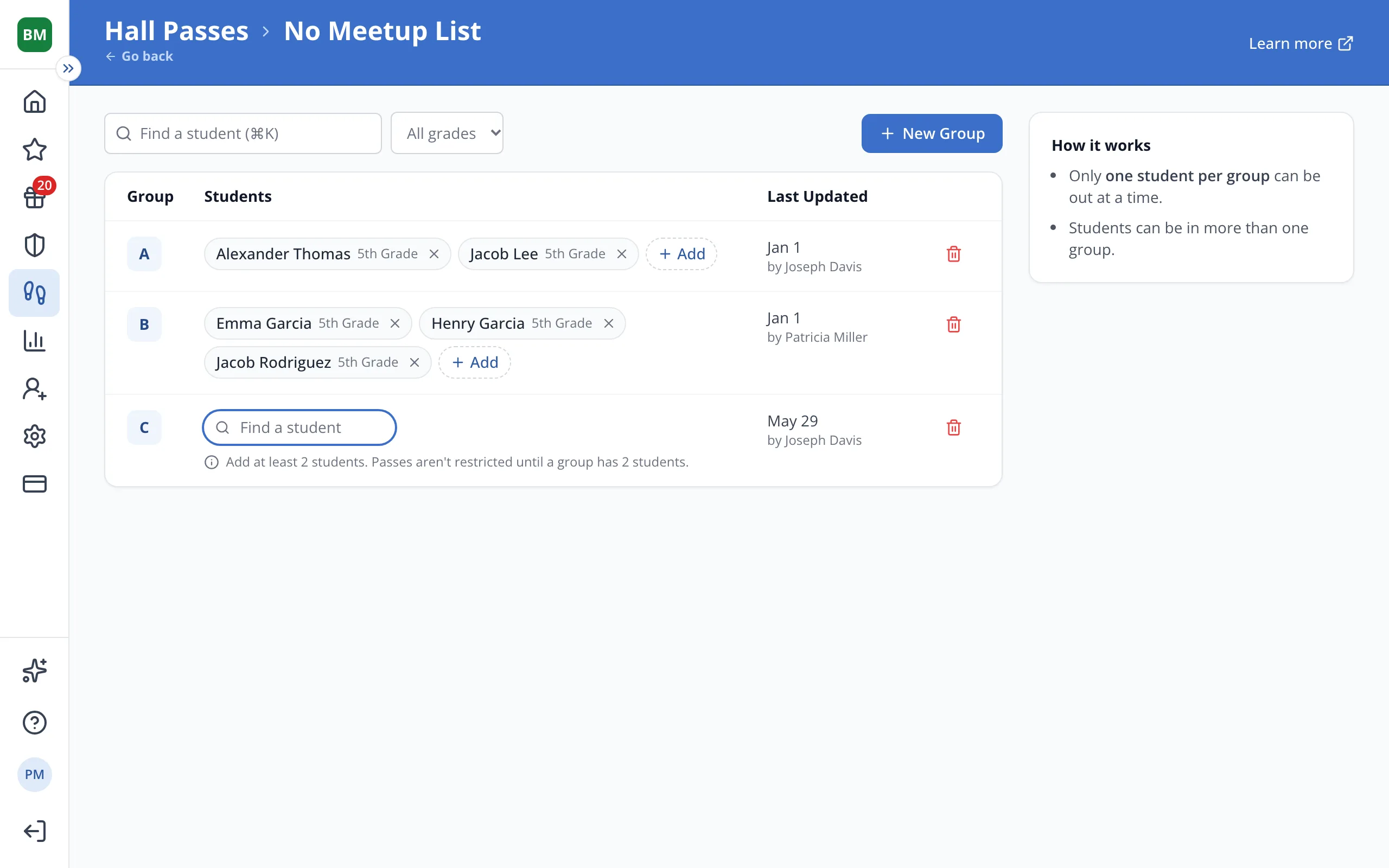
4.Click the student. Add each student who should stay apart.