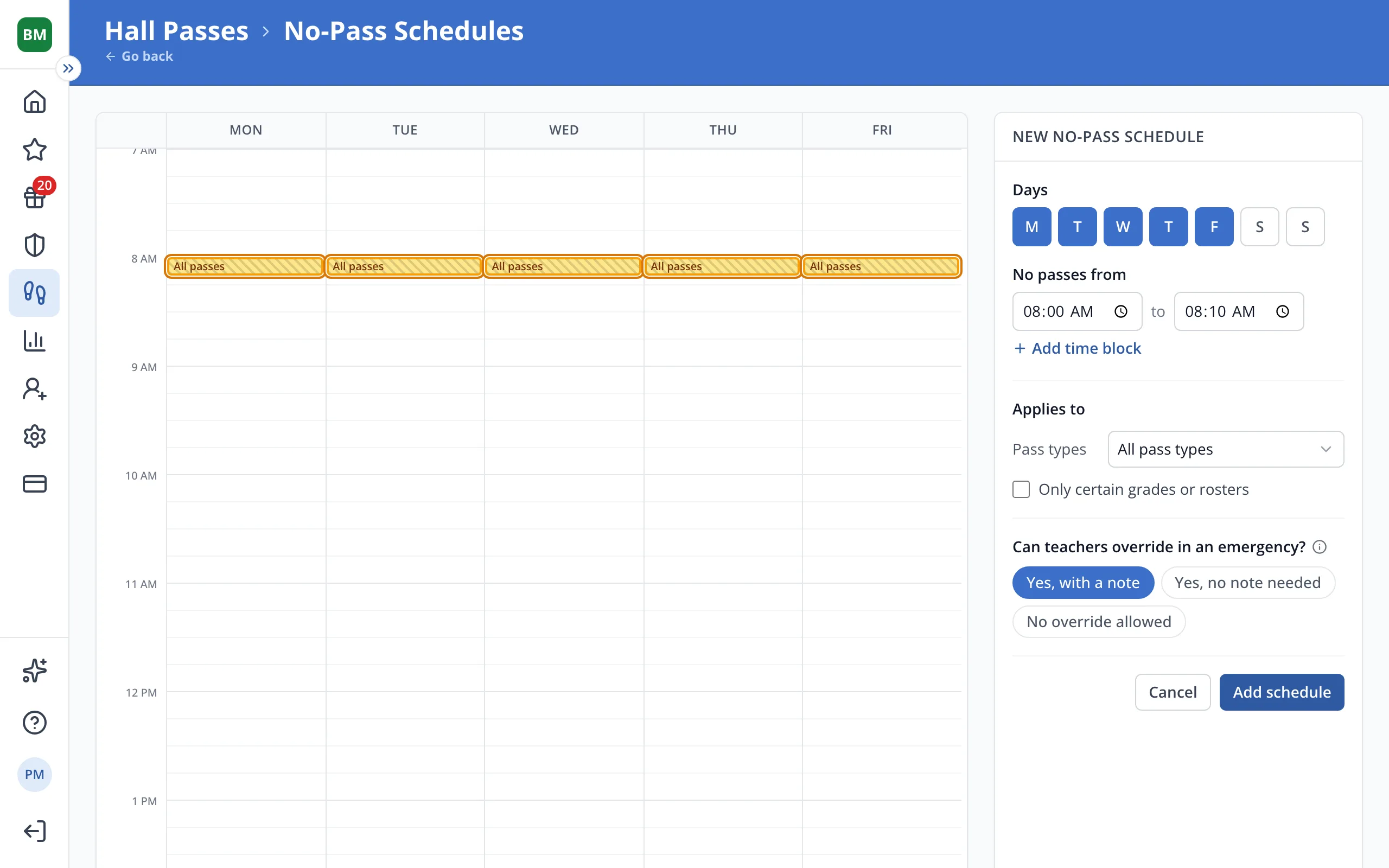
Block passes during certain times of day
No passes can start during a no-pass window. Use it for class changes, testing or lunch.
AdminSite Leader
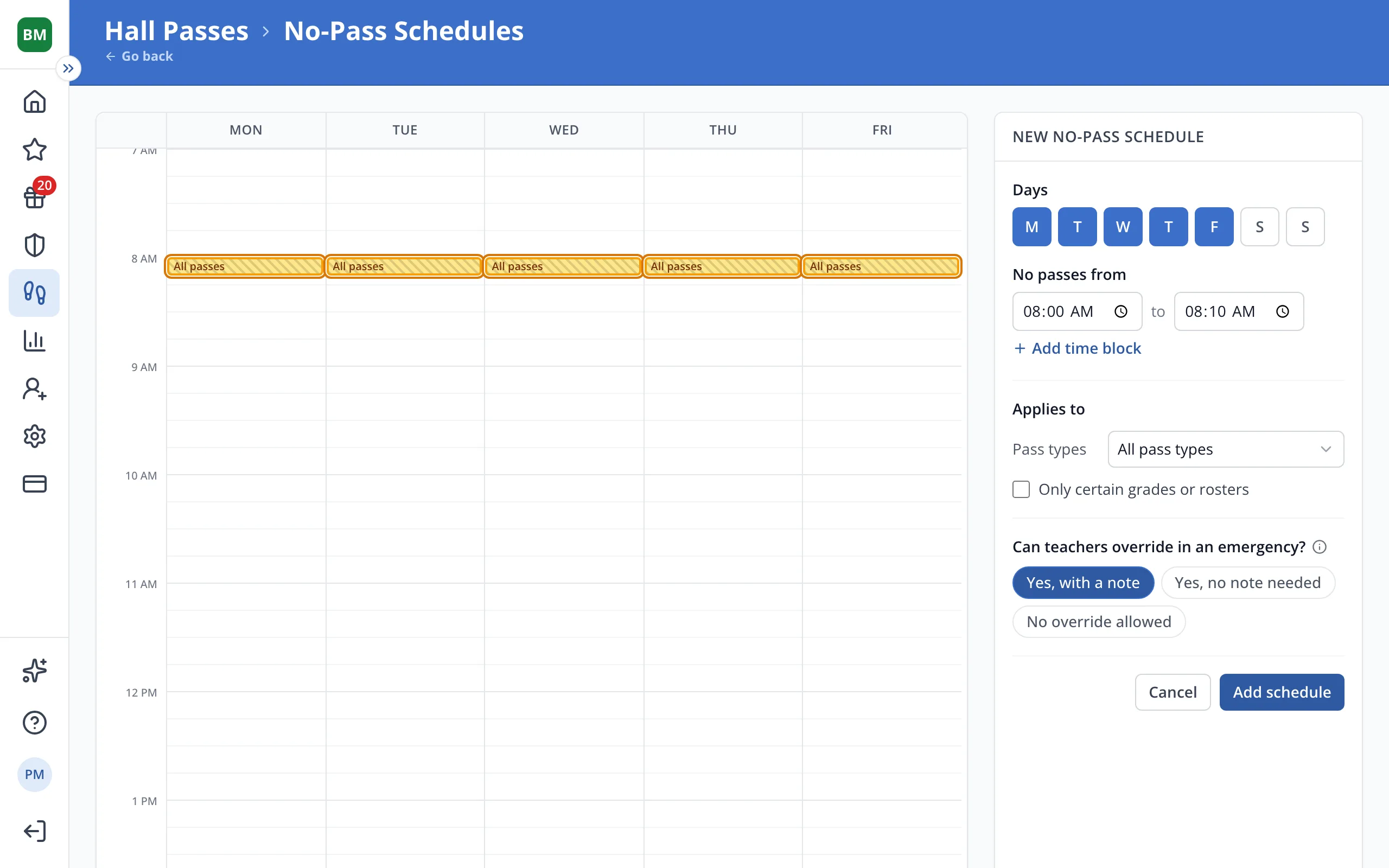
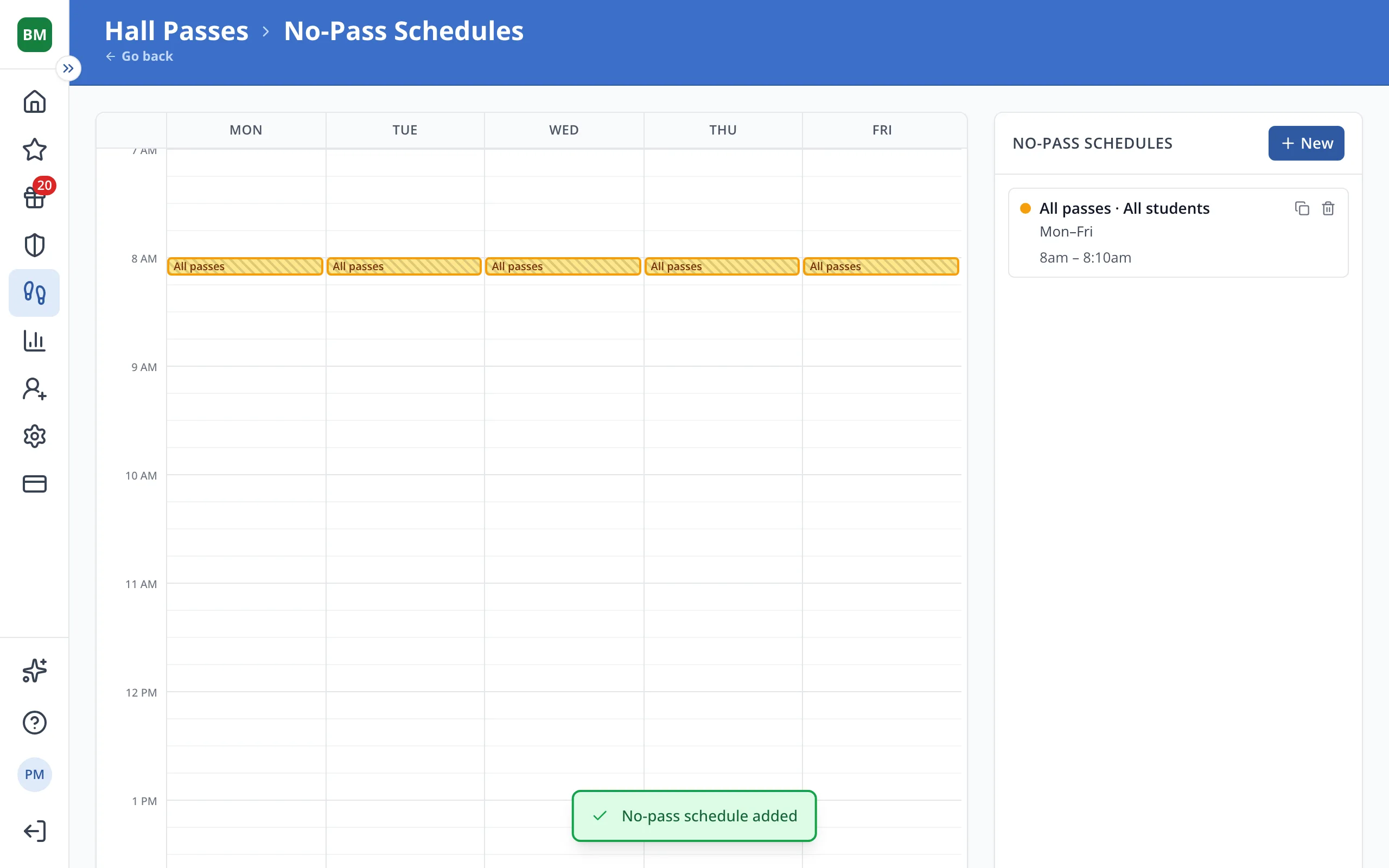
Use the Left and Right arrow keys to move between steps, and Space to play or pause.
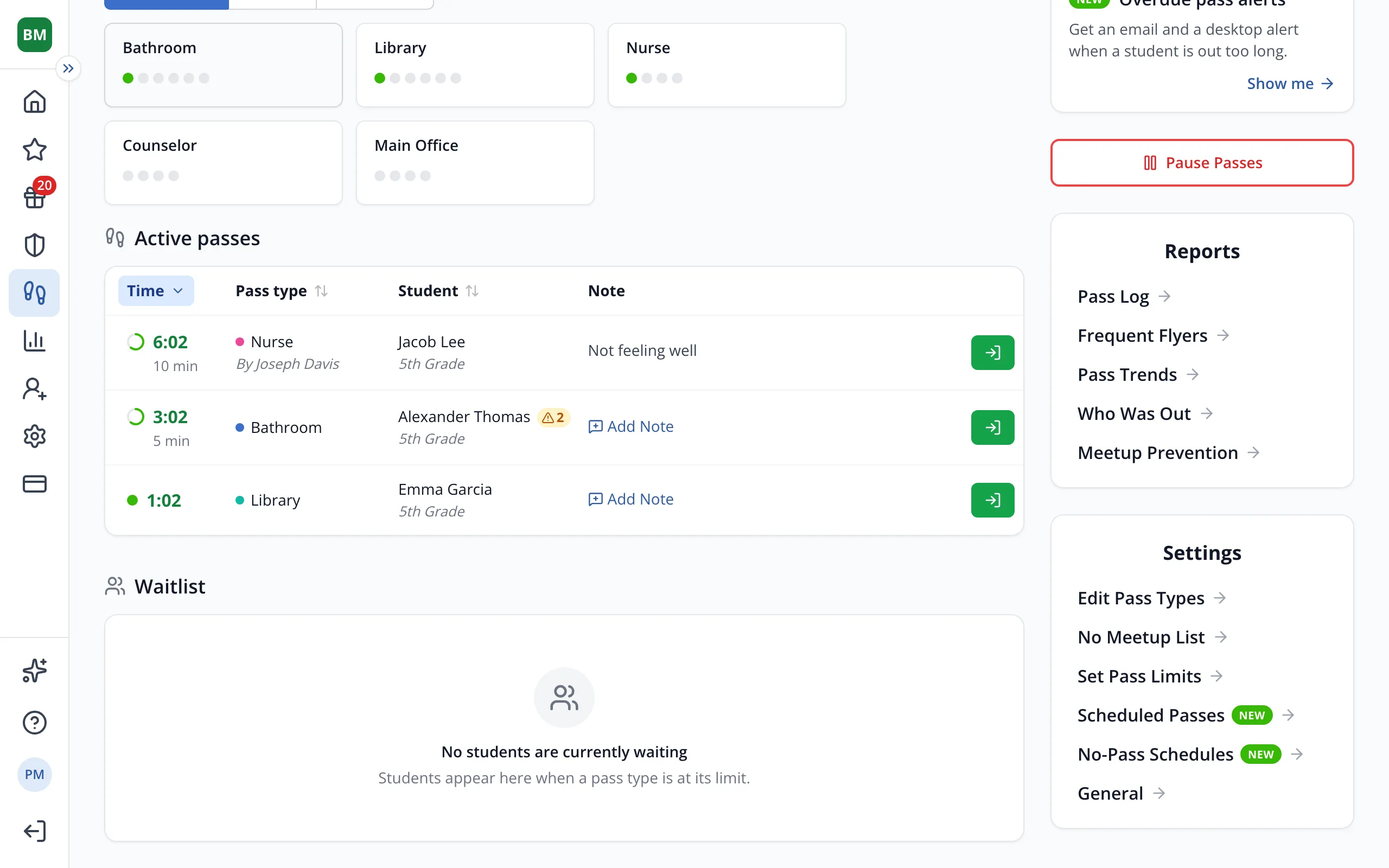
1.On the Hall Passes page, under Settings, click No-Pass Schedules.
Did you know? On a smaller screen, click More to find these links.
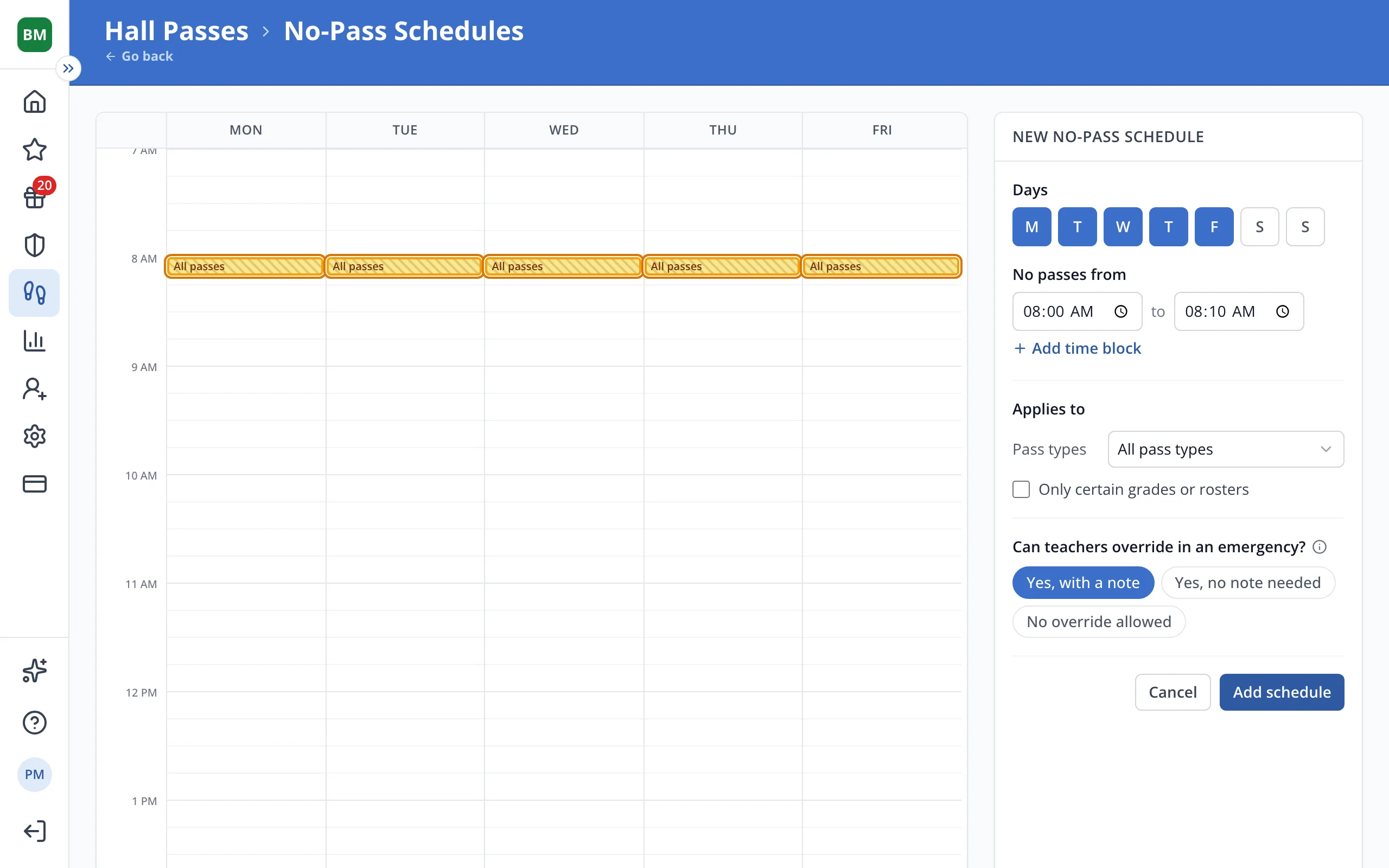
2.Click New.
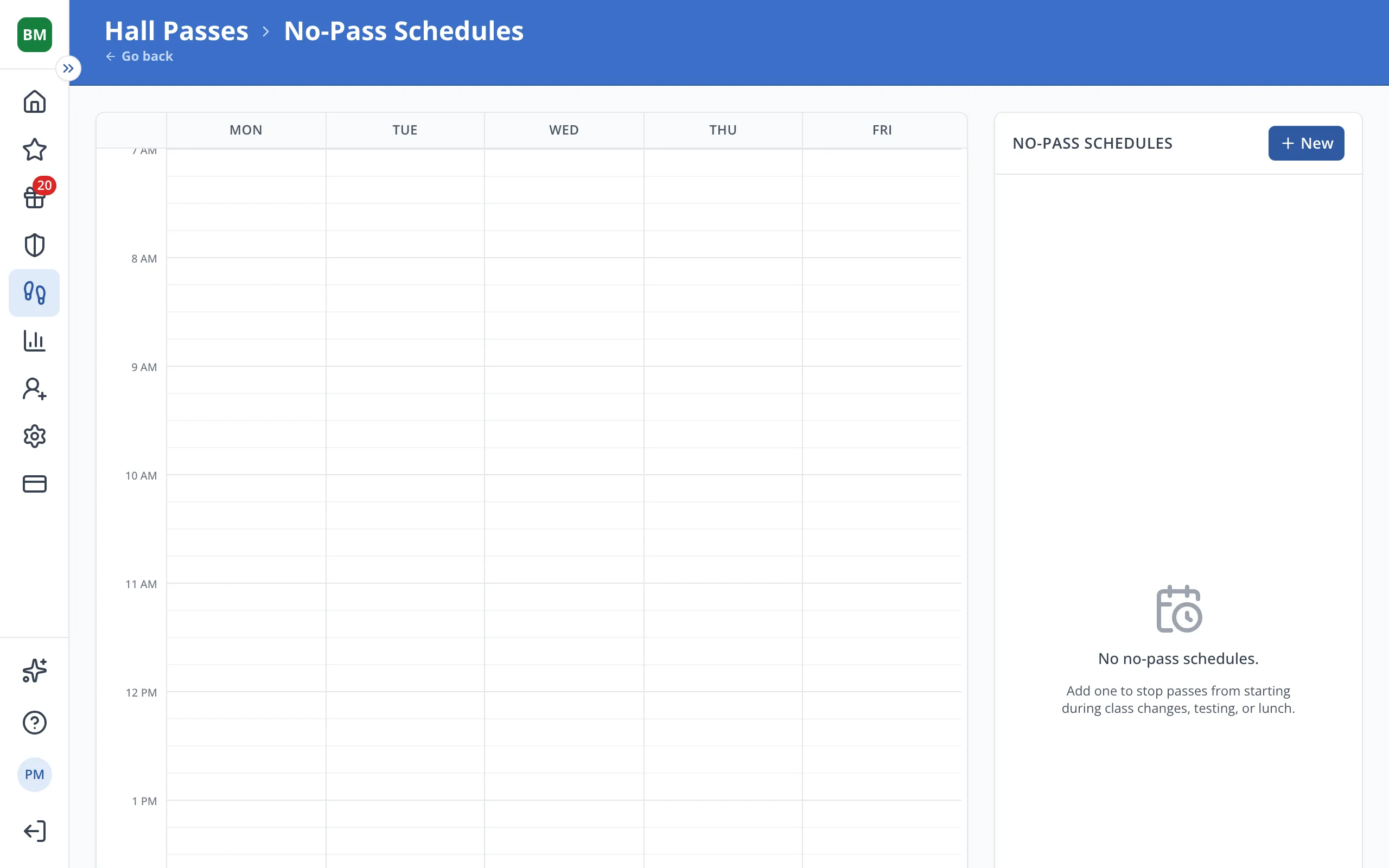
3.Click the days it should apply to. Weekdays are on to start.
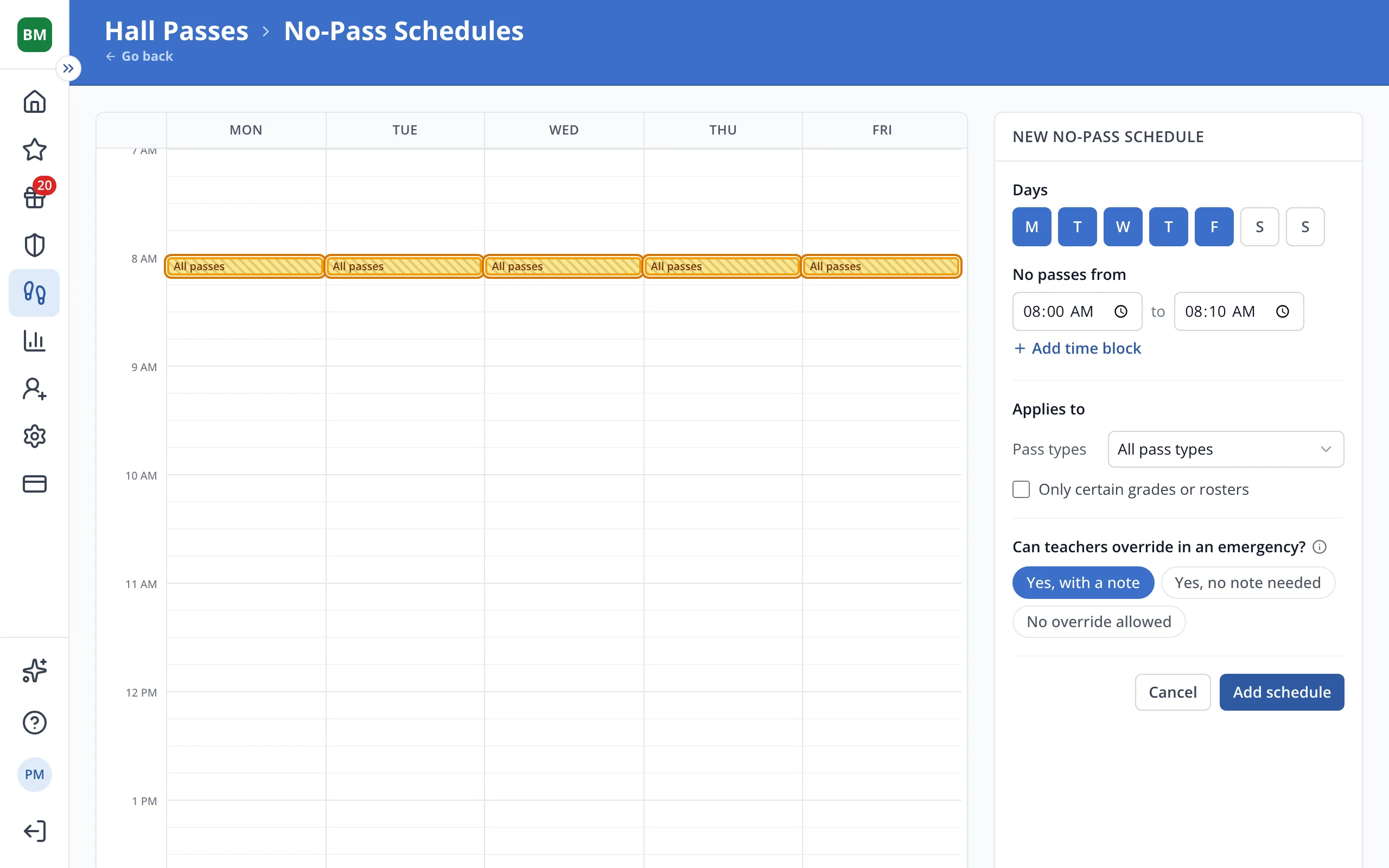
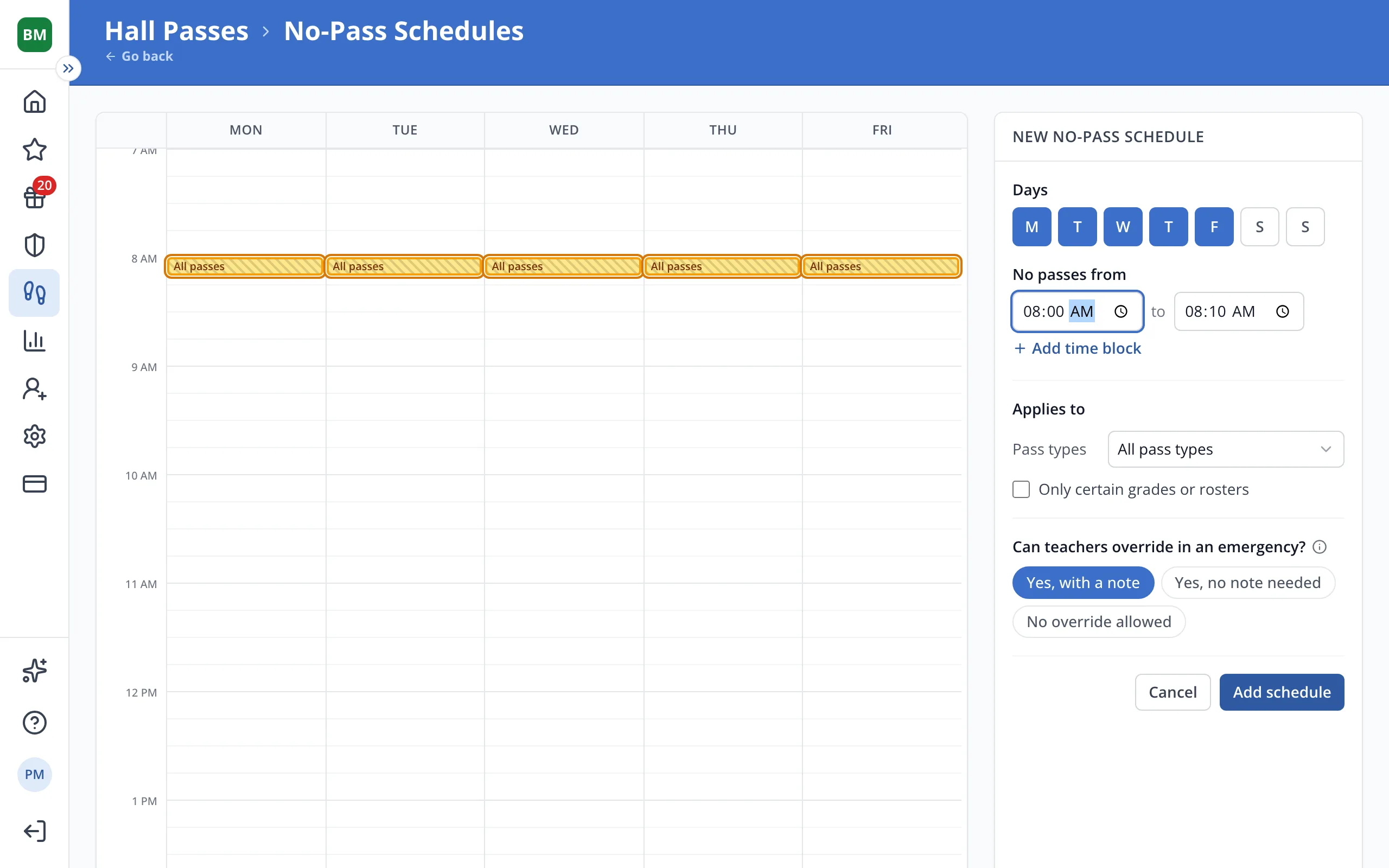
4.Enter the start and end times.
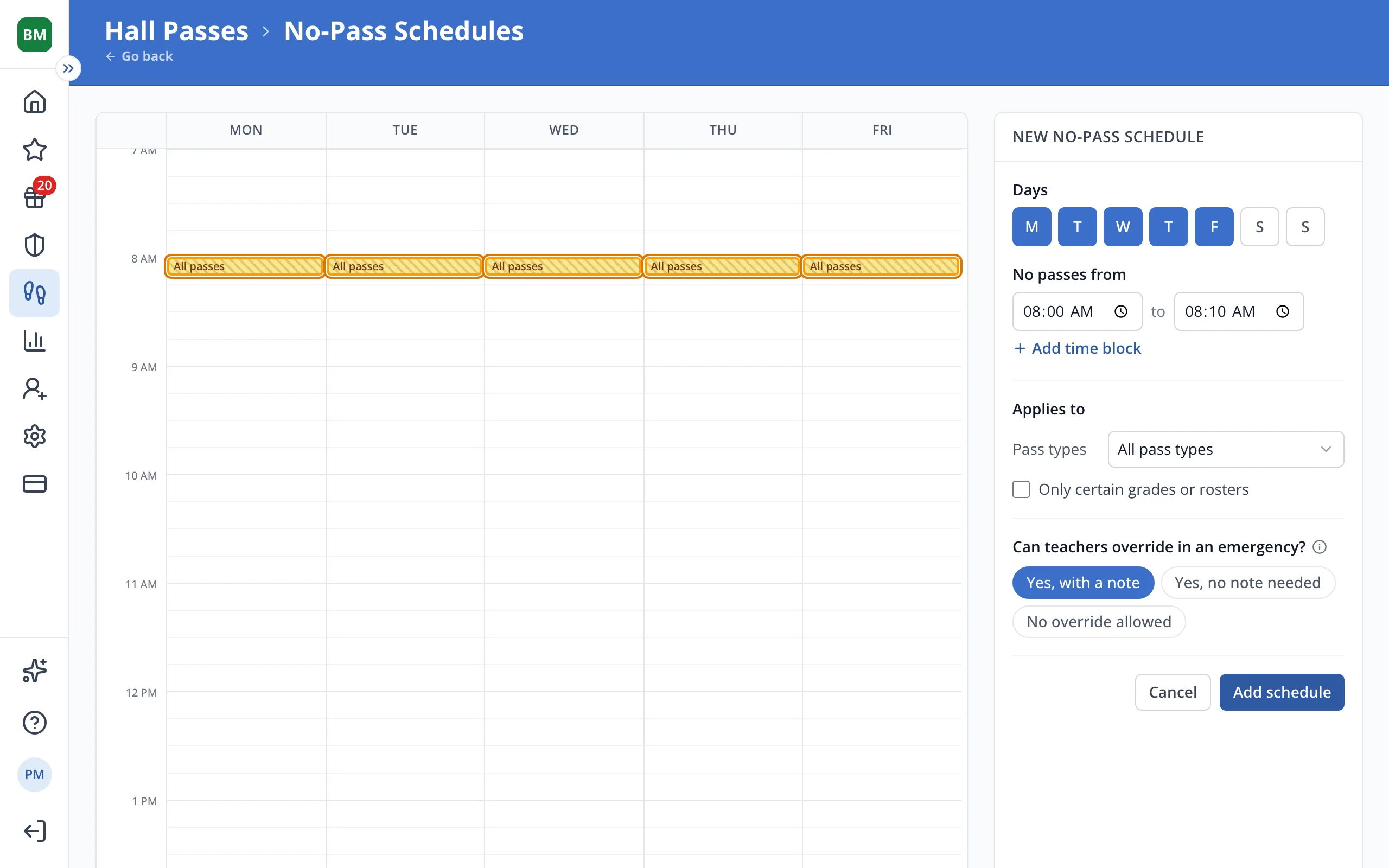
5.Choose whether teachers can override it in an emergency.
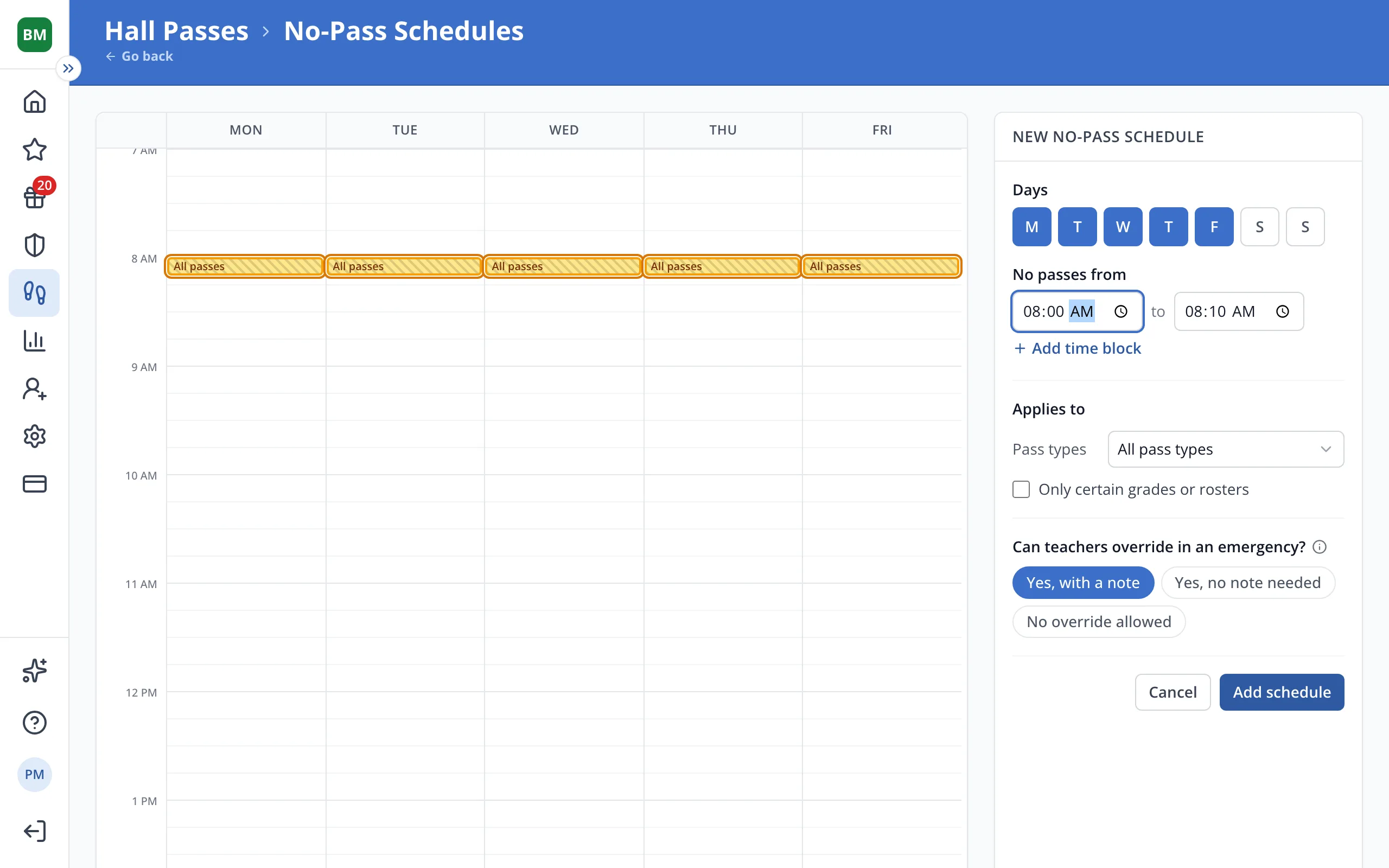
6.Click Add schedule.