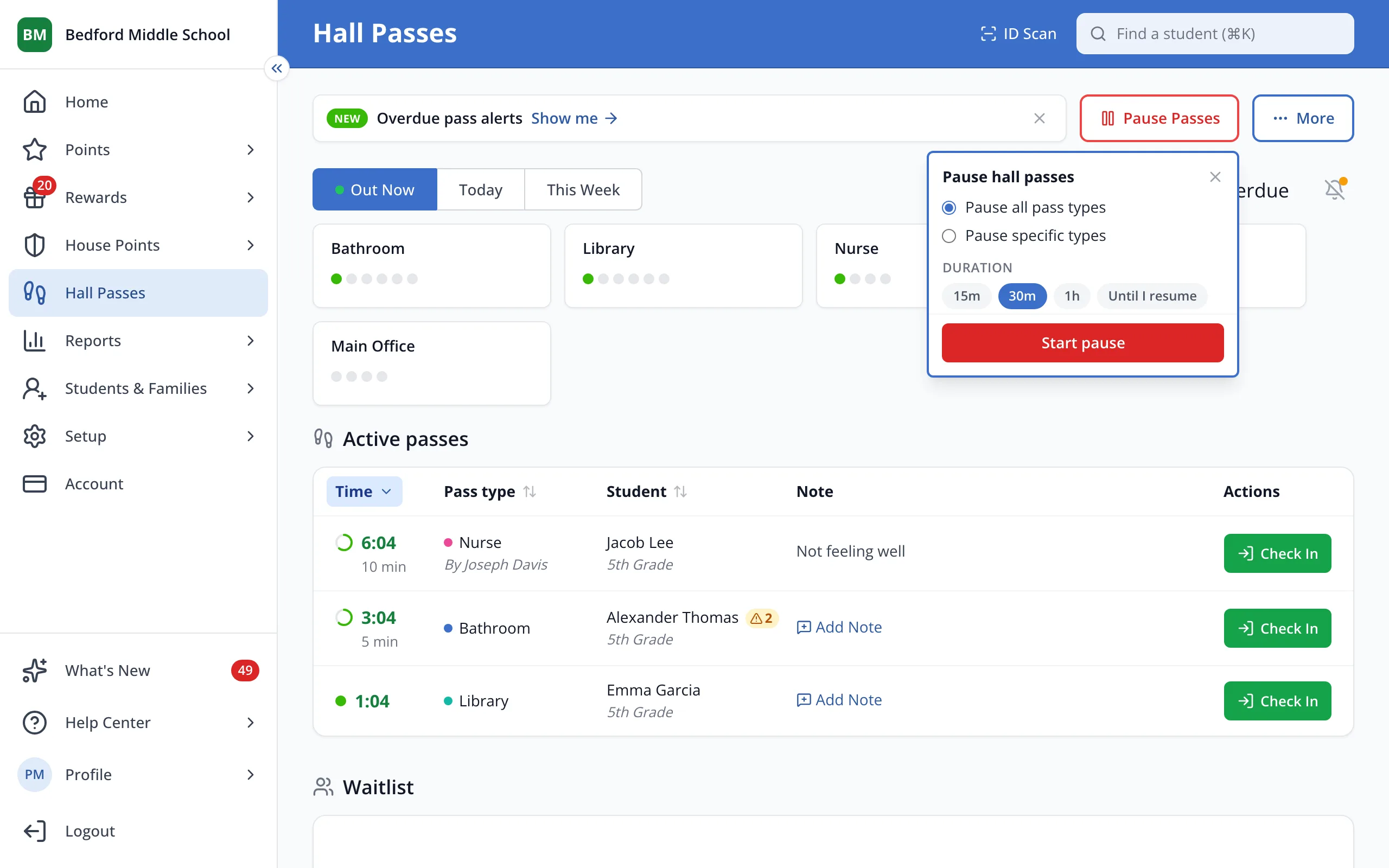
Pause new hall passes from being started
No new passes can start while hall passes are paused. Students already out can still check back in.
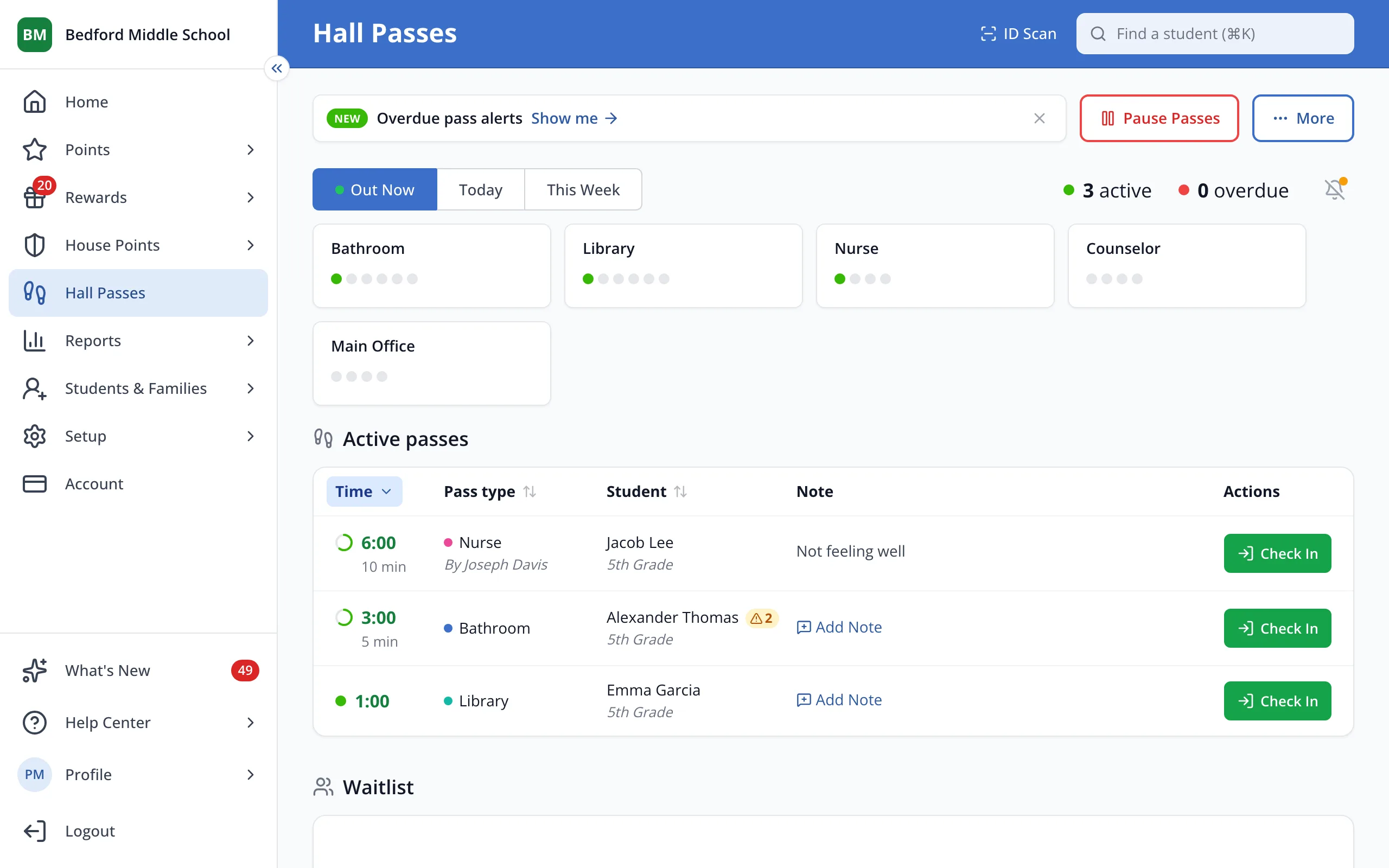
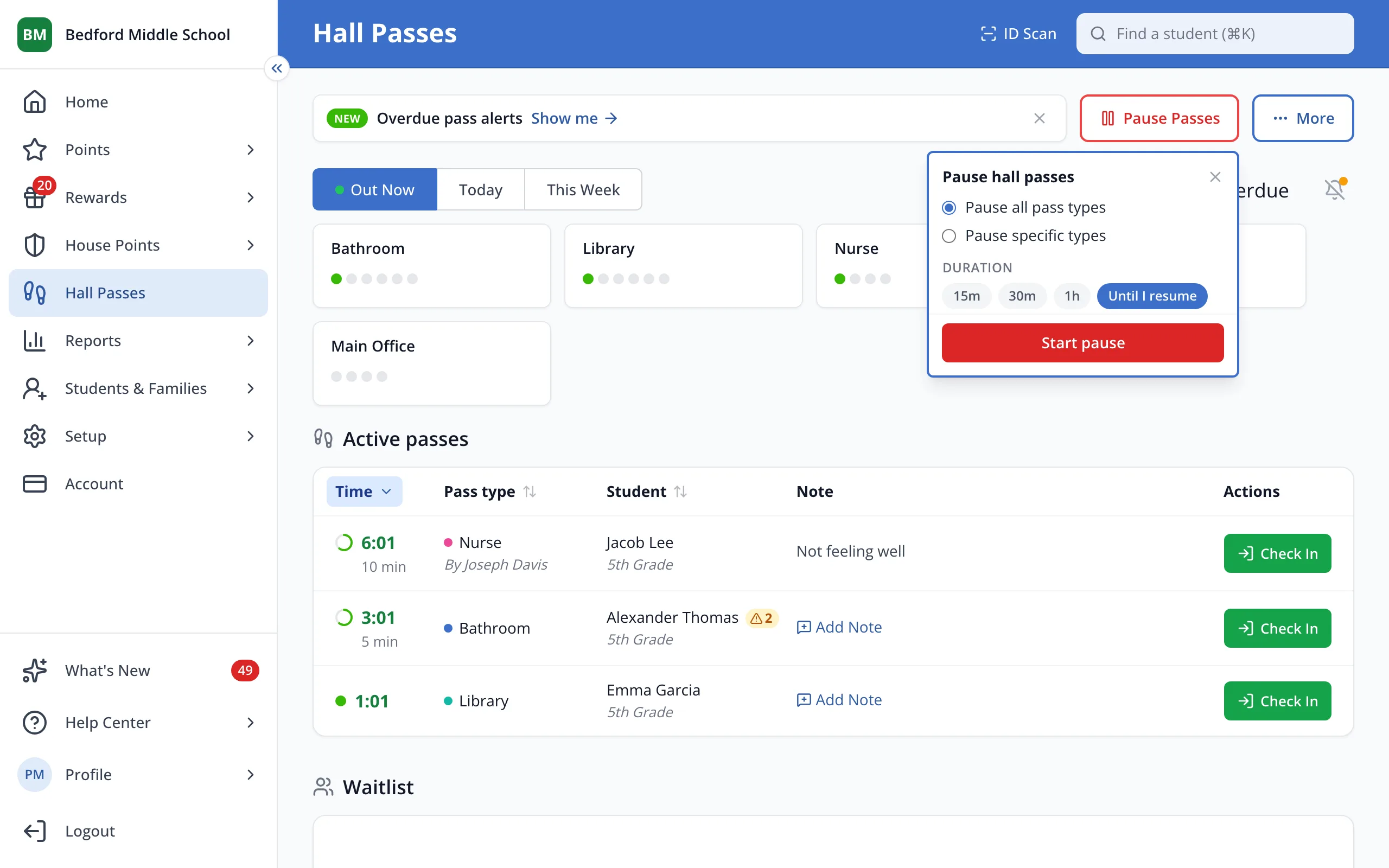
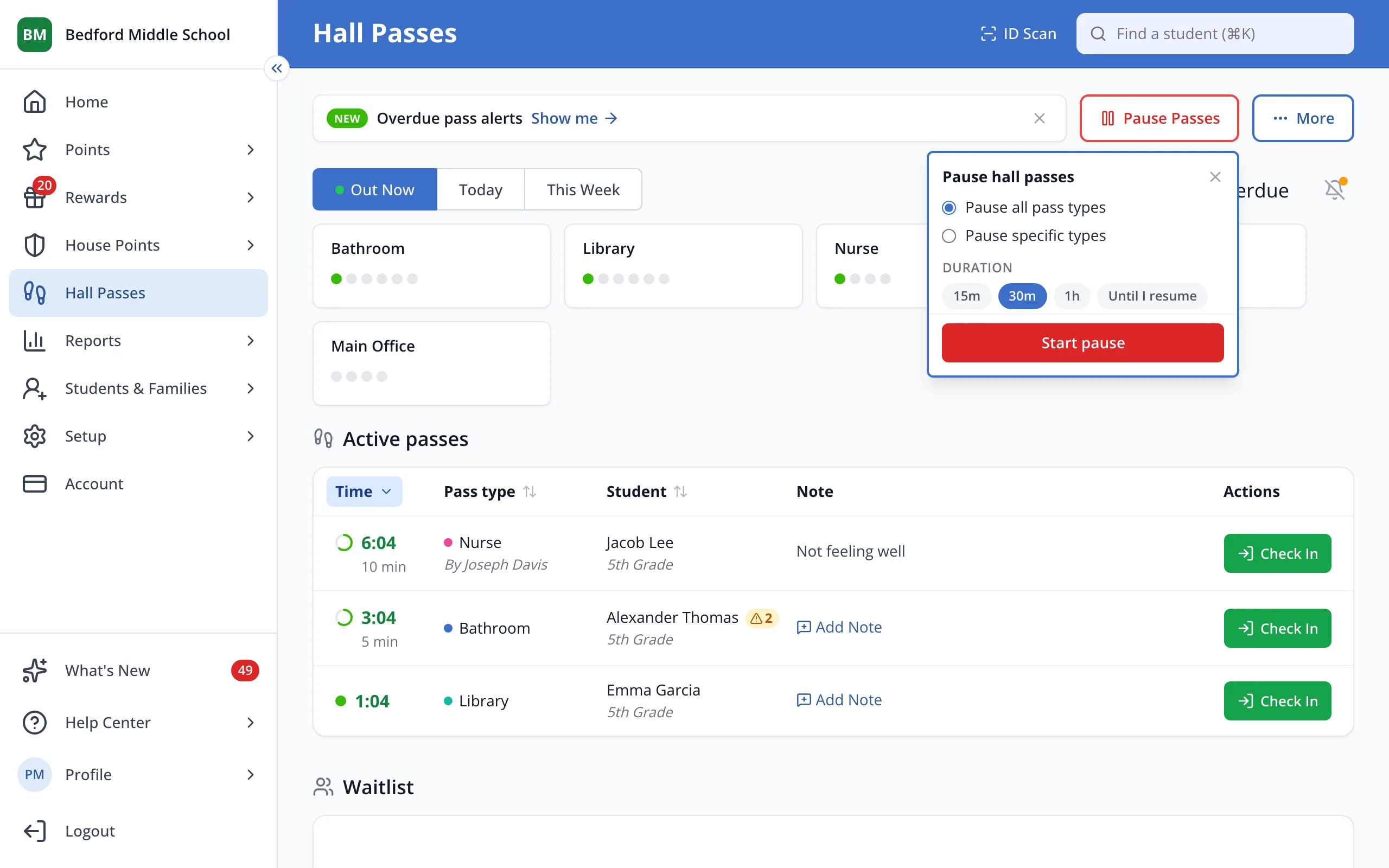
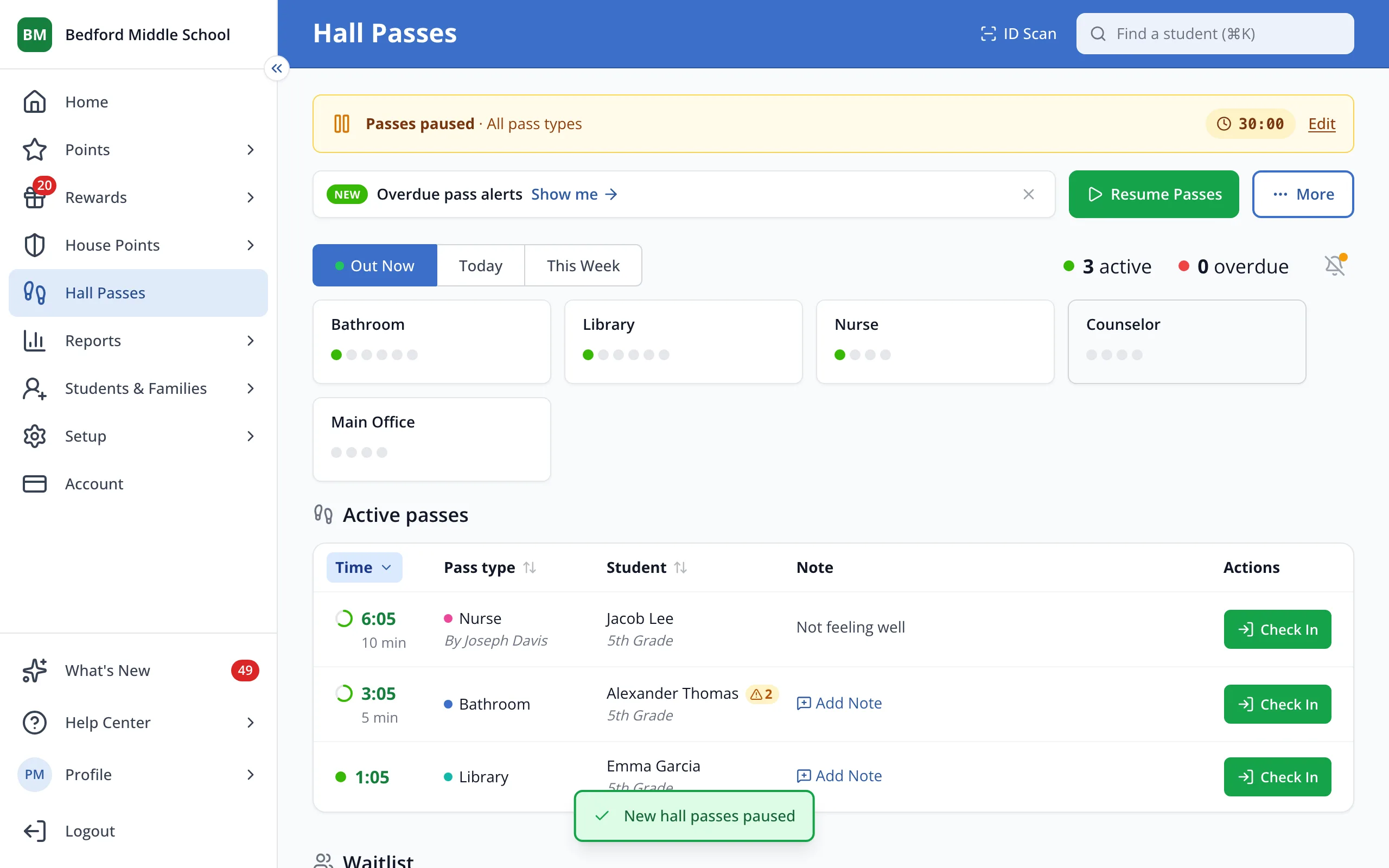
Use the Left and Right arrow keys to move between steps, and Space to play or pause.
1.On the Hall Passes page, click Pause Passes.
2.Choose whether to pause every pass type or only some.
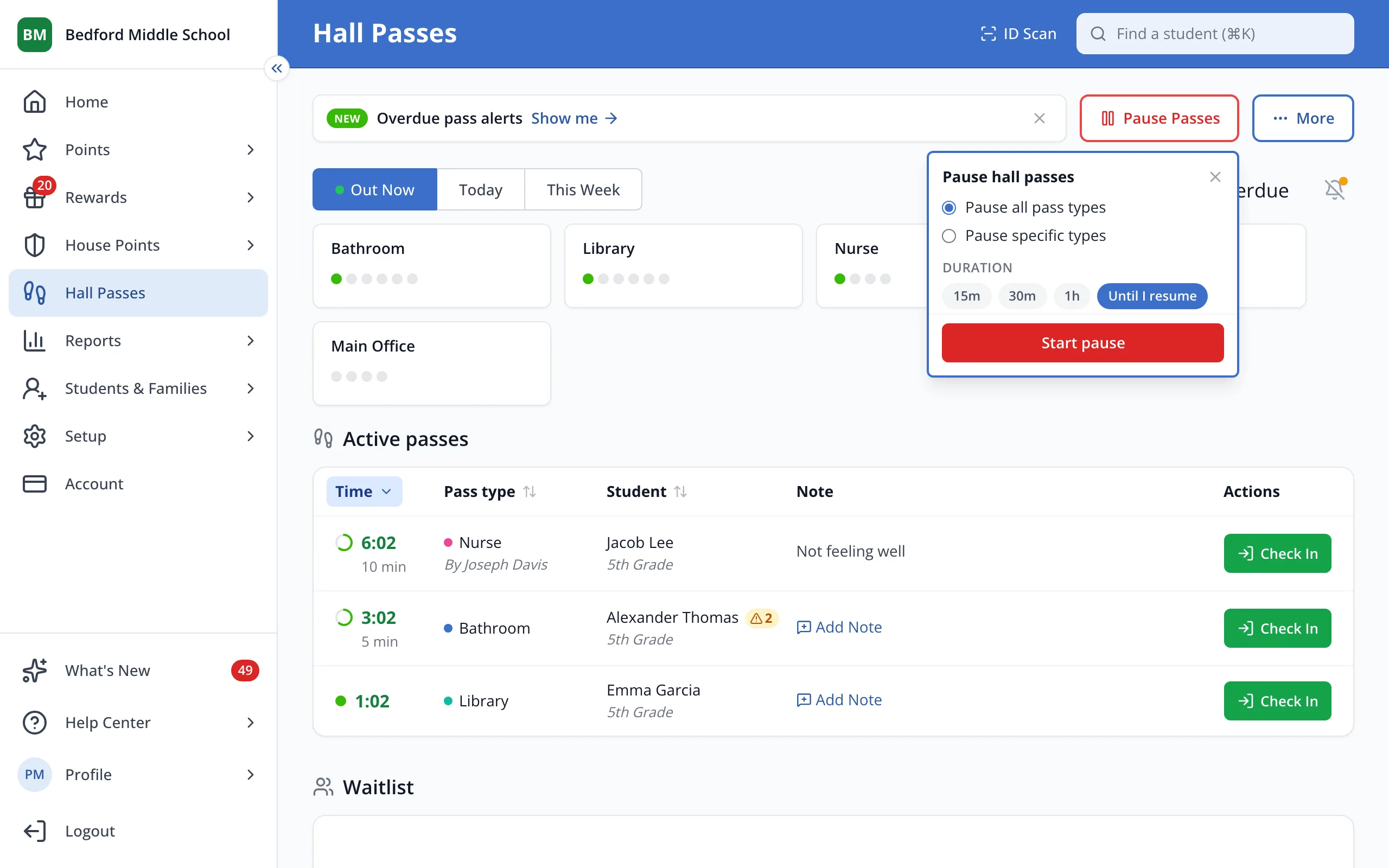
3.Choose how long the pause lasts.
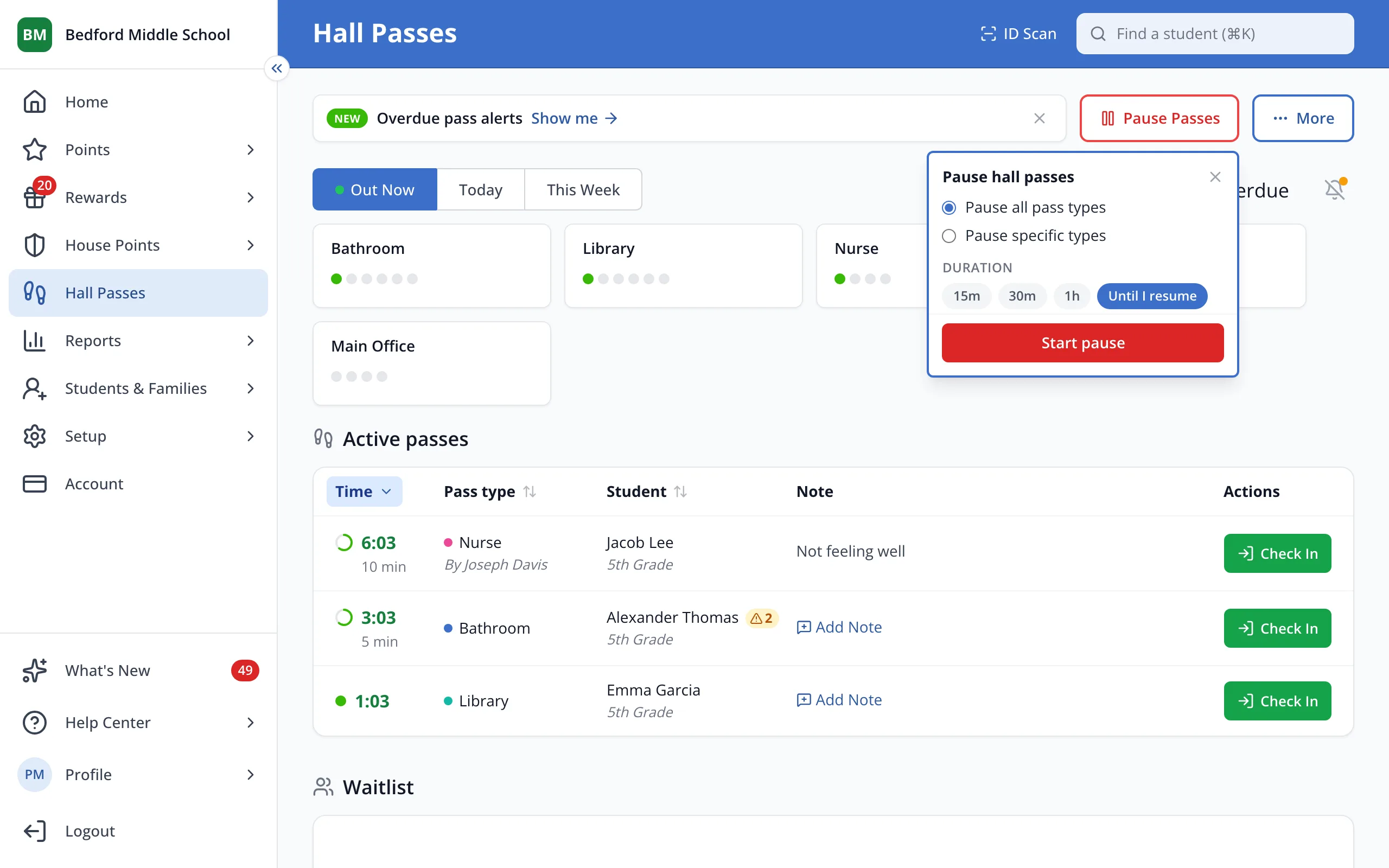
4.Click Start pause.