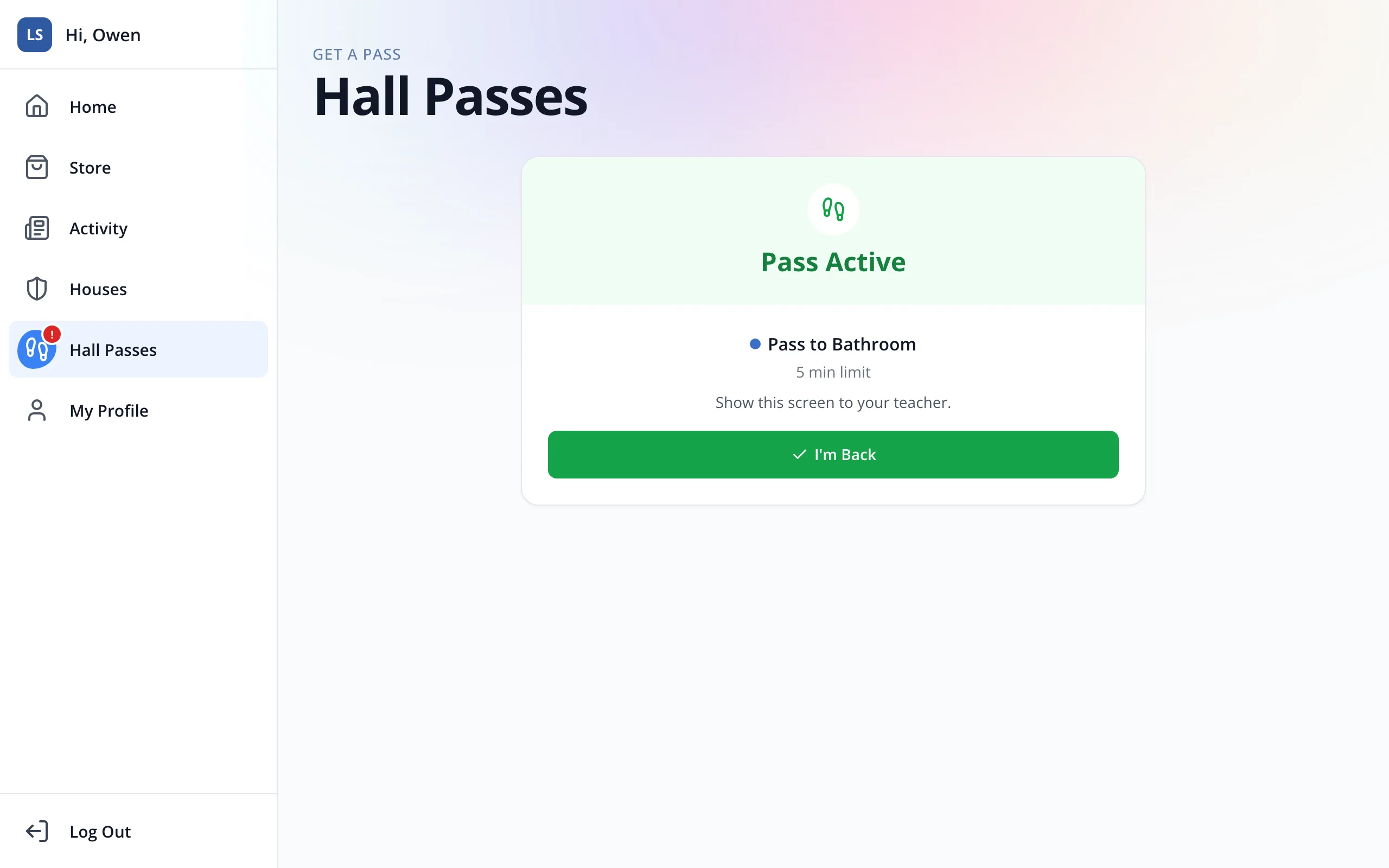
Request a pass from the student portal
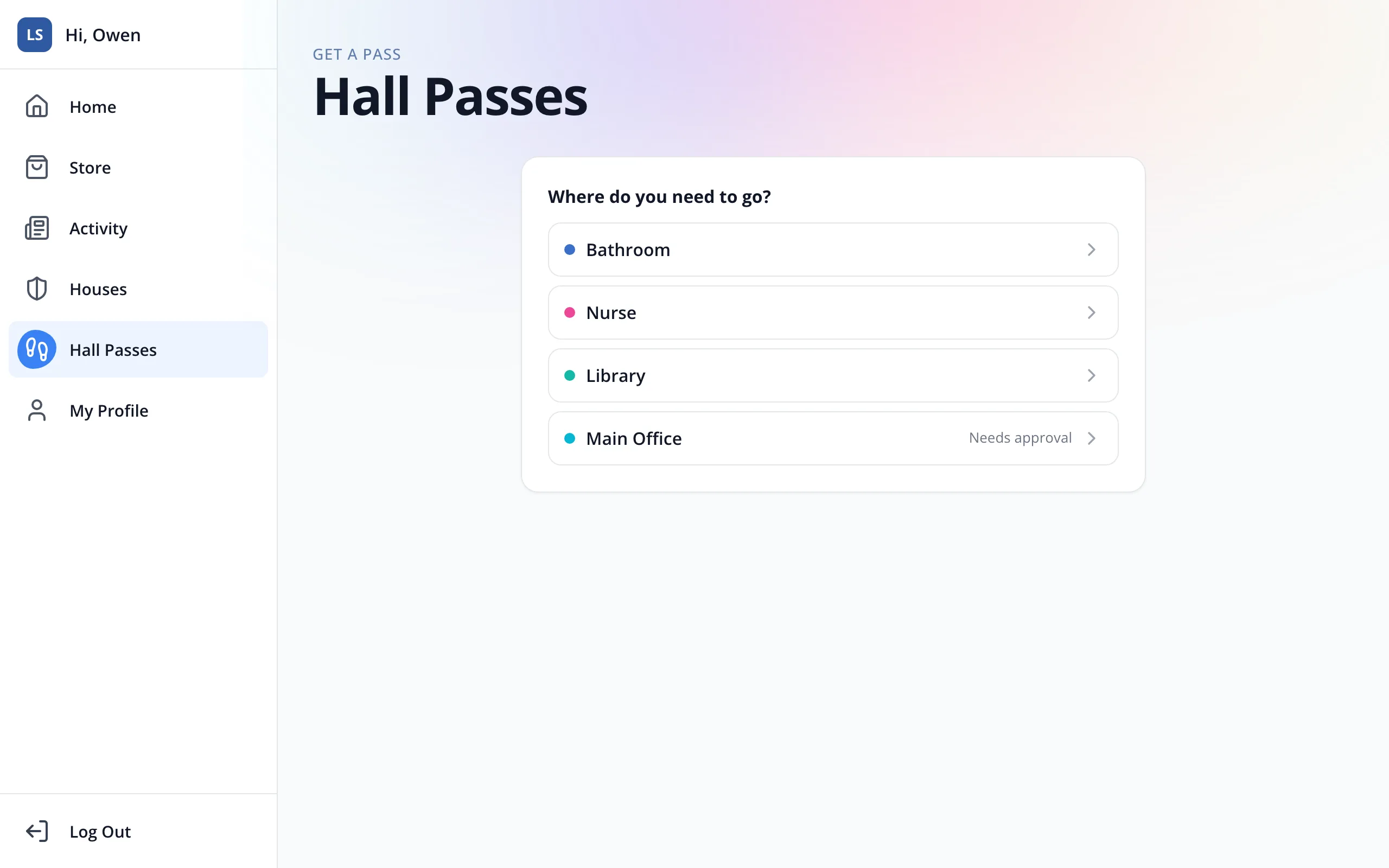
Students can start a pass themselves from their portal when the pass type allows it on the app.
Use the Left and Right arrow keys to move between steps, and Space to play or pause.
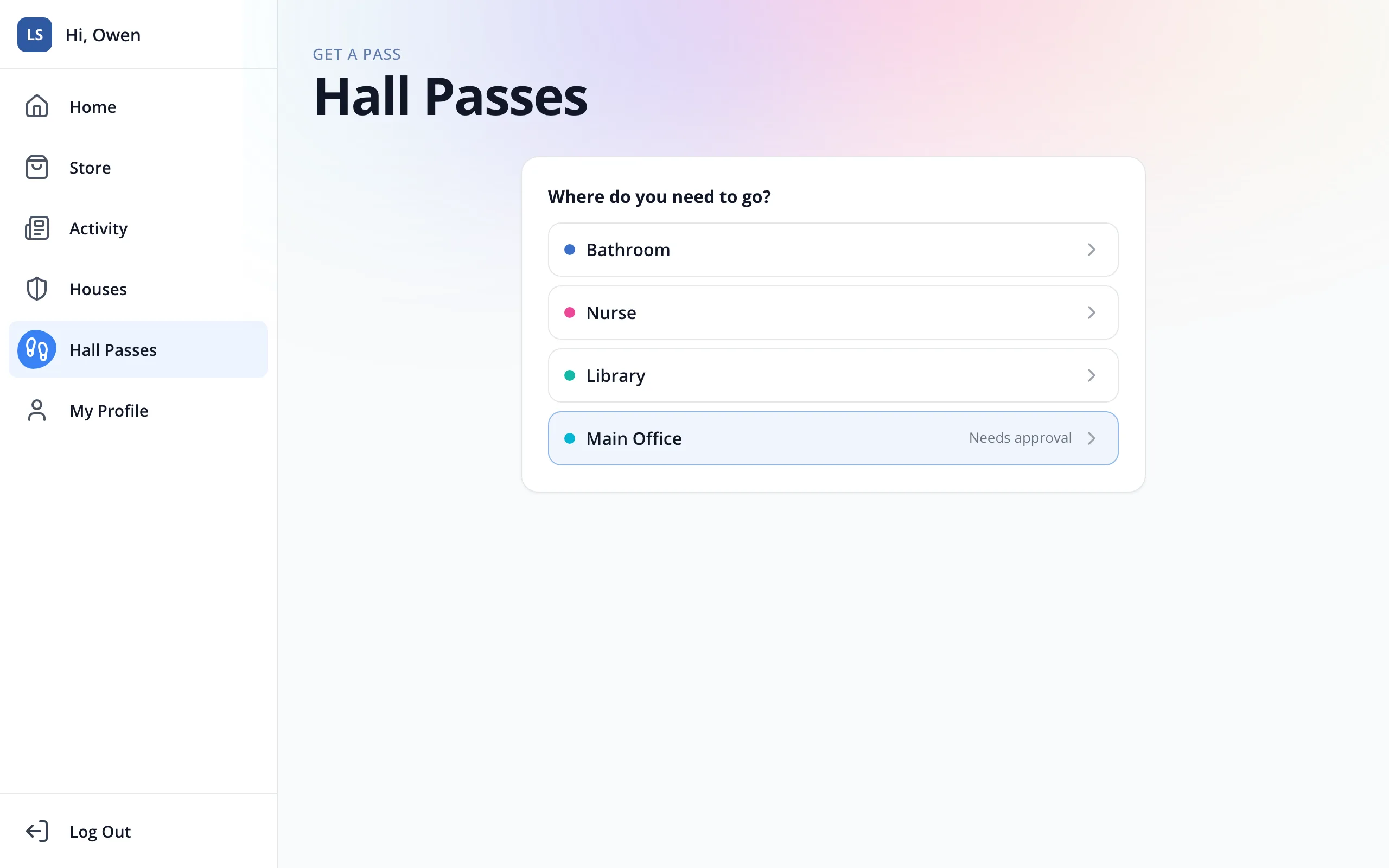
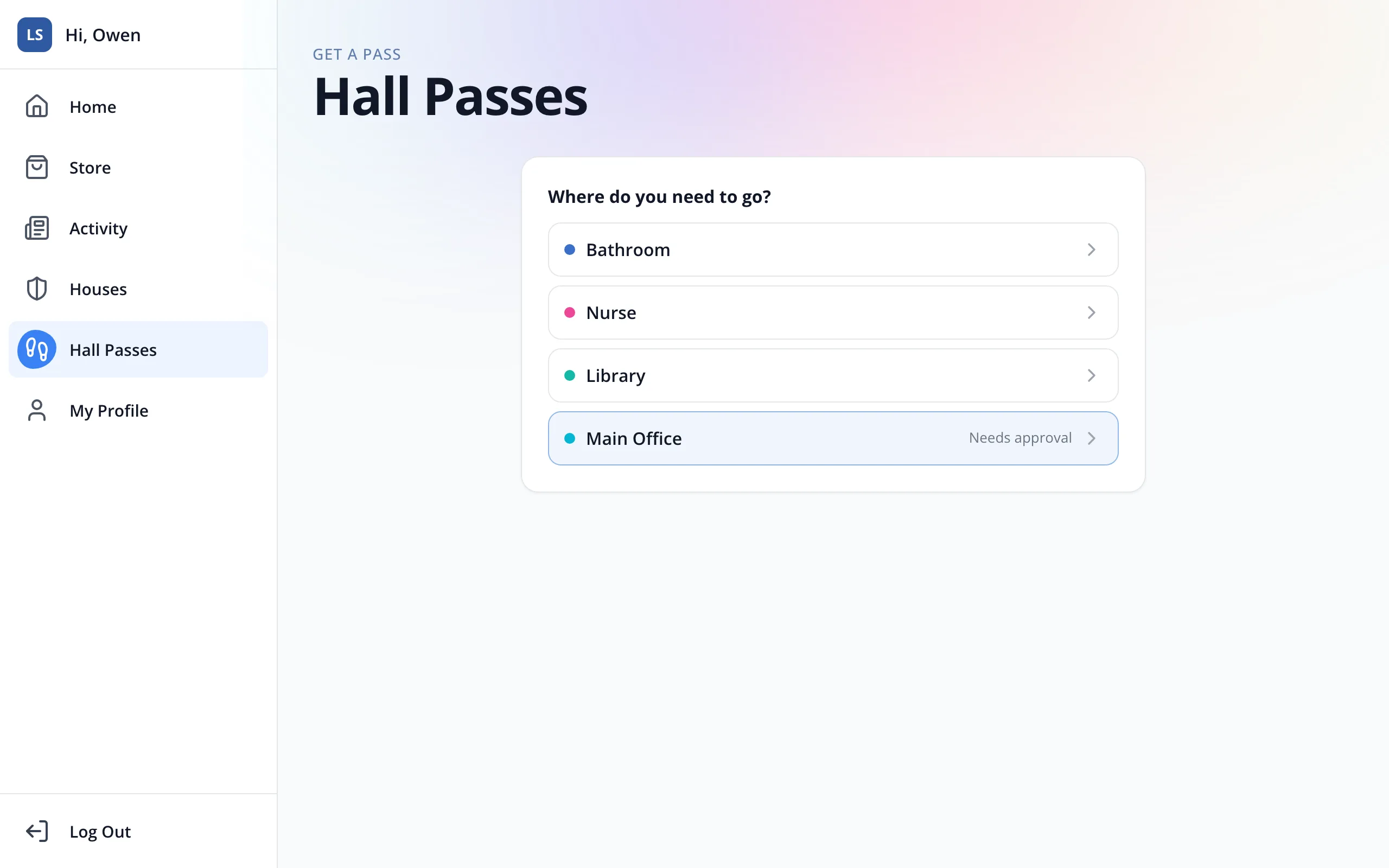
1.On the Hall Passes page of the portal, click where you'd like to go.
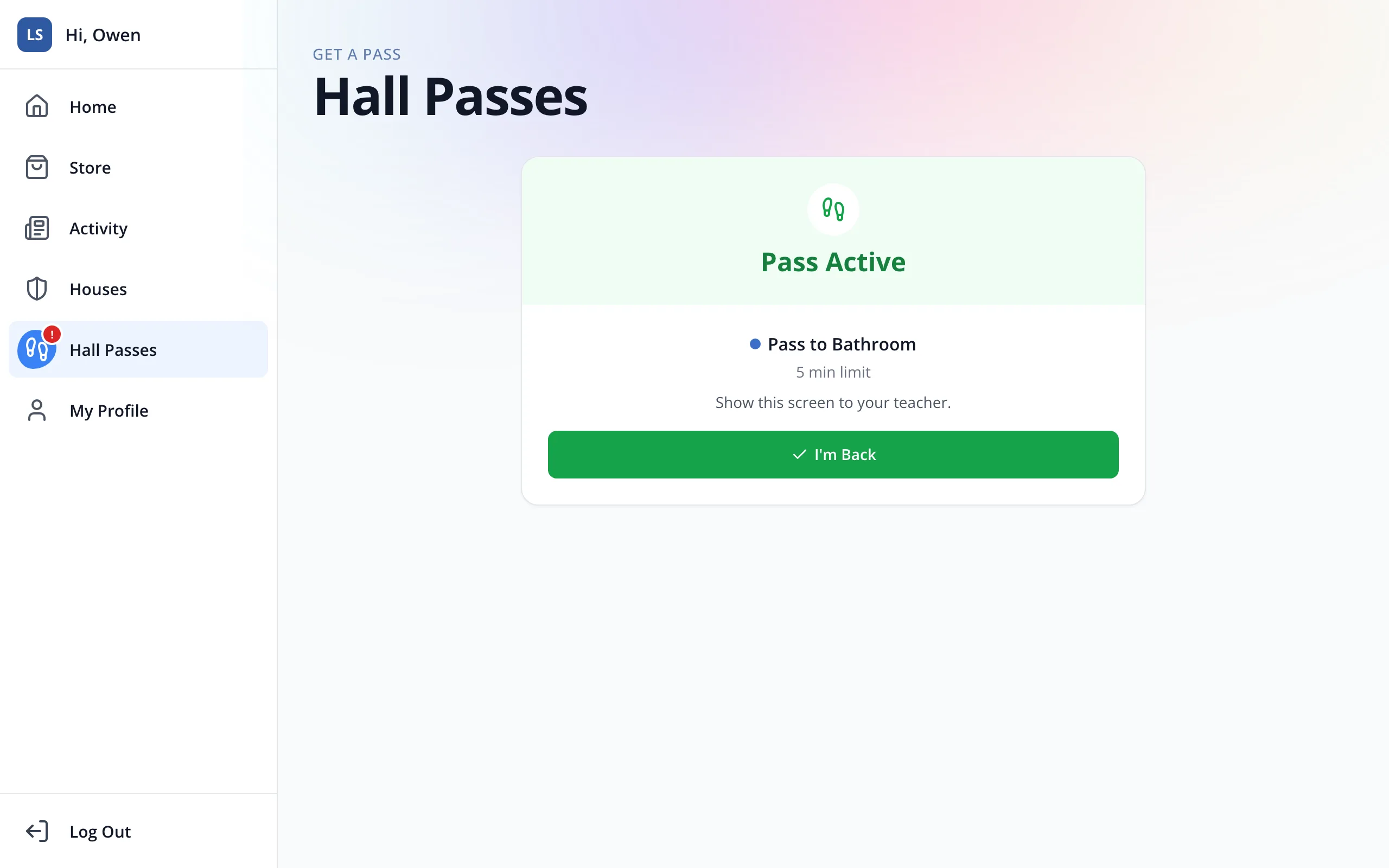
2.When you get back to class, click I'm Back.