
Start a student's scheduled pass when it's due
You're notified when a scheduled pass is due, so you don't have to keep track of the time.
Use the Left and Right arrow keys to move between steps, and Space to play or pause.
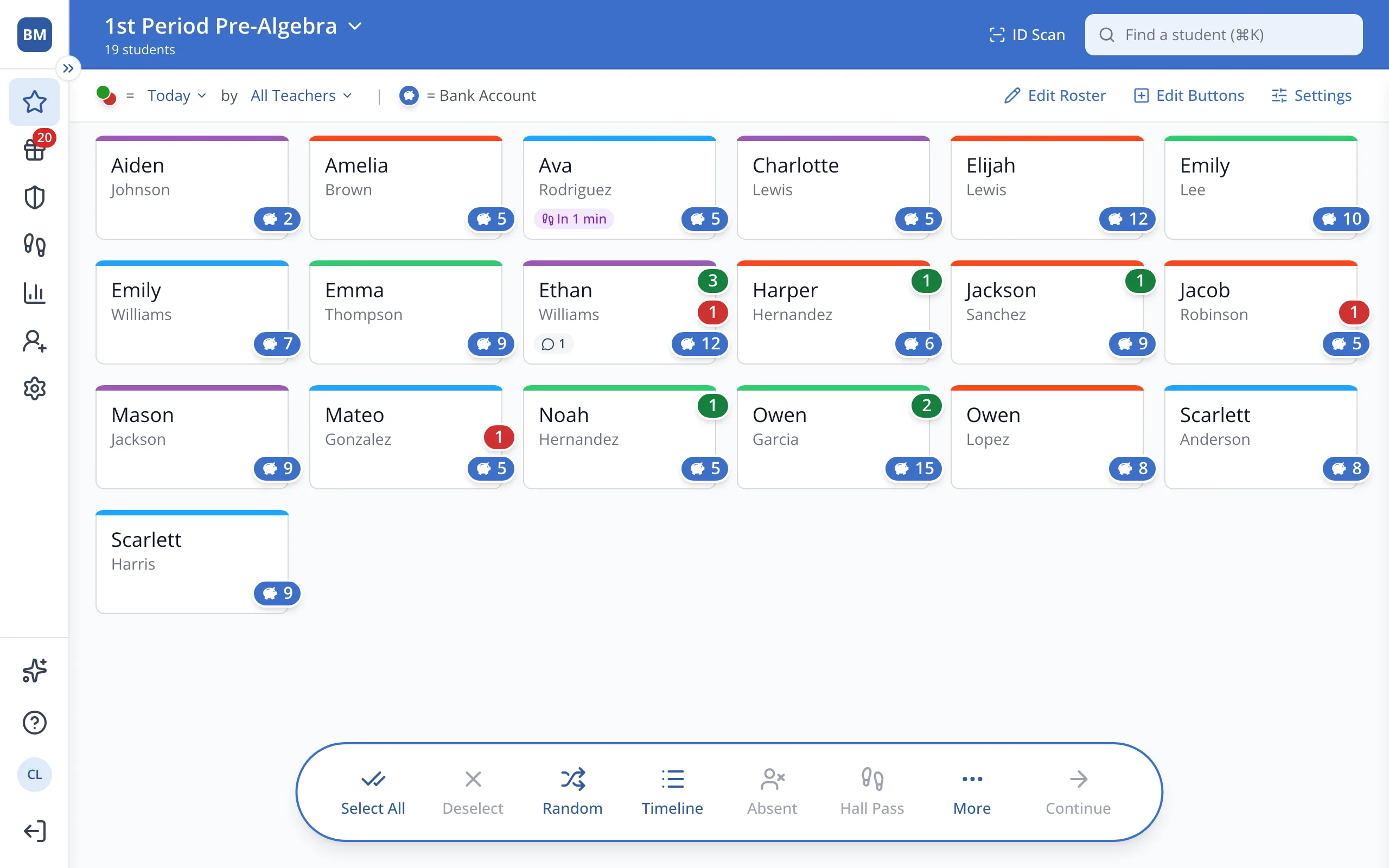
1.Up to 15 minutes before a scheduled pass, the student's button shows when it starts.
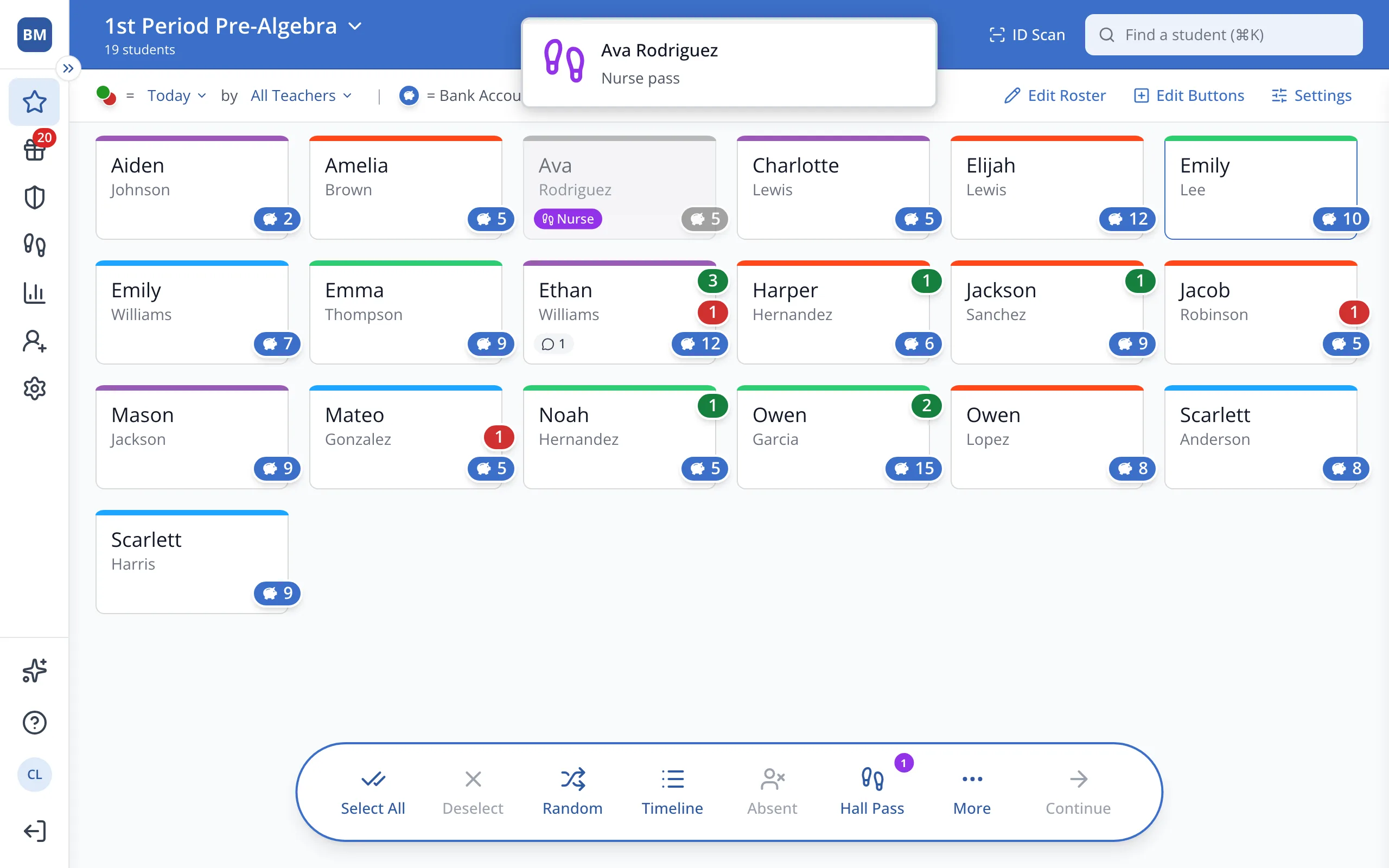
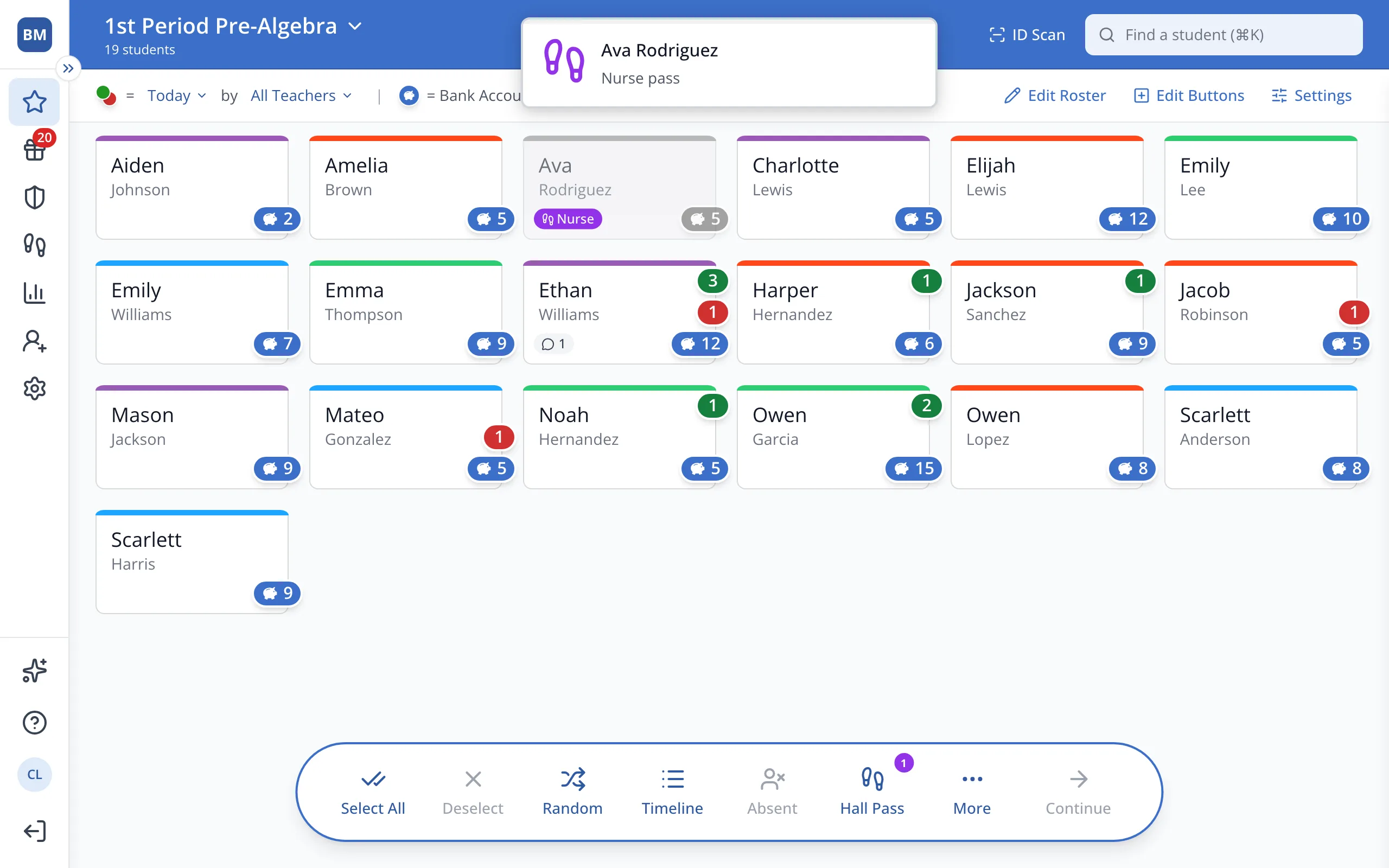
2.When the pass is due, you'll hear a chime and see a pop-up. Click Start pass.
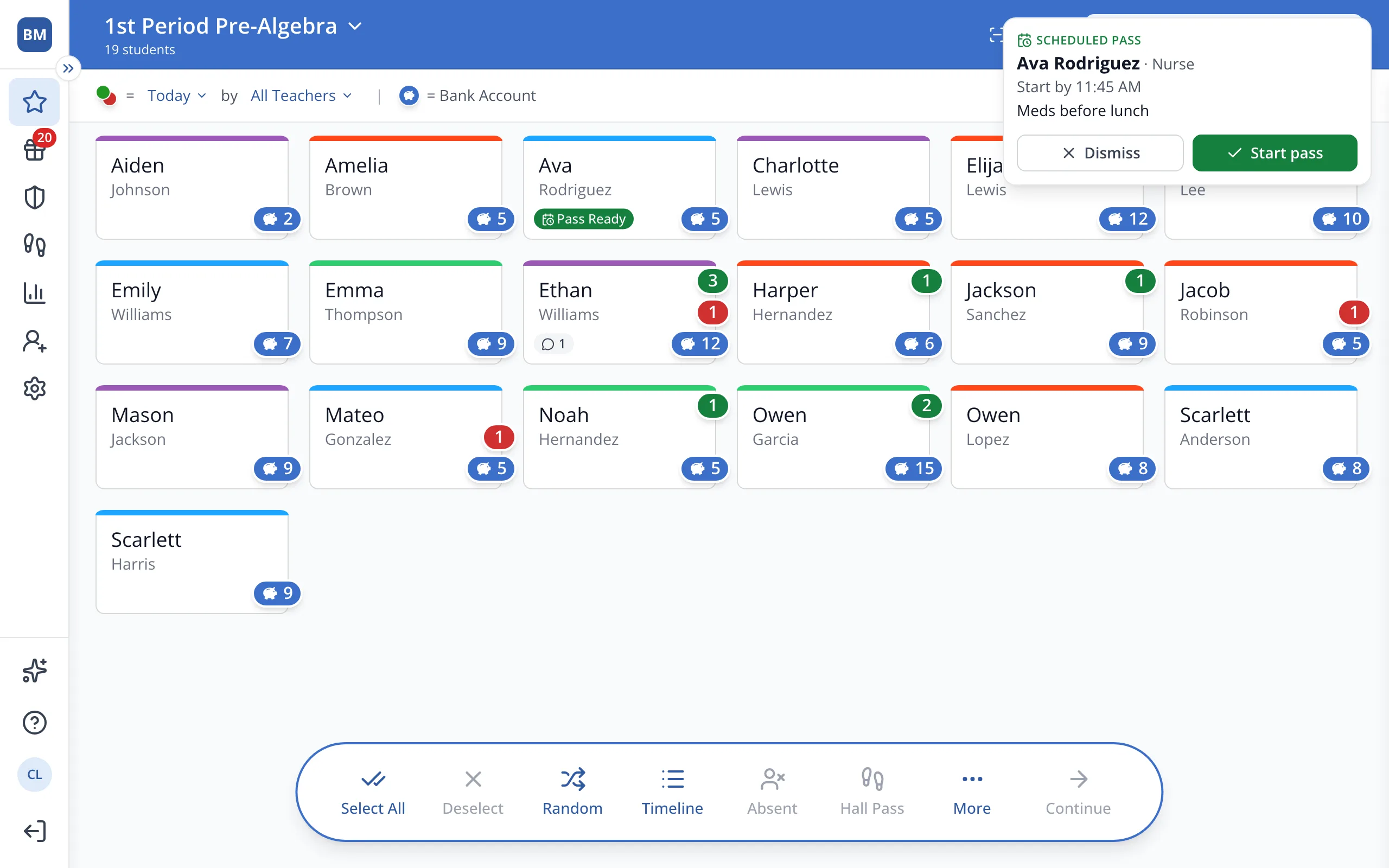
Did you know? Clicked Dismiss by mistake? Click Pass Ready on the student's button to start it.