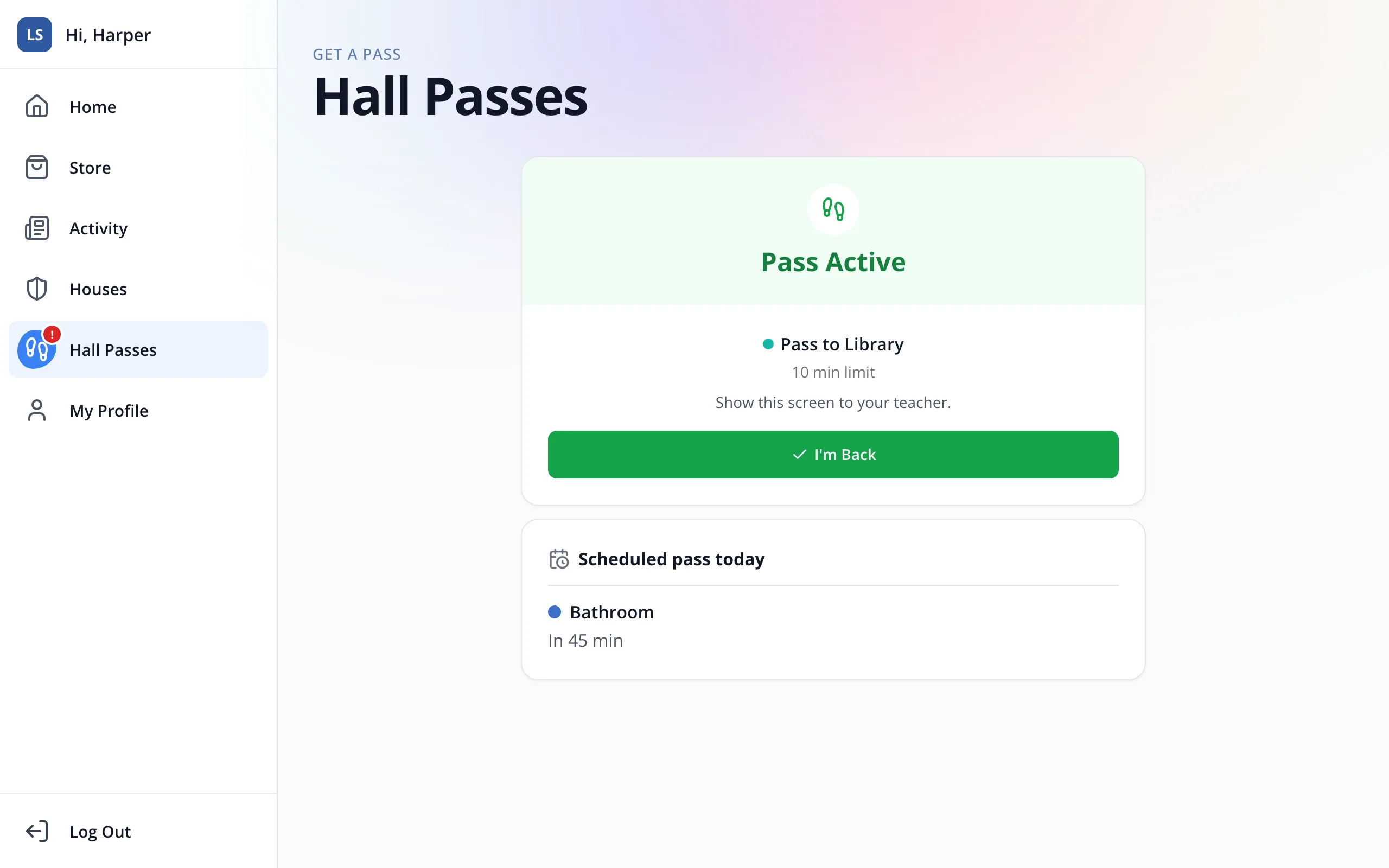
See your scheduled passes in the student app
Passes your school schedules for you show up here each day, so you know when you can go.
Use the Left and Right arrow keys to move between steps, and Space to play or pause.
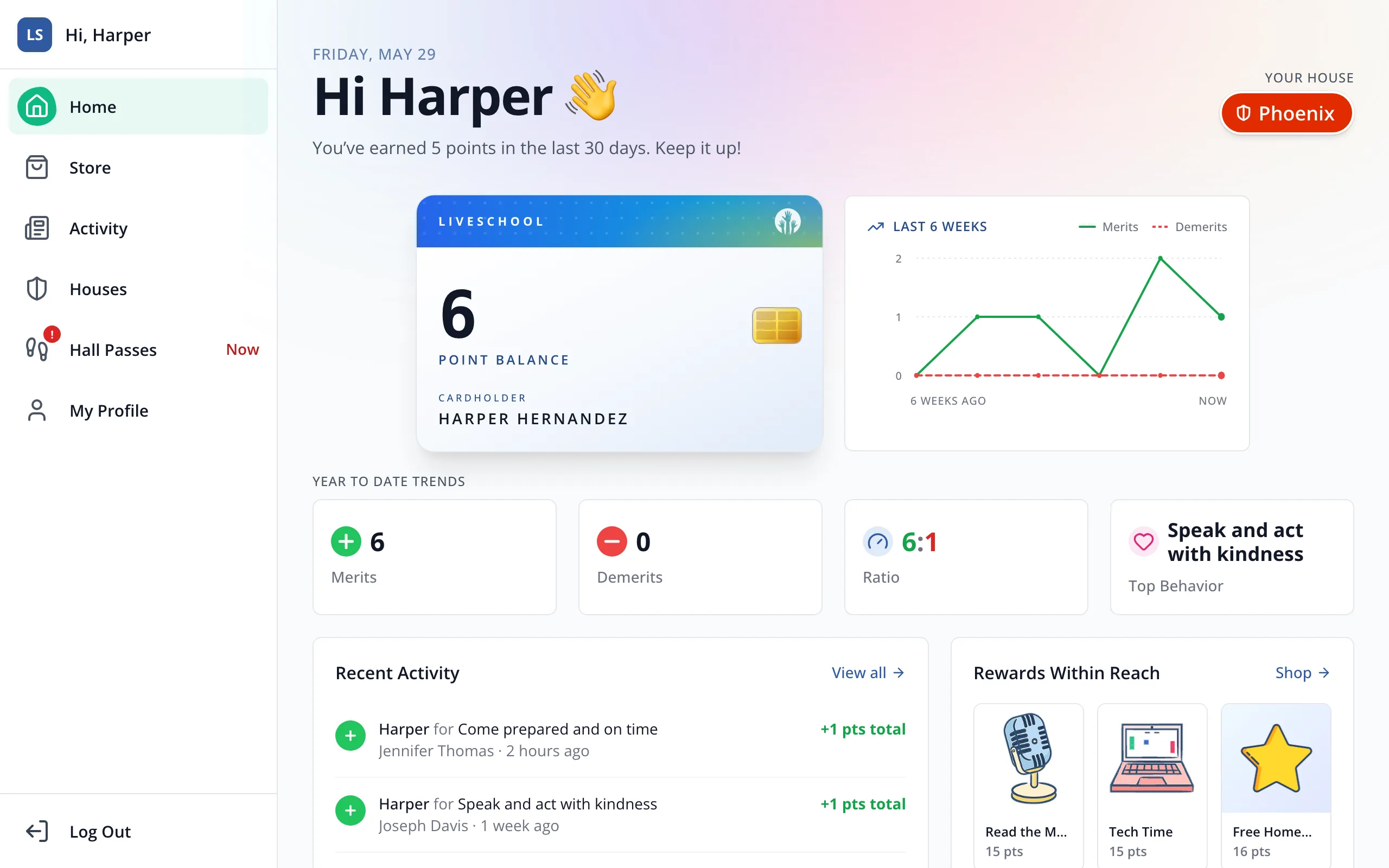
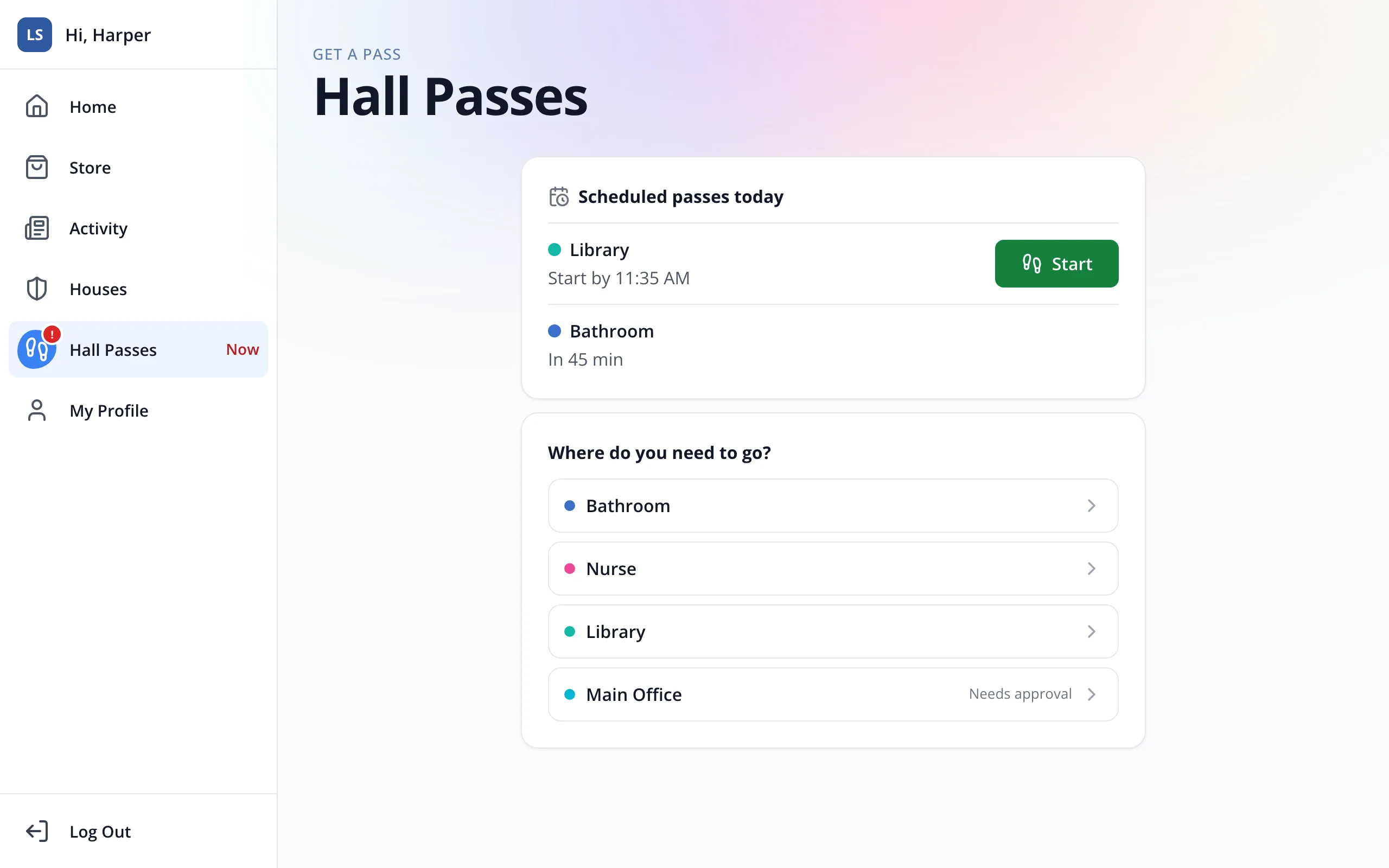
1.In the menu, click Hall Passes.
Did you know? Now next to Hall Passes means a scheduled pass is ready to start.
2.Your scheduled passes for today are at the top. Each one says when you can start it.
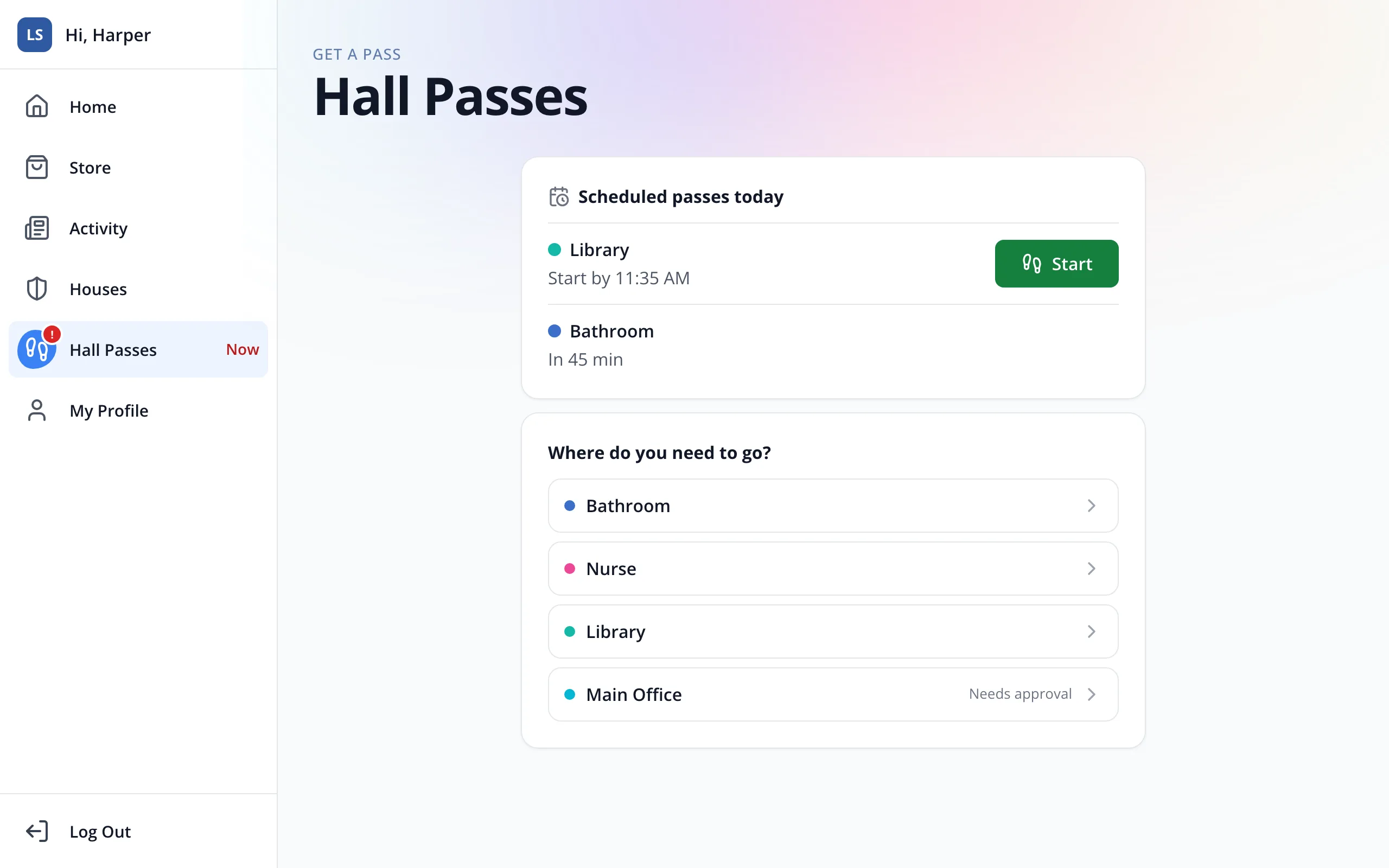
3.When a pass is ready, click Start.
Did you know? If a pass says a teacher will start it for you, wait for your teacher.
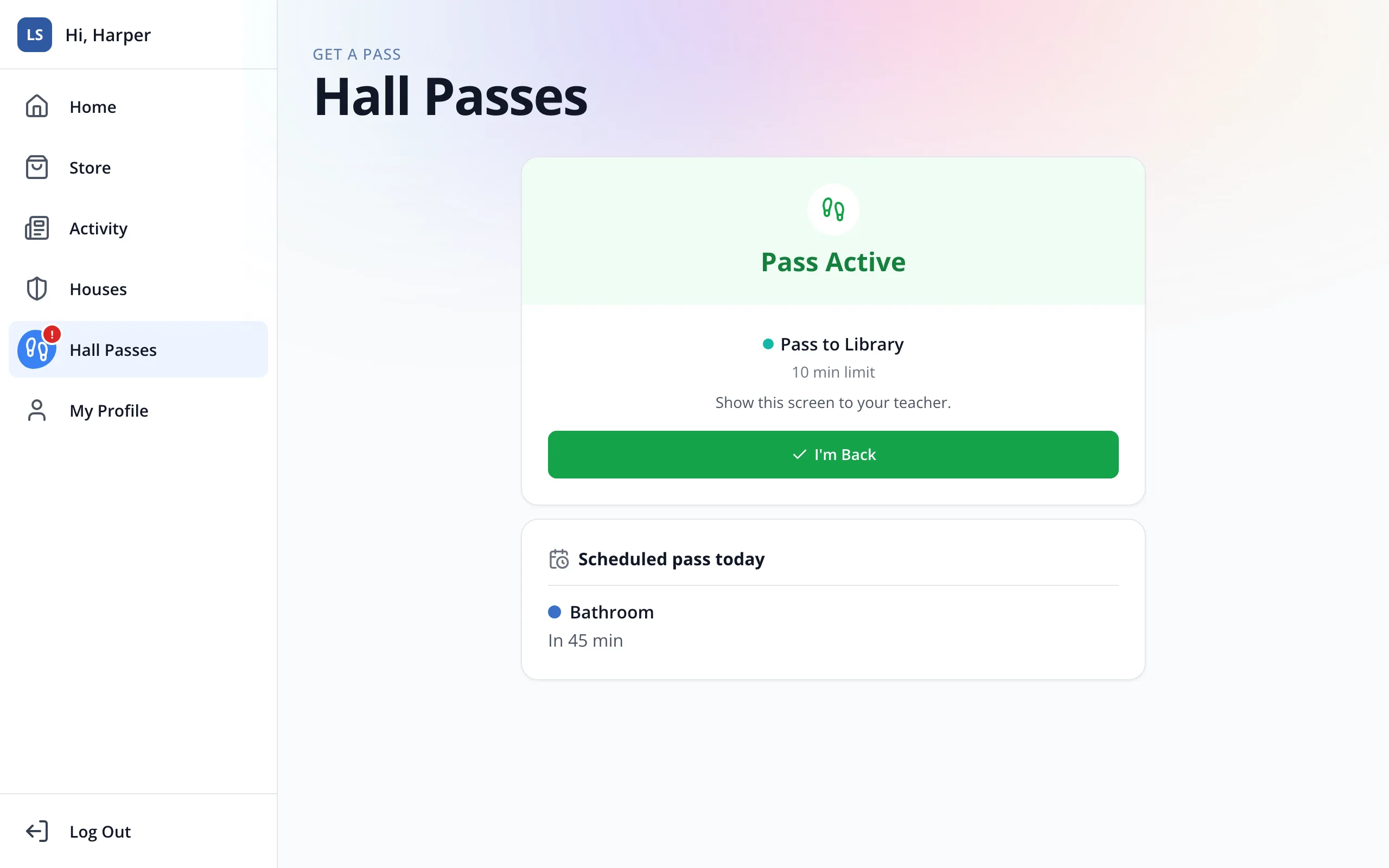
4.Click I'm Back when you return.