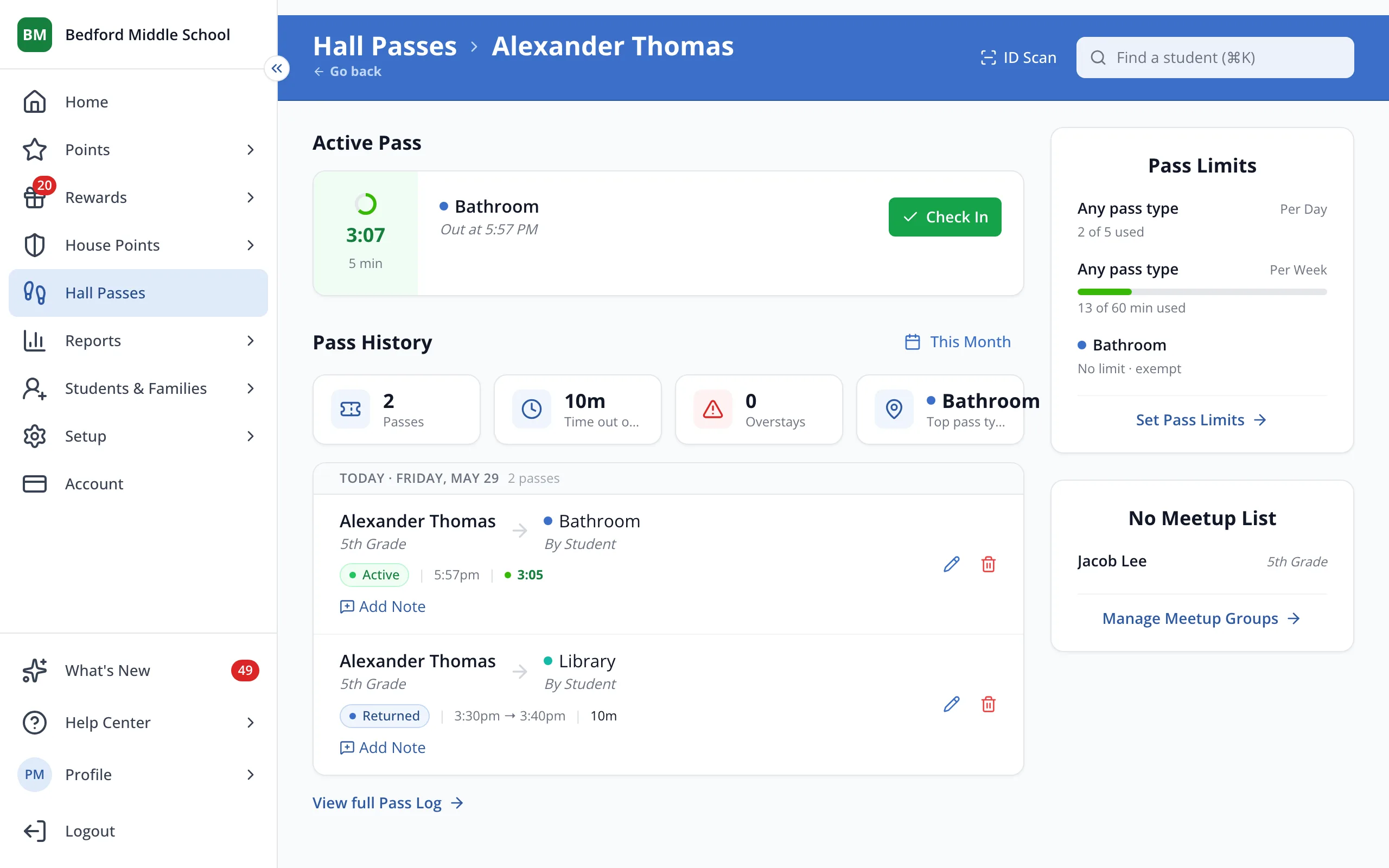
Look up a student's hall pass history
See a student's passes, time out of class and how close they are to their limits, all in one place.
Use the Left and Right arrow keys to move between steps, and Space to play or pause.
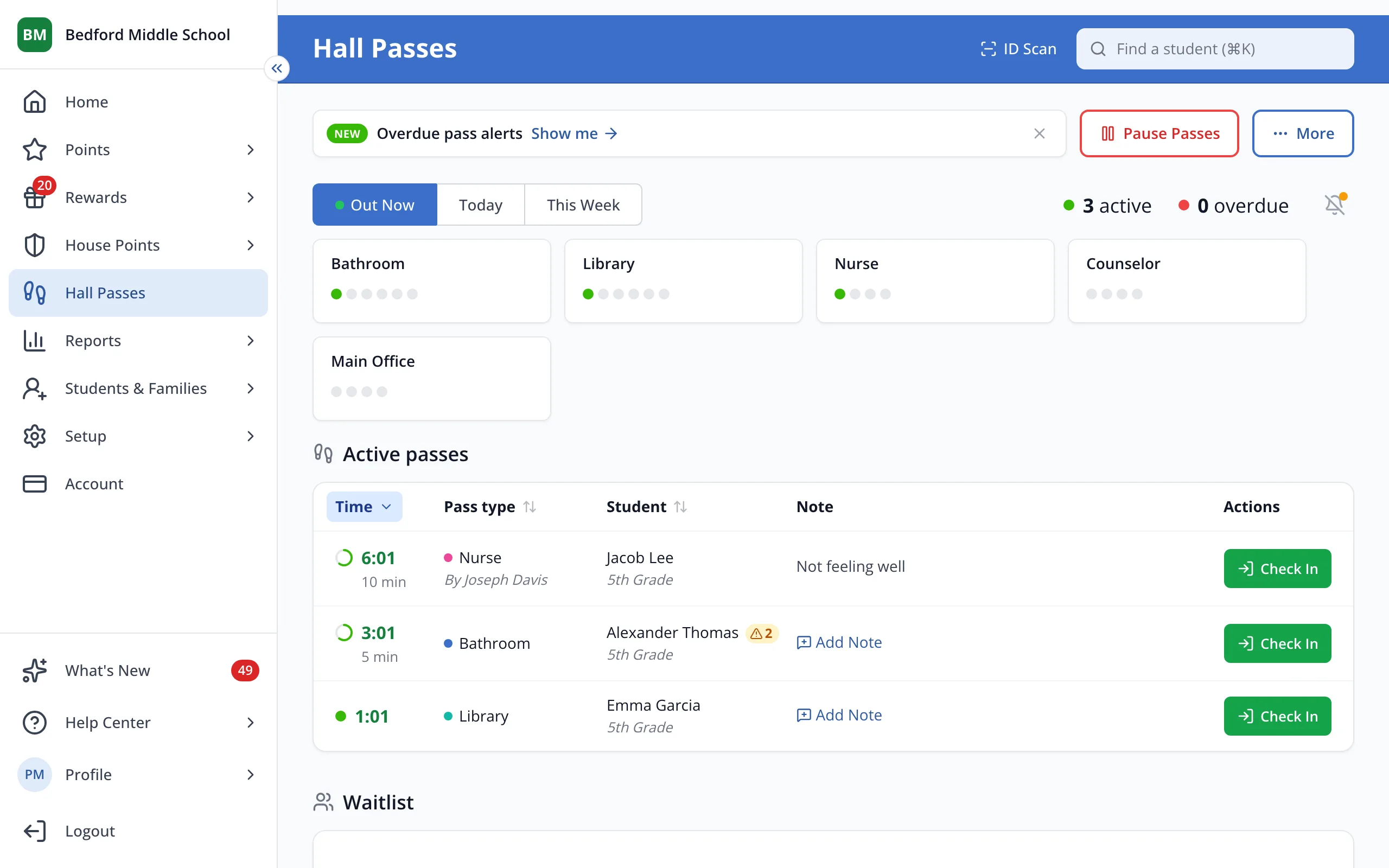
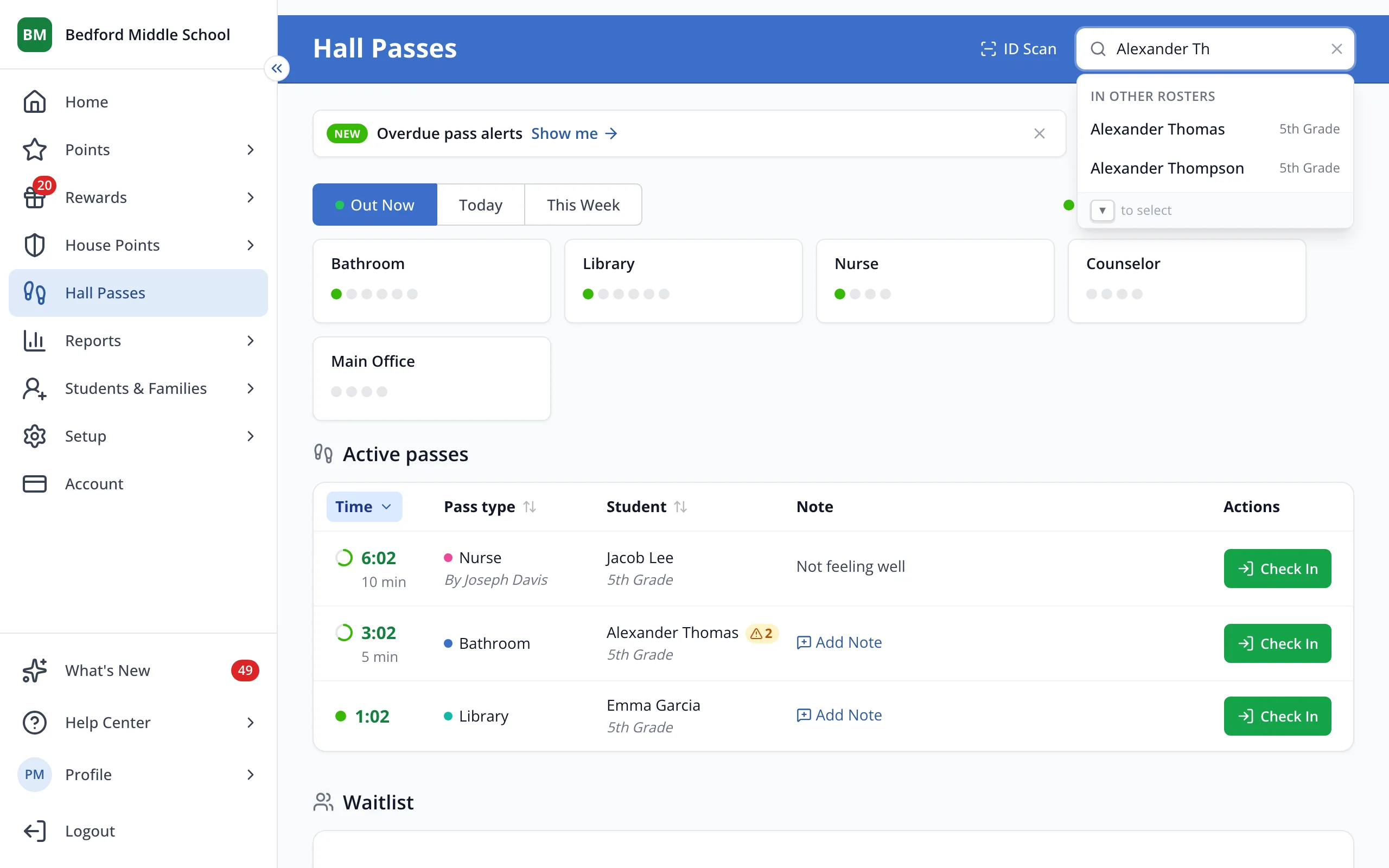
1.At the top of the Hall Passes page, type the student's name in Find a student.
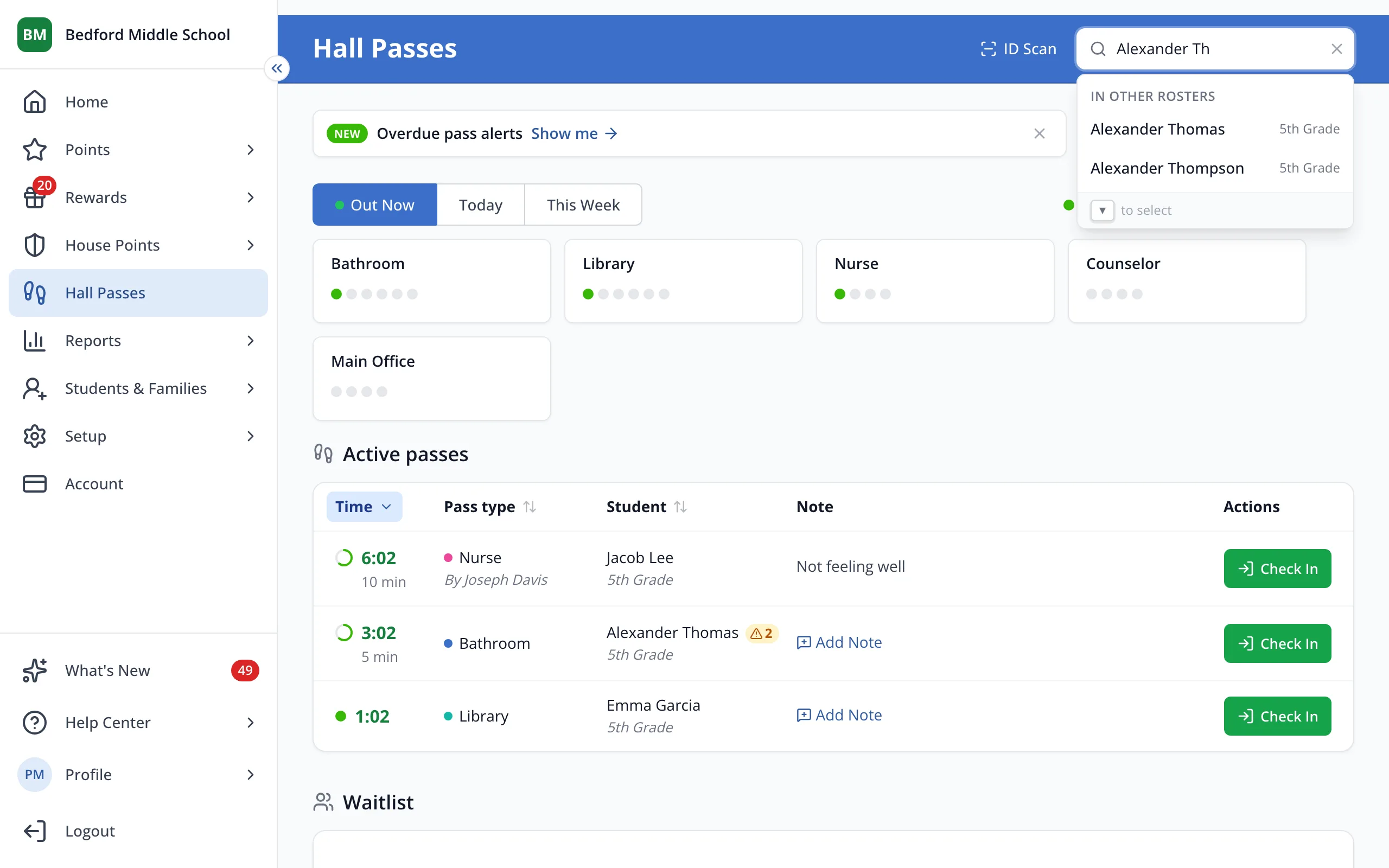
2.Click the student.
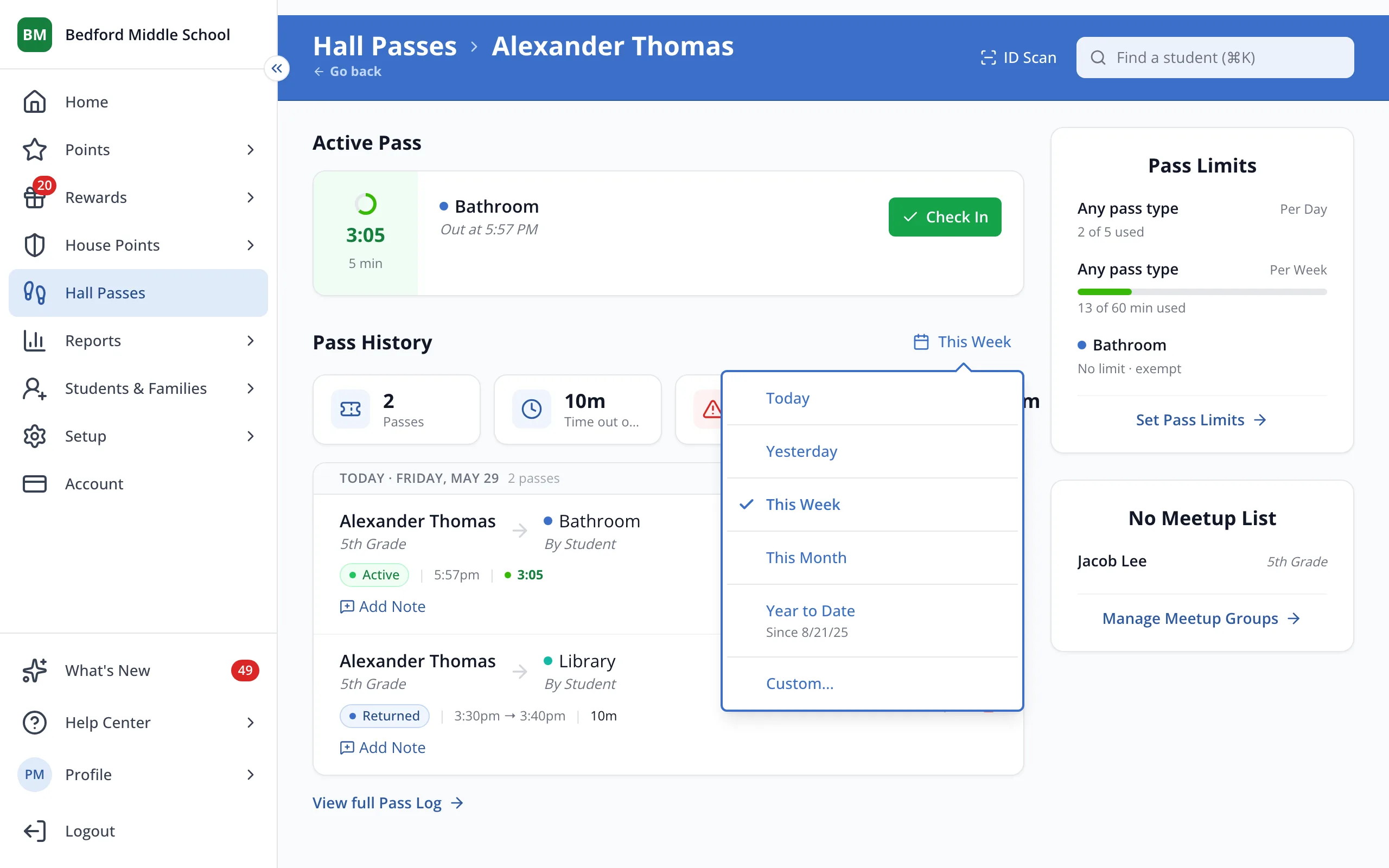
3.Under Pass History, click the date range to look further back.
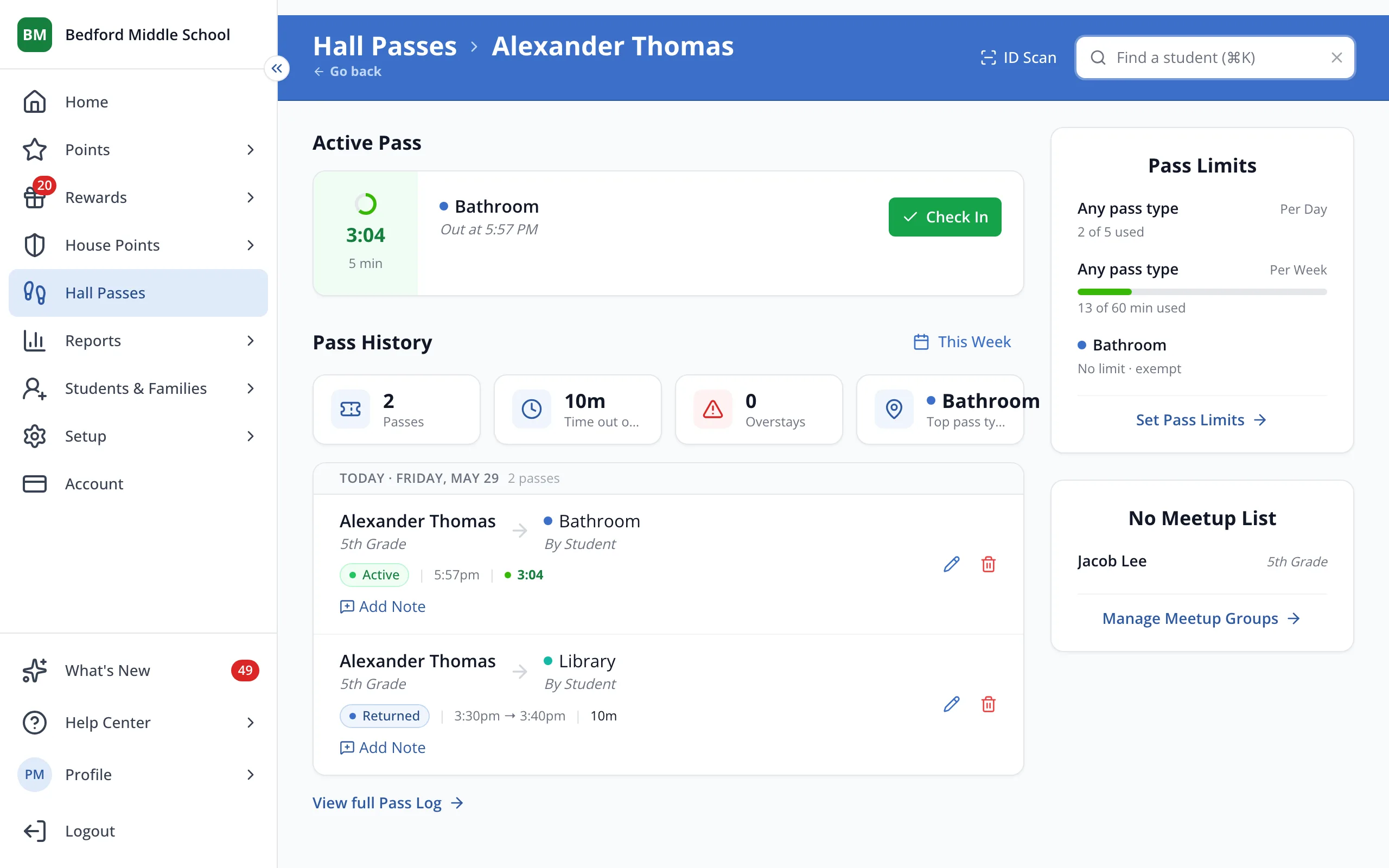
4.On the right, see how much of each limit the student has used.