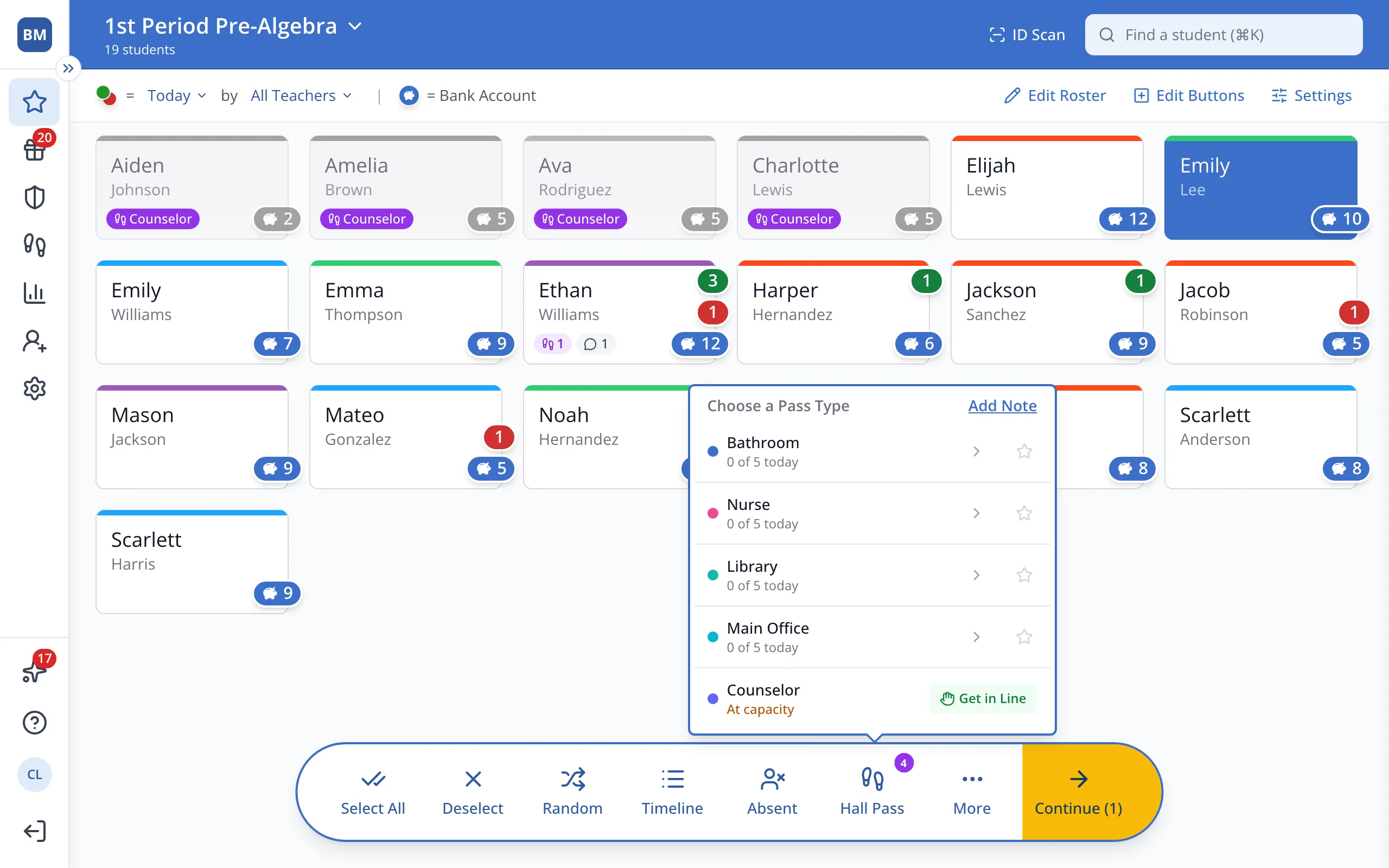
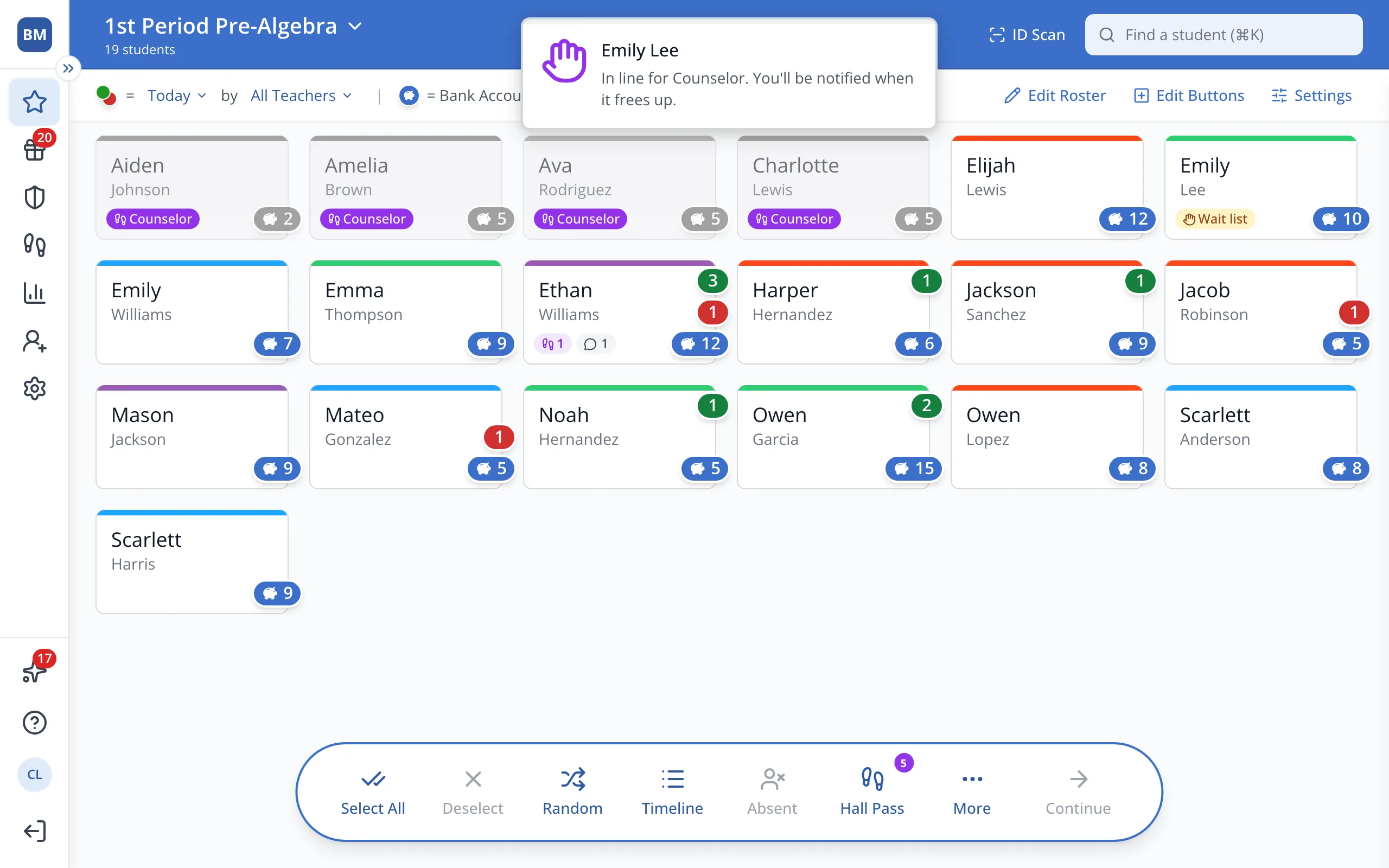
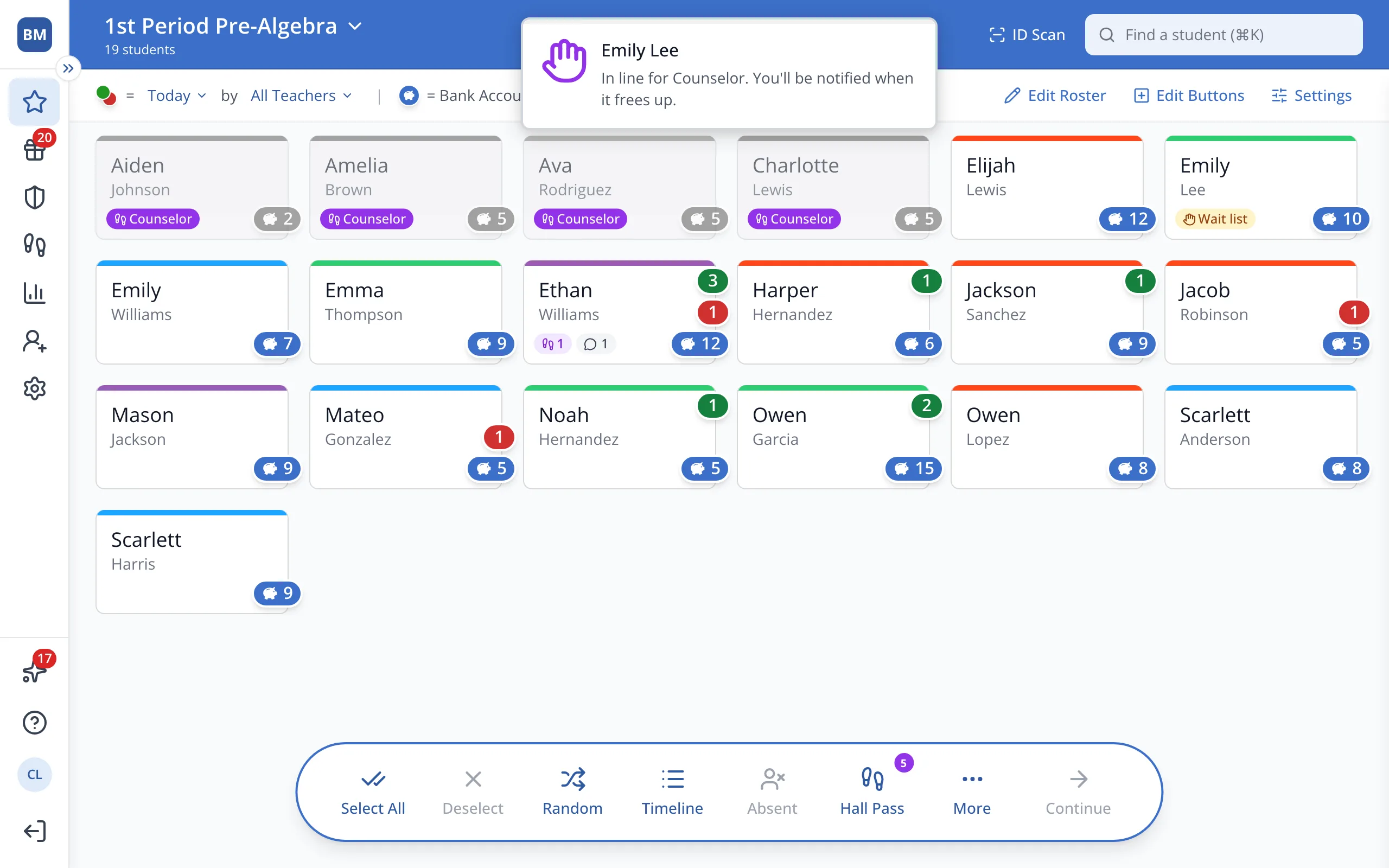
Manage the line when a pass type is full
When a pass type is at capacity, students wait in line and you're notified when it's their turn.
Use the Left and Right arrow keys to move between steps, and Space to play or pause.
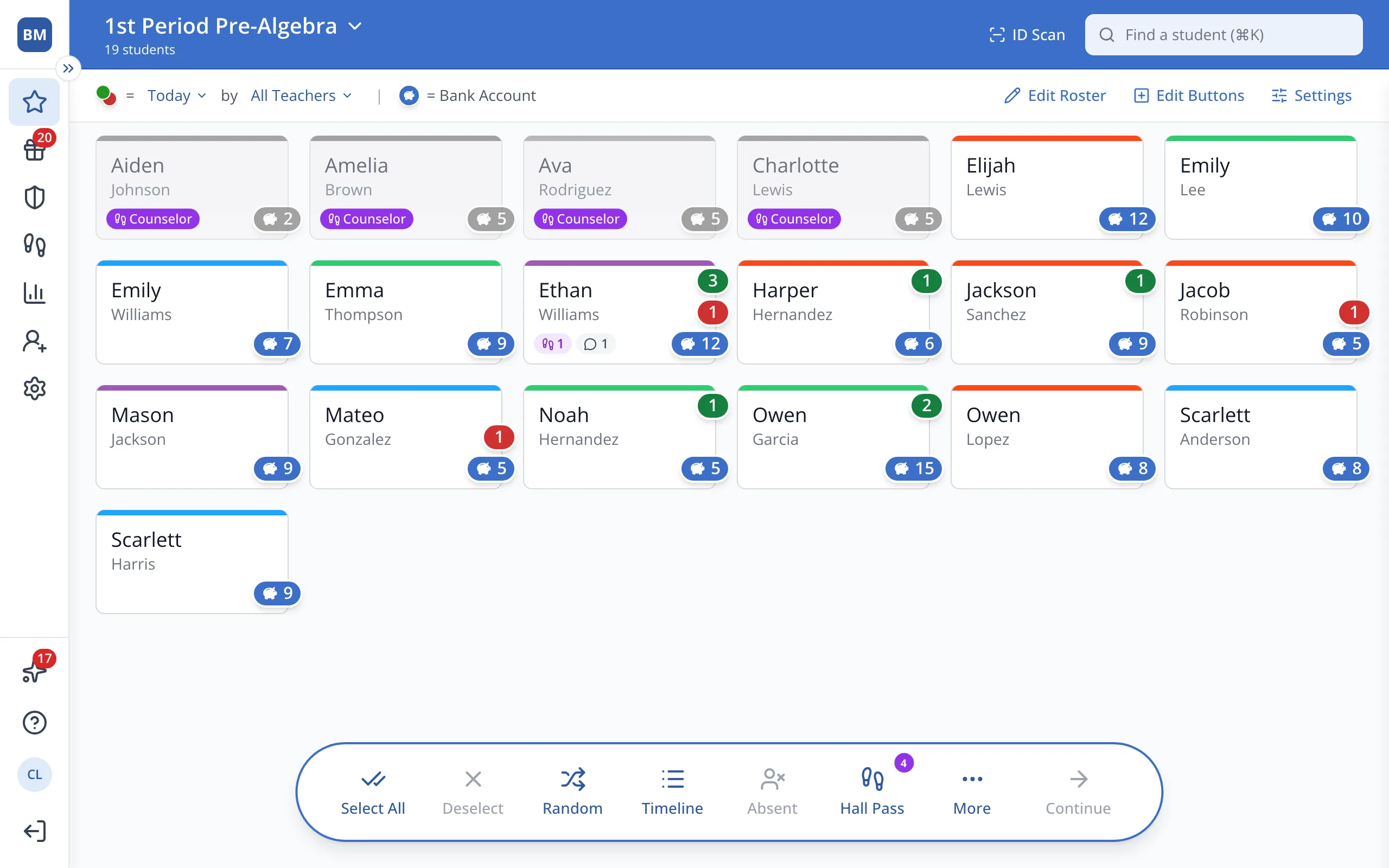
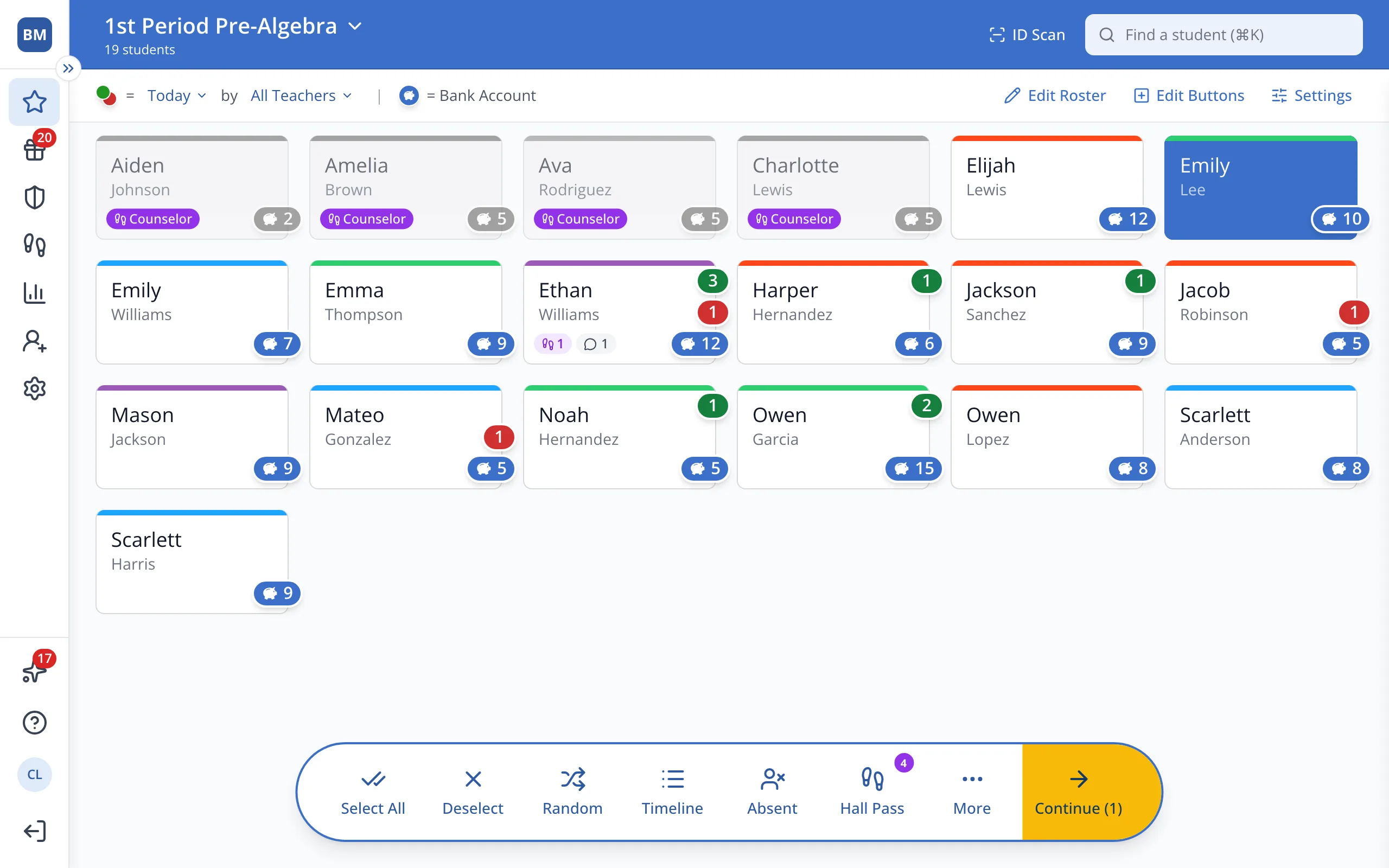
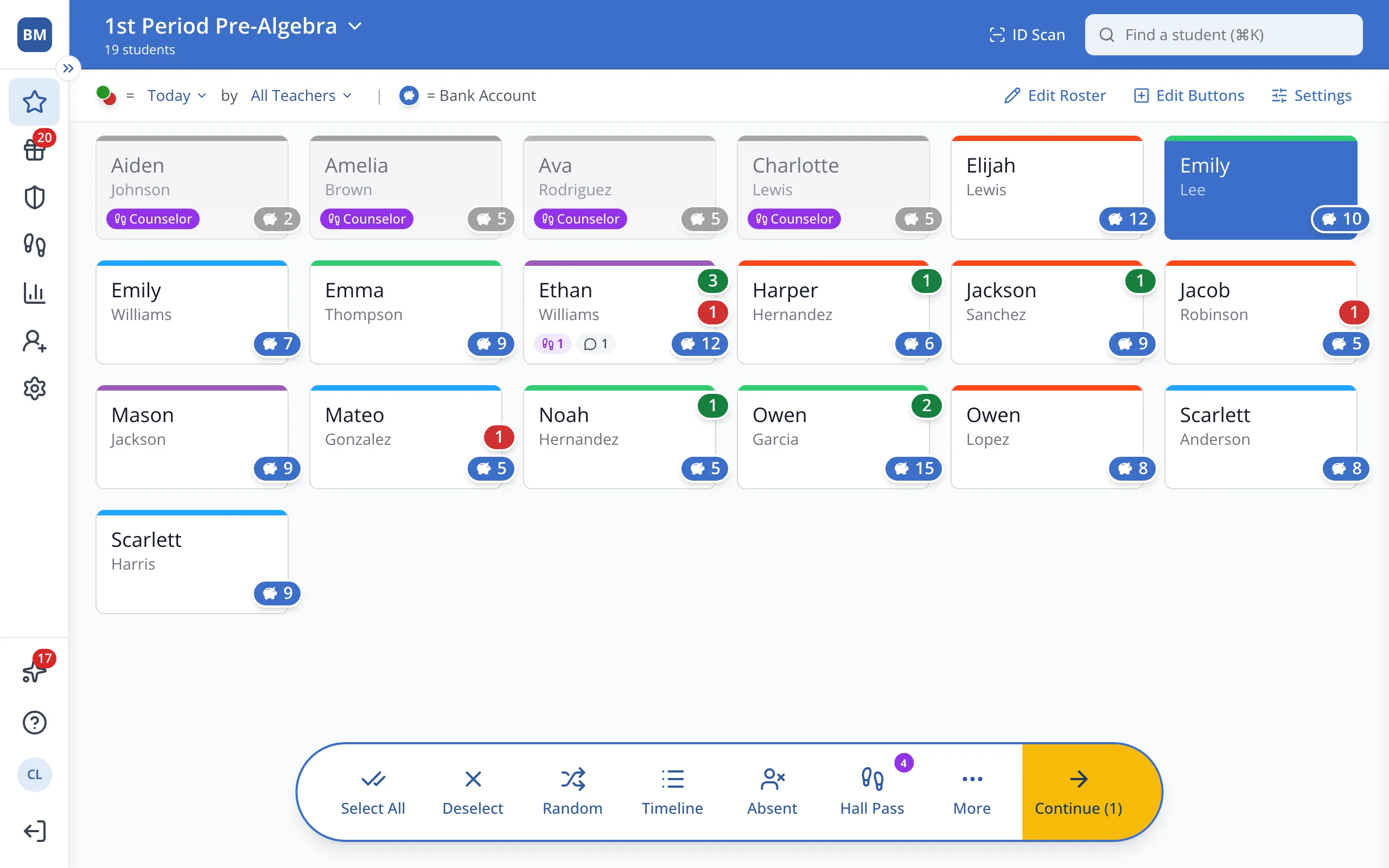
1.On the Points page, click the student's button.
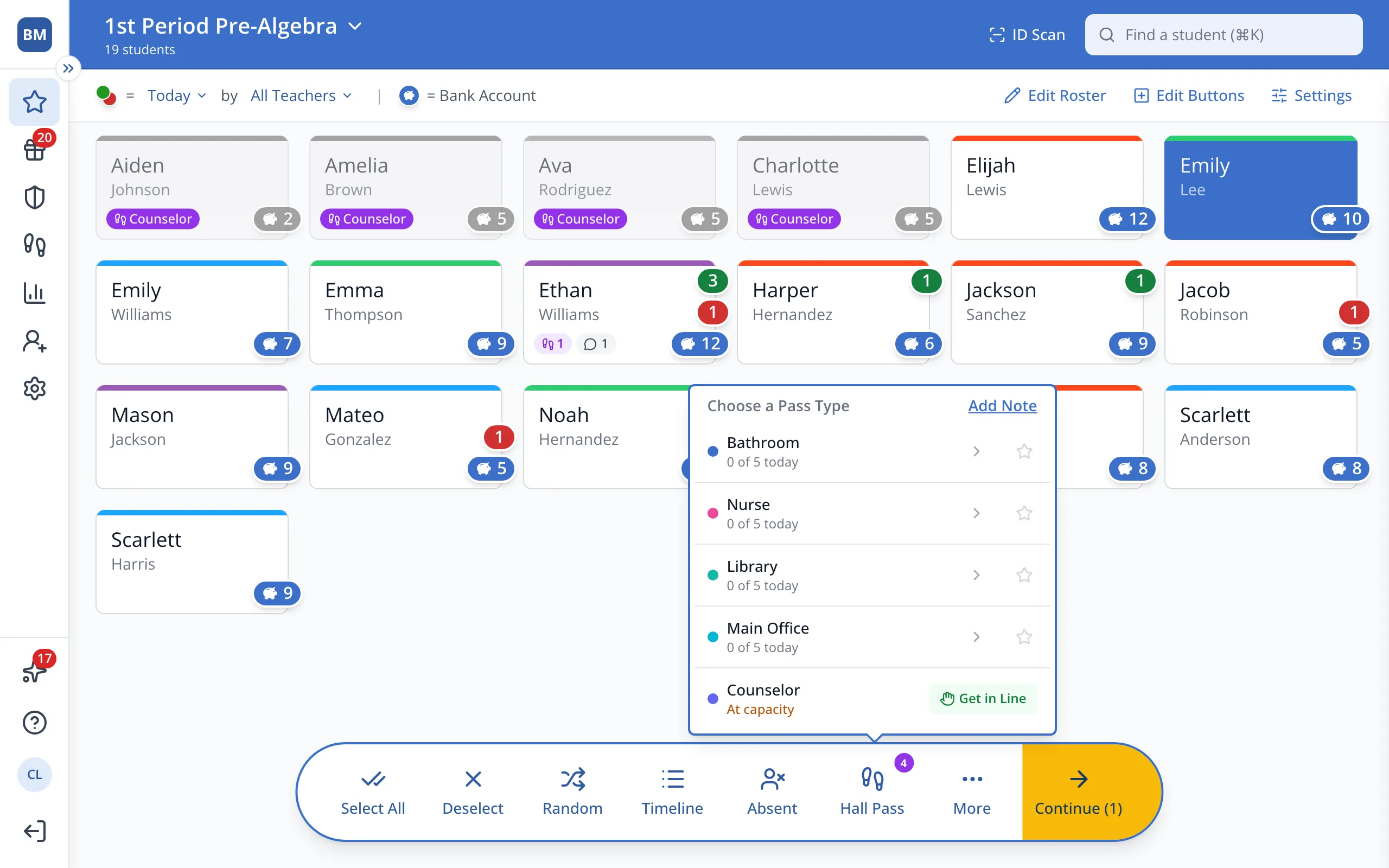
2.In the bar at the bottom, click Hall Pass.
3.Next to the full pass type, click Get in Line.