
Choose who can see demerits
Choose whether students, families and other teachers see demerits. Administrators always can.
AdminSite Leader
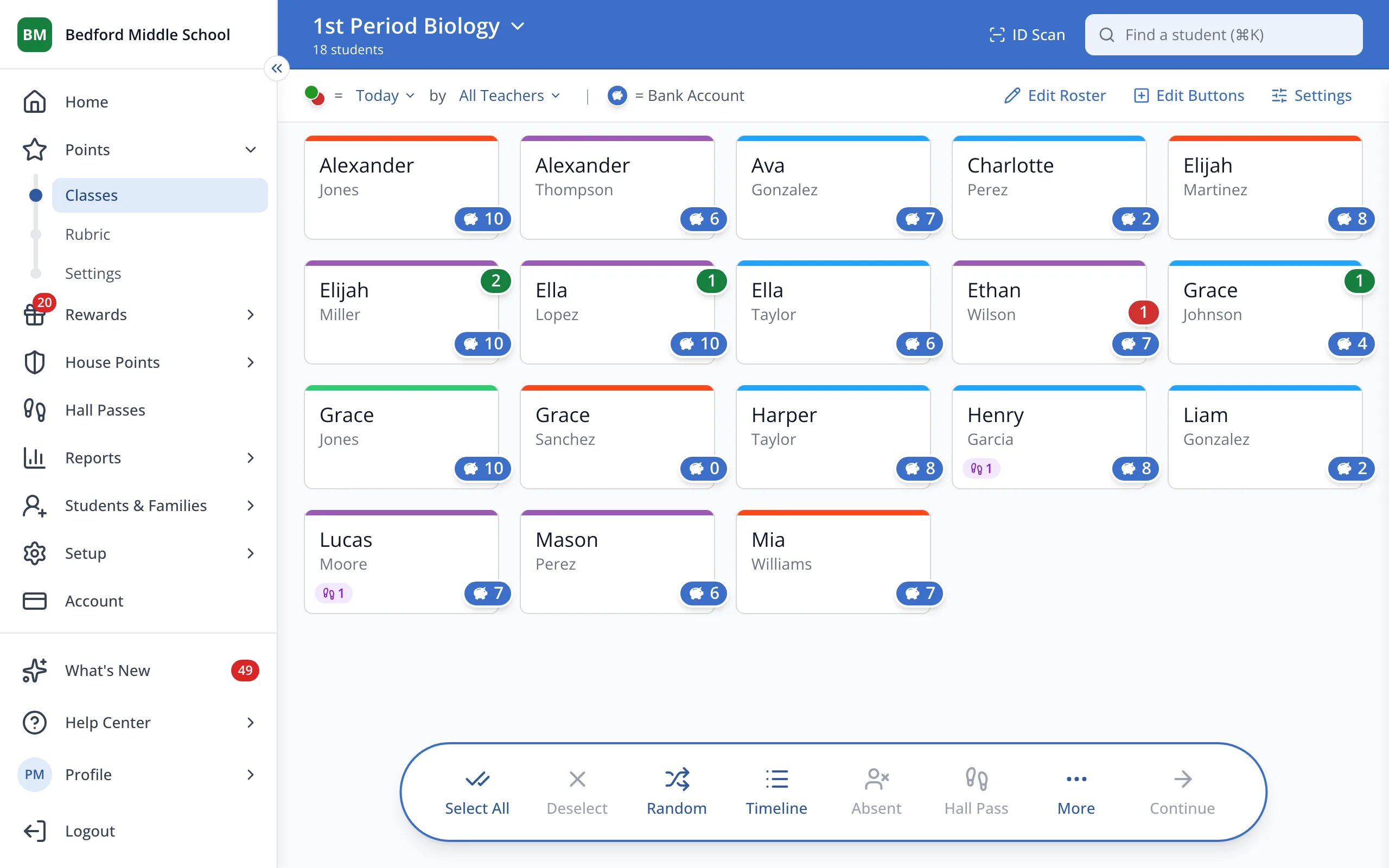
1 / 3In the sidebar, under Points, click Settings.
1.In the sidebar, under Points, click Settings.
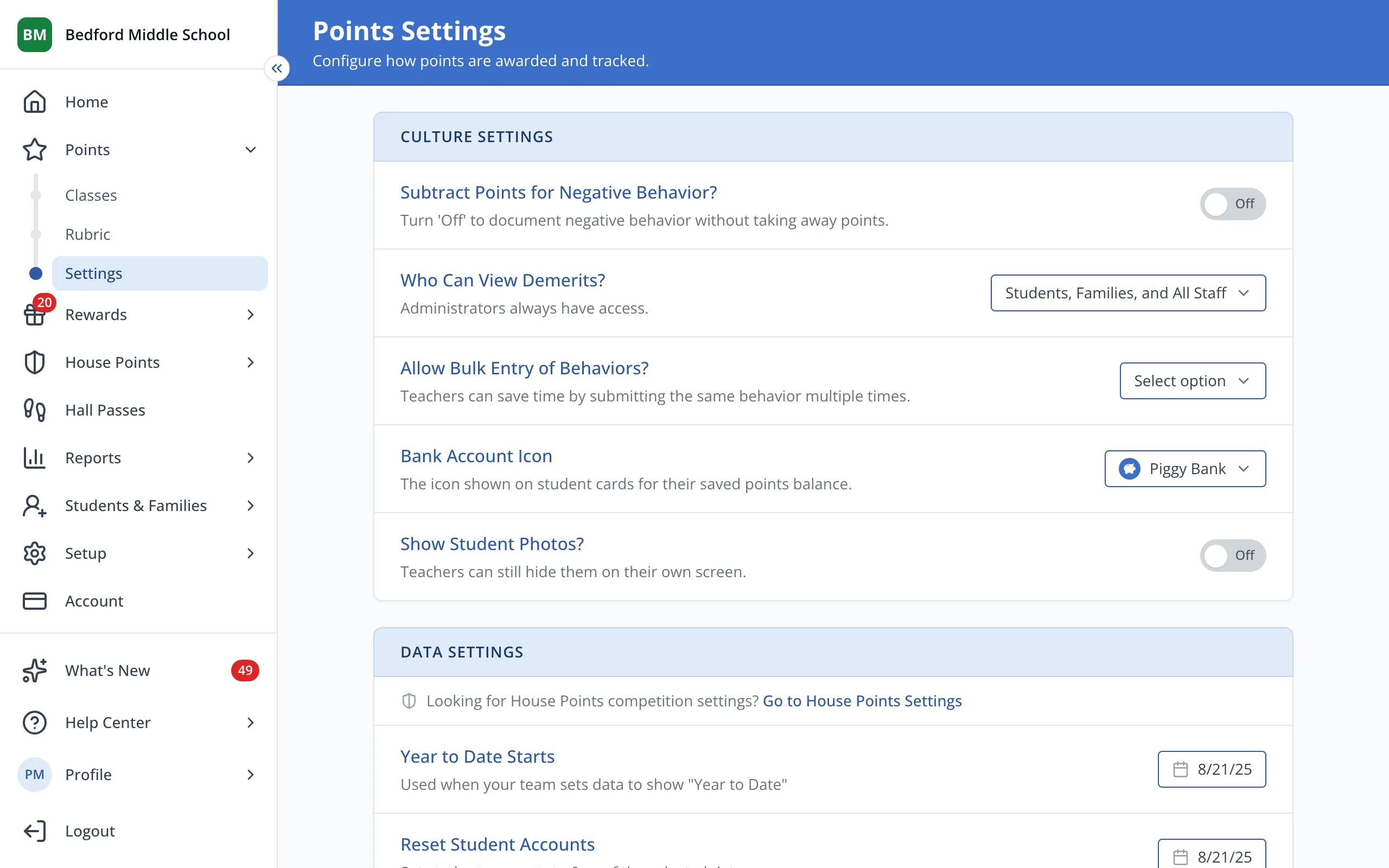
2.Under Who Can View Demerits?, click the current choice.
3.Uncheck anyone who shouldn't see demerits.
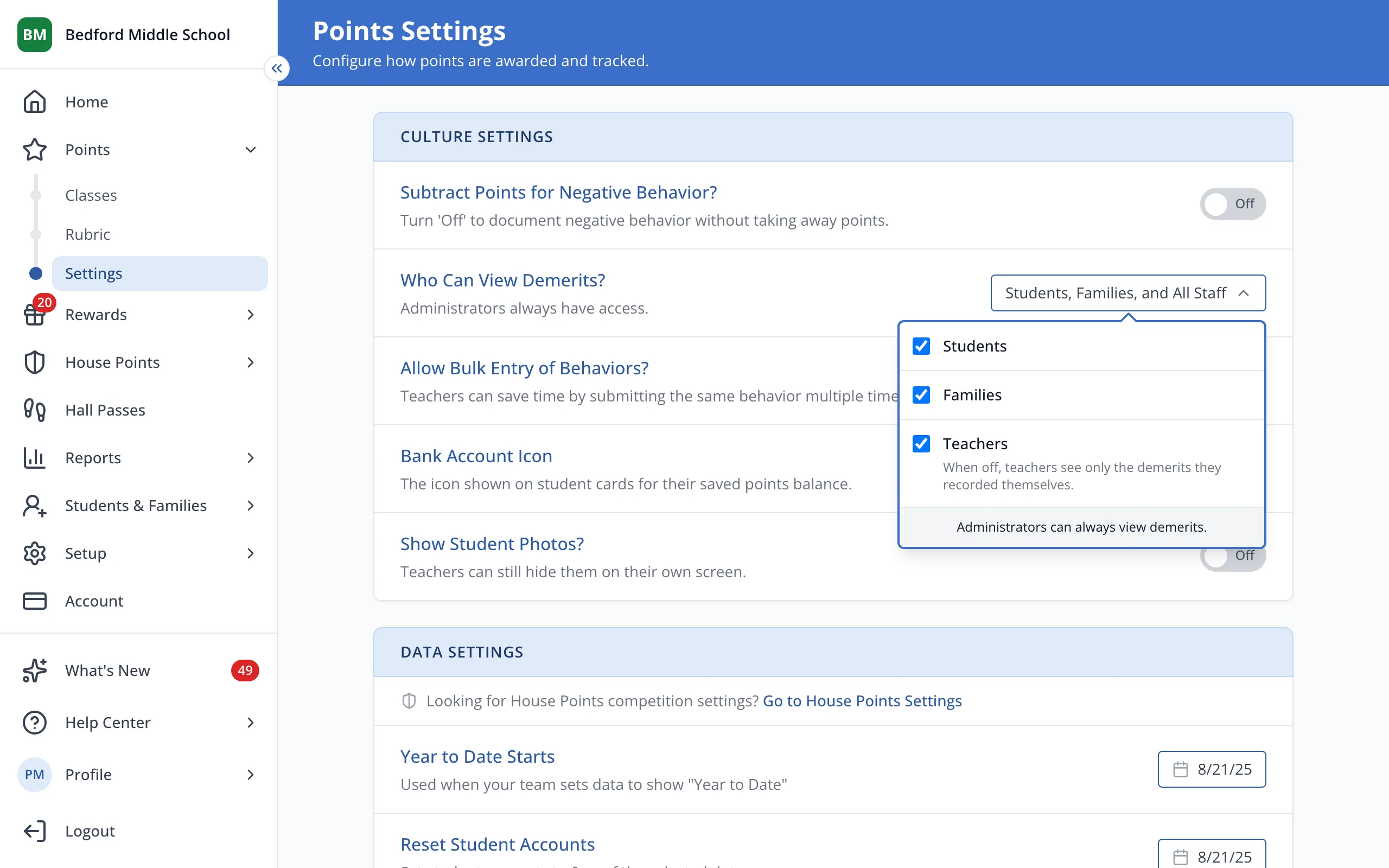
Tip: With Teachers off, teachers only see the demerits they gave.
Was this helpful?