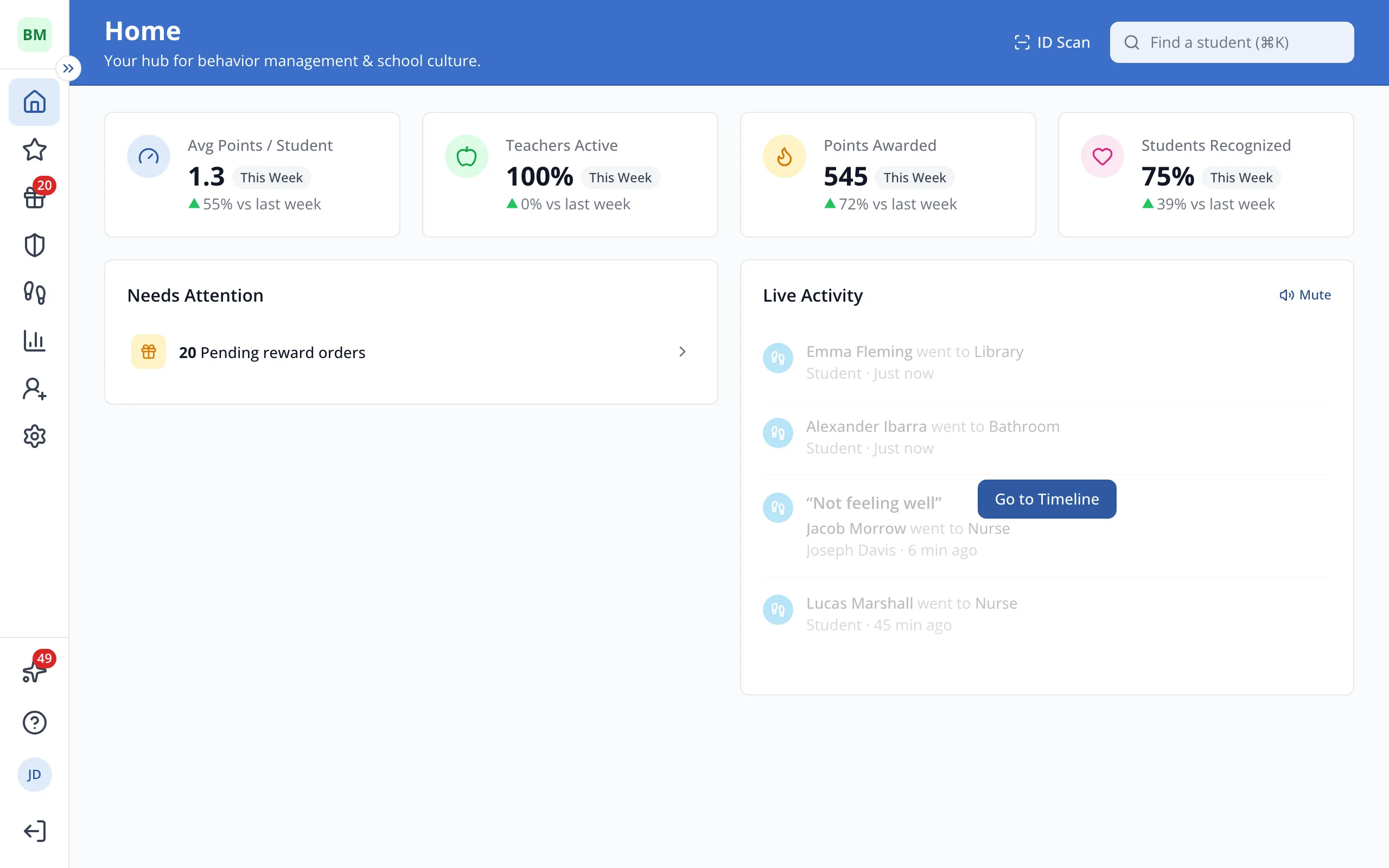
Follow your week so far right on the home screen
Live Activity shows points and hall passes across your school as they happen, newest first.
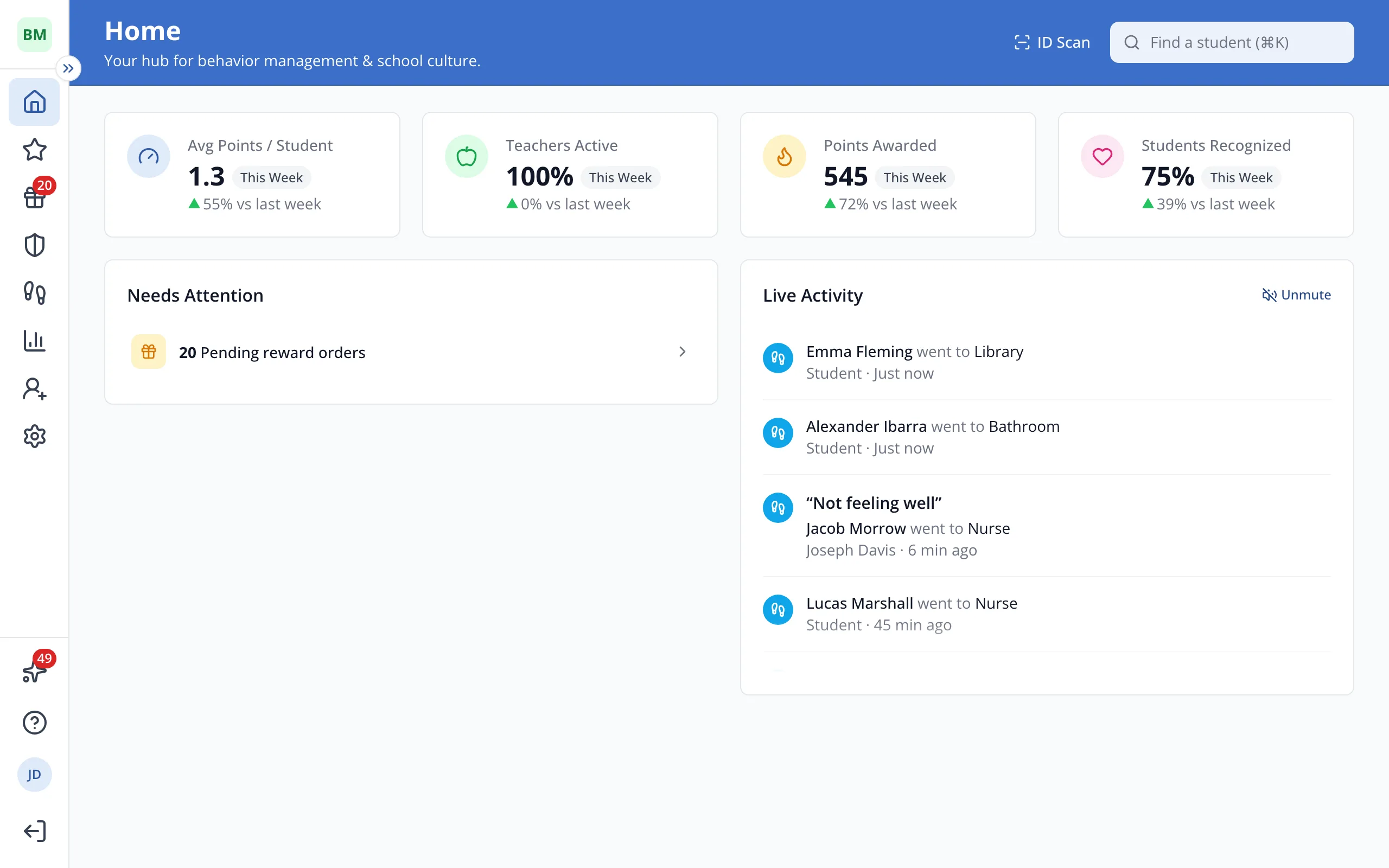
Open in LiveSchool
Already signed in? Open this guide inside LiveSchool.
Use the Left and Right arrow keys to move between steps, and Space to play or pause.
1.The newest points and hall passes appear at the top as they happen.
2.Click Unmute to hear a sound when something new comes in.
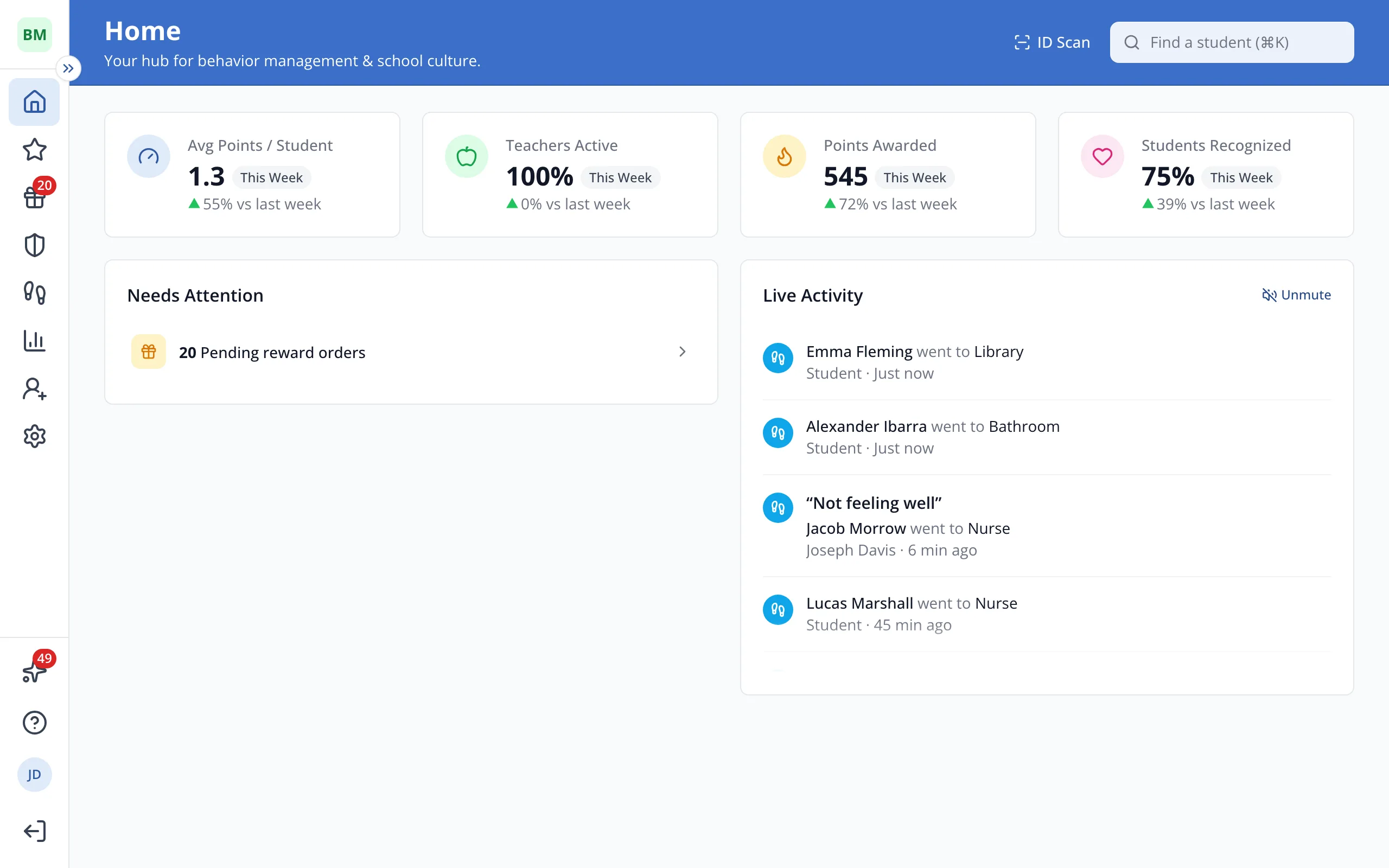
Did you know? The sound setting only changes this browser.
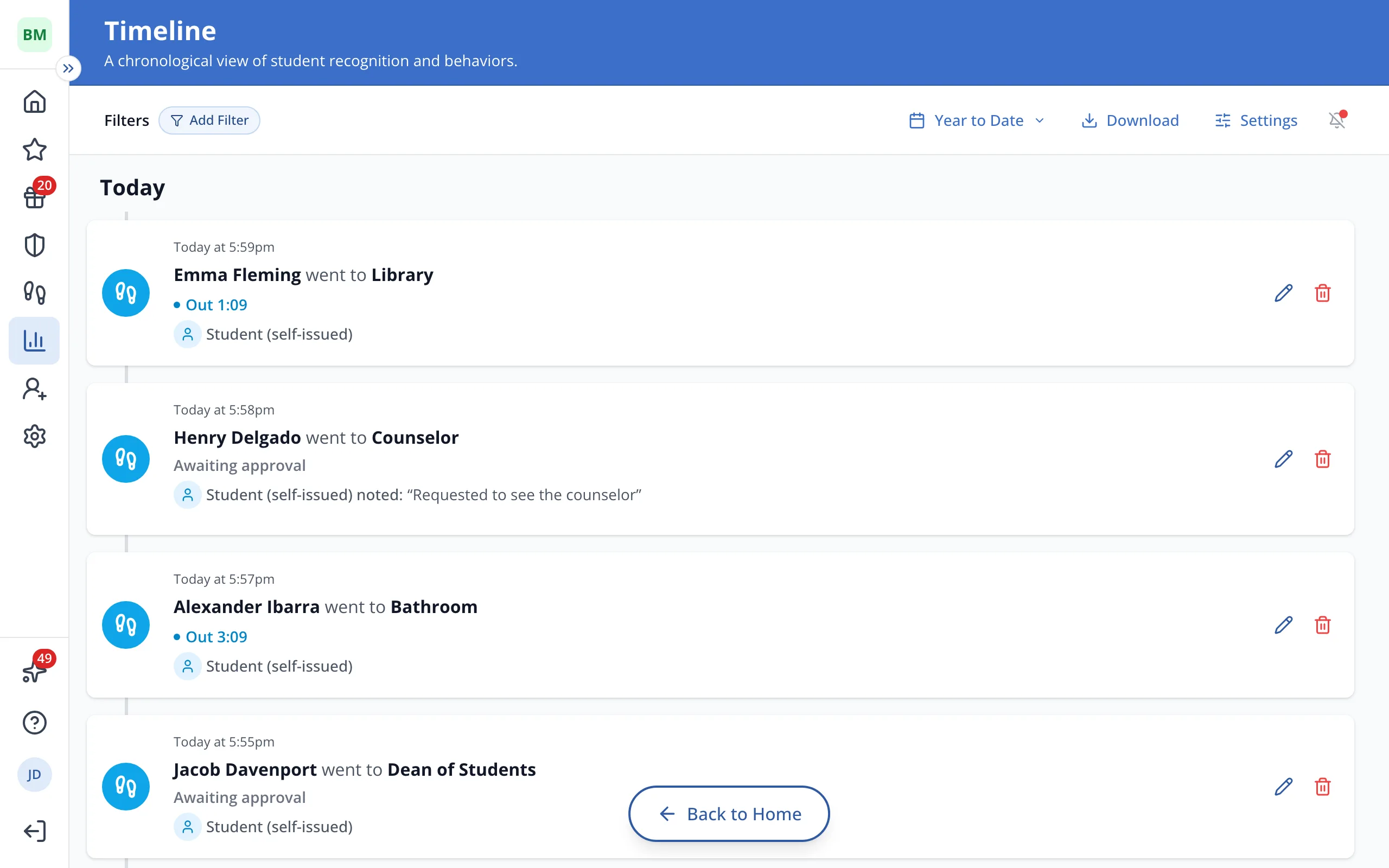
3.To see more, point at the list and click Go to Timeline.