
Add another house
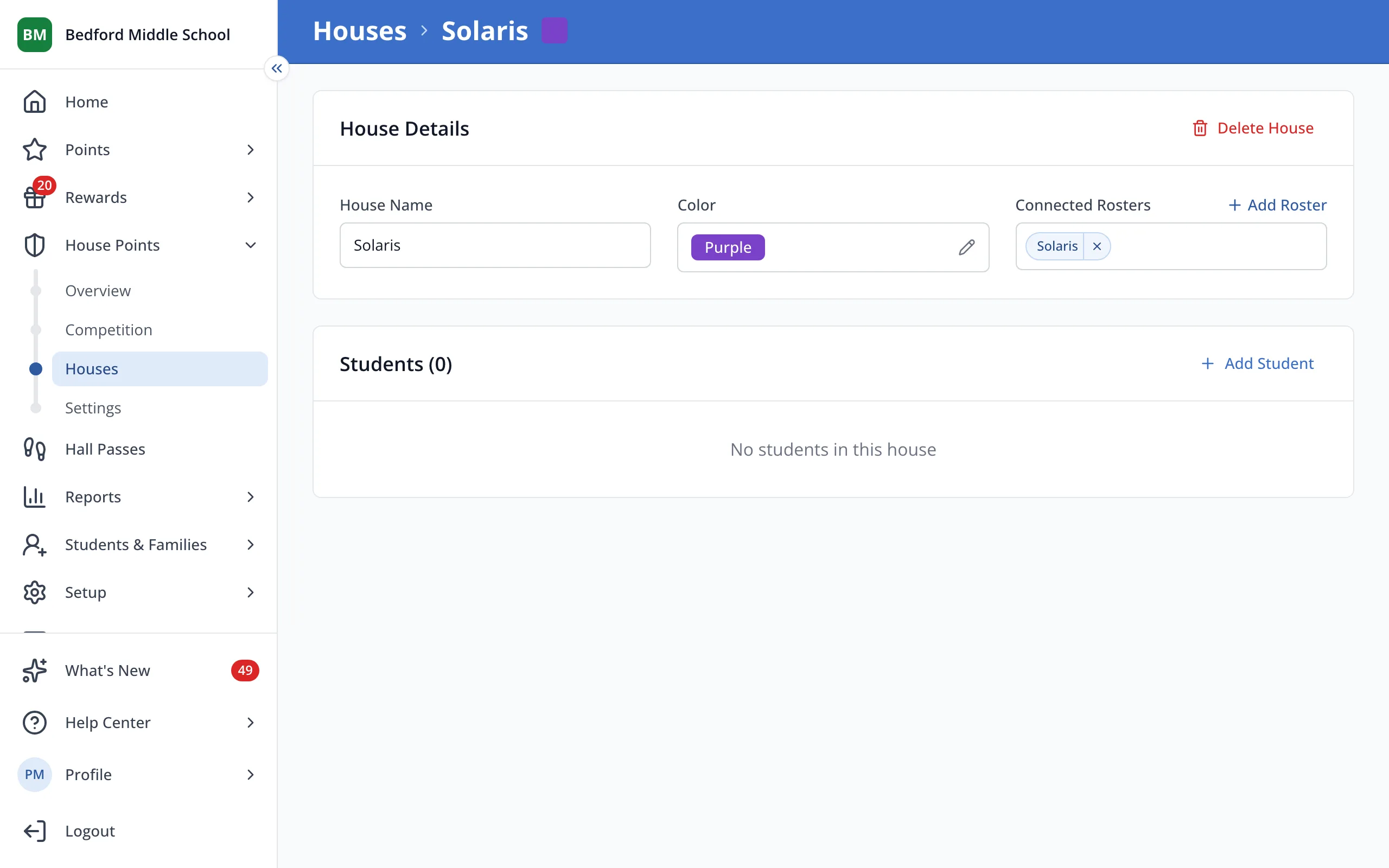
A new House starts empty, so add students to it after you create it.
AdminSite Leader
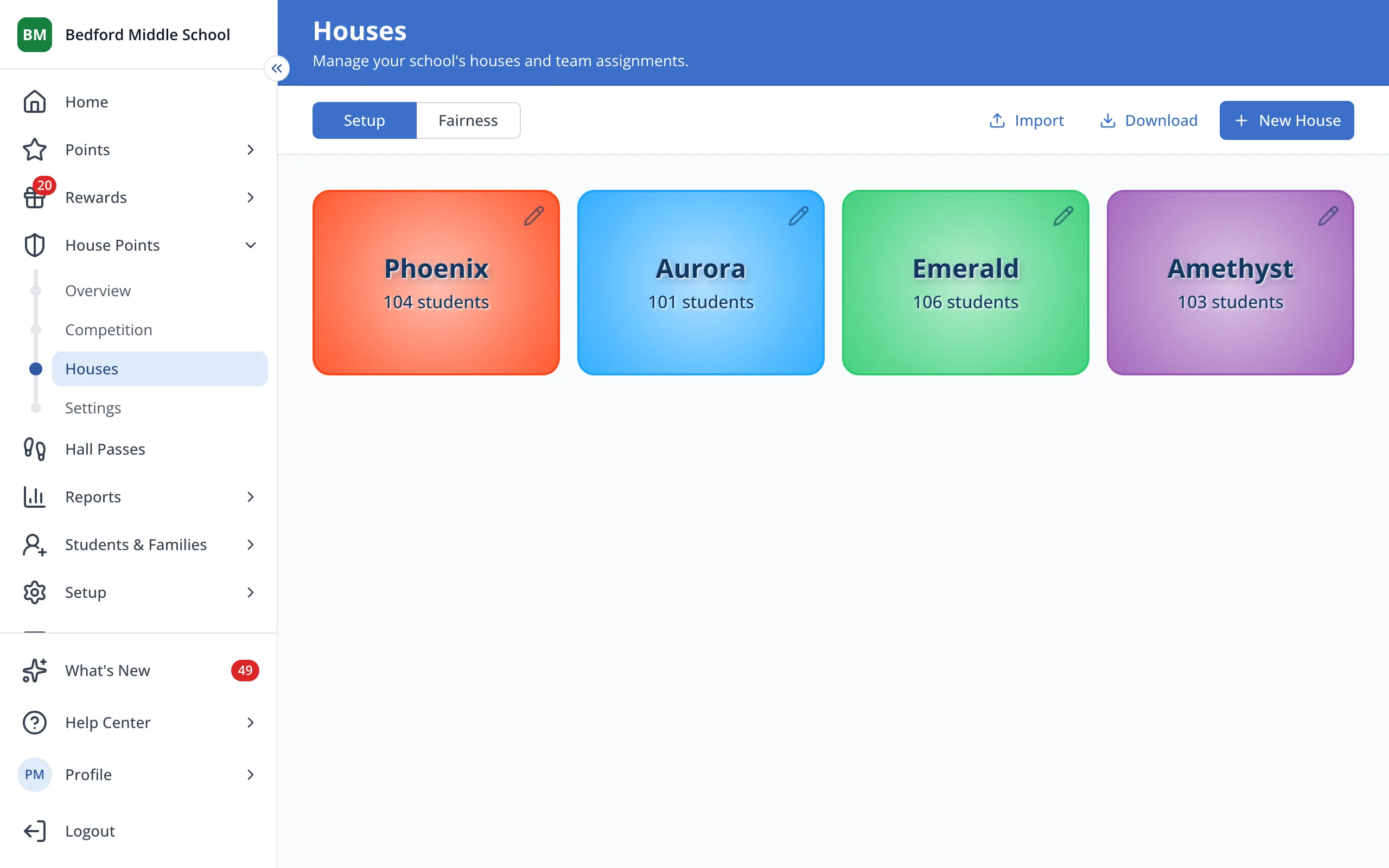
1 / 5On the Houses page, click New House.
1.On the Houses page, click New House.
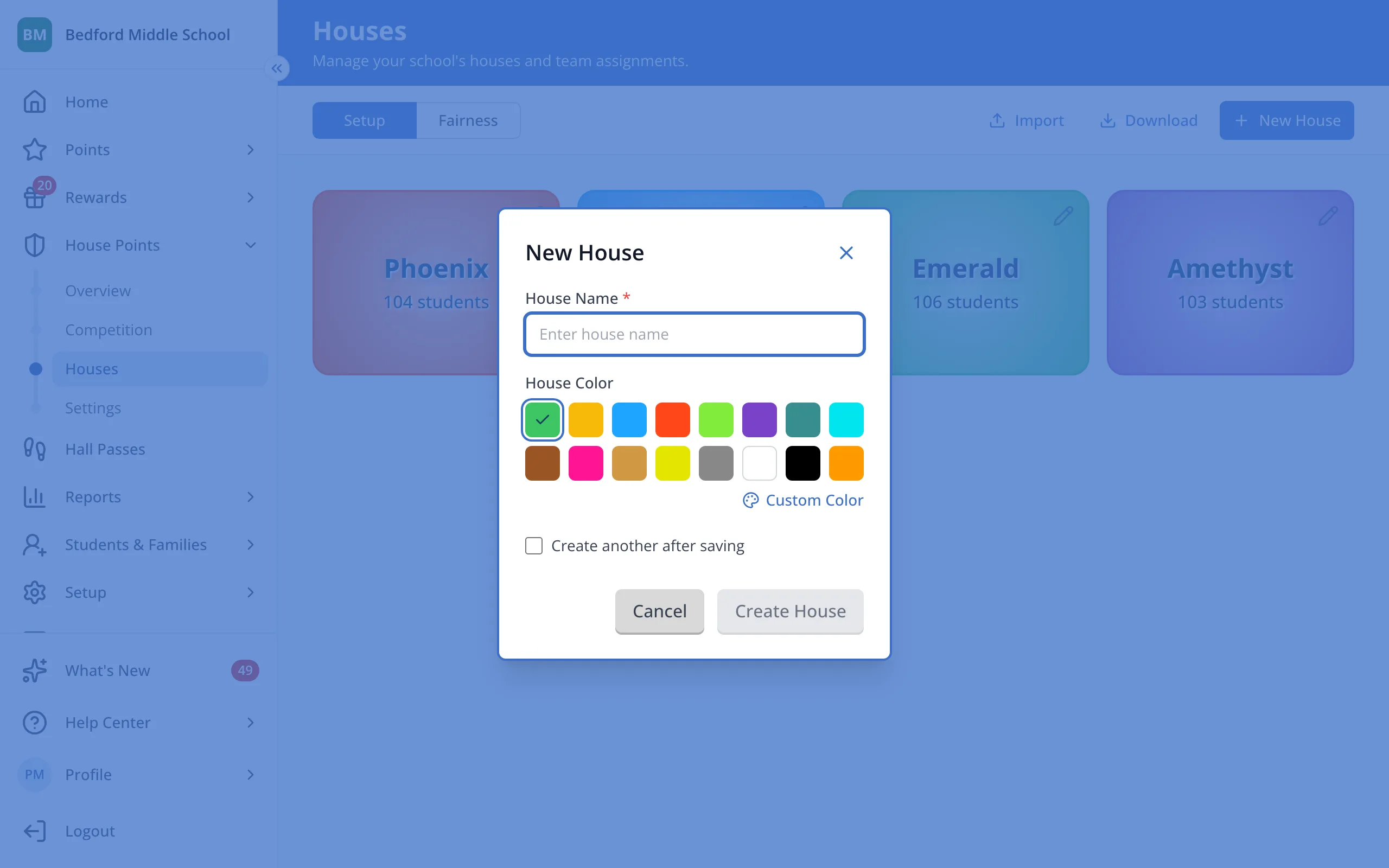
2.Type the House's name.
3.Click the color you'd like for the House.
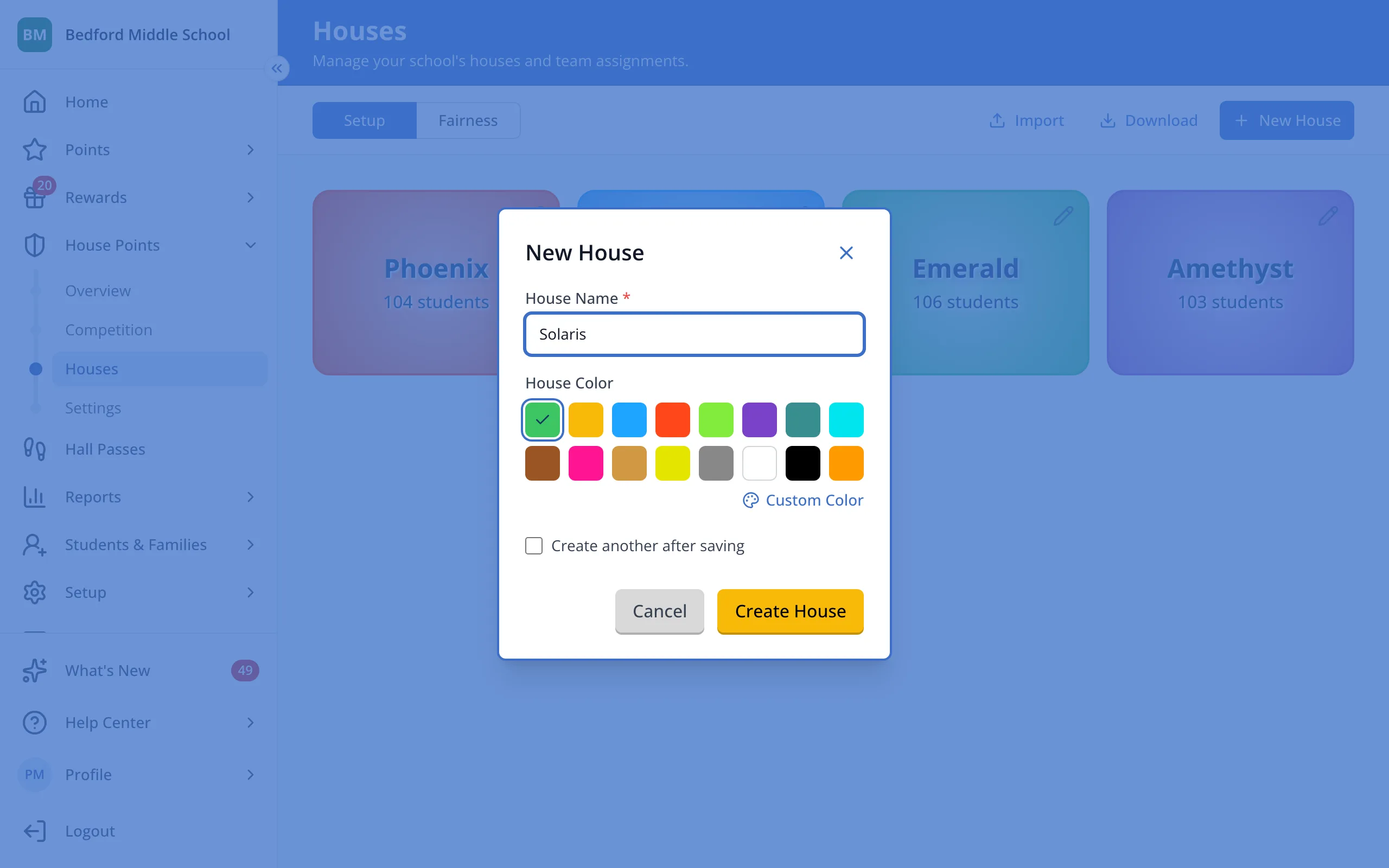
Tip: Click Custom Color to pick any color you like.
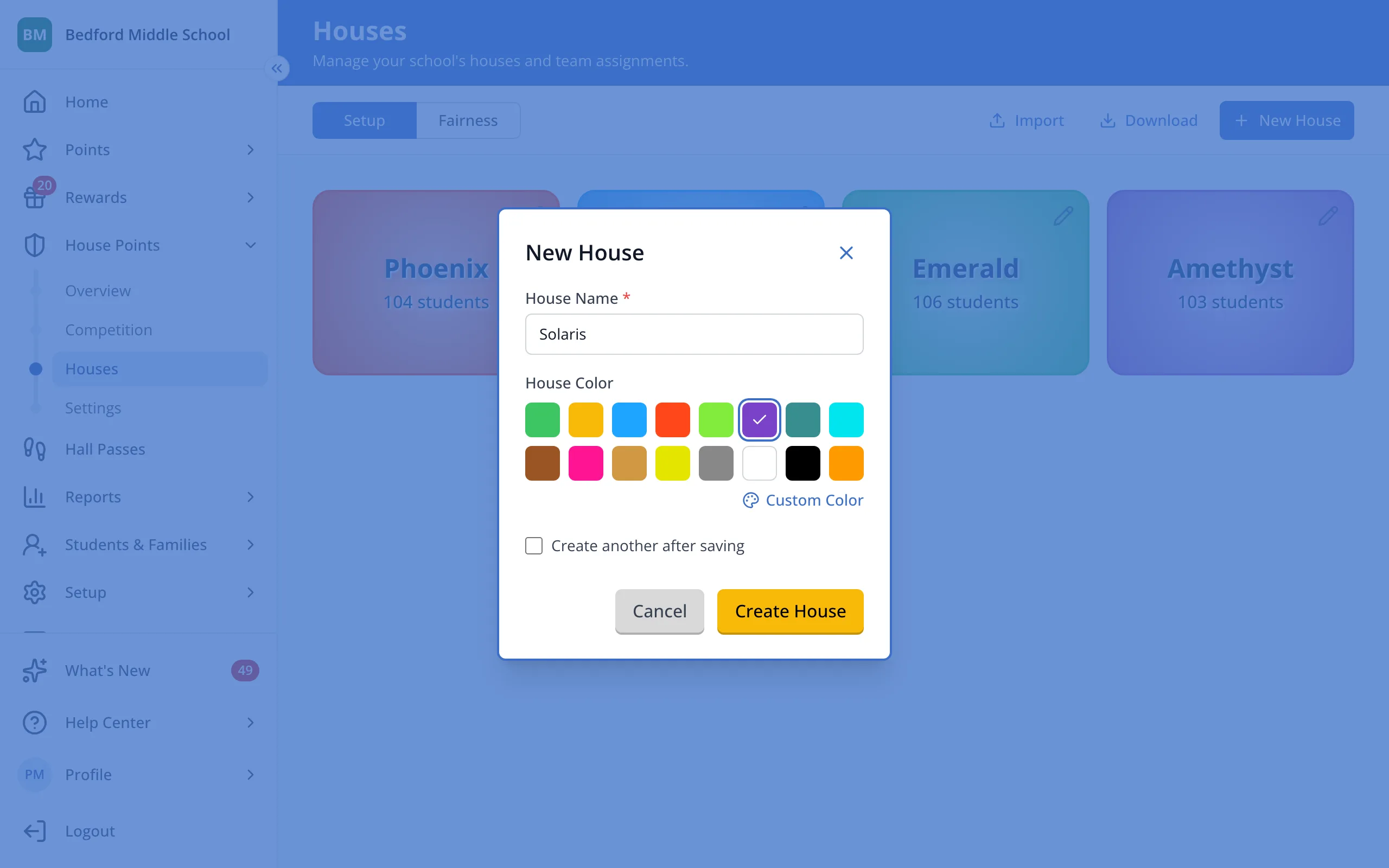
4.Click Create House.
5.Click Add Student to put students in your new House, or add Rosters through the + Add Roster option.
Was this helpful?