
Add a student to a house
Add a student to a House via the House Points page. This change can also take place on the Student Details page. If Houses were created by combining rosters, these steps won't apply.
AdminSite Leader
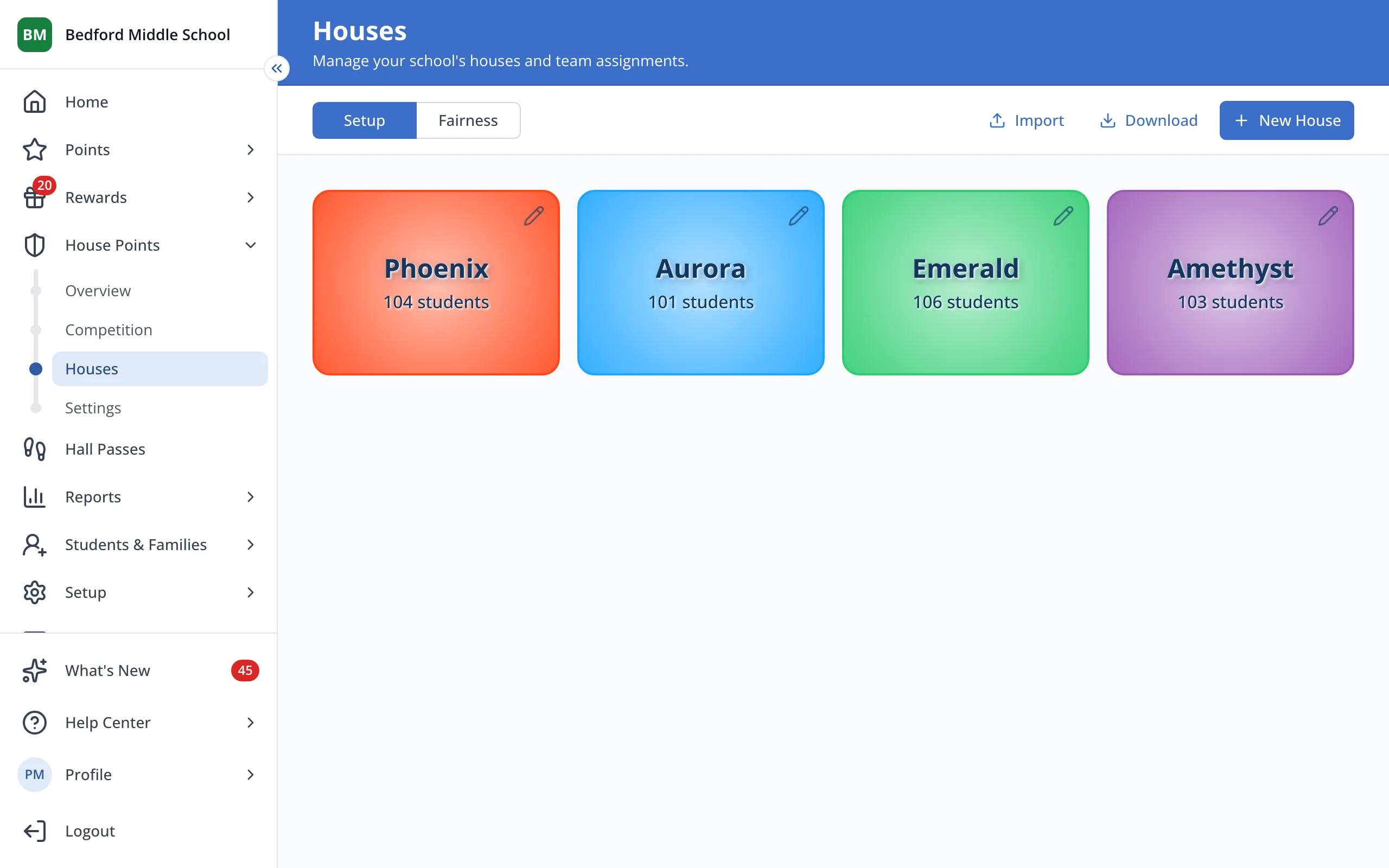
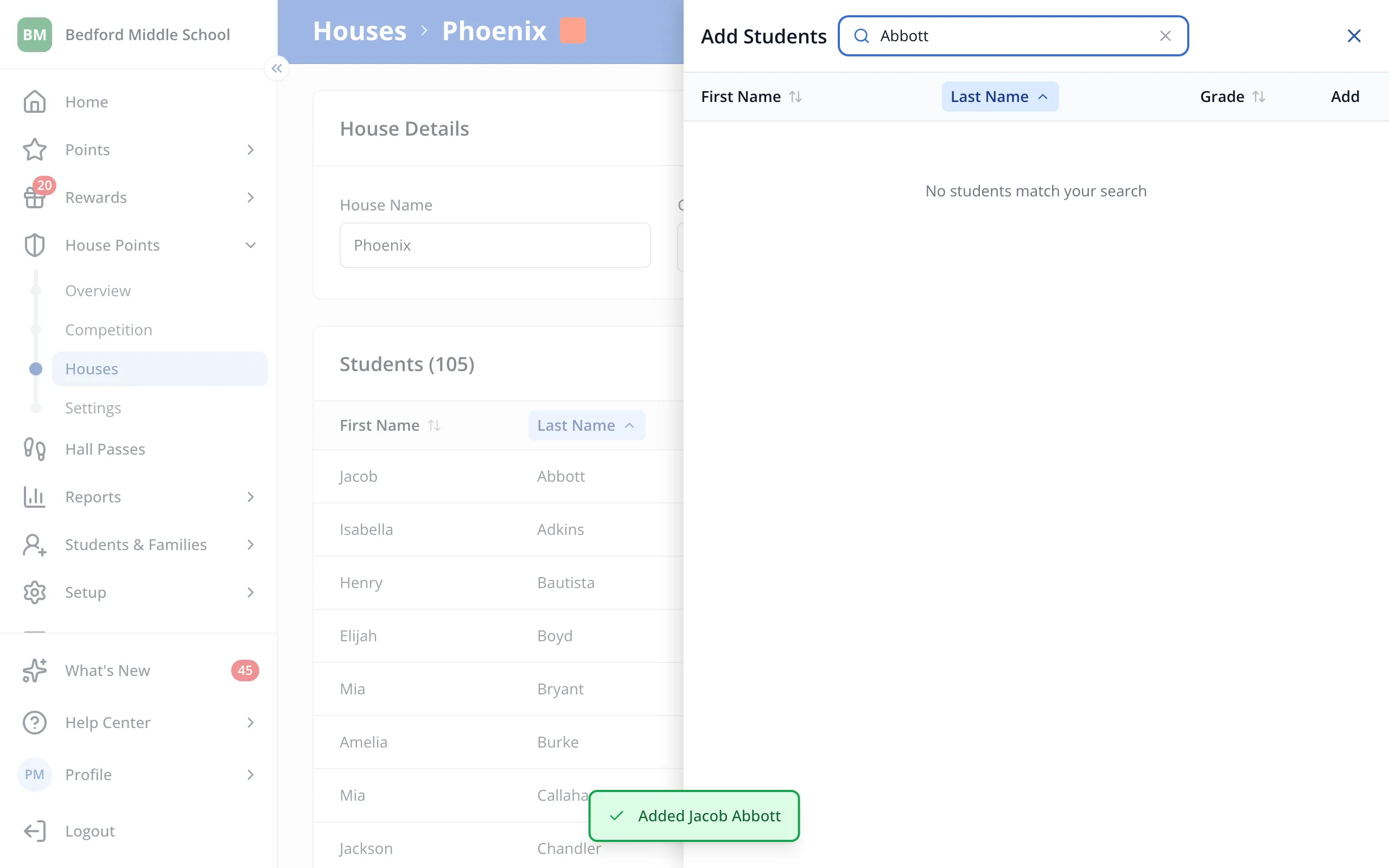
1 / 6On the Houses page, click the House you'd like to add the student to.
1.On the Houses page, click the House you'd like to add the student to.
2.Click Add Student.
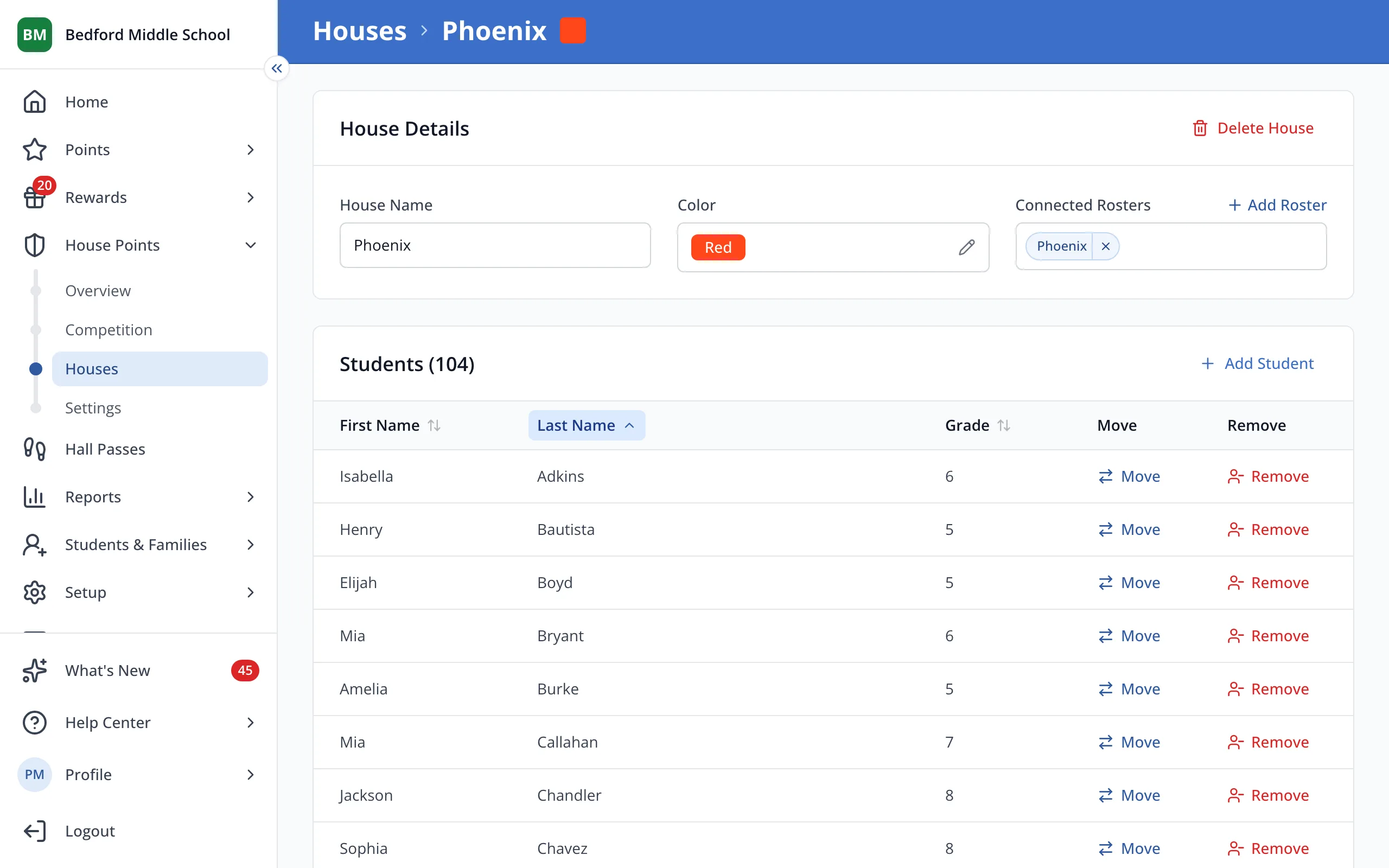
3.Type the student's name in the search box.
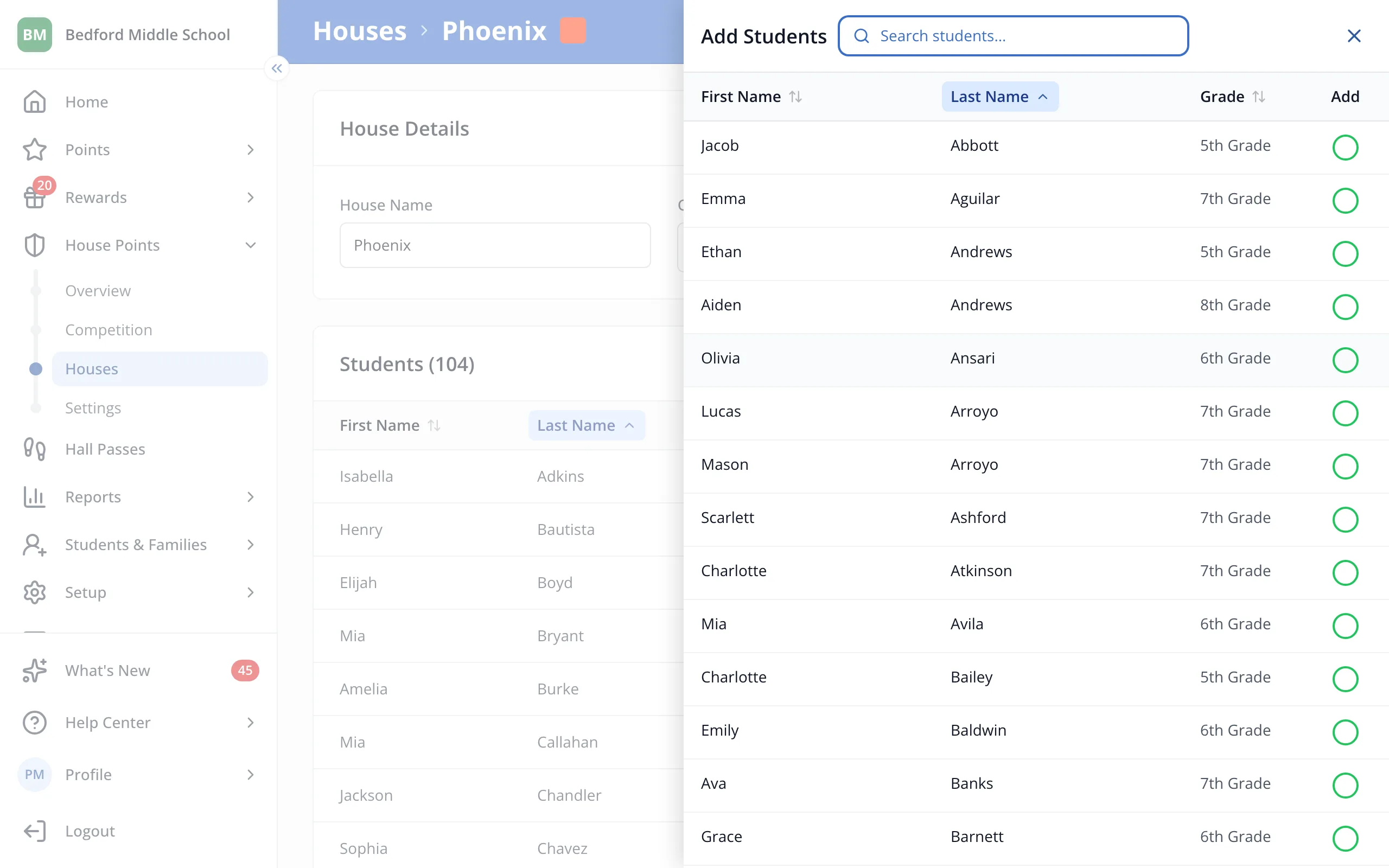
4.Click the circle next to the student's name to add them.
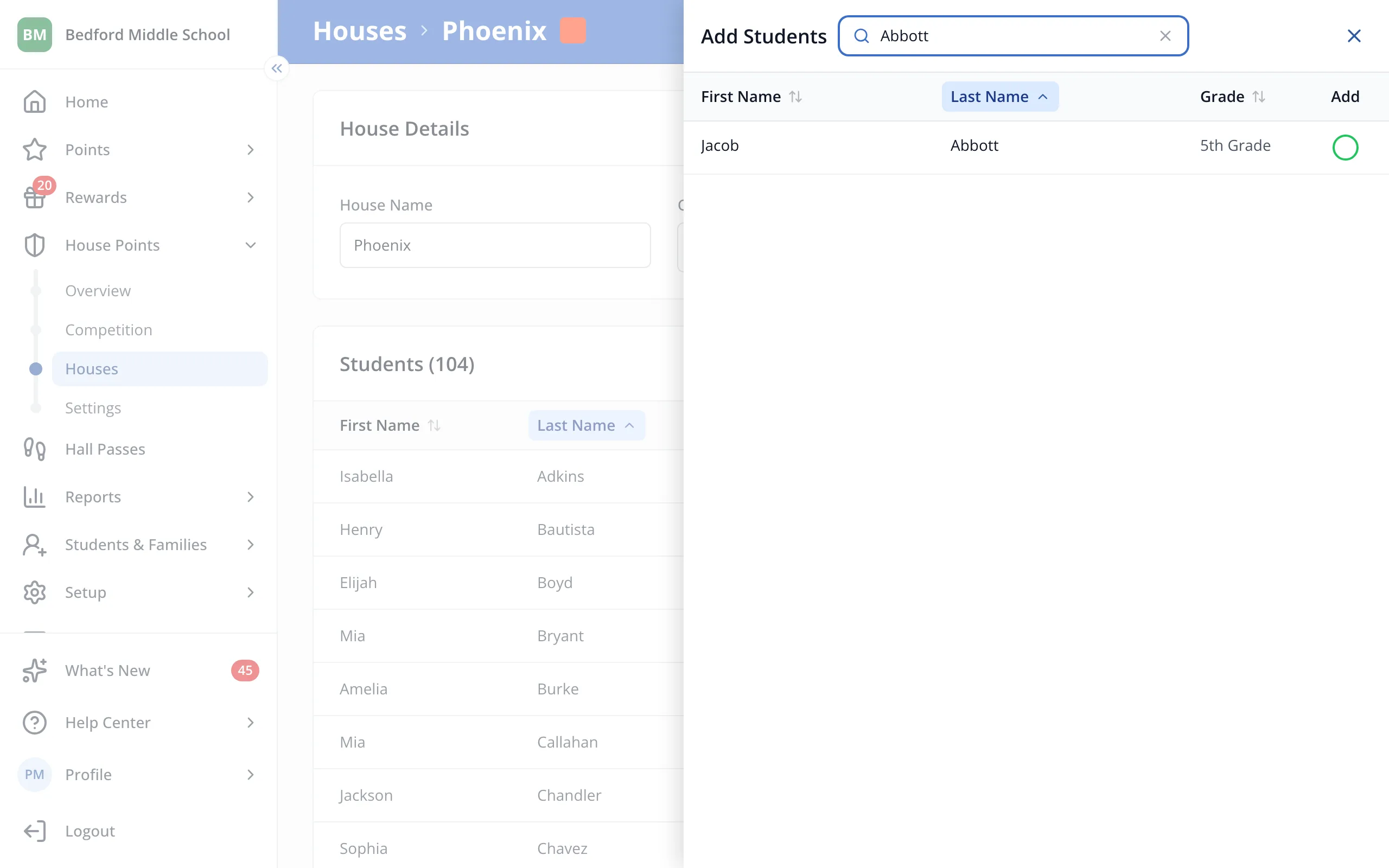
5.Click the X to close the panel.
Was this helpful?