
Move a student to a different house
Moving takes the student out of their old House and puts them in the new one in one go.
AdminSite Leader
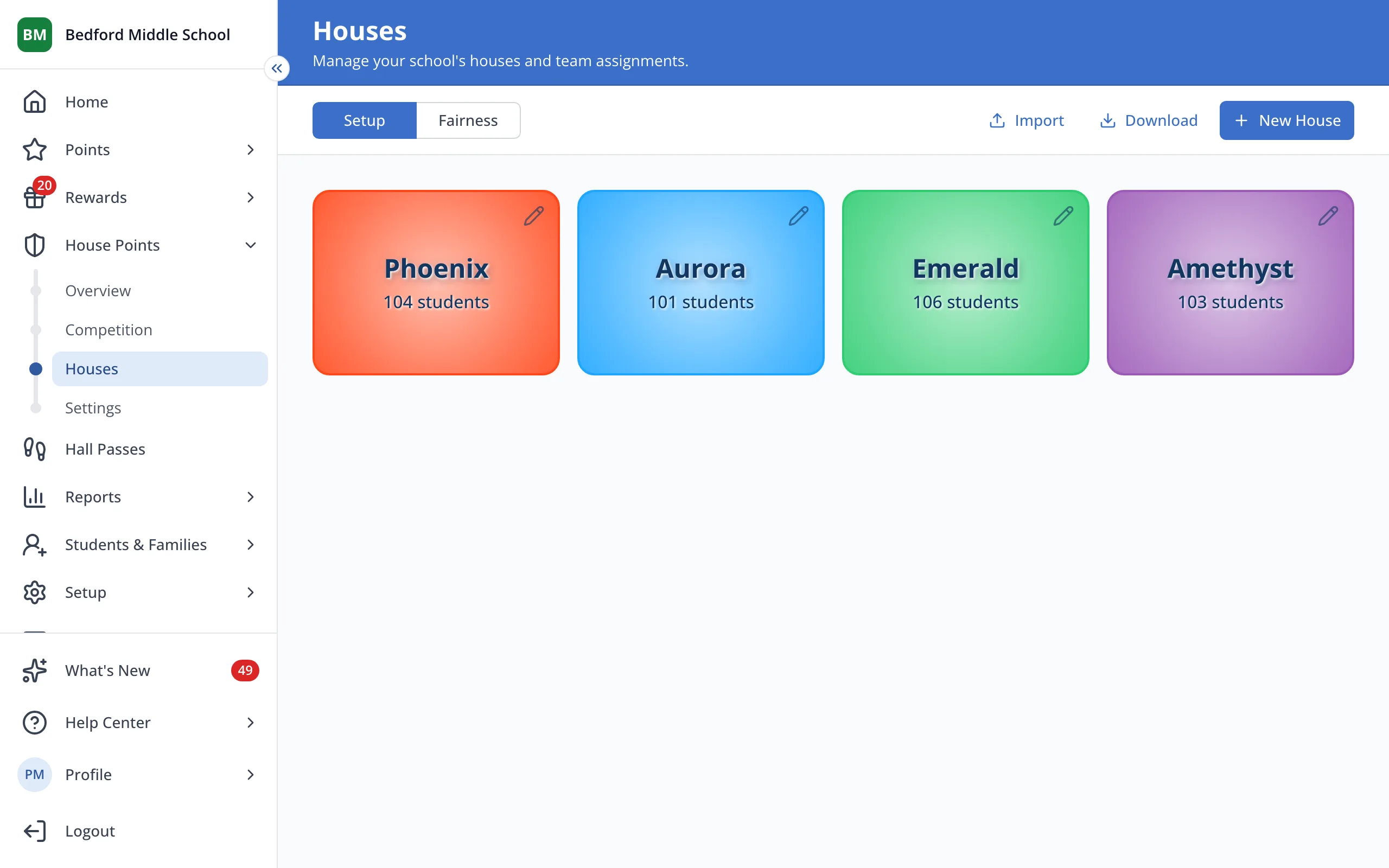
1 / 4On the Houses page, click the House the student is in.
1.On the Houses page, click the House the student is in.
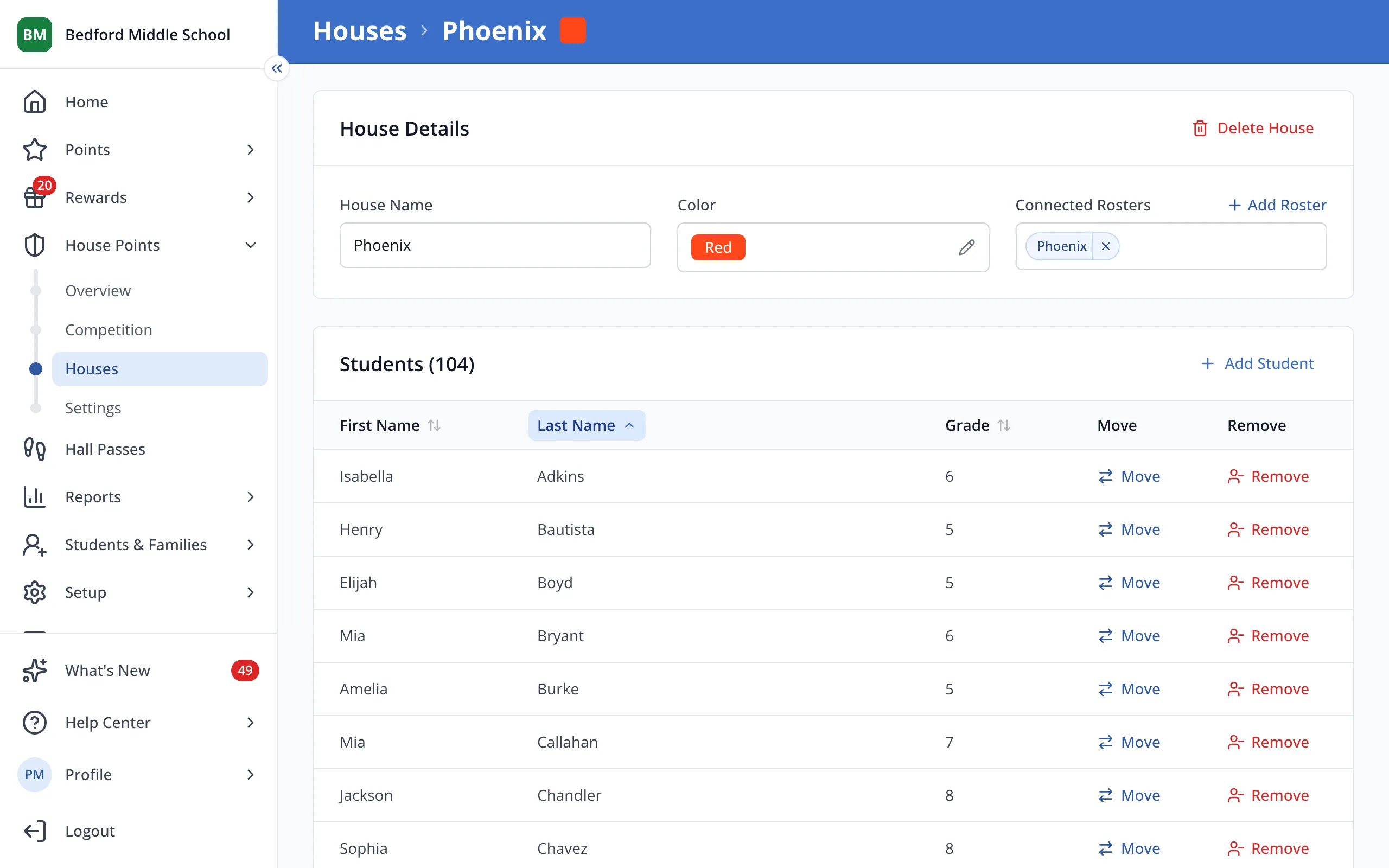
2.Next to the student's name, click Move.
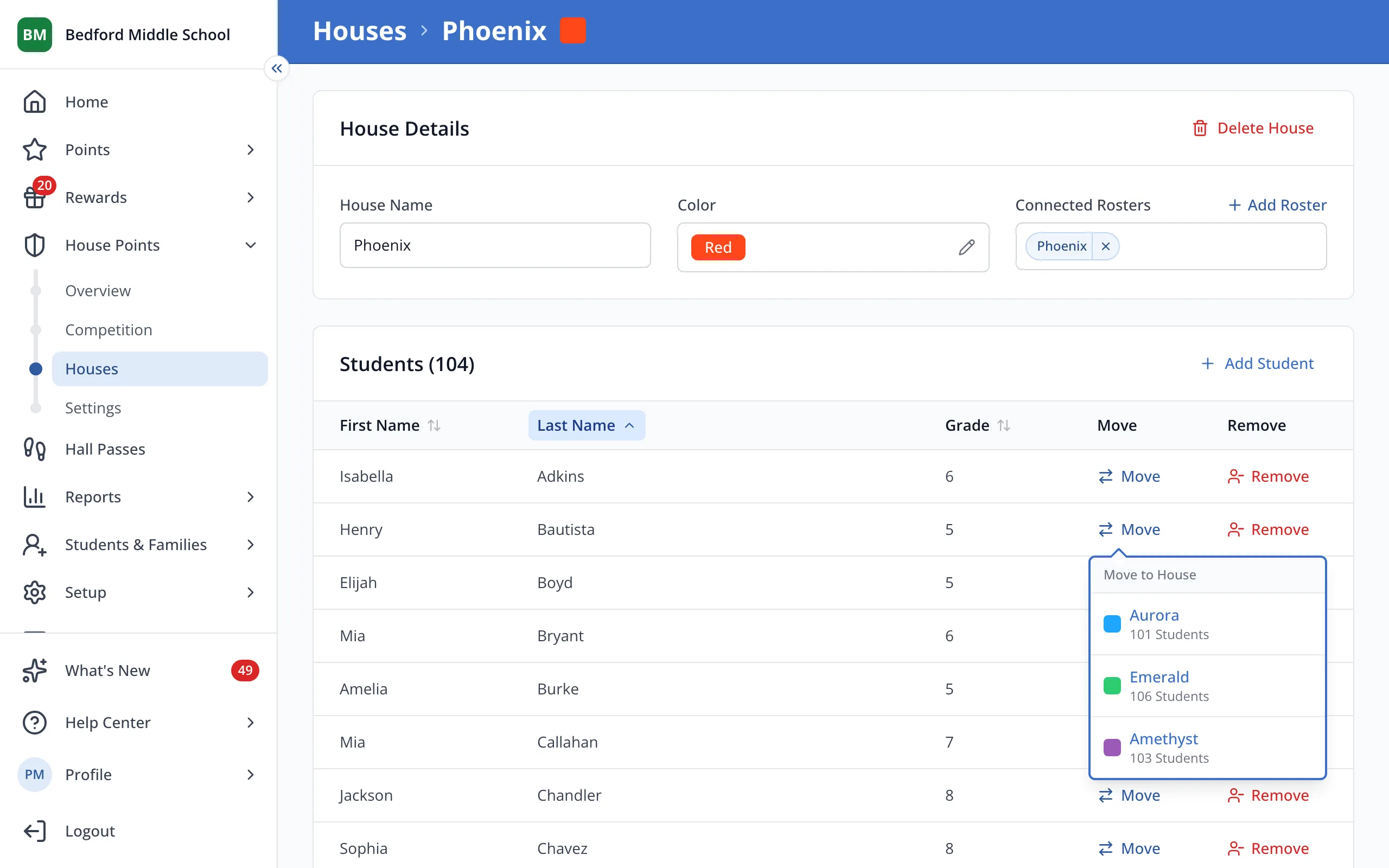
3.Click the House you'd like to move them to.
Was this helpful?