Remove a student from a house
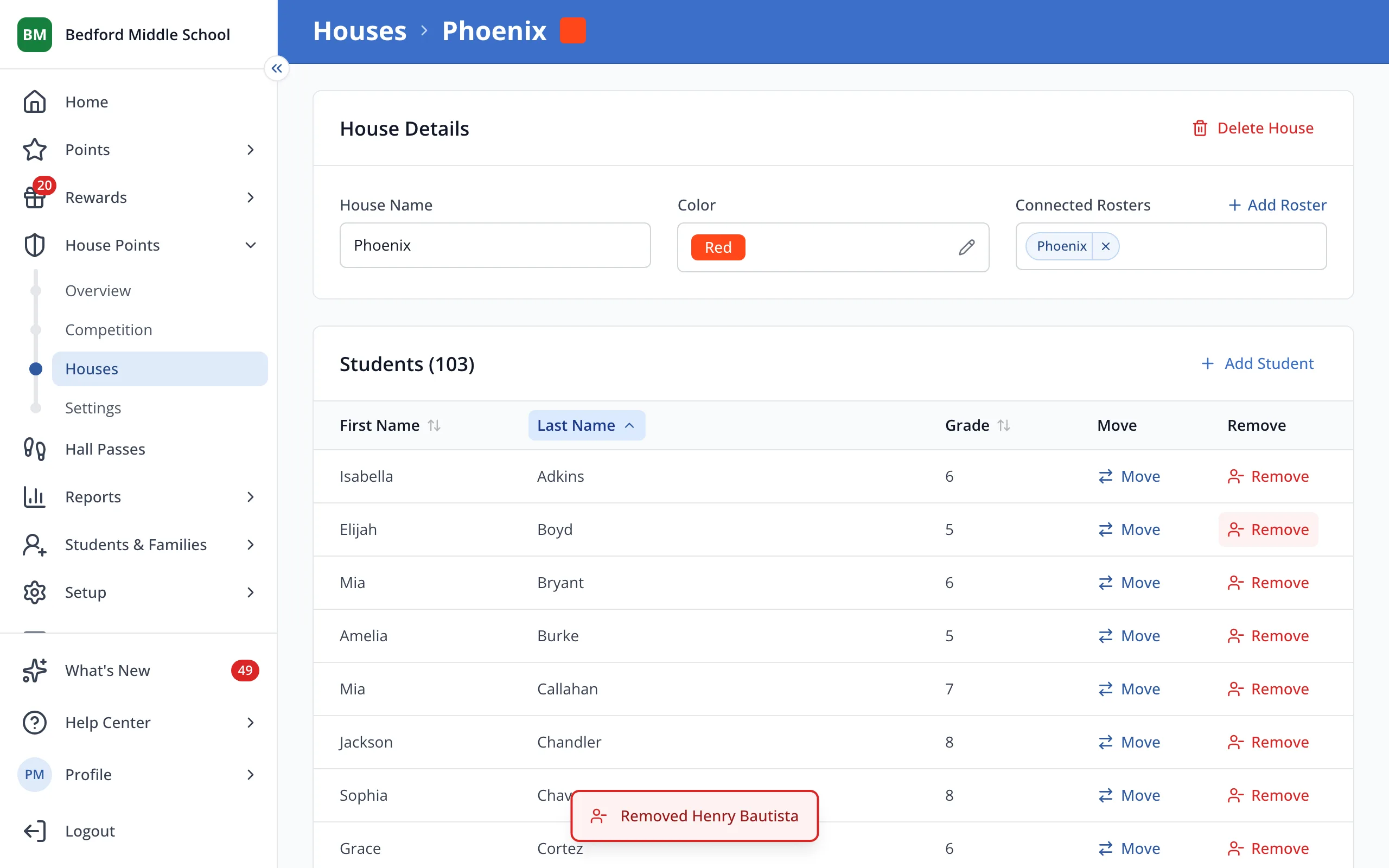
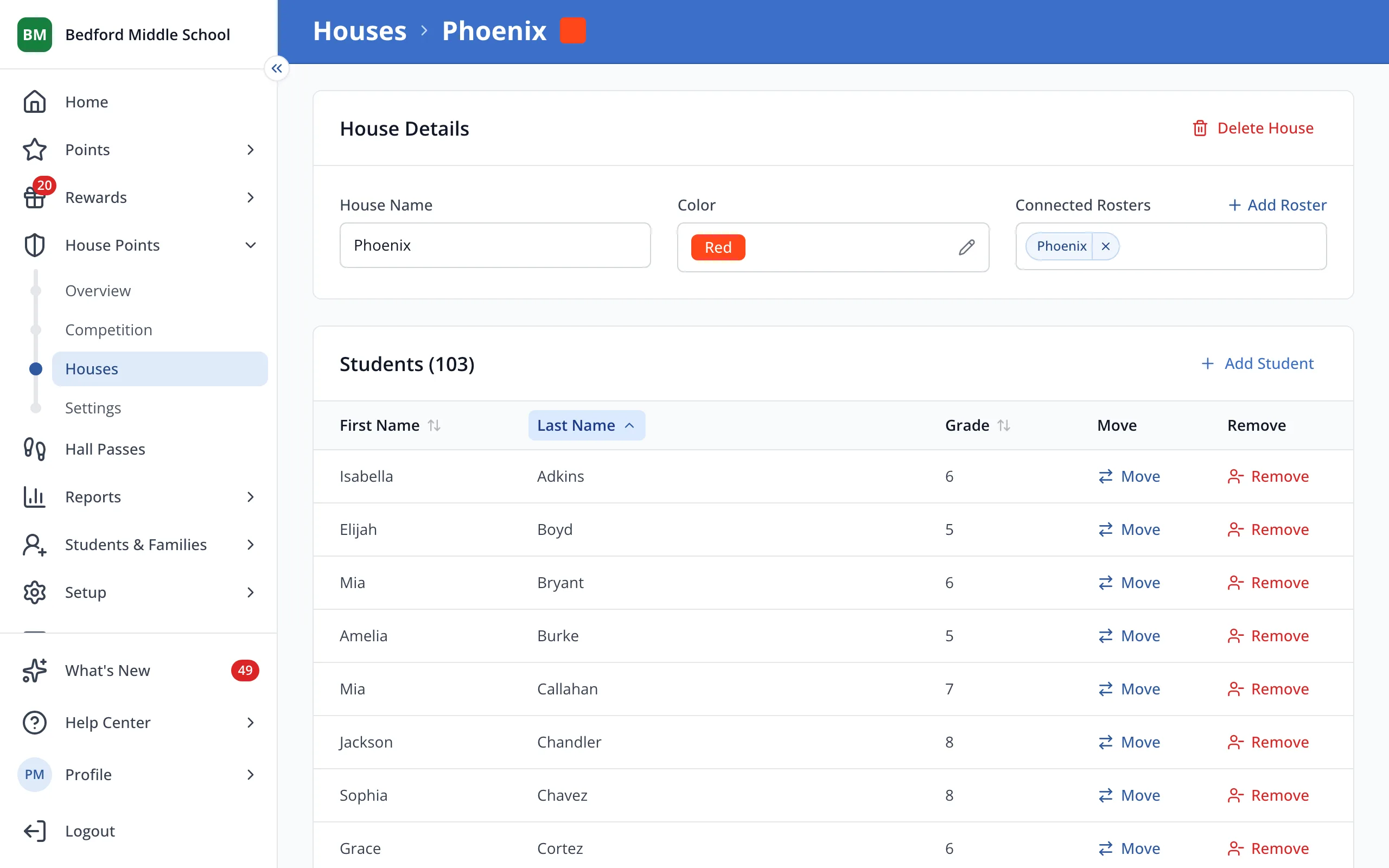
The student leaves the House right away and shows unassigned until you give them a new one.
AdminSite Leader
Open in LiveSchool
Already signed in? Open this guide inside LiveSchool.
Use the Left and Right arrow keys to move between steps, and Space to play or pause.
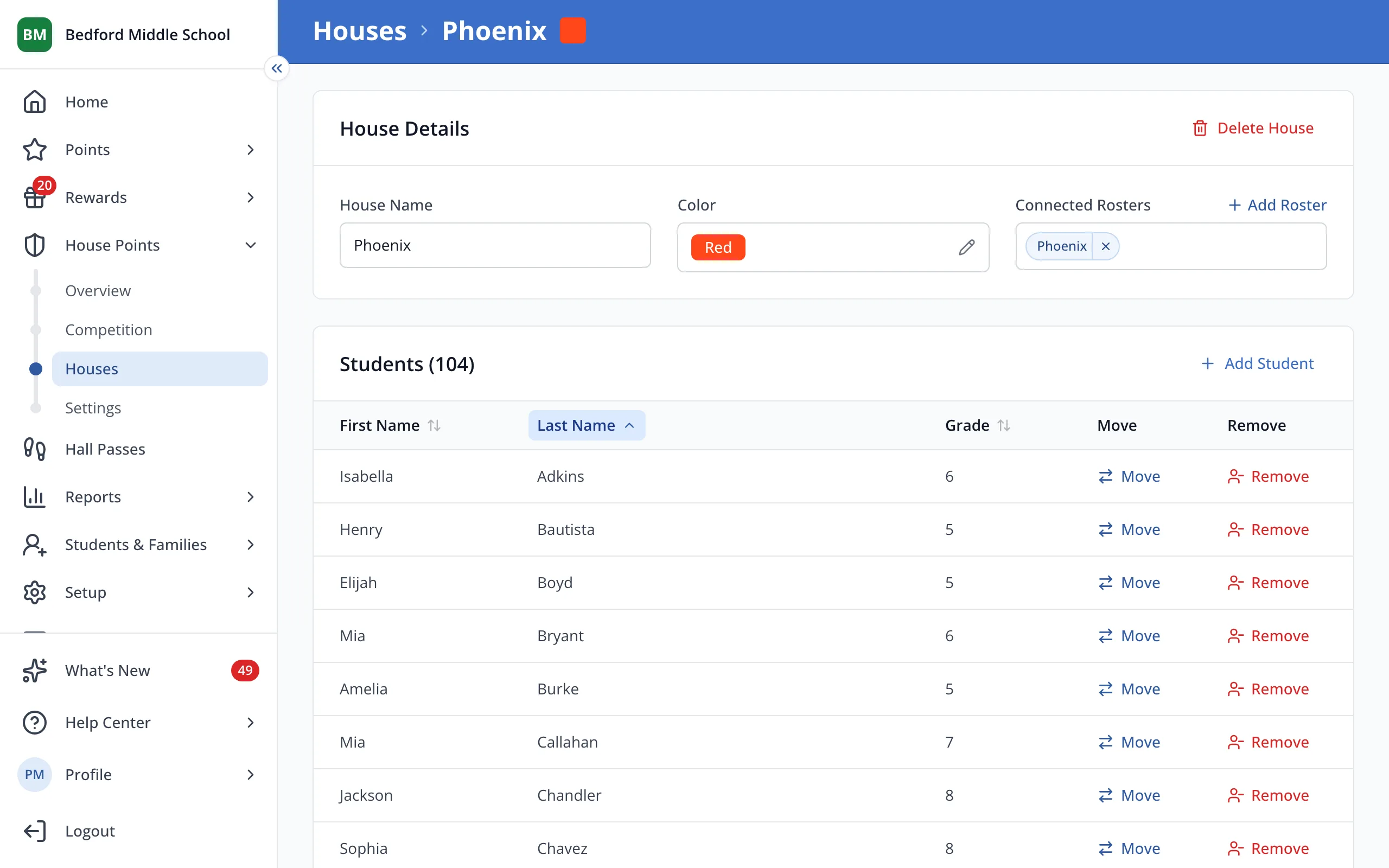
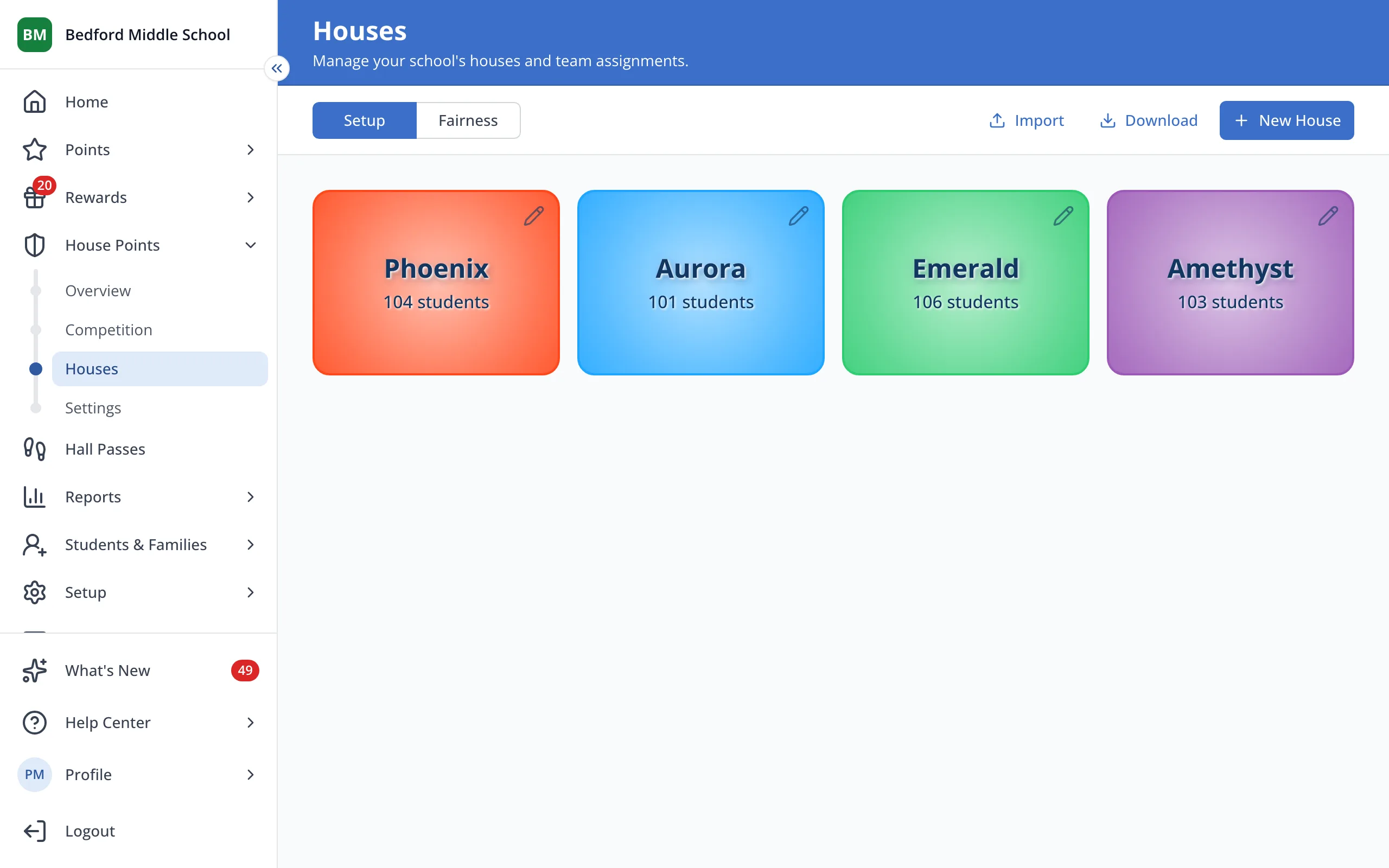
1.On the Houses page, click the student's House.
2.Next to the student's name, click Remove.