
Add a staff member to a house
Give a staff member a student record so they can belong to a House and earn points for it like any student. This is only applicable for sites built by CSV, not those syncing from Clever or ClassLink.
AdminSite Leader
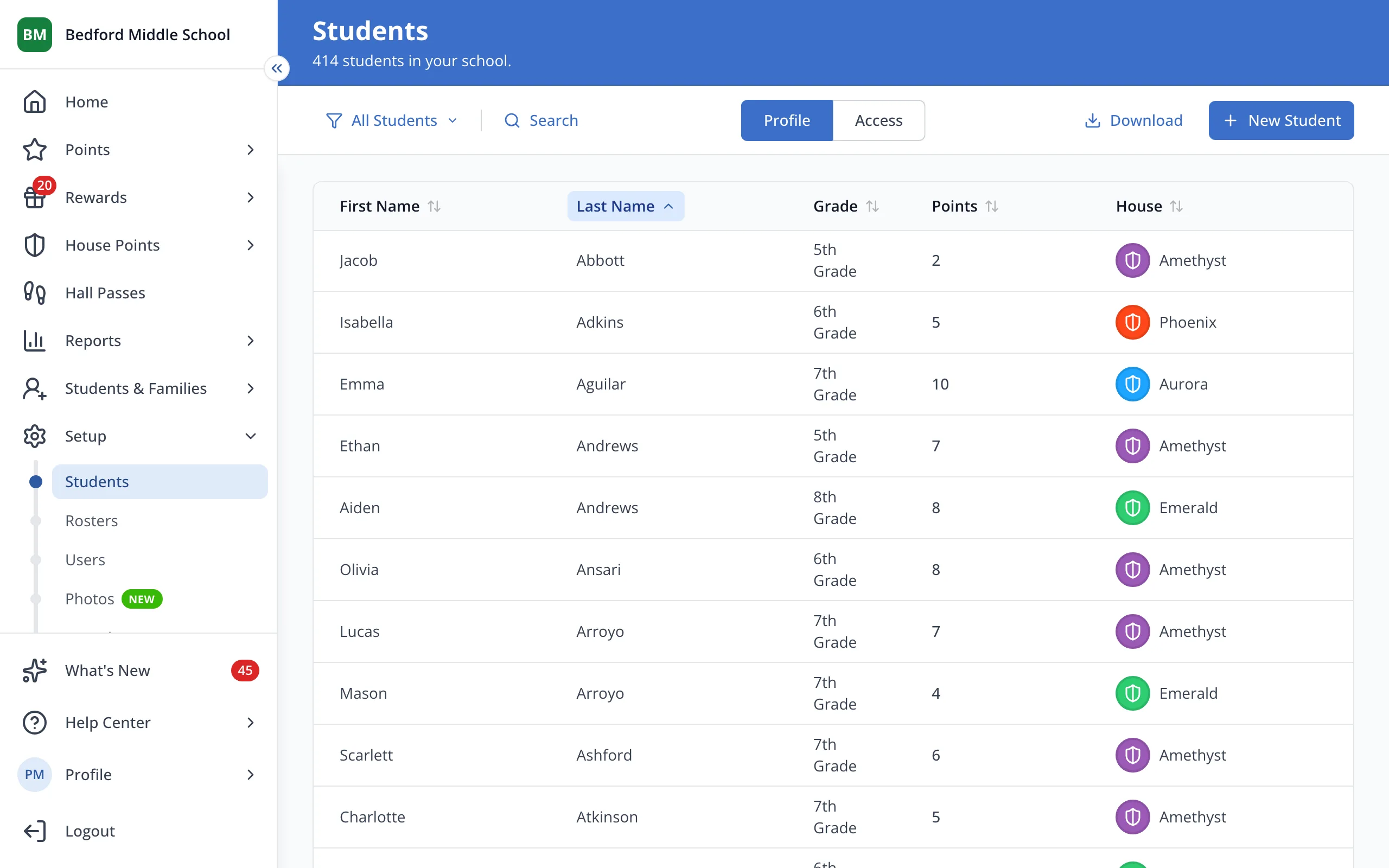
1 / 7On the Students page under Setup, click New Student.
1.On the Students page under Setup, click New Student.
2.Type the staff member's first and last name.
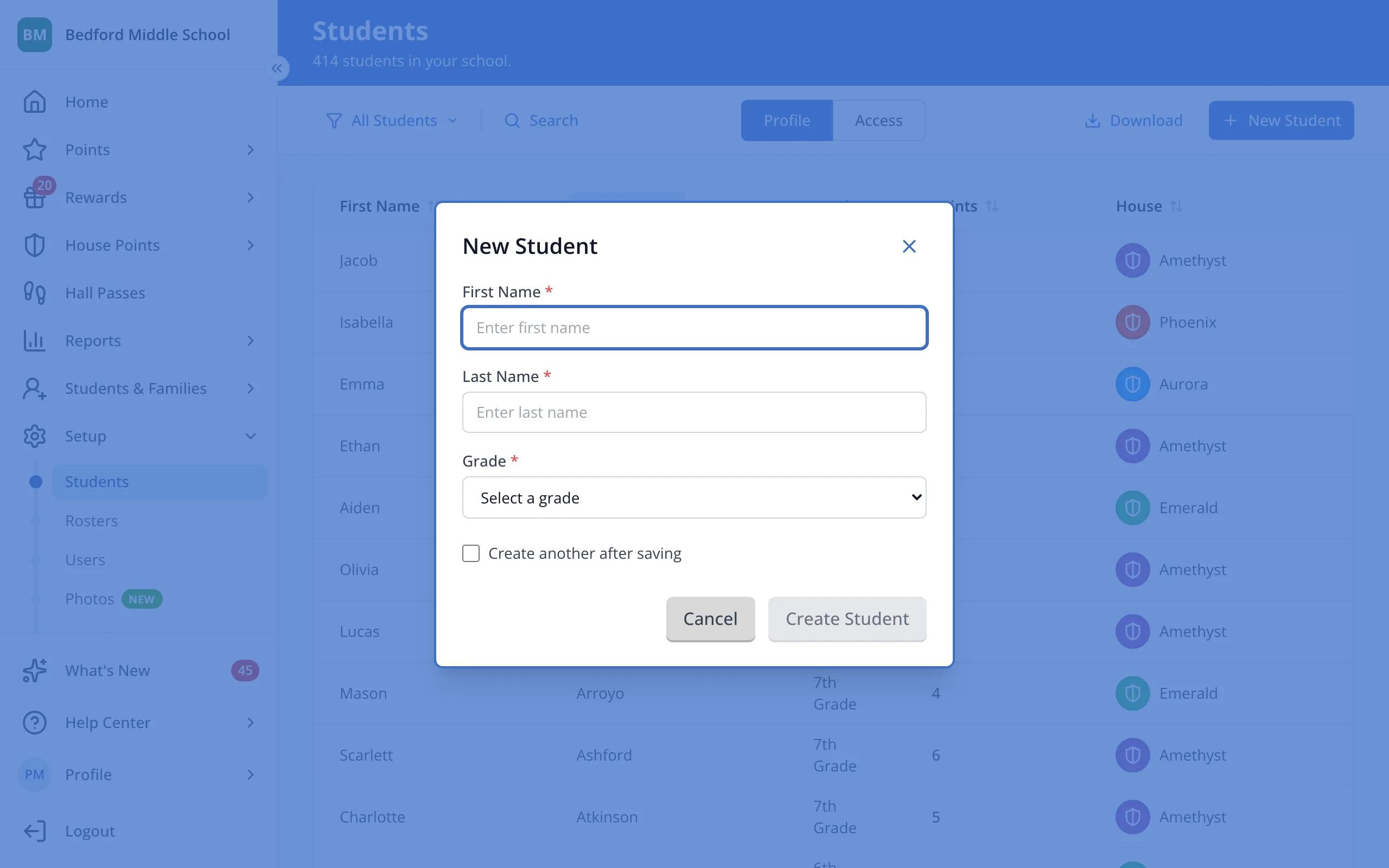
3.Pick a grade from the list.
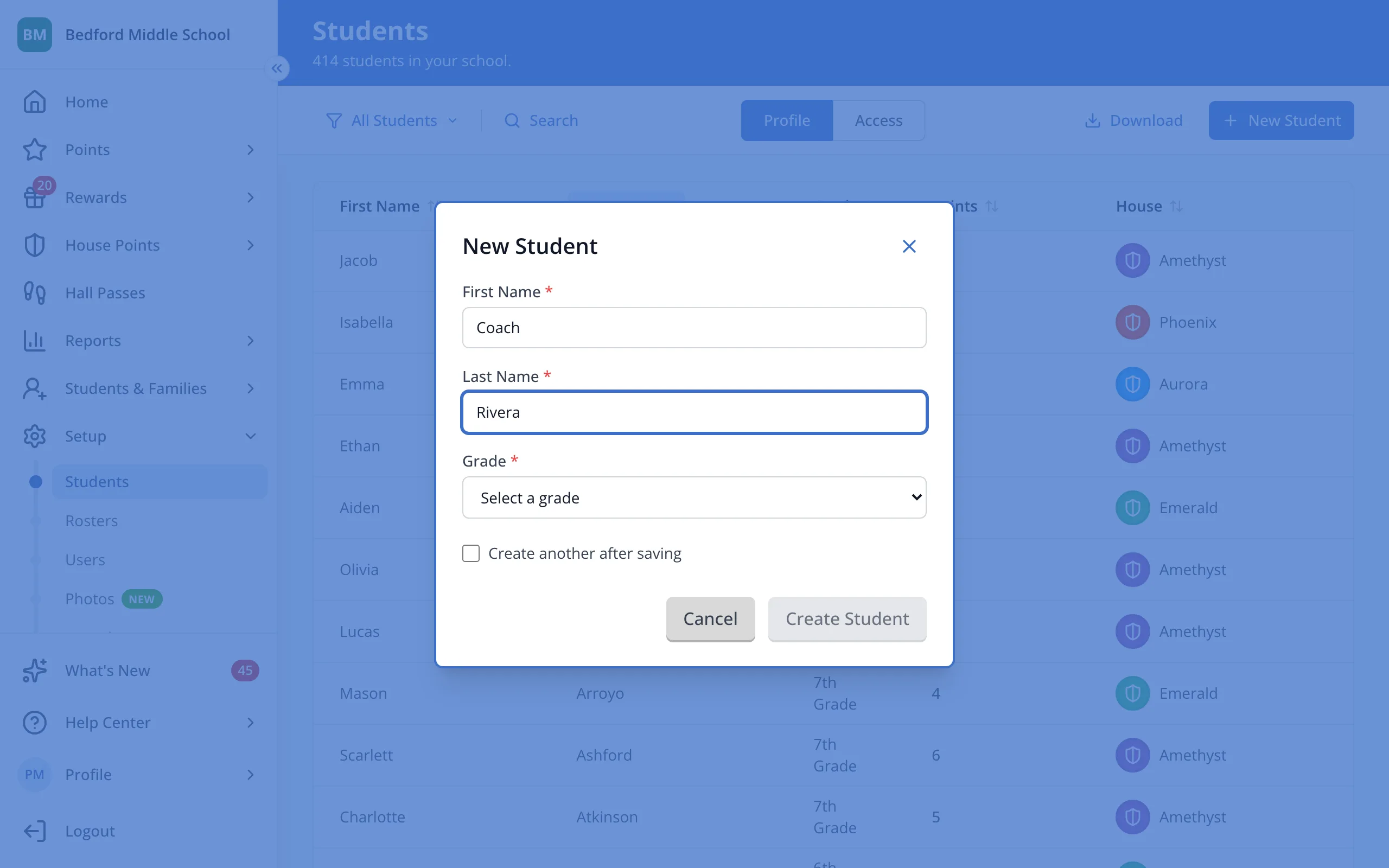
4.Click Create Student.
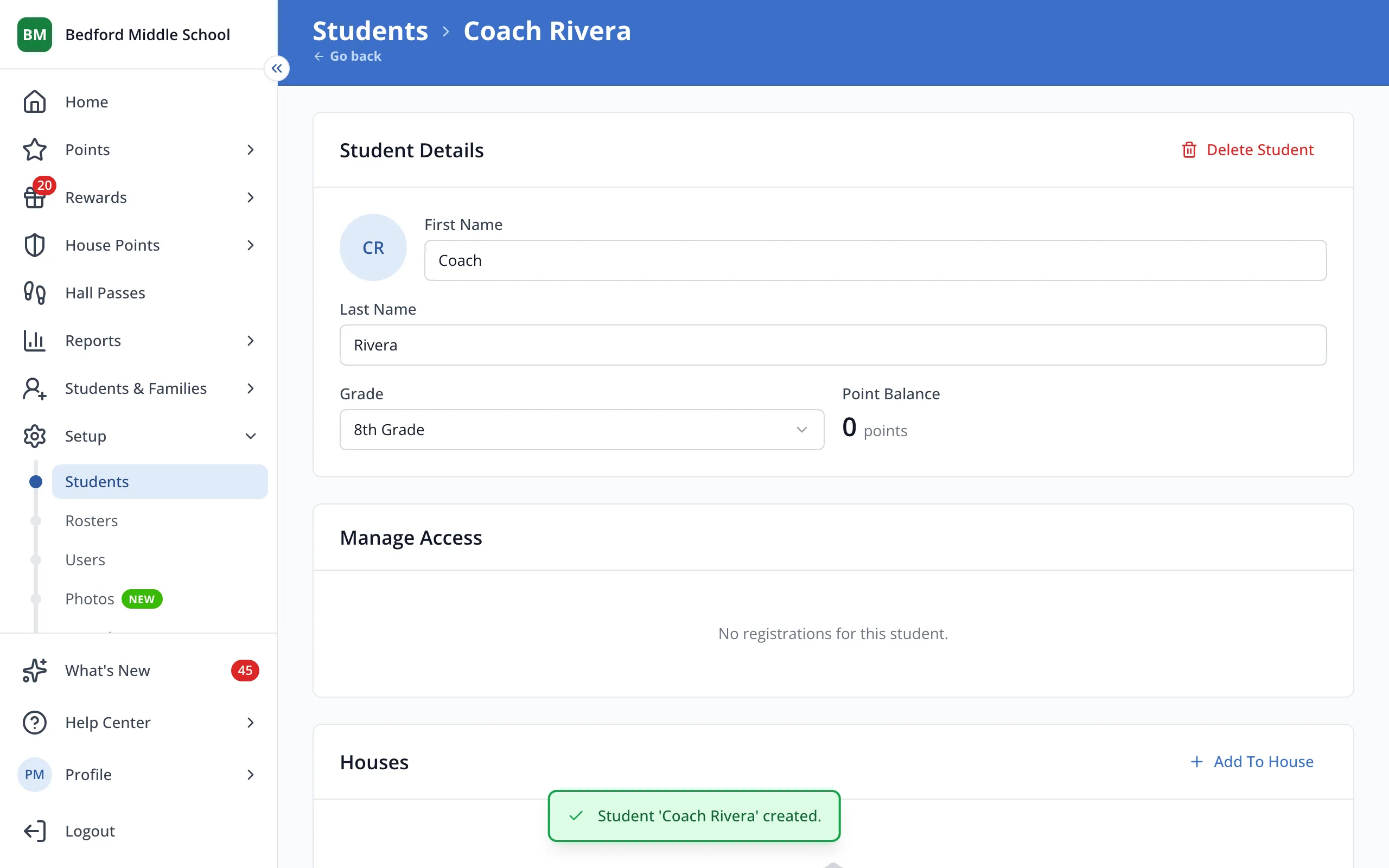
5.On their student page, click Add To House.
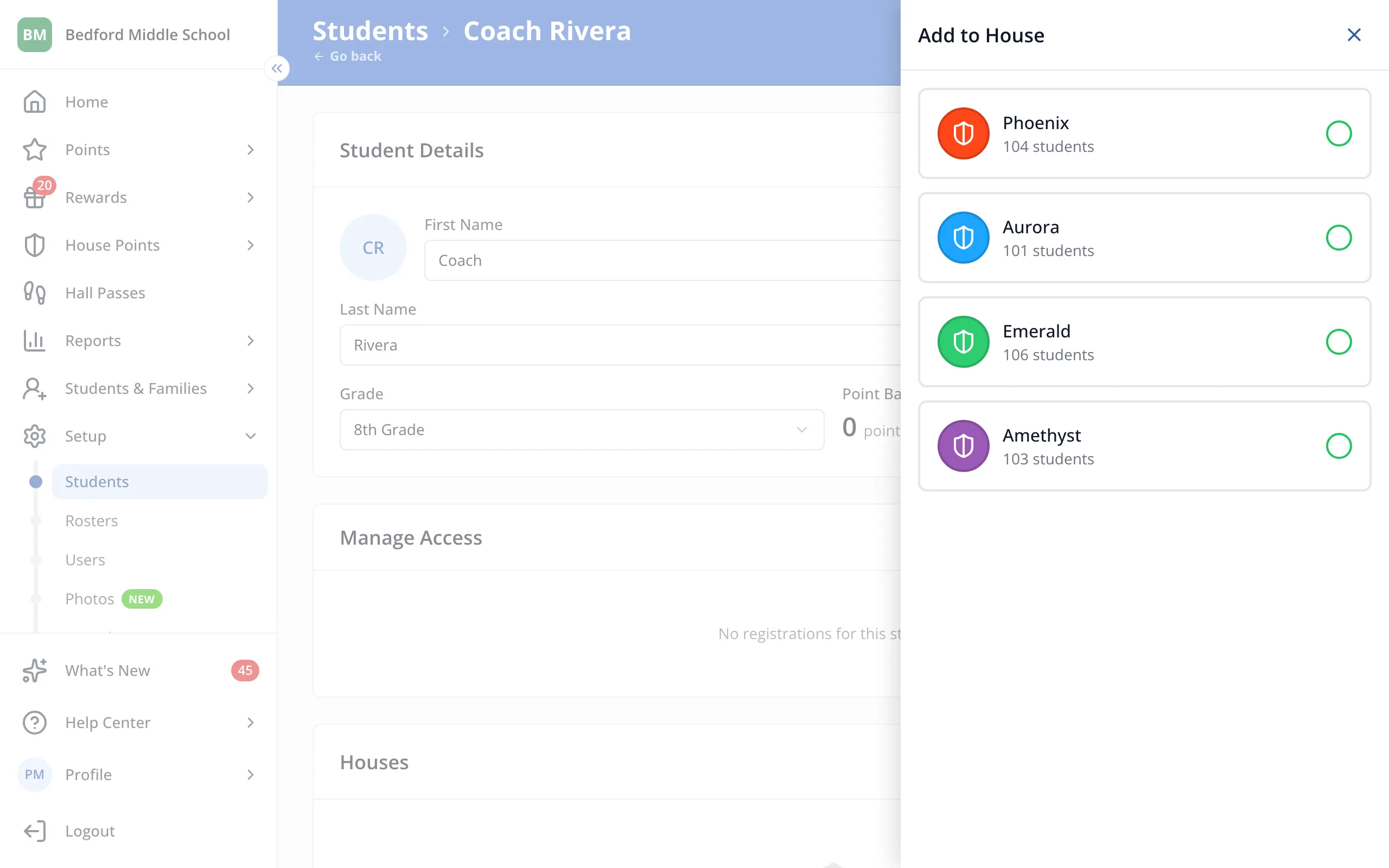
6.Click the House you'd like them in.
Was this helpful?