
Add a staff member to a house at a Clever or ClassLink syncing school
Houses hold students, so a staff member joins one through a student record. Reach out to the LiveSchool team for help adding your staff to your school site.
AdminSite Leader
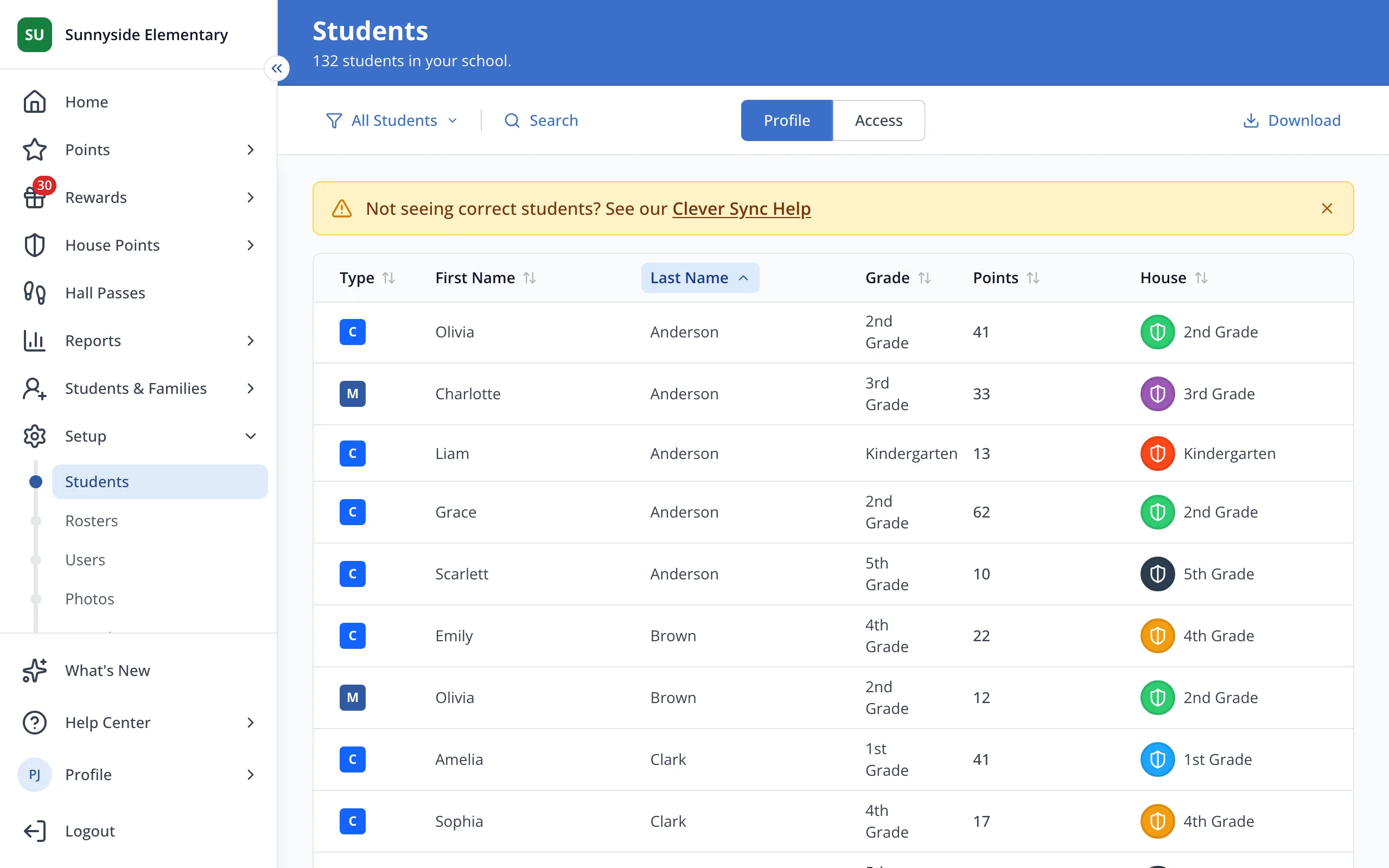
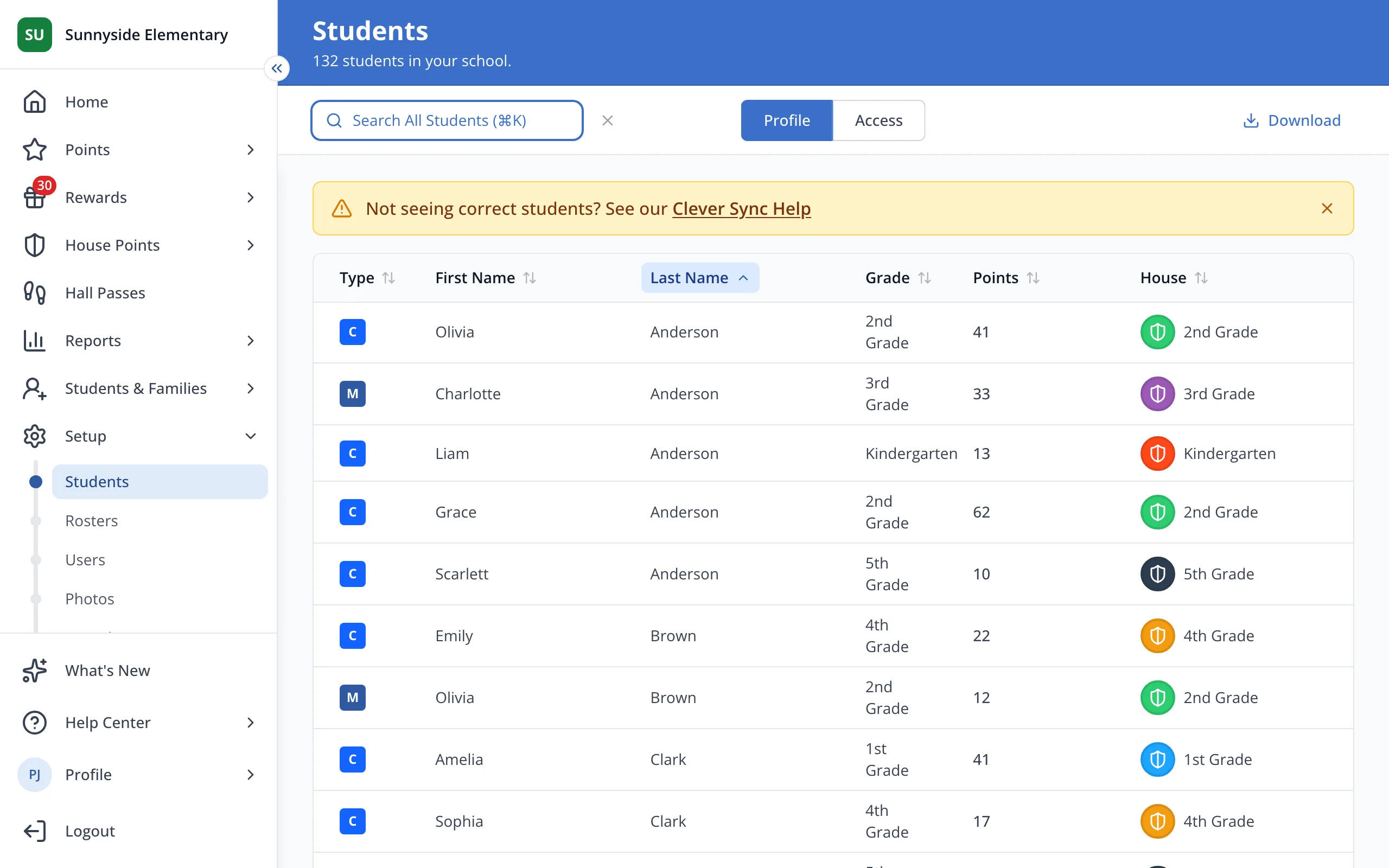
1 / 6On the Students page under Setup, click Search.
1.On the Students page under Setup, click Search.
2.Type the staff member's name.
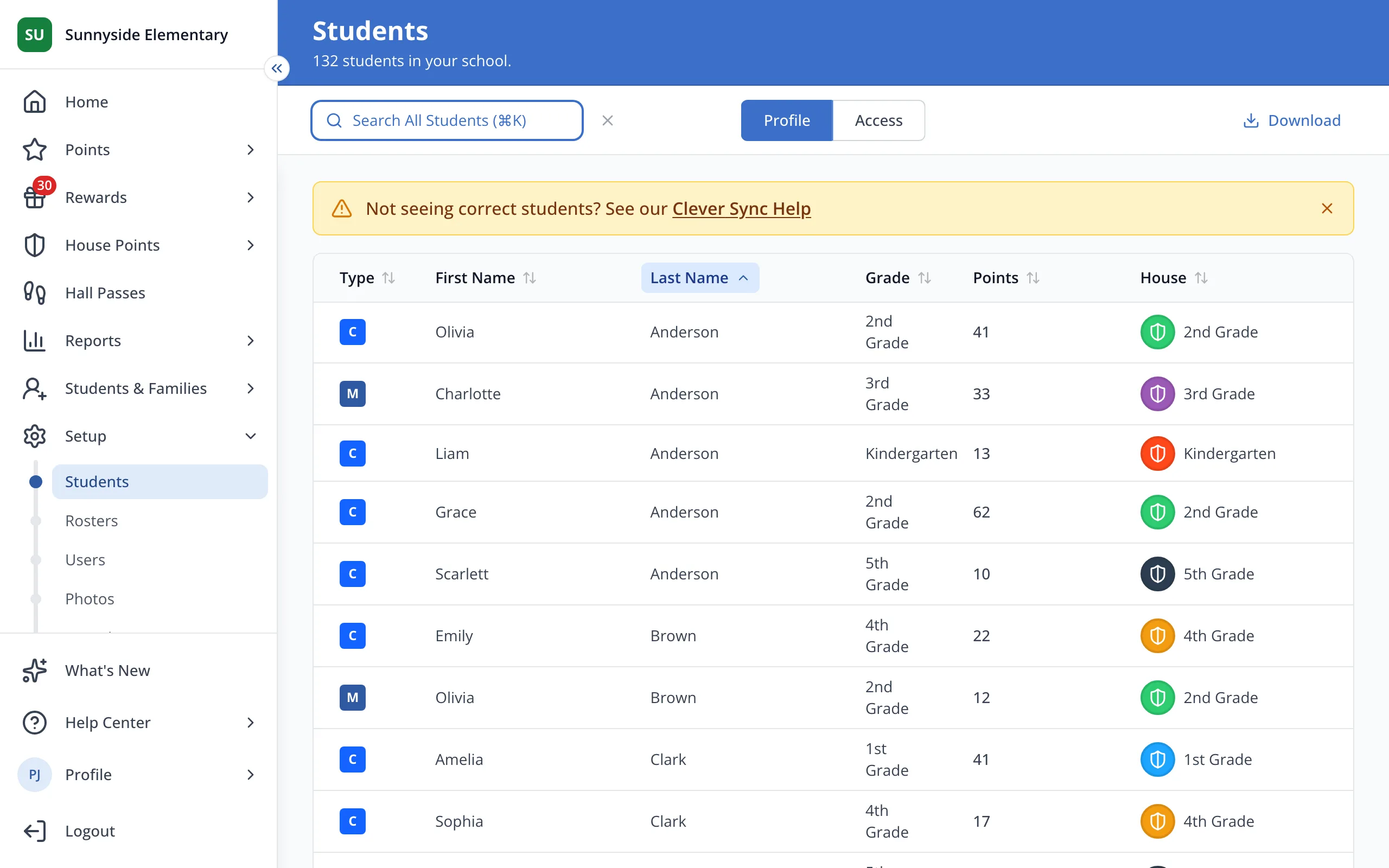
3.Click their name to open their student page.
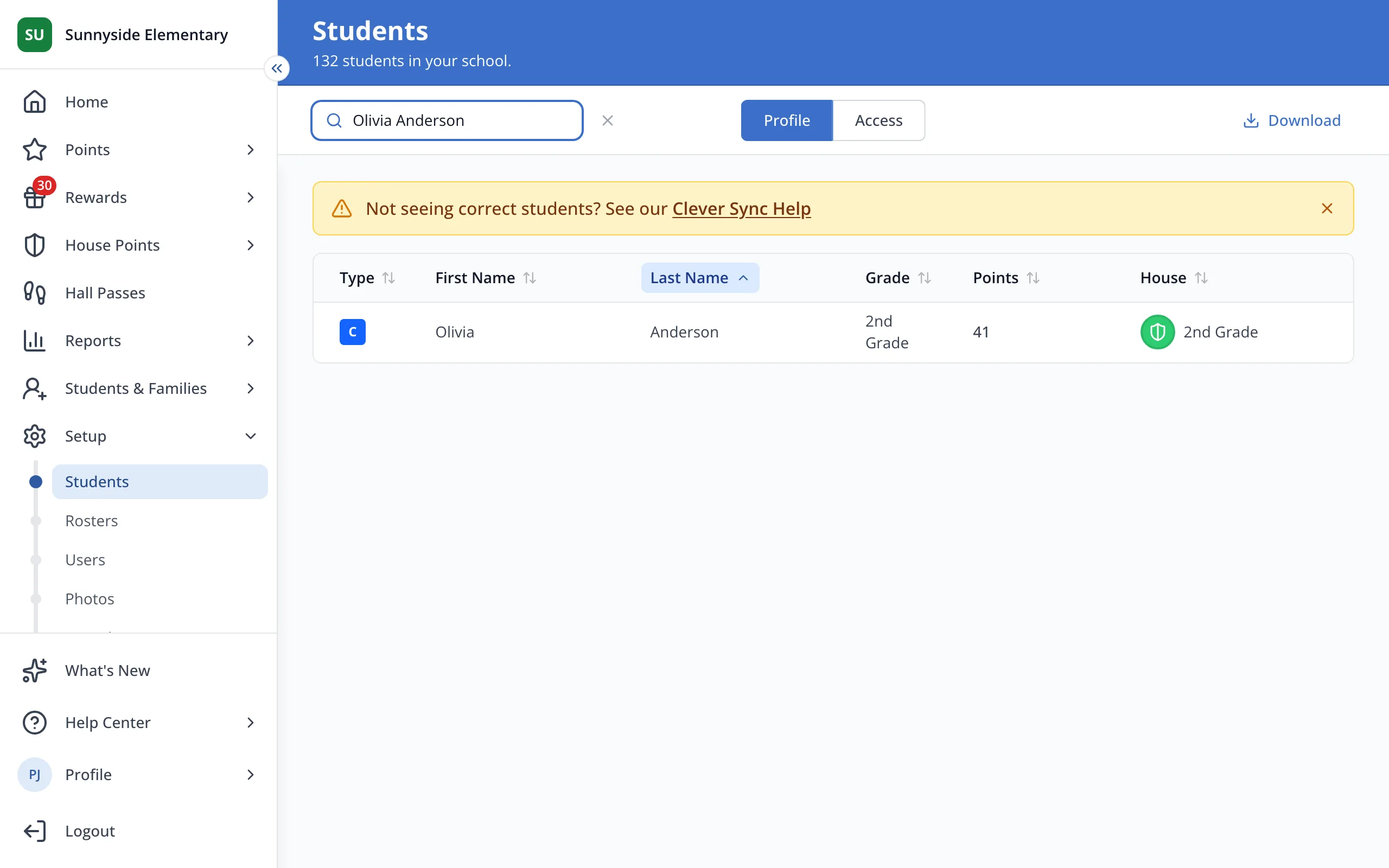
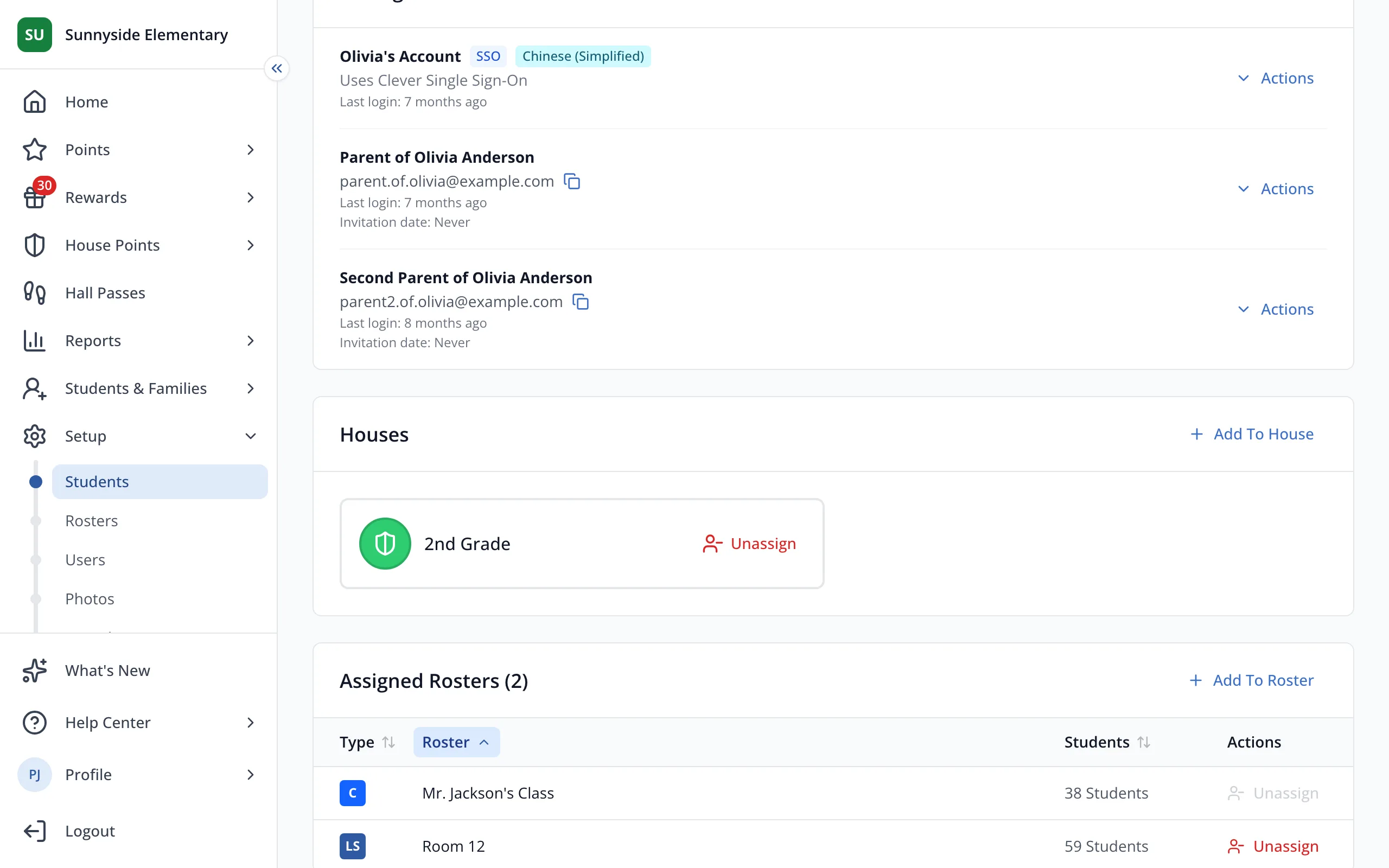
4.Click Add To House.
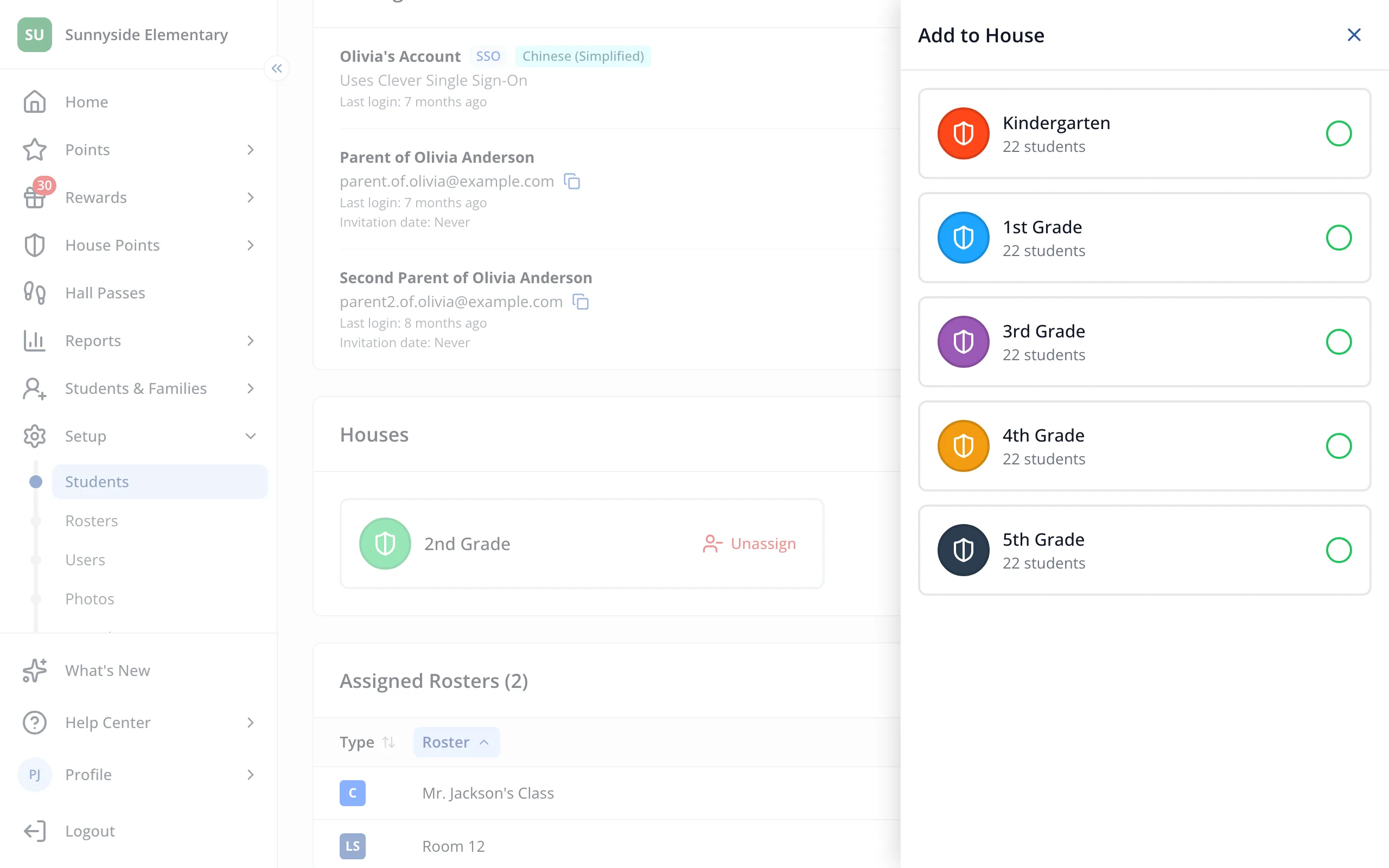
5.Click the House you'd like them in.
Was this helpful?