
Add a student to a grade-level house
Students will be automatically added to Houses that represent each grade once they are syncing from Clever or ClassLink.
AdminSite Leader
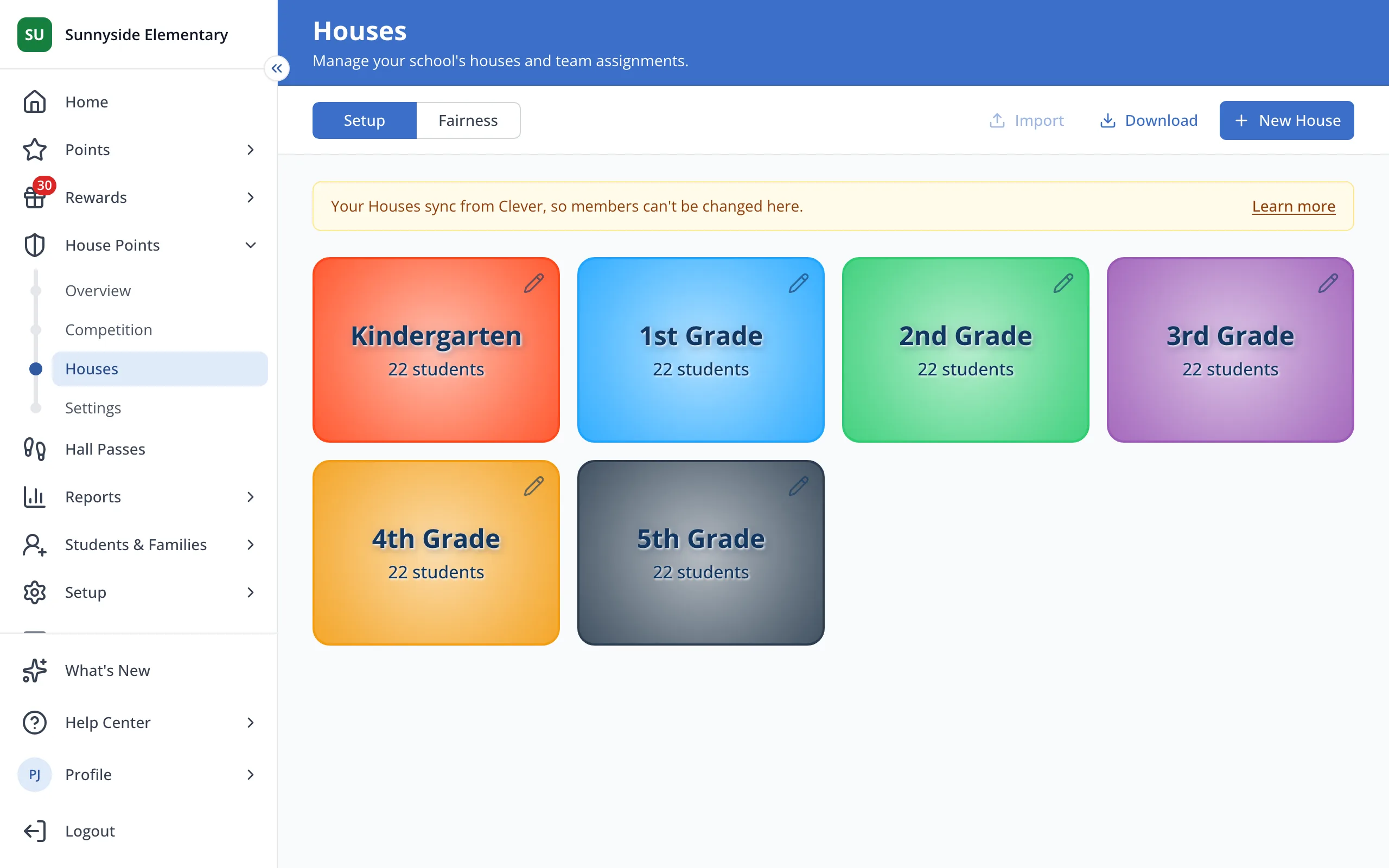
1 / 3On the Houses page, click the House the student belongs in.
1.On the Houses page, click the House the student belongs in.
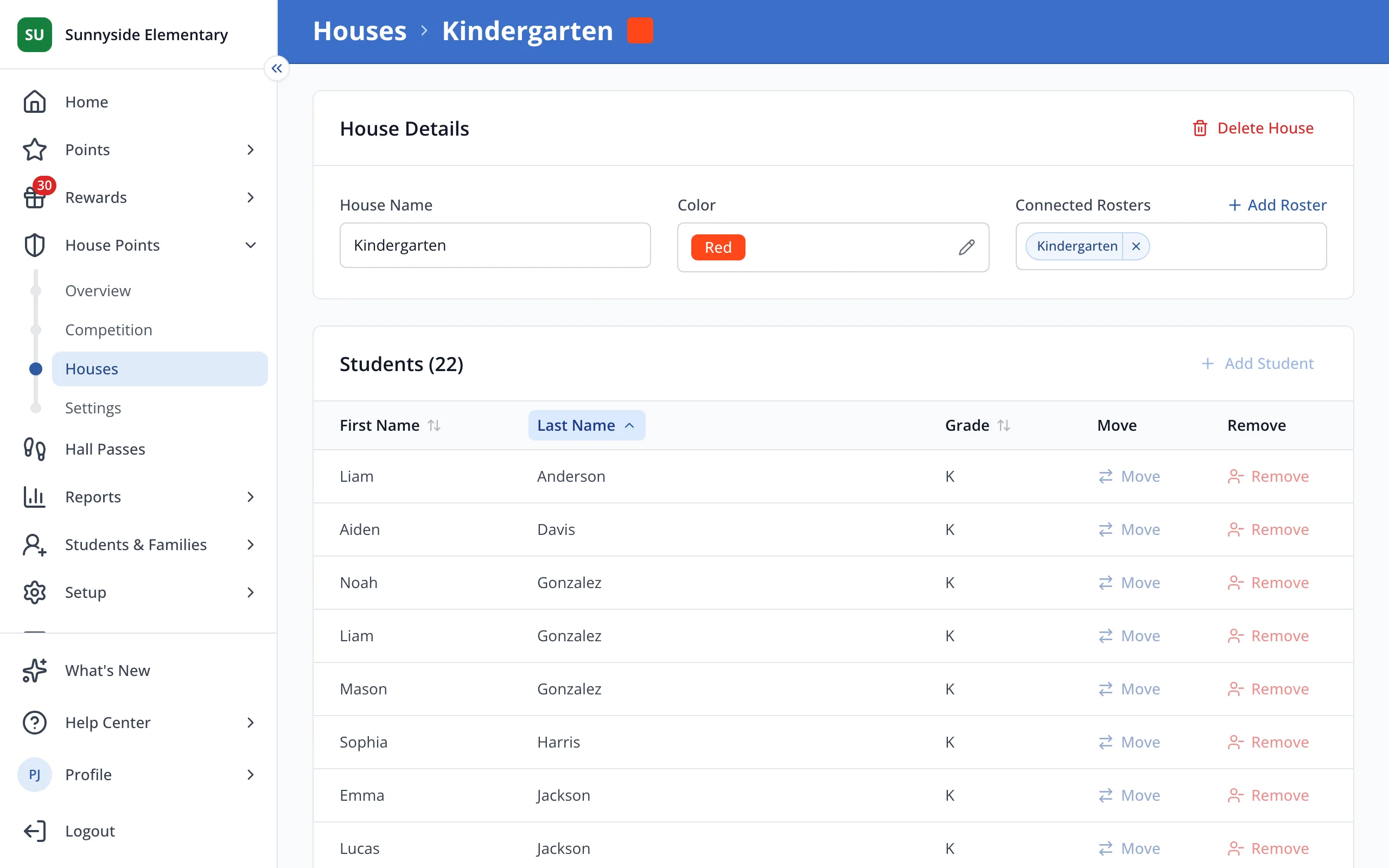
2.Add Student is grayed out because this House's members come from Clever or ClassLink.
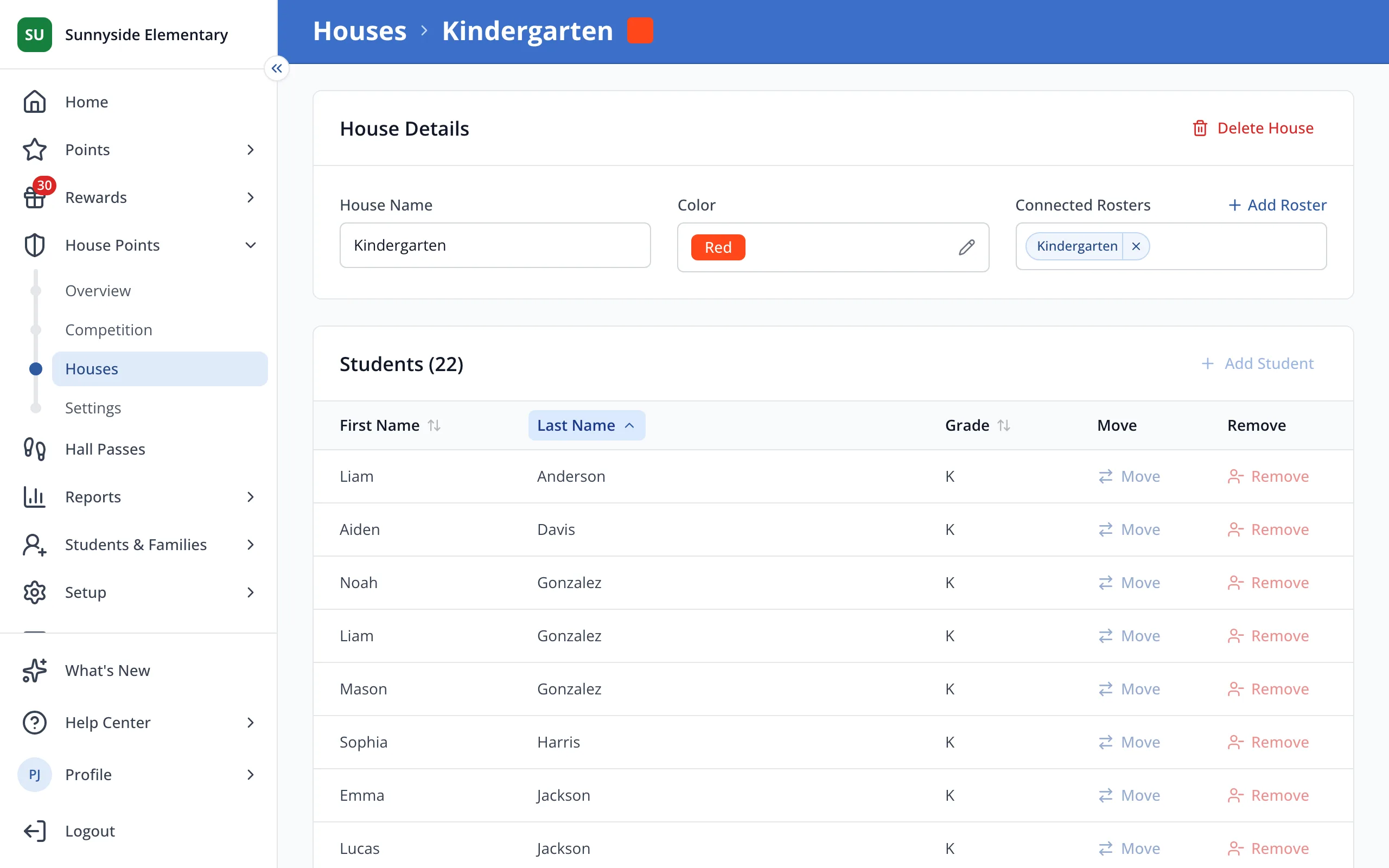
3.Ask your district to add the student to this roster in Clever or ClassLink. They'll join the House after the next sync.
Was this helpful?