
Give points to everyone in a house
Reward each student in a House at once, like after an assembly or a House challenge. All points awarded will count towards the House total.
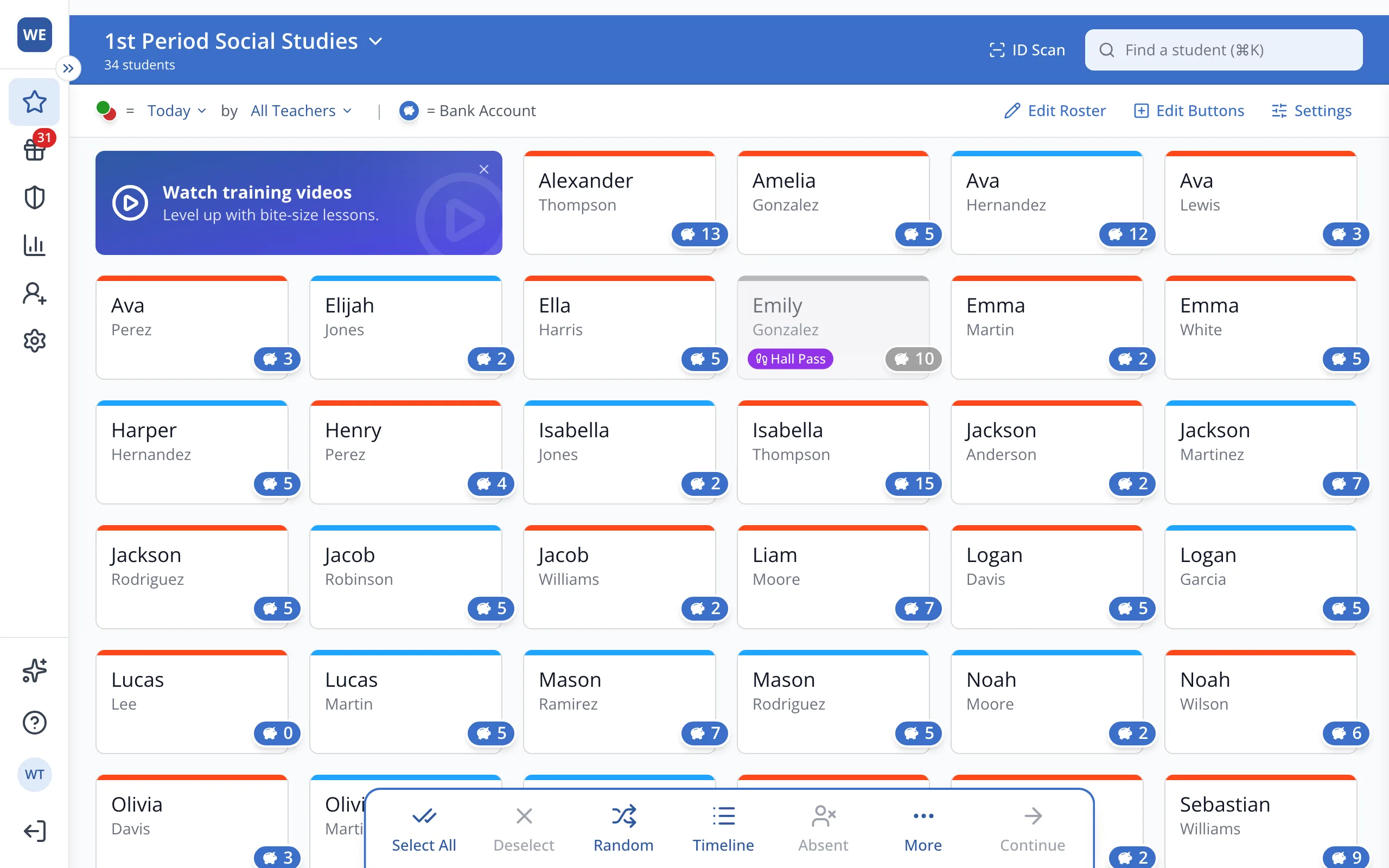
1 / 8At the top of the Points page, click your roster's name.
1.At the top of the Points page, click your roster's name.
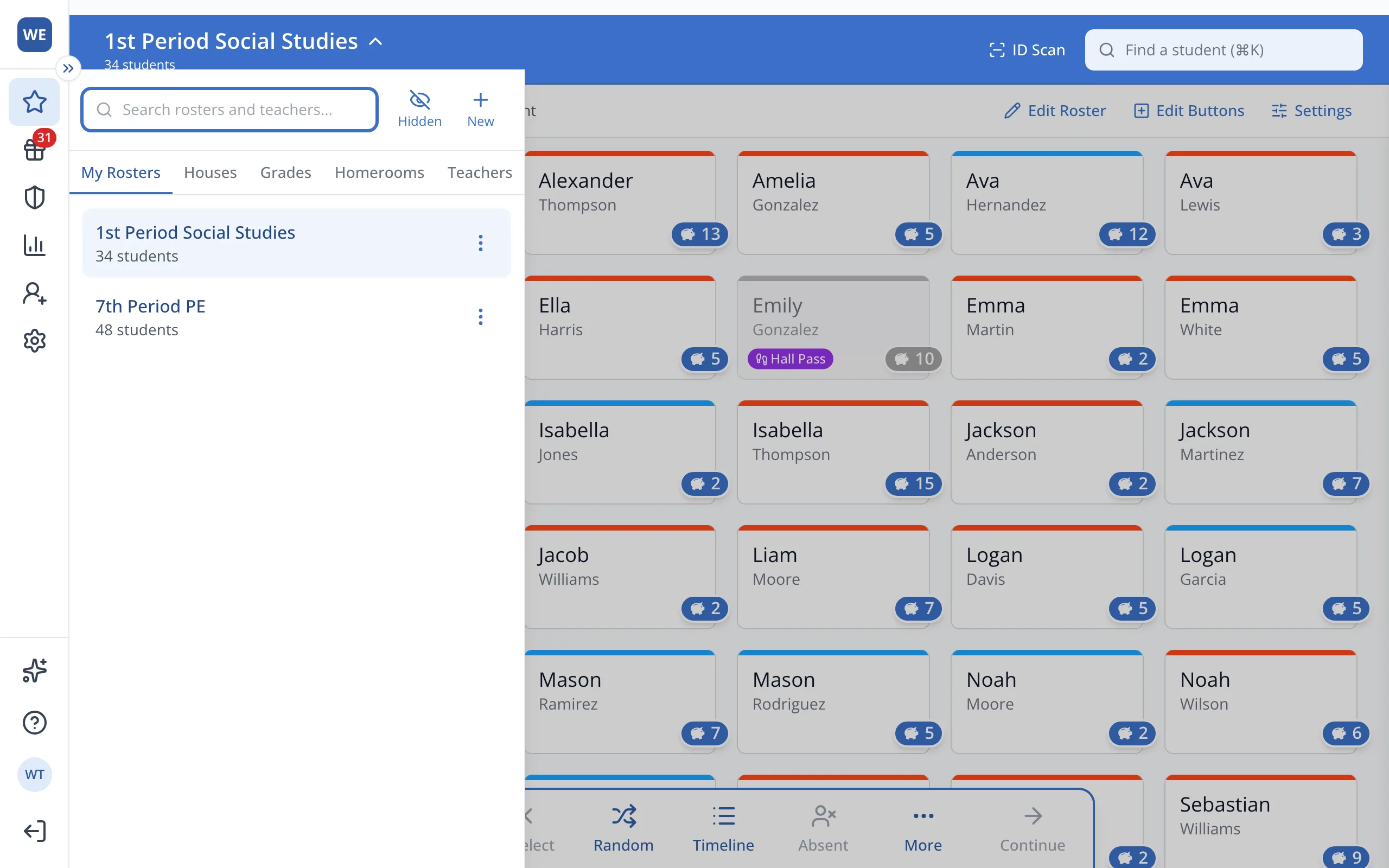
2.Click Houses.
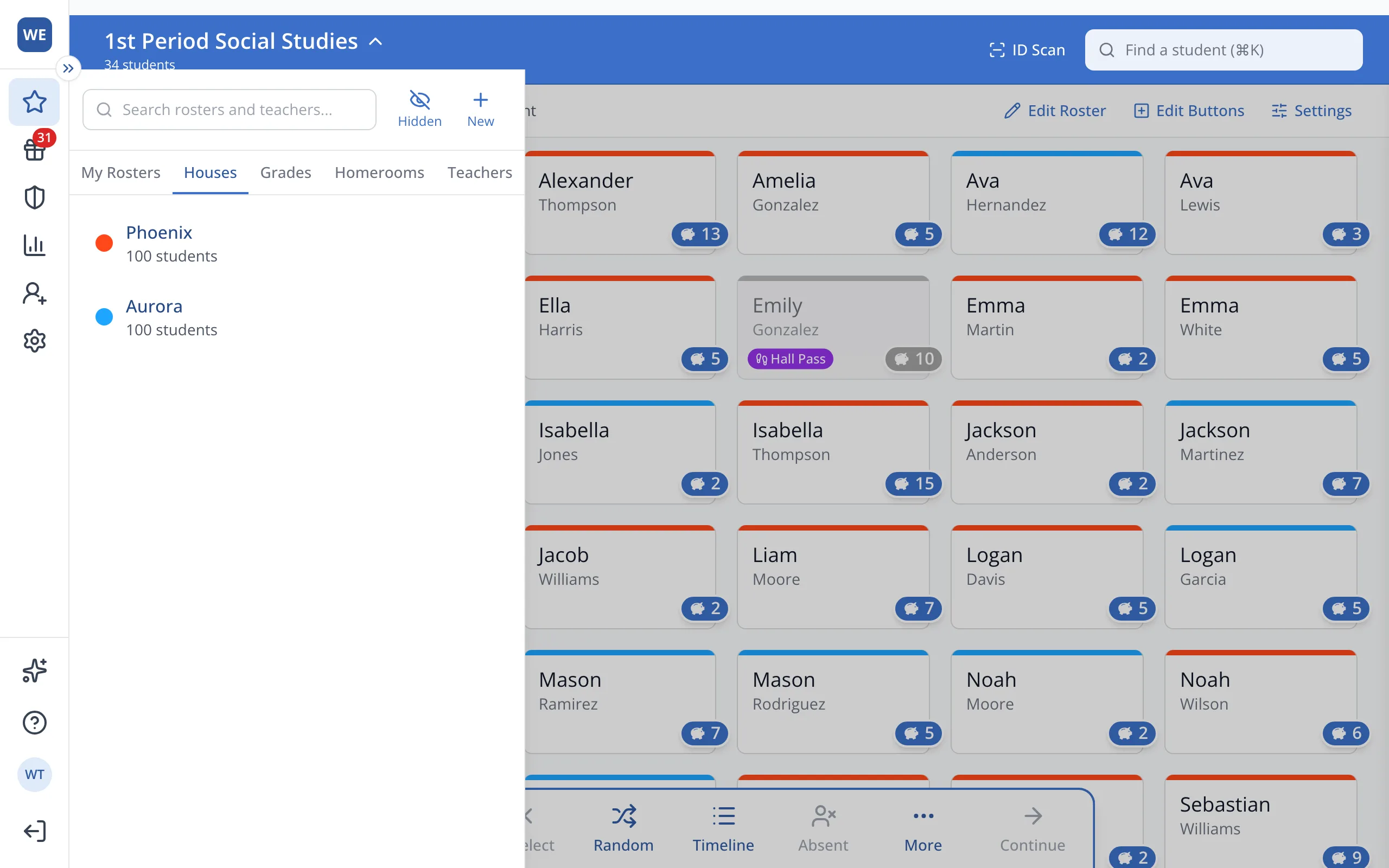
3.Click the House you'd like to give points to.
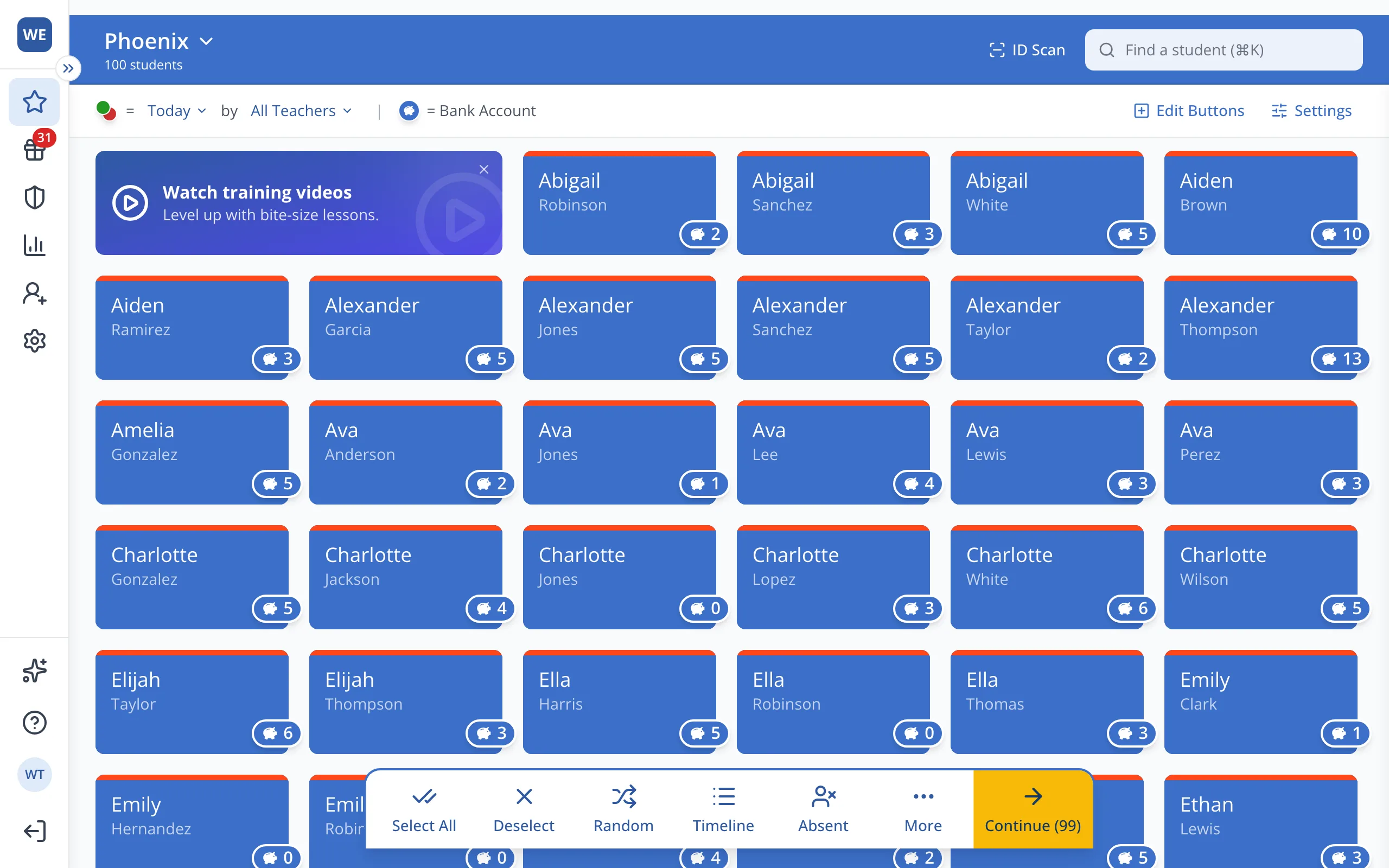
4.In the bar at the bottom, click Select All.
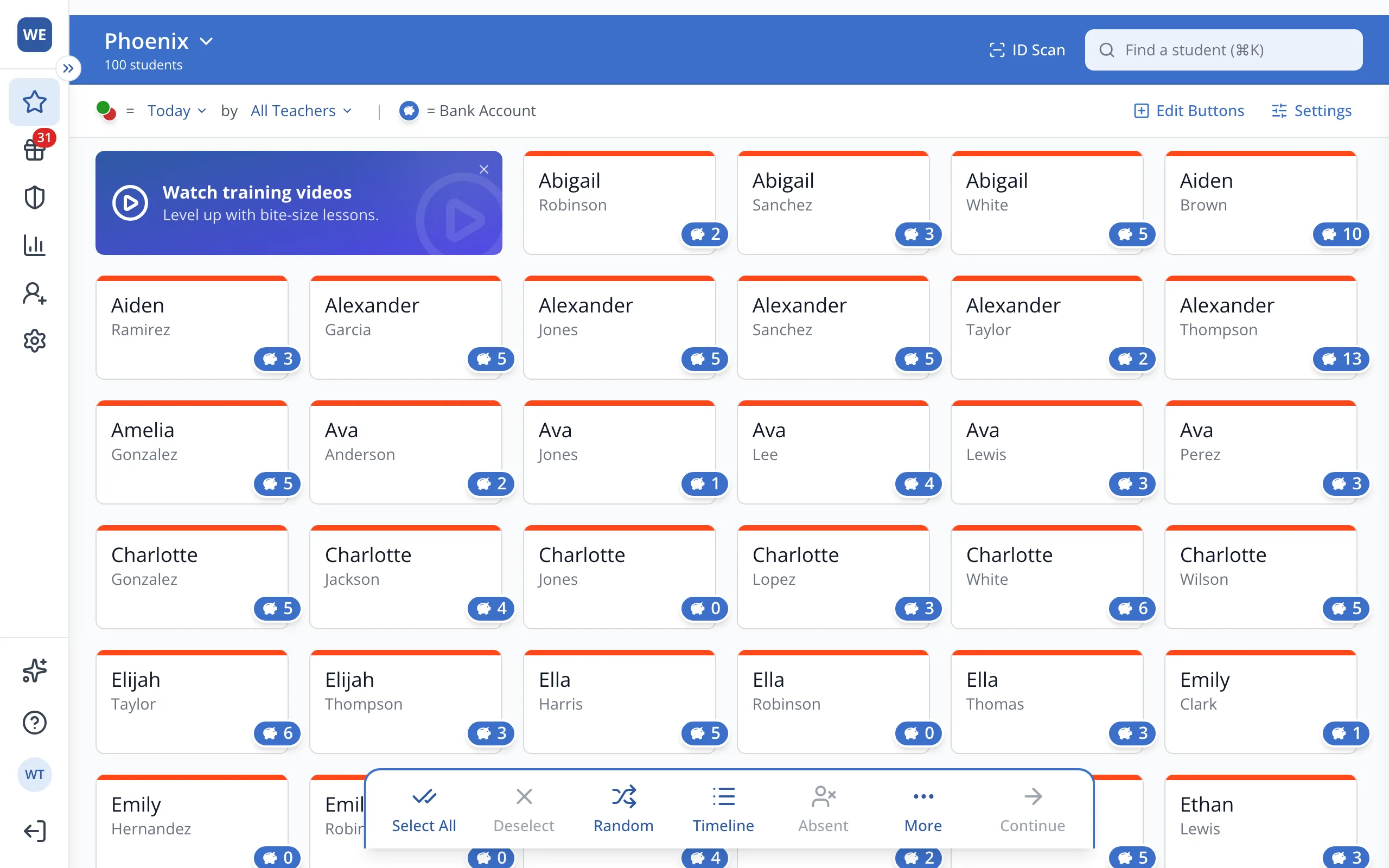
Tip: You can give points to up to 100 students in one transaction.
5.Click Continue in the bar at the bottom.
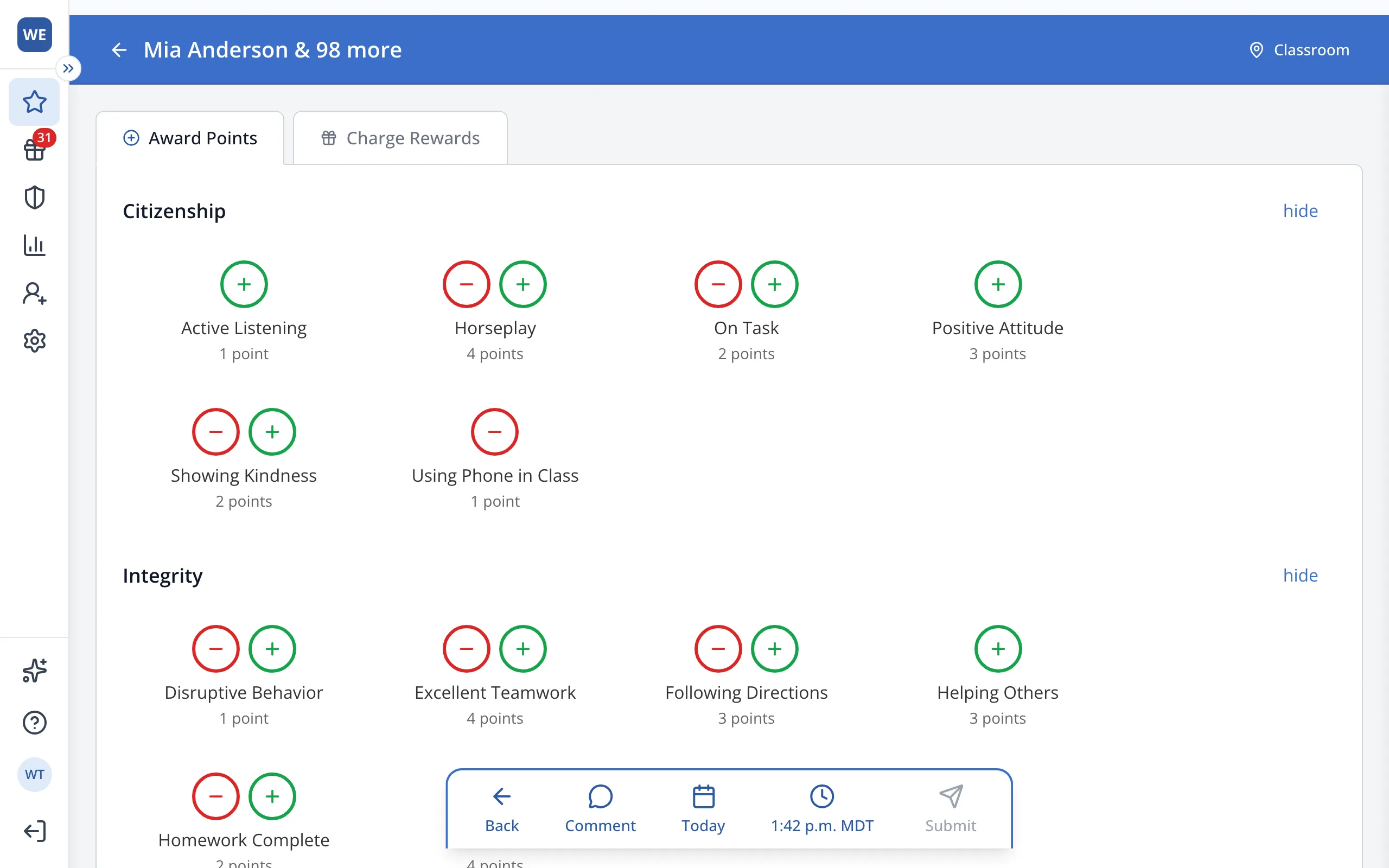
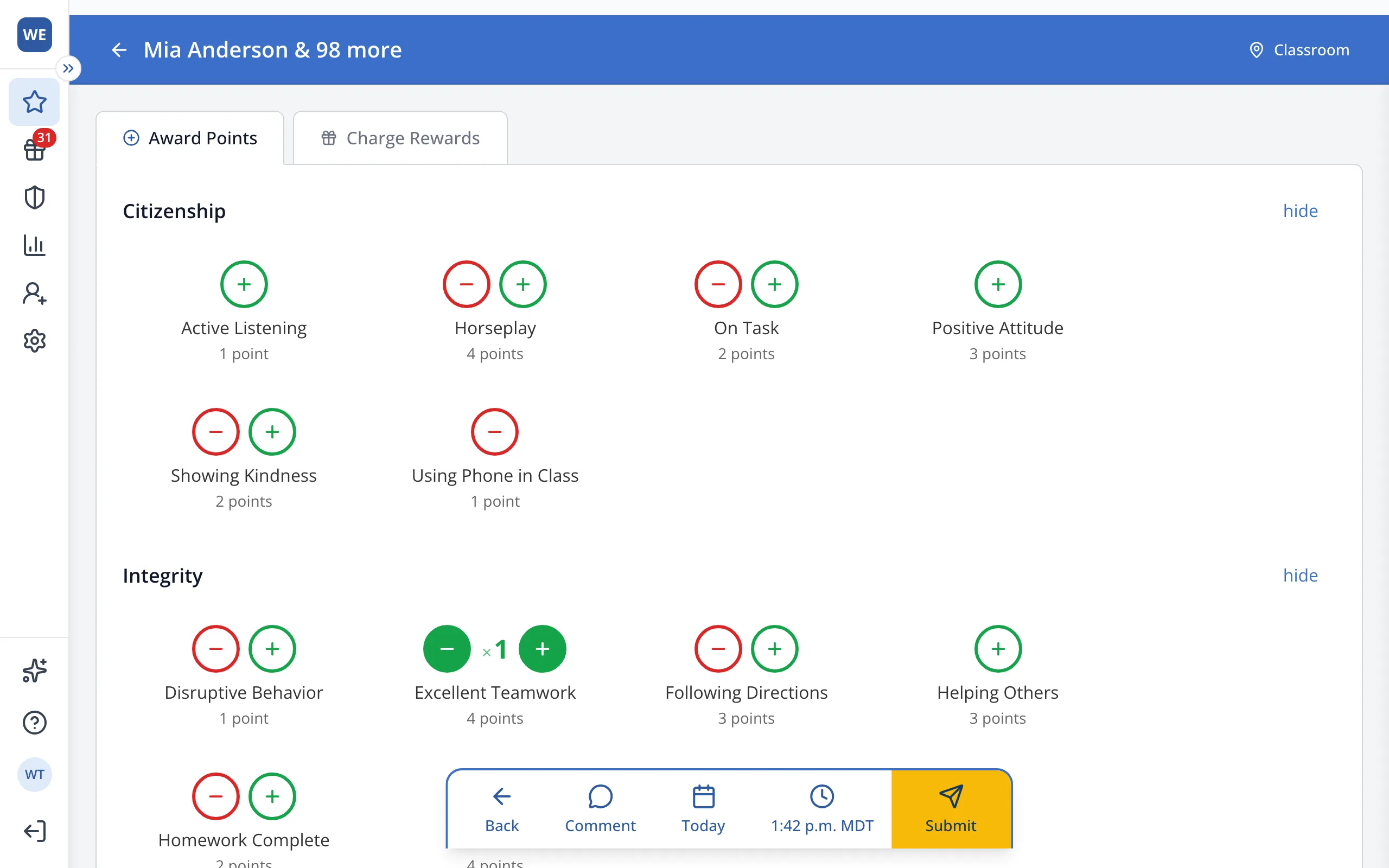
6.Click the green + under the behavior you'd like to reward.
7.In the bar at the bottom, click Submit.
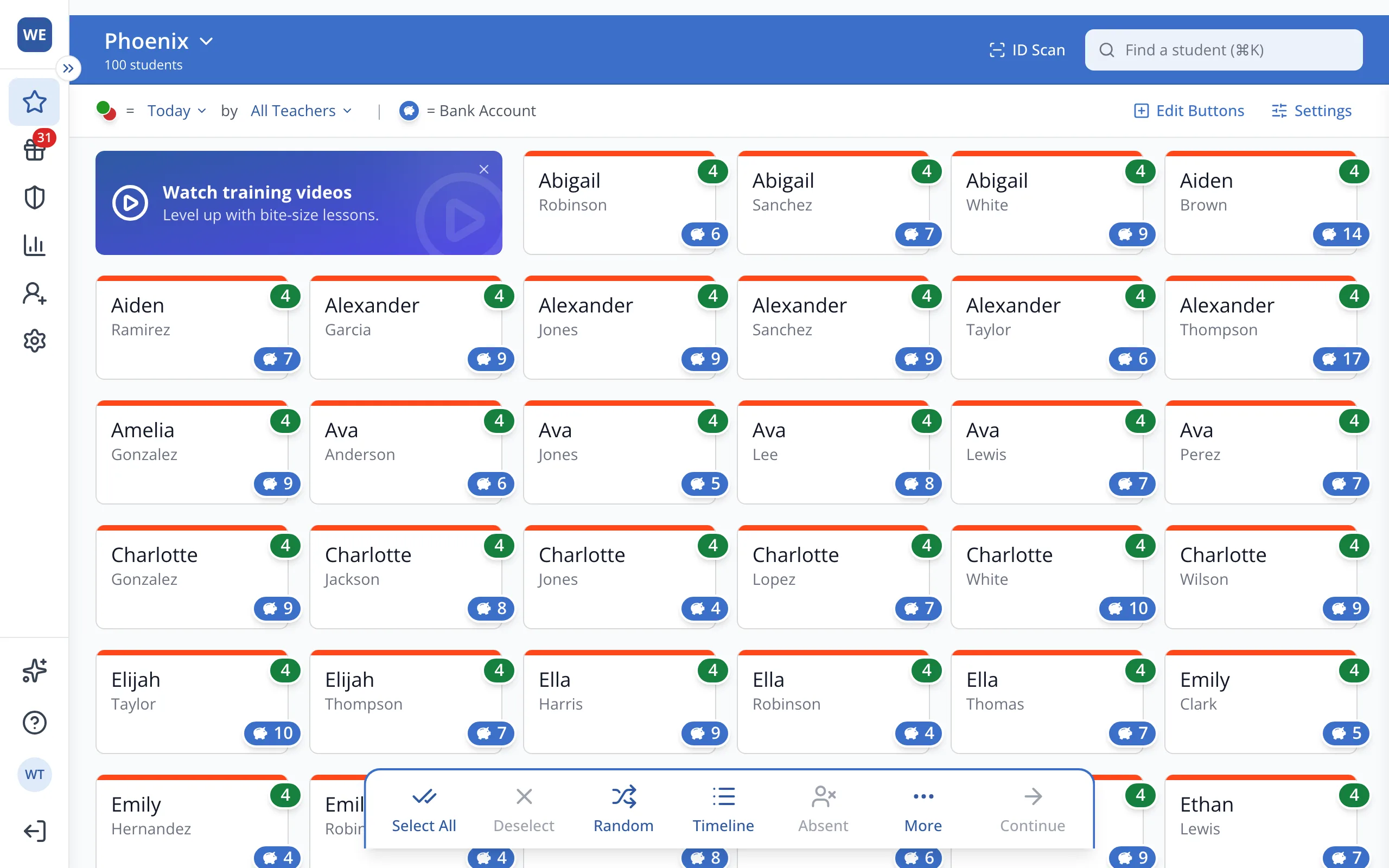
8.Every student in the House gets the point, and it counts toward the House total.
Was this helpful?