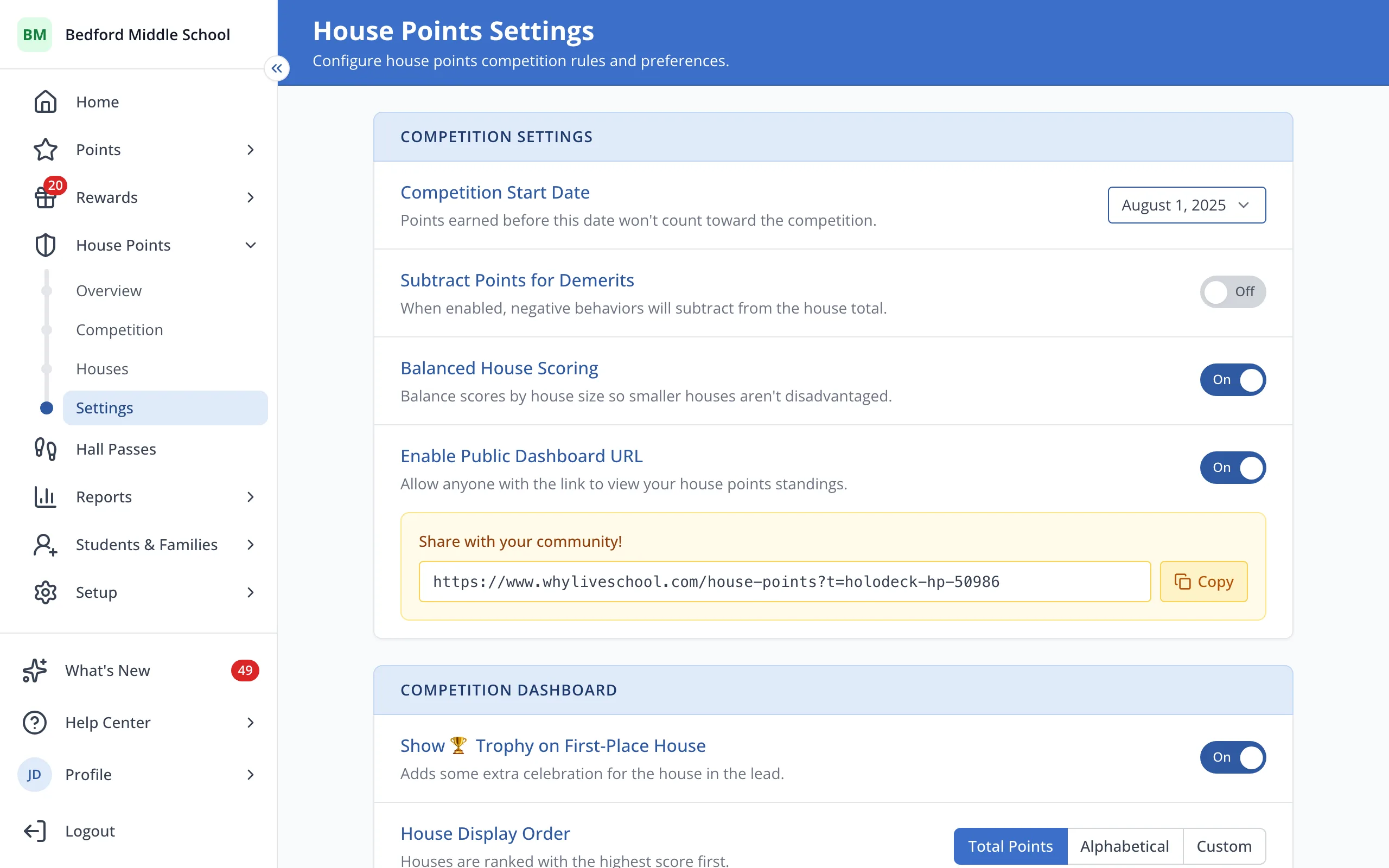
Turn on balanced house scoring
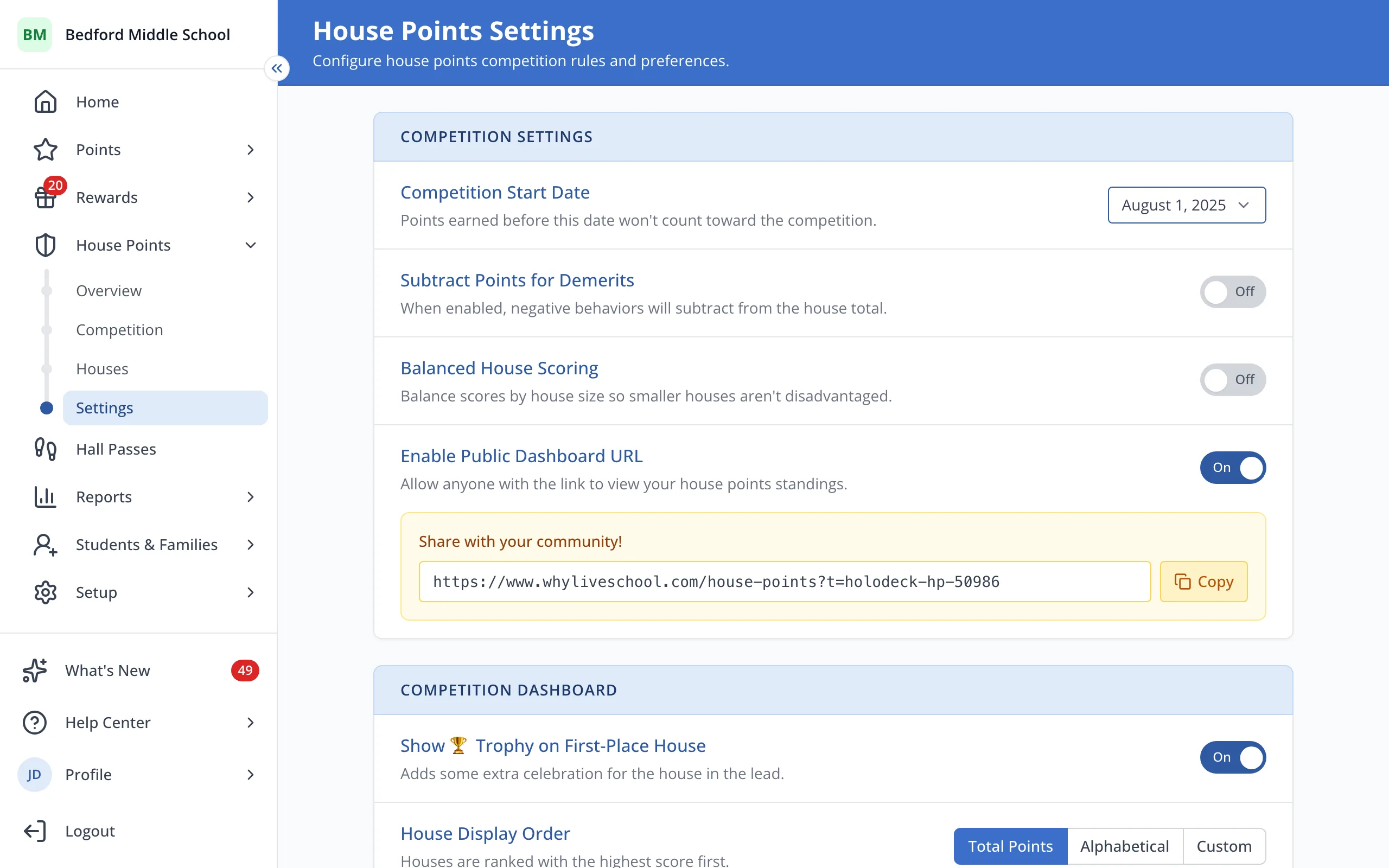
Balanced House Scoring adjusts each House total for its size, so a smaller House isn't at a disadvantage.
AdminSite Leader
Open in LiveSchool
Already signed in? Open this guide inside LiveSchool.
Use the Left and Right arrow keys to move between steps, and Space to play or pause.
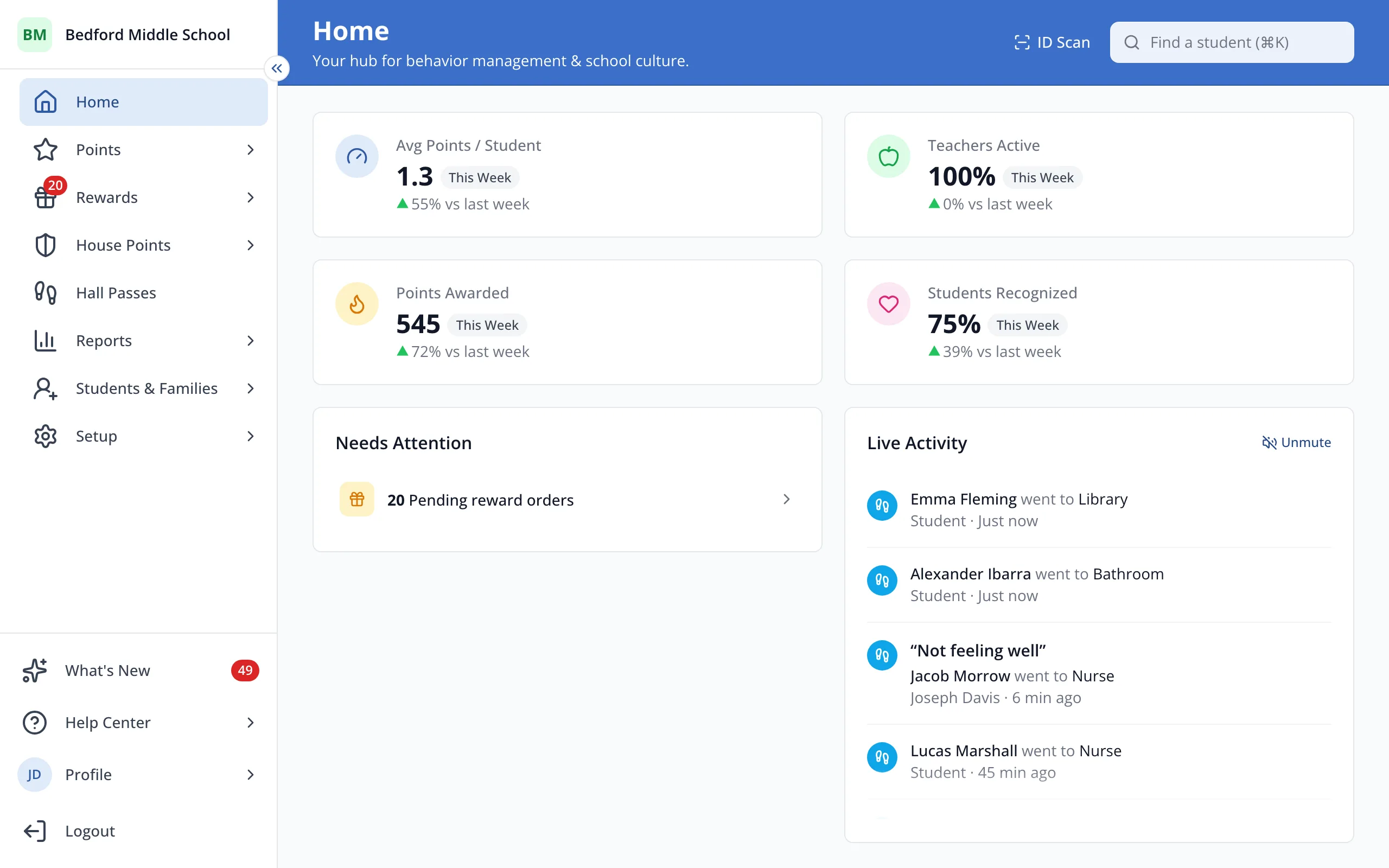
1.In the sidebar, click House Points.
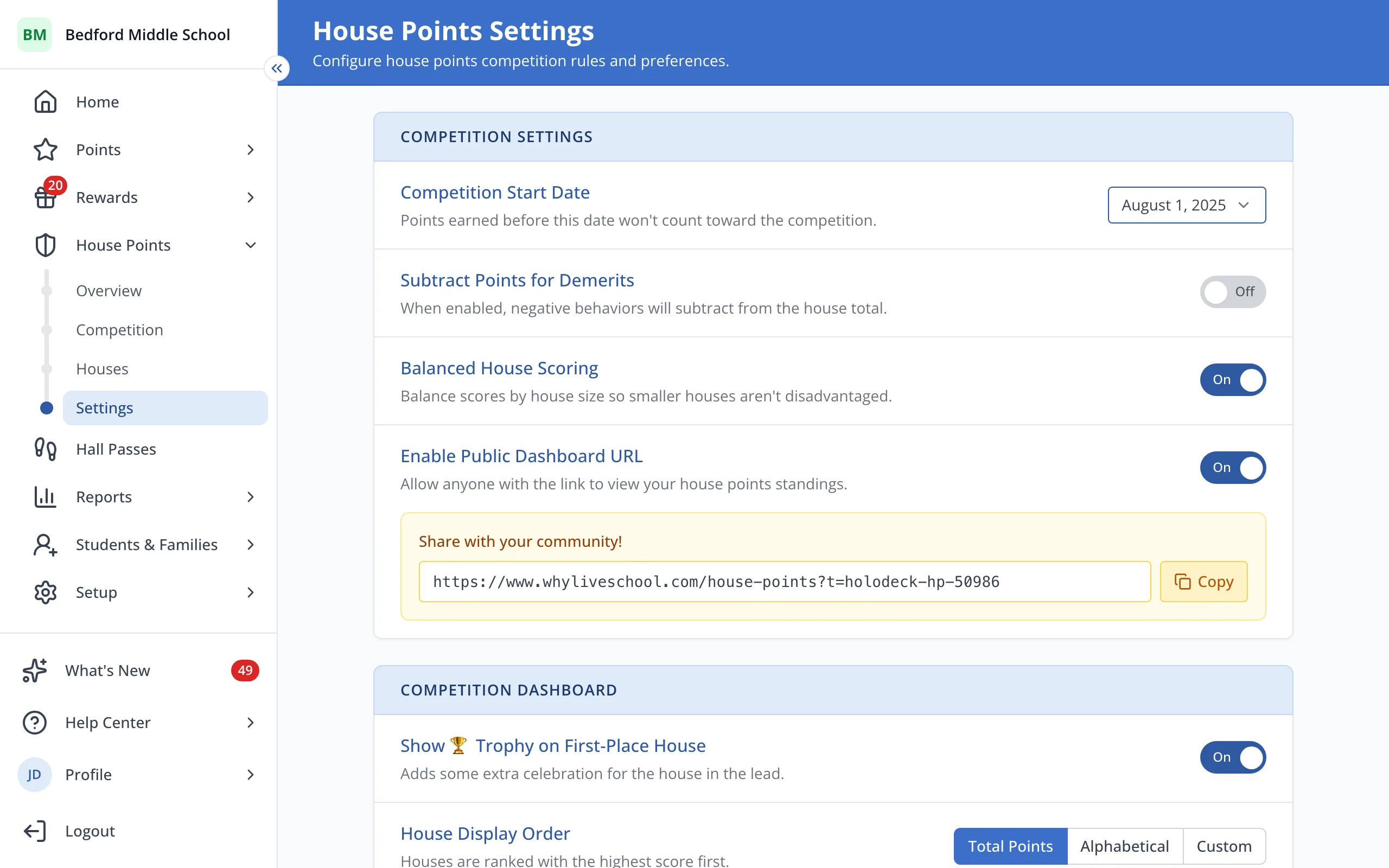
2.Click Settings.
3.Next to Balanced House Scoring, turn the switch on.
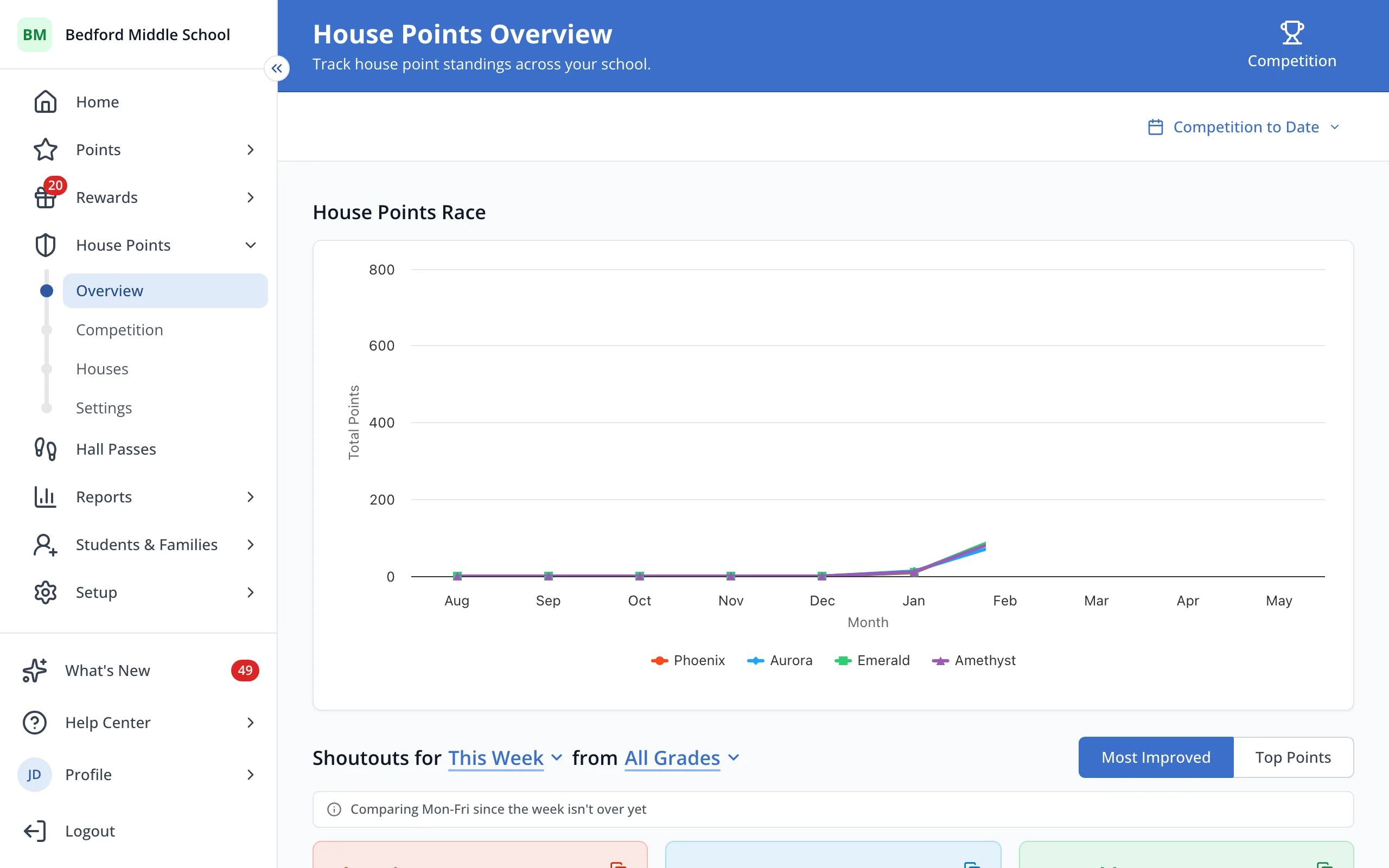
4.House totals on the Competition and Overview pages now account for House size.