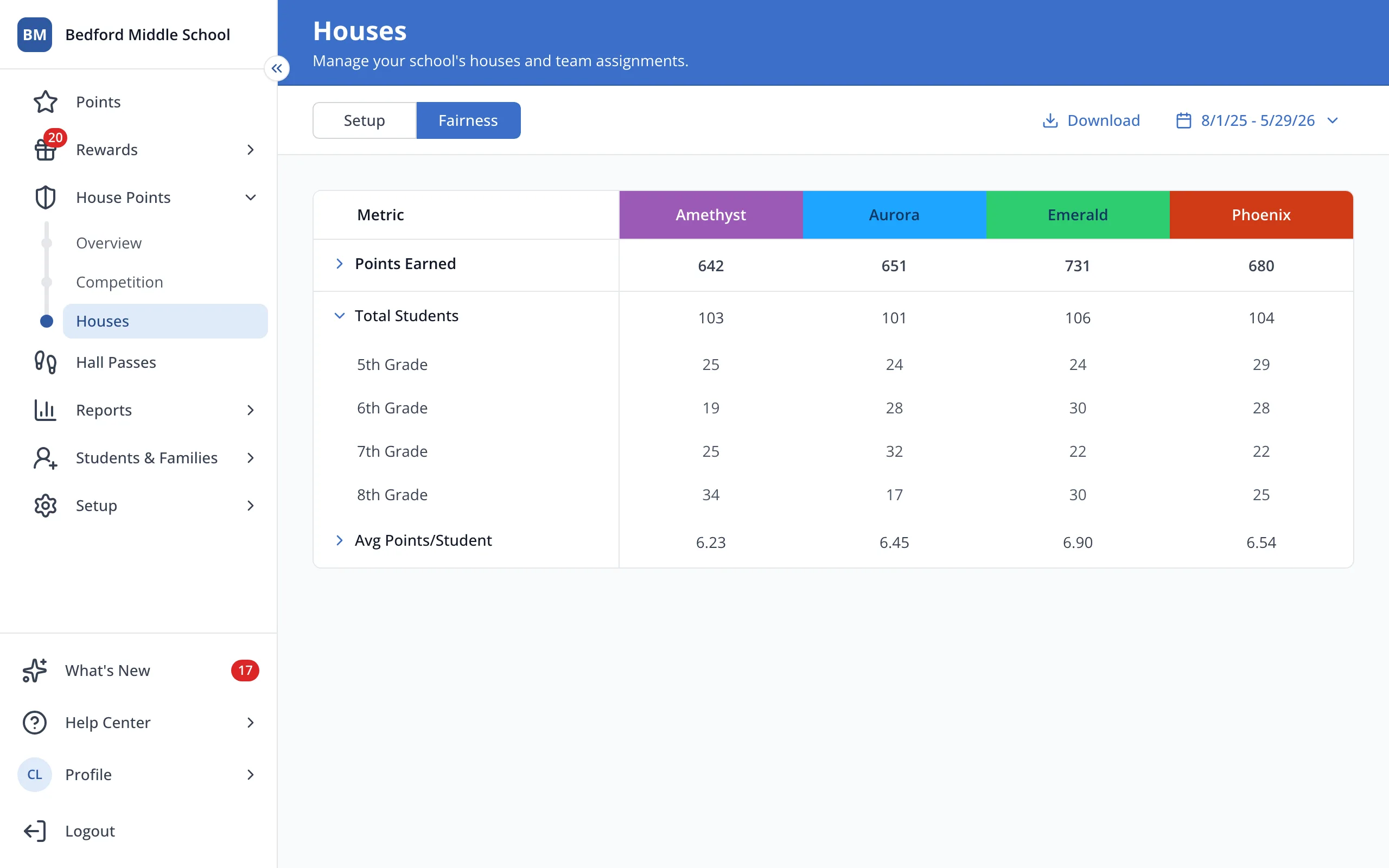
Check that houses are balanced and fair
Compare each House's size, points and average points per student, so you can spot a House that's unfairly advantaged.
Open in LiveSchool
Already signed in? Open this guide inside LiveSchool.
Use the Left and Right arrow keys to move between steps, and Space to play or pause.
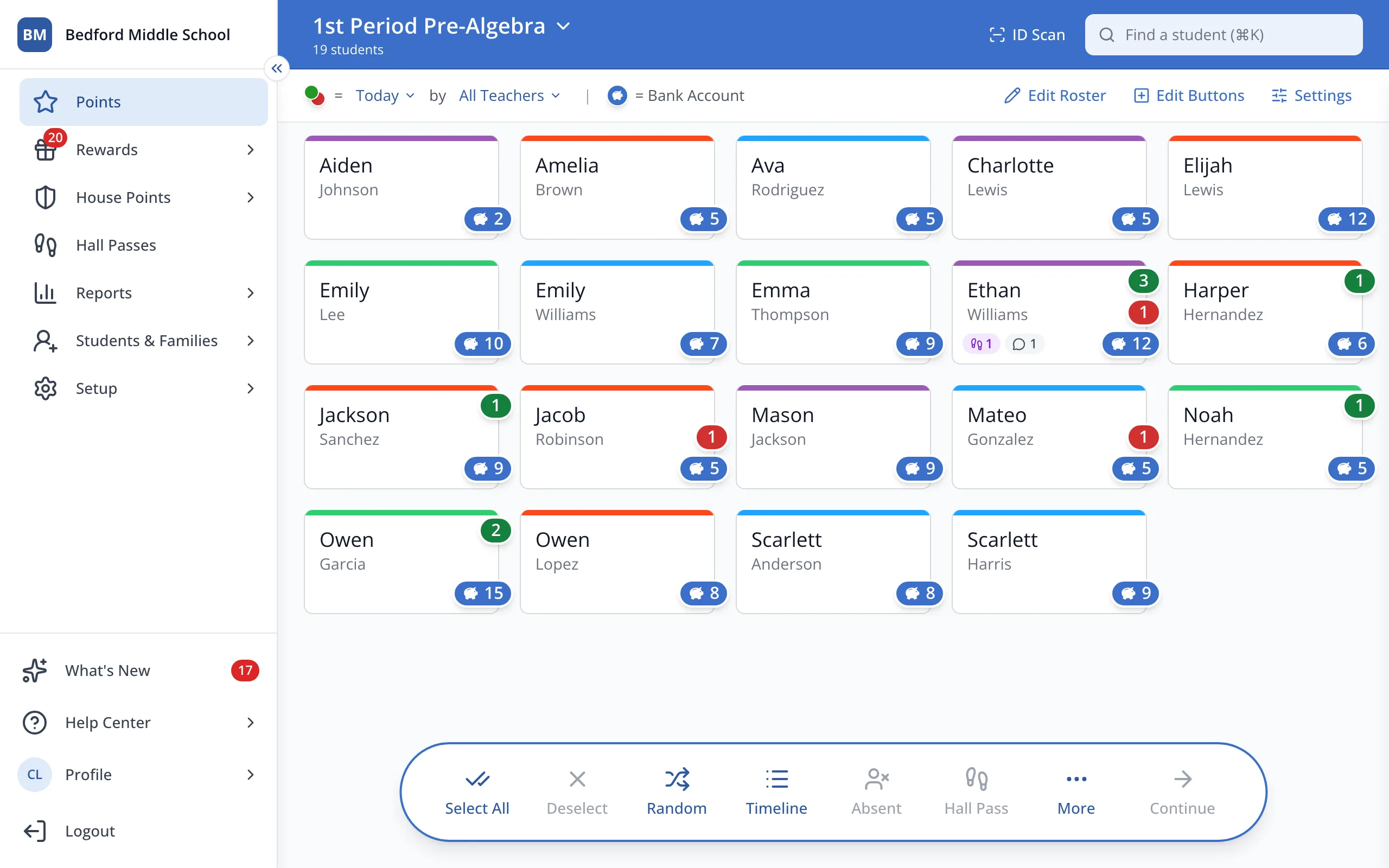
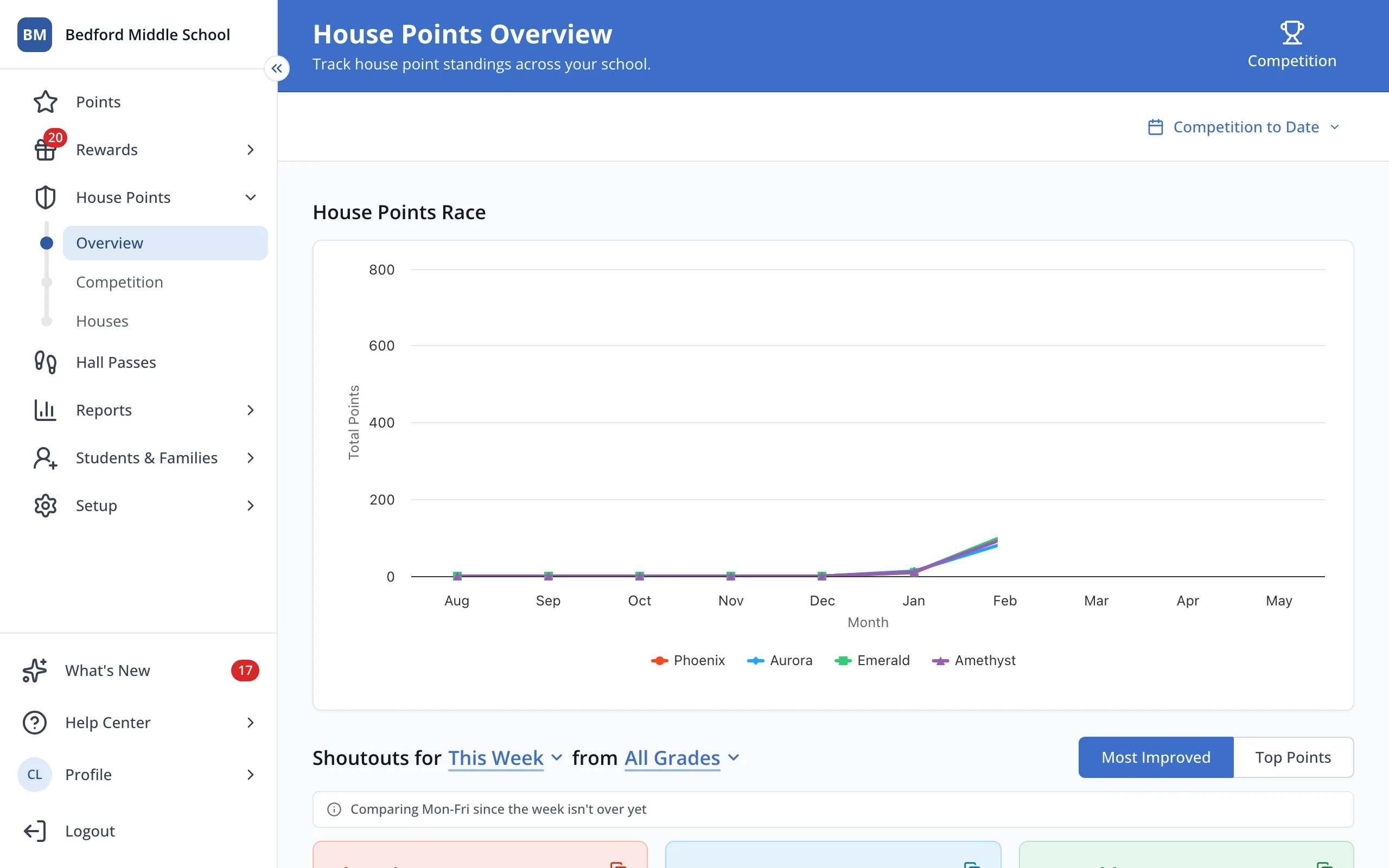
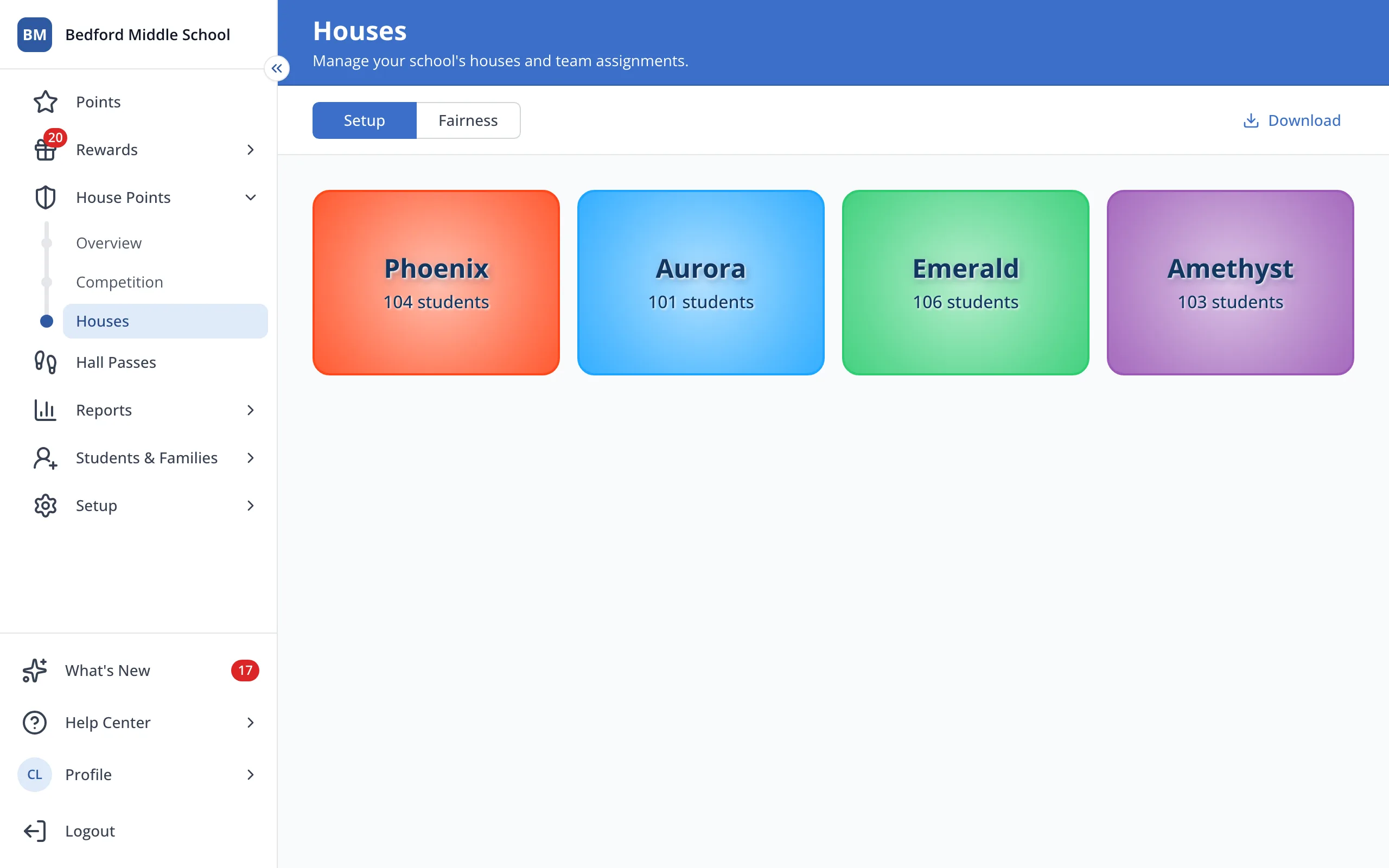
1.In the sidebar, click House Points.
2.Click Houses.
3.At the top of the page, click Fairness.
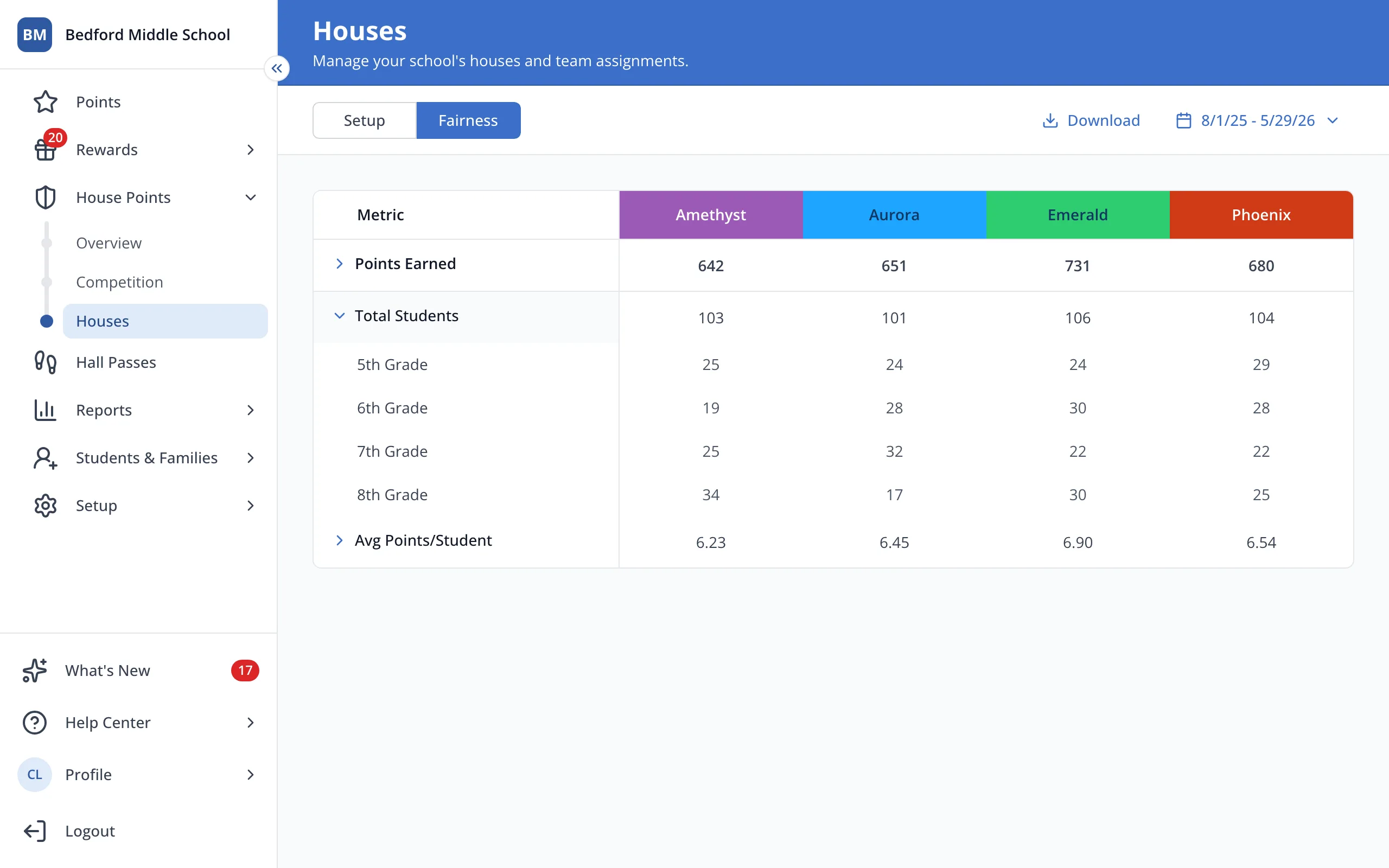
4.Click Total Students to see each House broken down by grade.
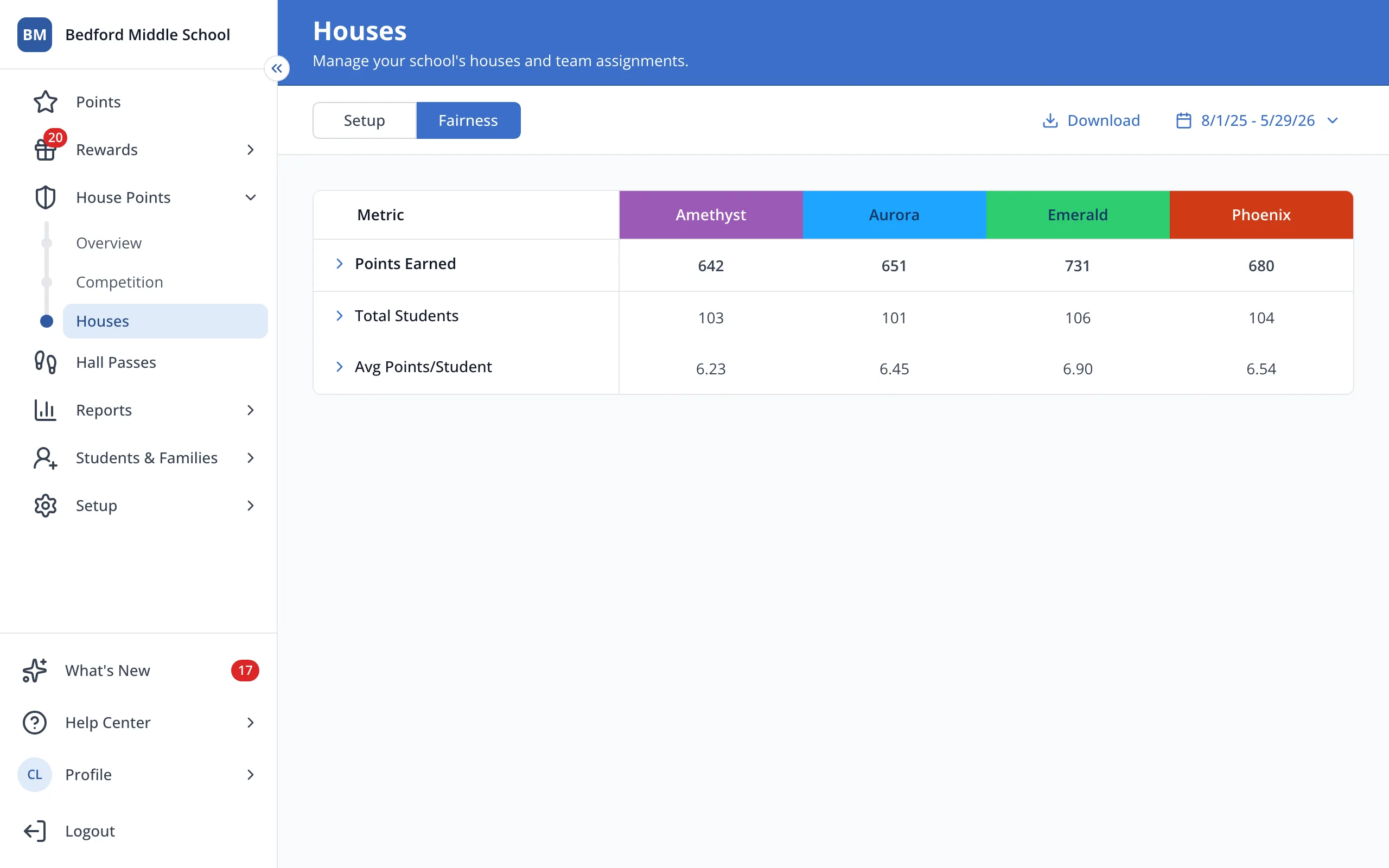
Did you know? Click the dates at the top right to compare a different time period.
5.Compare Avg Points/Student to see whether one House is earning more per student.