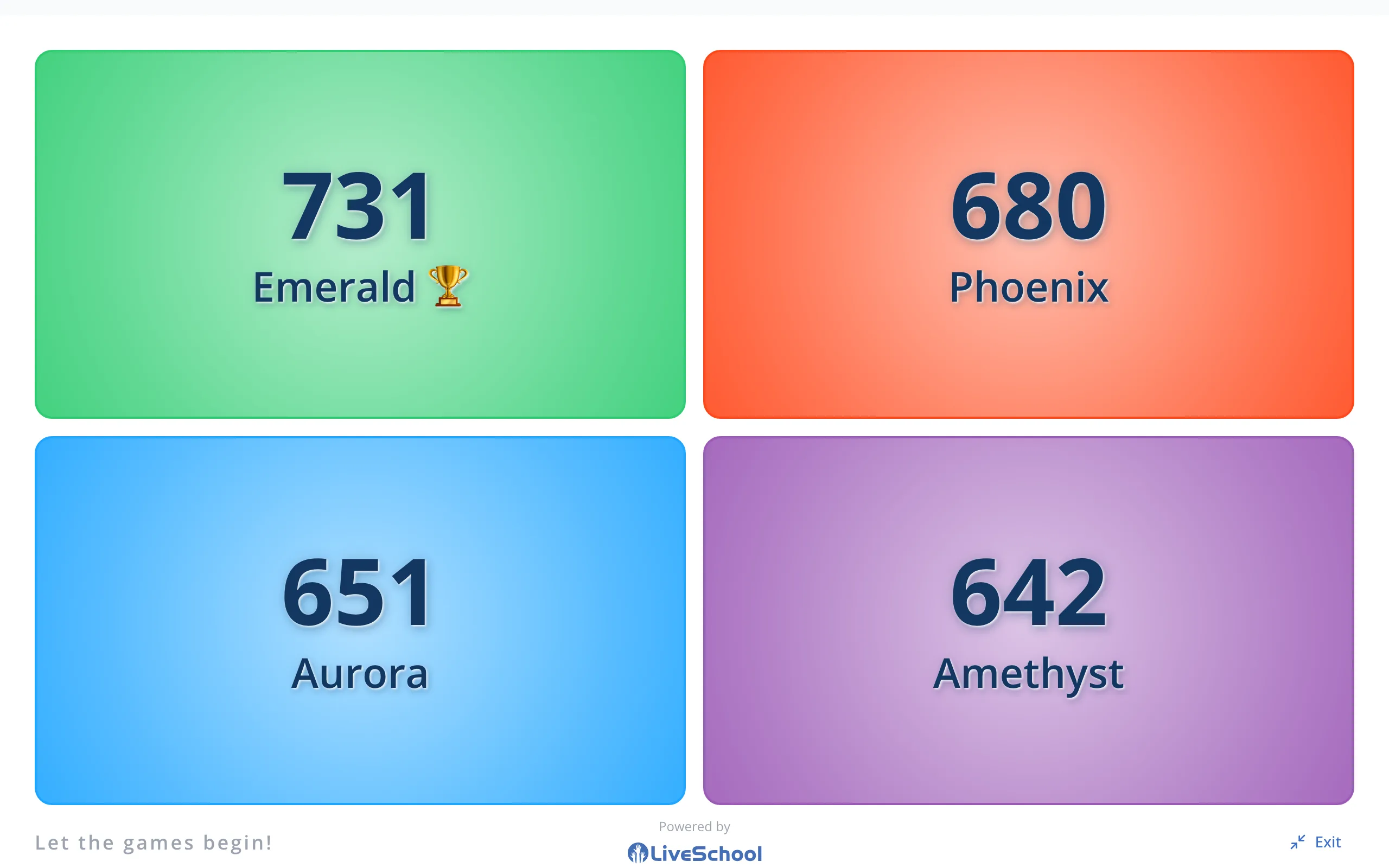
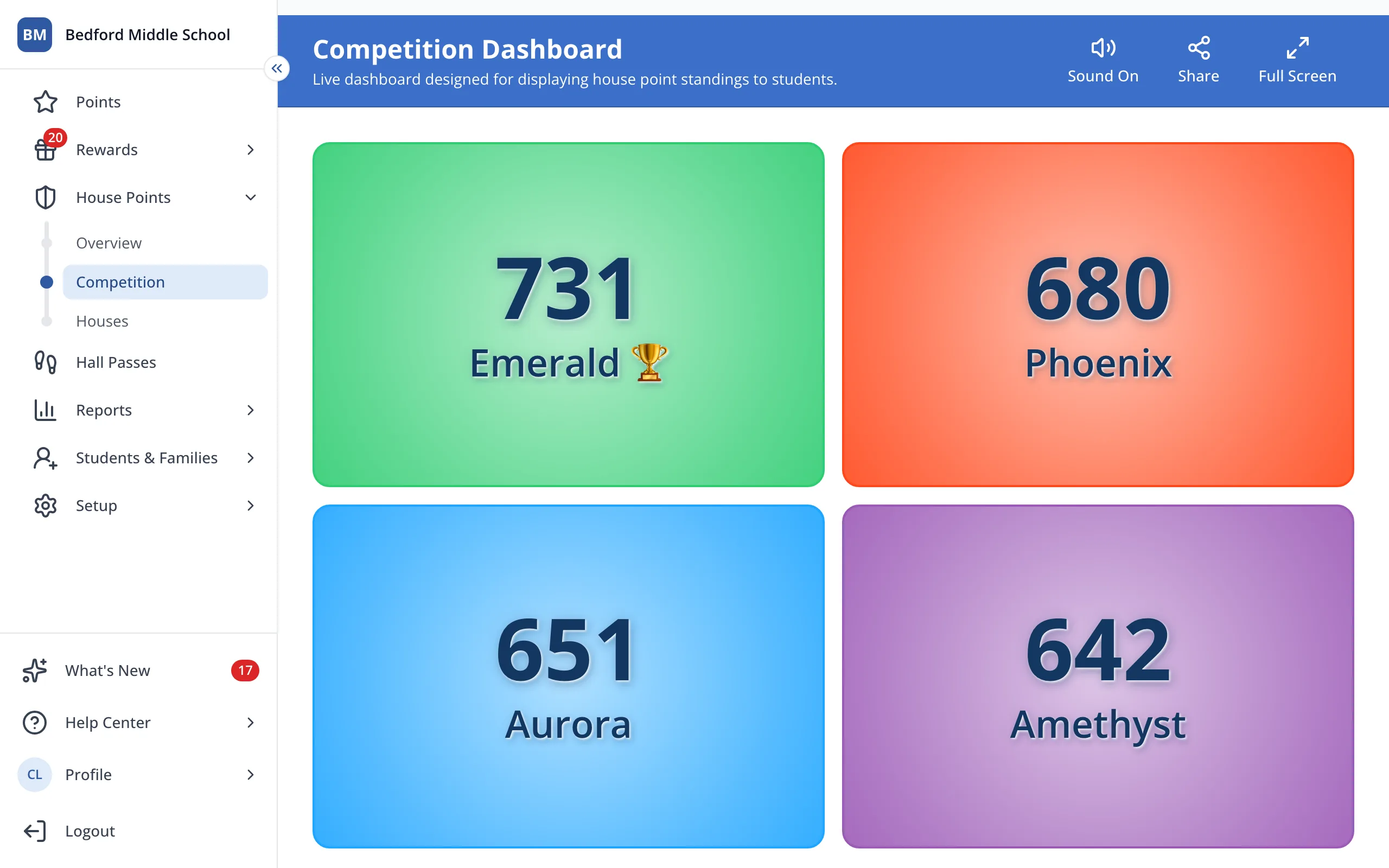
Show the house standings full screen on a TV or projector
The Competition page updates live as points are given, so you can leave it up in a hallway or classroom.
Open in LiveSchool
Already signed in? Open this guide inside LiveSchool.
Use the Left and Right arrow keys to move between steps, and Space to play or pause.
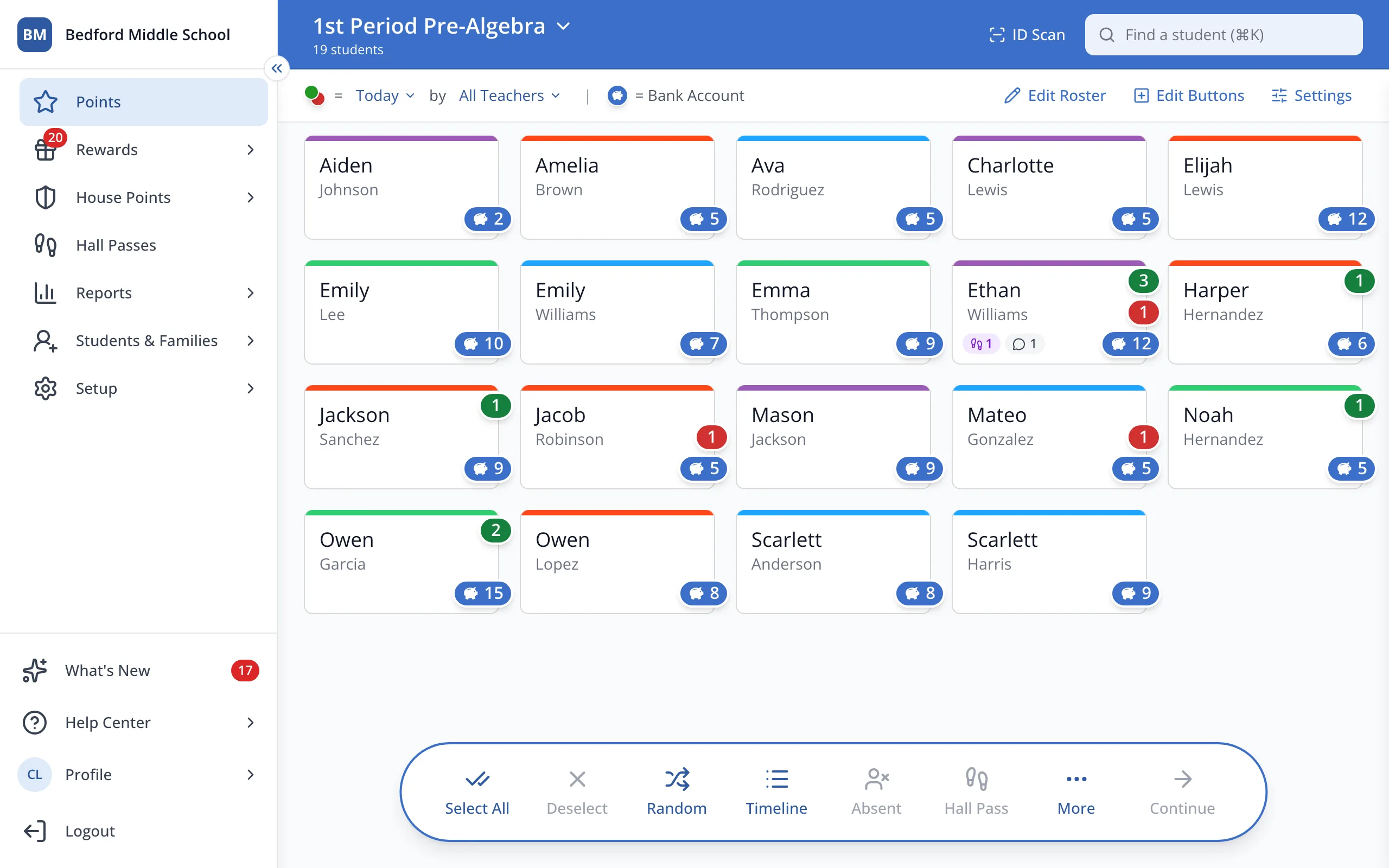
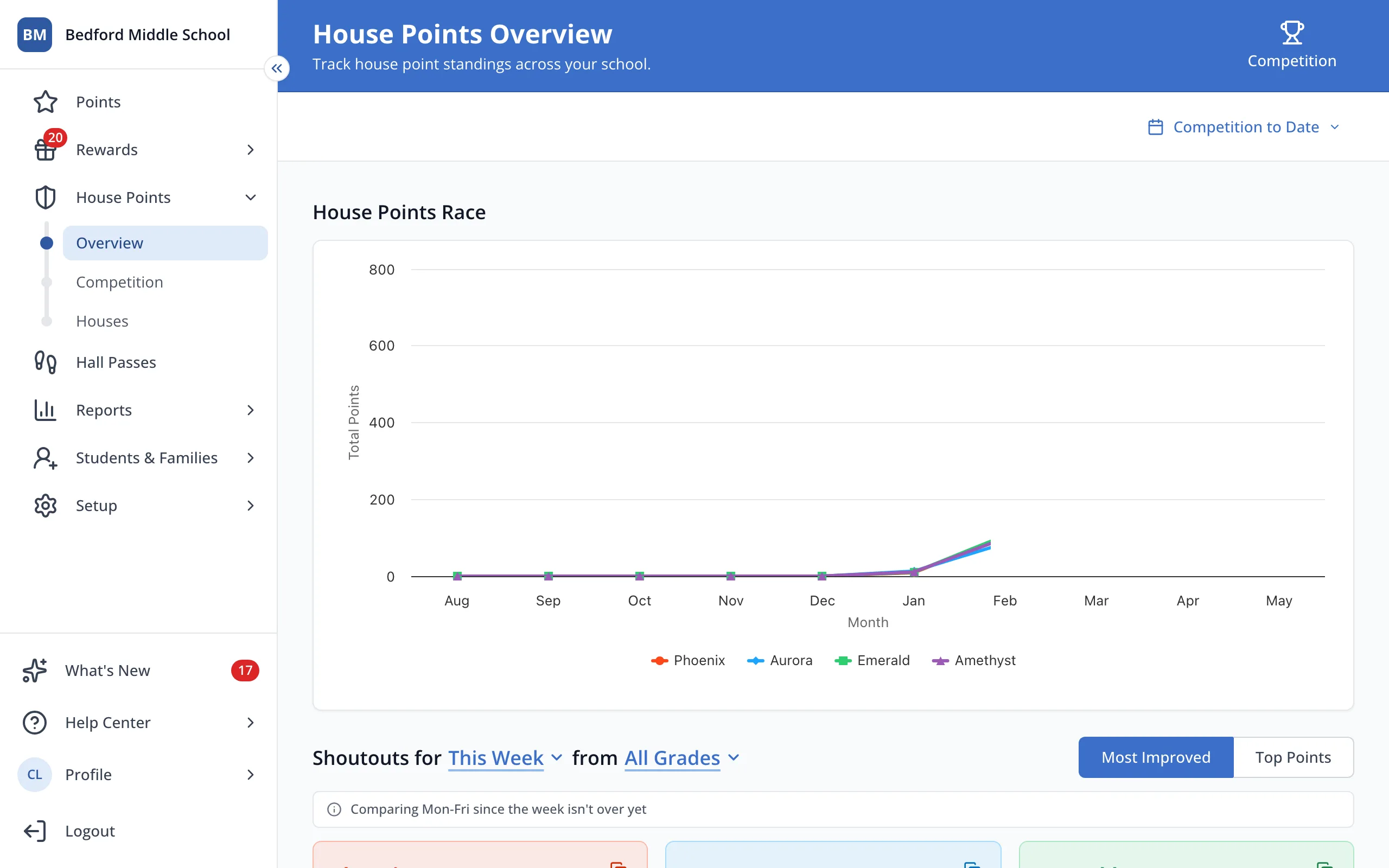
1.In the sidebar, click House Points.
2.Click Competition.
3.At the top right, click Full Screen.
4.Click Exit at the bottom right, or press Esc, when you want to leave full screen.