
Share the house leaderboard with a public link
When the House Leaderboard link is enabled, anyone with the link can see the live House standings without signing in, like in the family app or a hallway TV.
Open in LiveSchool
Already signed in? Open this guide inside LiveSchool.
Use the Left and Right arrow keys to move between steps, and Space to play or pause.
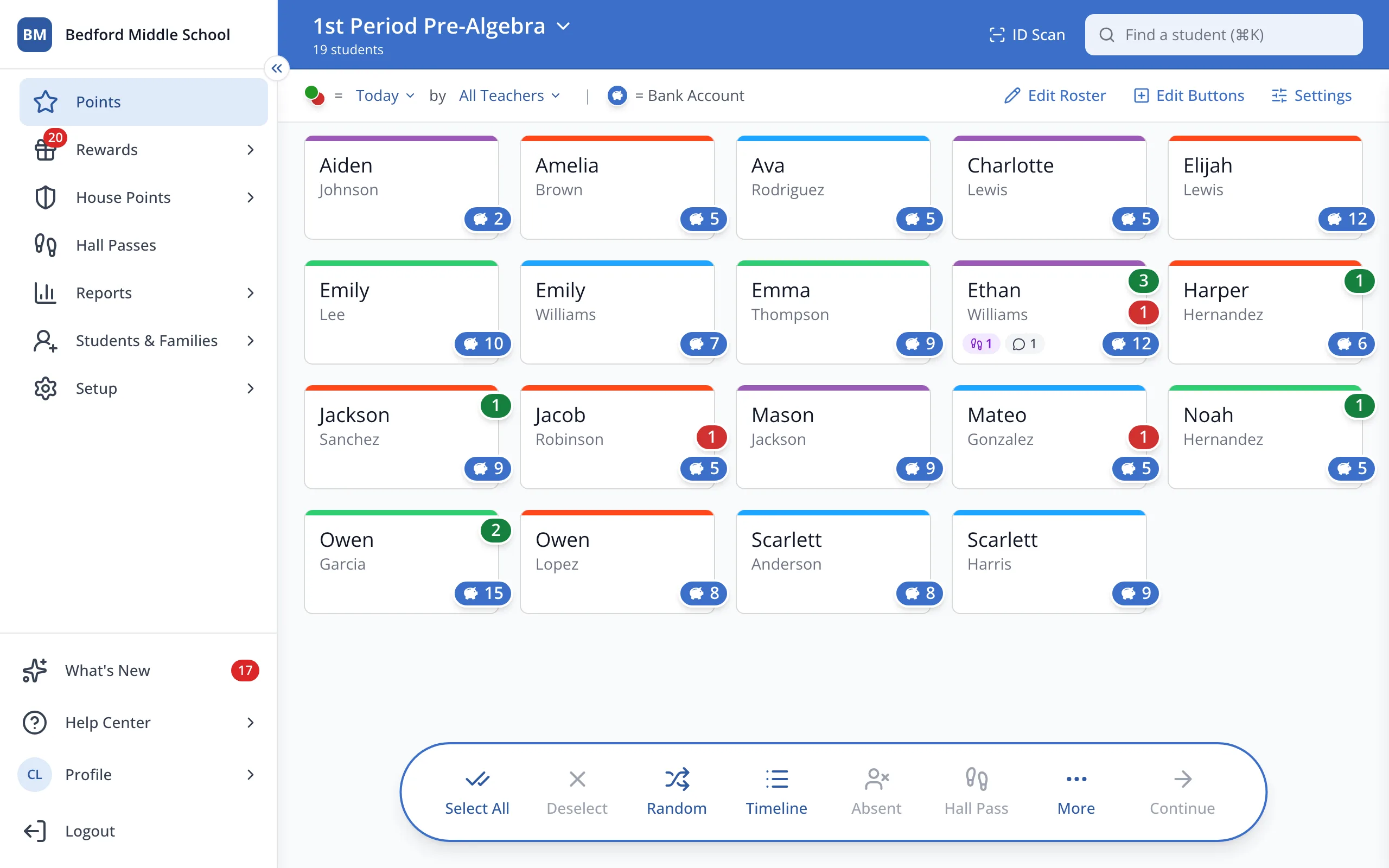
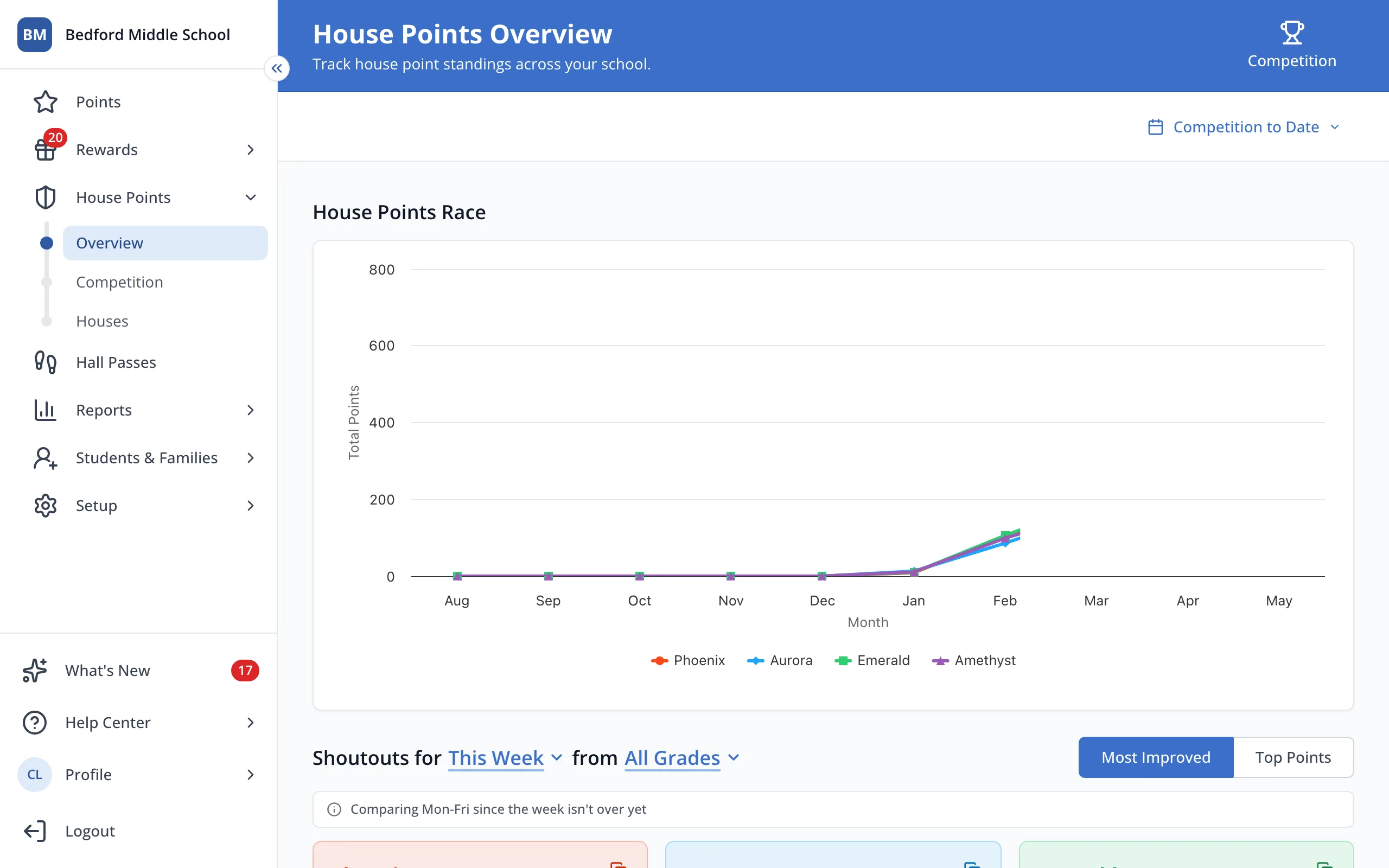
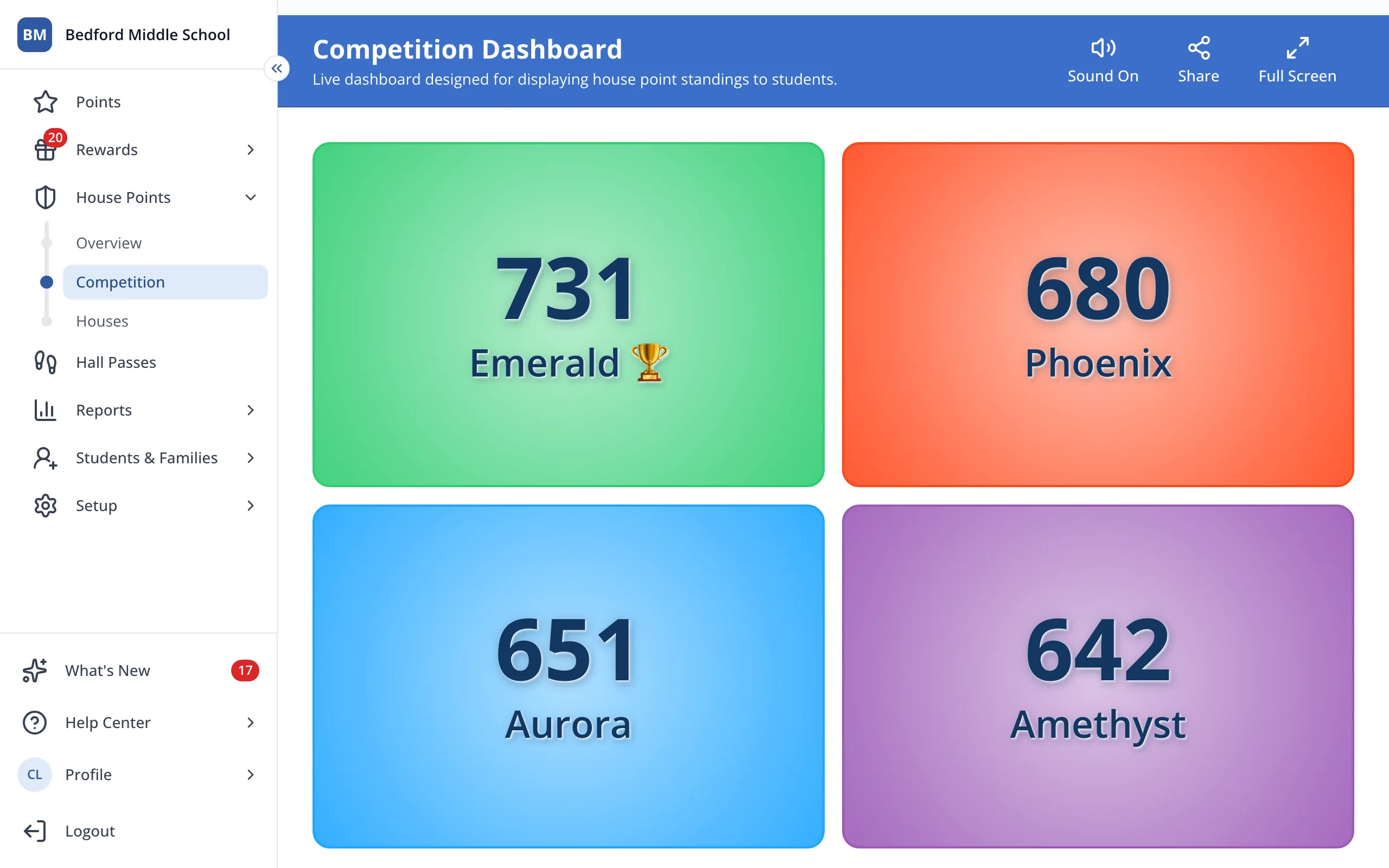
1.In the sidebar, click House Points.
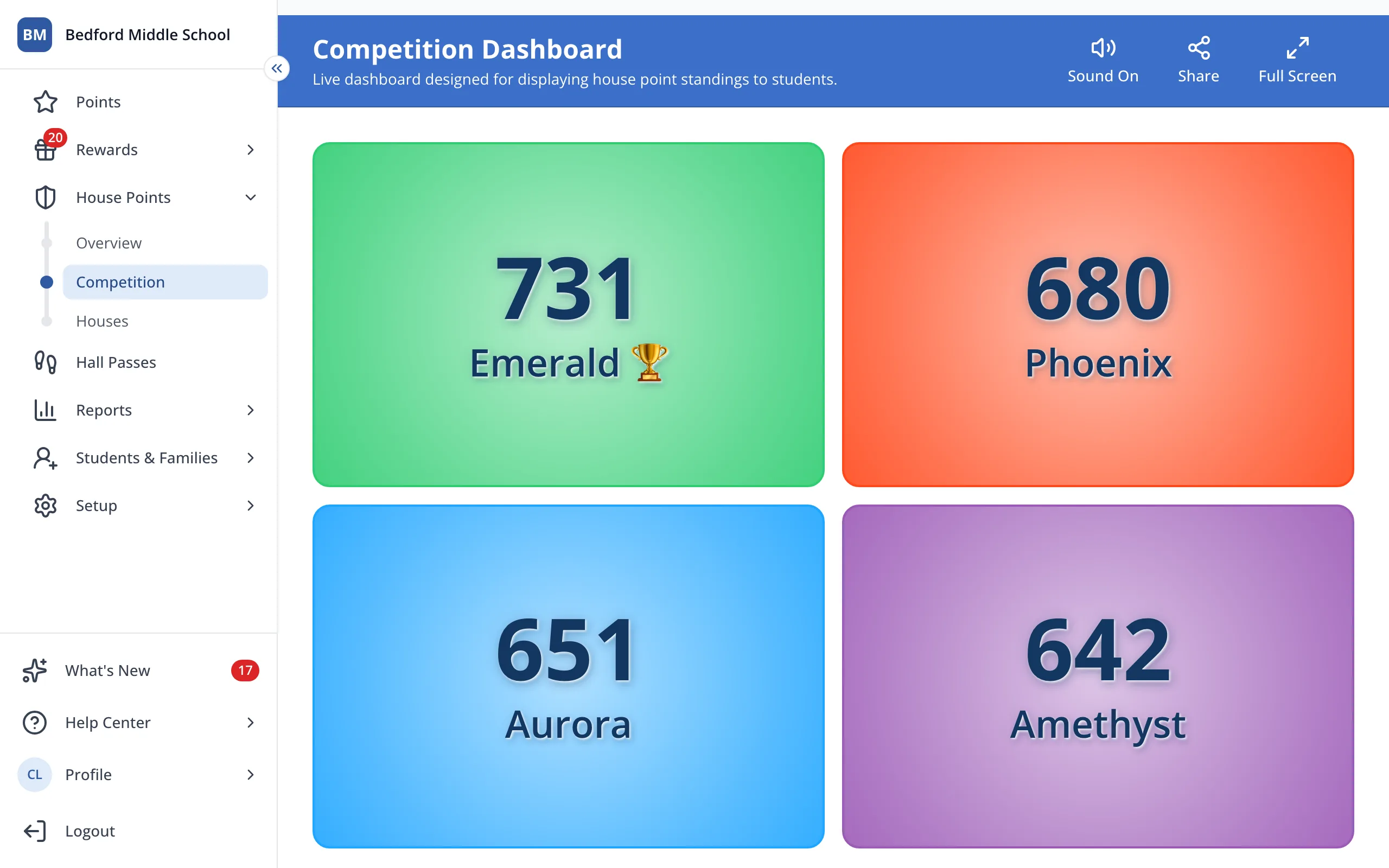
2.Click Competition.
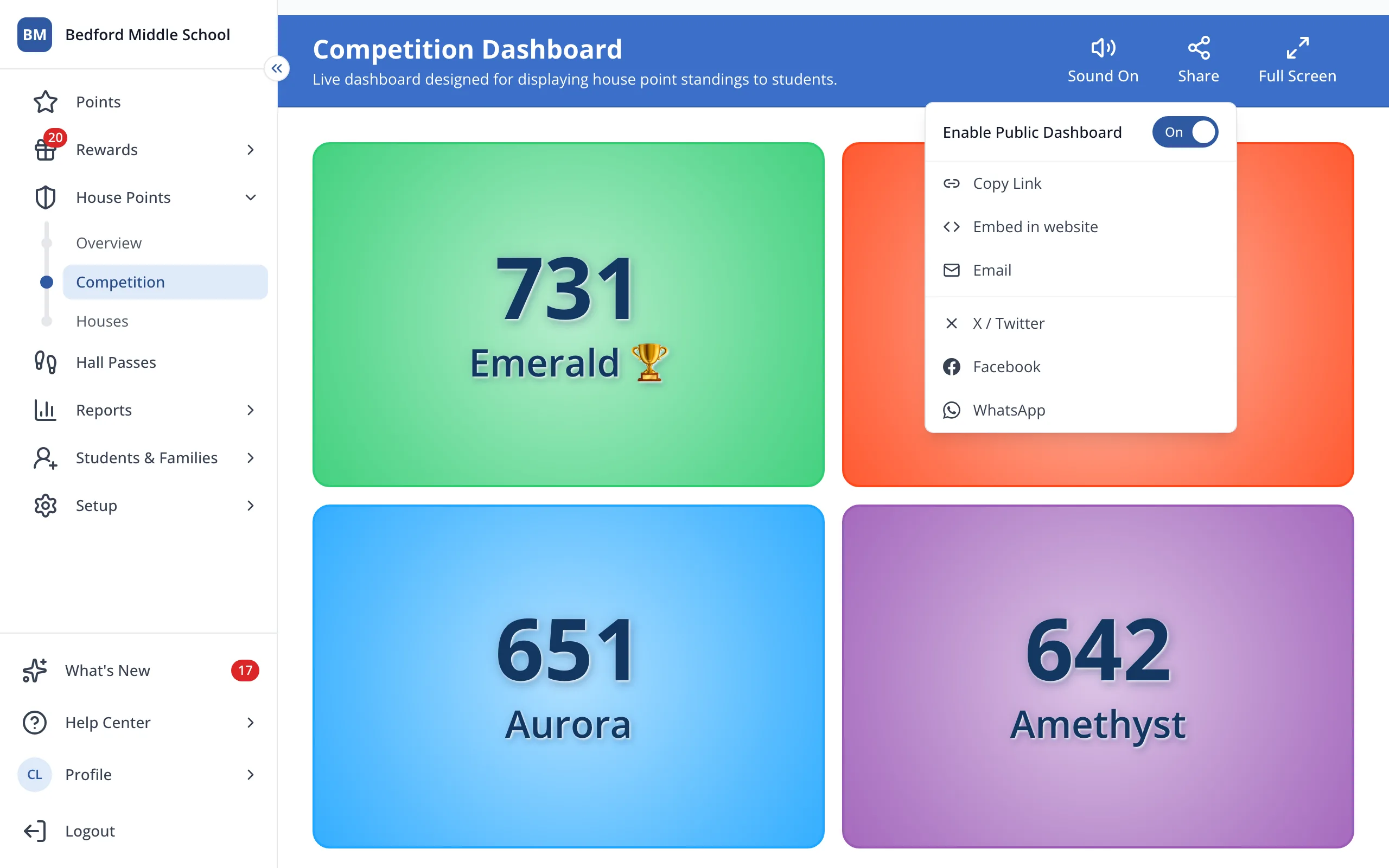
3.At the top right, click Share.
4.If Enable Public Dashboard is off, turn it on first.
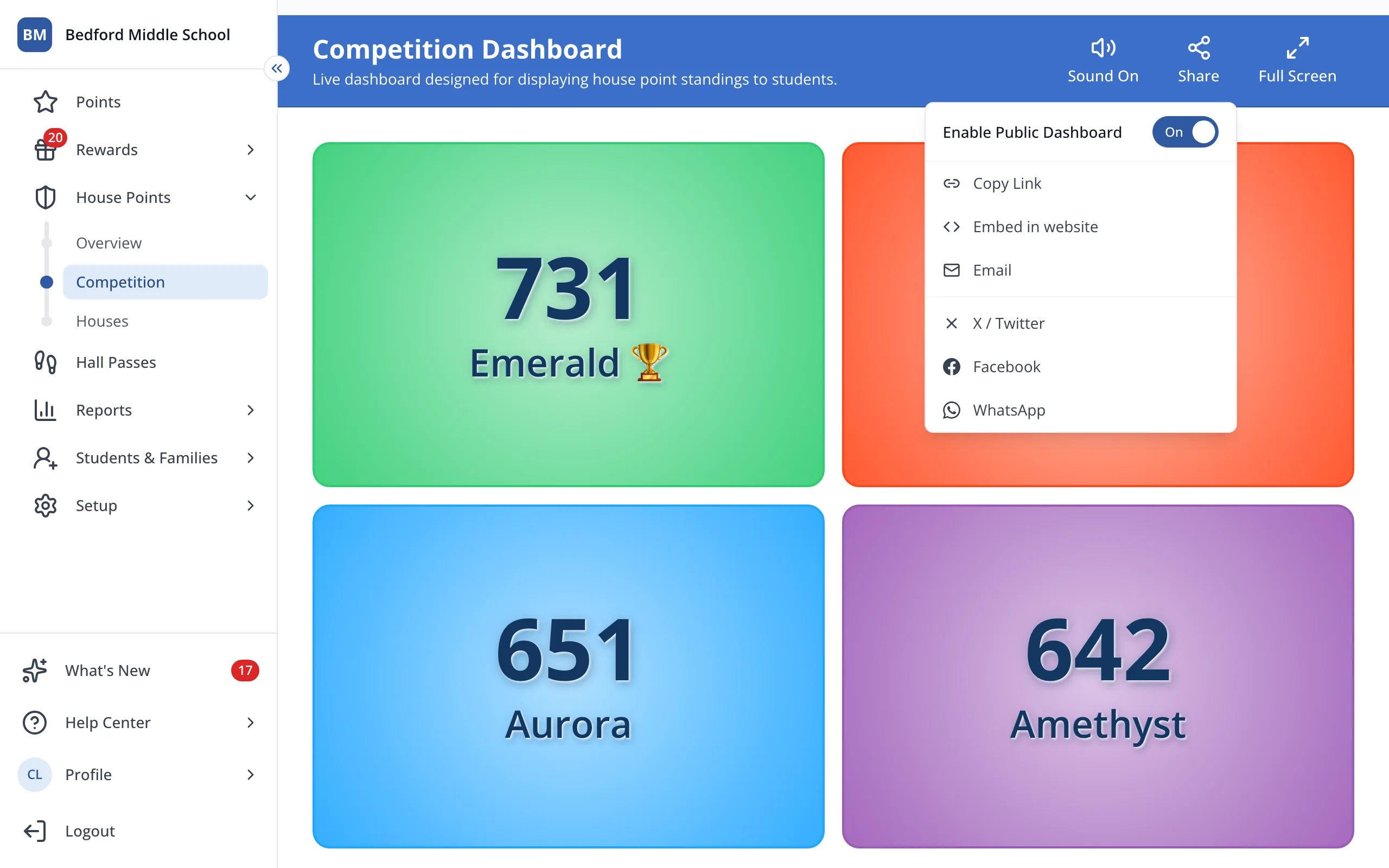
5.Click Copy Link, then paste it wherever you want to share it.
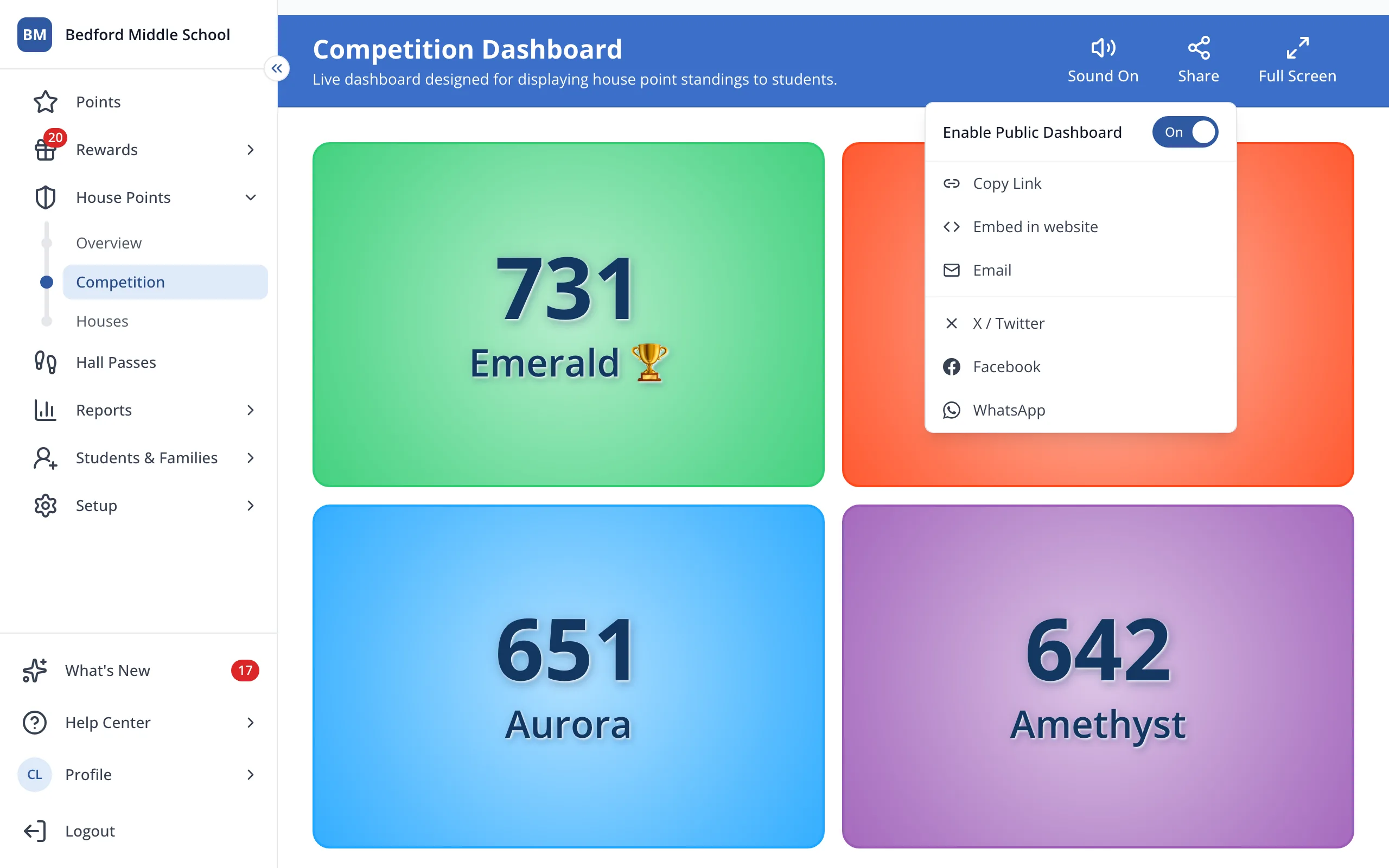
Did you know? The same menu can share the link by Email, X, Facebook or WhatsApp.