Embed the house leaderboard on your school website
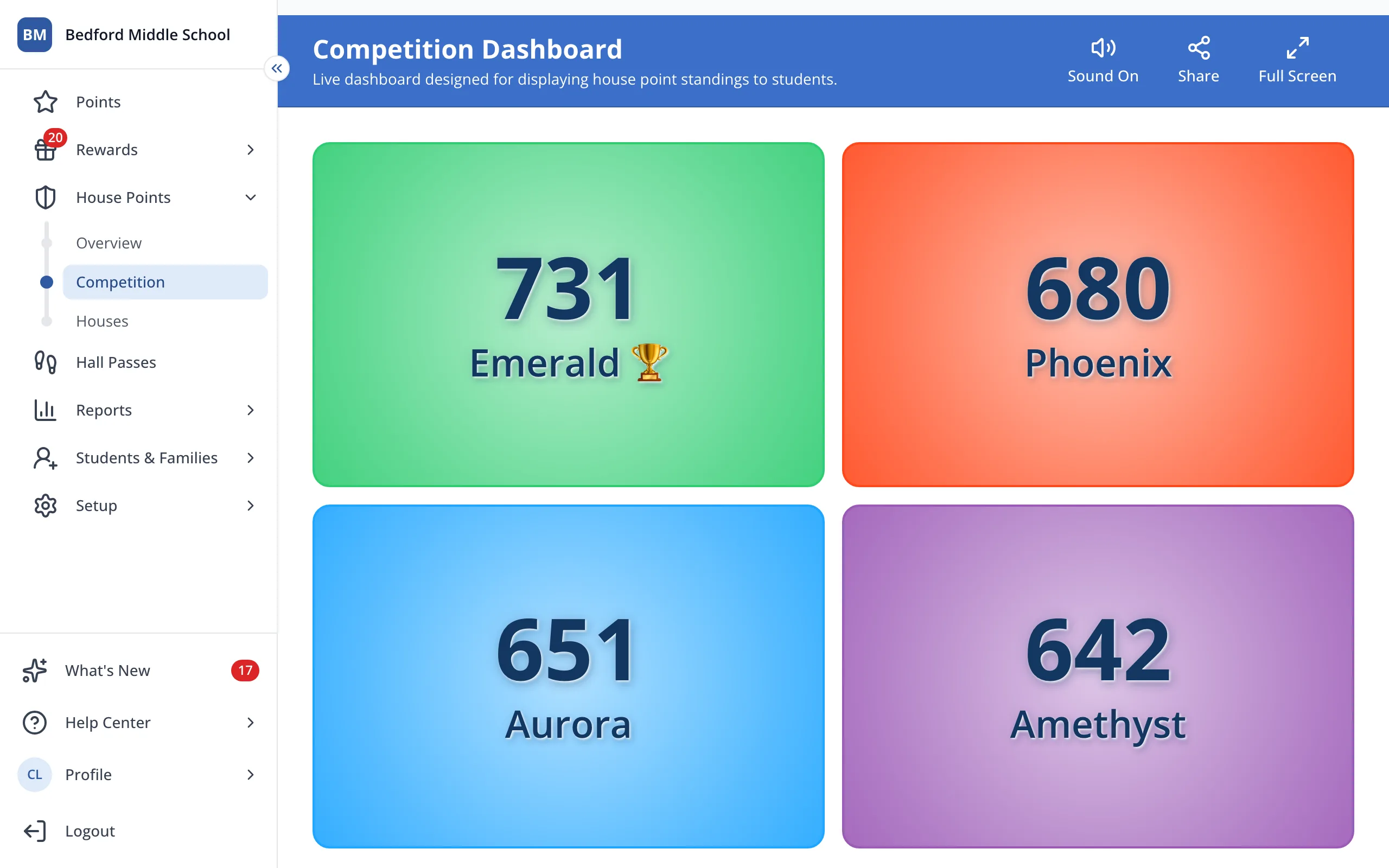
Put the live House standings on your school website. The embed updates as points are given.
Open in LiveSchool
Already signed in? Open this guide inside LiveSchool.
Use the Left and Right arrow keys to move between steps, and Space to play or pause.
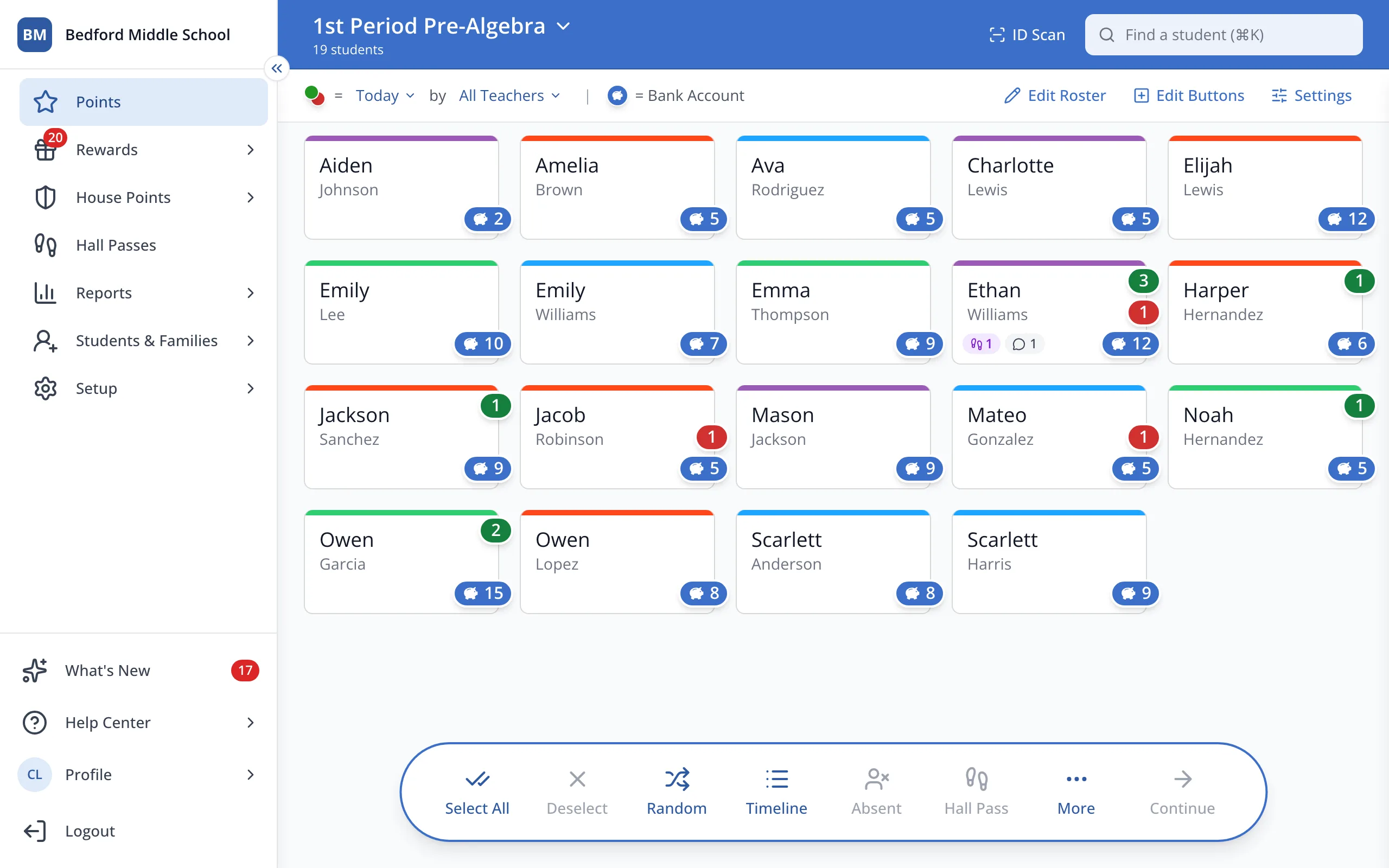
1.In the sidebar, click House Points.
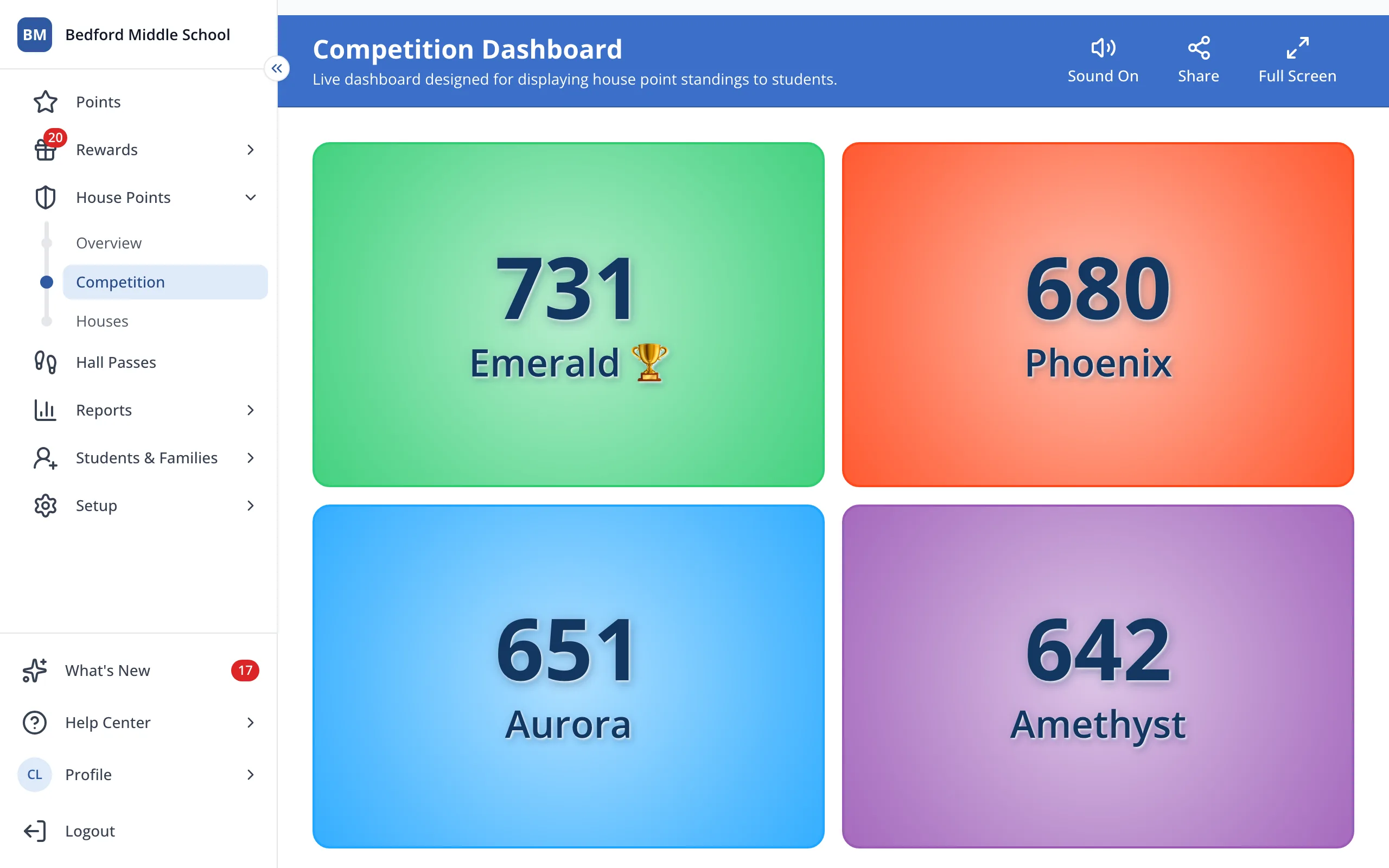
2.Click Competition.
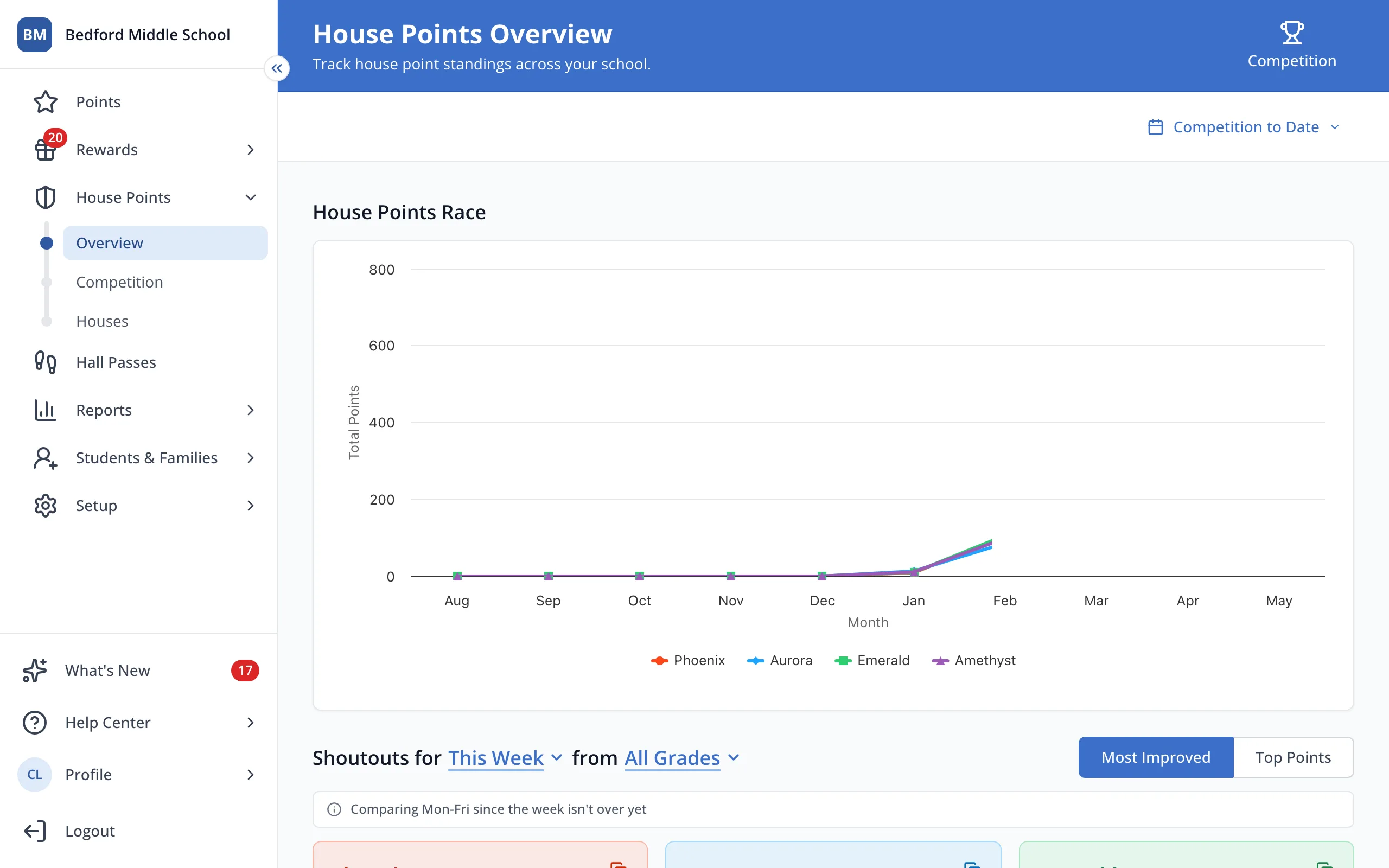
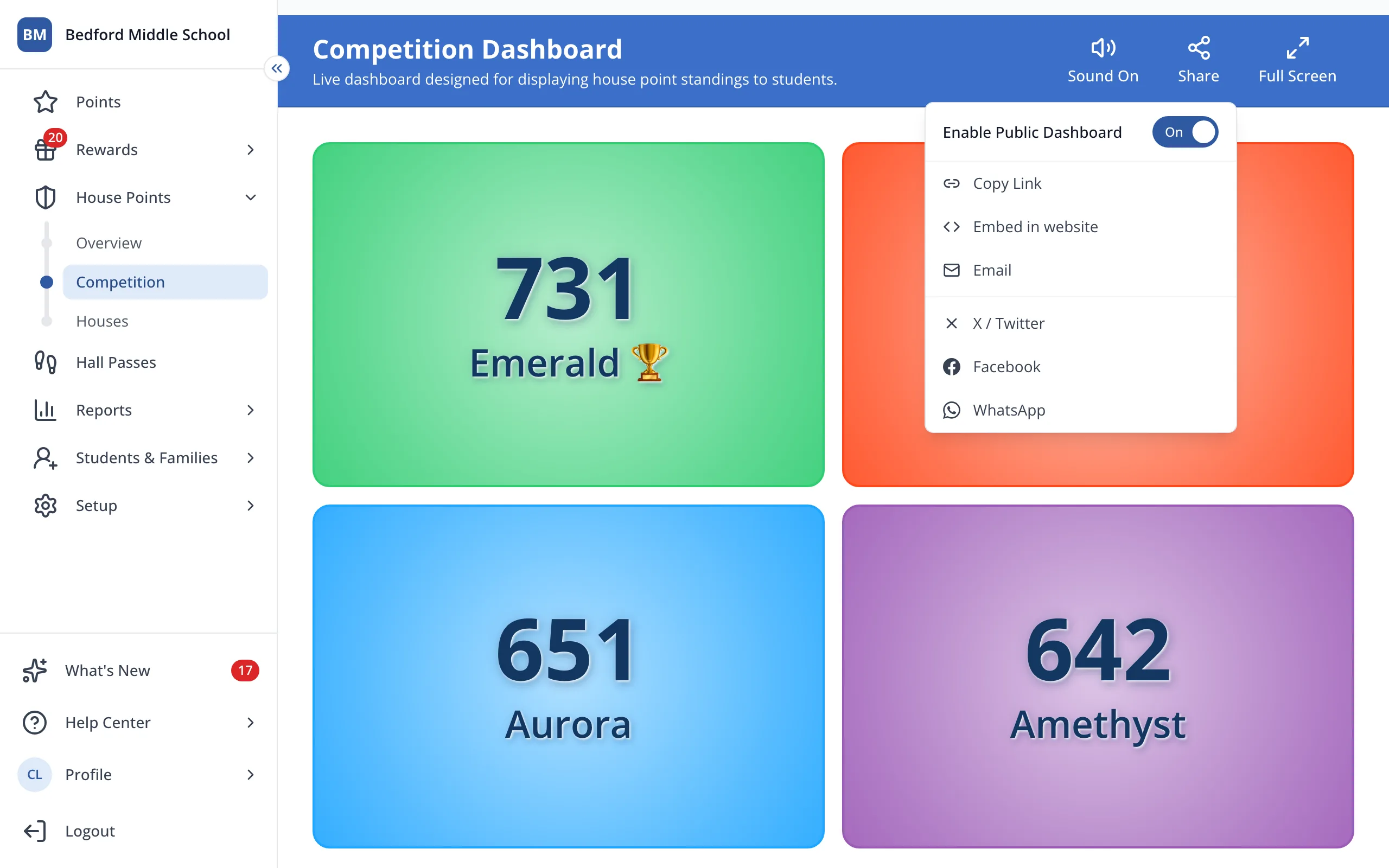
3.At the top right, click Share.
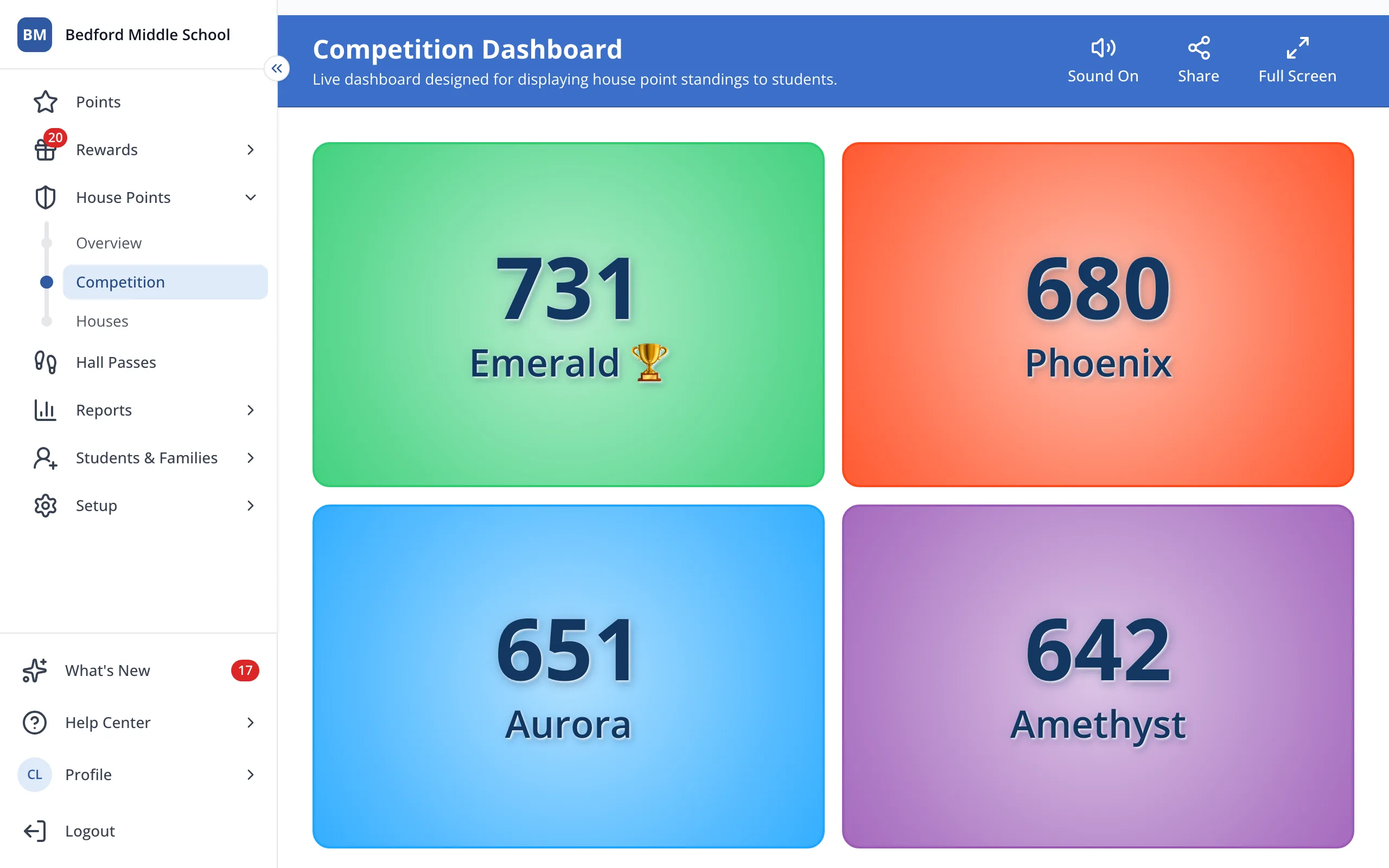
4.If Enable Public Dashboard is off, turn it on first.
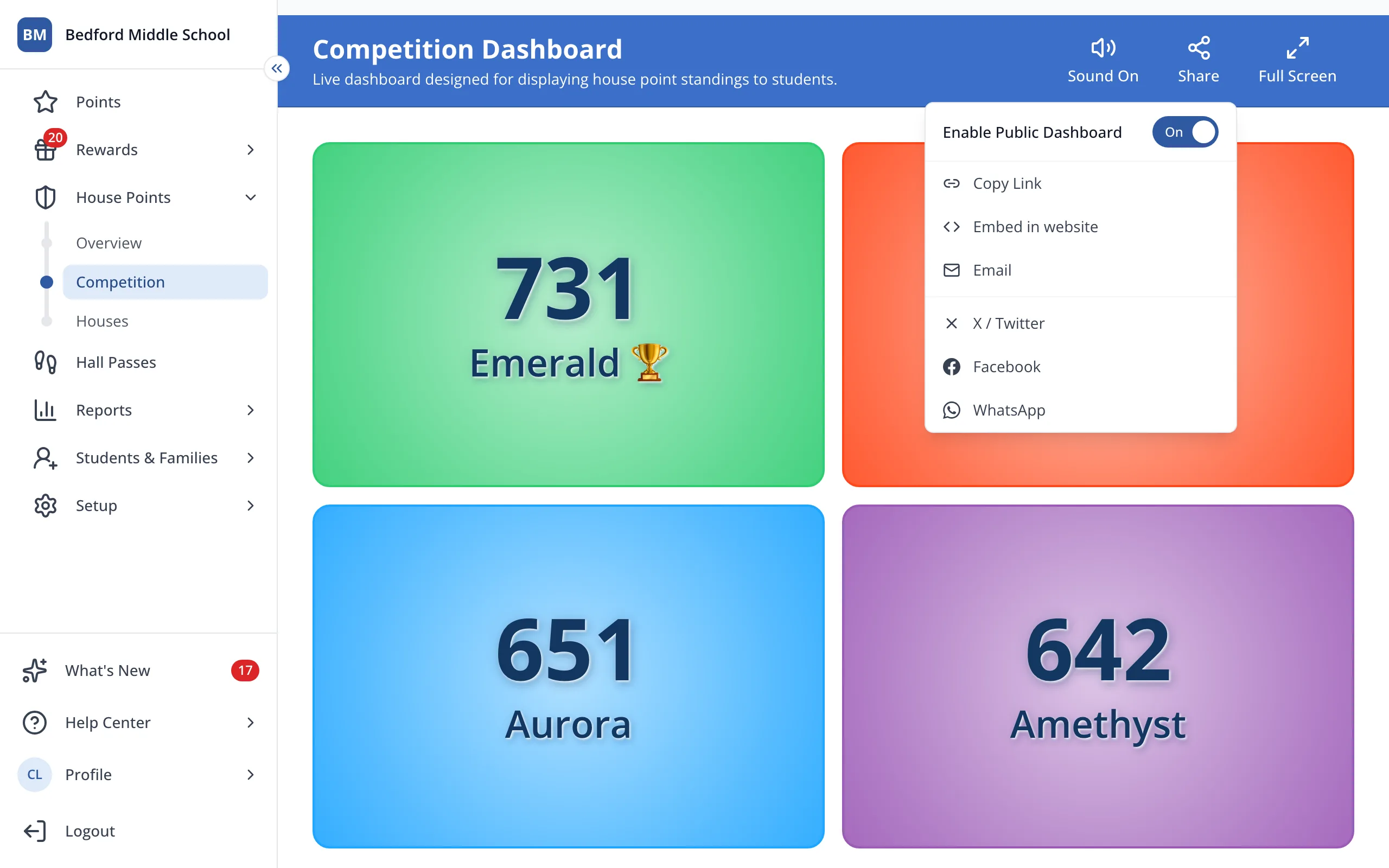
5.Click Embed in website to copy the embed code.
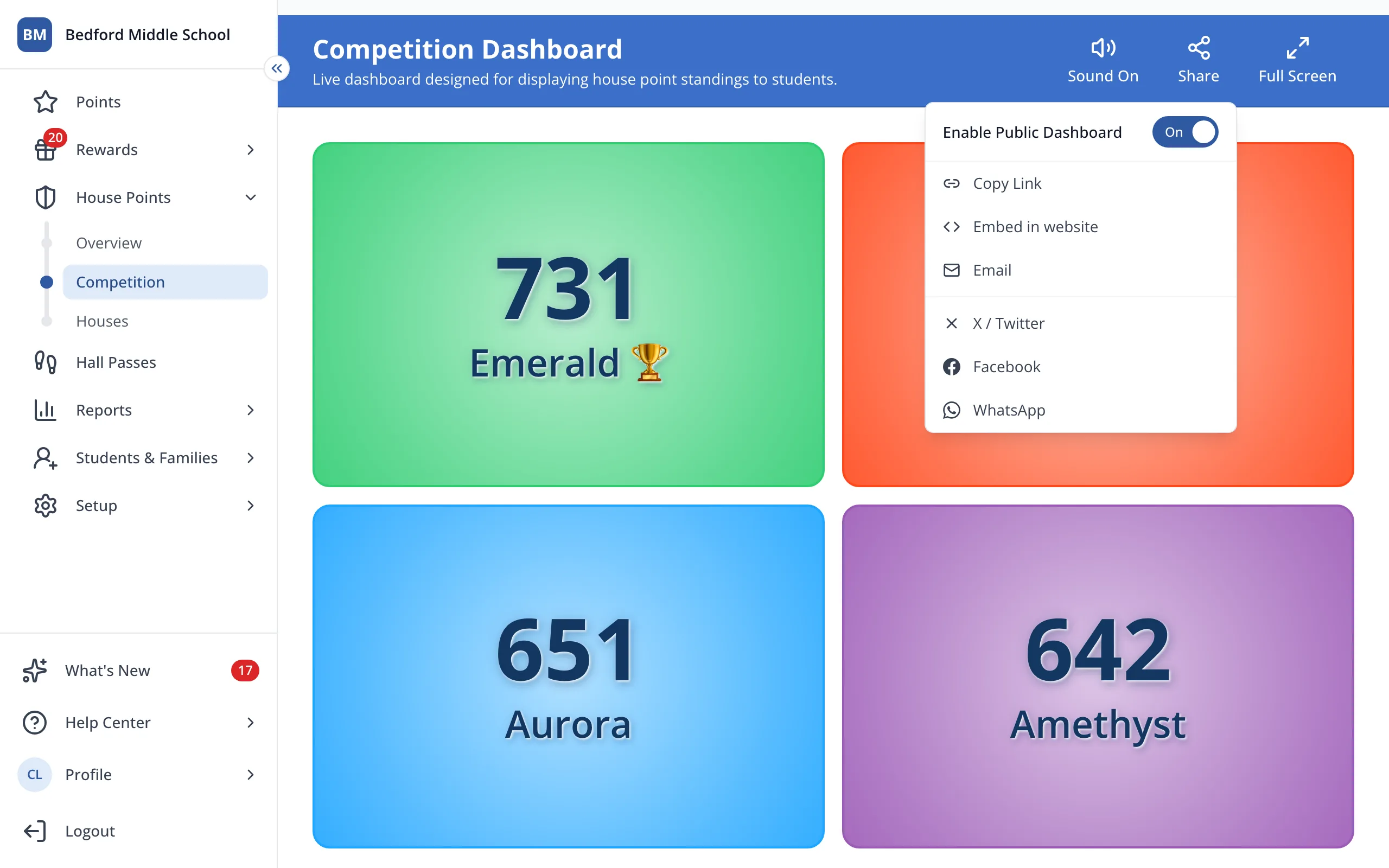
6.Paste the code into your website's HTML, or send it to whoever manages your site.