
Connect a roster or grade to a house
Everyone in a connected roster or grade belongs to the House, so you don't add them one by one.
AdminSite Leader
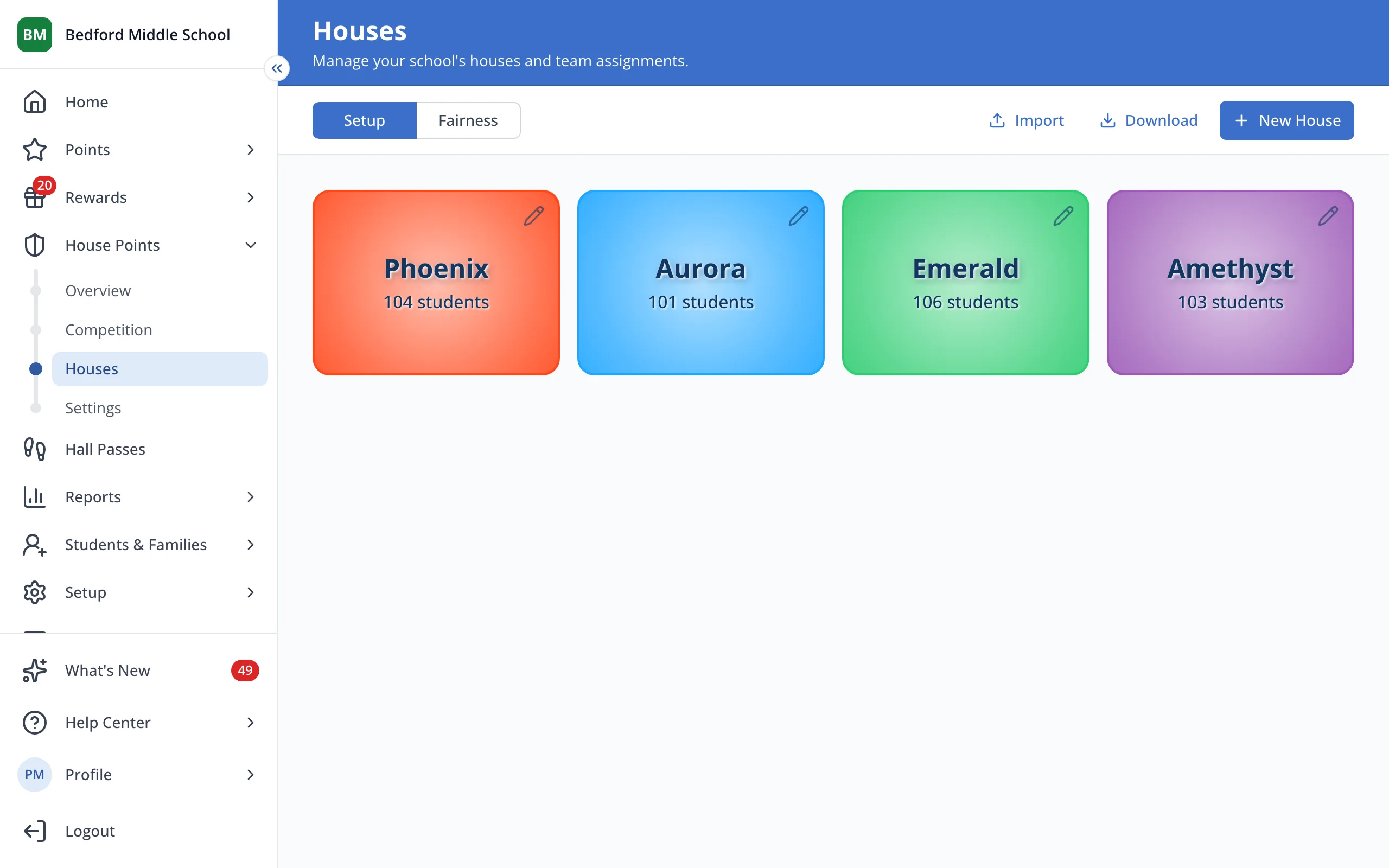
1 / 5On the Houses page, click the House you'd like to connect.
1.On the Houses page, click the House you'd like to connect.
2.Click Add Roster.
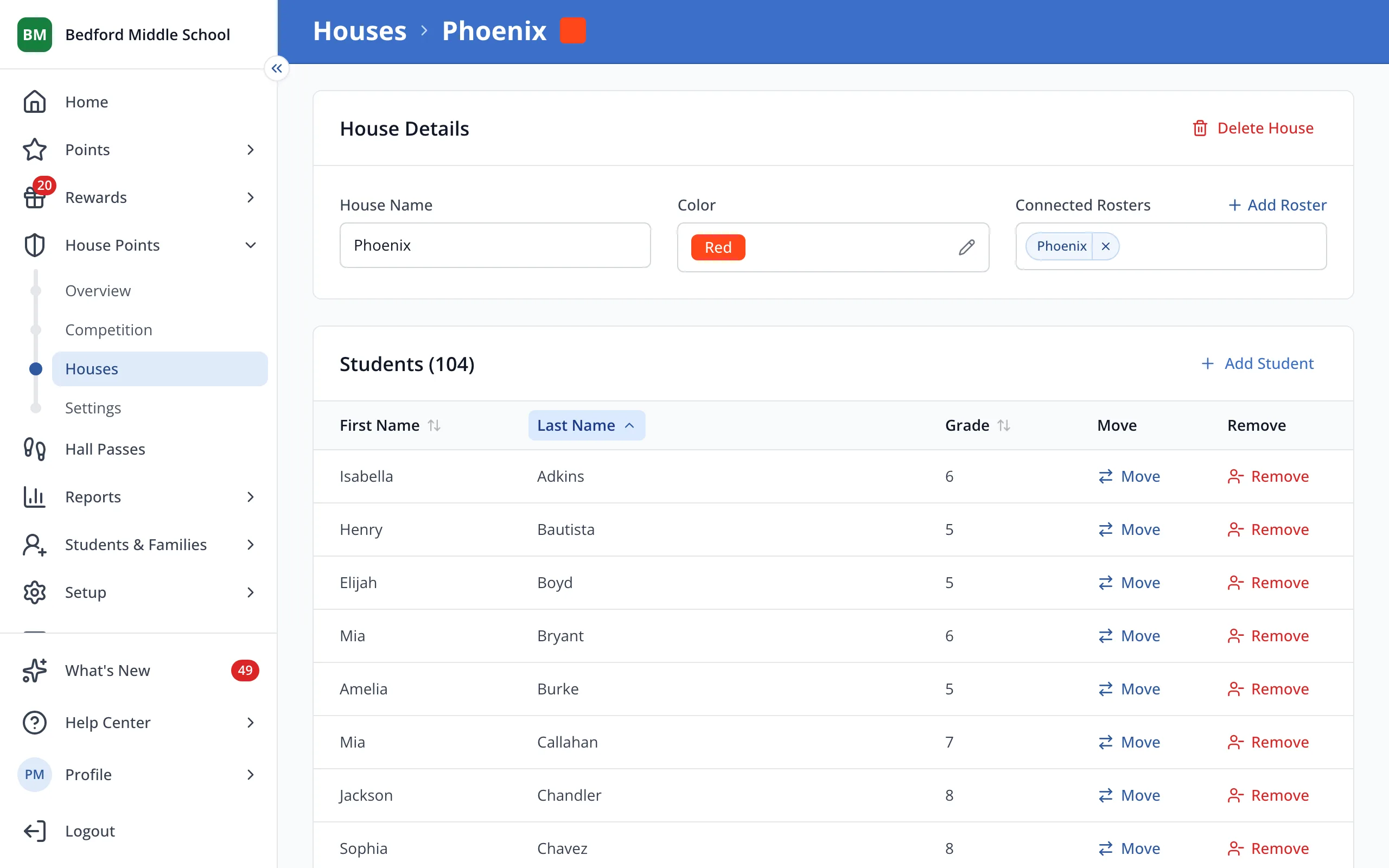
3.Type the name of the roster or grade.
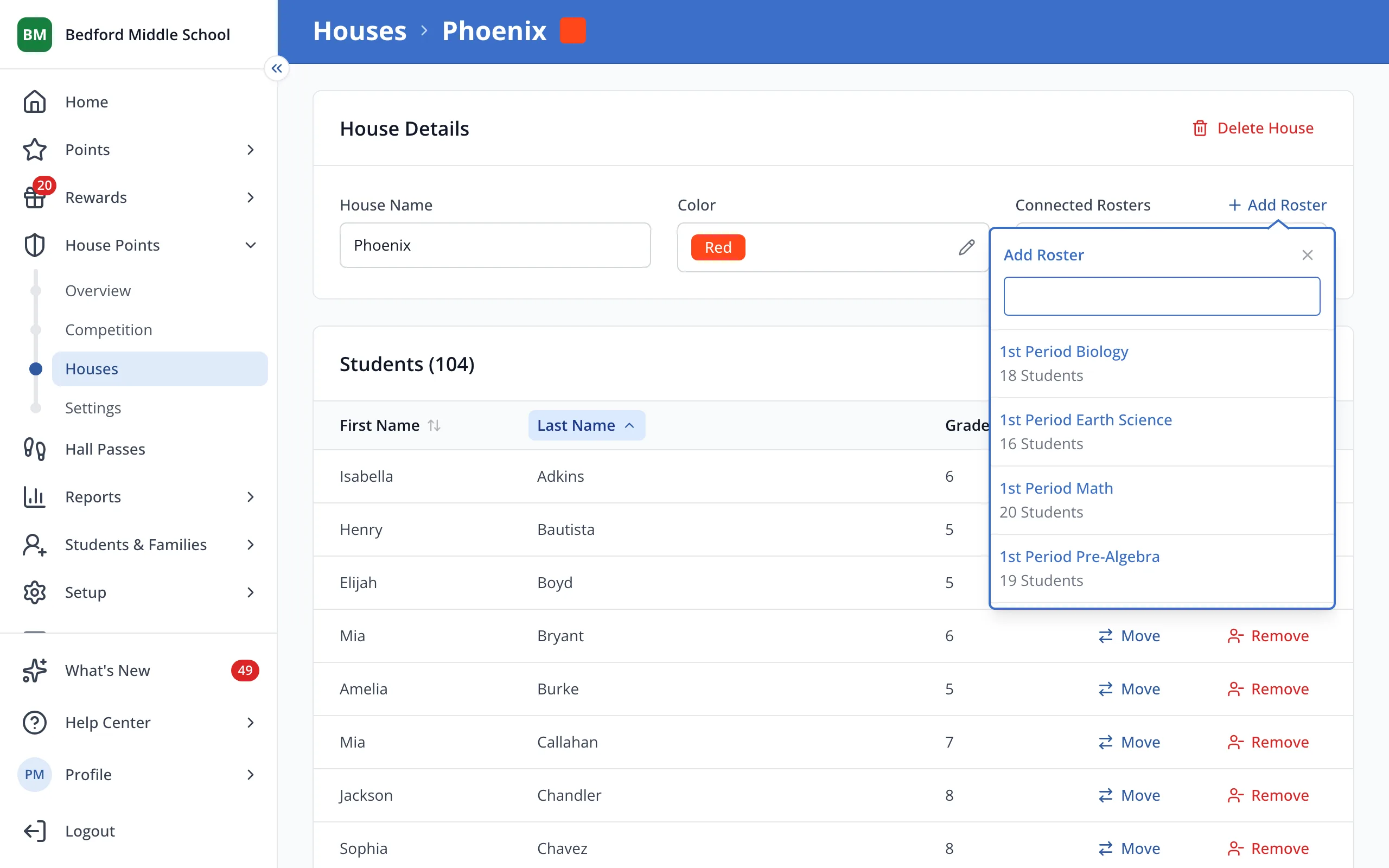
4.Click the roster or grade to connect it.
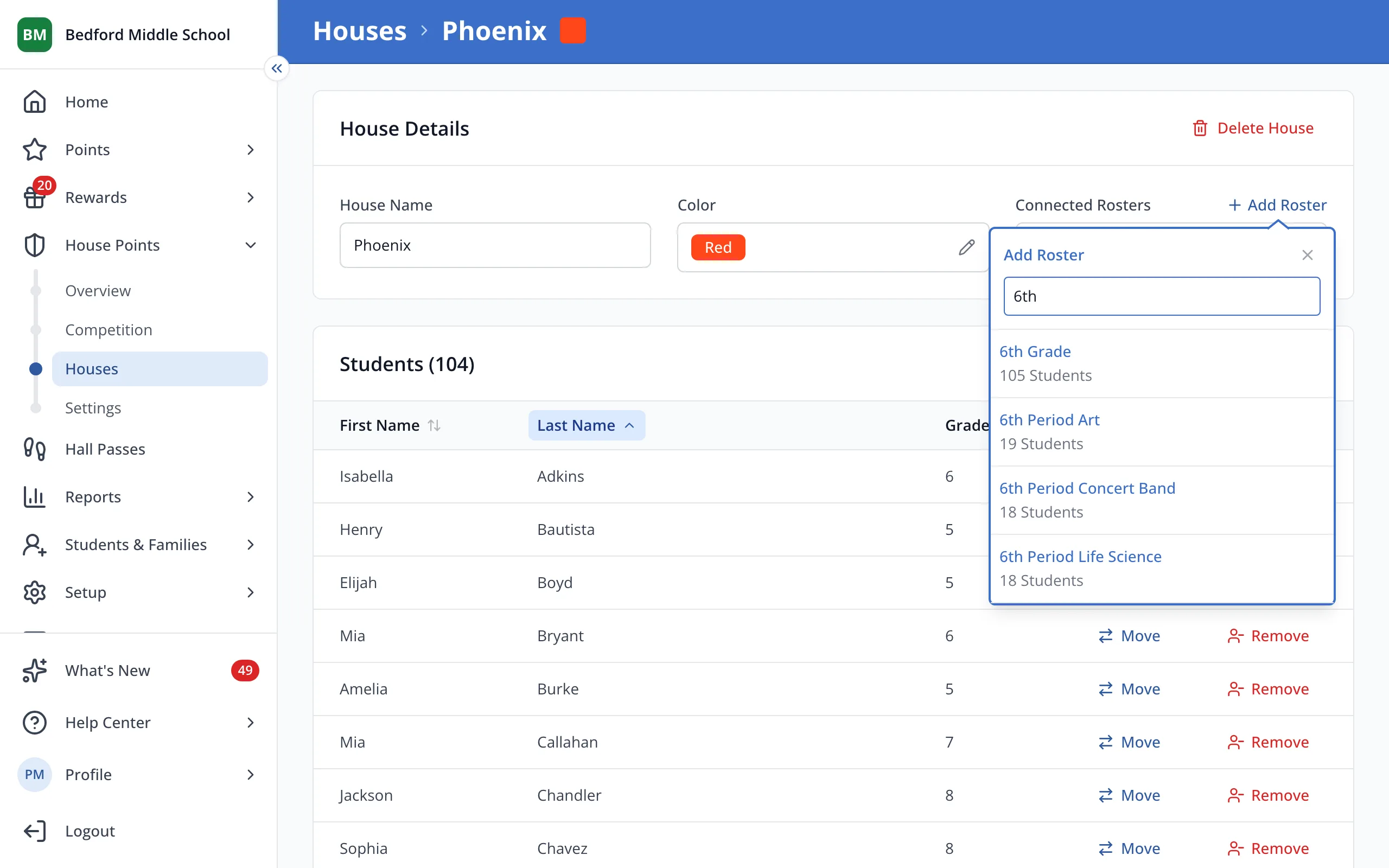
Tip: Students in a connected grade join and leave the House on their own as their grade changes.
Was this helpful?