
Set up your houses with the setup wizard
The wizard creates your Houses and sorts every student into one, so the competition is ready to start.
AdminSite Leader
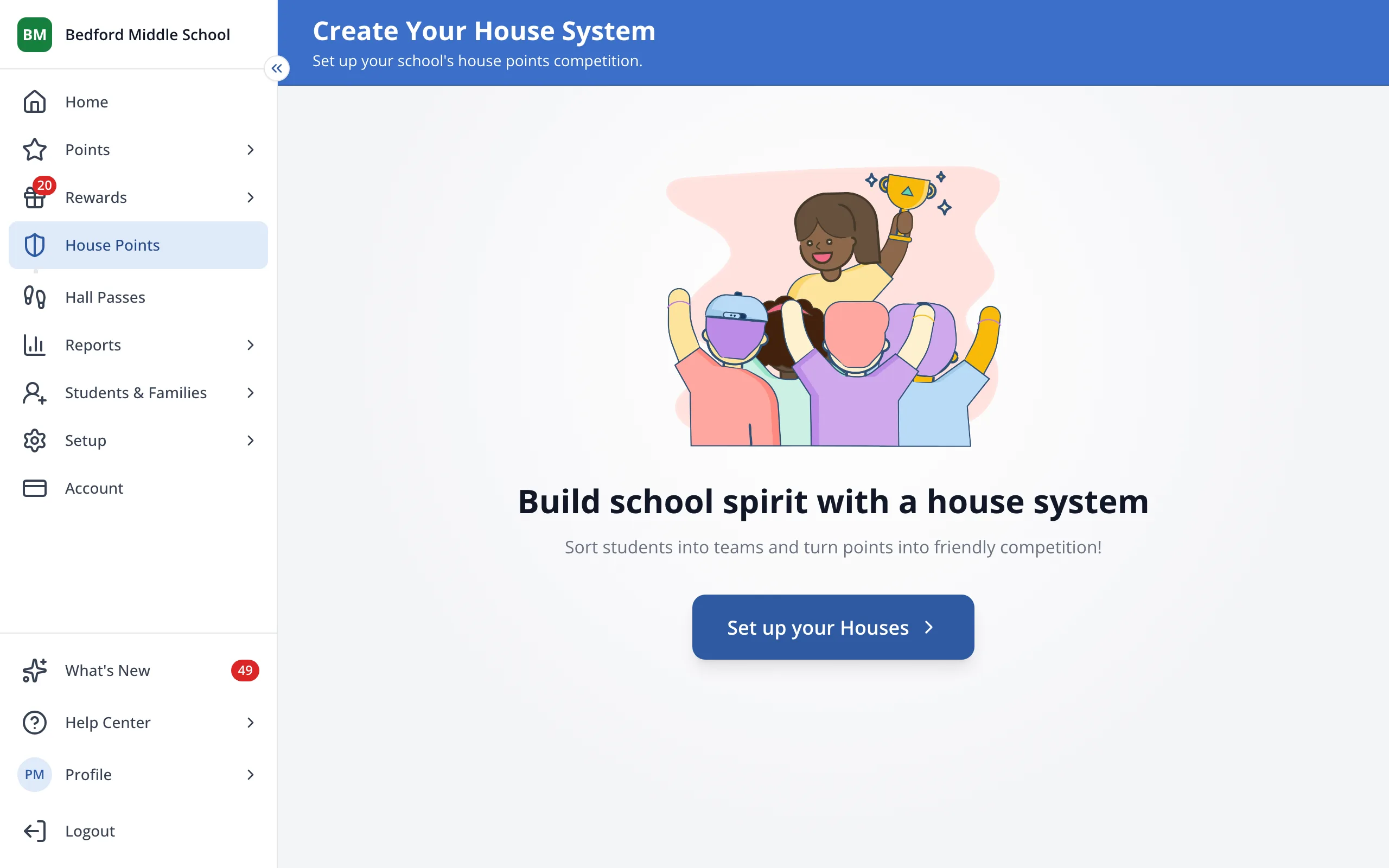
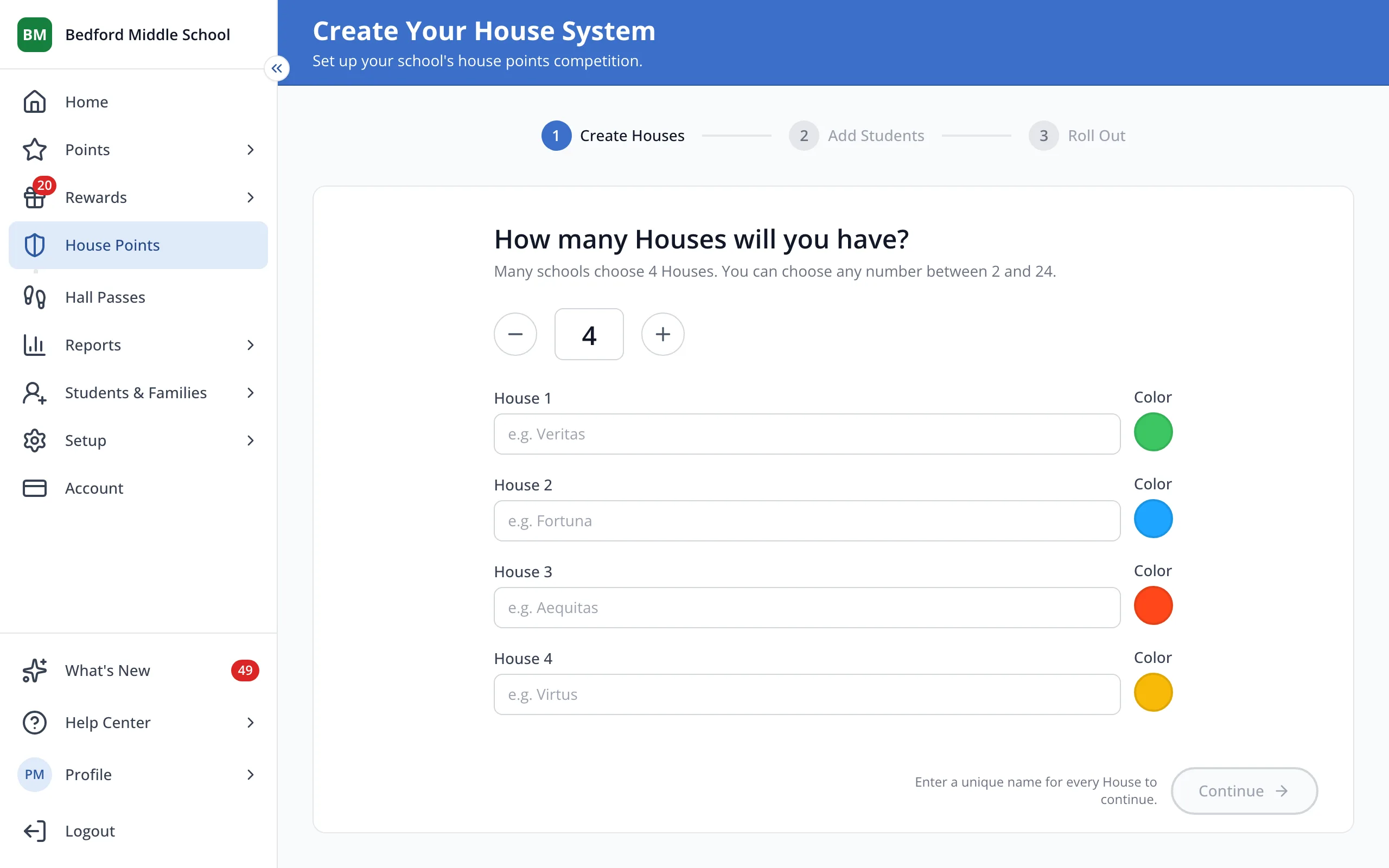
1 / 8On the House Points page, click Set up your Houses.
1.On the House Points page, click Set up your Houses.
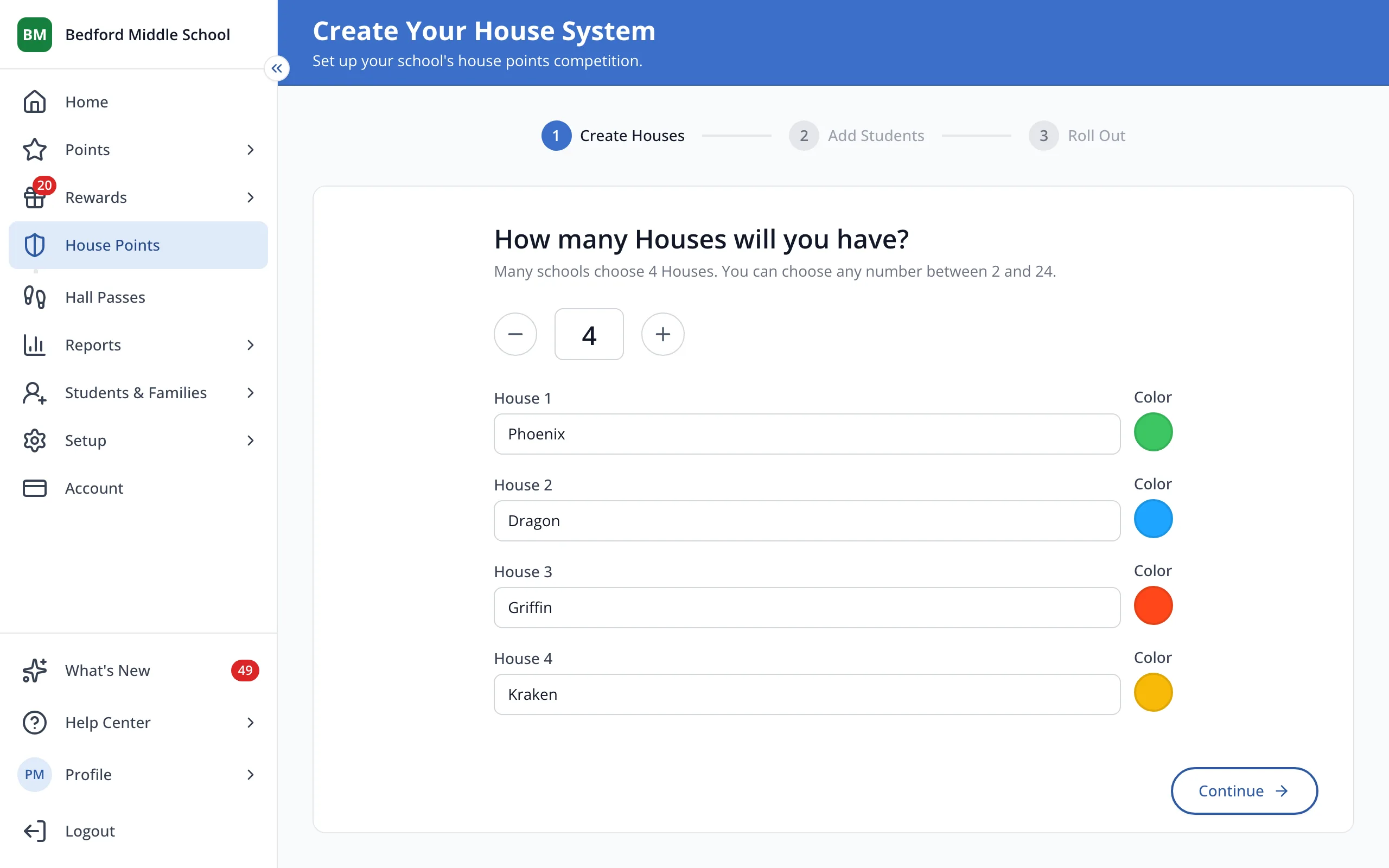
2.Choose how many Houses you'll have with the minus and plus buttons.
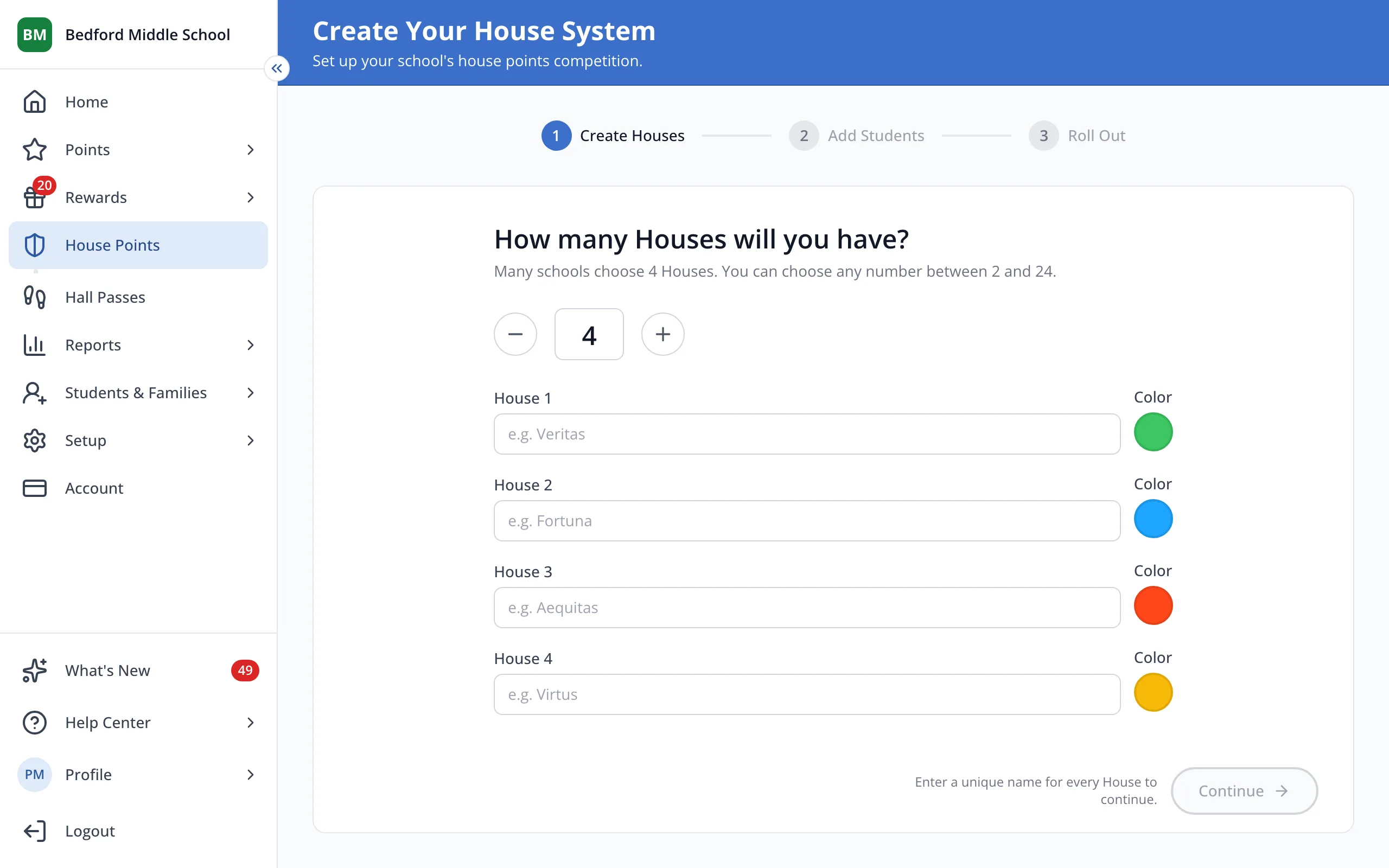
3.Type a name for each House.
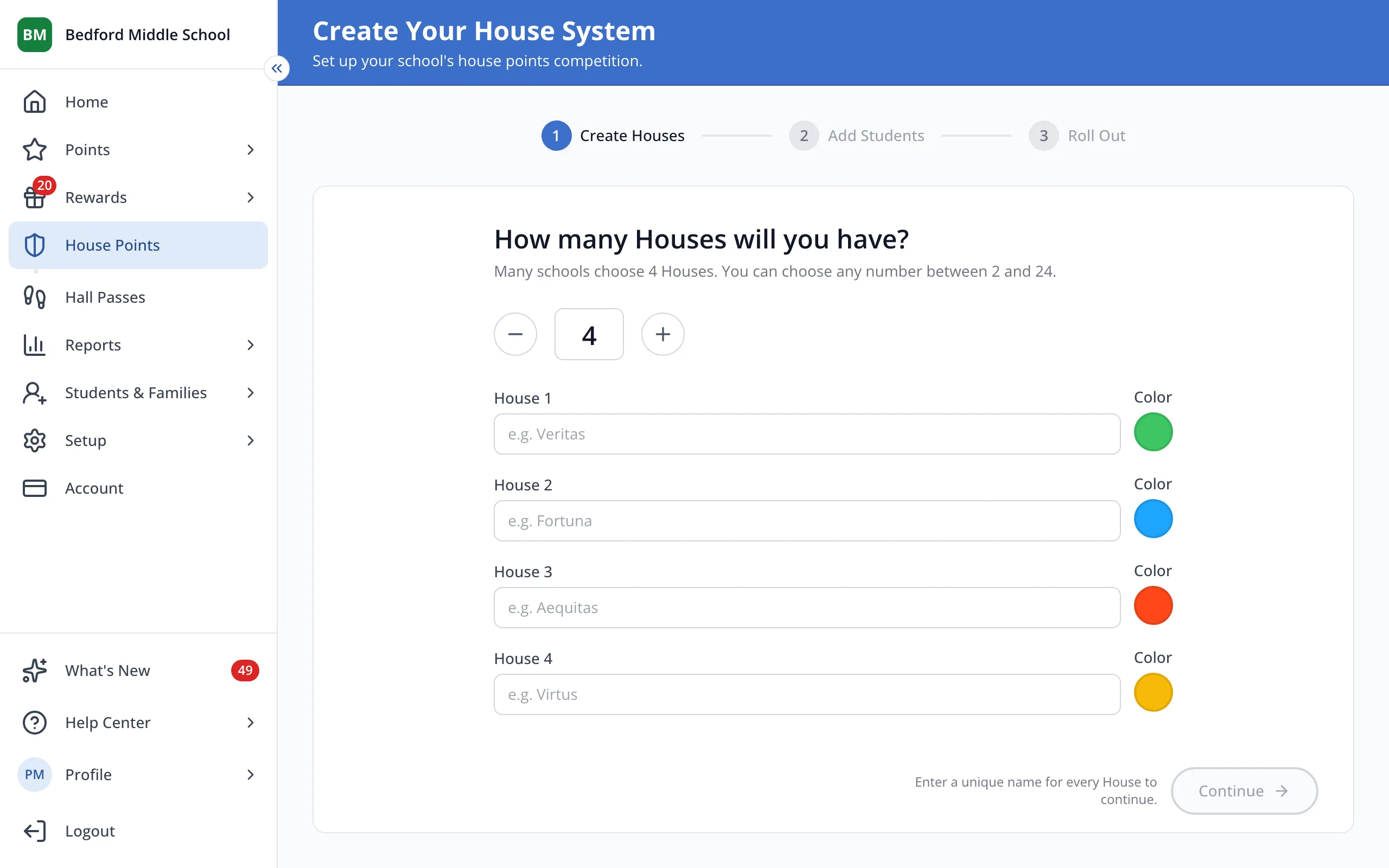
Tip: Click a House's color circle to pick a different color.
4.Click Continue.
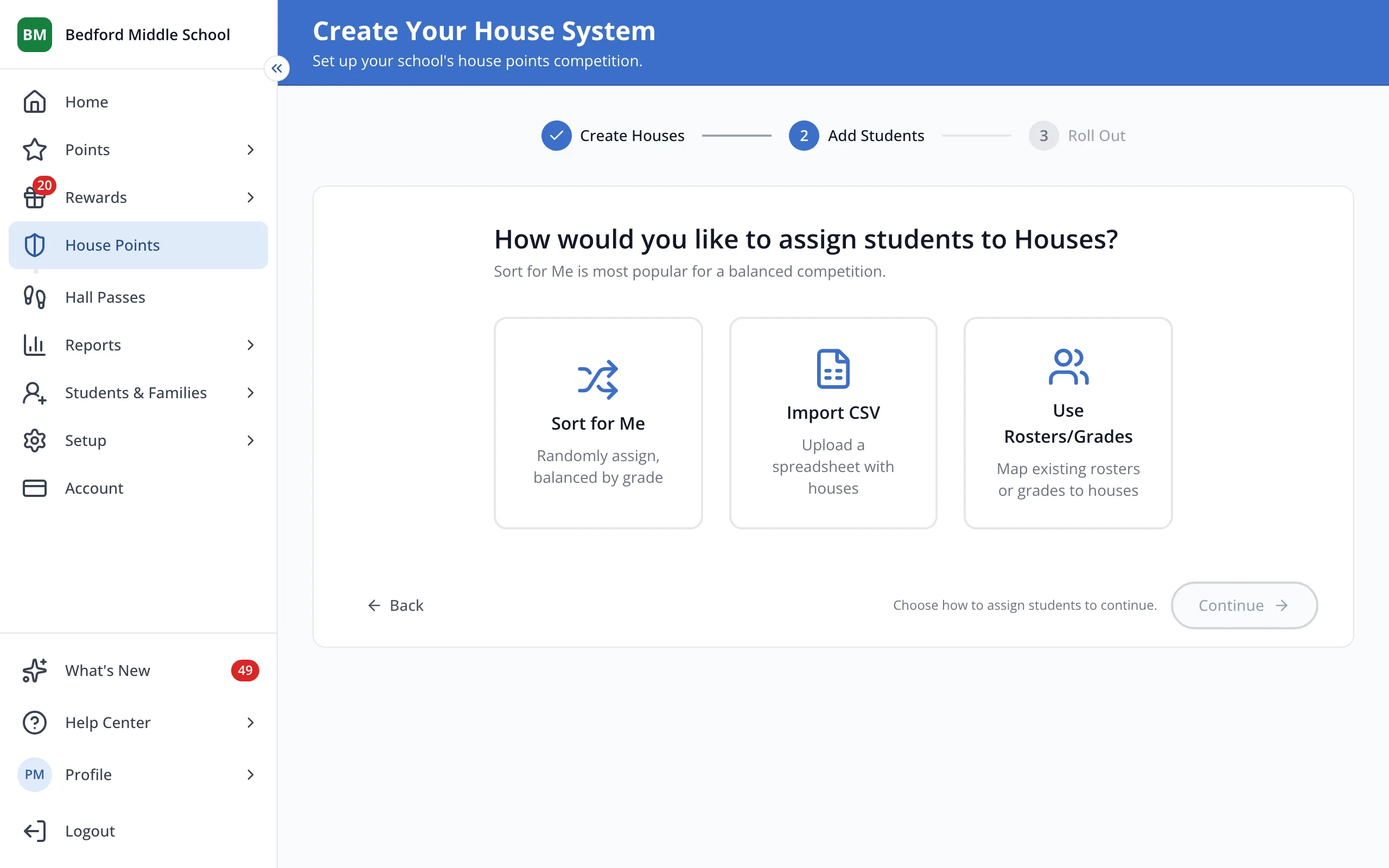
5.Click how you'd like to put students in Houses, like Sort for Me.
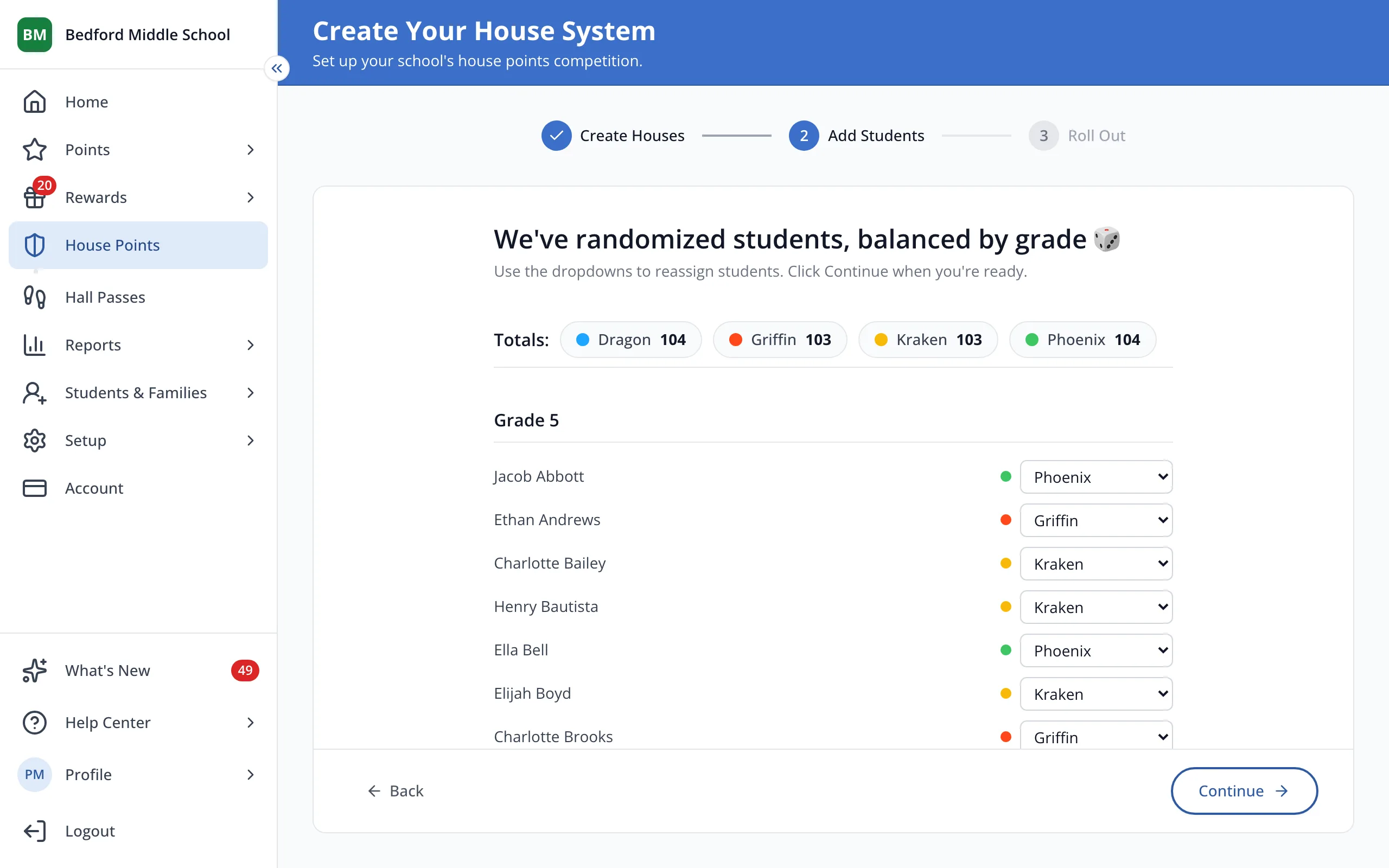
6.Check the assignments, then click Continue.
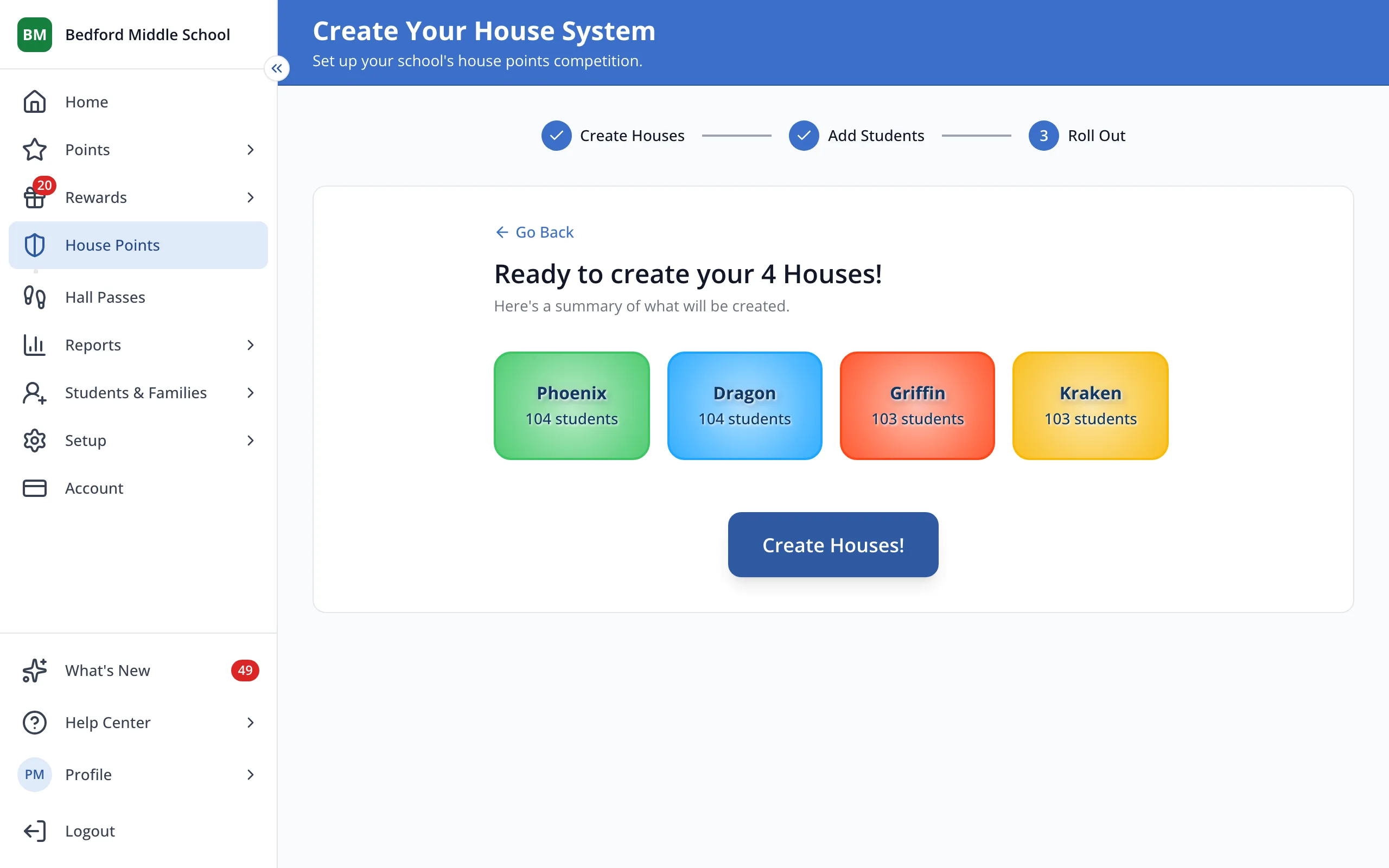
7.Click Create Houses!
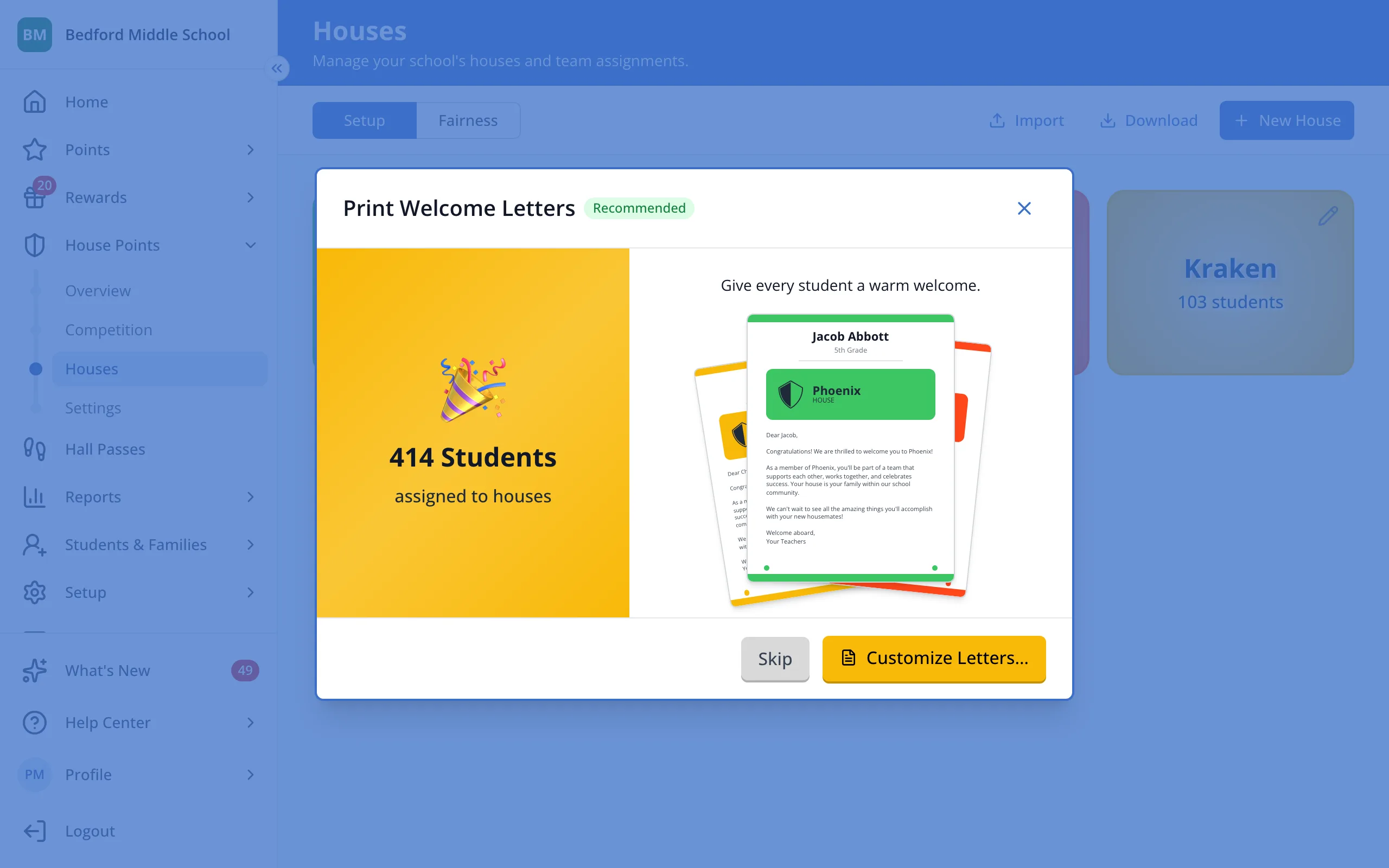
8.Click Customize Letters… to print welcome letters for your students, or Skip to do it later.
Was this helpful?