
Print house welcome letters
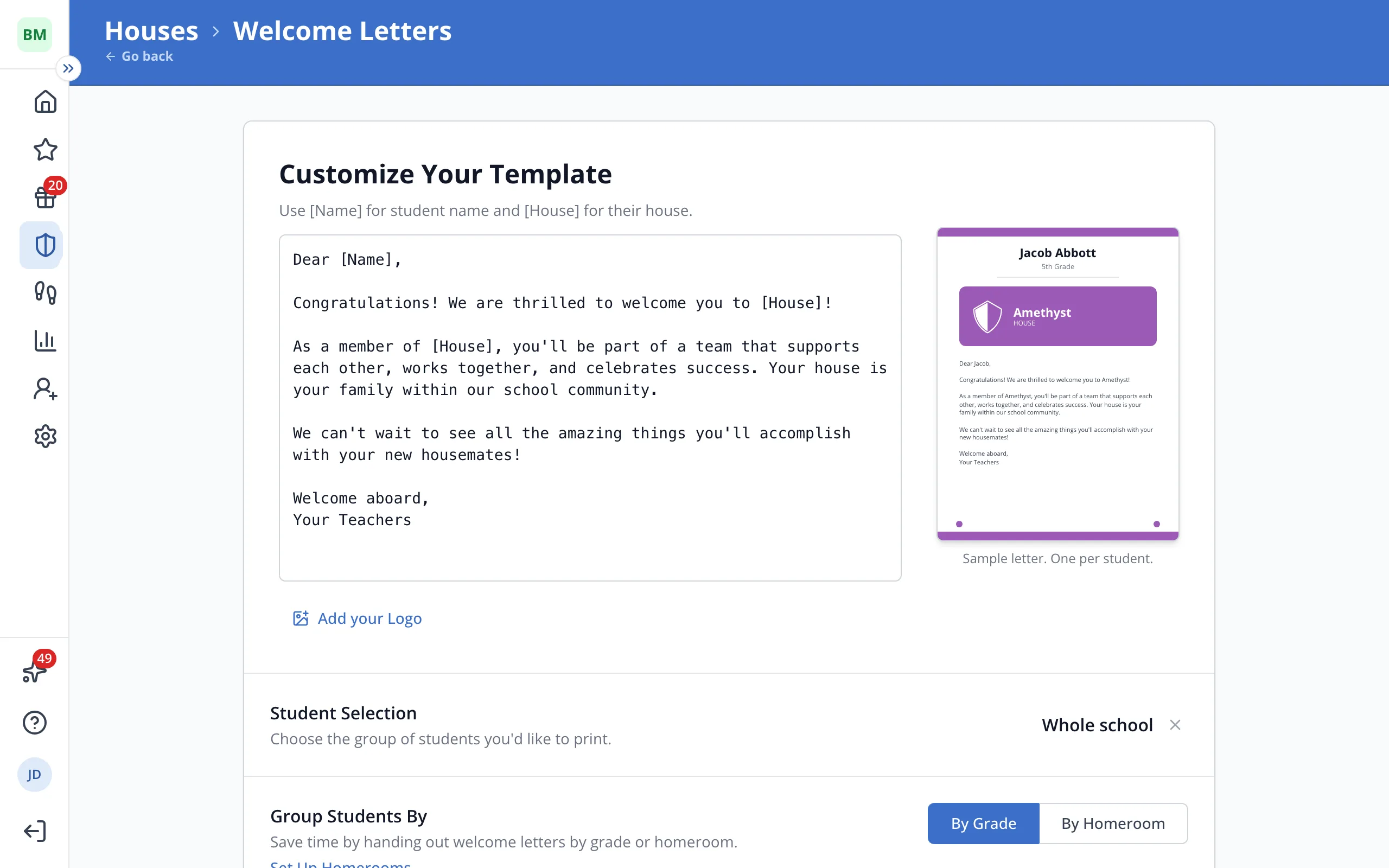
Print one letter per student announcing their House, grouped into piles by grade or homeroom for easy handout.
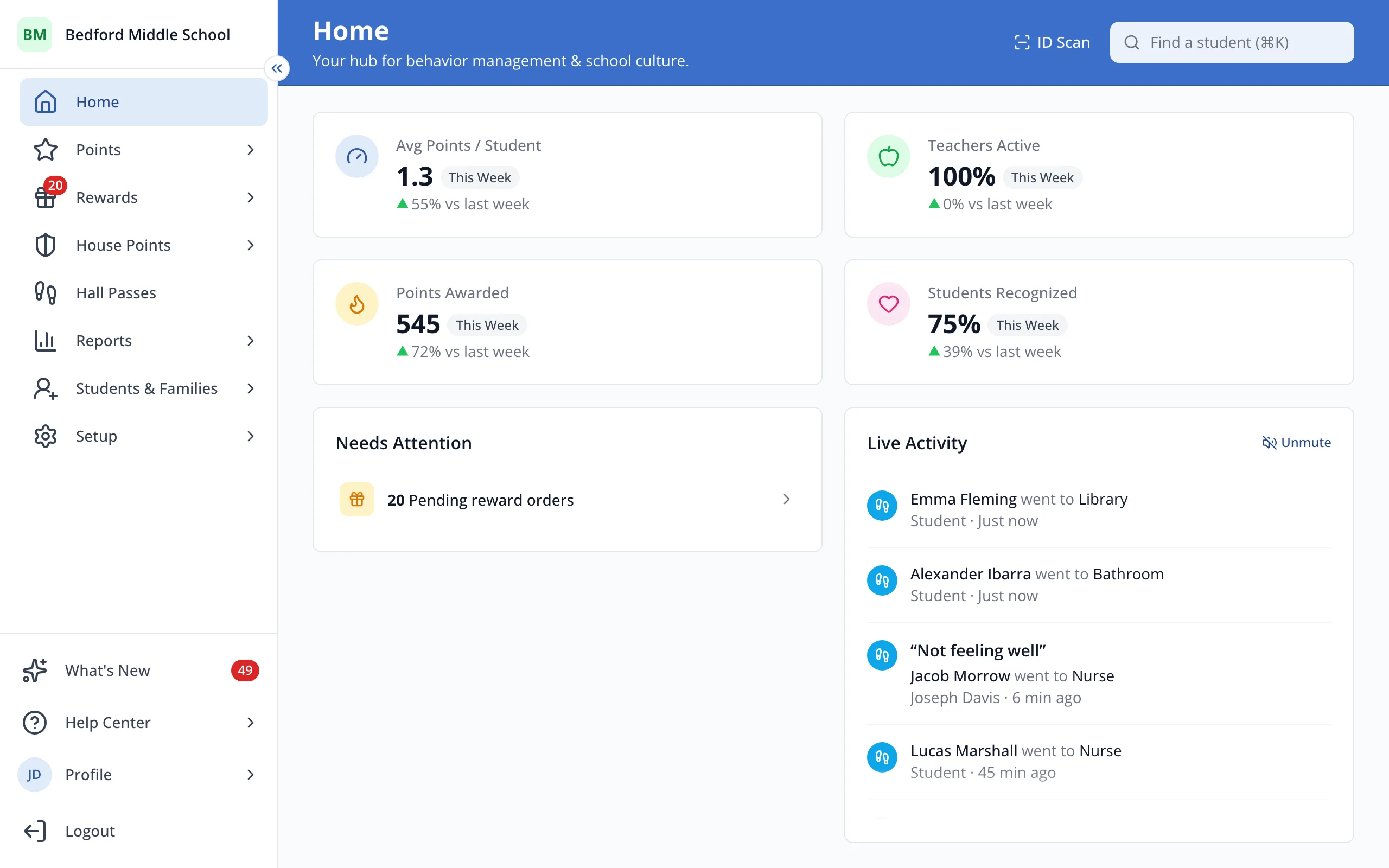
1 / 8In the sidebar, click House Points.
1.In the sidebar, click House Points.
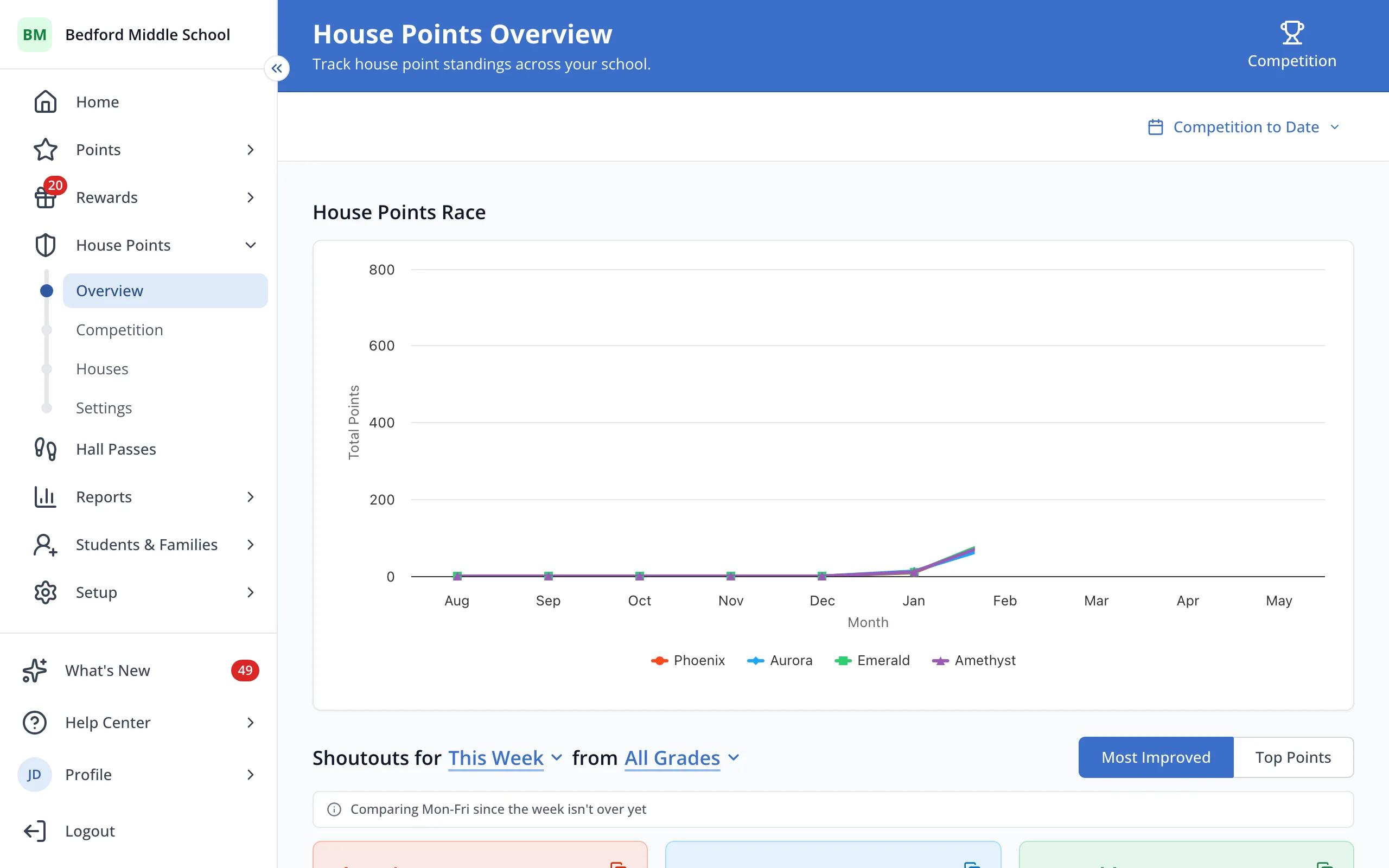
2.Click Houses.
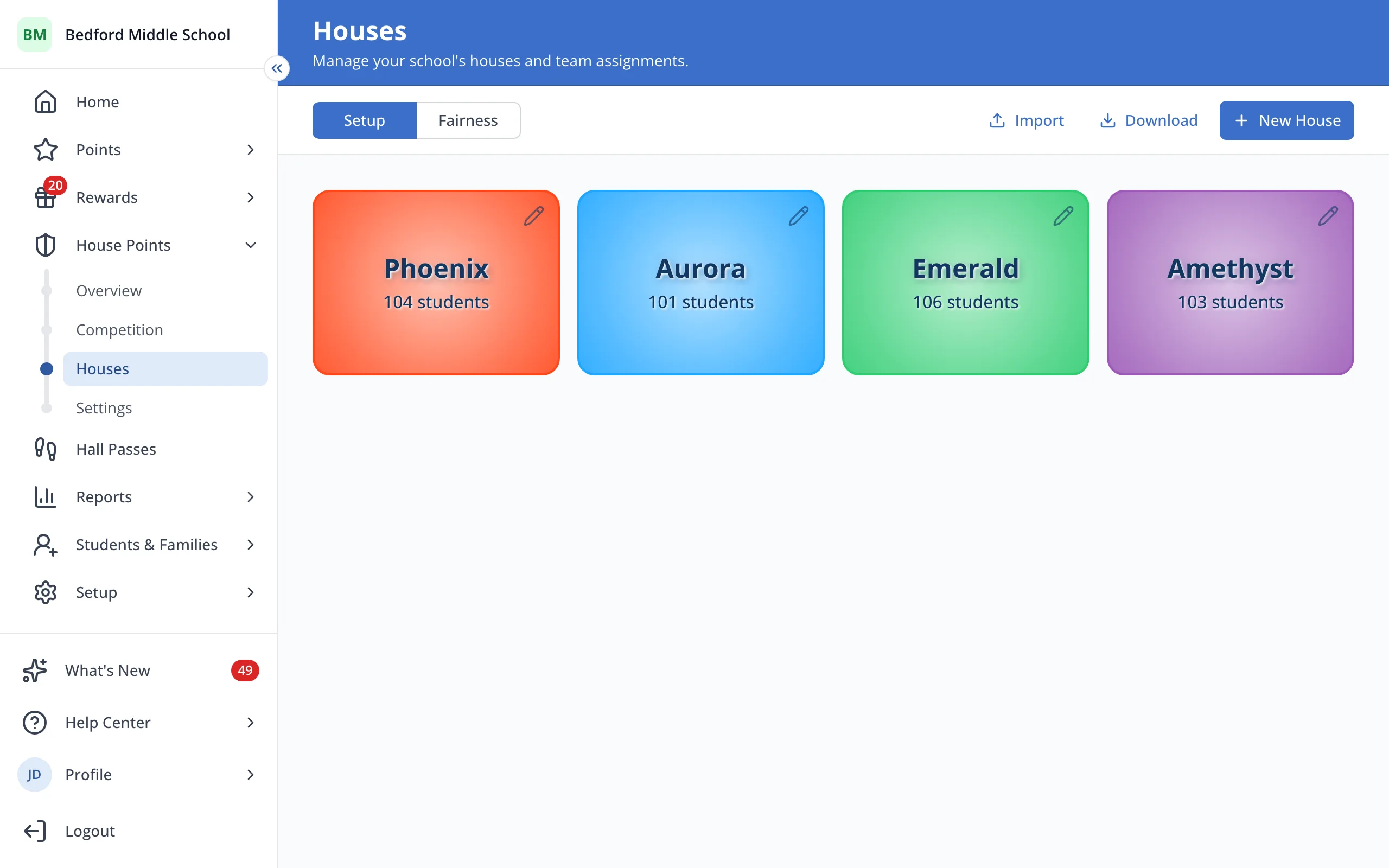
3.At the top right, click Download.
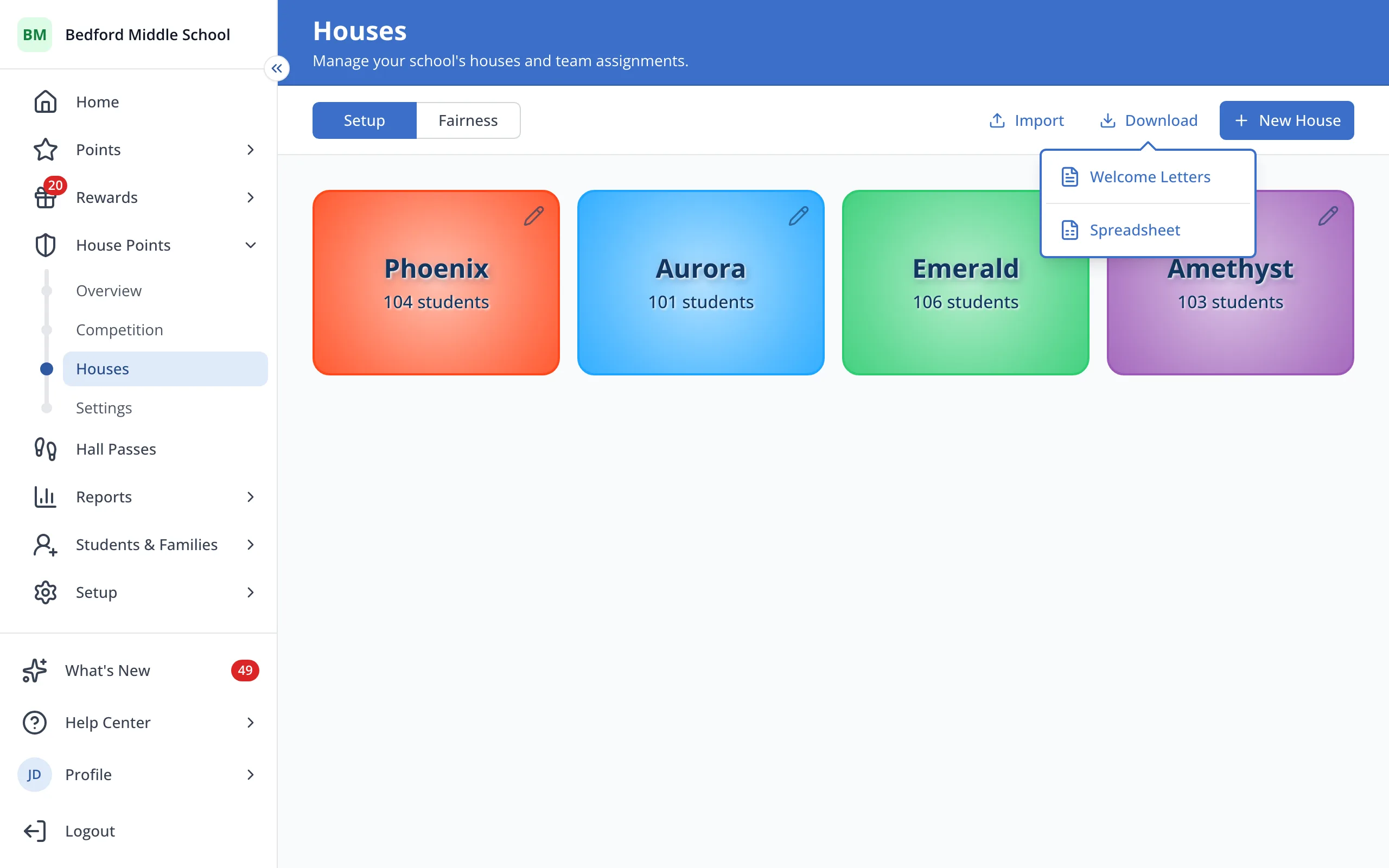
4.Click Welcome Letters.
5.Whole school is picked to start. Click the X to pick a grade, roster or certain students instead.
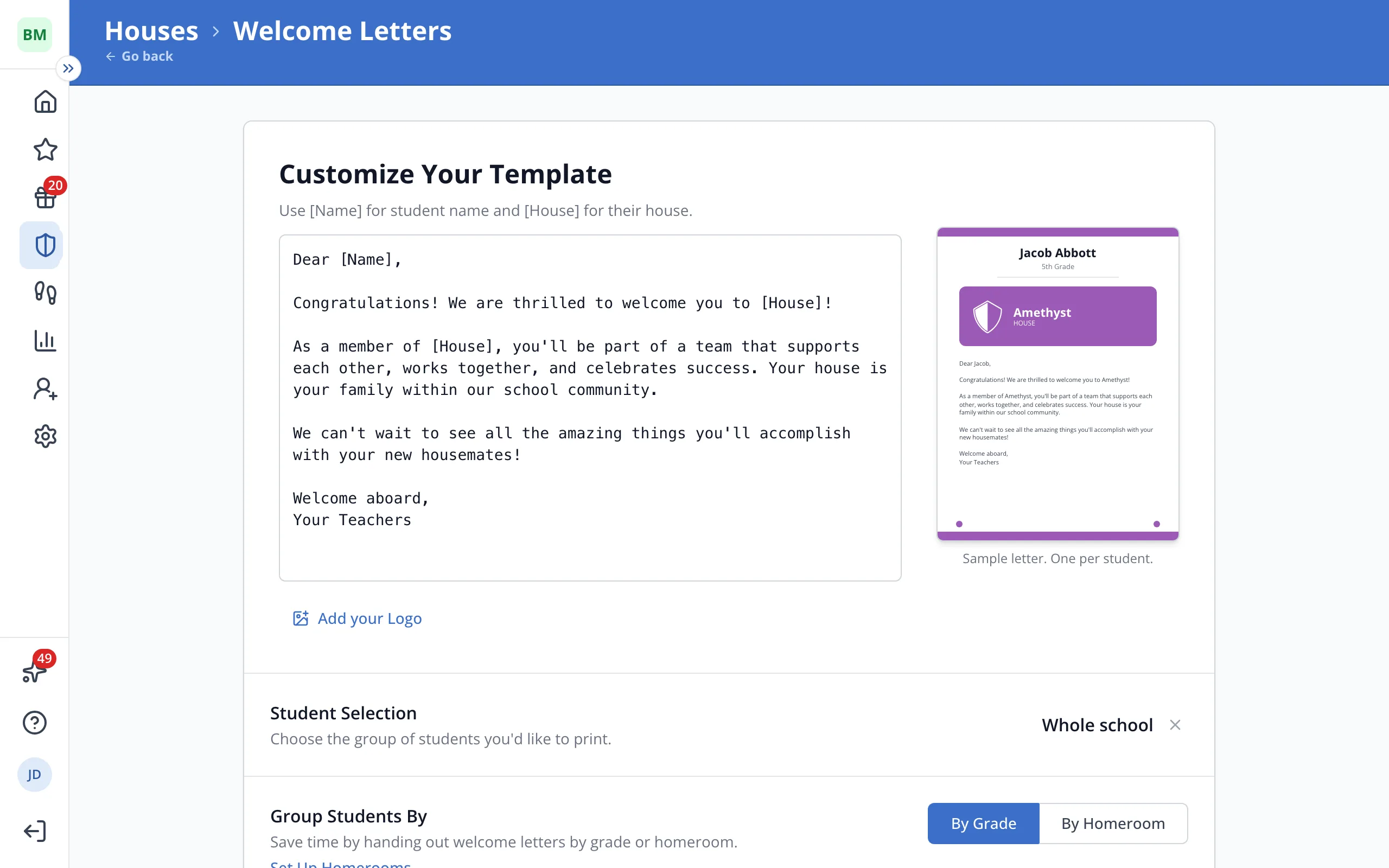
6.Next to Group Students By, click By Grade or By Homeroom.
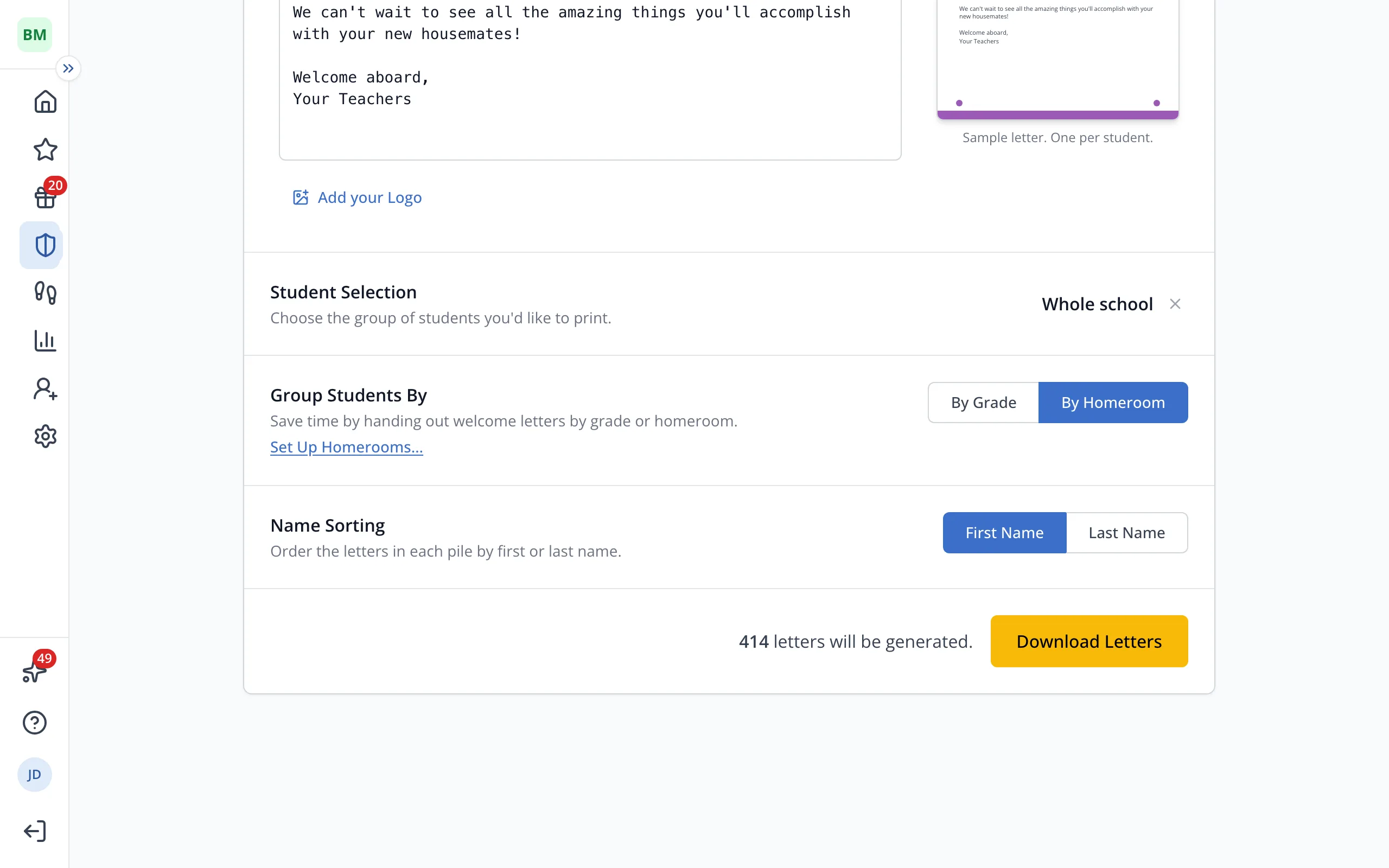
7.Next to Name Sorting, click First Name or Last Name.
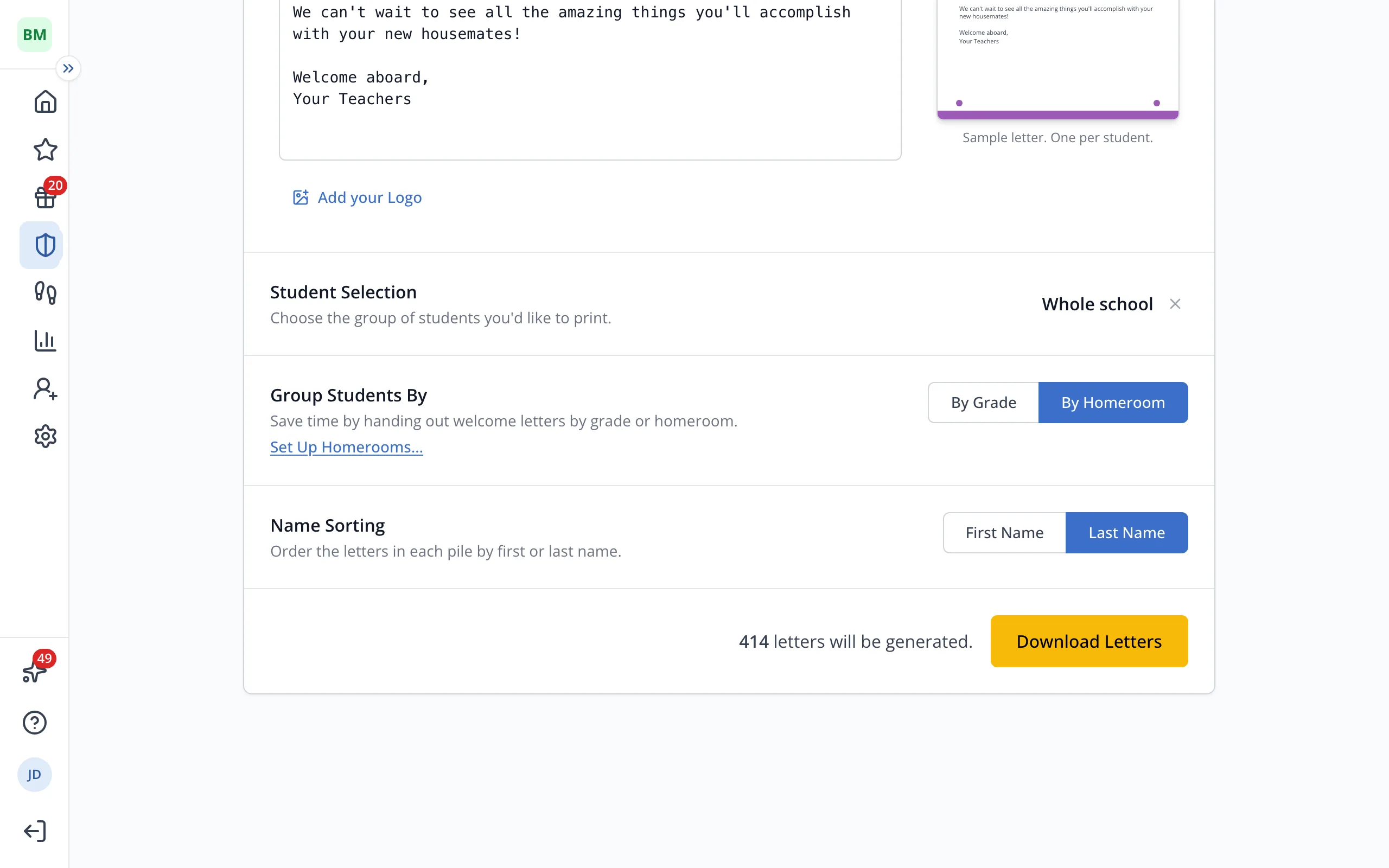
8.Click Download Letters, then print the file.
Tip: Students who aren't in a House yet don't get a letter.
Was this helpful?