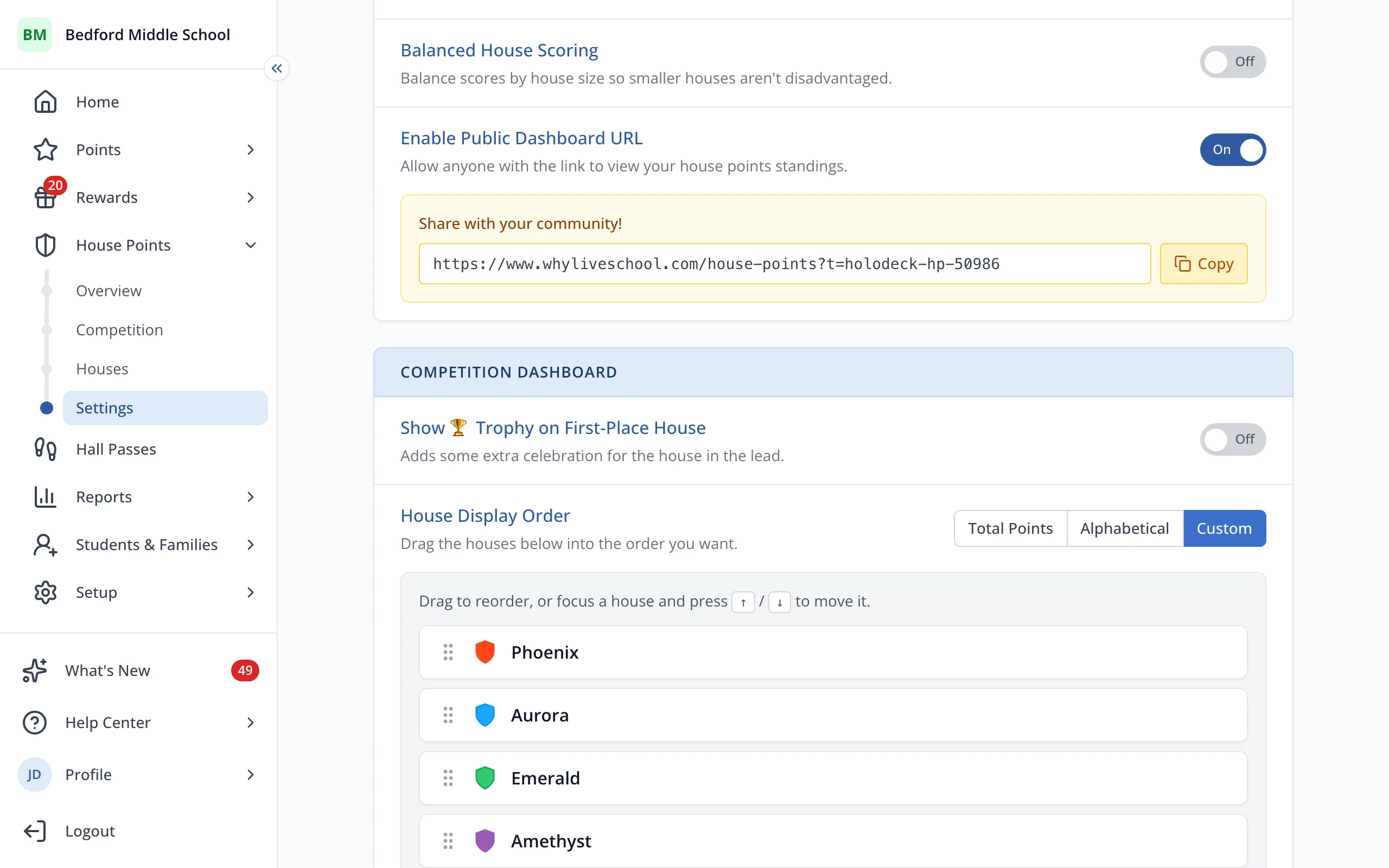
Edit the house points display
Choose how Houses are ordered on the Competition page, and whether the leading House gets a trophy.
AdminSite Leader
Open in LiveSchool
Already signed in? Open this guide inside LiveSchool.
Use the Left and Right arrow keys to move between steps, and Space to play or pause.
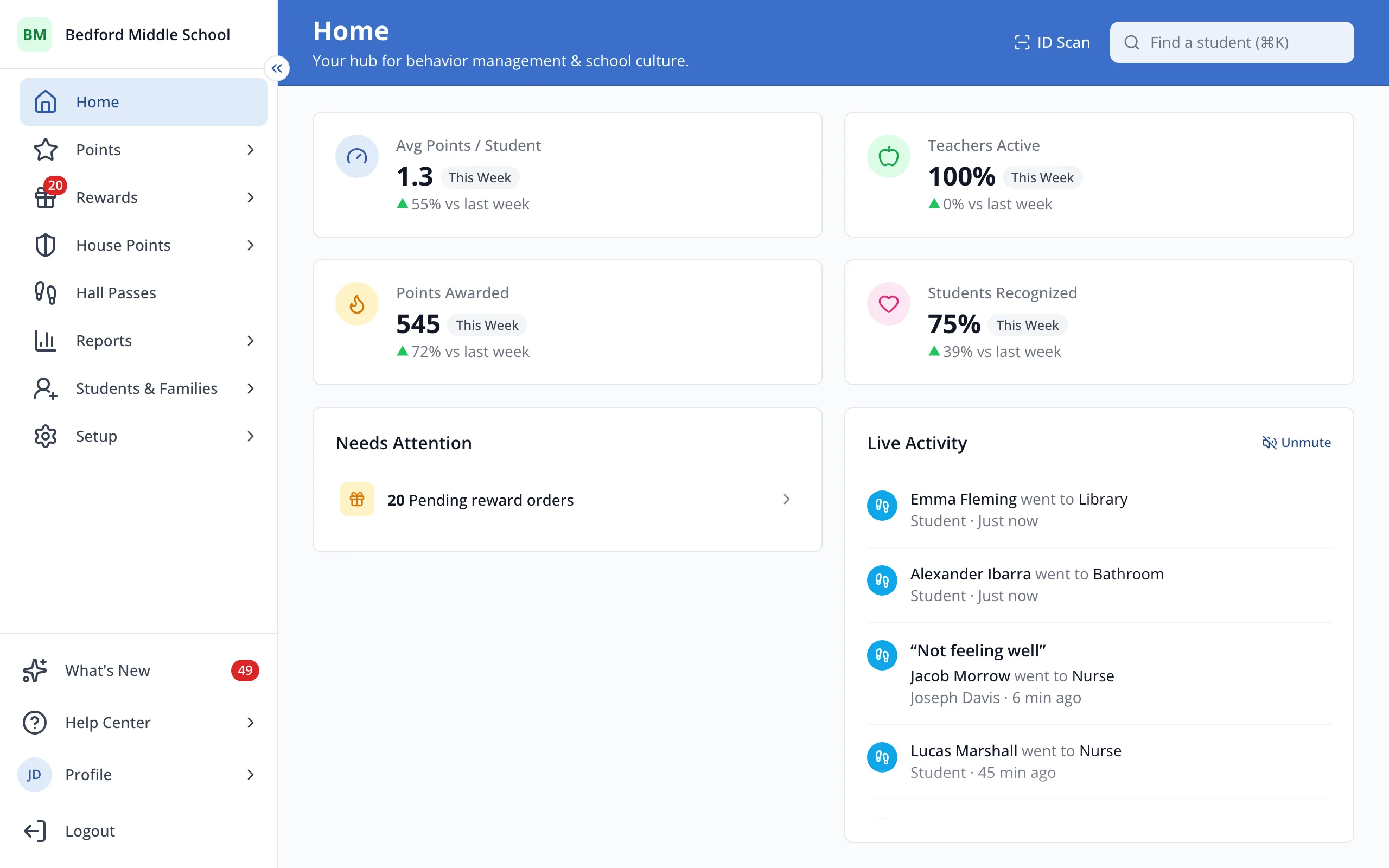
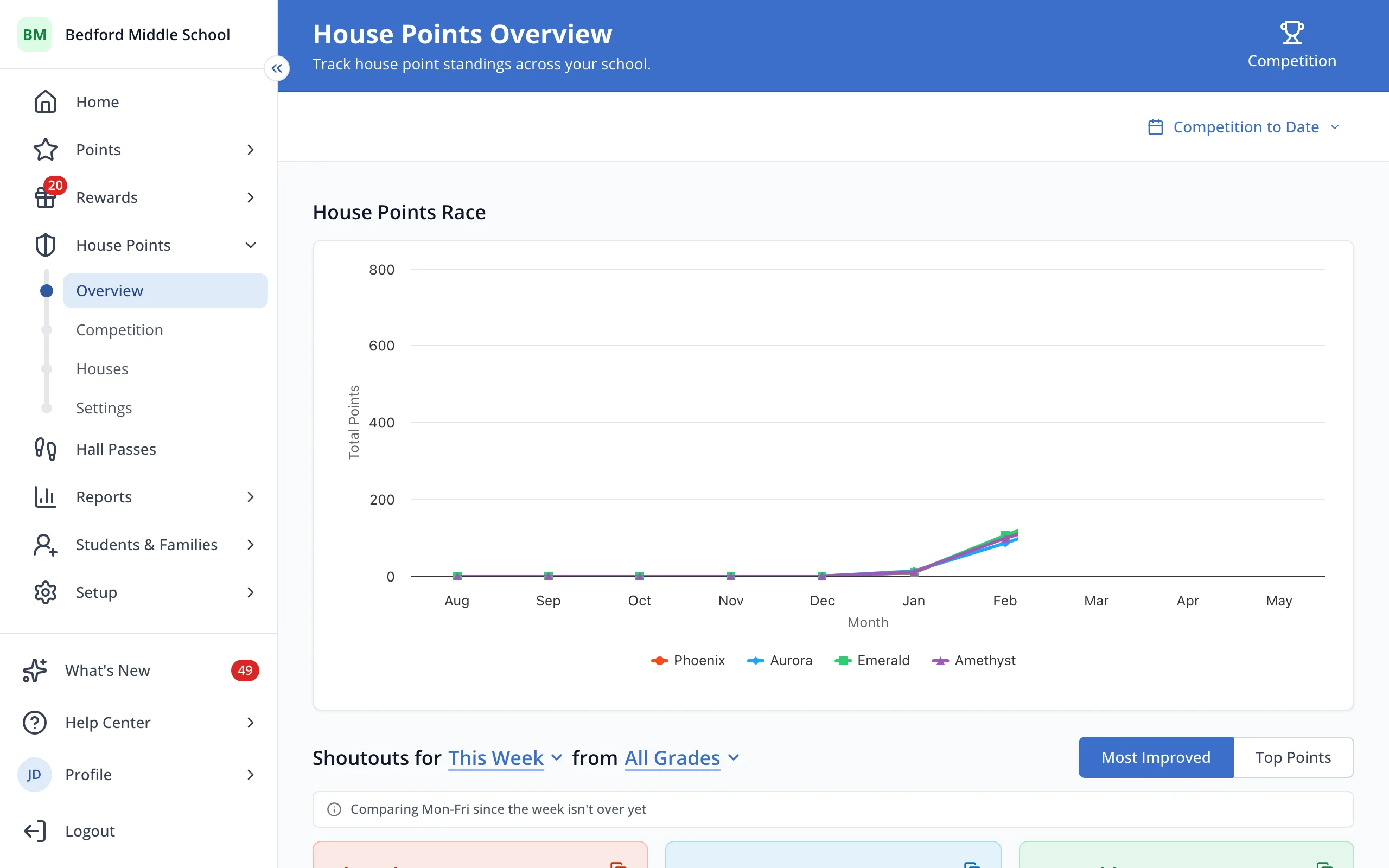
1.In the sidebar, click House Points.
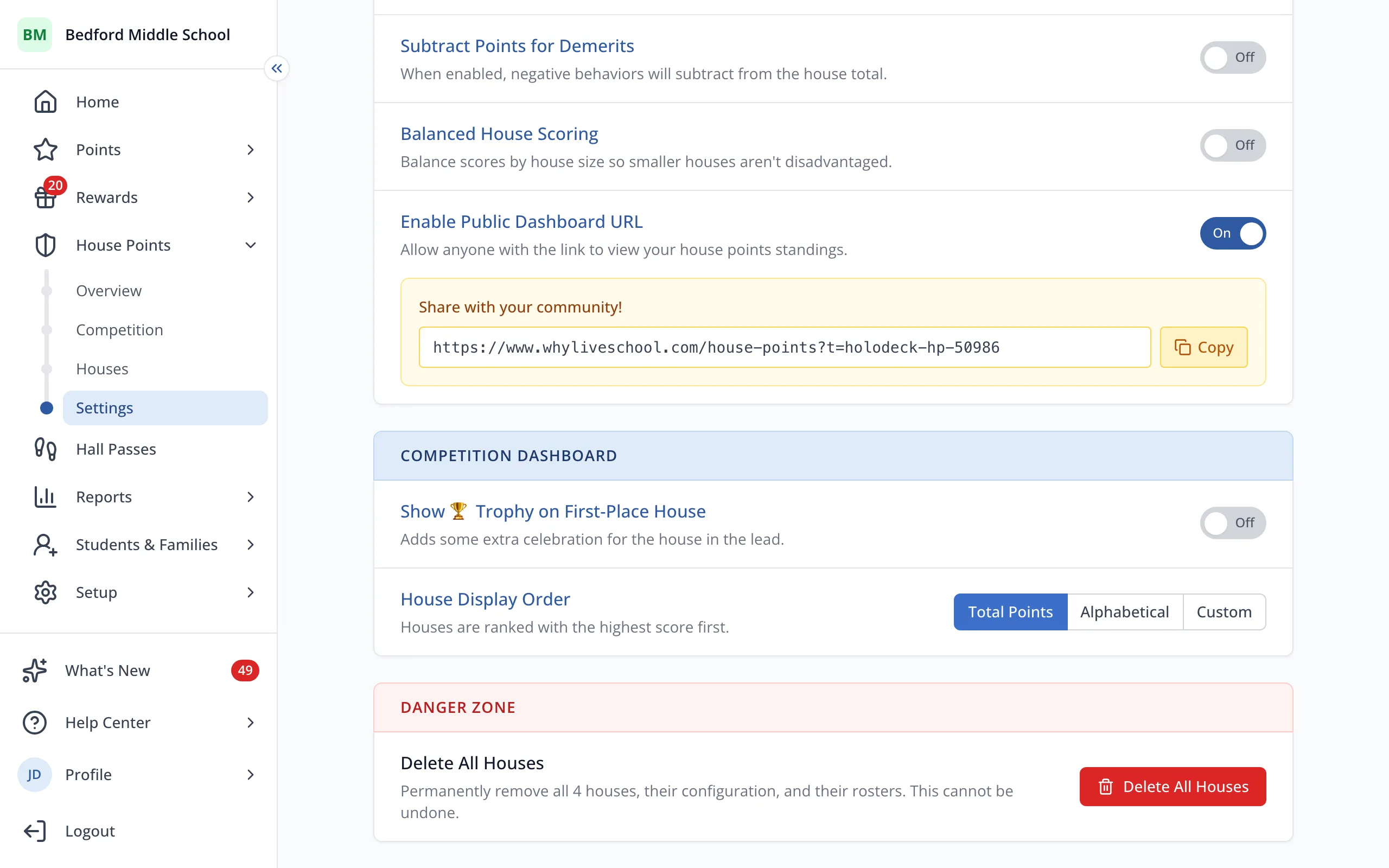
2.Click Settings.
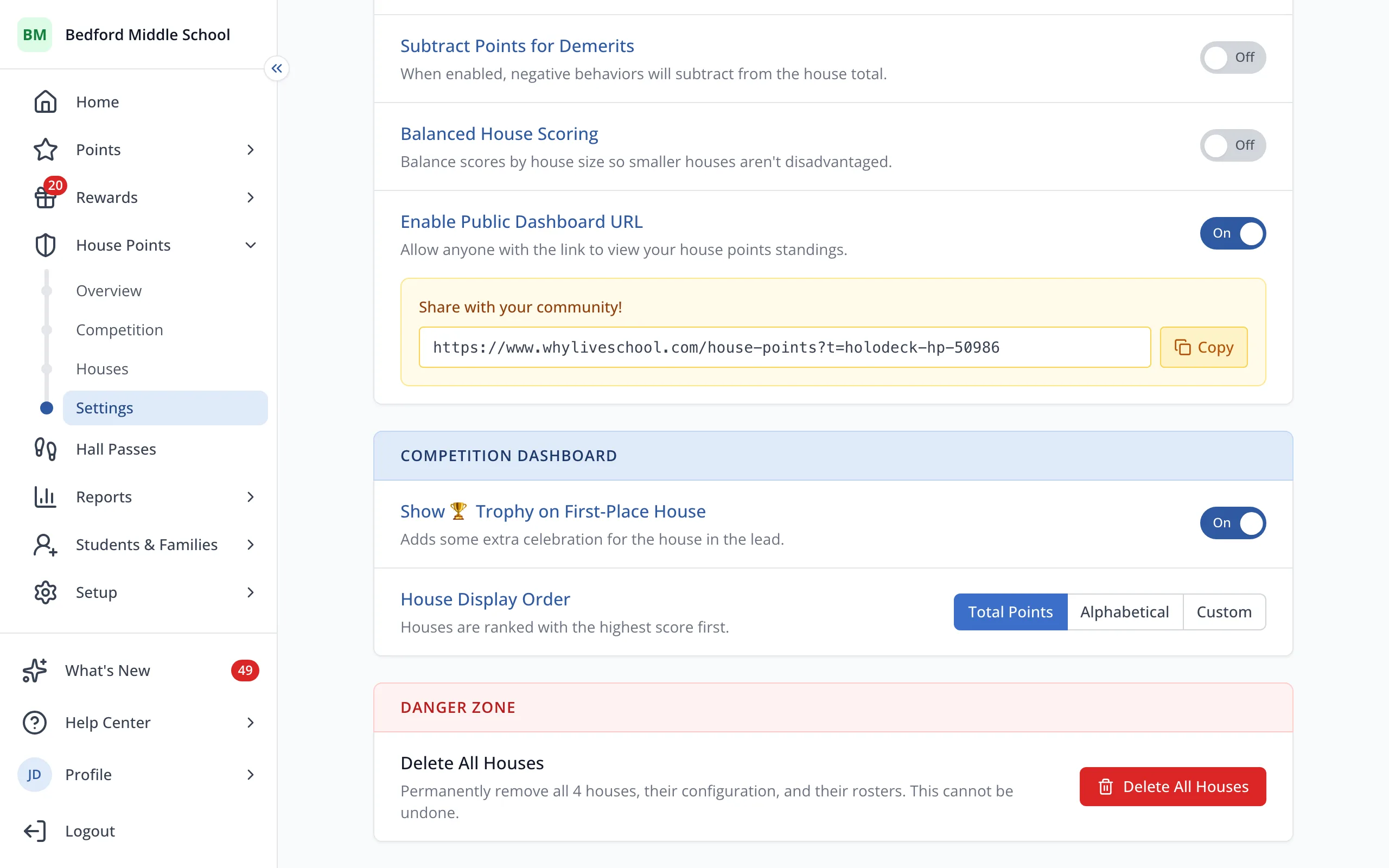
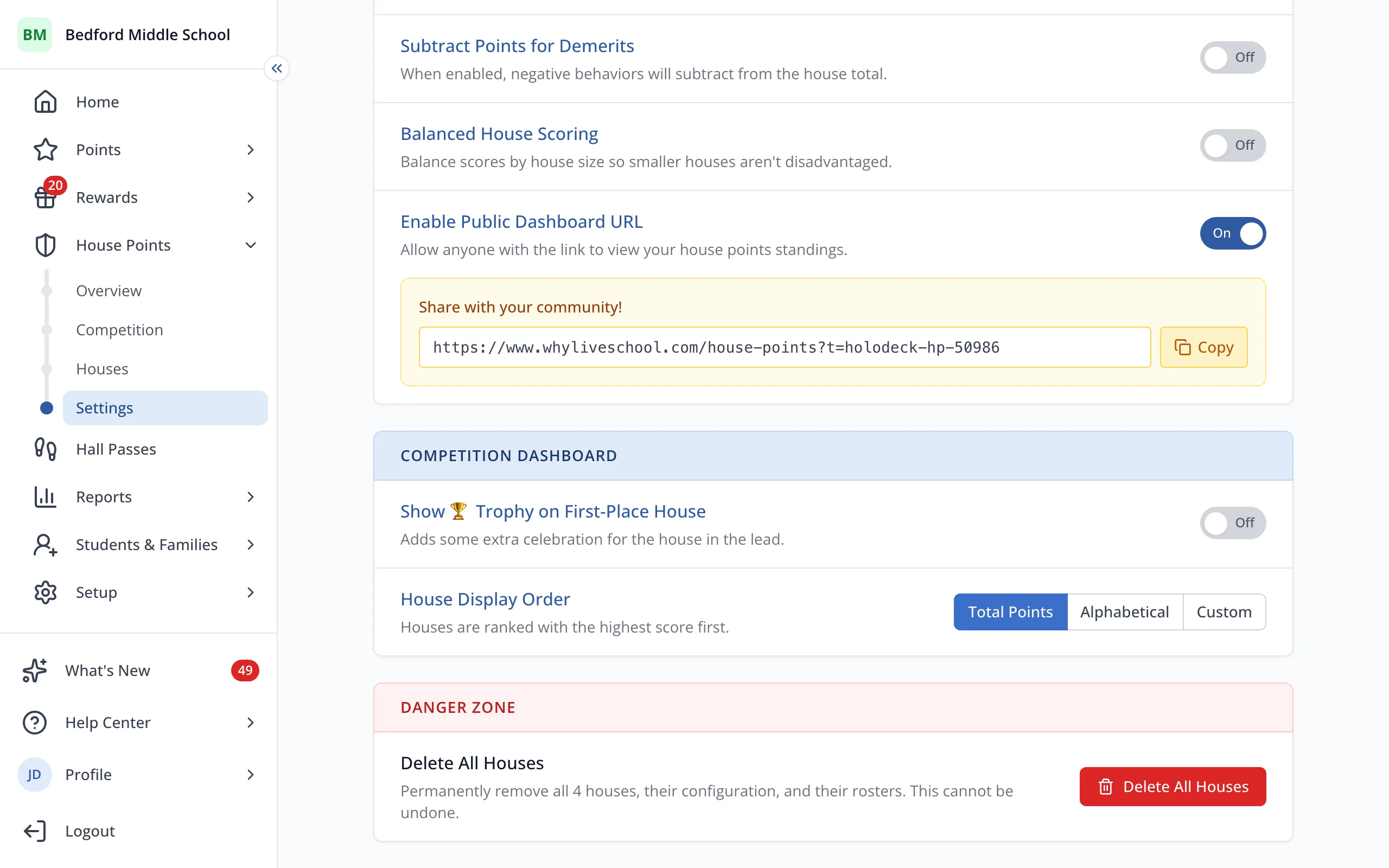
3.Next to Show Trophy on First-Place House, turn the switch on or off.
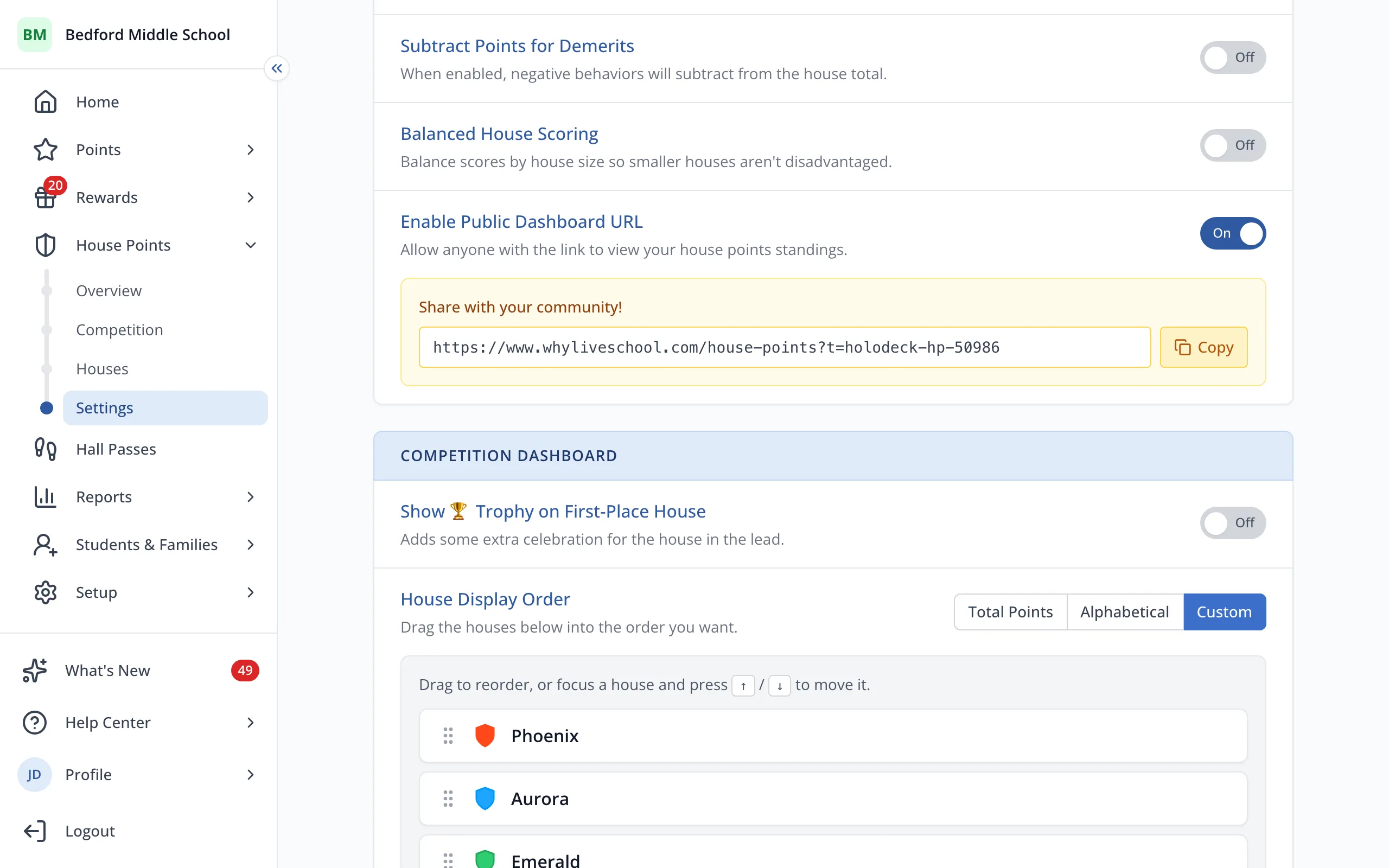
4.Next to House Display Order, click Total Points, Alphabetical or Custom.
5.For Custom, drag the Houses into the order you'd like.