
Delete a house
While deleting a House cannot be undone, your students stay at the school and no points are removed.
AdminSite Leader
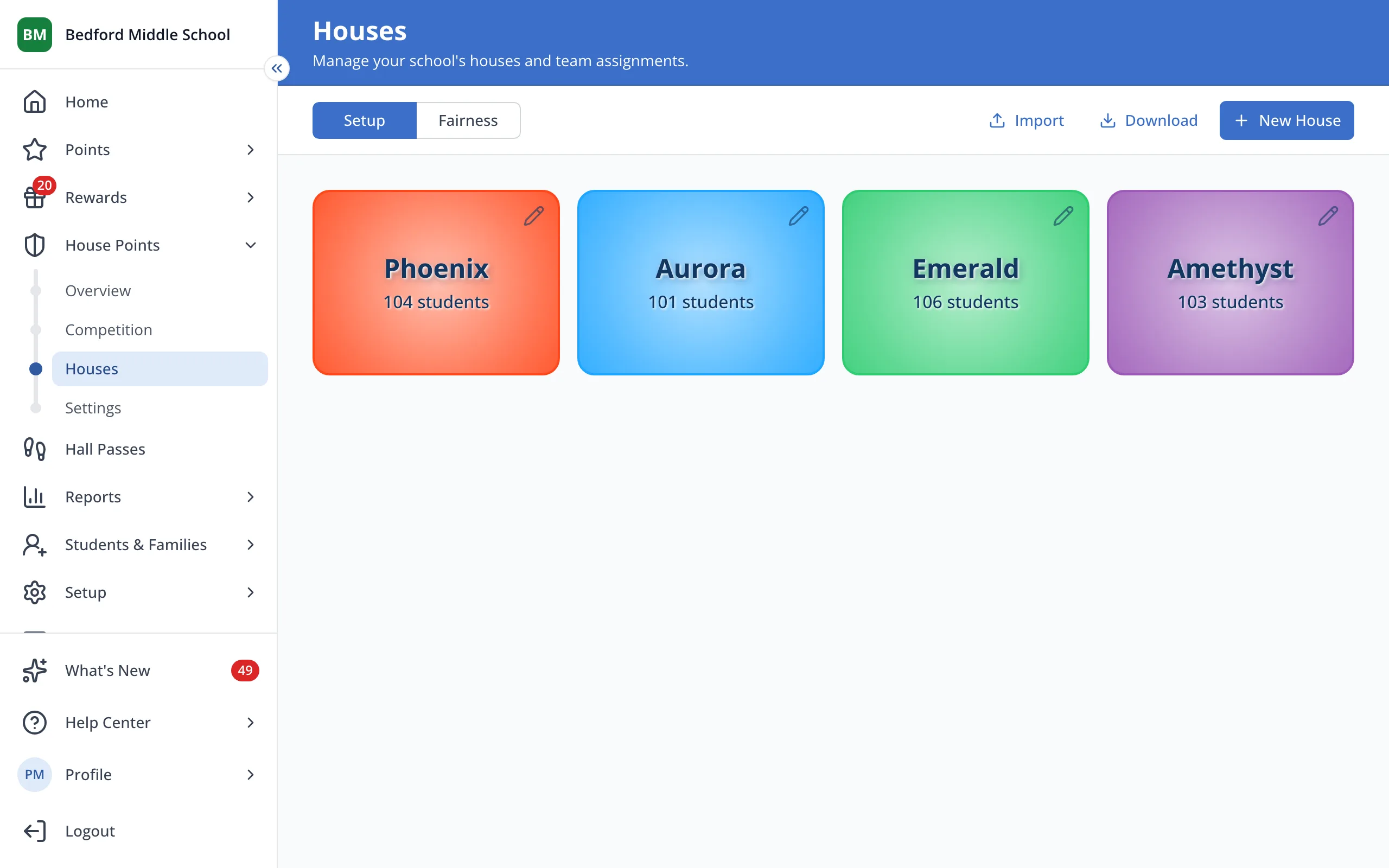
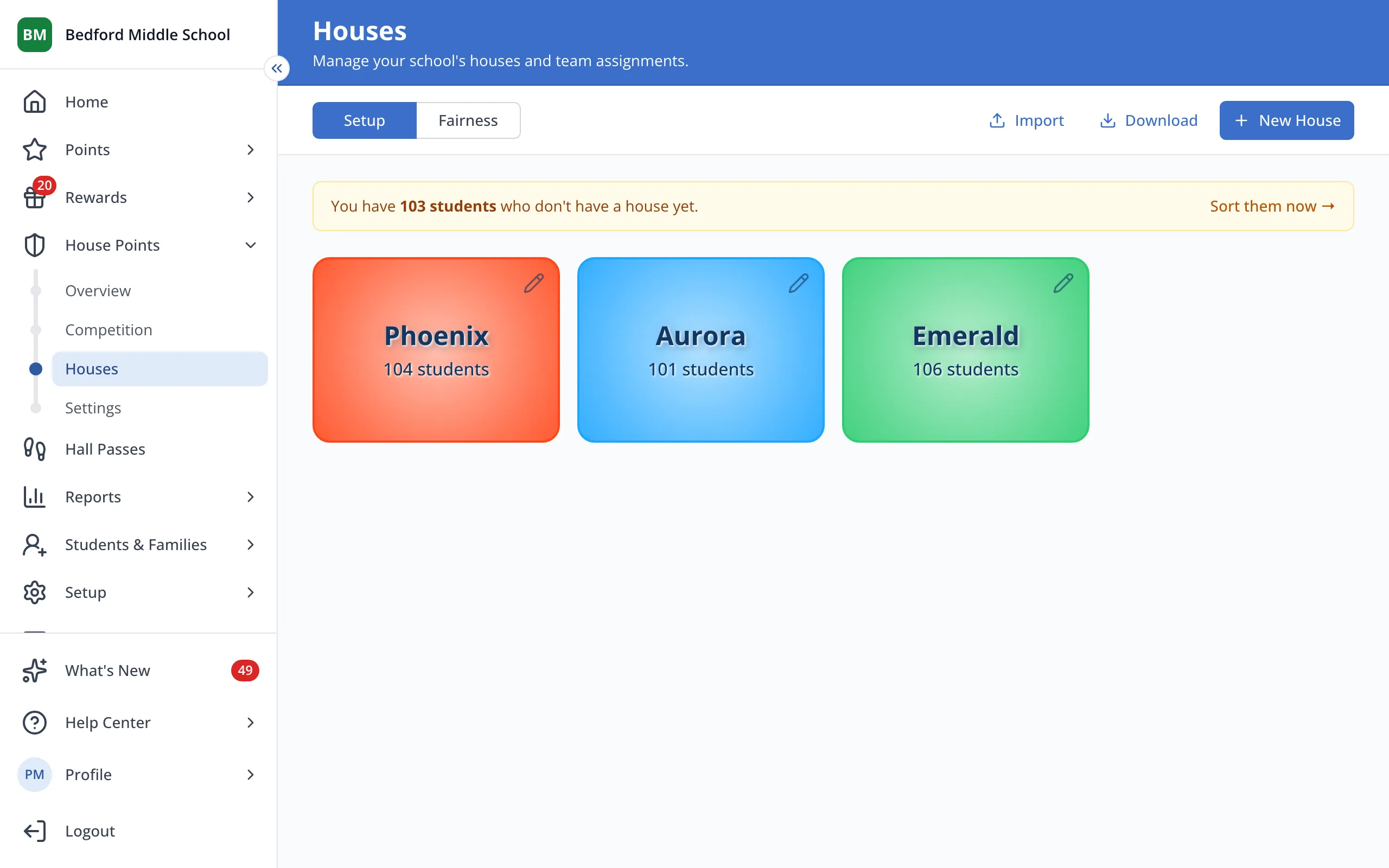
1 / 5On the Houses page, click the House you'd like to delete.
1.On the Houses page, click the House you'd like to delete.
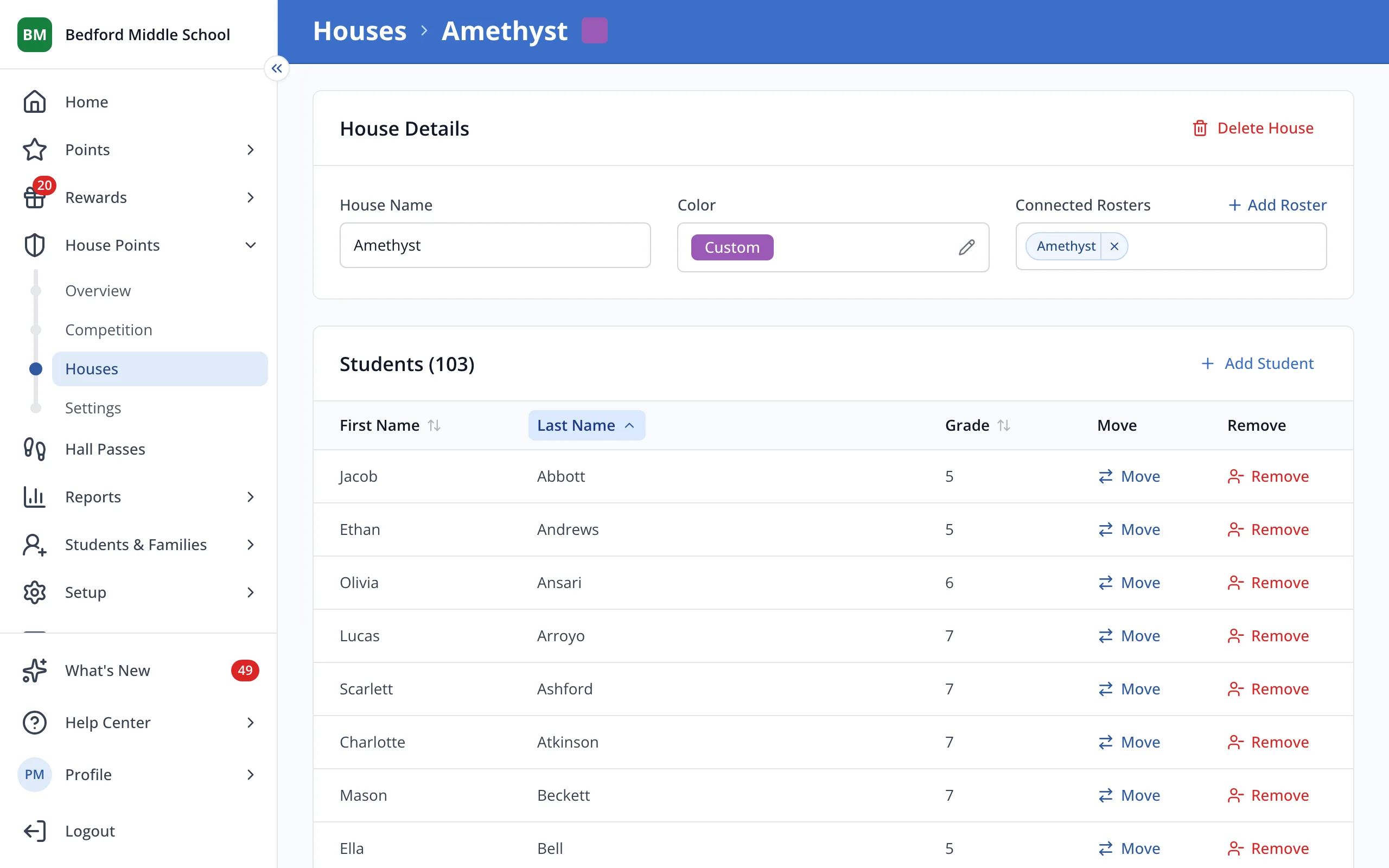
2.Click Delete House.
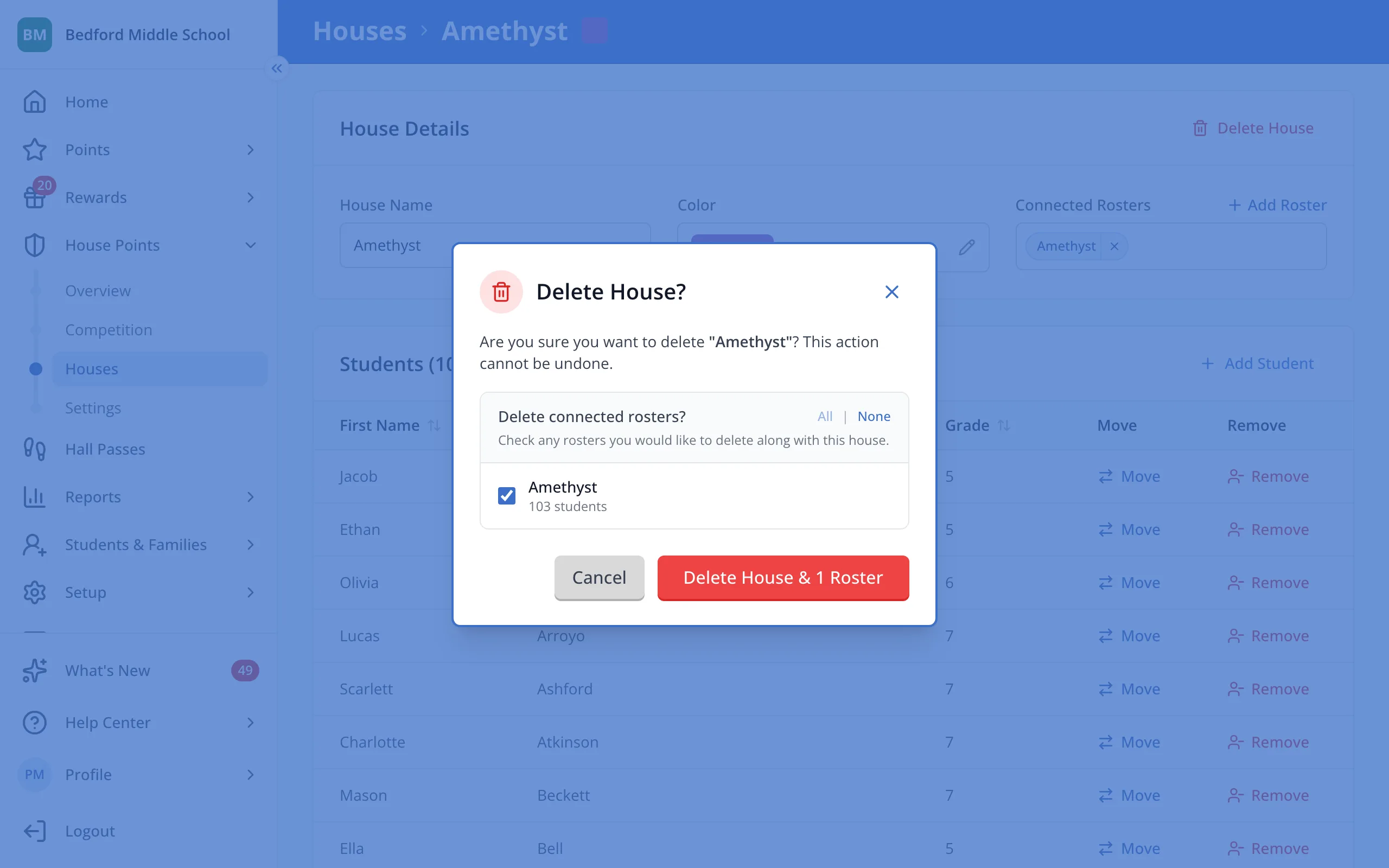
3.Uncheck any connected roster you'd like to keep. Checked rosters are deleted with the House.
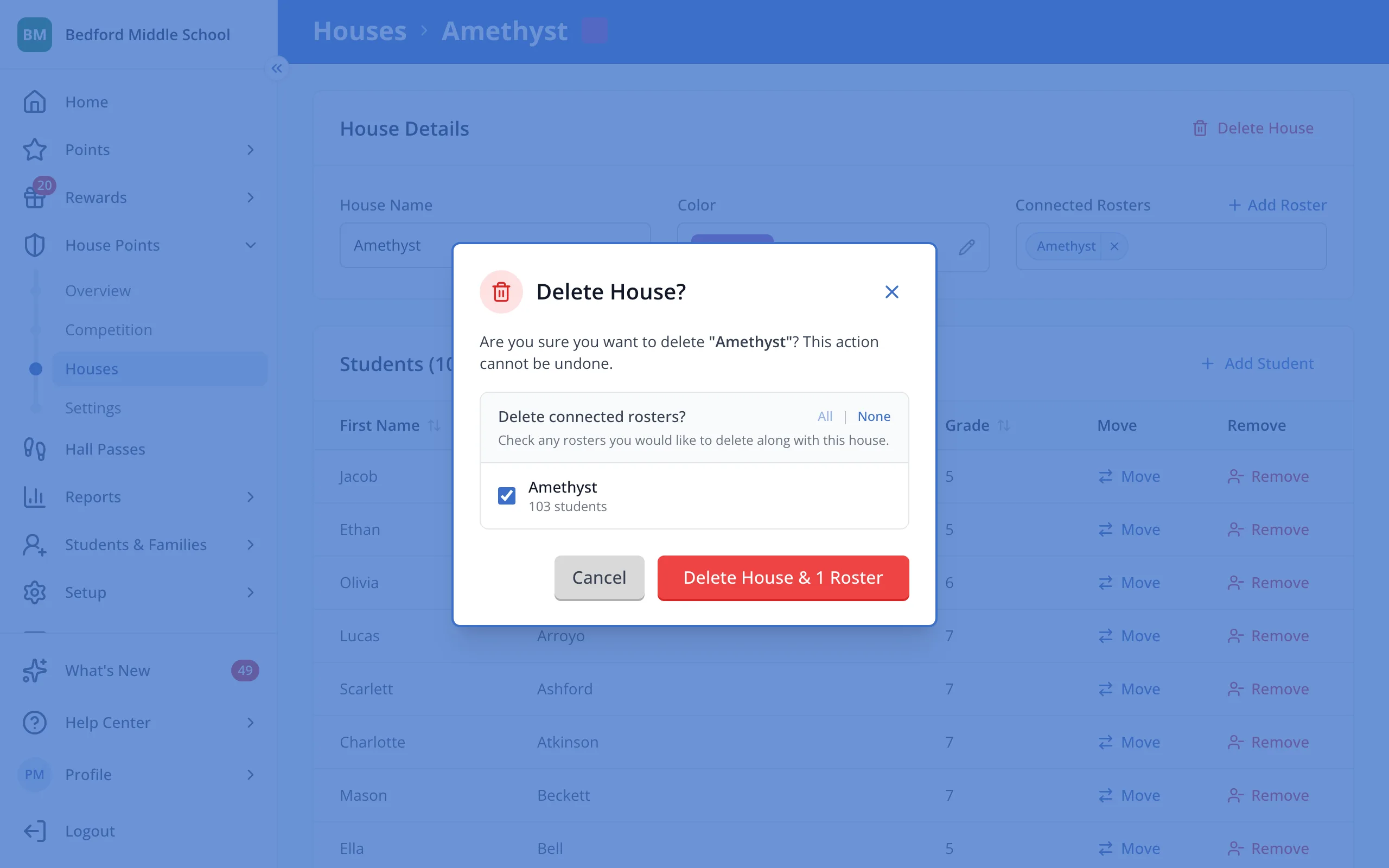
4.Click the red delete button.
5.Sort the students who were in that House into your other Houses.
Was this helpful?