Delete all houses and start over
Removes every House and the rosters made for them, so you can set up Houses again. It can't be undone.
AdminSite Leader
Open in LiveSchool
Already signed in? Open this guide inside LiveSchool.
Use the Left and Right arrow keys to move between steps, and Space to play or pause.
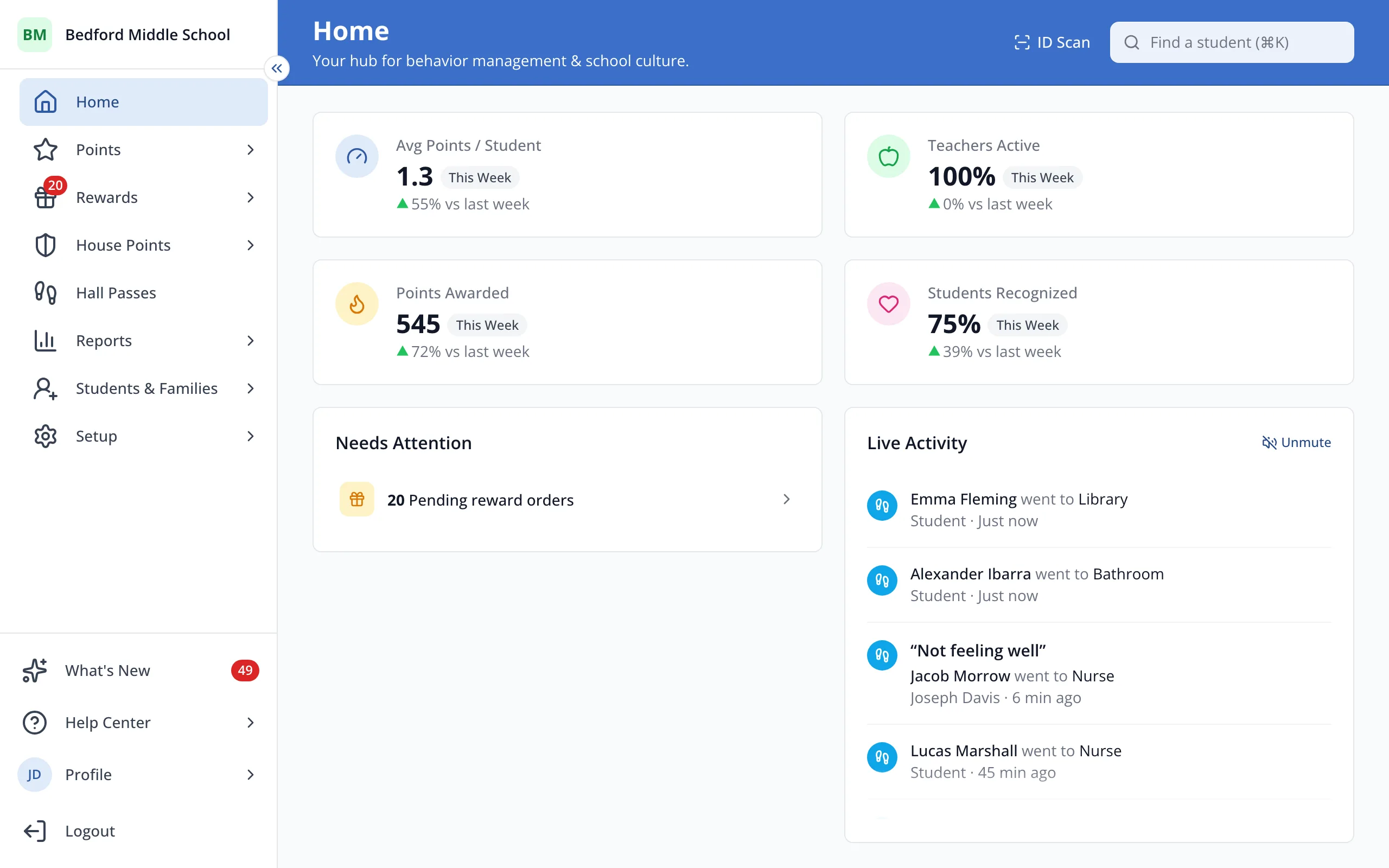
1.In the sidebar, click House Points.
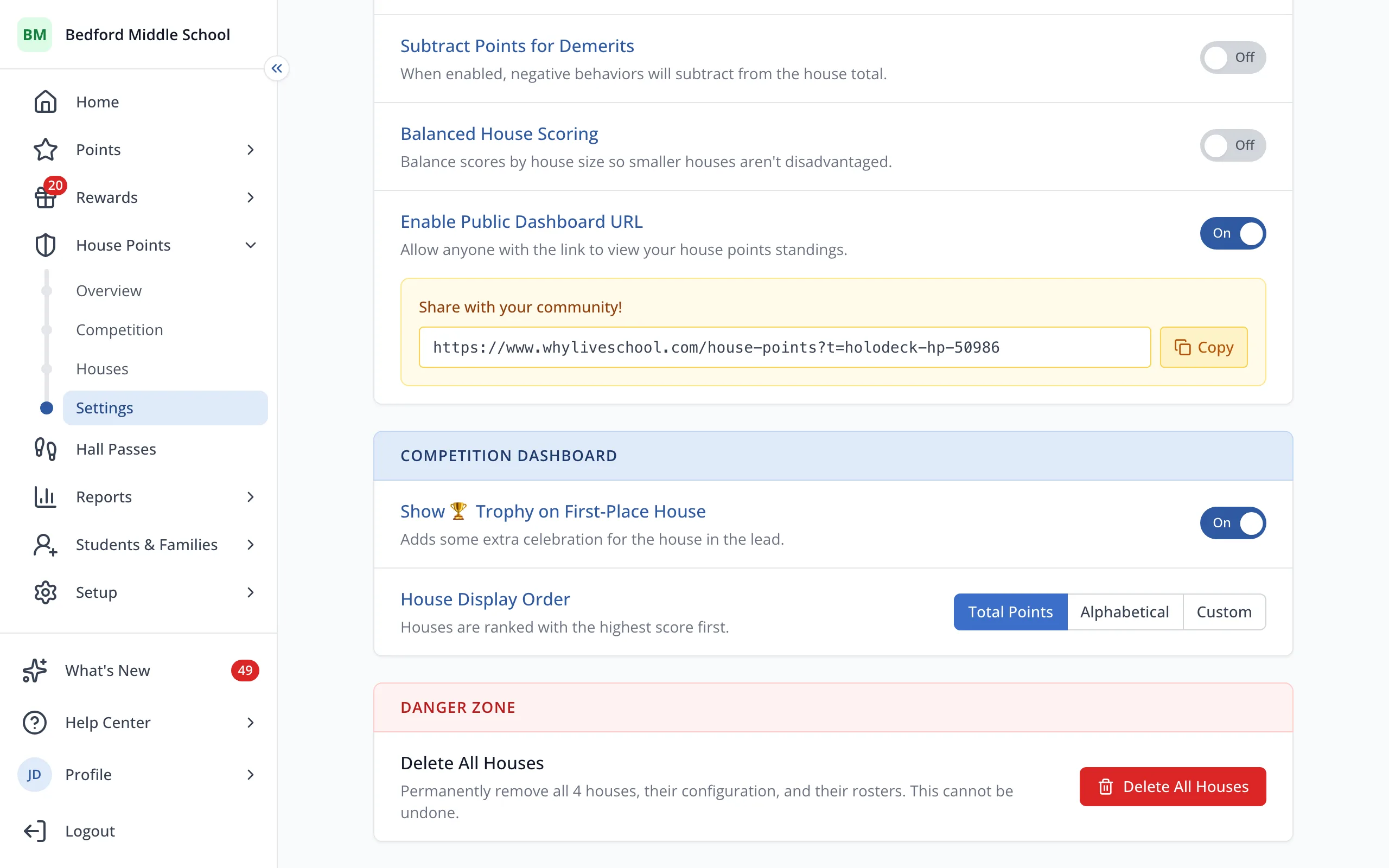
2.Click Settings.
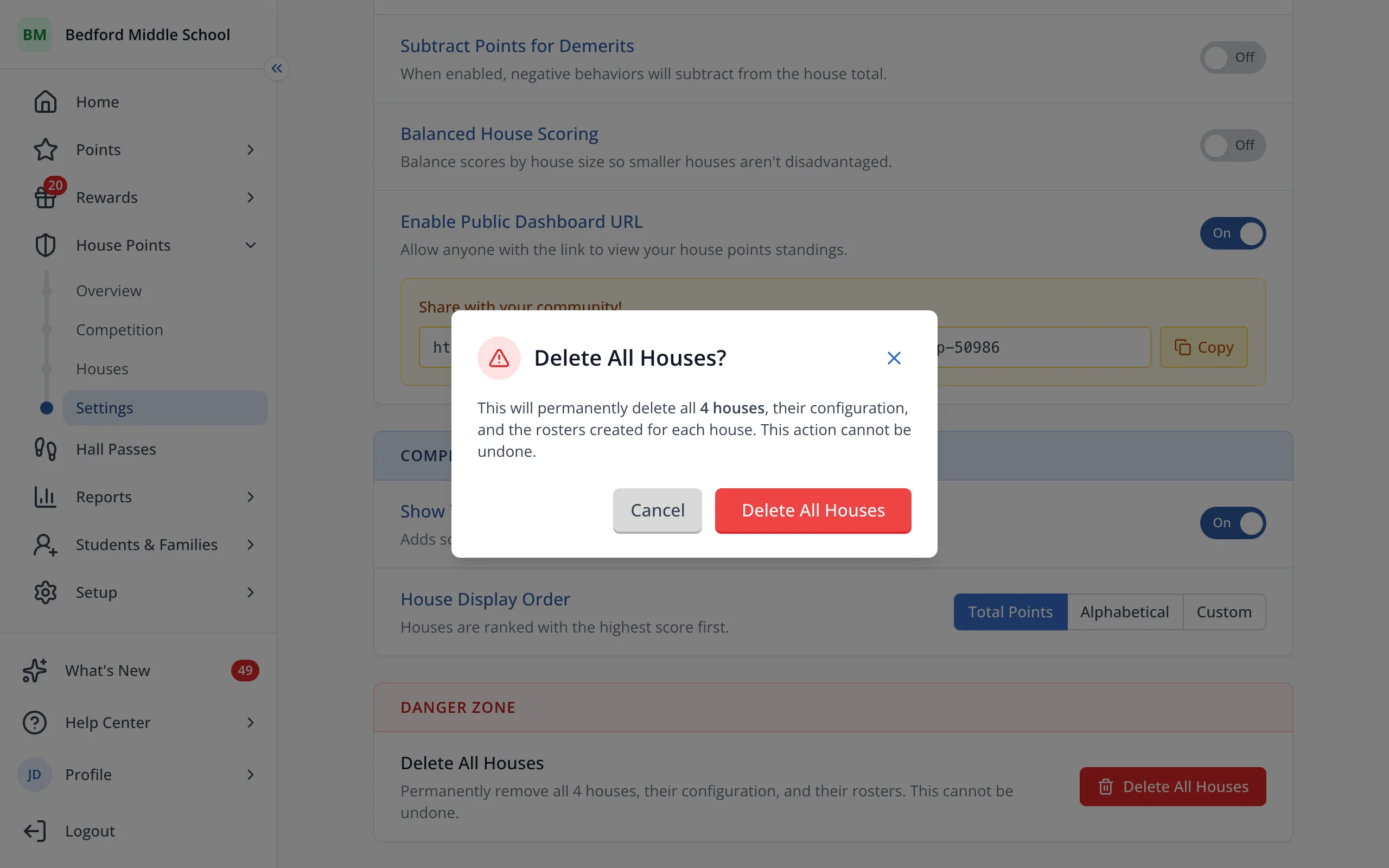
3.Under Danger Zone, click Delete All Houses.
4.Click Delete All Houses to confirm.
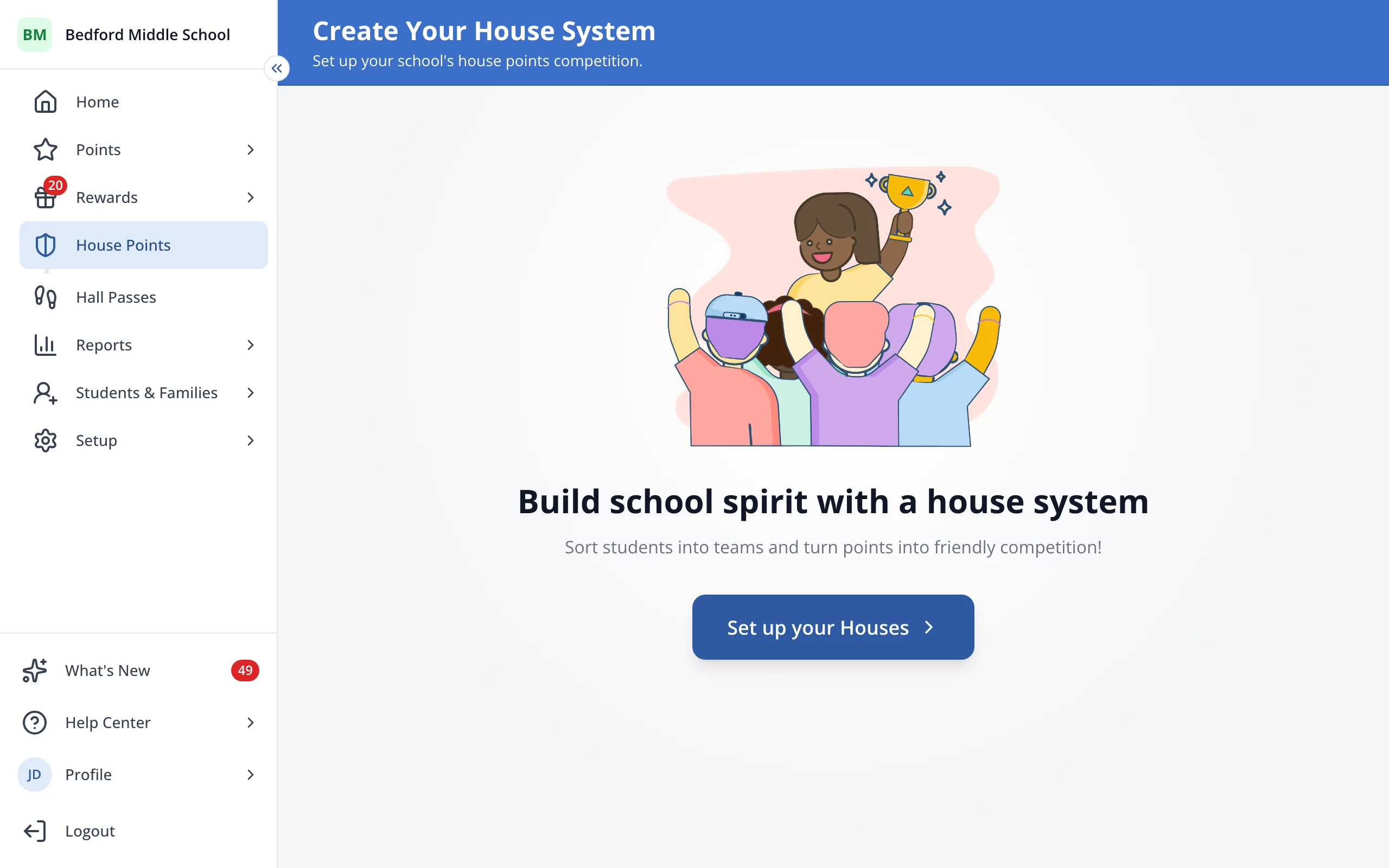
5.Your Houses are gone. Click Set up your Houses when you are ready to start again.