
Download a list of students and their houses
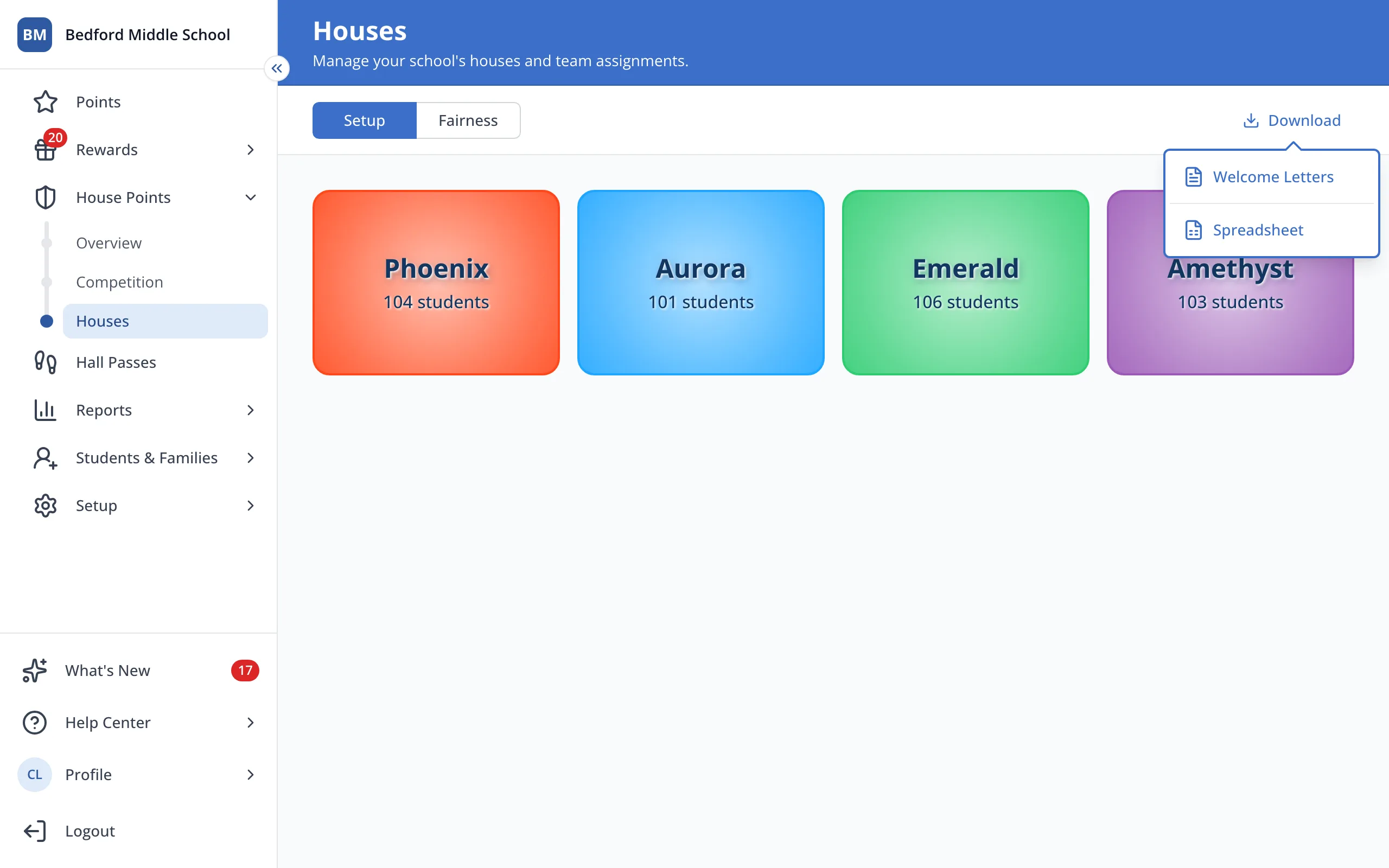
The spreadsheet lists every student with their grade, homeroom and House, including students not in a House yet.
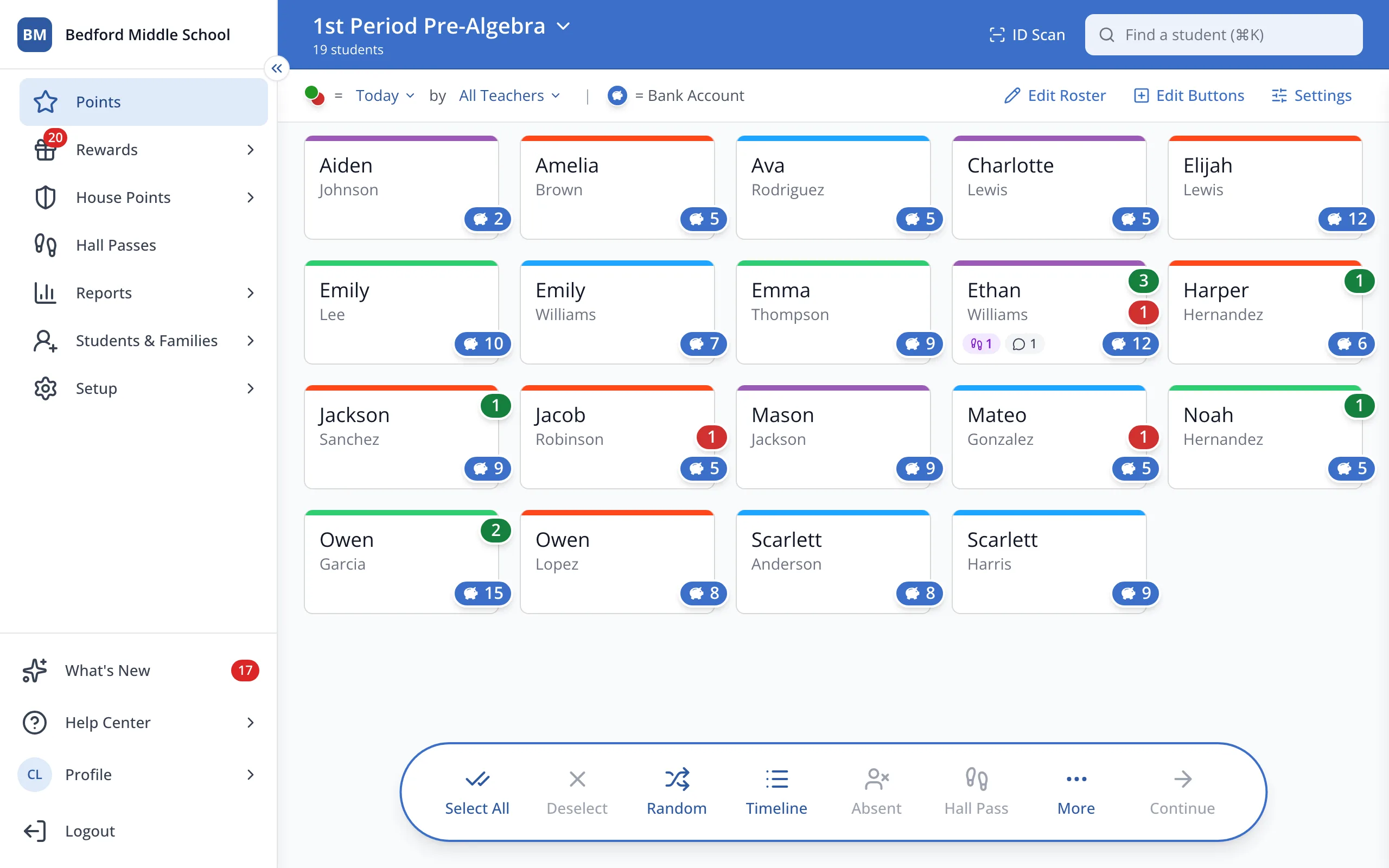
1 / 4In the sidebar, click House Points.
1.In the sidebar, click House Points.
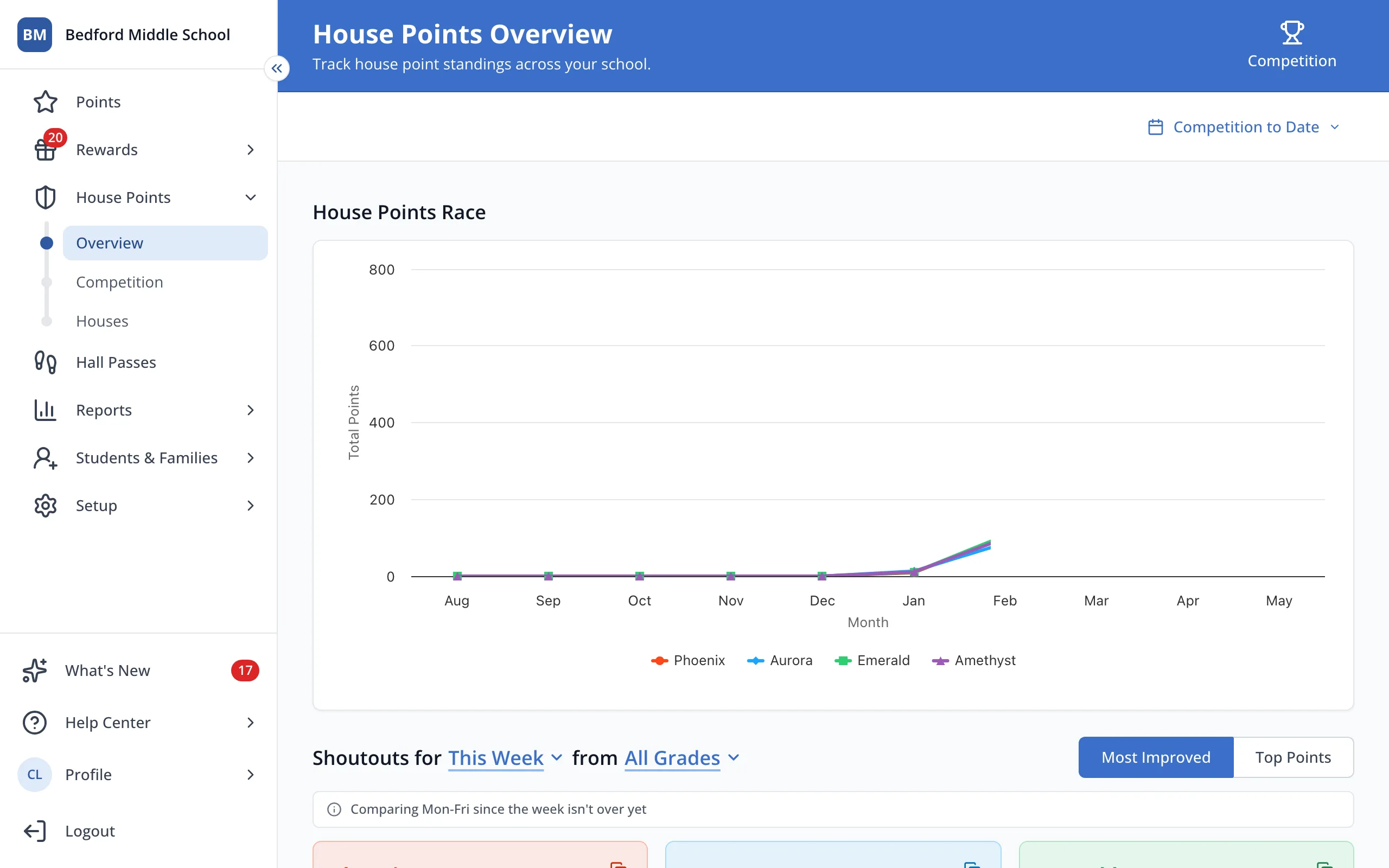
2.Click Houses.
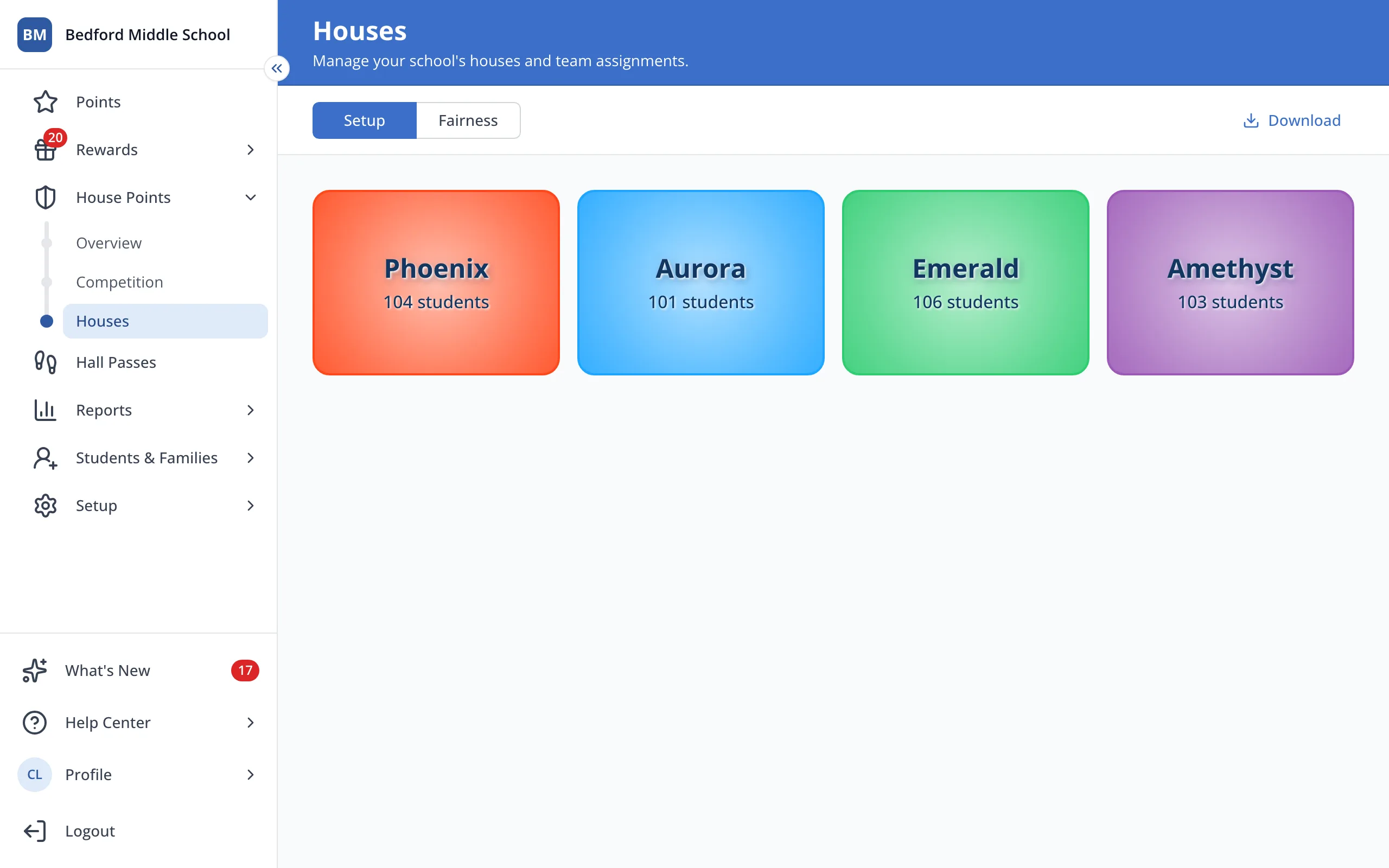
3.At the top right, click Download.
4.Click Spreadsheet. The file will download to your computer.
Was this helpful?