Drag students without a house into a house
Place each student in the house you choose, instead of sorting them randomly.
AdminSite Leader
Open in LiveSchool
Already signed in? Open this guide inside LiveSchool.
Use the Left and Right arrow keys to move between steps, and Space to play or pause.
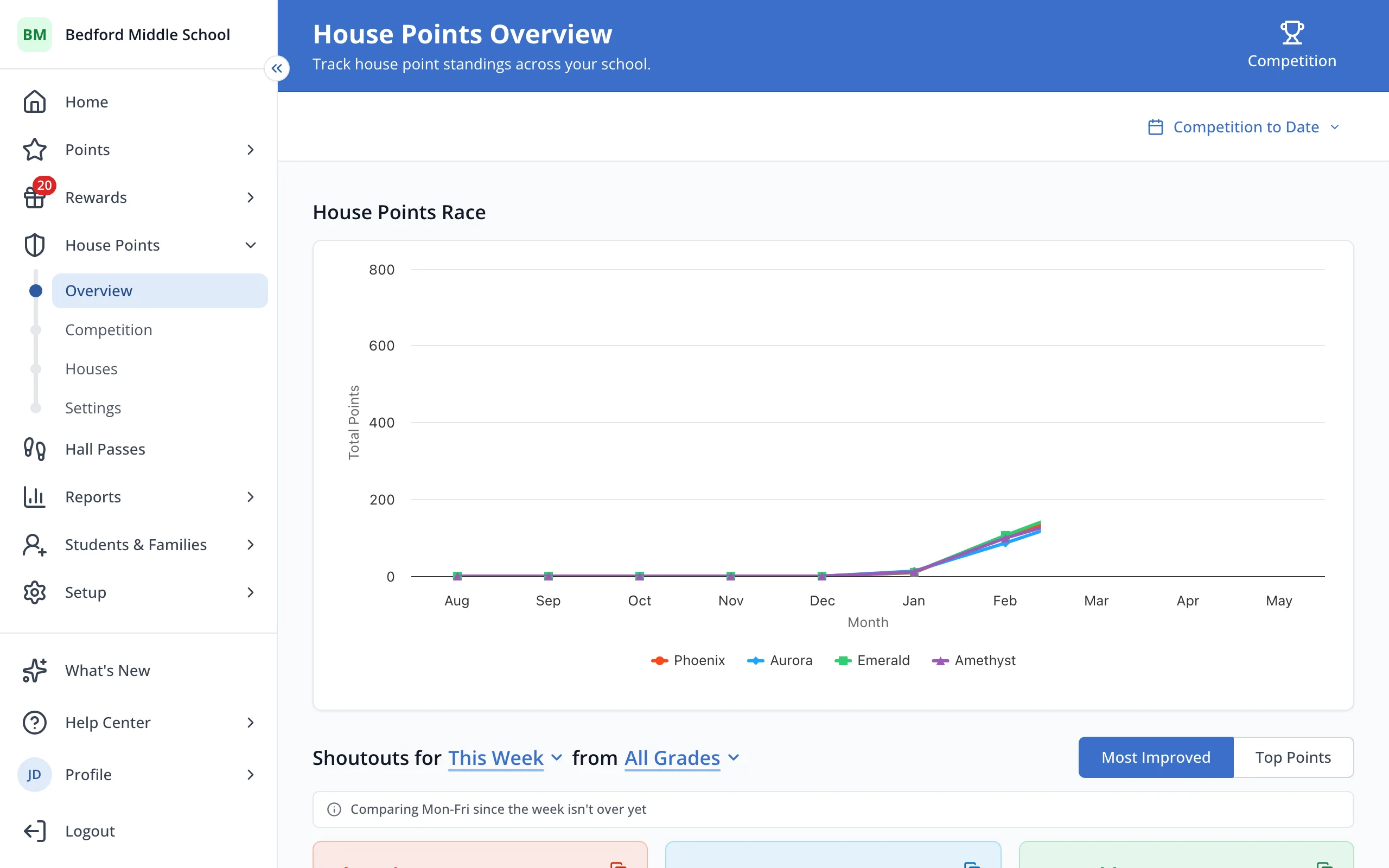
1.In the sidebar, click House Points.
2.Click Houses.
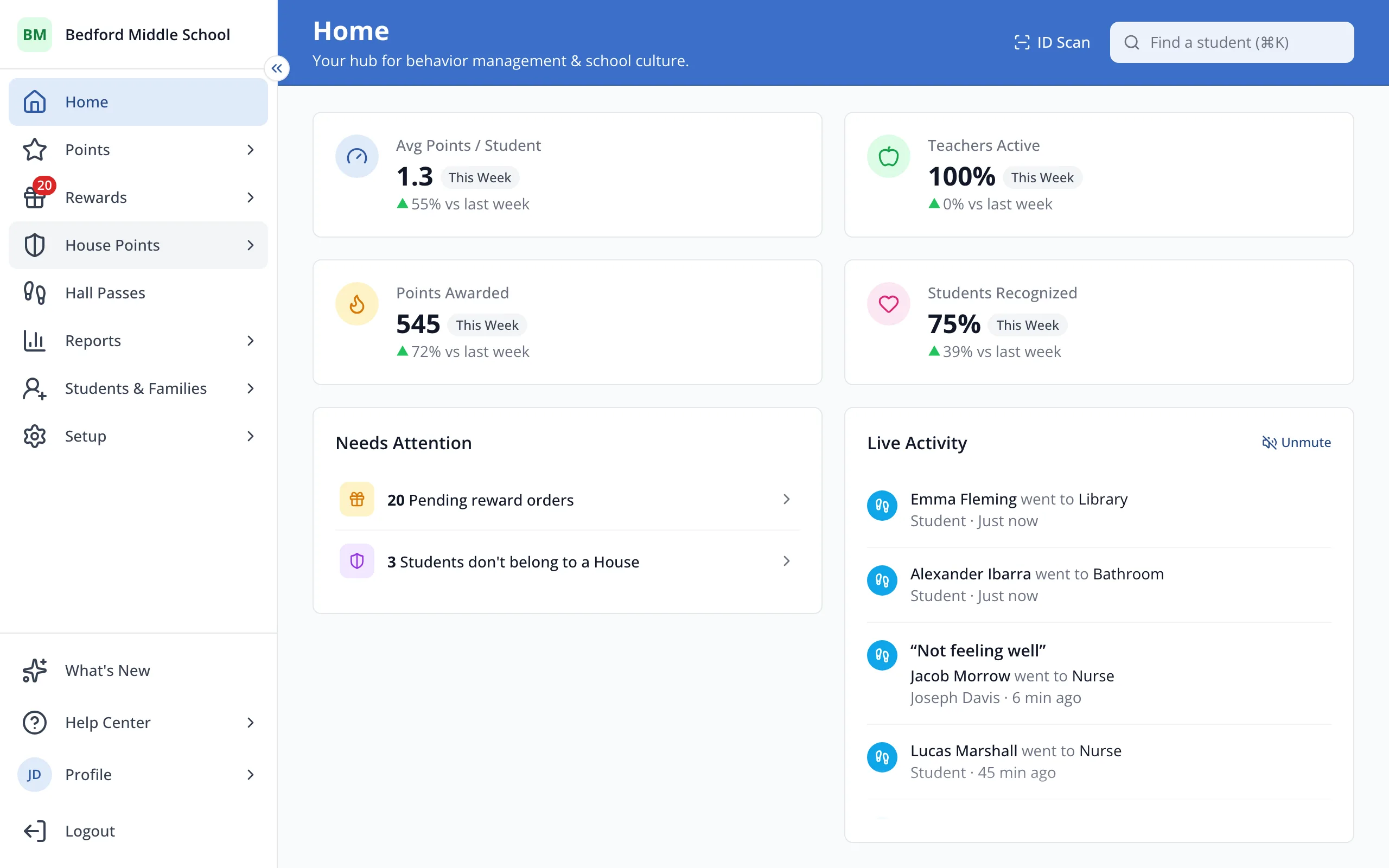
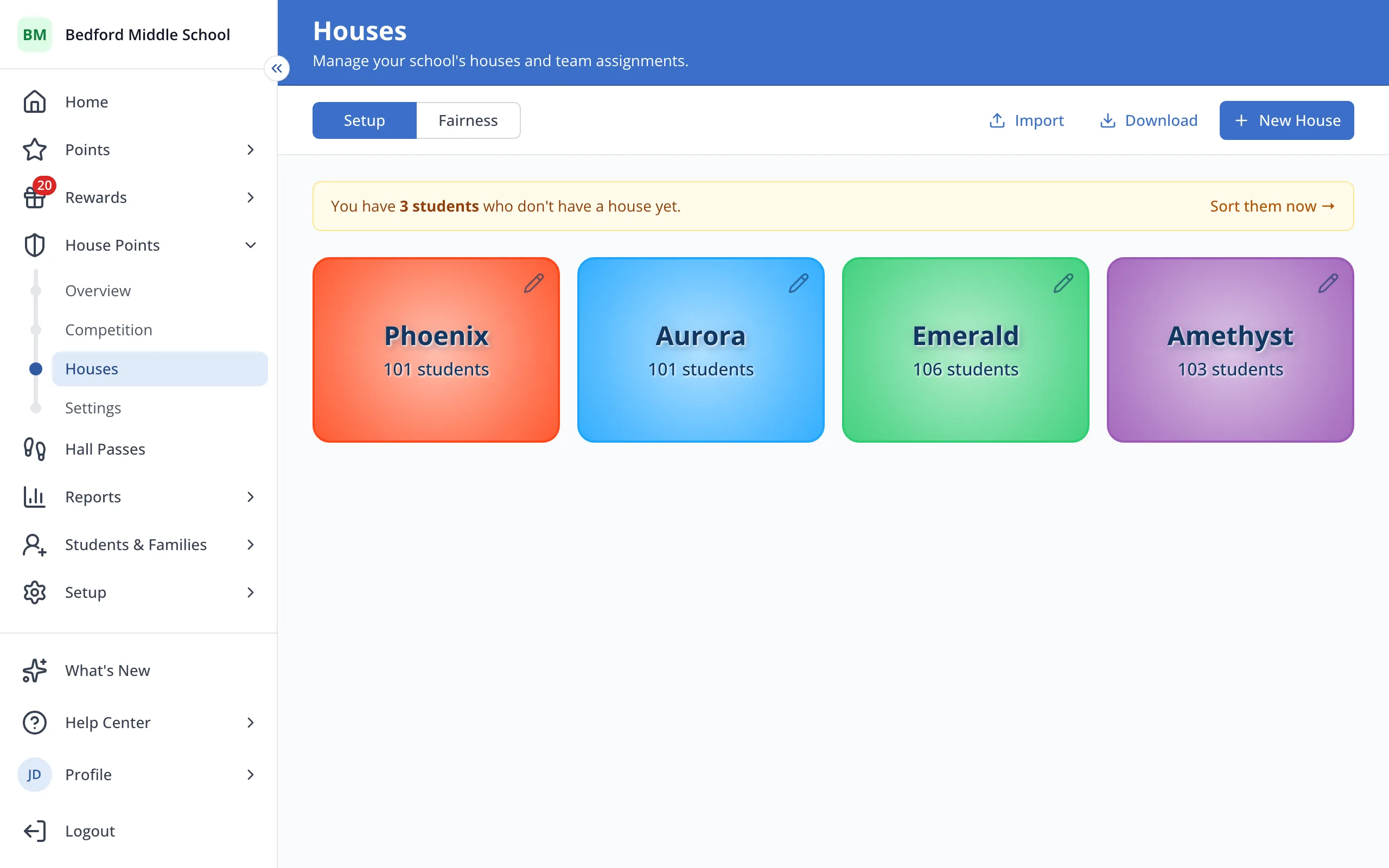
3.Click the yellow bar that says how many students don't have a house yet.
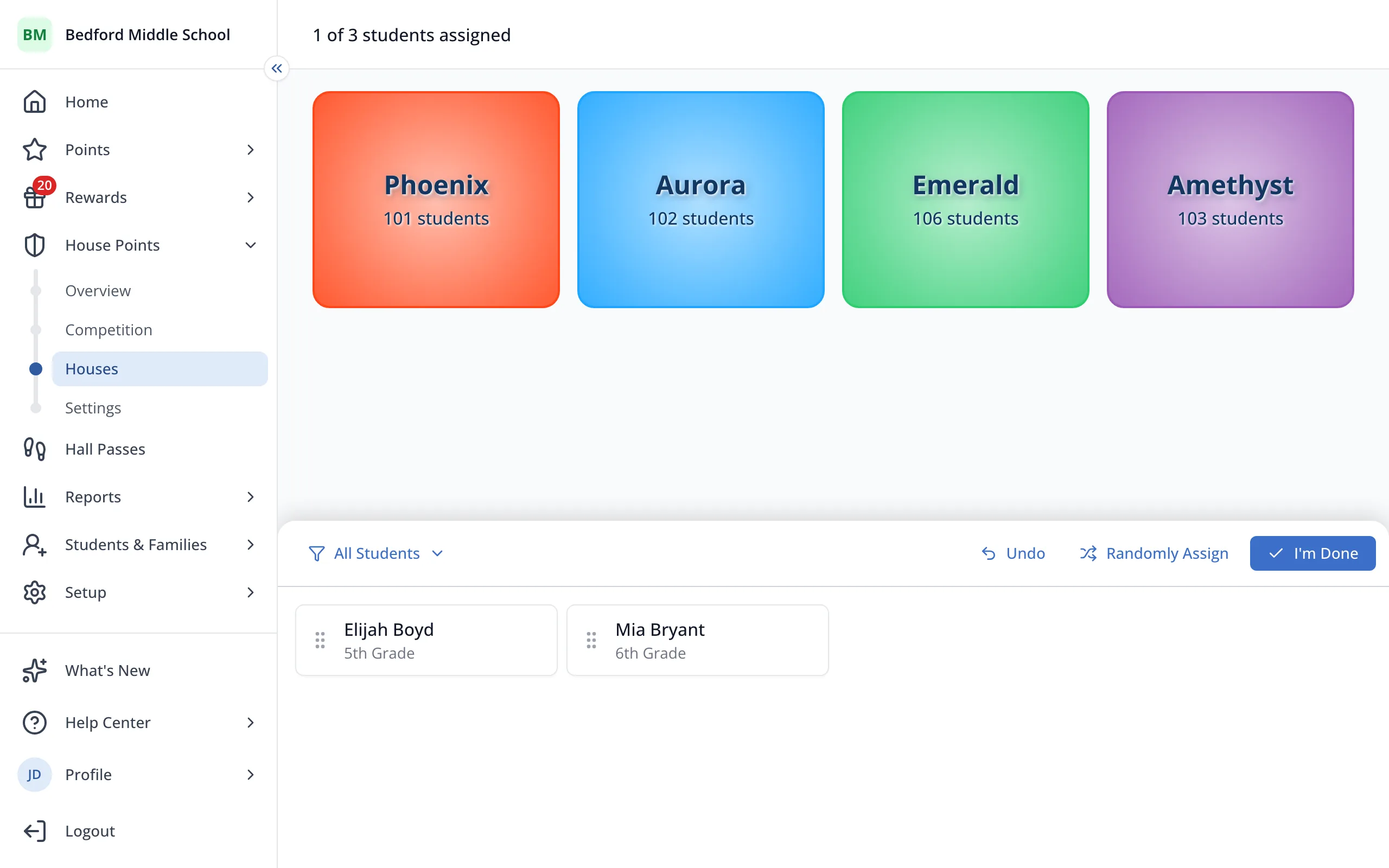
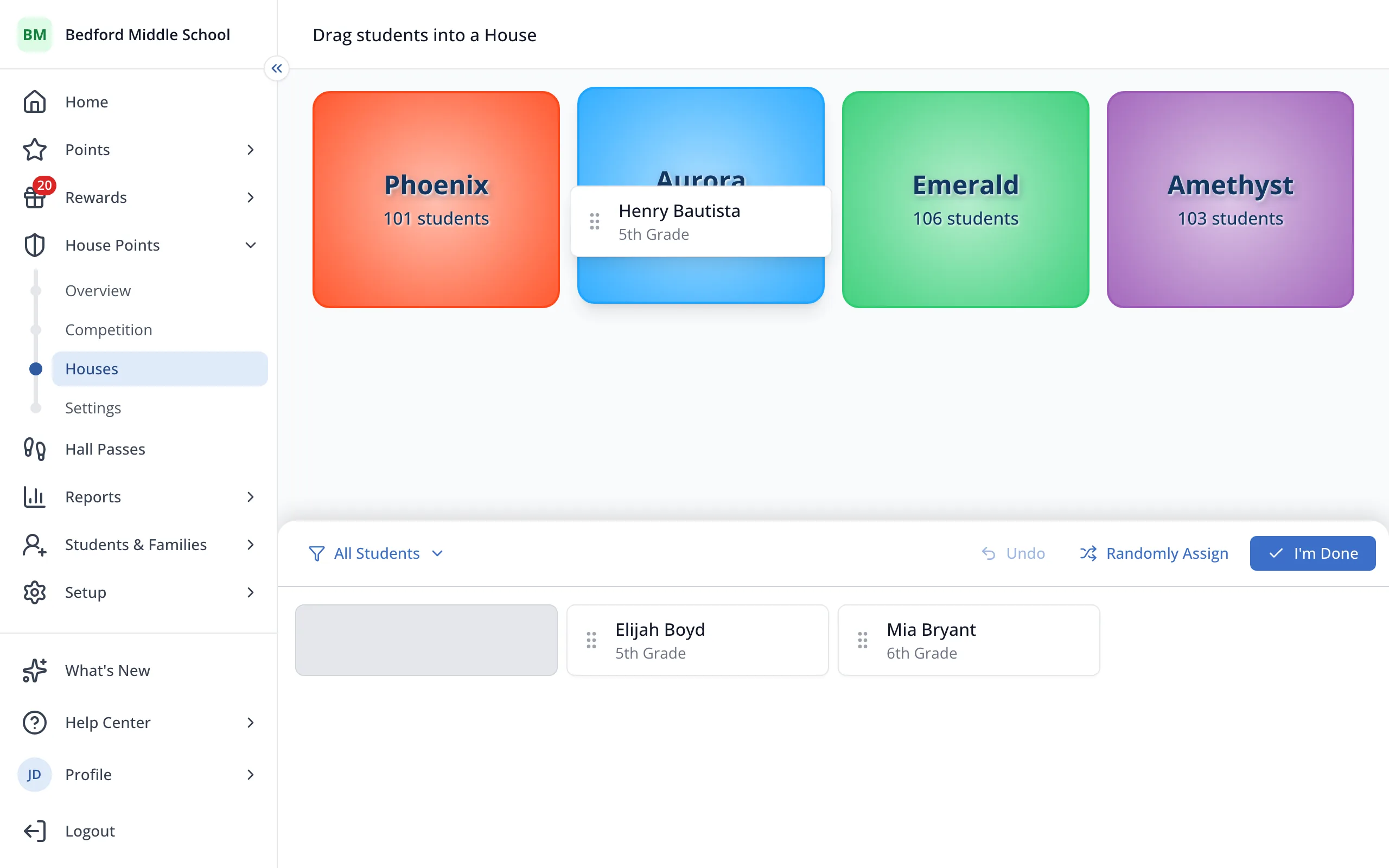
4.Drag a student onto the house you'd like.
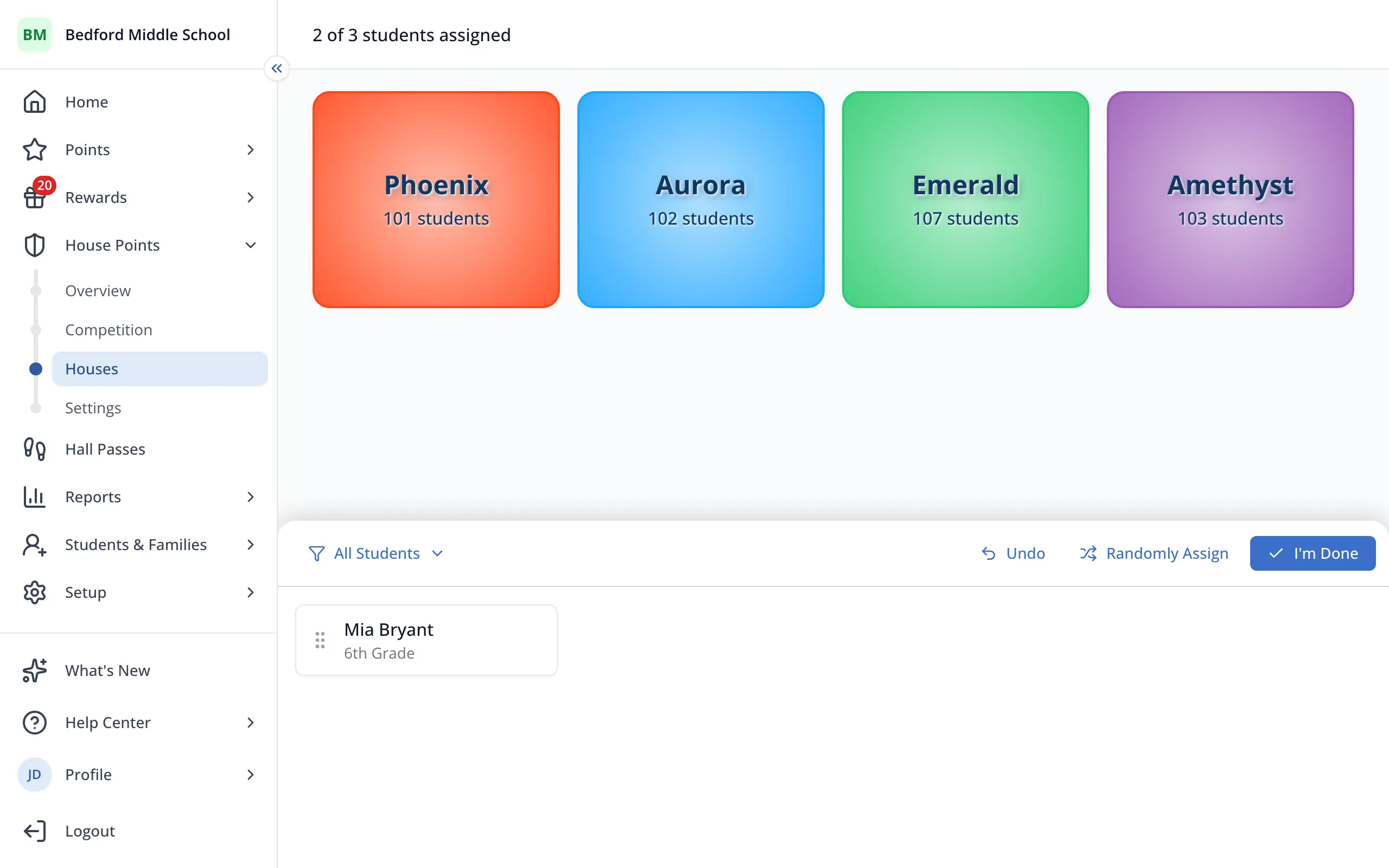
5.Drag the other students the same way.
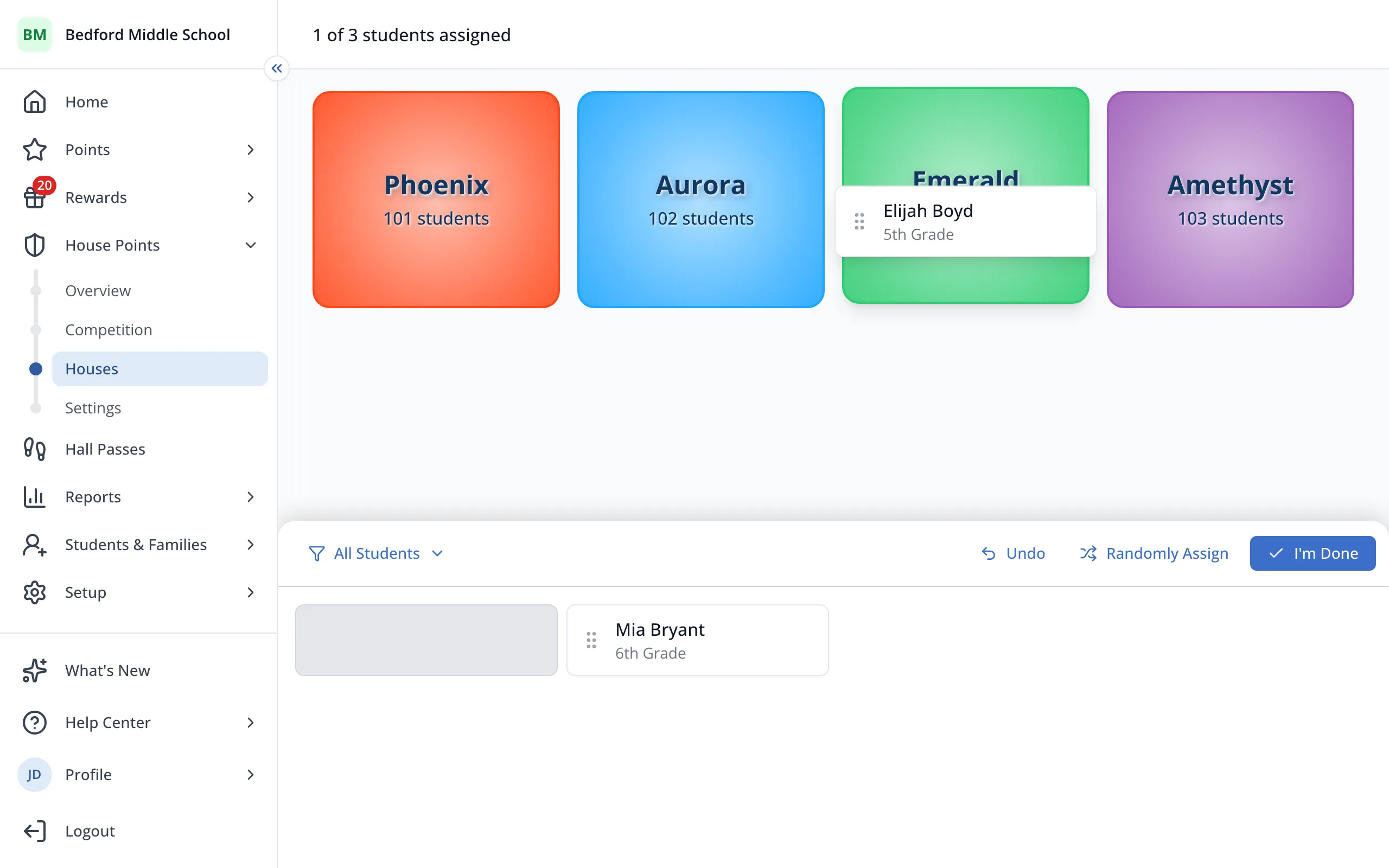
6.Click I'm Done.
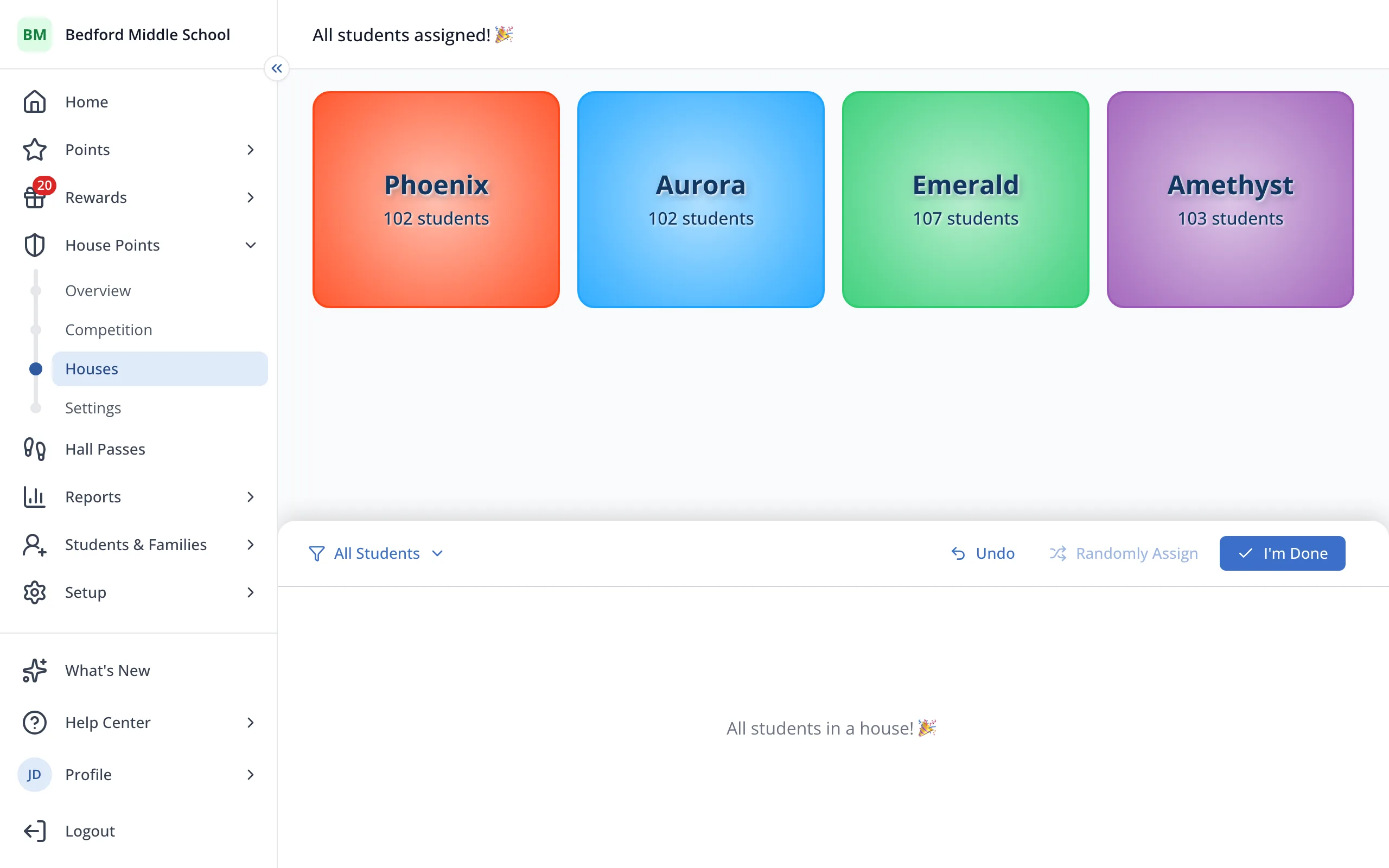
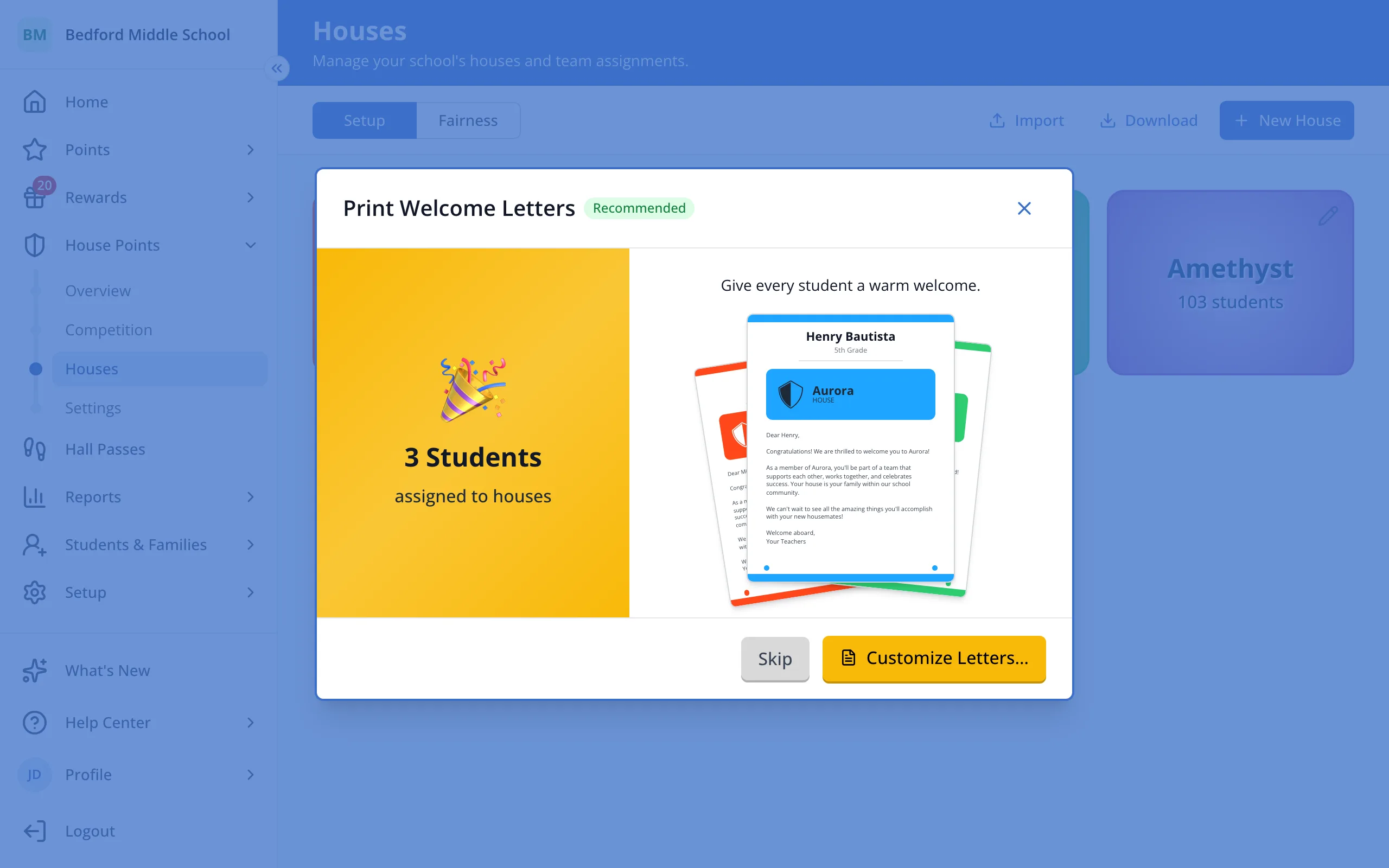
7.Click Customize Letters… to print welcome letters for these students, or Skip.