See which students don't have a house
Find students who missed house sorting, like new students who joined after you set up houses.
AdminSite Leader
Open in LiveSchool
Already signed in? Open this guide inside LiveSchool.
Use the Left and Right arrow keys to move between steps, and Space to play or pause.
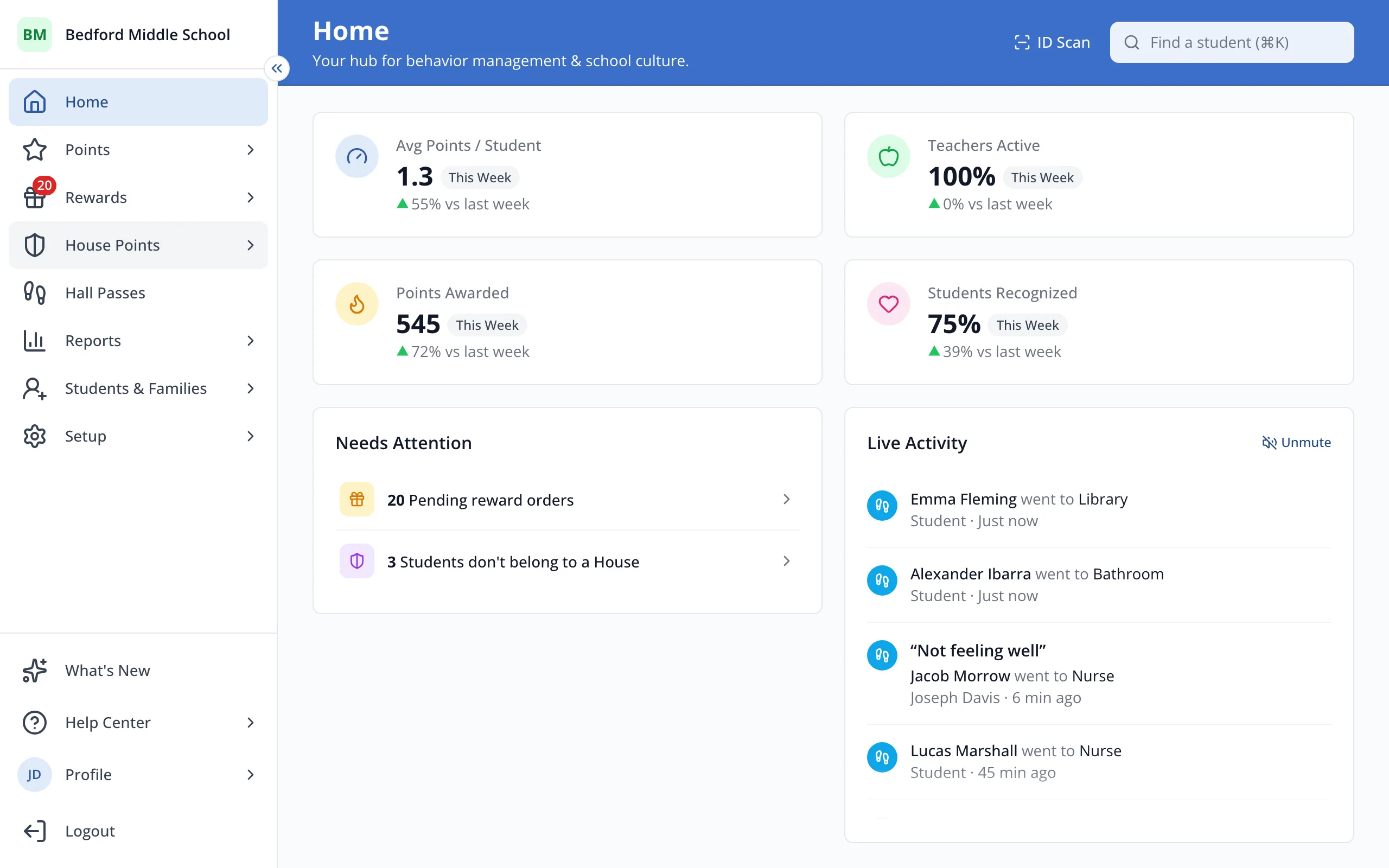
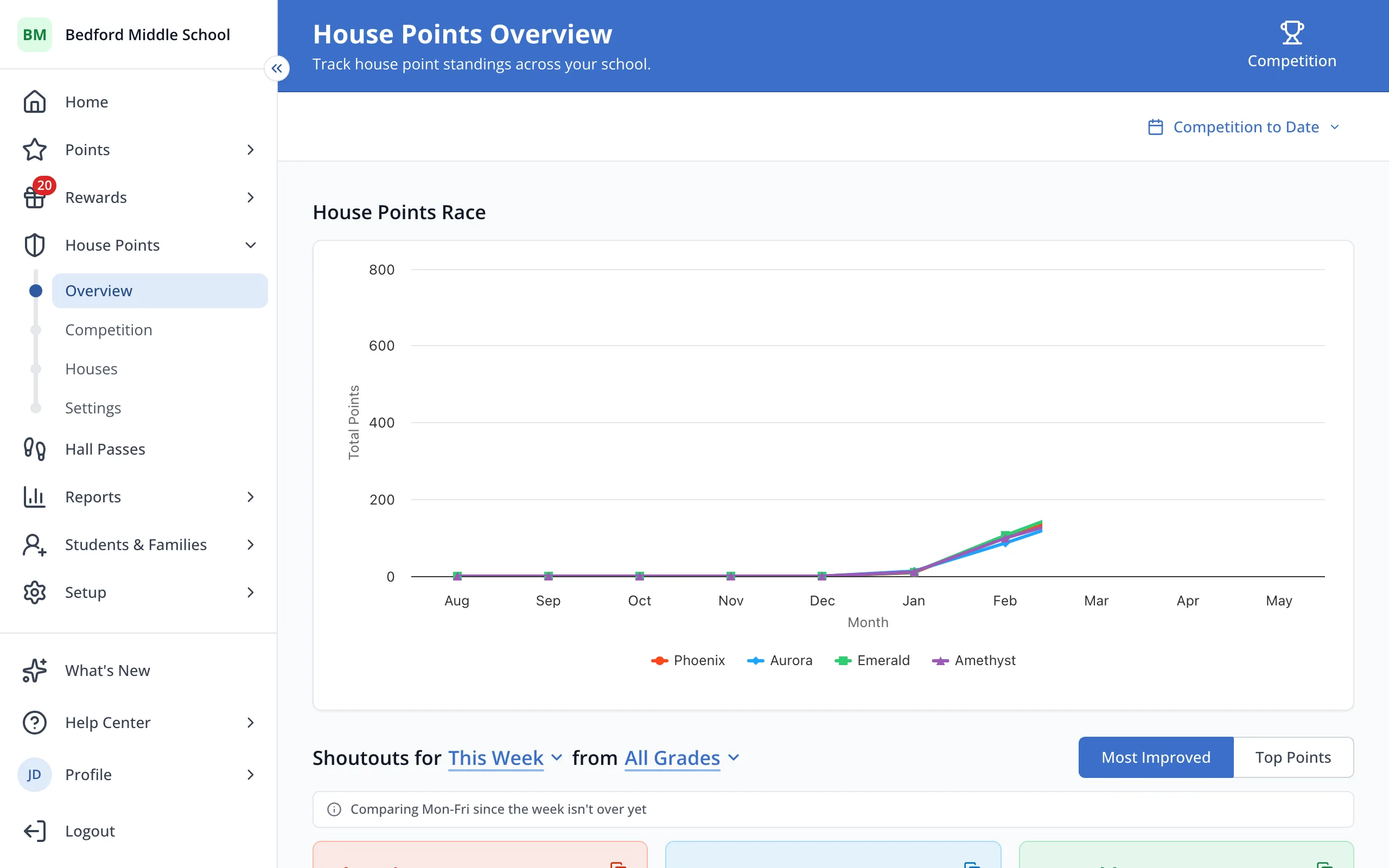
1.In the sidebar, click House Points.
Did you know? On Home, Needs Attention also shows how many students don't have a house.
2.Click Houses.
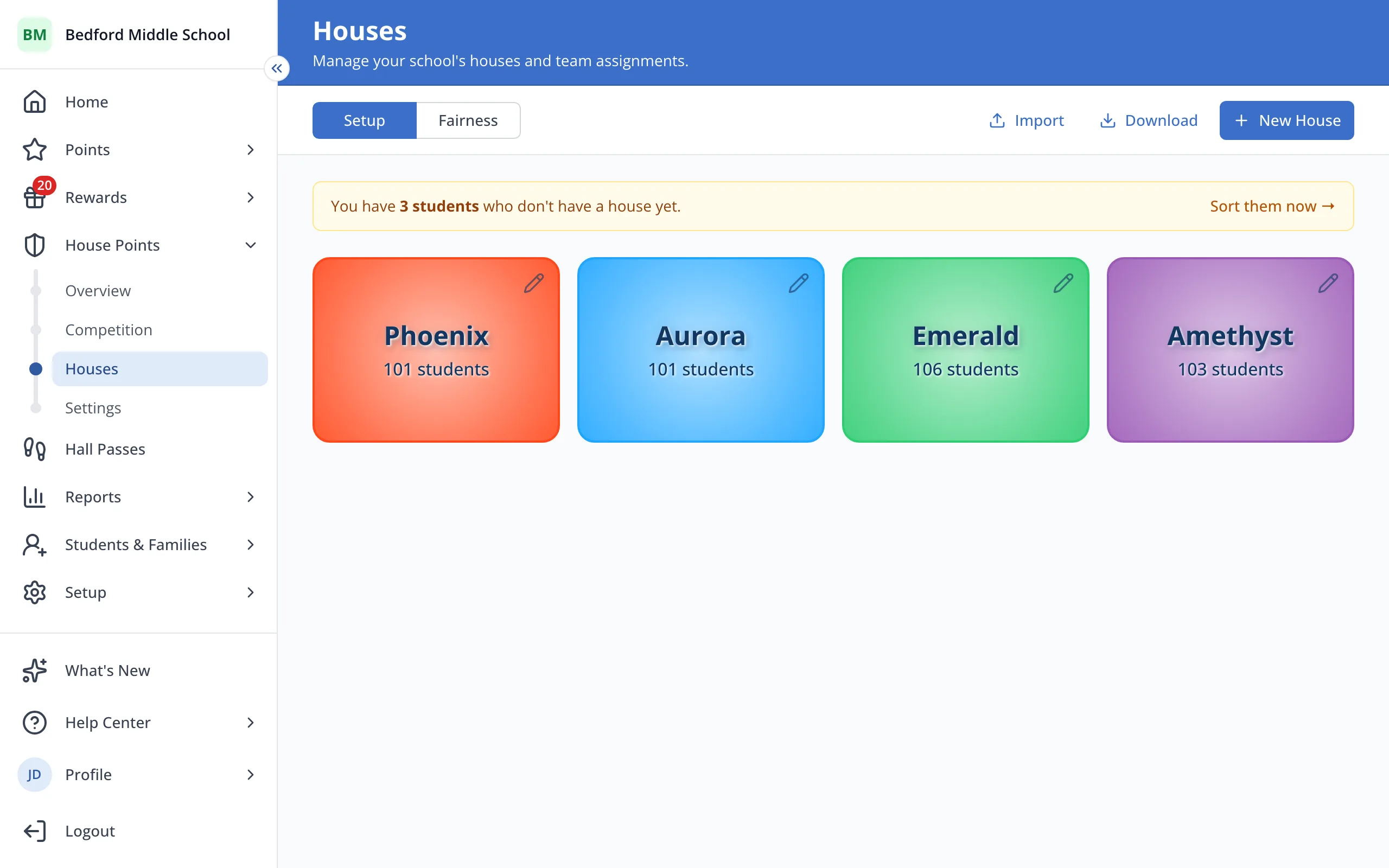
3.Click the yellow bar that says how many students don't have a house yet.
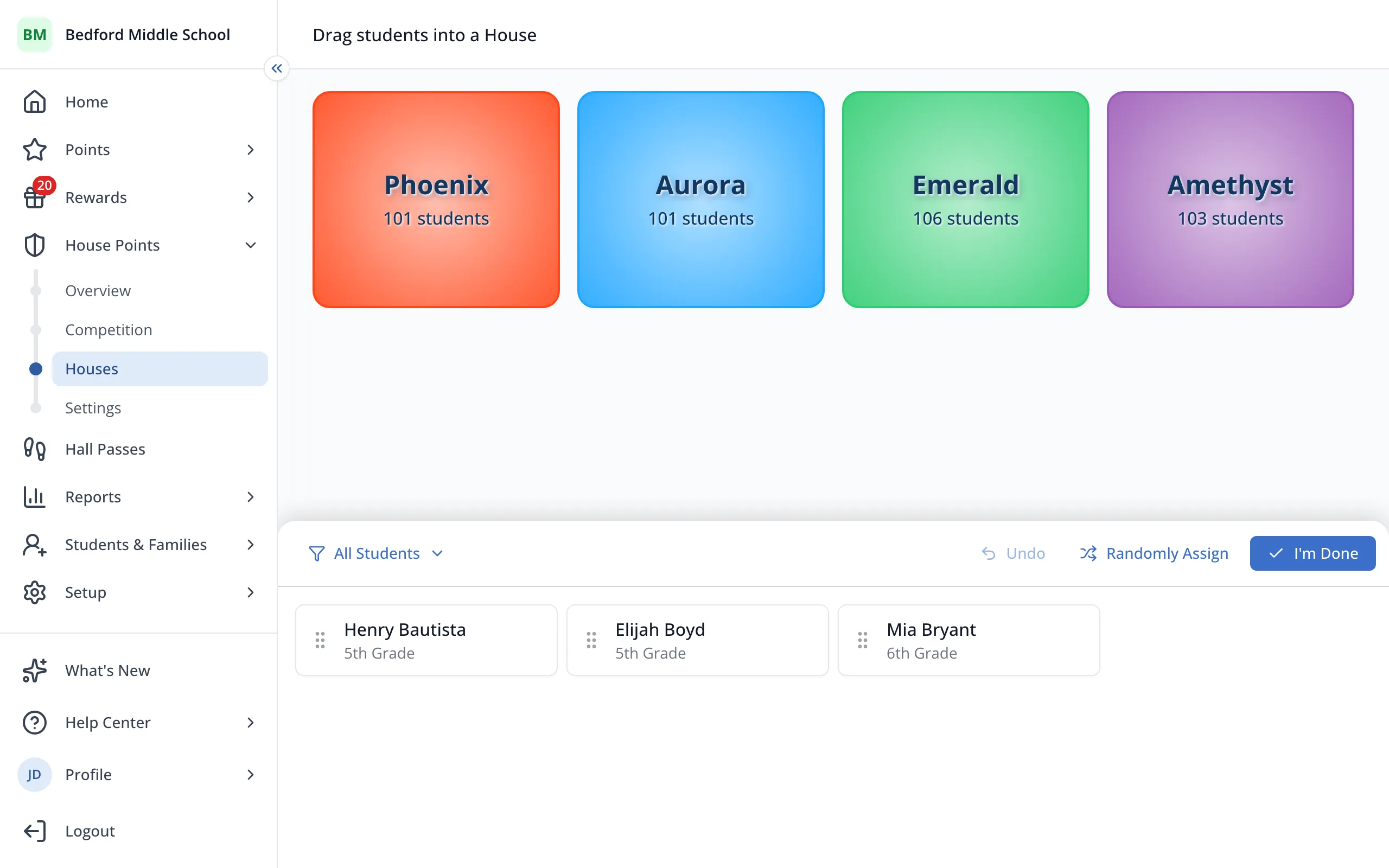
4.The students without a house are listed at the bottom of the page.
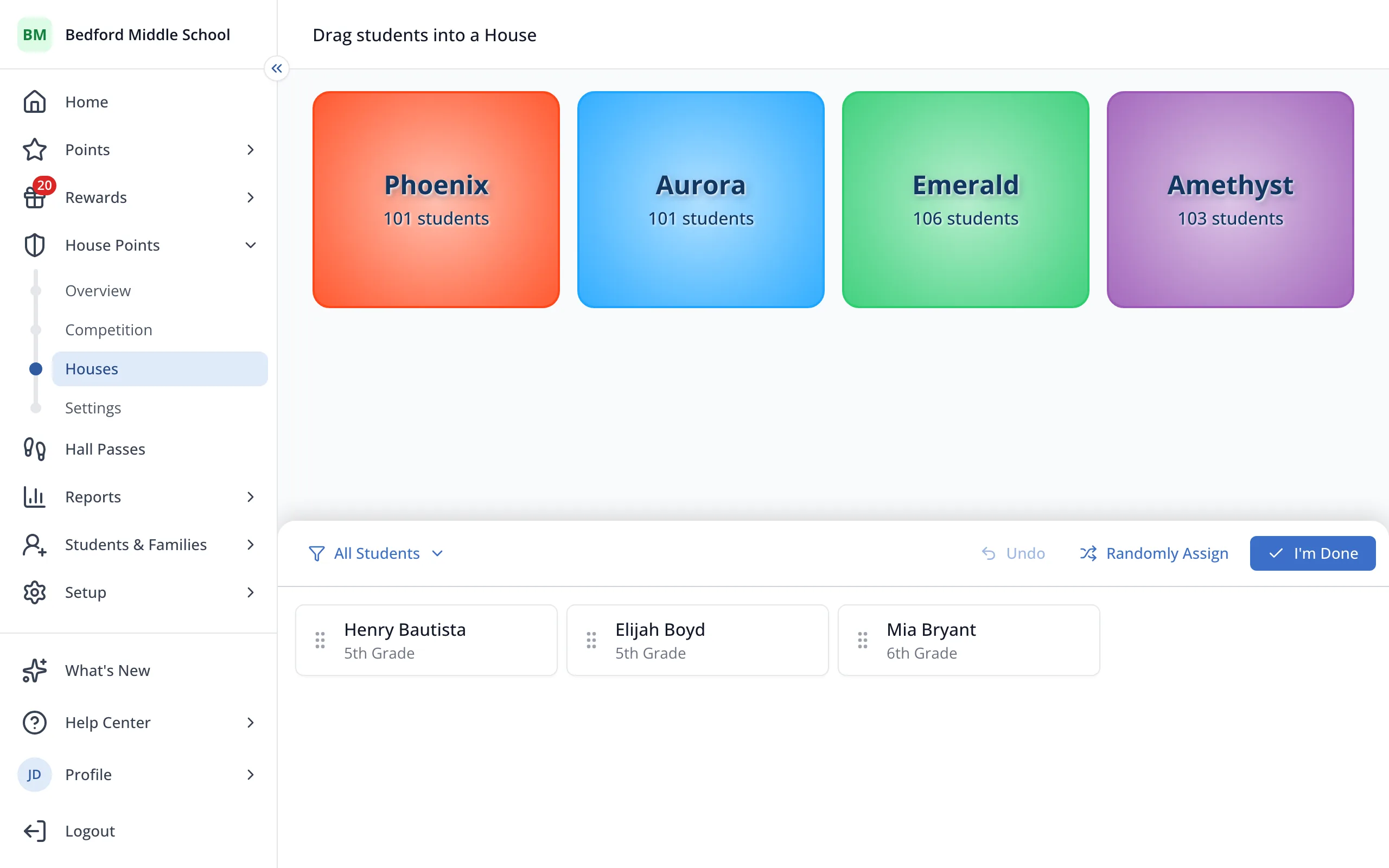
5.Click All Students and pick a grade to see only those students.