
Fix students in more than one house when your houses are syncing from Clever or ClassLink
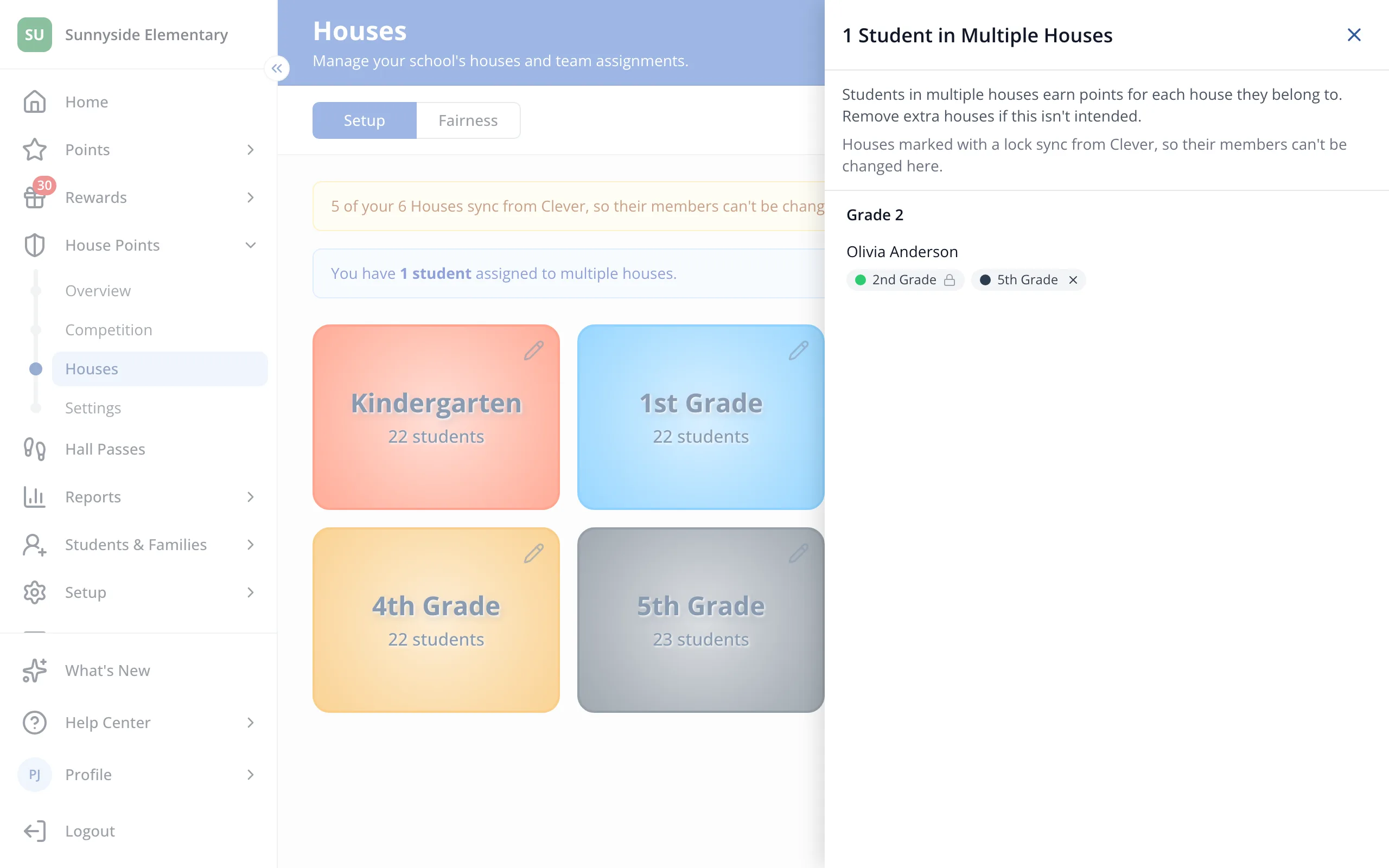
A student in two Houses earns points for both. You can only take them out of Houses that aren't synced from Clever or ClassLink.
AdminSite Leader
Open in LiveSchool
Already signed in? Open this guide inside LiveSchool.
Use the Left and Right arrow keys to move between steps, and Space to play or pause.
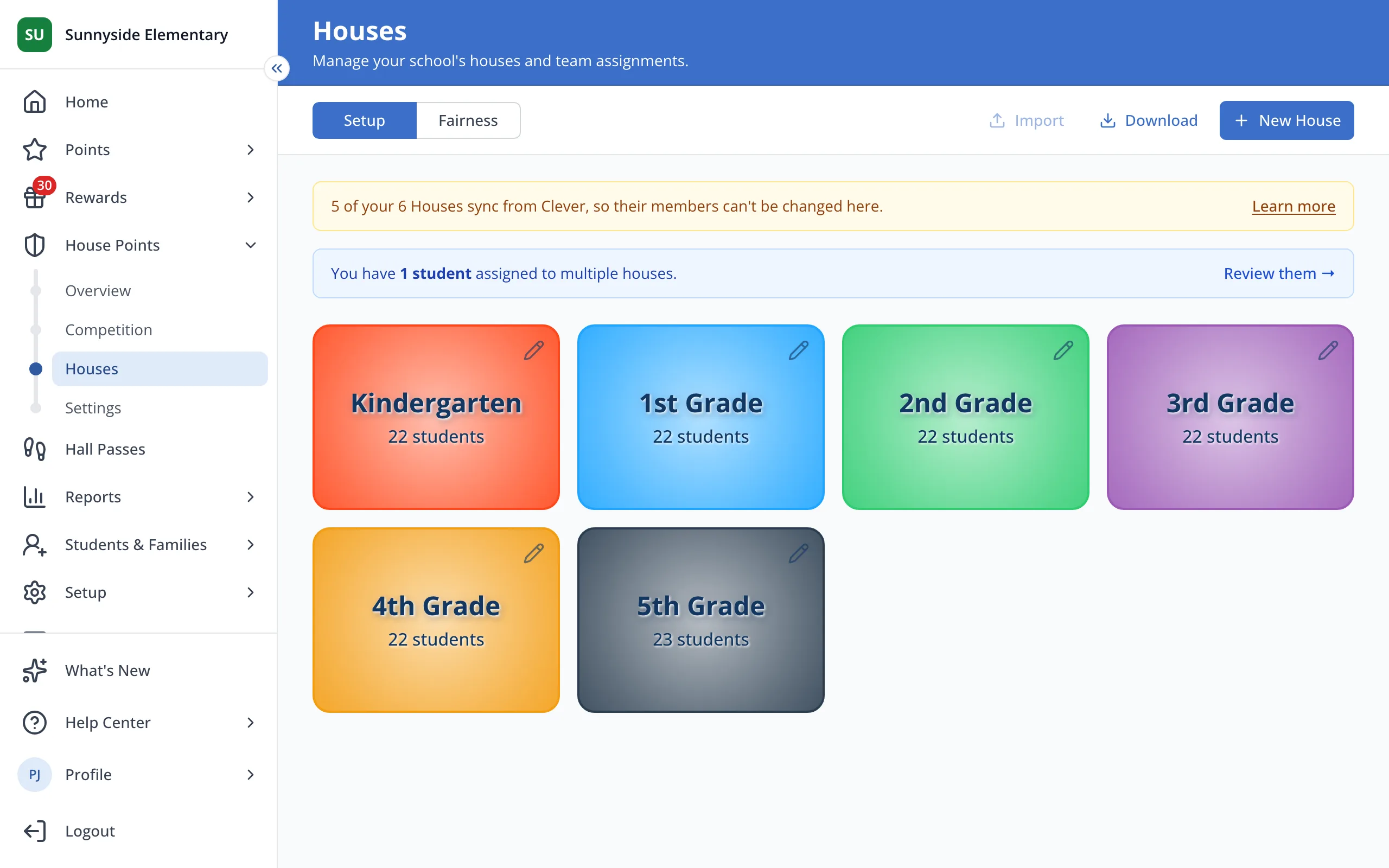
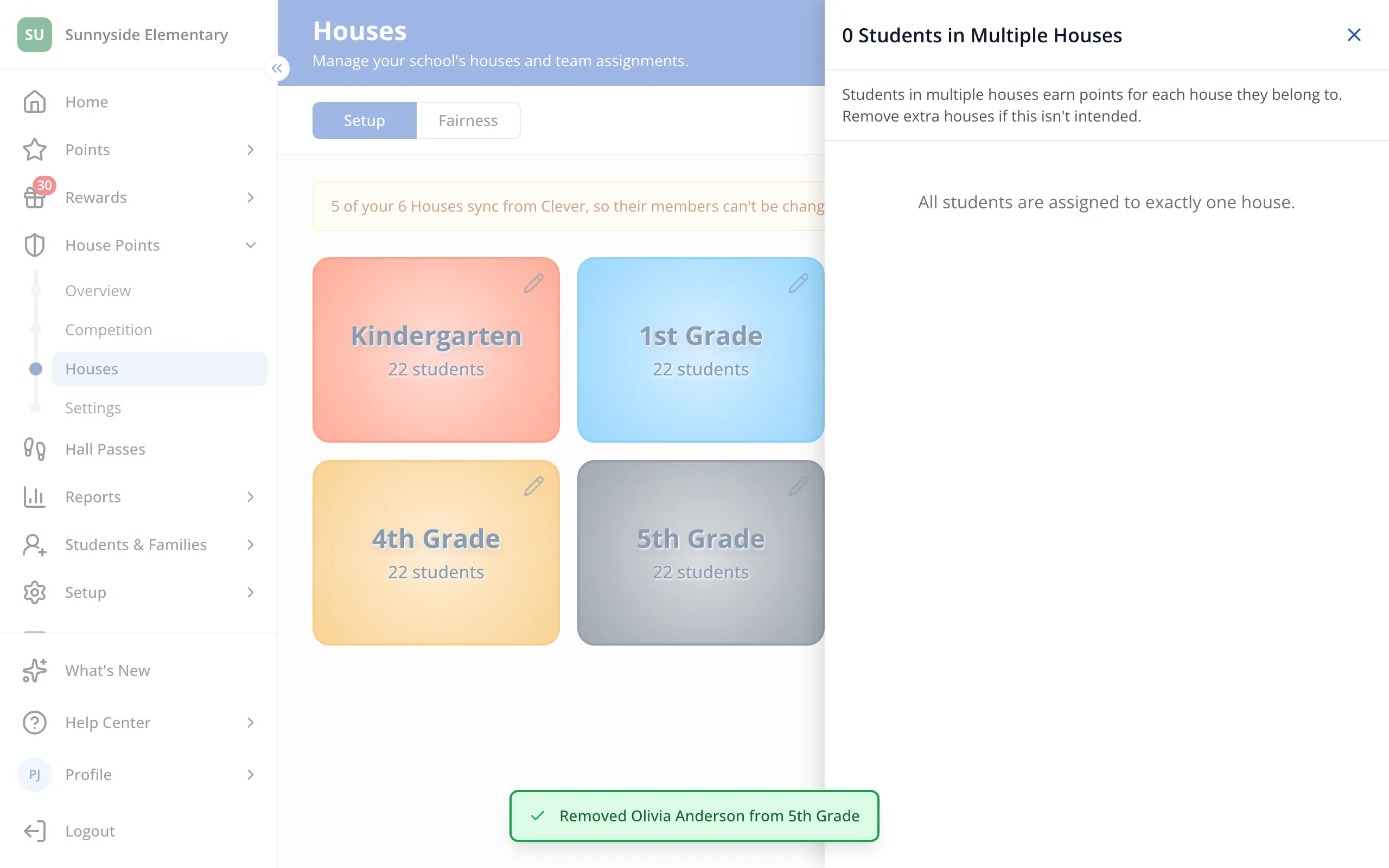
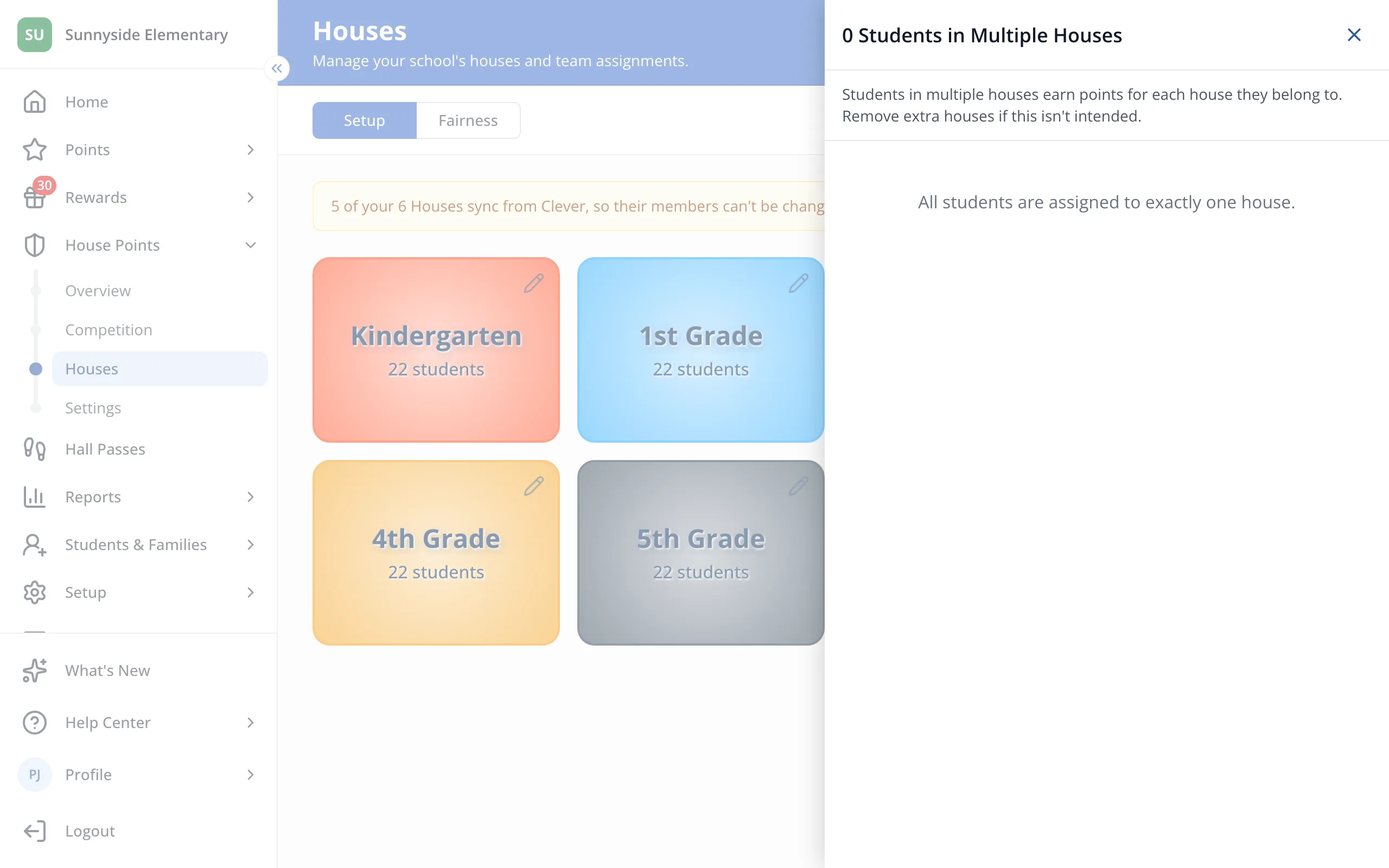
1.On the Houses page, click the blue bar that says students are in more than one House.
2.A House with a lock syncs from Clever or ClassLink, so you can't remove the student from it here.
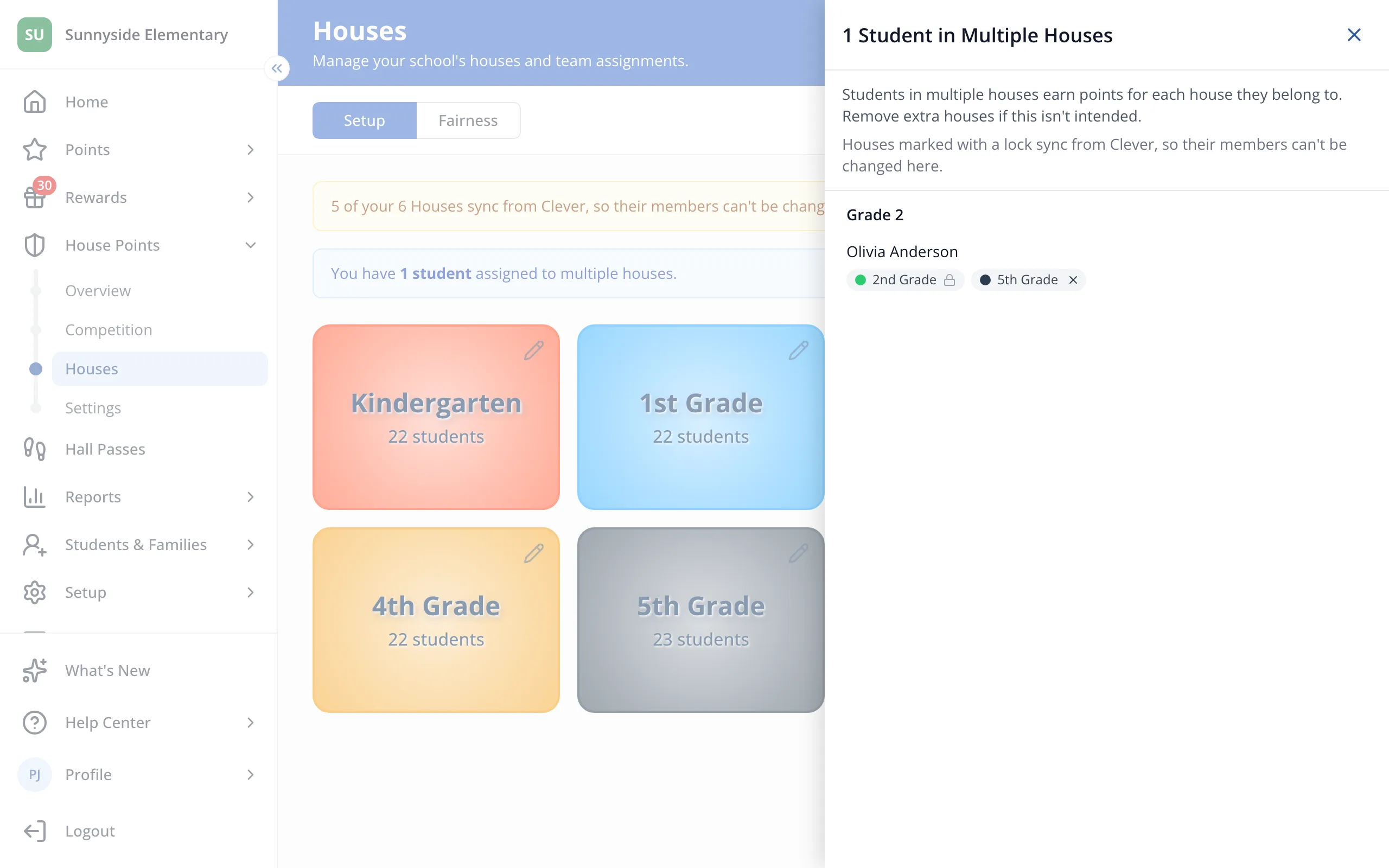
3.Click the X next to the other House to take the student out of it.
Did you know? If both Houses have a lock, ask your district to fix the student's rosters in Clever or ClassLink, or duplicate your Rosters to manage them manually in LiveSchool.