Edit houses when your houses sync with Clever or ClassLink
When your Houses are configured based on rosters syncing via Clever or ClassLink, they cannot be edited within LiveSchool until they're duplicated as non-syncing rosters.
AdminSite Leader
Open in LiveSchool
Already signed in? Open this guide inside LiveSchool.
Use the Left and Right arrow keys to move between steps, and Space to play or pause.
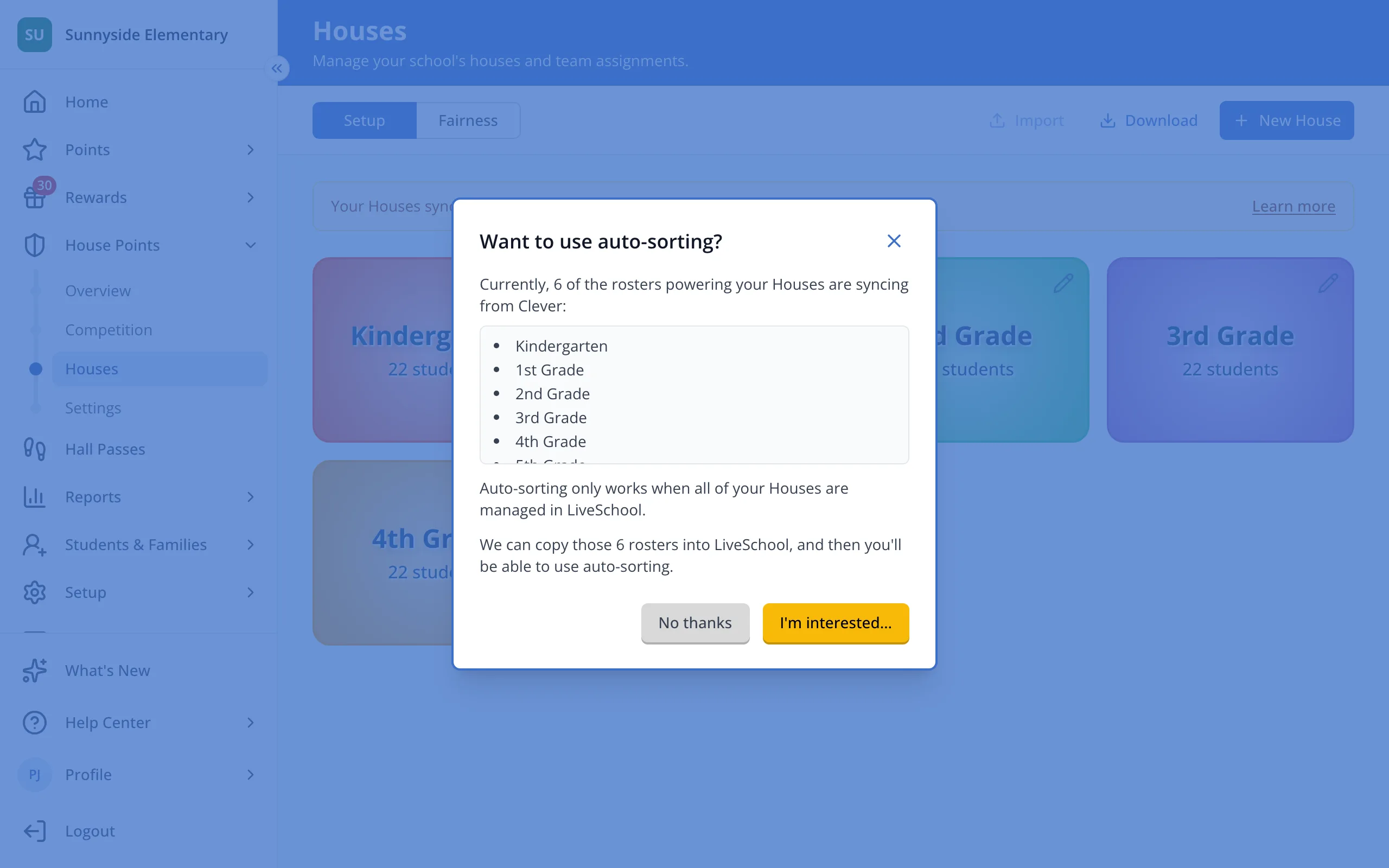
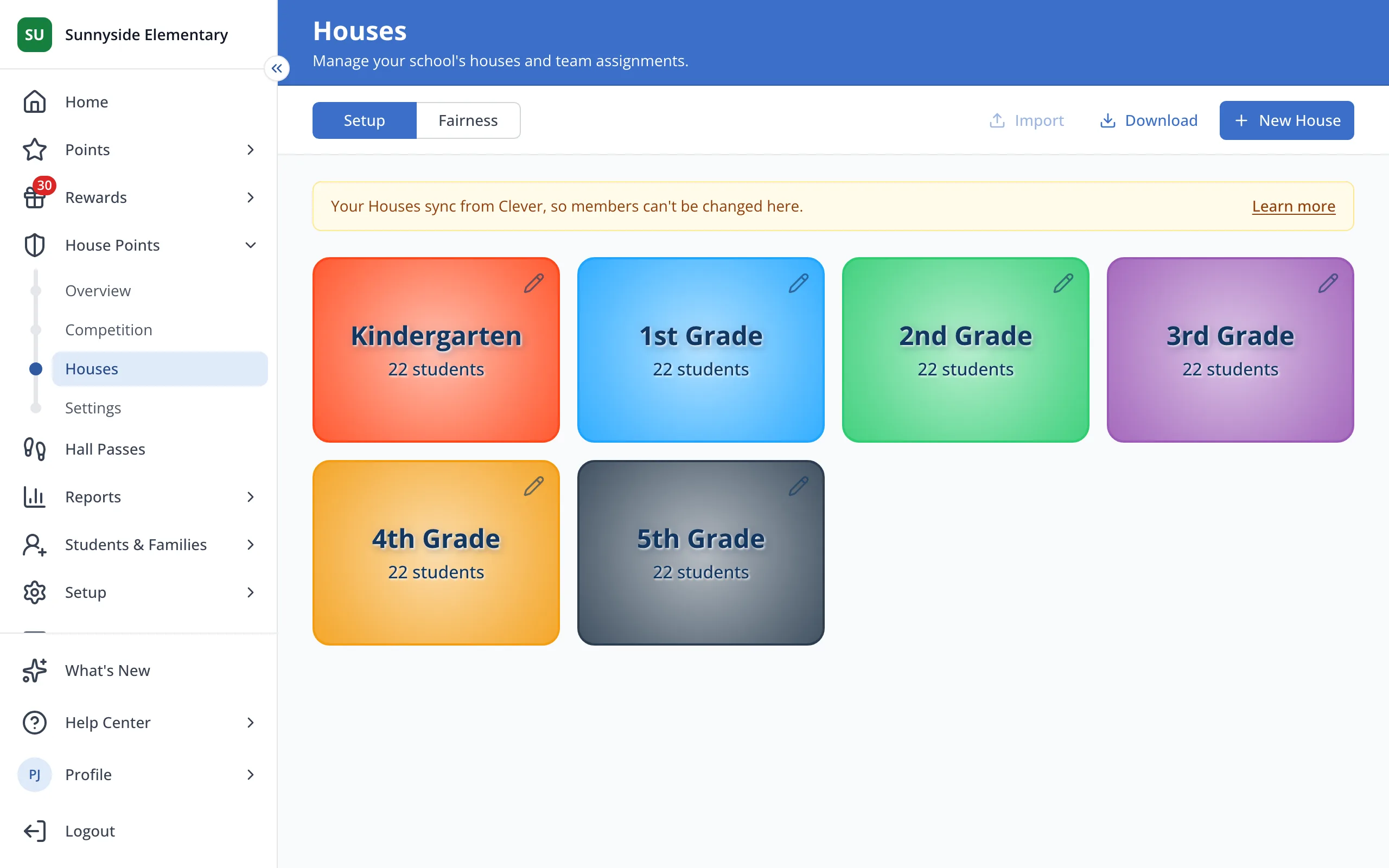
1.On the Houses page, Import is grayed out because your Houses sync from Clever or ClassLink.
2.Click the yellow bar to learn about duplicating your House rosters as manual, LiveSchool-syncing rosters.
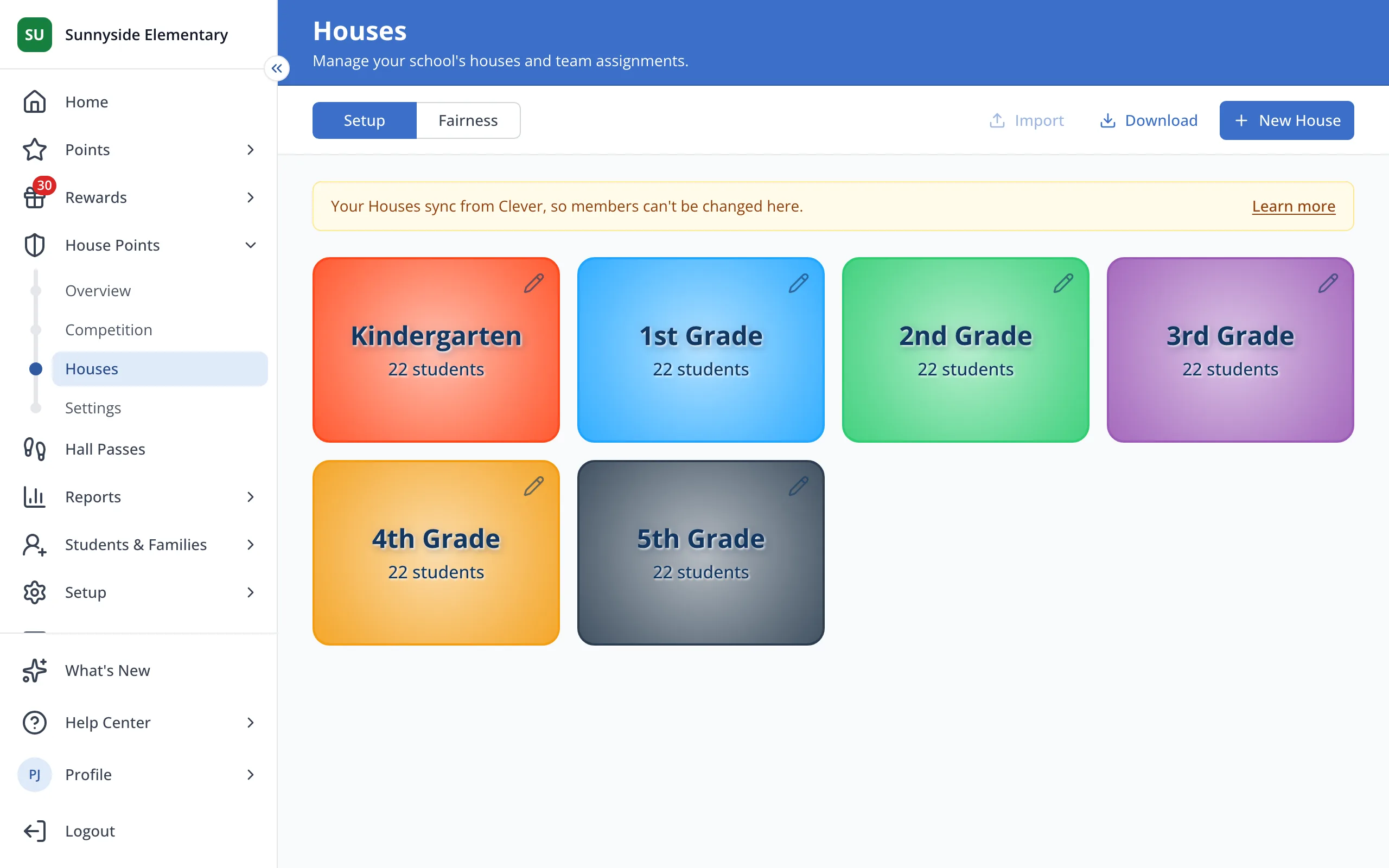
3.Click I'm interested… to switch. After that, you can import a spreadsheet.