
Change a house's name or color
Changes save on their own, and the new name and color show everywhere the House appears.
AdminSite Leader
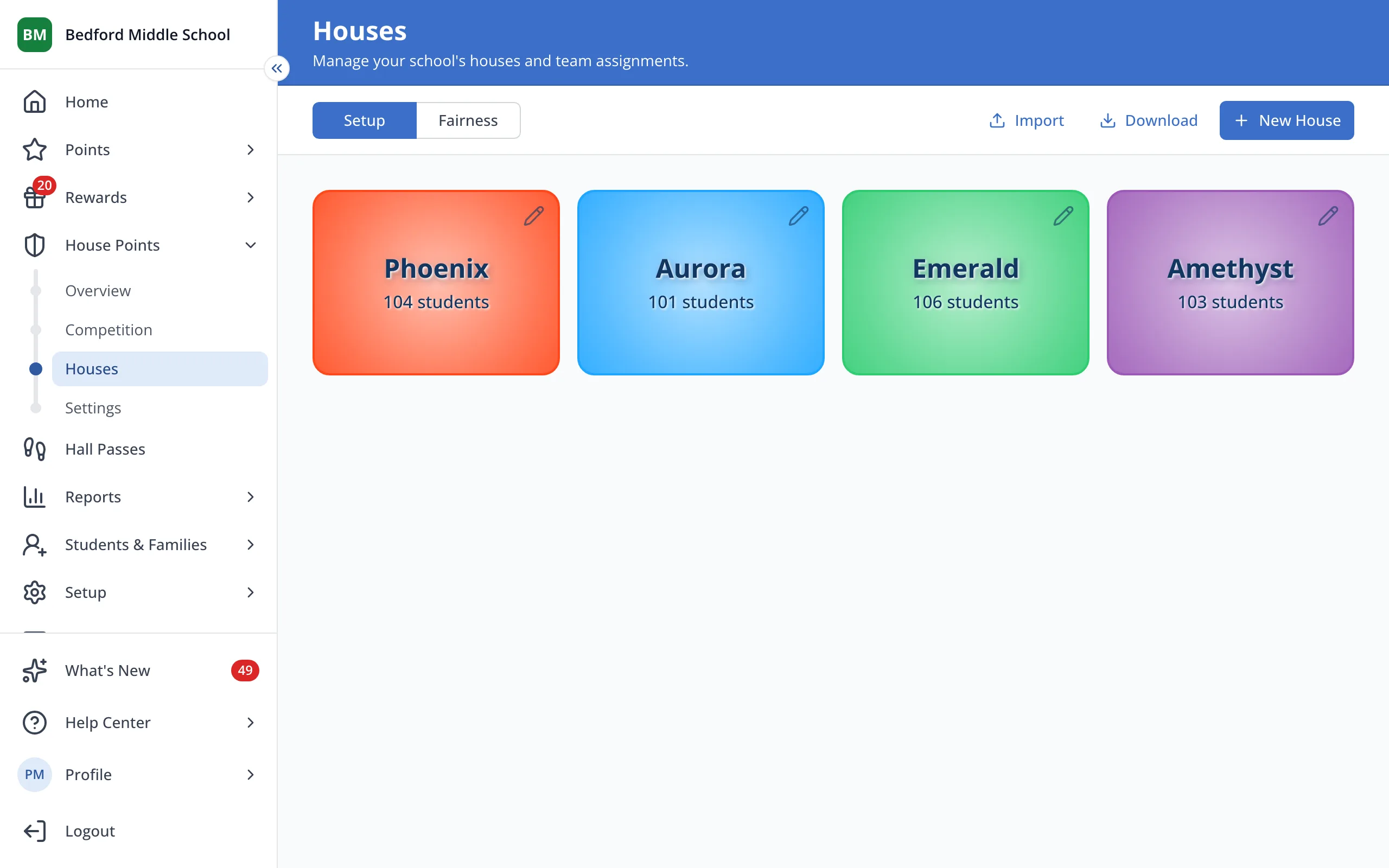
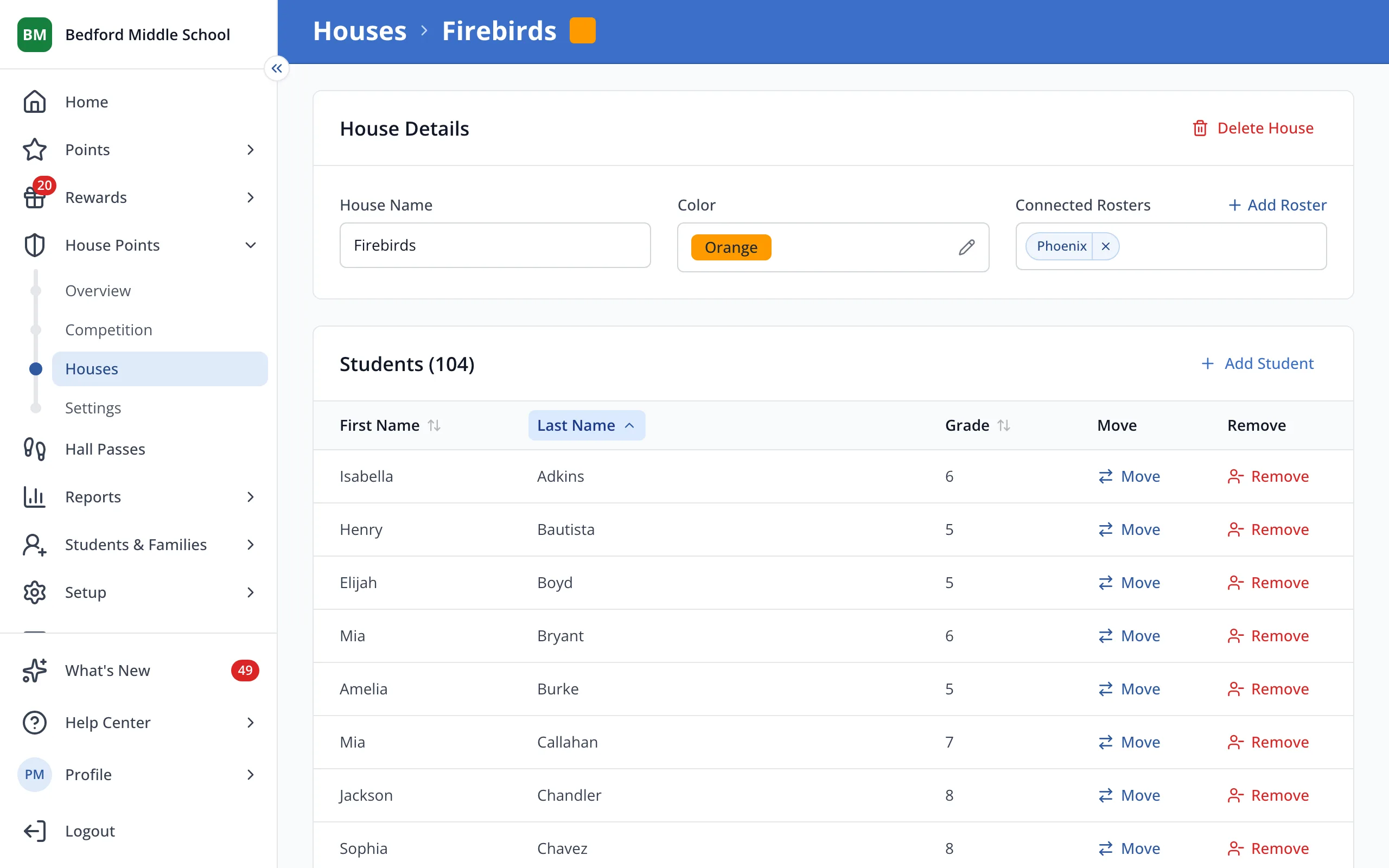
1 / 5On the Houses page, click the House you'd like to change.
1.On the Houses page, click the House you'd like to change.
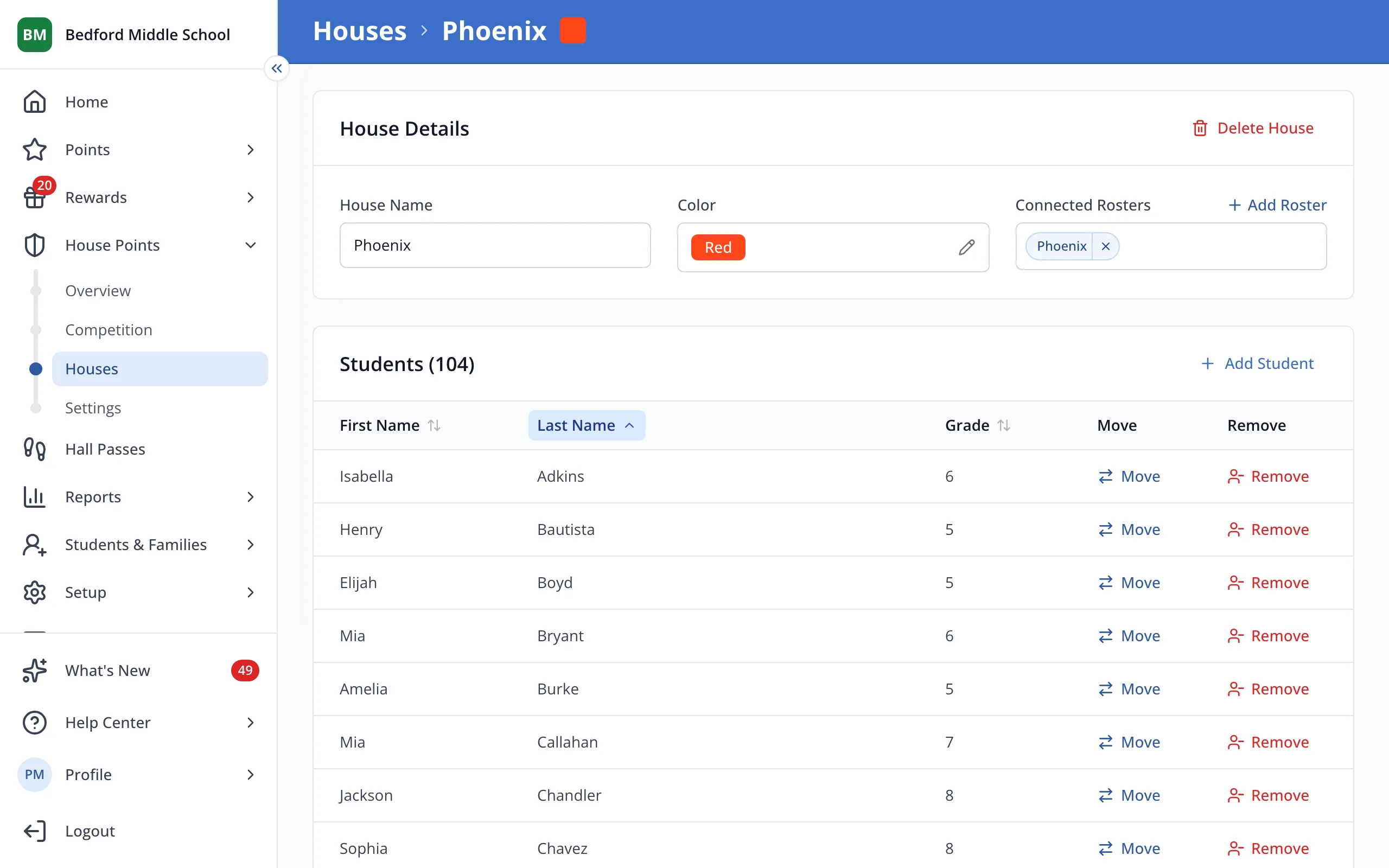
2.Click the color box to change the color.
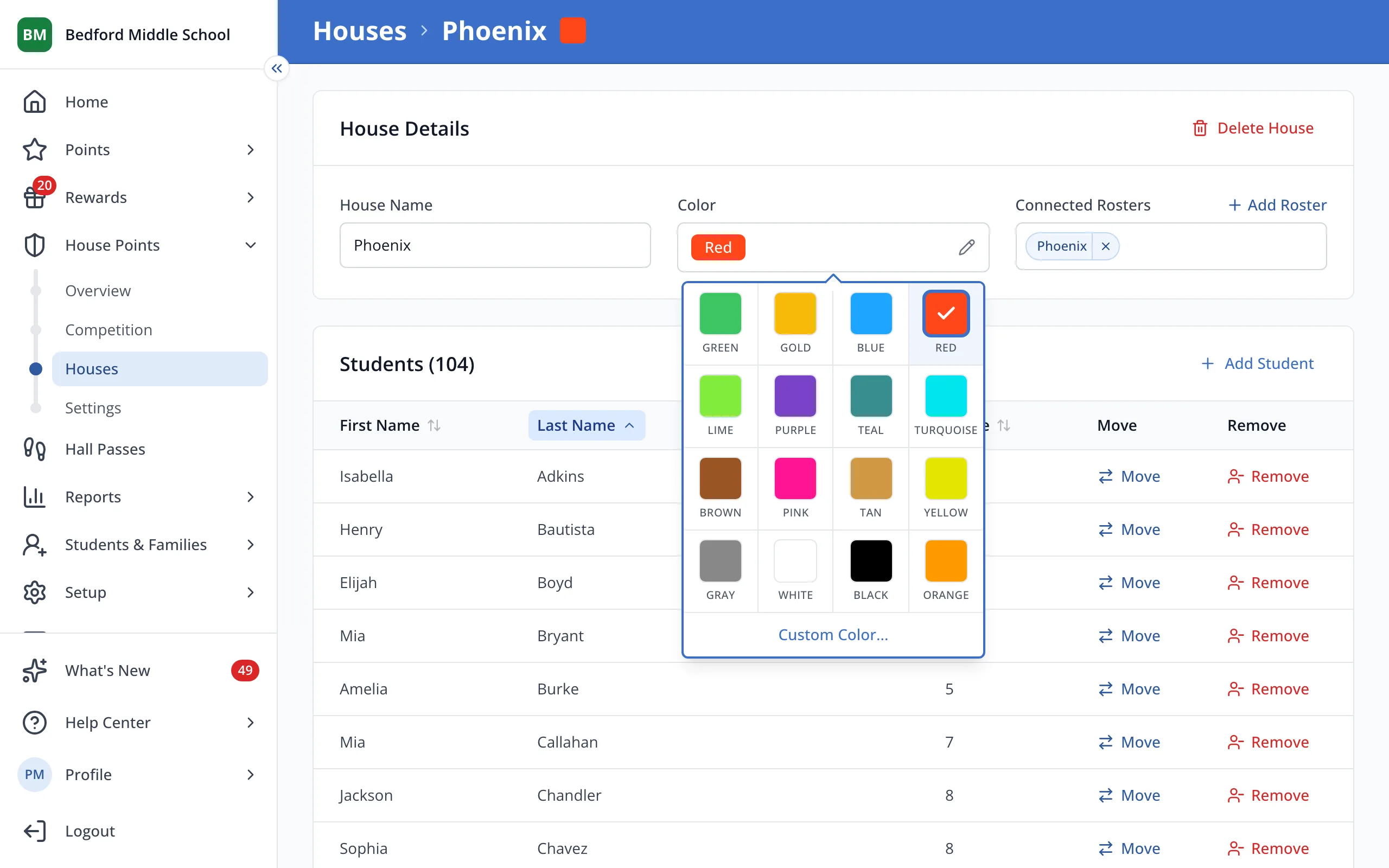
3.Click the color you'd like.
4.To rename the House, click the House Name box and type the new name.
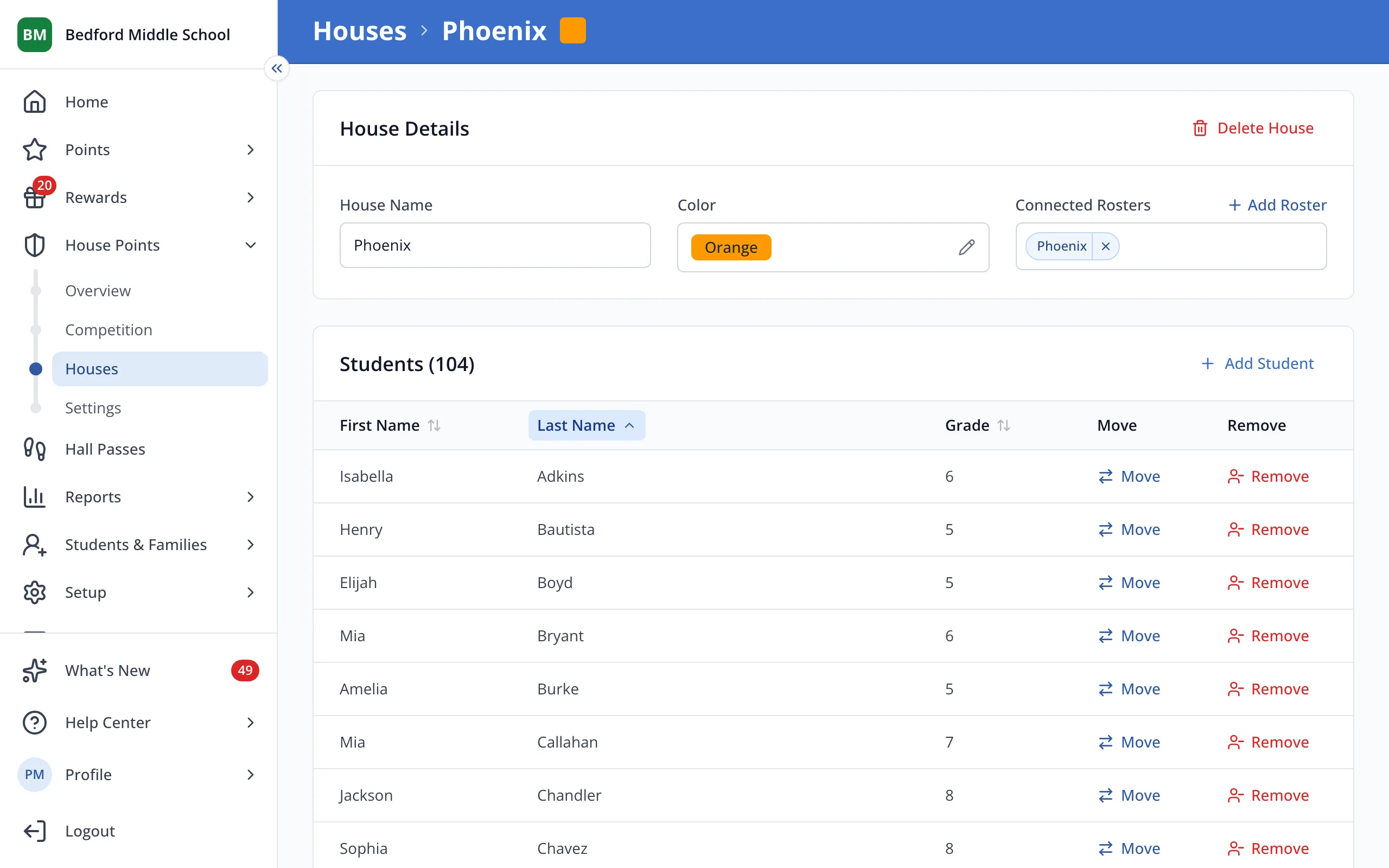
5.Click anywhere outside the box to save the new name.
Was this helpful?